
Animation & Modeling · Movavi Software
Movavi Slideshow Maker

🖥 Windows 🍎 macOS
Positive · 84% of 25
Quality84/100
Great
- 84% positive of 25 reviews
- Small review sample — read with caution
Compare prices
No offers tracked yet for this product.
Keyshops
No keyshop sources live yet.
Report a wrong price
About
Turn your favorite photos and videos into a captivating slideshow. Add music, special effects, transitions, and comic stickers to make your presentation even more engaging. Then share your result with friends or upload on YouTube right from within the program.
EXPLORE THE POSSIBILITIES OF VIDEO SUITE
About the Software
Movavi Slideshow Maker
is a simple yet powerful tool that can help you turn your multimedia resources into engaging slideshows.Set your imagination free
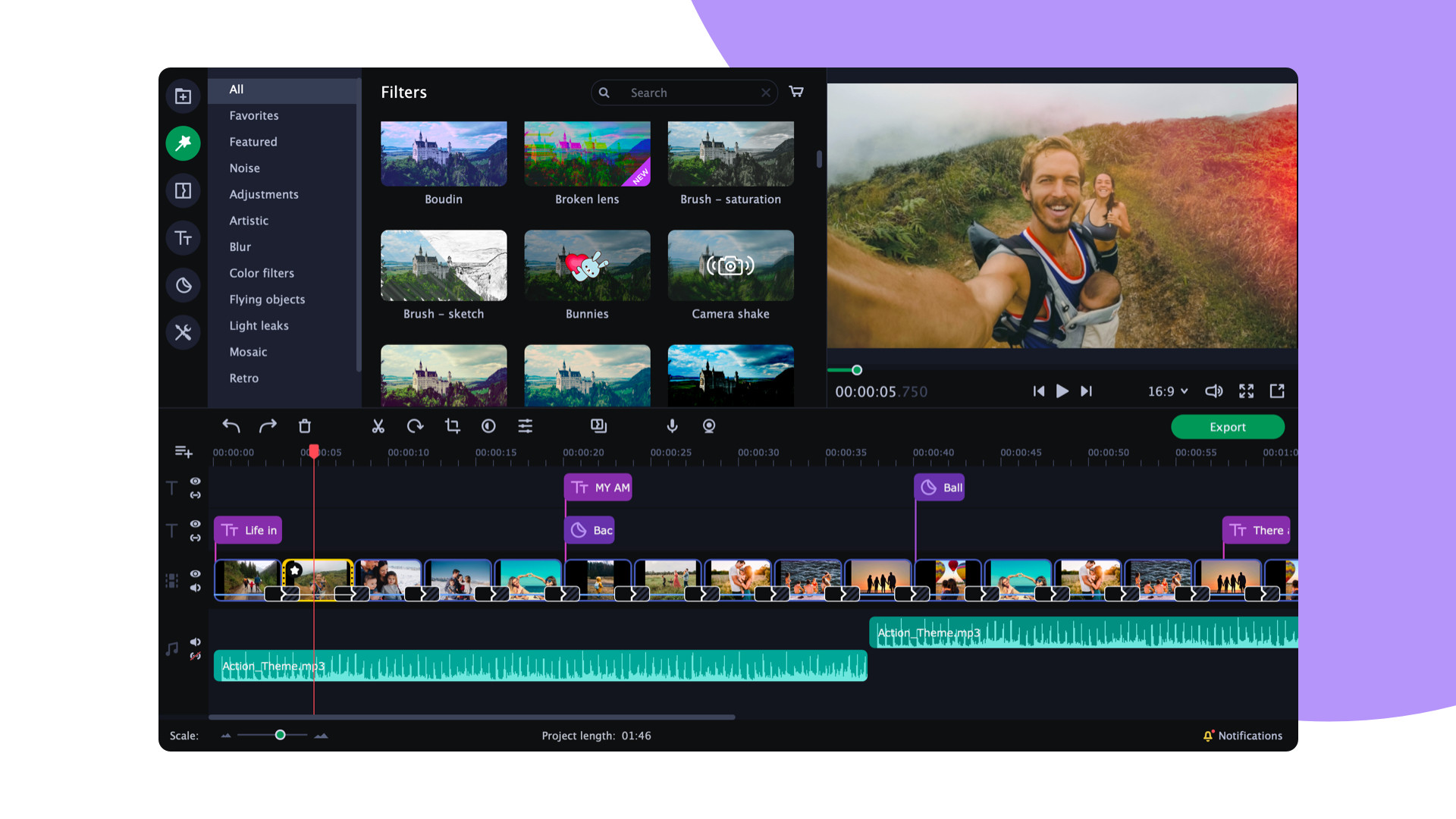
- Upload any footage you want: holiday pictures, funny videos, even screencaps. The program saves your files in the Media bin so you have easy access to them any time.
- Move multimedia around on a montage table, join and trim clips, use the improved Crop & Rotate tool, and mirror images vertically and horizontally.
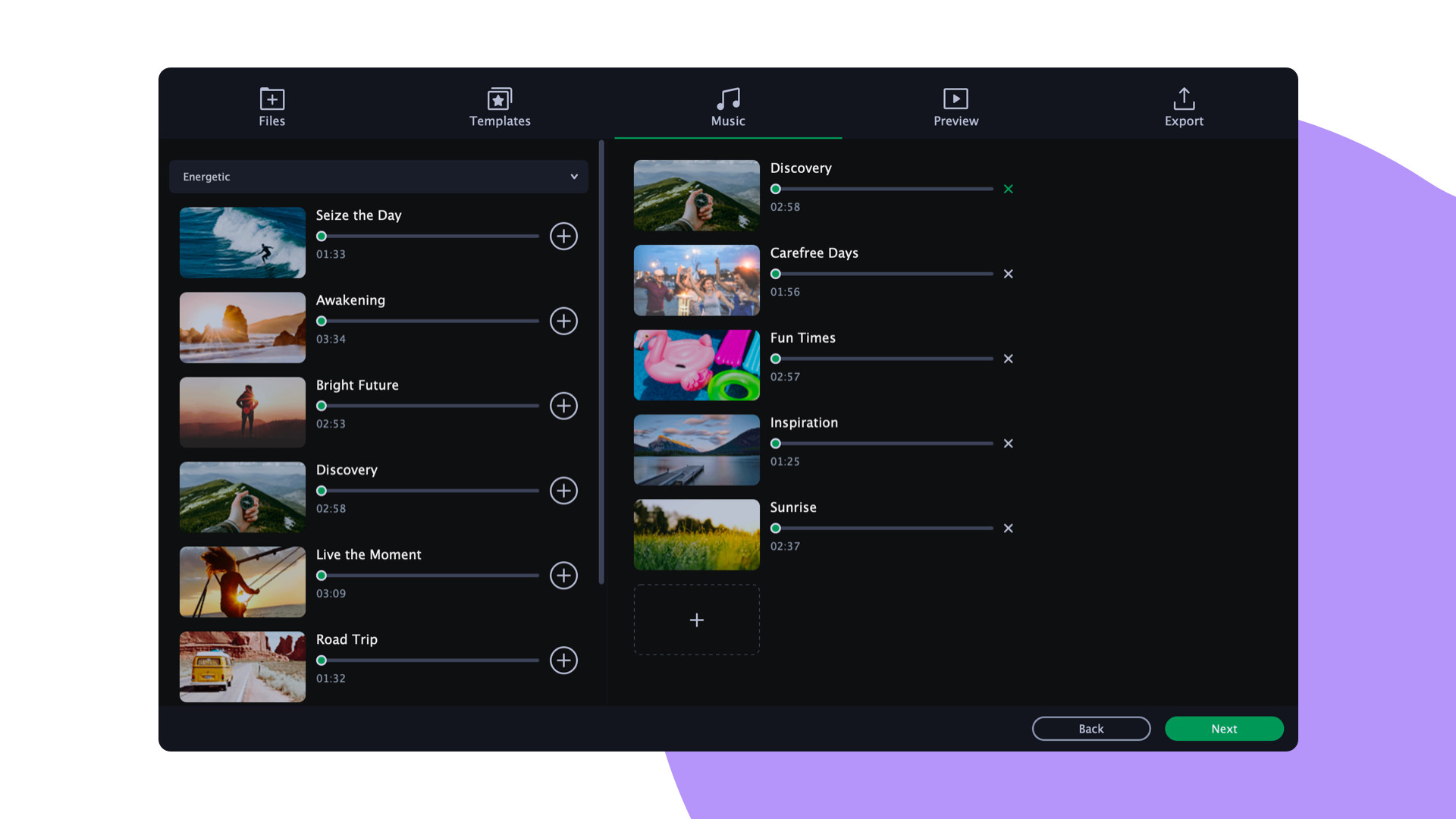
- Add your favorite tracks or use the built-in sound and music.
- You can also add a voiceover and record images from the webcam or an external device.
- With the titles and intro videos, you can create credits.
- The color picker will help you to choose great title colors.
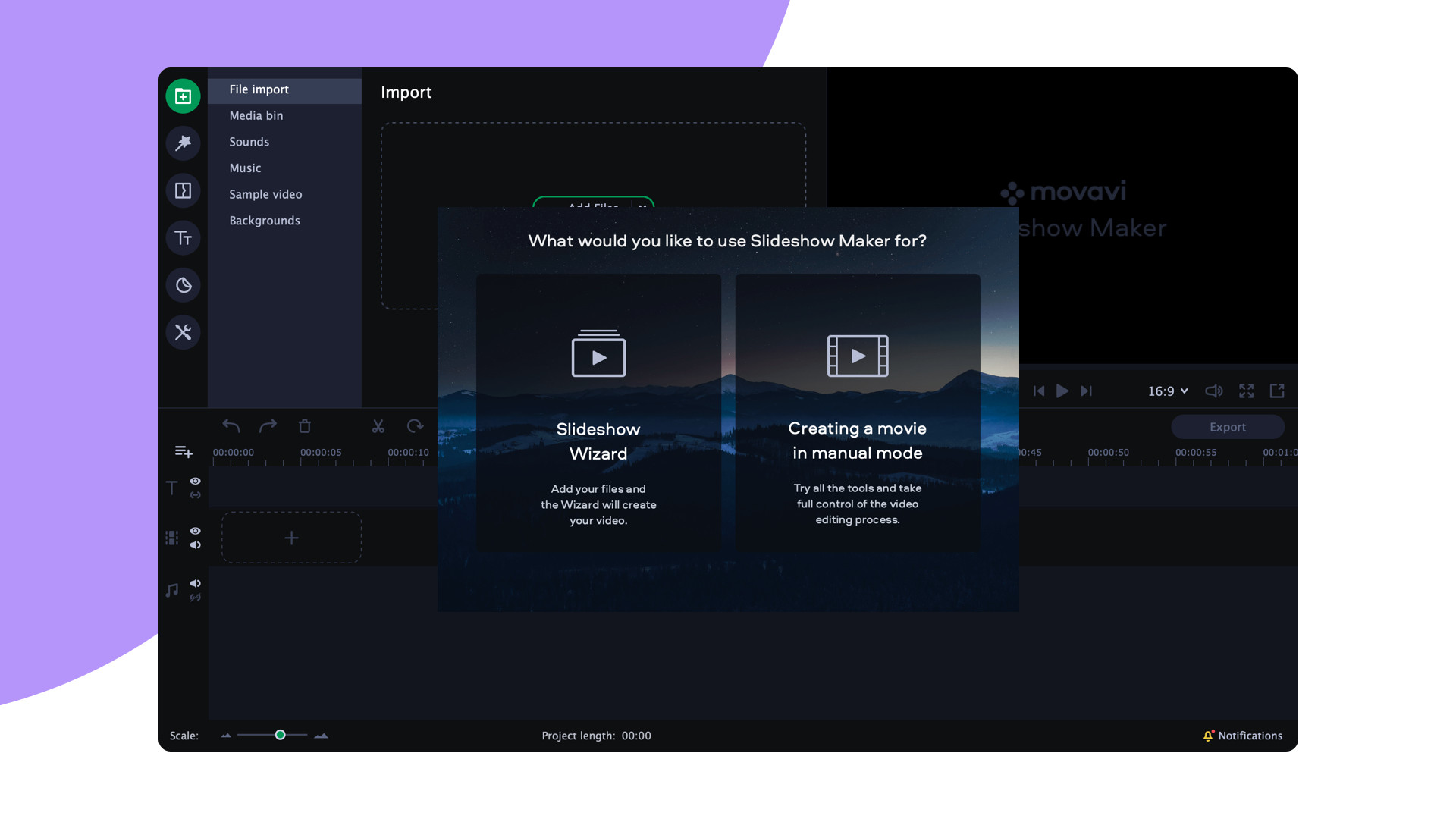
Start with the Slideshow Wizard
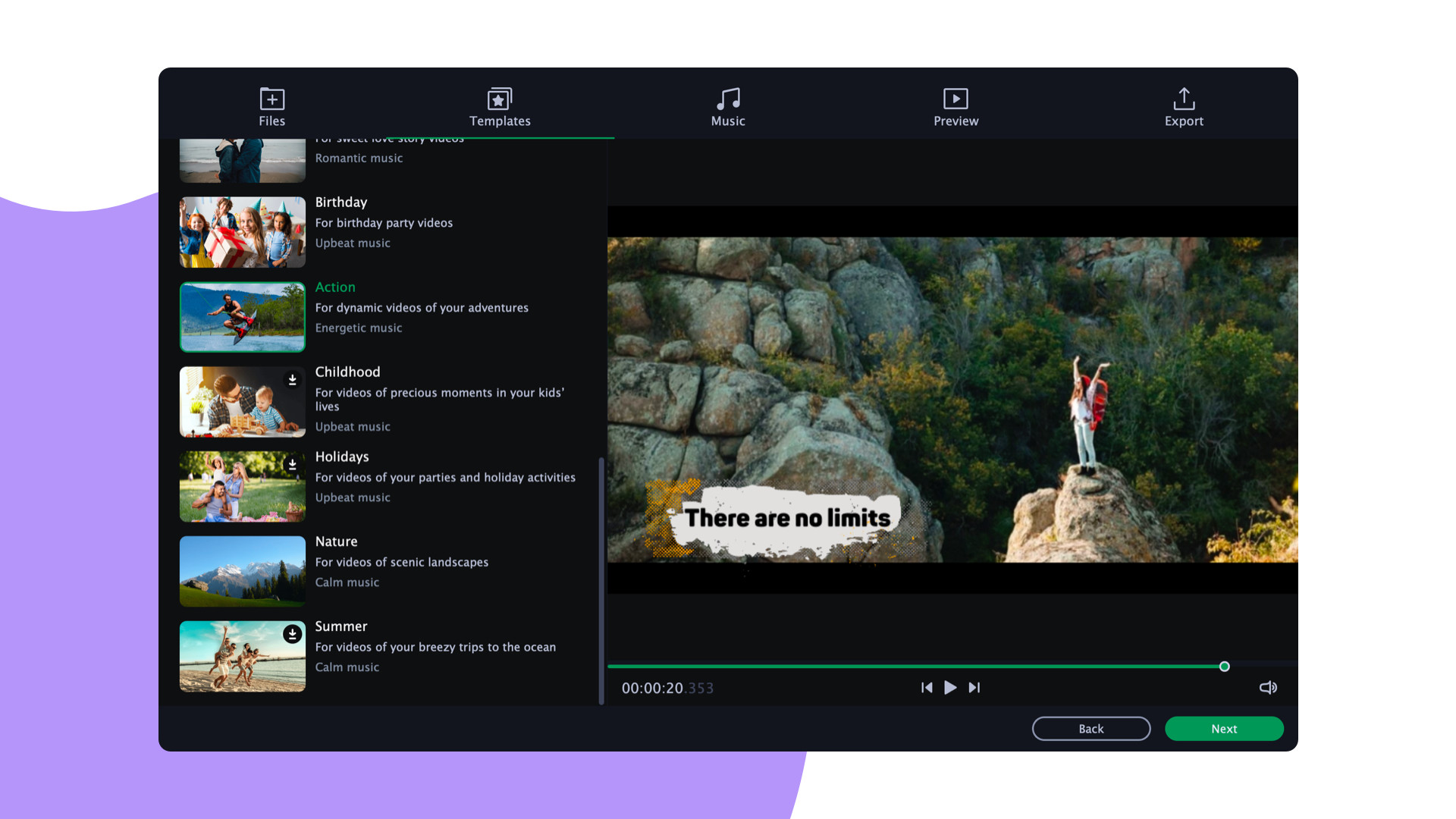
Try the Slideshow Wizard if you’re just starting to use the program. It’s an automated mode that helps you create videos in no time. All you need to do is import your files and choose a theme. The program will create a presentation in the blink of an eye. You can also set the target video length and change the titles.Give it the perfect look
- Apply transitions to join clips with animation and smooth out the flow of your presentation.
- Try zooming in and out of pictures, use the fade-to-black effect, or make your slides roll over.
- Use filters and special effects to surprise your viewers.
- Make your video look like a retro movie with a vignette.
- The tilt-shift effect will turn your footage into a cartoon-like shot with tiny objects.
- With the help of the effects and filters, you can also sharpen details, reduce camera shake, and make your images brighter and more colorful.
Try Hollywood-style directing
Add a Hollywood touch to your visuals and throw in some special effects.- Use Chroma Key to change the background and place your characters in completely different surroundings.
- Add dynamic elements with the Pan & Zoom tool.
- Slow-motion will create suspense and have your viewers on the edge of their seats.
- If you want to cut out scenes with a particular character, try the Scene Detection
Save and show!
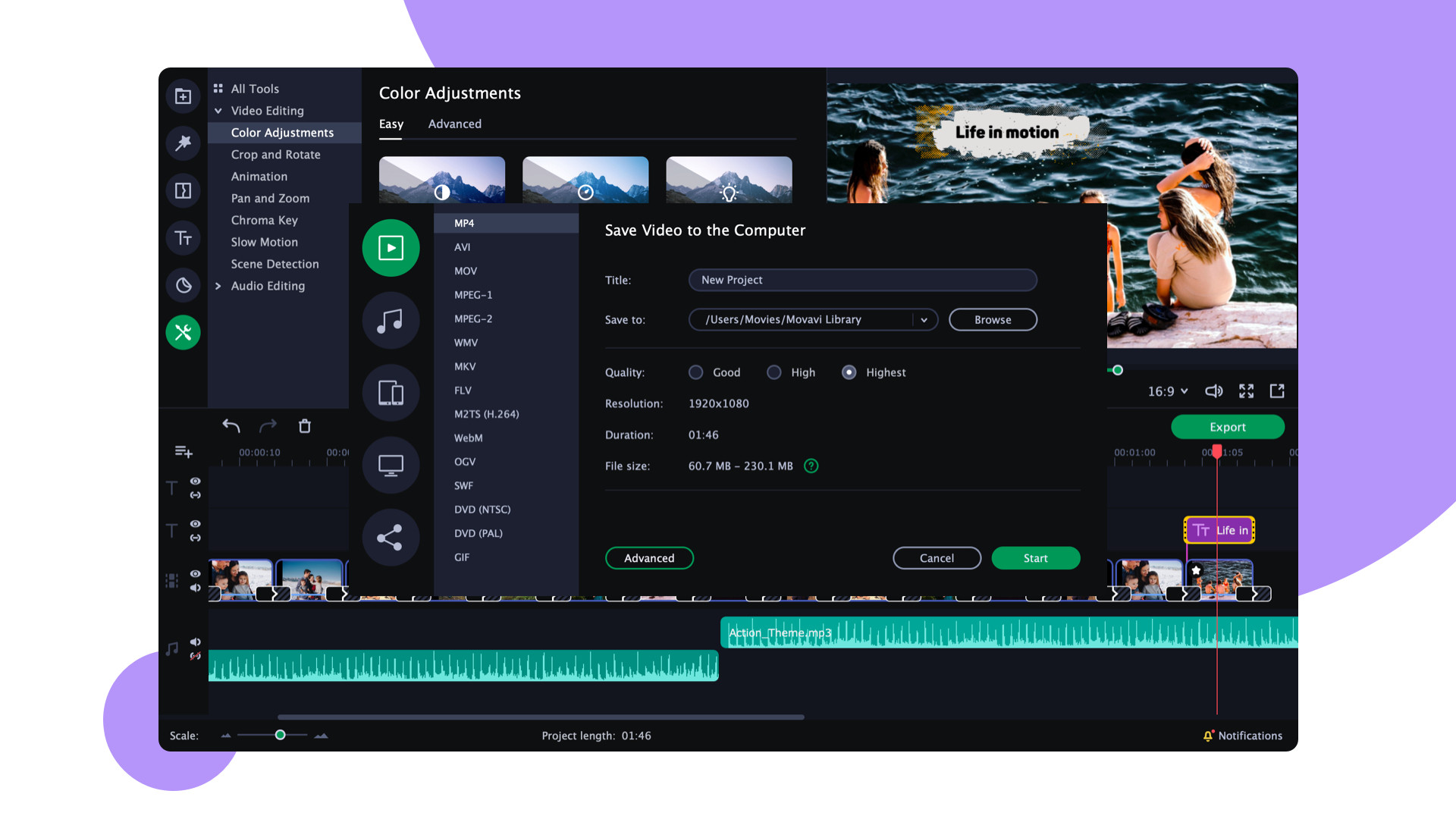
After the presentation is complete, Movavi Slideshow will save it on your computer. Choose one of the popular formats like AVI, MOV, or MP4, or transfer your footage directly to your device. You can also share your video with friends and instantly upload it to YouTube right from within the program.Review sentiment over time
positive critical
Media
System requirements
Price history
No price history recorded yet.
Lowest prices
No history yet.
Latest news
- News about this Appsteam_community_announcements · May 31, 2021
- Lunar New Year Sale on Steam!steam_community_announcements · Feb 11, 2021
- Winter Sale on Steam!steam_community_announcements · Dec 22, 2020
- Holidays Are Coming!steam_community_announcements · Dec 21, 2020
- Autumn Sale on Steam!steam_community_announcements · Nov 26, 2020
- Halloween Sale on Steam!steam_community_announcements · Oct 29, 2020
Game info
Developer Movavi Software
Publisher Movavi Software
Platforms Windows, Mac
Genres