Der Produkttext wird auf Englisch angezeigt, da kein Quelltext in dieser Sprache verfügbar ist.

BETA: iVRy for SteamVR (Vive Wave Installer)

Why this verdict
Angebote
Preise offizieller Shops und gekennzeichnete Keyshop-Vergleiche
Für dieses Produkt werden noch keine Angebote erfasst.
Report a problem
Price history
Akzeptierter Preisverlauf und erfasste Tiefpreise
No price history recorded yet.
No history yet.
Noch keine Rabattstarts erfasst.
About this game
What this game is, in the developer's words
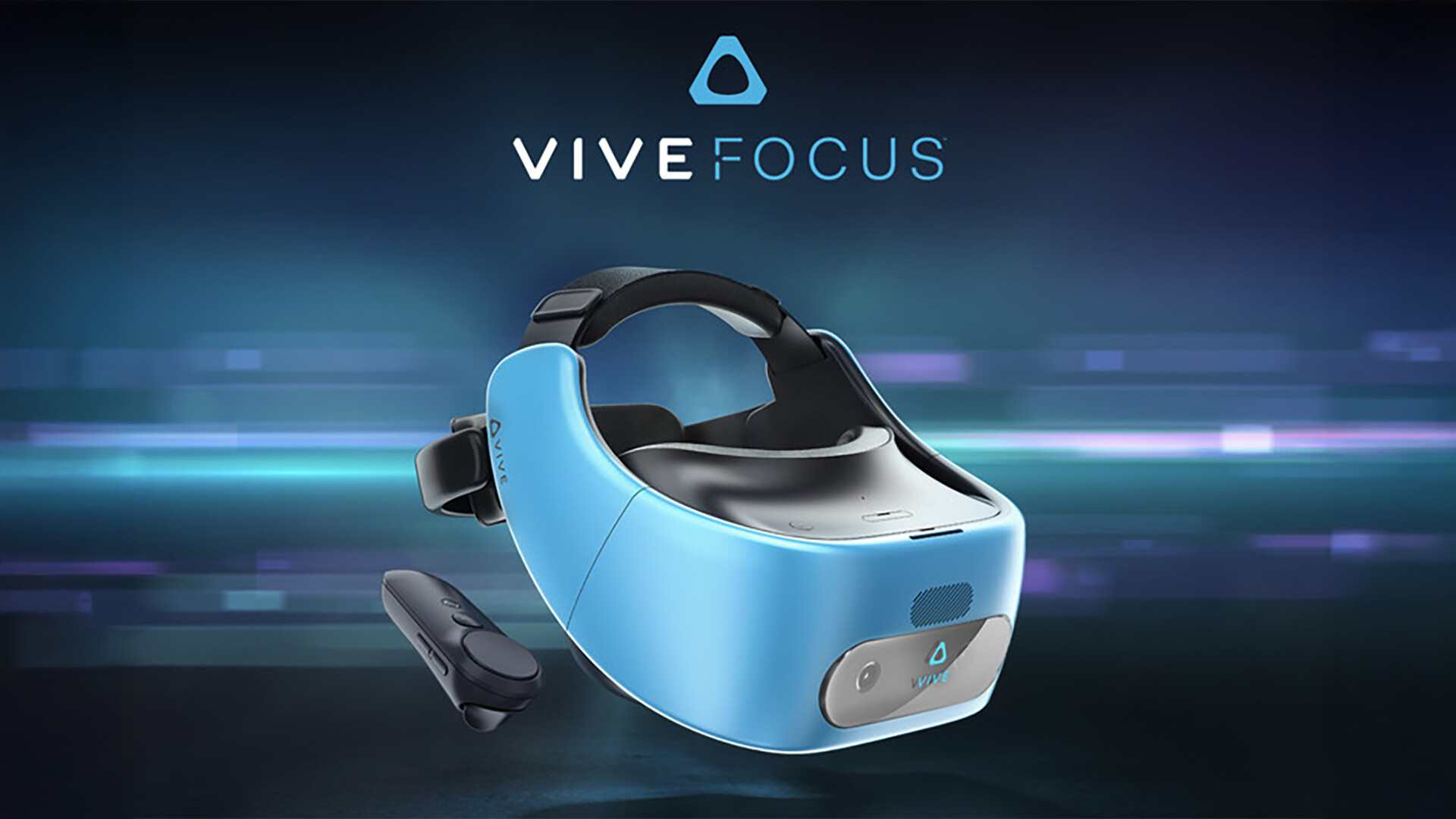
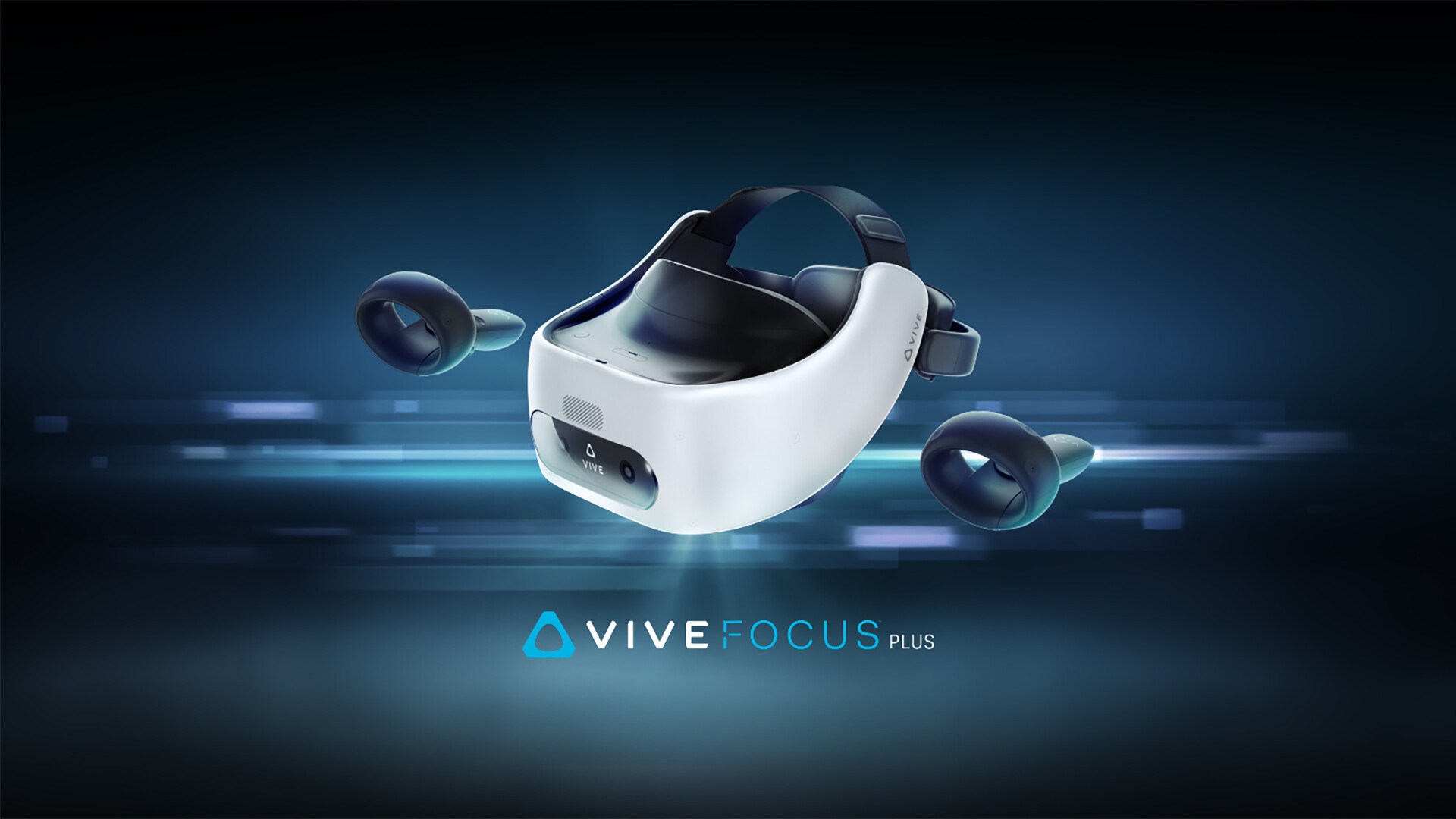
Use your Vive Wave Mobile headset as a VR Headset for your PC. Lets you run SteamVR & Oculus Rift PC VR titles using your Vive Wave Mobile headset.
SteamVR
To use the iVRy Driver for SteamVR, you MUST first install SteamVR from the Steam Store:
SteamVR
Before you start
IMPORTANT:
Before using the iVRy Driver for SteamVR, the iVRy Vive Wave app MUST be installed on the Mobile Device. To do so, enable USB File Transfers or USB Debugging on the device, connect it via a USB cable to the PC and select the "Install Vive Wave Mobile App" Launch option of the iVRy Driver for SteamVR. If installing via USB File Transfer, you will need to install the iVRy-wave.APK file via the File Manager app on the Vive Wave Mobile headset (set type to APK).
To start the app on your Vive Wave Mobile headset, use the link in the "Library->On My Device" menu.
On startup the app will display "Waiting for Connection", while it waits for the iVRy Driver for SteamVR to connect. SteamVR can be launched from the iVRy "Launch" button, or by launching SteamVR or a SteamVR/OpenVR VR title.
When using the iVRy Driver for SteamVR for the first time, it MUST be started from the "Launch" button, to ensure any additional services and drivers it requires get installed.
To connect the app via USB, you will need to enable USB debugging on the Vive Wave device.
To enable Developer Mode and USB Debugging:
From the Quick Menu screen (accessible by tapping the O button on the controller):
Click on the “ Settings ” icon.
Navigate to “ More Settings ”.
Scroll down to the field called “ Build Version ” and begin to click it. You will get a popup message that begins to count down from 7 clicks. After the 7 th click you will see a message that reads “ You Are a Developer .”
Next, go back and click on the “ More Settings ” Icon.
Scroll down to the “ Developer Options ” section.
Next, toggle on the “ USB Debugging ” option.
About the Game
What is the iVRy for SteamVR (Vive Wave Installer) DLC?
• It is the installer for the iVRy app for Vive Wave headsets.
What is iVRy (Vive Wave Edition)?
• iVRy is an app for your Vive Wave Mobile headset with a Virtual Reality headset driver for SteamVR.
What does that mean?
• Want to play PC VR* (Virtual Reality) titles without having to buy another VR headset?
• With iVRy and a Vive Wave Mobile headset you can!
• Supports Wired (USB) connections for greater visual quality and performance.
• Supports Wireless (Wifi) connections for greater mobility.
• Automatically adjusts quality to maintain optimal frame rates on all connection types.
• User configurable quality and performance options.
• Integrates with SteamVR, so no 'manager' / 'server' apps or additional configuration required.
• Includes SteamVR Dashboard overlay, to change driver settings in VR.
• Built-in support for NoloVR 6DOF tracking and motion controllers.
• Compatible with most HTC Vive and Oculus Rift** titles.
• "Lite" edition has all of the features of "Premium" edition, but will start to reduce color saturation after being connected for more than 5 minutes. Upgrade to "Premium" edition via Steam DLC to remove this limitation.
* Valve OpenVR/SteamVR. Requires Valve Steam & SteamVR on Windows 7 or later.
** Oculus Rift titles require Valve SteamVR, Oculus Home & 3rd party 'LibreVR Revive' software.
Media
Trailers and screenshots straight from the store page
BETA: iVRy for SteamVR (Vive Wave Installer): Preisverlauf und aktuelle Angebote
Preisverfolgung für BETA: iVRy for SteamVR (Vive Wave Installer) bei autorisierten Shops.
Bewertungen, Spielzeit und Altersfreigabe von BETA: iVRy for SteamVR (Vive Wave Installer)
1 Personen haben BETA: iVRy for SteamVR (Vive Wave Installer) bewertet. 100% sind positiv. Steam nennt das 1 user reviews. Brazil stuft es als l ein.
Häufige Fragen
Beantwortet aus den eigenen Daten dieses Spiels. Wo ich nichts habe, sage ich nichts.
Lohnt sich BETA: iVRy for SteamVR (Vive Wave Installer)?
Welche Altersfreigabe hat BETA: iVRy for SteamVR (Vive Wave Installer)?