Der Produkttext wird auf Englisch angezeigt, da kein Quelltext in dieser Sprache verfügbar ist.

VRCapture


 Chip's verdict · BE
 Why this verdict
Offers
Accepted regional prices from official stores
No offers tracked yet for this product.
Report a wrong price
About this game
What this game is, in the developer's words
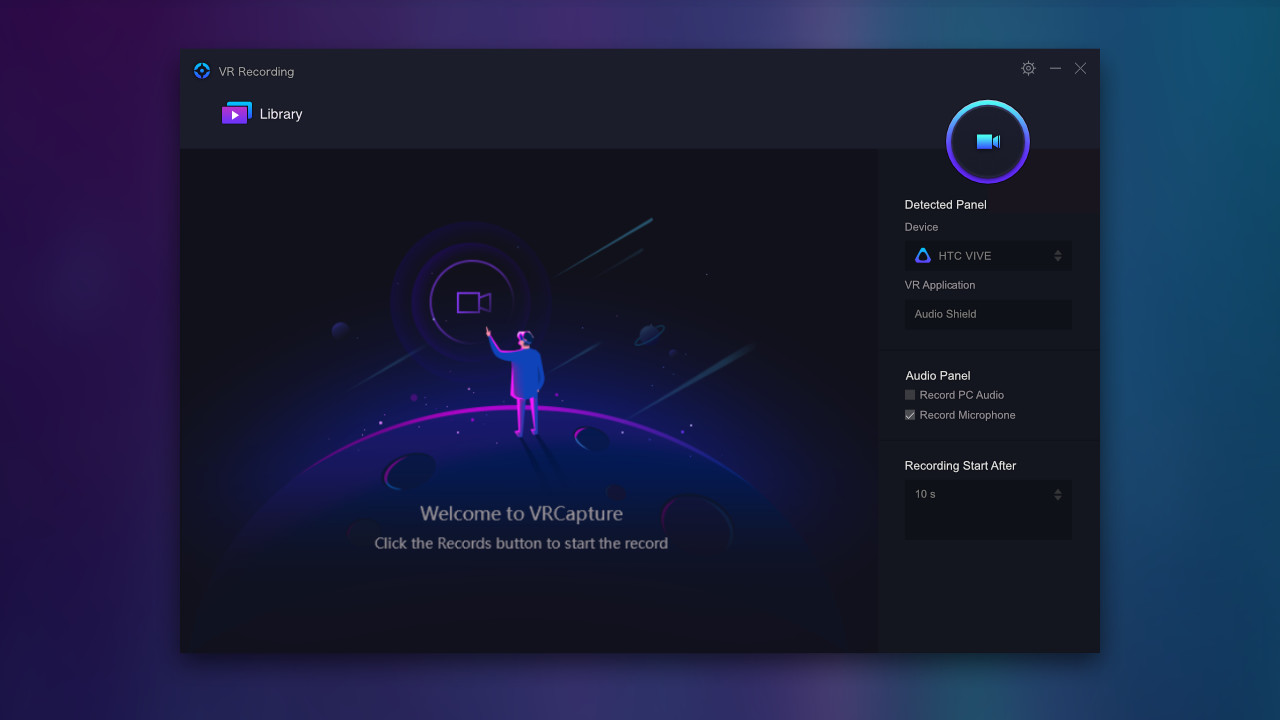
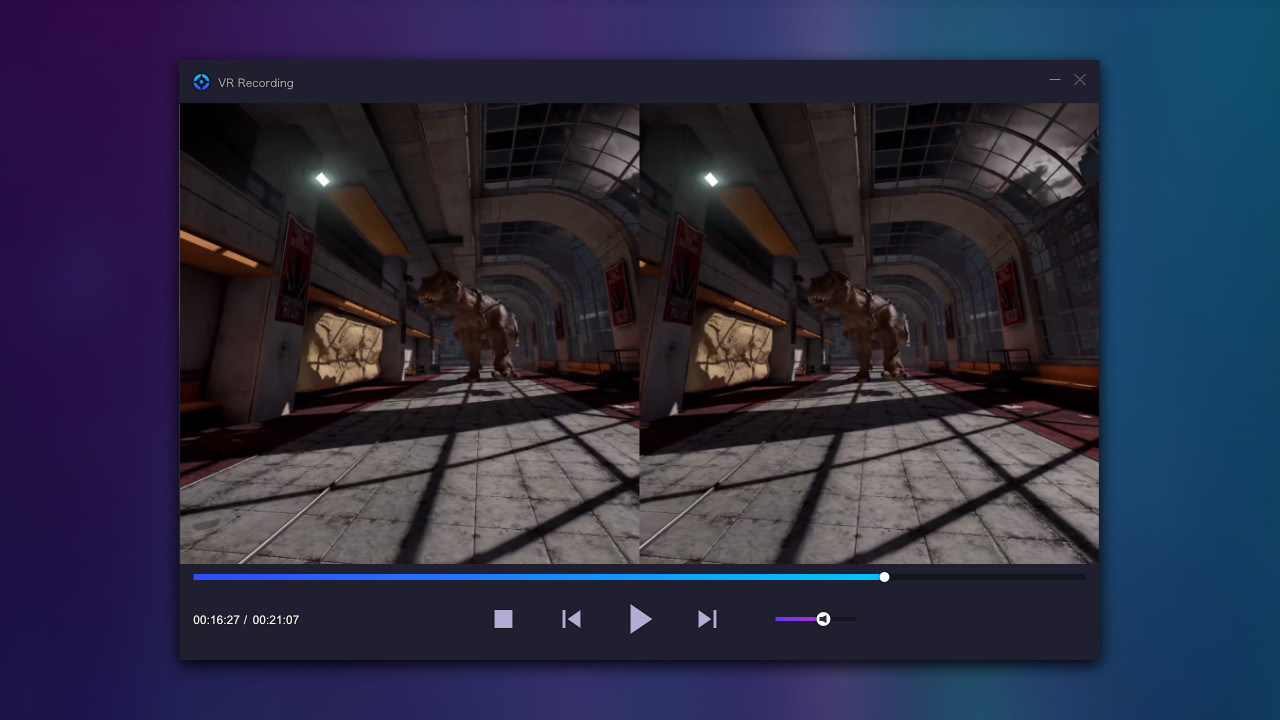
VRCapture is a totally free tool to create amazing VR videos. Perfect for professionals and beginners, who really want to pull out great quality videos from vitural world. When you are playing VR games or running VR applications, you can record the full scene with VRCapture and create immersive videos for everyone. The recorded video, which is immersive, can be played on your computer or through HMD. Also, YouTube-share option is available. Your family and friends can experience what you have experienced in virtual world with Cardboard or other HMD.
When you are playing VR games or running VR applications, you can record the full scene with VRCapture and create immersive videos for everyone.
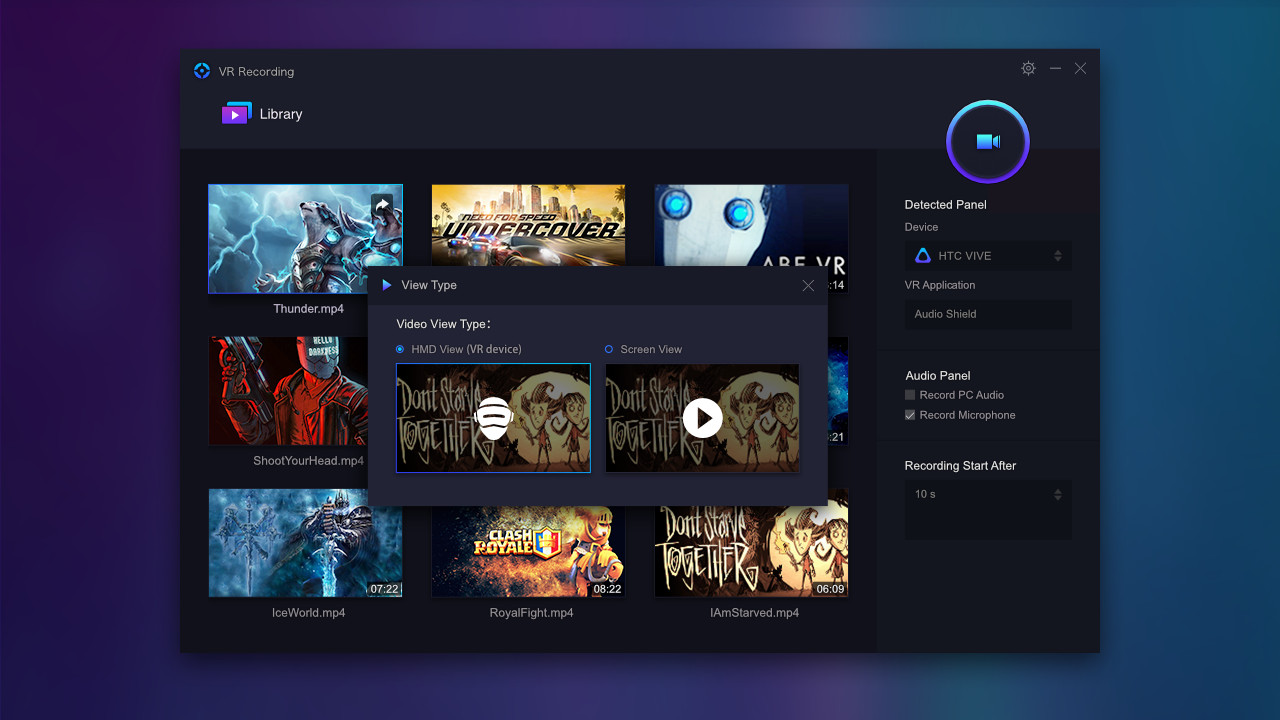
The recorded video, which is immersive, can be played on your computer or through HMD.
Also, YouTube-share option is available. Your family and friends can experience what you have experienced in virtual world with Cardboard or other HMD.
Key features
Capture videos in head-mounted displayRecord multi-channel audio
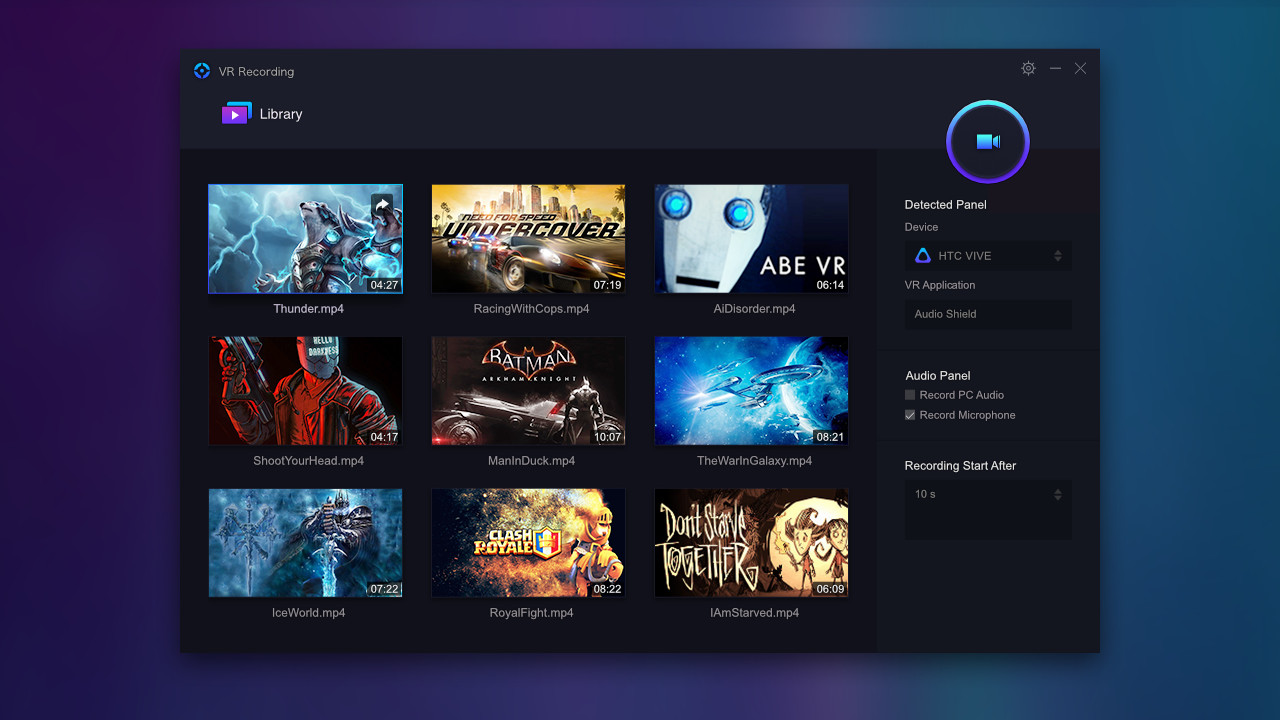
Play recorded video on HMD or PC
Share video to YouTube (cardboard view)
Compatible devices: HTC Vive, Oculus Rift CV1 and Oculus Rift DK2
How it works
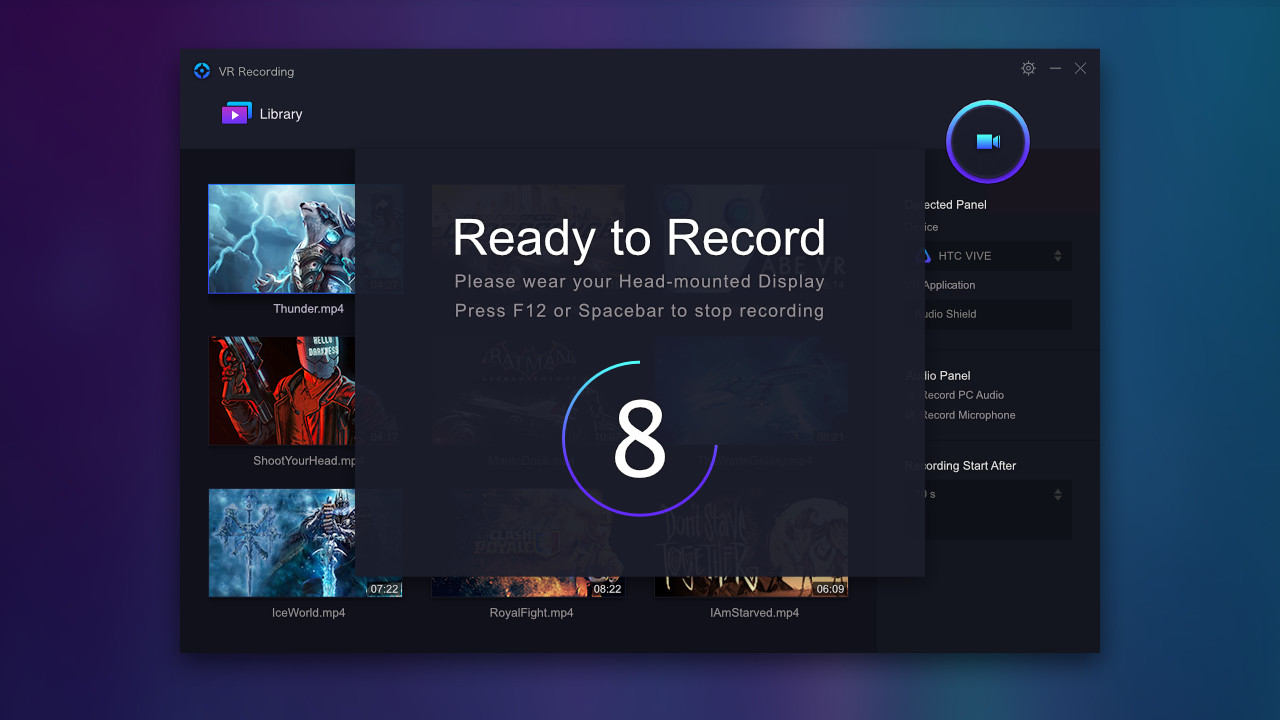
Make sure HMD is on and a VR application or game is launchedClick the Record button. It starts recording after the countdown hits zero(Shortcut key: Ctrl+F12)
Click Stop button to stop recording(Shortcut key: Ctrl+F12)
Double click to play the recorded video
Click the share button to upload the video to YouTube
System Requirements
NVidia GTX 970/ AMD R9 290 equivalent or higherIntel i5-4590 or higher
Compatible with Windows 7 SP1 or higher
Compatible with 64 bit Windows
* Note: We have found that F-Secure and BitDefender have misdetection virus alarm of VRCapture. We are contacting them to remove the false alarm. VRCapture does not contain any virus or trojan. Before the alarm removed, please add this program to the whitelist.
Media
Trailers and screenshots straight from the store page
Price intelligence
Accepted price history and the lows that matter
No price history recorded yet.
No history yet.
VRCapture price history and best deals
Price tracking for VRCapture across authorized stores.