El texto del producto se muestra en inglés porque no hay texto fuente disponible en este idioma.
Content rating unavailable
Utilities · Nincent
CoreOptimizer

Content rating unavailable
Windows
Mixed · 59% of 44

 Chip's verdict · BE updated 2 days ago
 Why this verdict
All-time low €8.19 · 24d ago
Player reviews 59% positive of 44
Quality score 59/100 · small sample
Offers
Official stores only · every price checked from the source
Official stores (1)
Clean outbound link. We never touch your payment.
Report a wrong price
About
What this game is, in the developer's words
CoreOptimizer improves your game playing performance through optimizing your computer's hardware resource.
CoreOptimizer improves your game playing performance through optimizing your computer's hardware resource. It could also be used as a general system optimization tool.
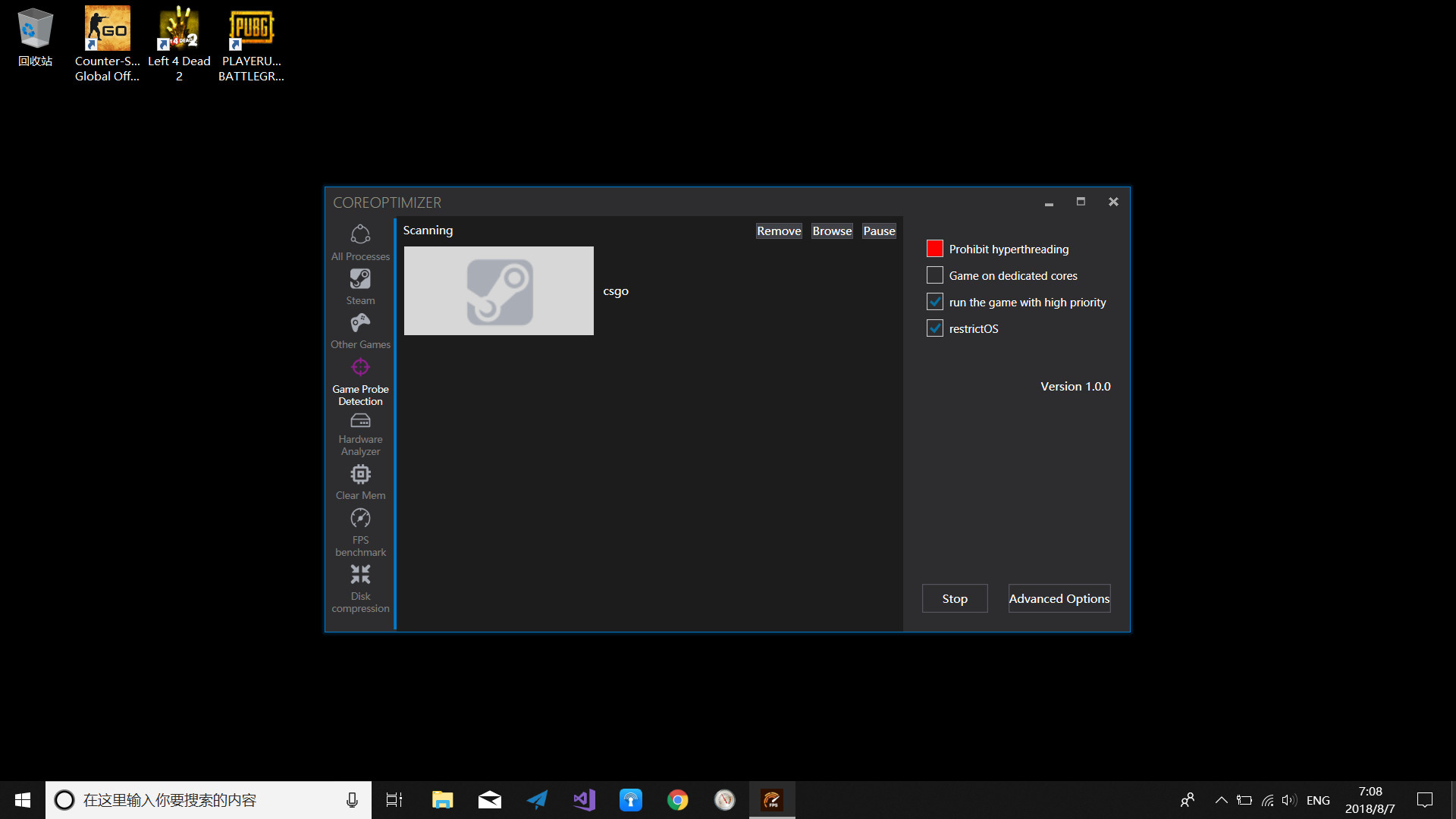
Core Optimization
Game Utility(including Steam, non-Steam games and applications)
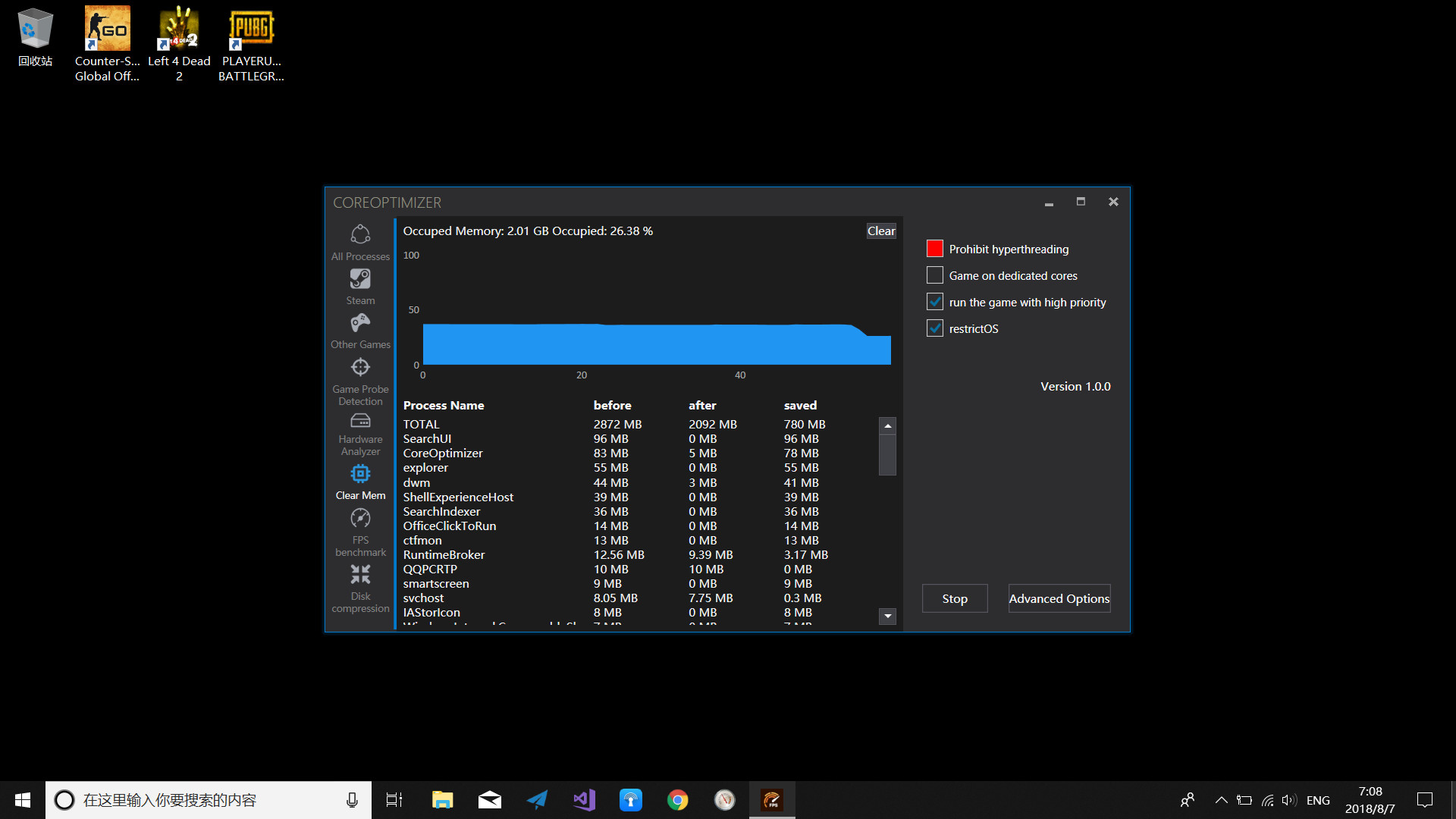
Memory Cleaning
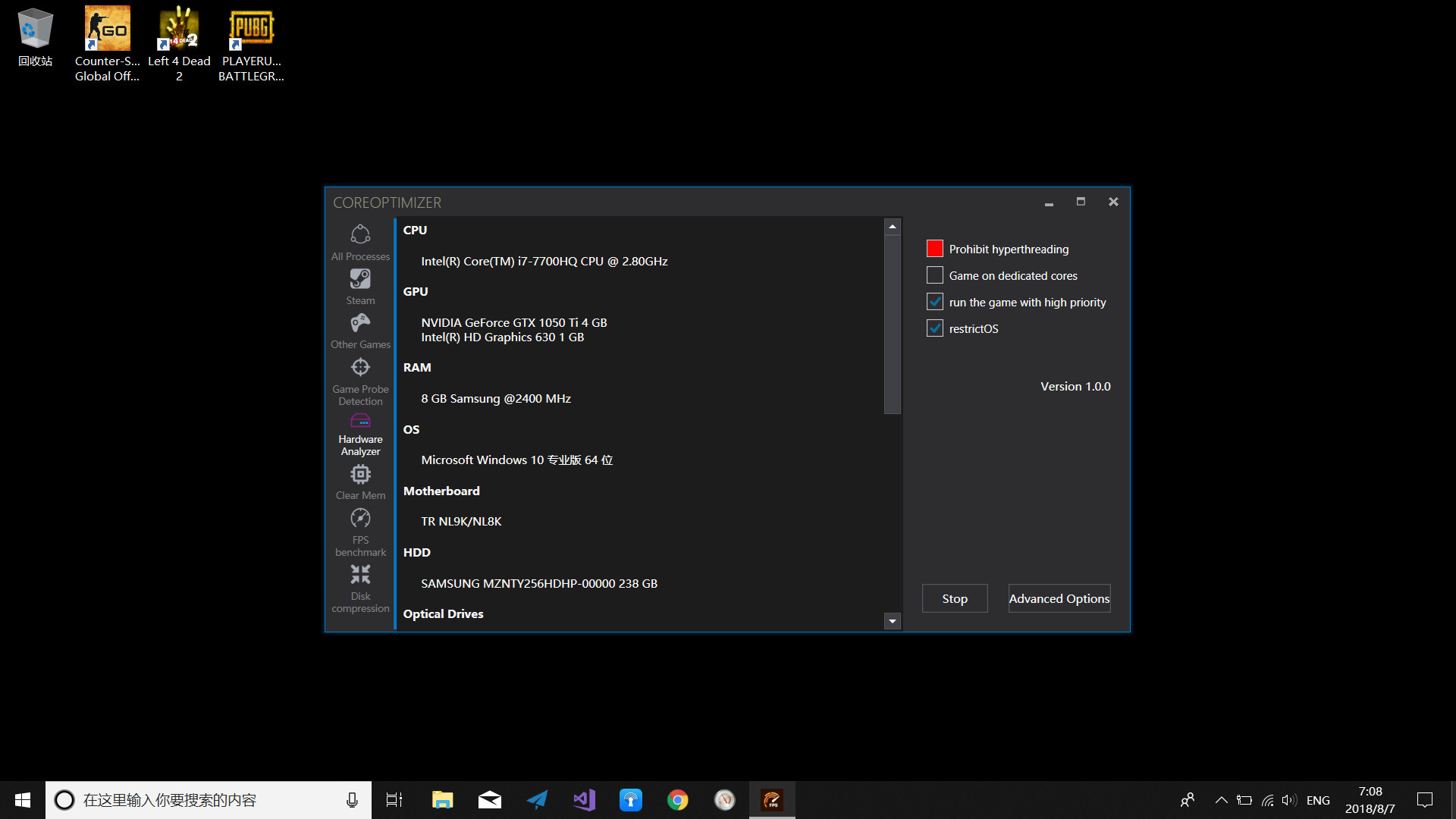
Hardware Analyzer
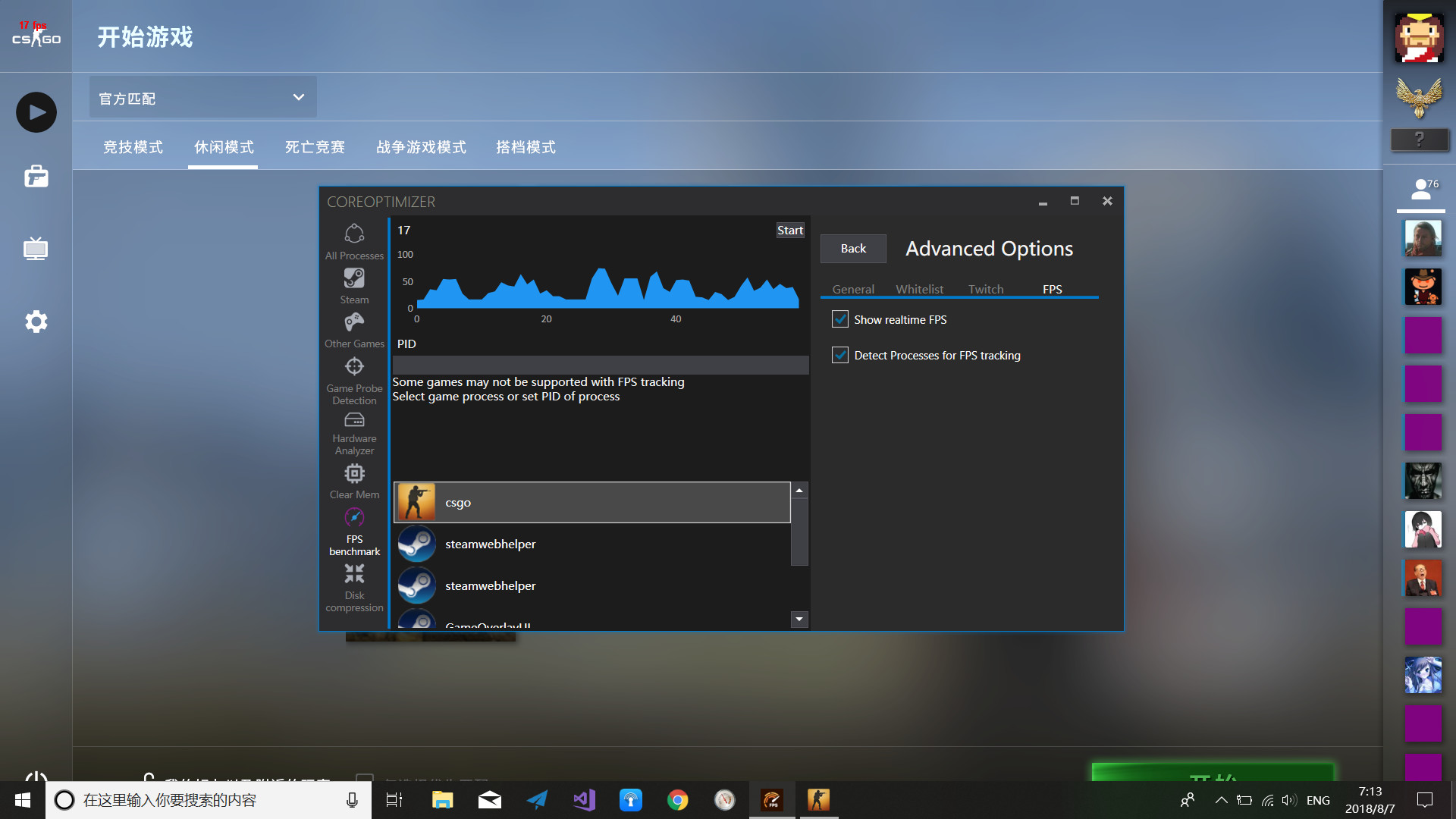
FPS Benchmark
Disk Compression
System tray
Features
Core Optimization
- Restrict system processes to run on a single core such that all remaining cores are left for game.
- Run game with high priority.
- Run game on a single core(Suitable for single core game not optimized for multi-cores).
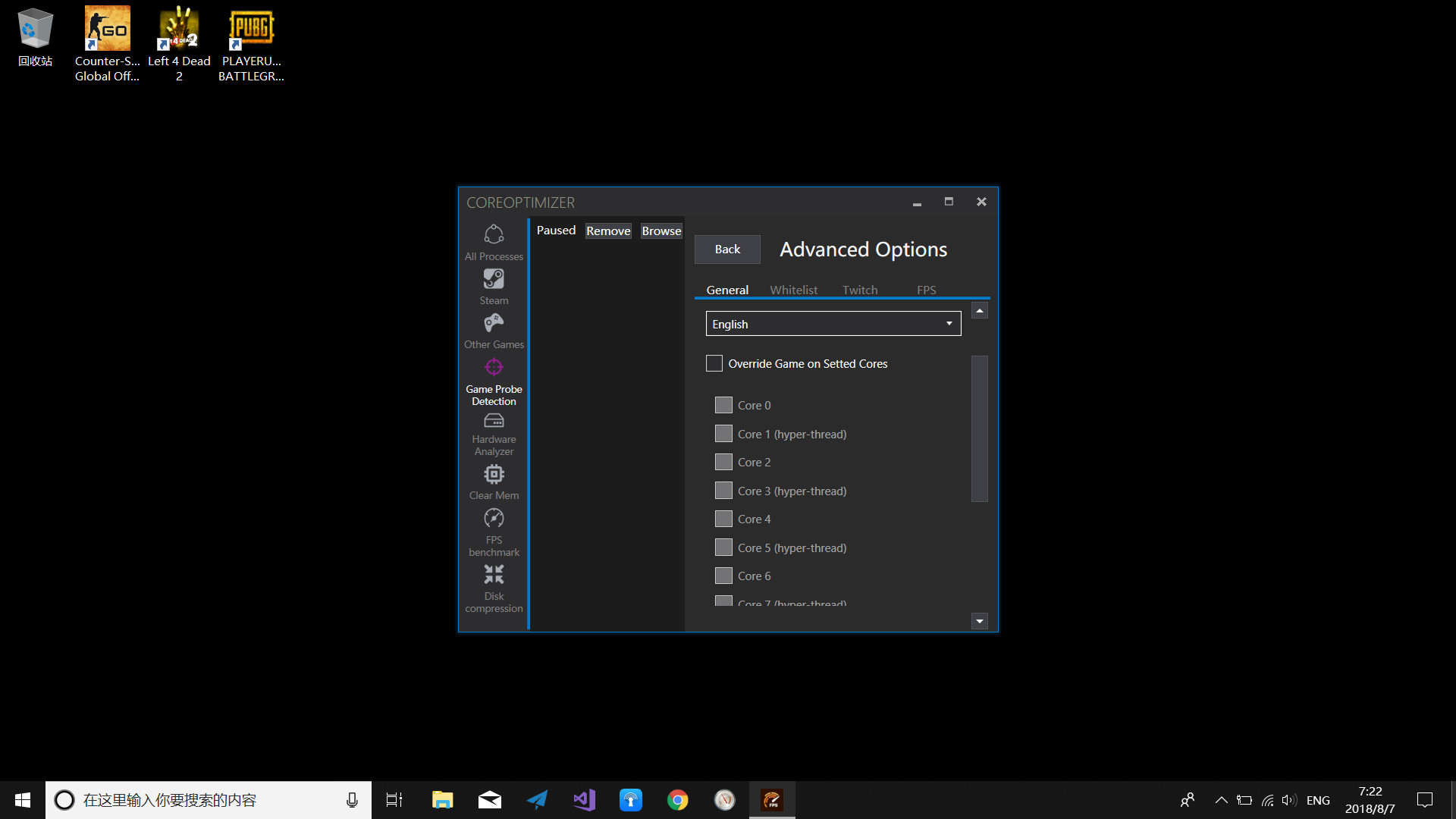
- Prohibit hyper-threading for game.
- Run game on designated multi-cores.
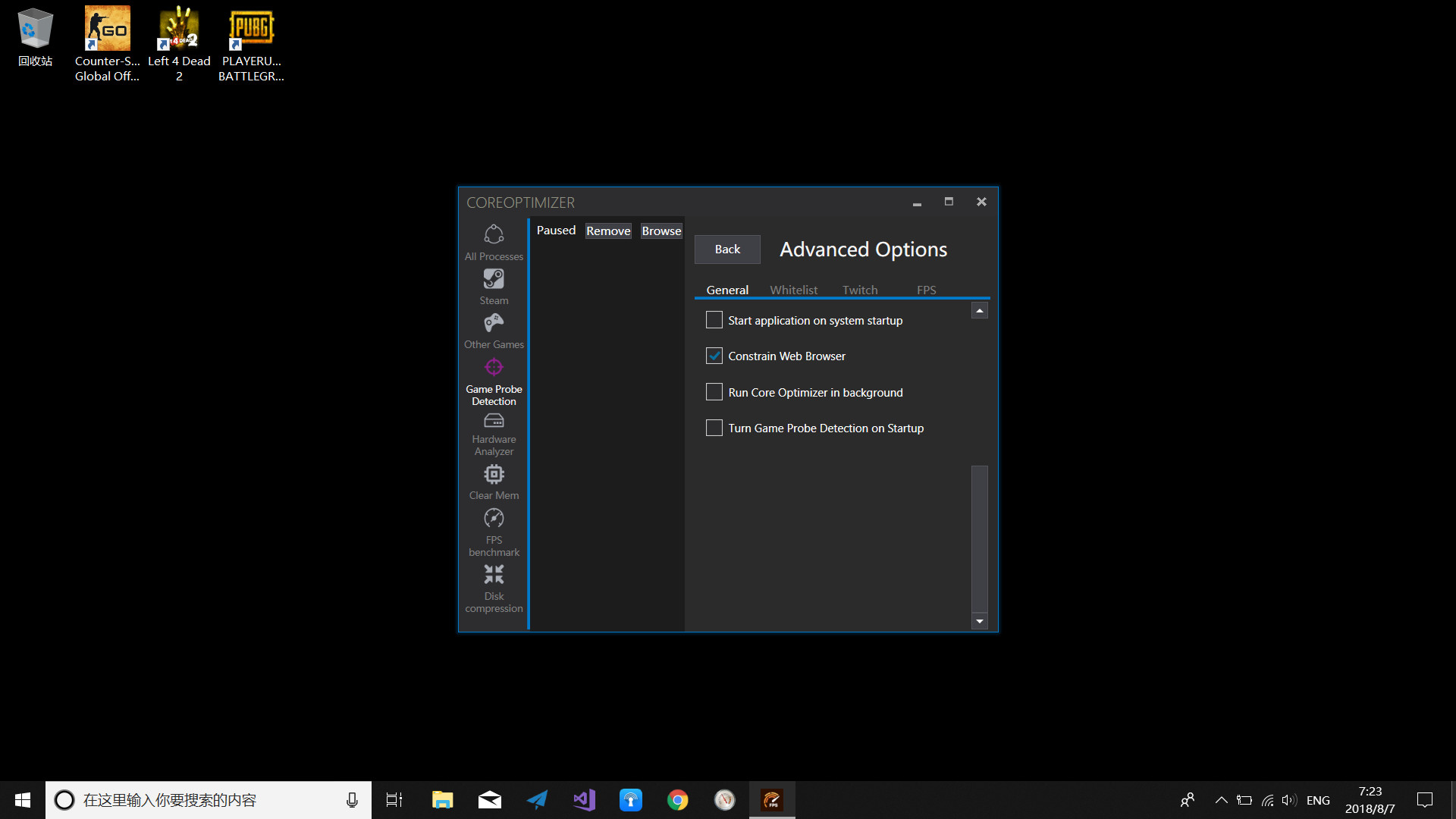
- Auto launch with OS start.
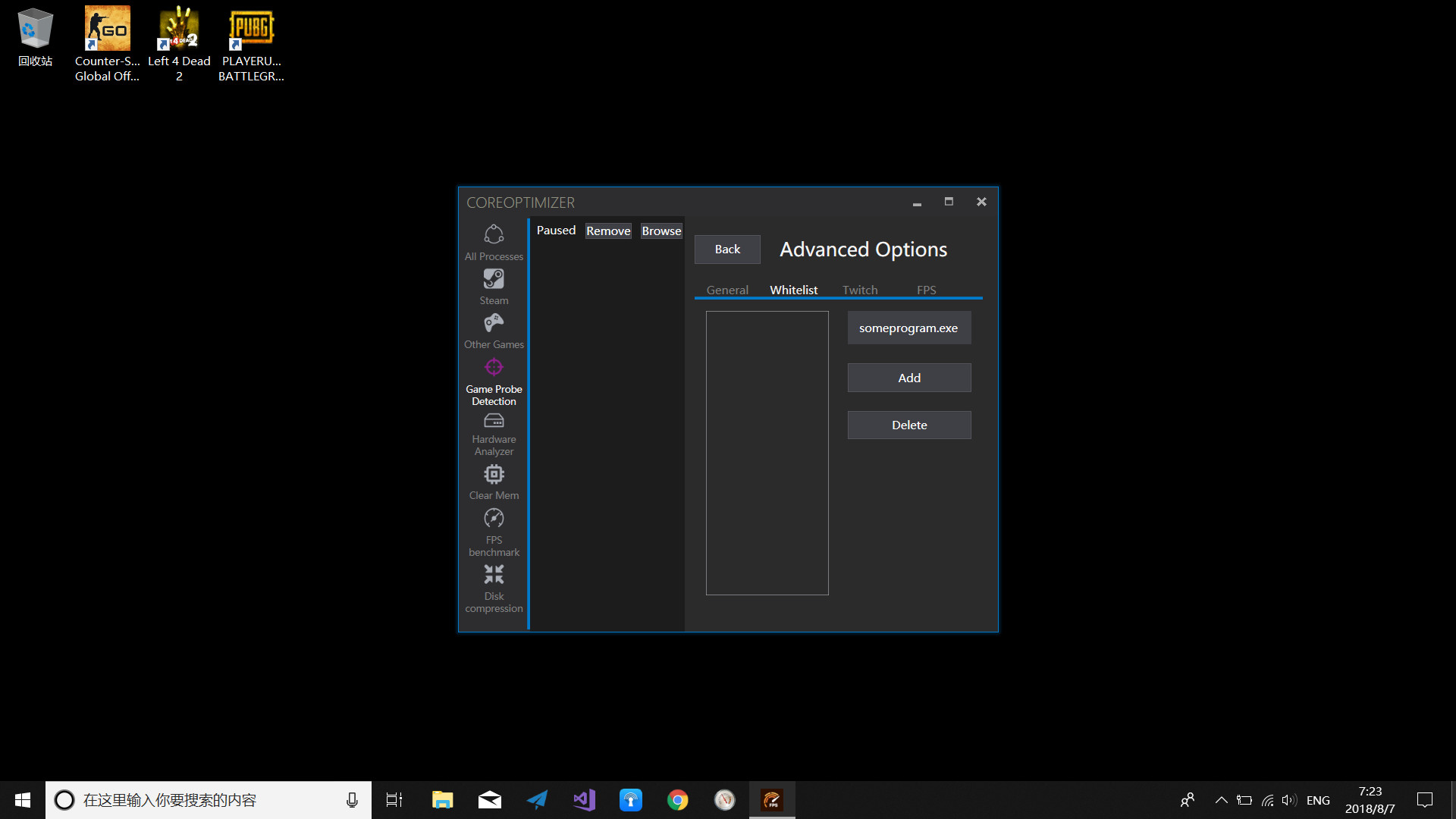
- Constrain Web browser to run on a single core.
- Filter applications to not be restricted to single core.
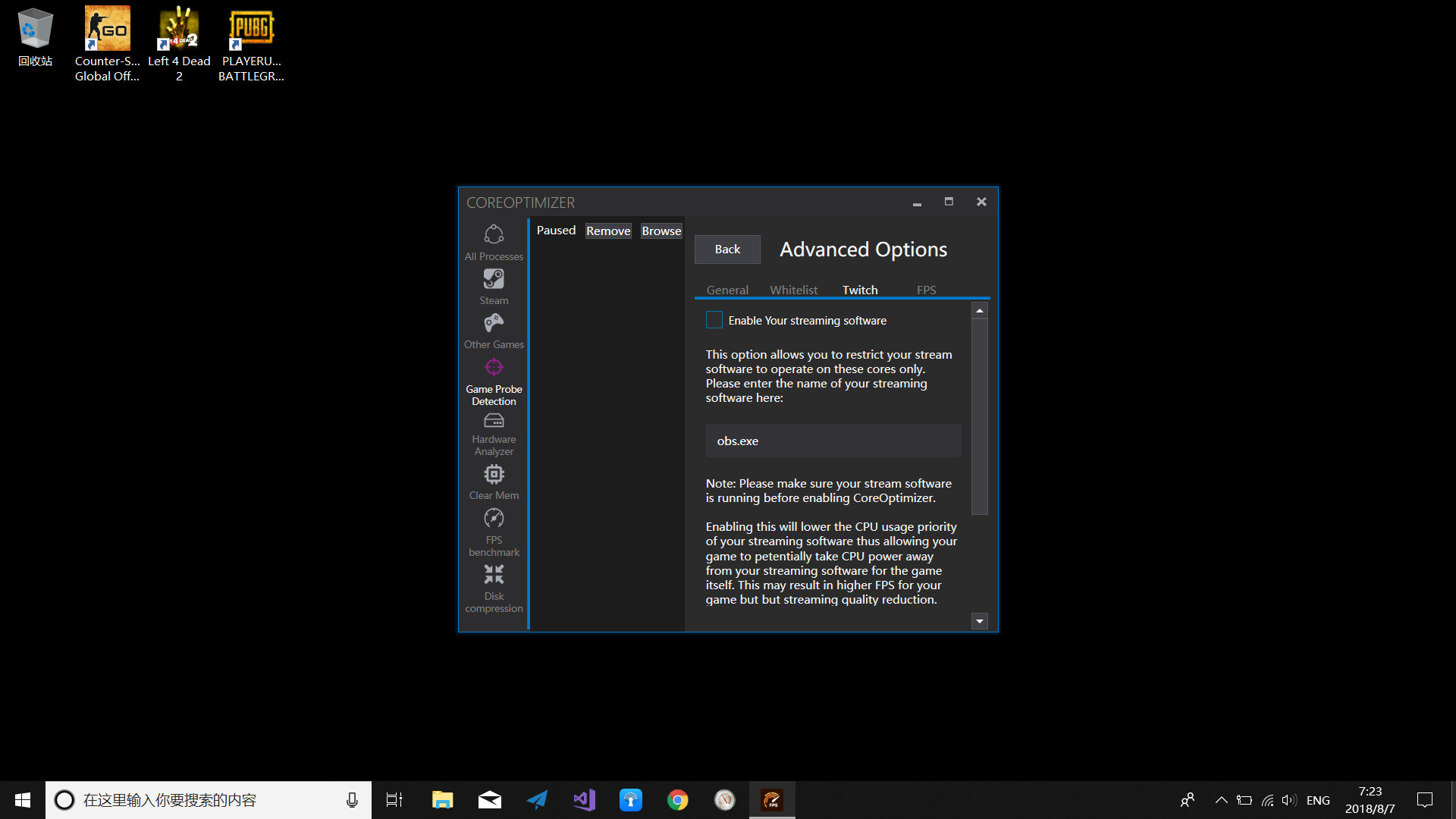
- Run any streaming software on designated core.
- Restrict the priority of any streaming software.
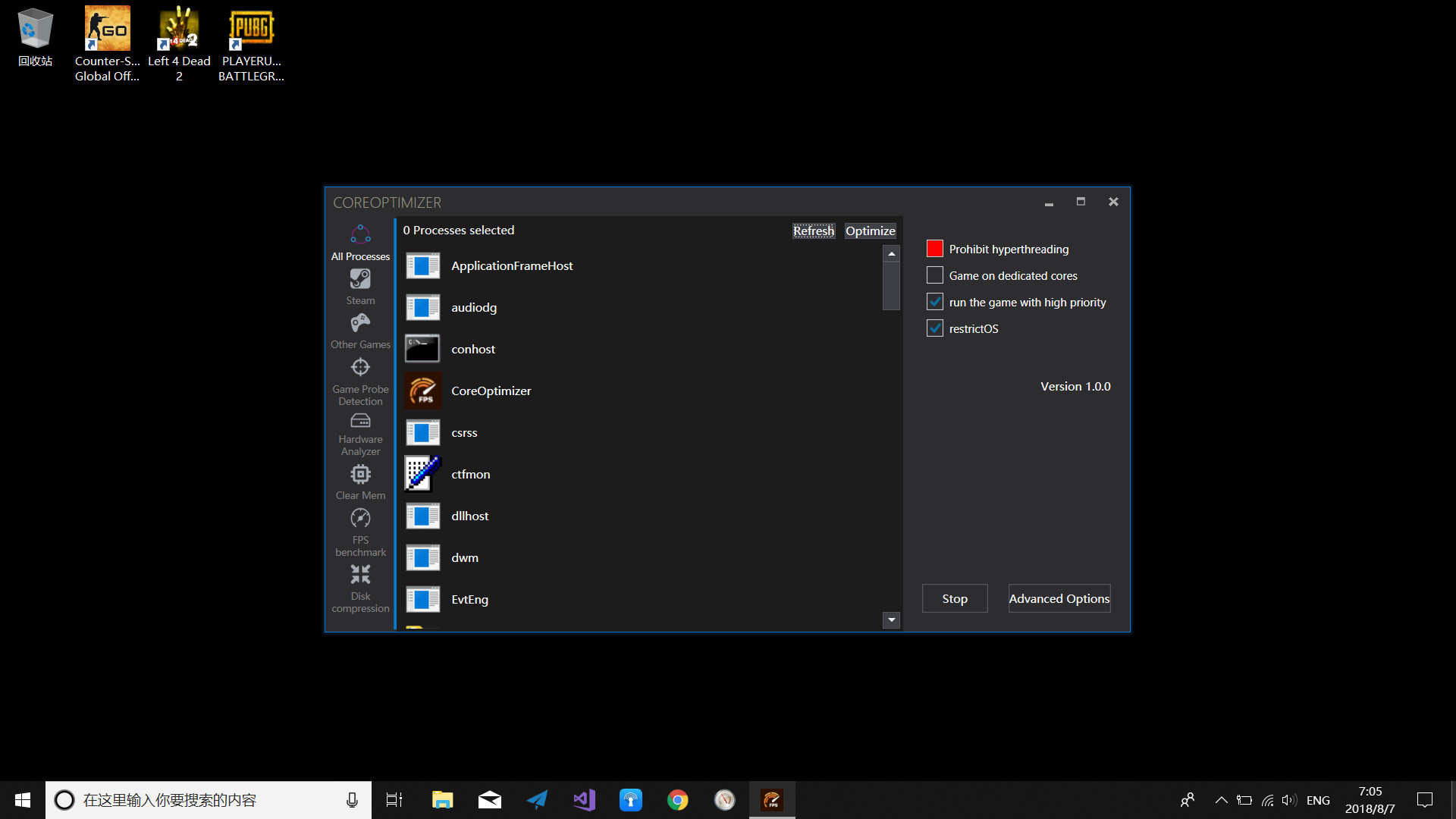
- List of processes to select for optimization.
- Kill selected process.
- Copy a process's PID to be used in Memory Clean.
- Stop optimization.
Game Utility(including Steam, non-Steam games and applications)
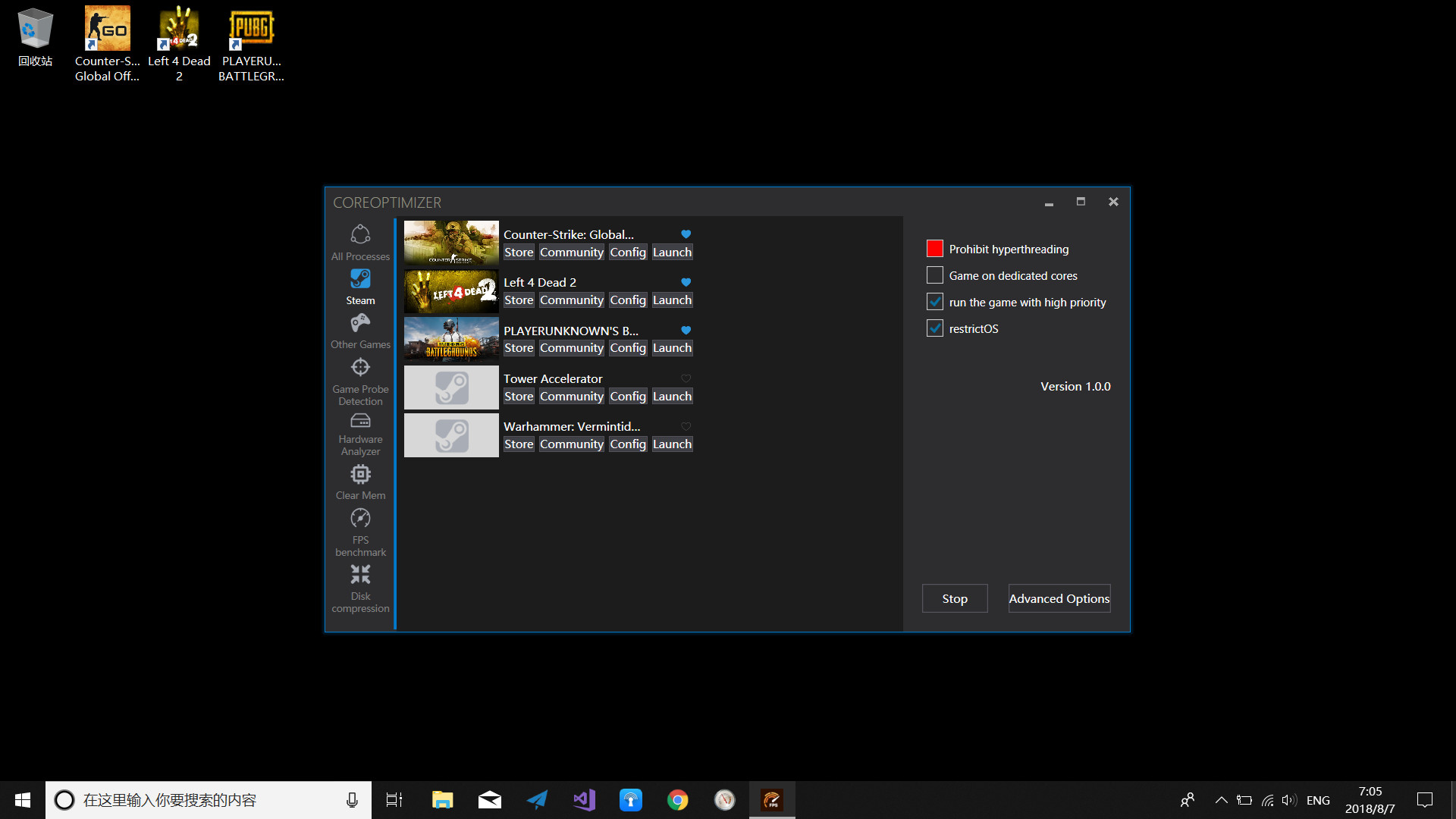
- Auto detection of all Steam games to be launched for optimization.
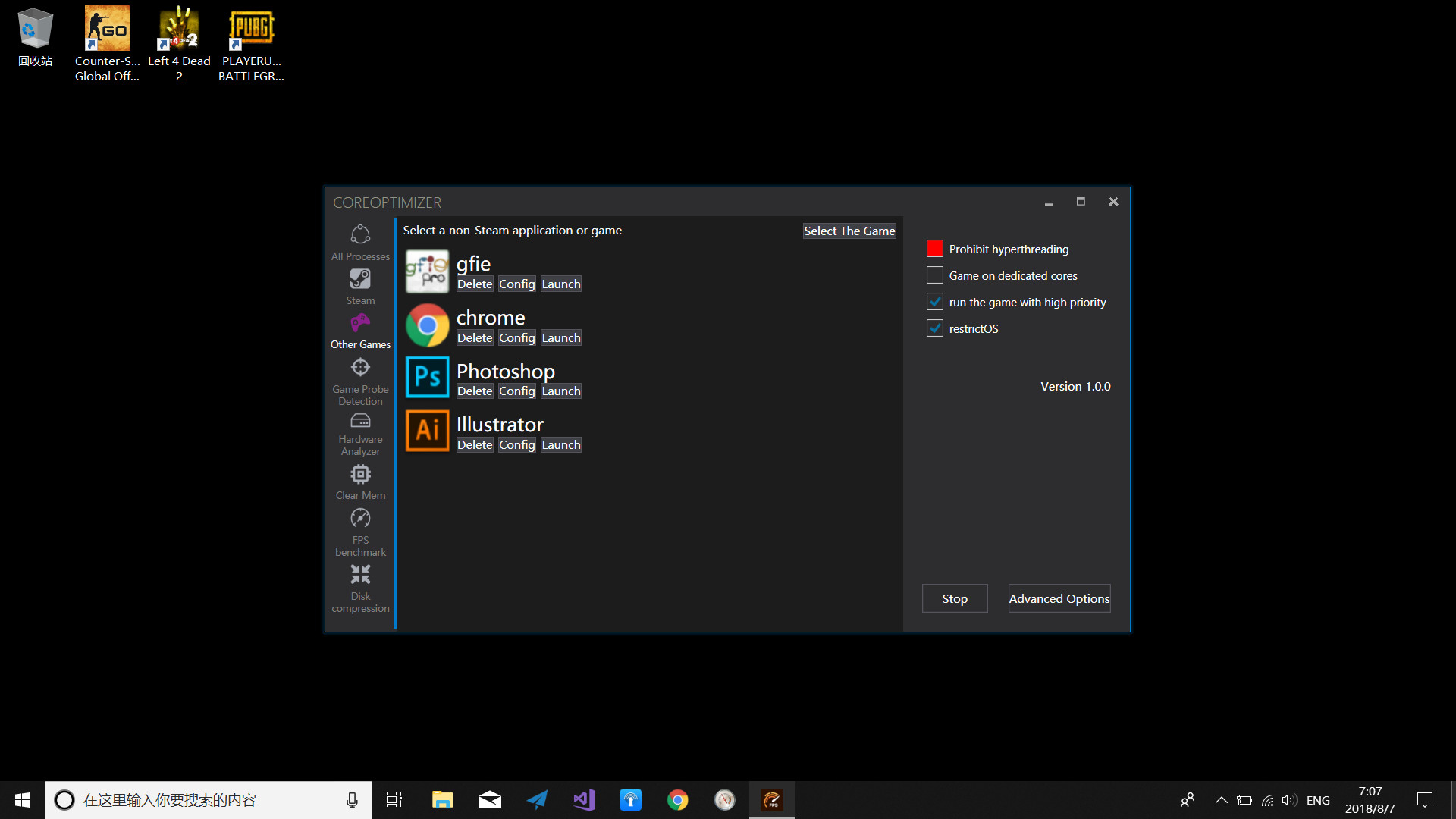
- Manually add any game or application for optimization.
- Auto detection of designated games for optimization.
- Steam Store and Community link.
- Favorite your game.
- Add launch options of Steam game.
- Customize display name of Steam game.
- Change display image of any game or application.
Memory Cleaning
- Used memory in GB.
- Memory footprint in %.
- One key press to clean memory for all processes.
- List of statistic data after memory cleaning.
- Chart display of the memory uses in real time.
Hardware Analyzer
- List all the resources belonging to your computer, including CPU, GPU, RAM, OS, Motherboard, HDD, Optical Drives, Audio, and Network etc.
FPS Benchmark
- Paste copied PID for fps tracking of the process.
- Auto detection of all windows belonging to the game launched within CoreOptimizer.
- Select the detected game window for benchmark.
- One key press to start FPS tracking.
- Show real time FPS in the tracked game window.
- Chart display of FPS data for statistic analysis.
Disk Compression
- Four compression method.
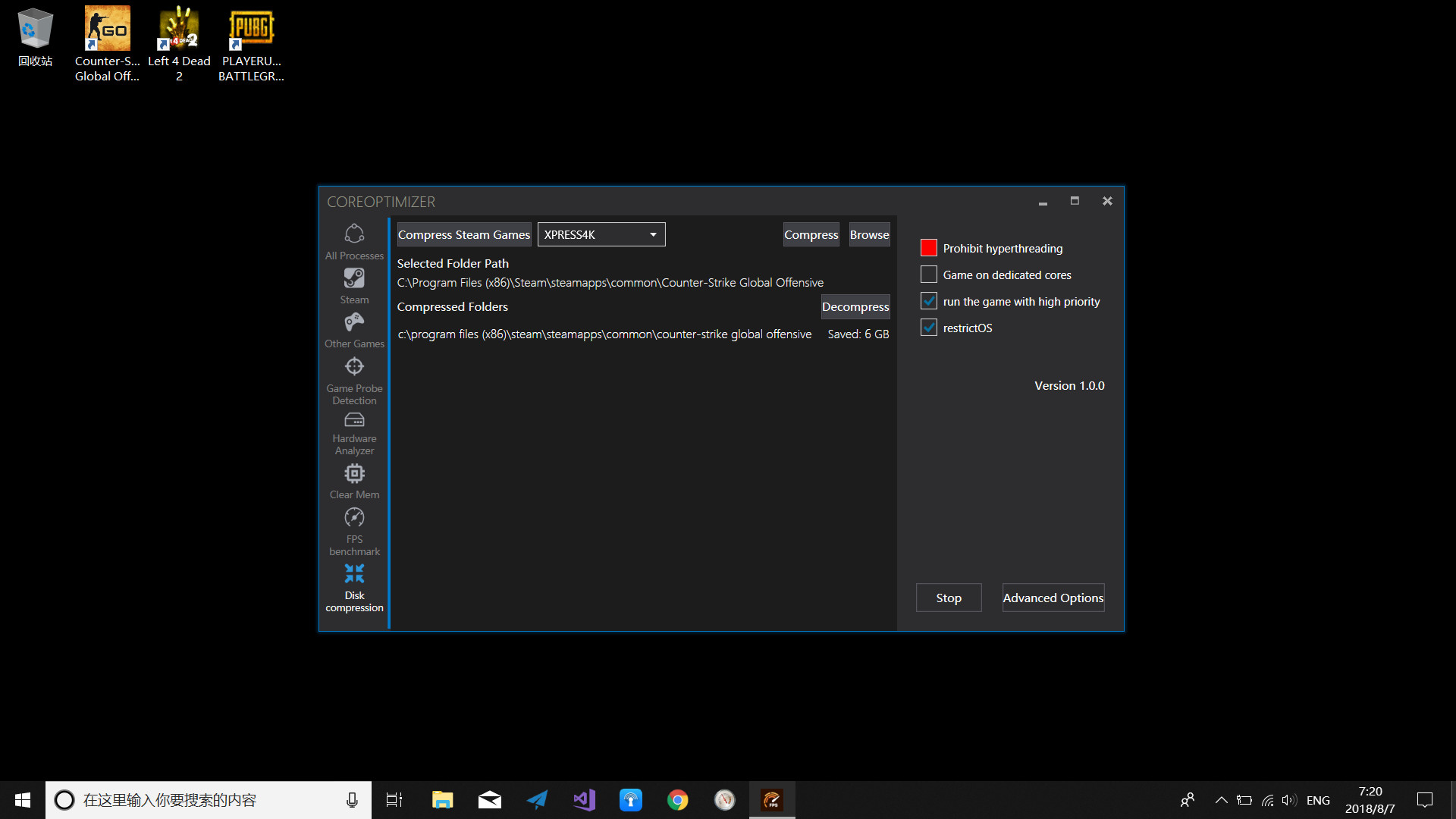
- Batch compression of all Steam games.
- Select a folder for compression.
- Compress the selected folder.
- Decompress the selected folder.
- List all compressed folders.
System tray
- Show/hide the window.
- Auto remember latest played 5 games.
- Stop optimization.
- Recover window position
Review sentiment over time
positive critical
Media
Trailers and screenshots straight from the store page
System requirements
Minimum and recommended specs per platform
Price intelligence
Accepted price history and the lows that matter
Historical lows
All-time low ATL €8.19 2026-06-18
3-month low €8.19
12-month low €8.19
Current €8.19