El texto del producto se muestra en inglés porque no hay texto fuente disponible en este idioma.

Content rating unavailable
Action · Paulo A. M. Villalva
DevWill

Content rating unavailable
Positive · 93% of 15

 Chip's verdict · BE
 Why this verdict
Player reviews 93% positive of 15
Quality score 93/100 · small sample
Offers
Official stores only · every price checked from the source
No offers tracked yet for this product.
Report a wrong price
About
What this game is, in the developer's words
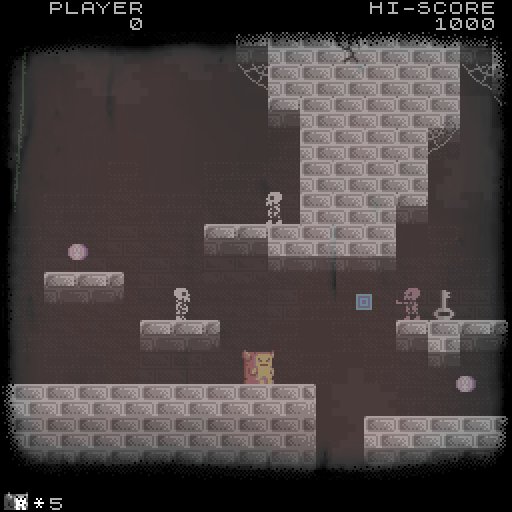
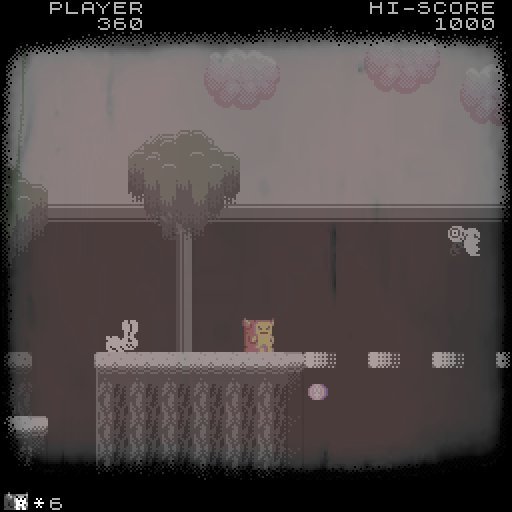
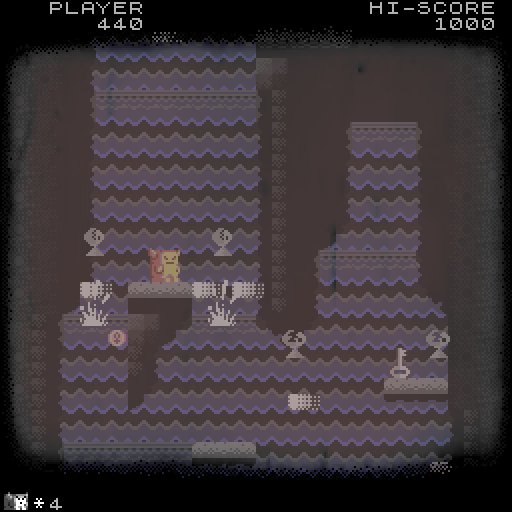
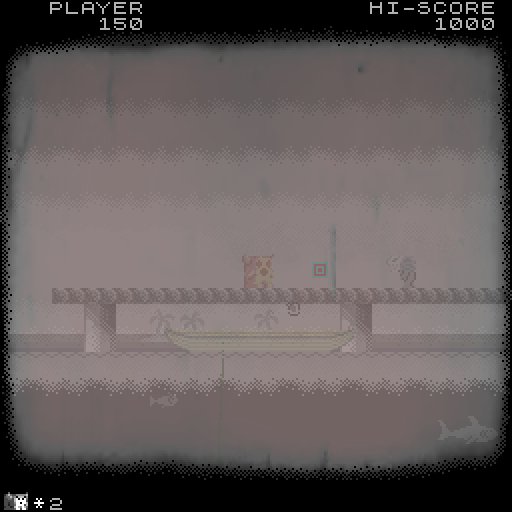
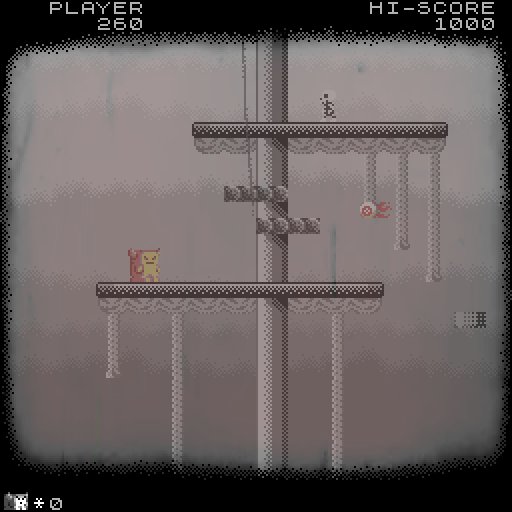
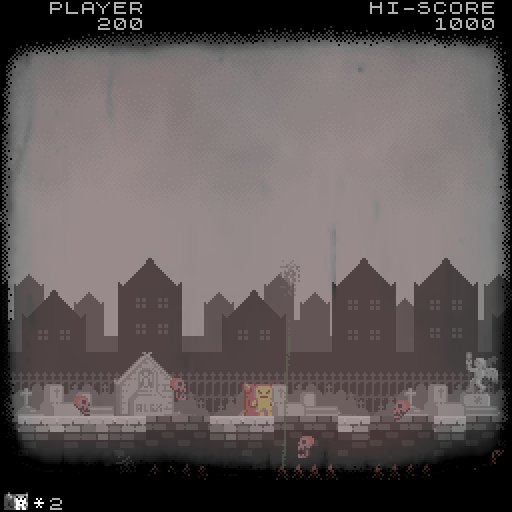
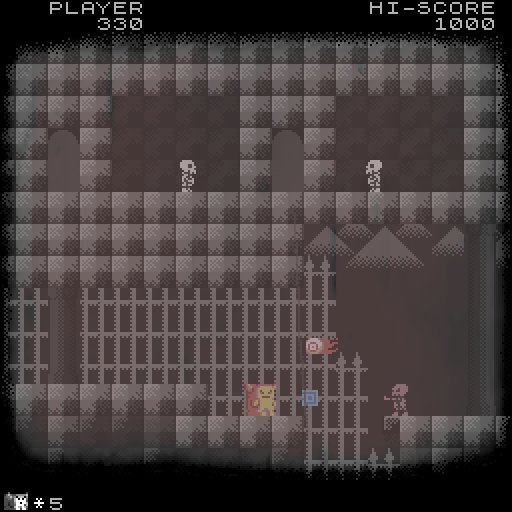
Devwill is a platformer with arcade graphics and gameplay. The aesthetics are meant to resemble the old Black and White movies look. Expect a challenging game with a mysterious and reflexive, yet poetic, background story.
Devwill is a platformer with arcade graphics and gameplay. The visuals are mostly in black and white, however some of the details show some color saturation. The aesthetics are meant to resemble the old Black and White movies look, with the use of effects such as screen scratches, old projector sounds and intertitle text for dialogs and narratives. Expect a challenging game with a mysterious and reflexive, yet poetic, background story.
Key Features:
- 16 levels
- 5 Bosses
- Password system
- Secrets and Easter Eggs (reach 7700 points to find them all)
- Original Chiptune Soundtrack
- About 45 min of longplay
- An intrinsically gameplay based narrative
- Tons of classic B&W horror movies references
Default Controls:
Left/right Arrow Keys: walk
S: jump
D: fire
Video keys:
F11: toggle Fullscreen
F10: Change resolution (try to fit your Monitor)
[ and ´: (next to Enter) Change Brightnes
]: (next to Enter): toggle scanline filters on or off (scanlines only, the "old B&W movie effect is always on as it's part of the intended aesthetics of the game)
ESC: Options and Quit menu (where you can remap the keyboard and gamepad)
Troubleshooting
Q: I'm having problems with configurations and settings, what can I do?
A: Reinstall the game on Steam or delete the "Cabinet.ini" in the game files.
Q: Sometimes when I quit the game Steam says the game is still running, what can I do?
A: Just wait for a moment and it should go back to normal.
Q: The first time I run "Devwill.exe" on Windows 8 or 10 I get prompted to install "Directplay". Is it safe?
A: Yes, Directplay is a Windows component. Your OS will download and install it from microsoft servers. It is safe and required for running the game.
Q: The game runs in a small square, even while in full screen. How do I make it expand to the entire screen?
A: DevWill runs in a square screen format, up to a maximum of 1025X1025. If you monitor is in a higher resolution the fast workaround is to: 1) Right click on "Devwill.exe" and go to Properties. 2) In the Compatibility tab check the "Run in 640X480 screen resolution" option, and apply. 3) Run the game, wait for it to load and press F10 until you find the resolution that best suits your monitor. Alternatively, if your video card drivers allow for custom settings for individual games, you can use that.
Q: When I try running the game I get the error: "Failed to load the game data. File seems corrupted". What can I do?
A: This is a common incompatibility issue with a lot of indie games, especially the ones made on Game Maker, and it seems to happen only in a few computers. The solution, as strange it sounds, is to delete all printer installed on your computer (even if you do not own a printer). This fix seemed to work for everyone who ran across this issue.
Key Features:
- 16 levels
- 5 Bosses
- Password system
- Secrets and Easter Eggs (reach 7700 points to find them all)
- Original Chiptune Soundtrack
- About 45 min of longplay
- An intrinsically gameplay based narrative
- Tons of classic B&W horror movies references
Default Controls:
Left/right Arrow Keys: walk
S: jump
D: fire
Video keys:
F11: toggle Fullscreen
F10: Change resolution (try to fit your Monitor)
[ and ´: (next to Enter) Change Brightnes
]: (next to Enter): toggle scanline filters on or off (scanlines only, the "old B&W movie effect is always on as it's part of the intended aesthetics of the game)
ESC: Options and Quit menu (where you can remap the keyboard and gamepad)
Troubleshooting
Q: I'm having problems with configurations and settings, what can I do?
A: Reinstall the game on Steam or delete the "Cabinet.ini" in the game files.
Q: Sometimes when I quit the game Steam says the game is still running, what can I do?
A: Just wait for a moment and it should go back to normal.
Q: The first time I run "Devwill.exe" on Windows 8 or 10 I get prompted to install "Directplay". Is it safe?
A: Yes, Directplay is a Windows component. Your OS will download and install it from microsoft servers. It is safe and required for running the game.
Q: The game runs in a small square, even while in full screen. How do I make it expand to the entire screen?
A: DevWill runs in a square screen format, up to a maximum of 1025X1025. If you monitor is in a higher resolution the fast workaround is to: 1) Right click on "Devwill.exe" and go to Properties. 2) In the Compatibility tab check the "Run in 640X480 screen resolution" option, and apply. 3) Run the game, wait for it to load and press F10 until you find the resolution that best suits your monitor. Alternatively, if your video card drivers allow for custom settings for individual games, you can use that.
Q: When I try running the game I get the error: "Failed to load the game data. File seems corrupted". What can I do?
A: This is a common incompatibility issue with a lot of indie games, especially the ones made on Game Maker, and it seems to happen only in a few computers. The solution, as strange it sounds, is to delete all printer installed on your computer (even if you do not own a printer). This fix seemed to work for everyone who ran across this issue.
Review sentiment over time
positive critical
Media
Trailers and screenshots straight from the store page

System requirements
Minimum and recommended specs per platform
Price intelligence
Accepted price history and the lows that matter
No price history recorded yet.
Historical lows
No history yet.
Latest news
Recent updates from the game's own feeds