El texto del producto se muestra en inglés porque no hay texto fuente disponible en este idioma.

Muvee Reveal 11

Why this verdict
Ofertas
Precios de tiendas oficiales y comparaciones de keyshops identificadas
Todavía no se registran ofertas para este producto.
Report a problem
Price history
Historial de precios aceptados y mínimos registrados
No price history recorded yet.
No history yet.
Todavía no se ha registrado el inicio de ninguna oferta.
About this game
What this game is, in the developer's words
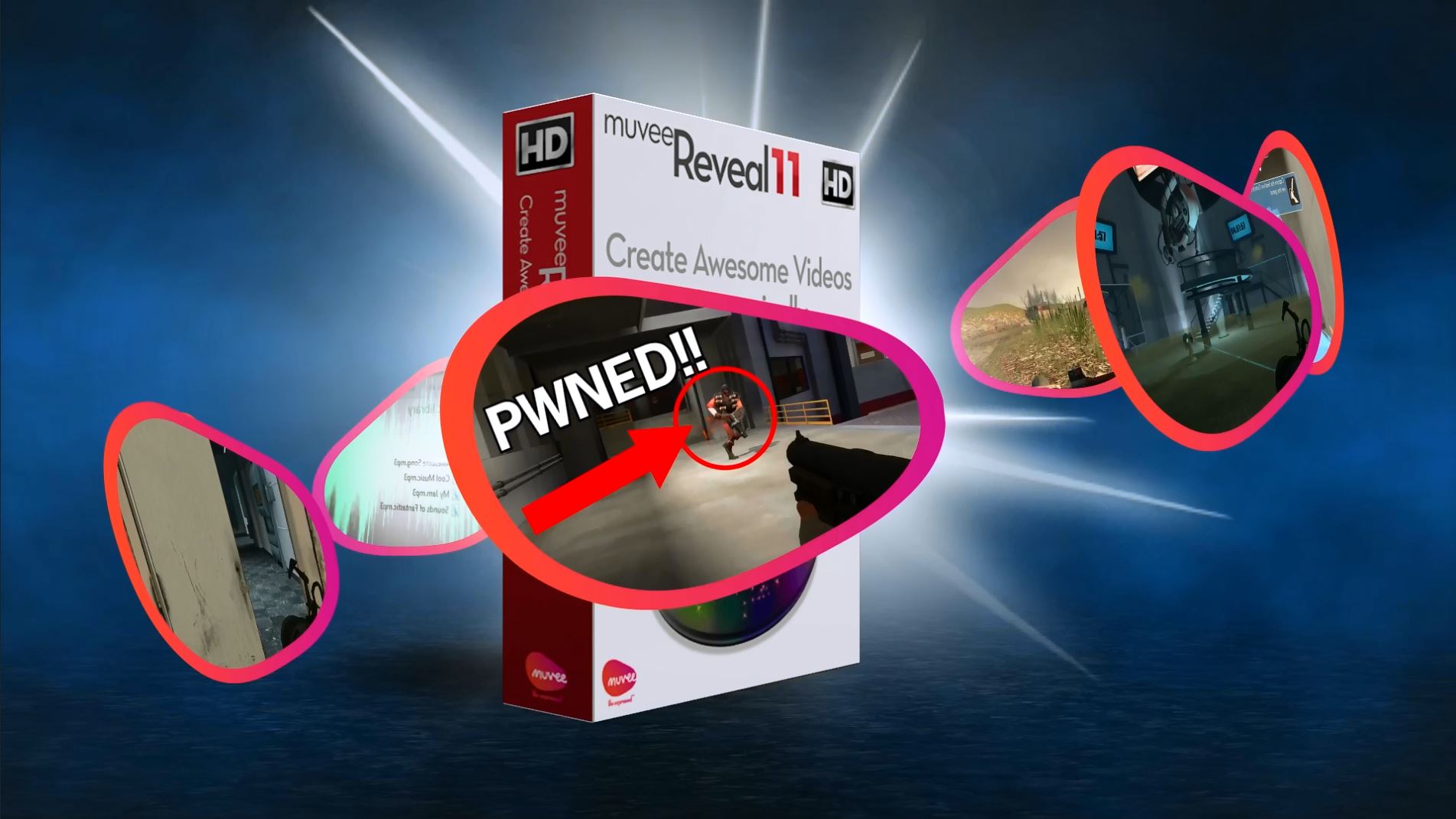
Make Dynamic Videos in Minutes We took the best video editing practices and techniques, streamlined them, and created software everyone can use.Turn photos and video clips into professional looking movies automatically. Share your experiences easily with muvee’s smart patented cinematic software.
Make Dynamic Videos in Minutes
We took the best video editing practices and techniques, streamlined them, and created software everyone can use.Share your Experiences
With just a few quick clicks, muvee Reveal 11 can help you share your gaming experiences with the masses. Simply choose your videos and images, select a style that fits the look you’re going for, then let muvee Reveal11 do the rest; with professionally designed effects, fonts, and captions.
Automatic Beat Matching
Having that perfect piece of music for your video is all too important. That’s why muvee Reveal 11 has taken all the guess work out of it. Select from a myriad of hand picked, pre-licensed tracks to add to your video, or use your own music and see it come to life. muvee Reveal 11 analyzes the music and synchronizes your video to each beat, removing the need to tirelessly match every cut yourself.
Easy Title and Credits
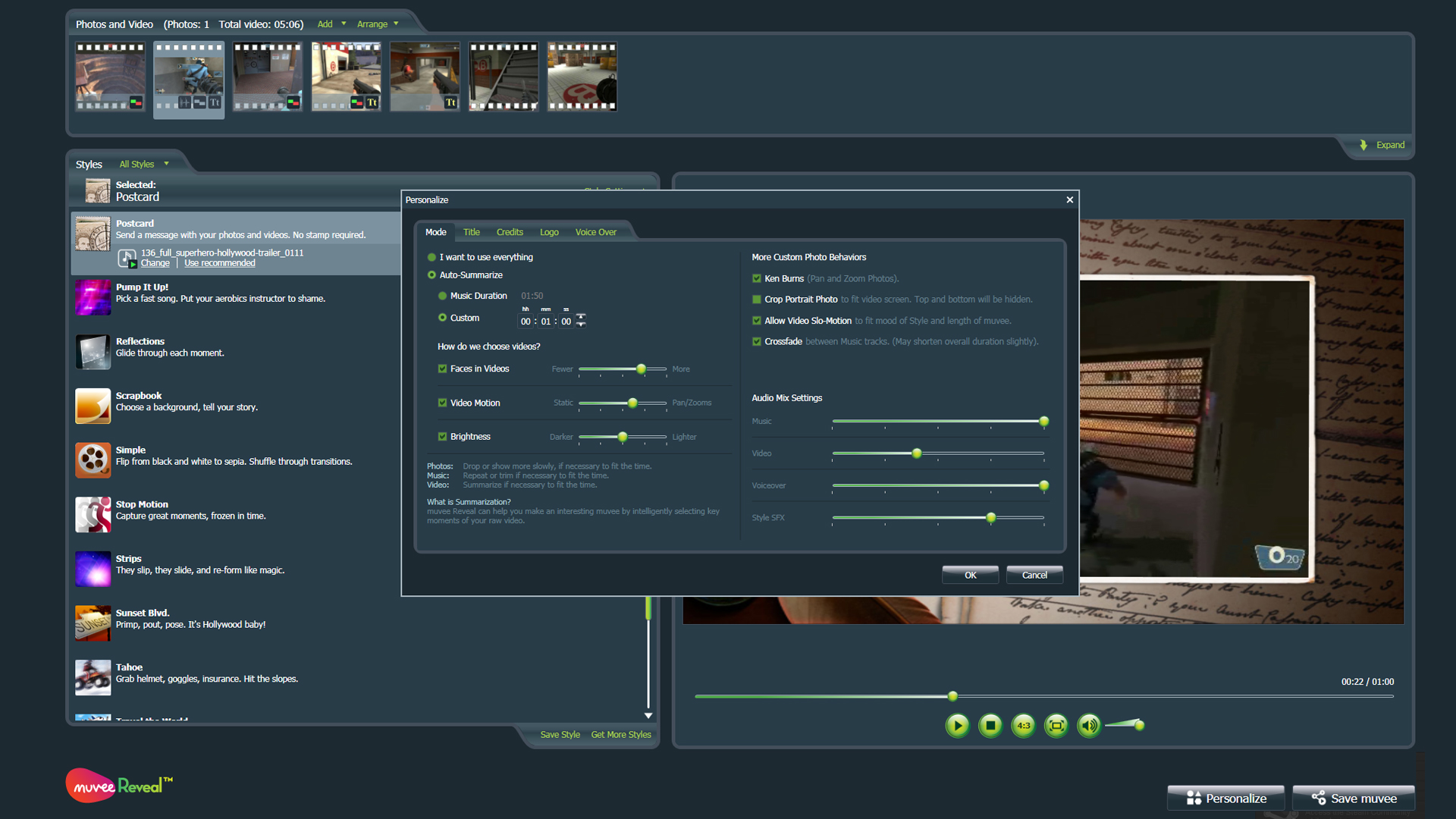
Using our powerful personalization tools, you can easily create professional looking title sequences and credits in no time at all.
Make It Your Own
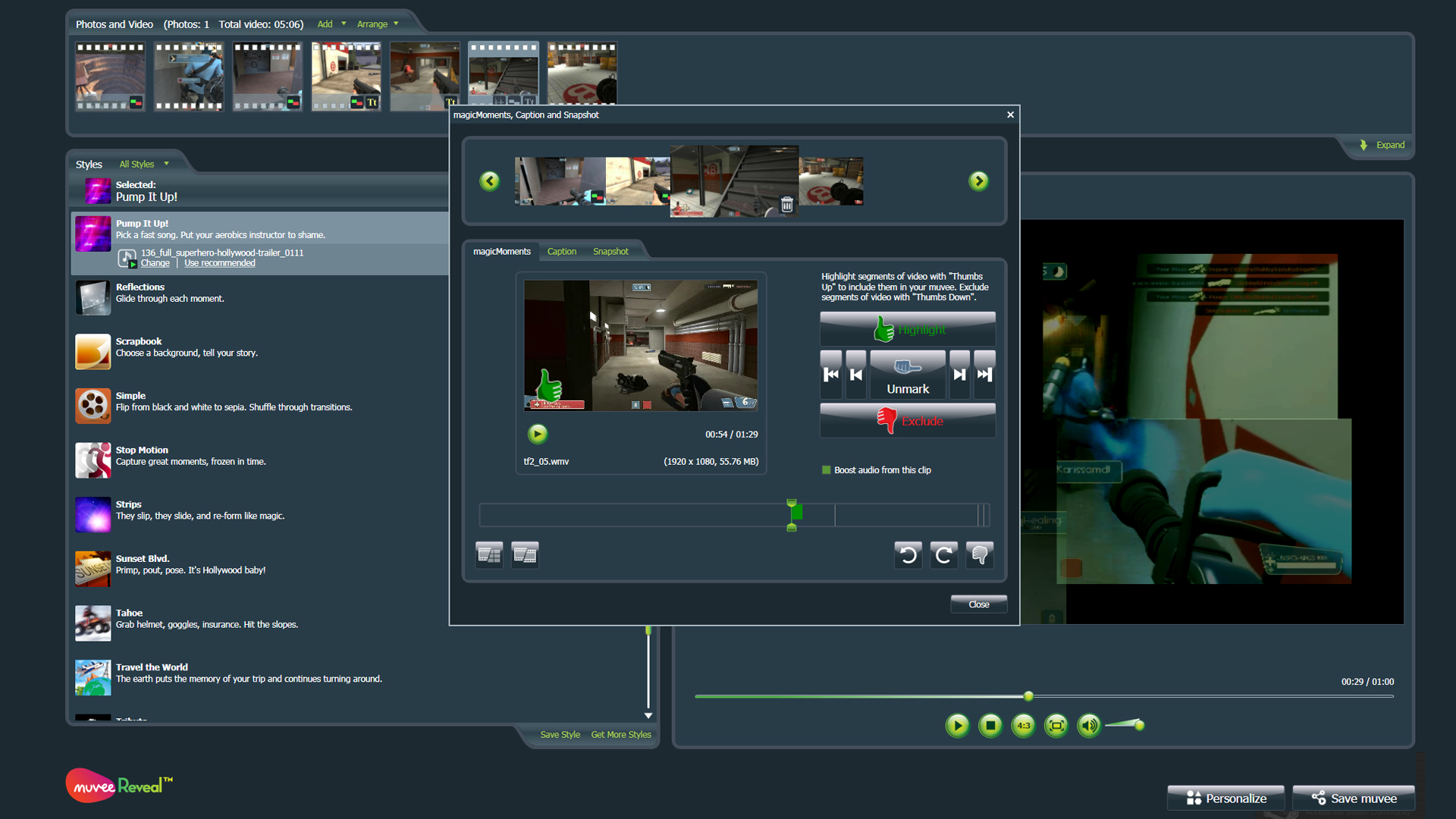
Customize your video to suit your personal tastes. Adjust the speed, what gets shown, and exactly how to show it.magicMoments for Videos
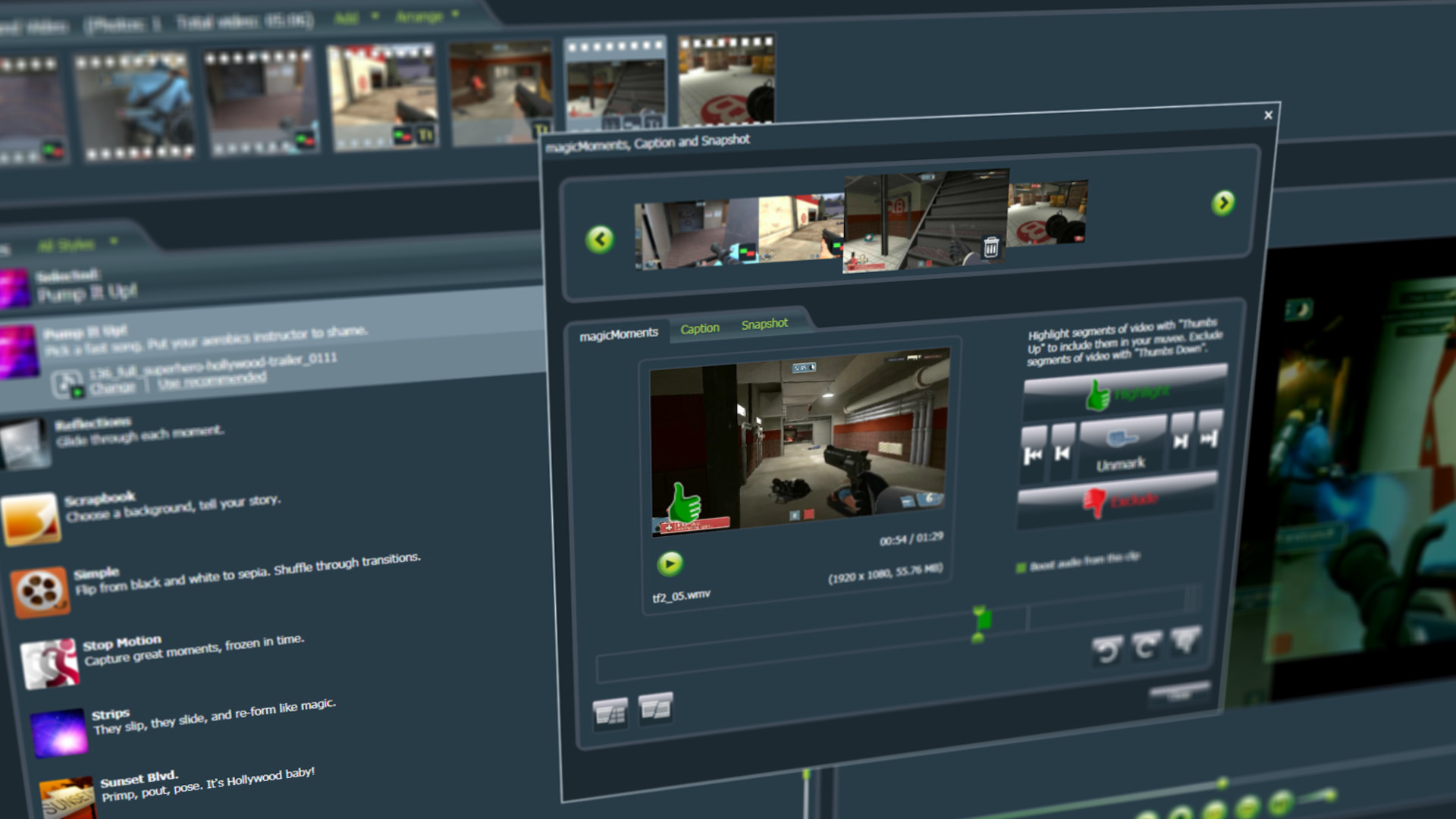
Using our simple Thumbs Up and Thumbs Down editing options; dictate what moment s you want to live in infamy, and what moments didn’t quite make the cut.
magicSpot for Photos
muvee Reveal 11 has face detection software built right in, to help you showcase the stars of the show. But by using magicSpot, you can feature anything you want! Just drag the spotlight to what you want your video to focus on. Manipulate your images in 2d space: make the camera scan across a photo, dictate start and end points, and even how much to zoom.
Set the Pace
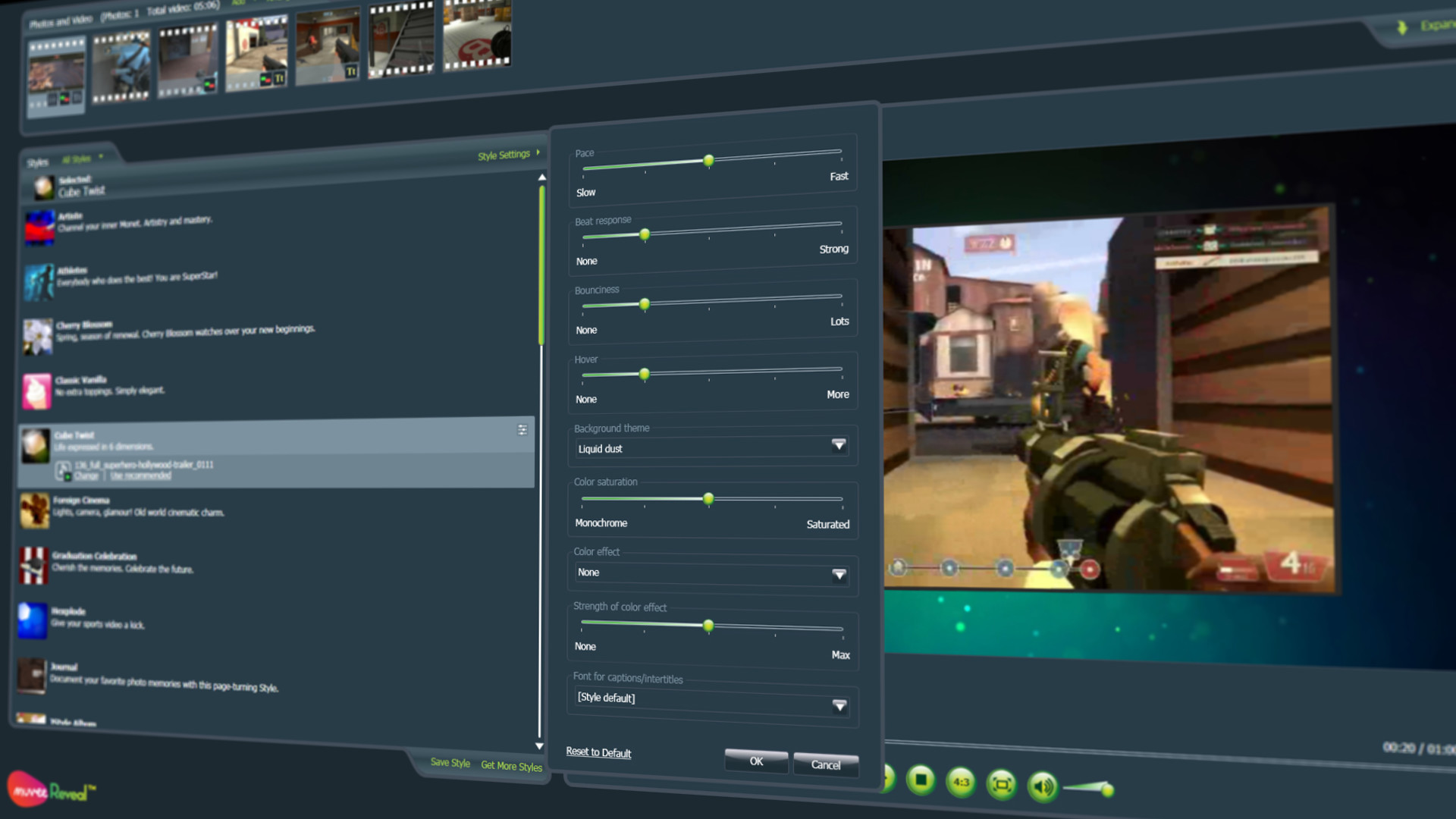
You can adjust the pace of every Style to suit your needs. Make your video have fast dynamic cuts for an edgier feel, or simply slow it down a notch and let the audience soak it all in.
Create Your Own Custom Styles
Start with a Style base and then personalize it however you want. Set a faster pace, select a color filter, or even change the fonts and backgrounds. When you are done tweaking, save your unique style and now you’re ready to use it whenever you want.
Capture and Add Video Snapshots
Save a photo still from any video. Want to show your friends that one screen shot that’s right in the middle of your video? Import a video, and take snapshots of any frame simply by clicking the “Capture” button.
Enhance Your Videos
Graffiti
Found in the photo options drop down menu, you can now add graphics to your photos. Add borders, hand drawn embellishments, speech bubbles, and visual effects including lens flares and light leaks to give your video that extra level of polish.
Color Filters
Adjust the overall feel of your video using over 10 different color grades. Add a sunset glow to give it a luminous romantic feel, or add a Sepia filter to give it a more rustic look.
Audio Controls
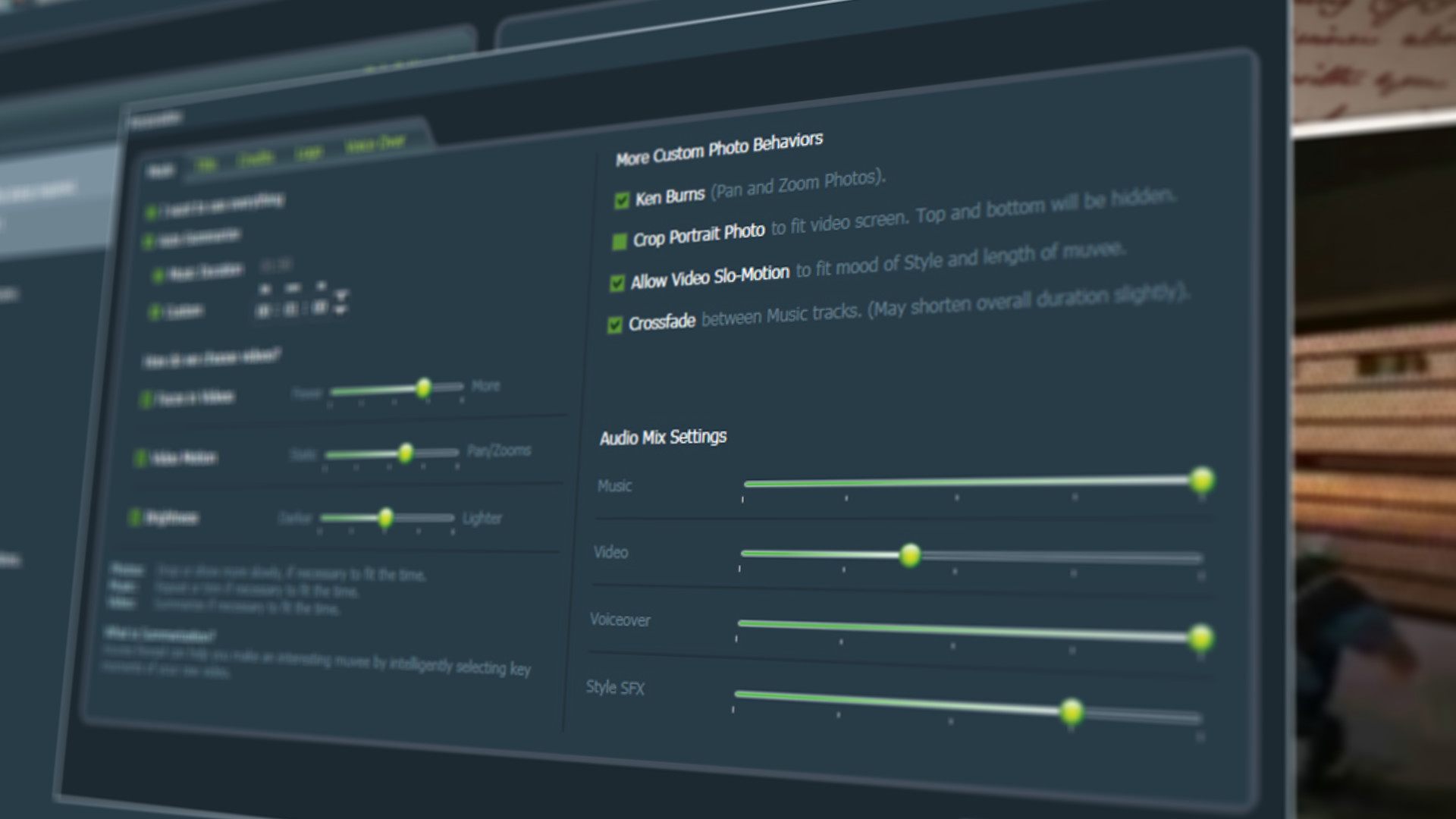
Add any music you want and use just the parts you need; only use the chorus, or string together three completely different songs. Blend in audio from the video soundtrack to showcase the most important segments, or voice over your new video and give live commentary.
Share and Collaborate
Collaborate and Edit Anywhere
muvee Reveal 11 supports editing on the move. Zip up all the photos, videos, music, and settings into a single file for easy transfer and collaboration. No longer worry about finding and saving every little file, muvee Reveal 11 does it for you.
Share and Distribute
muvee Reveal 11 supports the most popular video formats; from AVI to H.264. Create your video and upload it directly to Youtube/Vimeo/Facebook, or save a copy for viewing on any of your own personal devices.
Media
Trailers and screenshots straight from the store page


Juegos como Muvee Reveal 11
Etiquetas en común, no la misma serie.











Muvee Reveal 11: historial de precios y ofertas actuales
Seguimiento de precios de Muvee Reveal 11 en tiendas autorizadas.
Reseñas, duración y clasificación de Muvee Reveal 11
6 personas han valorado Muvee Reveal 11. 17% son positivas. Steam lo llama 6 user reviews.
Preguntas frecuentes
Respondido con los propios datos de este juego. Donde no tengo nada, no digo nada.
¿Merece la pena Muvee Reveal 11?