El texto del producto se muestra en inglés porque no hay texto fuente disponible en este idioma.
VEGAS Pro 13 Edit - Steam Powered

Why this verdict
Ofertas
Precios de tiendas oficiales y comparaciones de keyshops identificadas
Todavía no se registran ofertas para este producto.
Report a problem
Price history
Historial de precios aceptados y mínimos registrados
No price history recorded yet.
No history yet.
Todavía no se ha registrado el inicio de ninguna oferta.
About this game
What this game is, in the developer's words
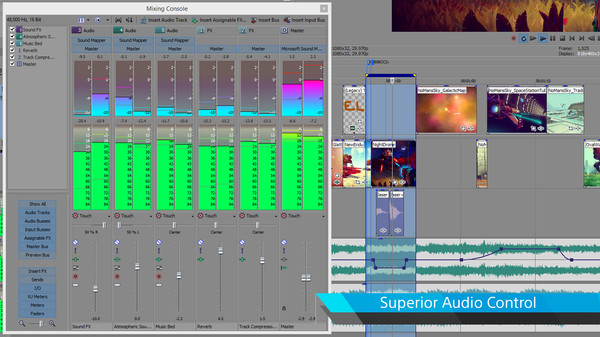
VEGAS Pro 13 Edit - Steam Powered delivers pure VEGAS Pro core technology in a cost-effective package. Features include advanced archival tools, audio metering options, and full synchronization with the VEGAS Pro Connect mobile iPad companion app.
About this Software
As your video skills grow and projects get more creative, step beyond Movie Studio 13 Platinum with VEGAS Pro 13 Edit and the additional power of:
• Unlimited video and audio tracks
• Go beyond HD with 4K and UHD projects
• 32-bit video processing
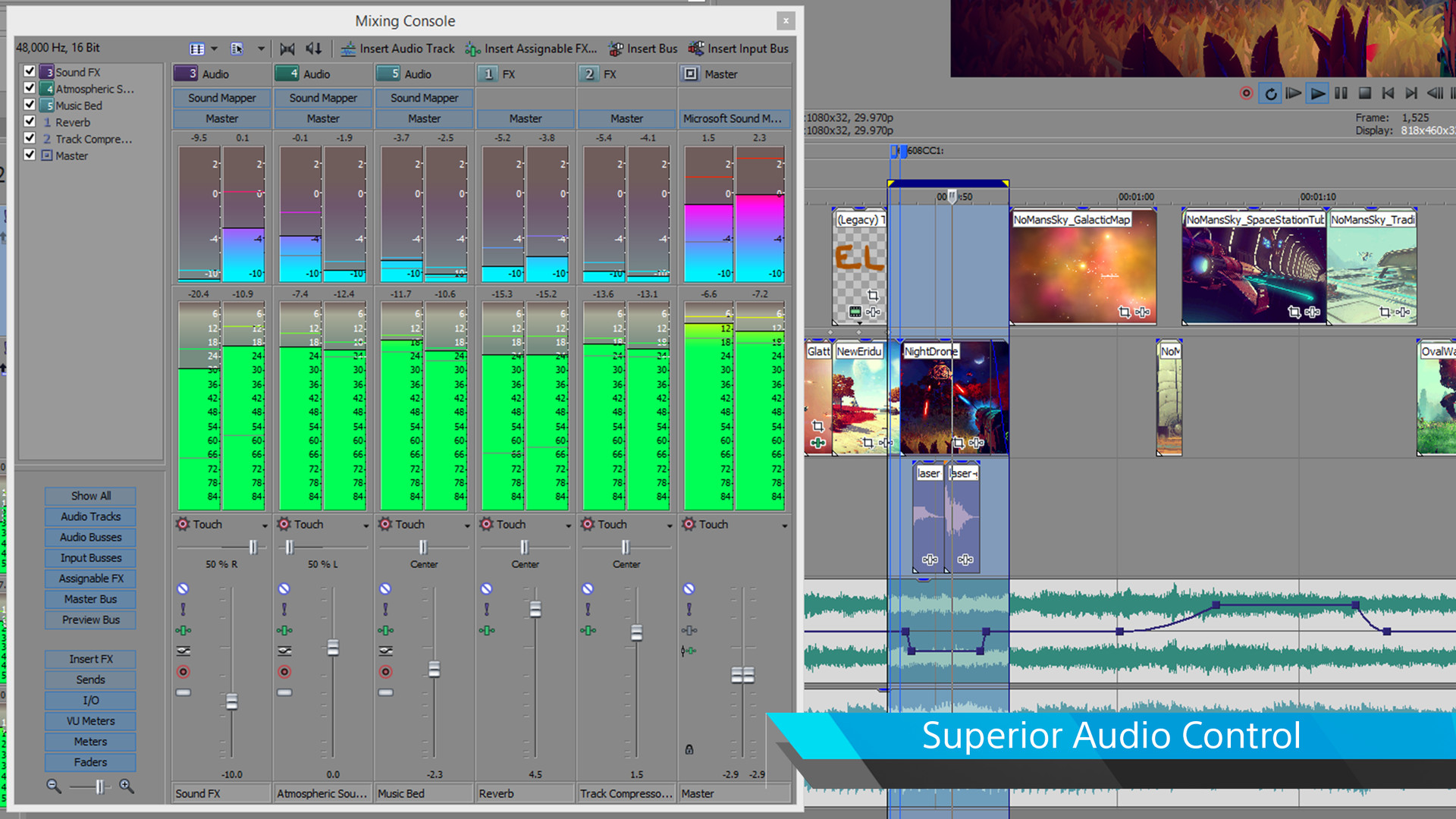
• 24-bit/192 kHz audio processing
• Pro video scopes power up your final color correction phase
• Nested projects for longer form organization
• Application scripting for automation of frequent tasks
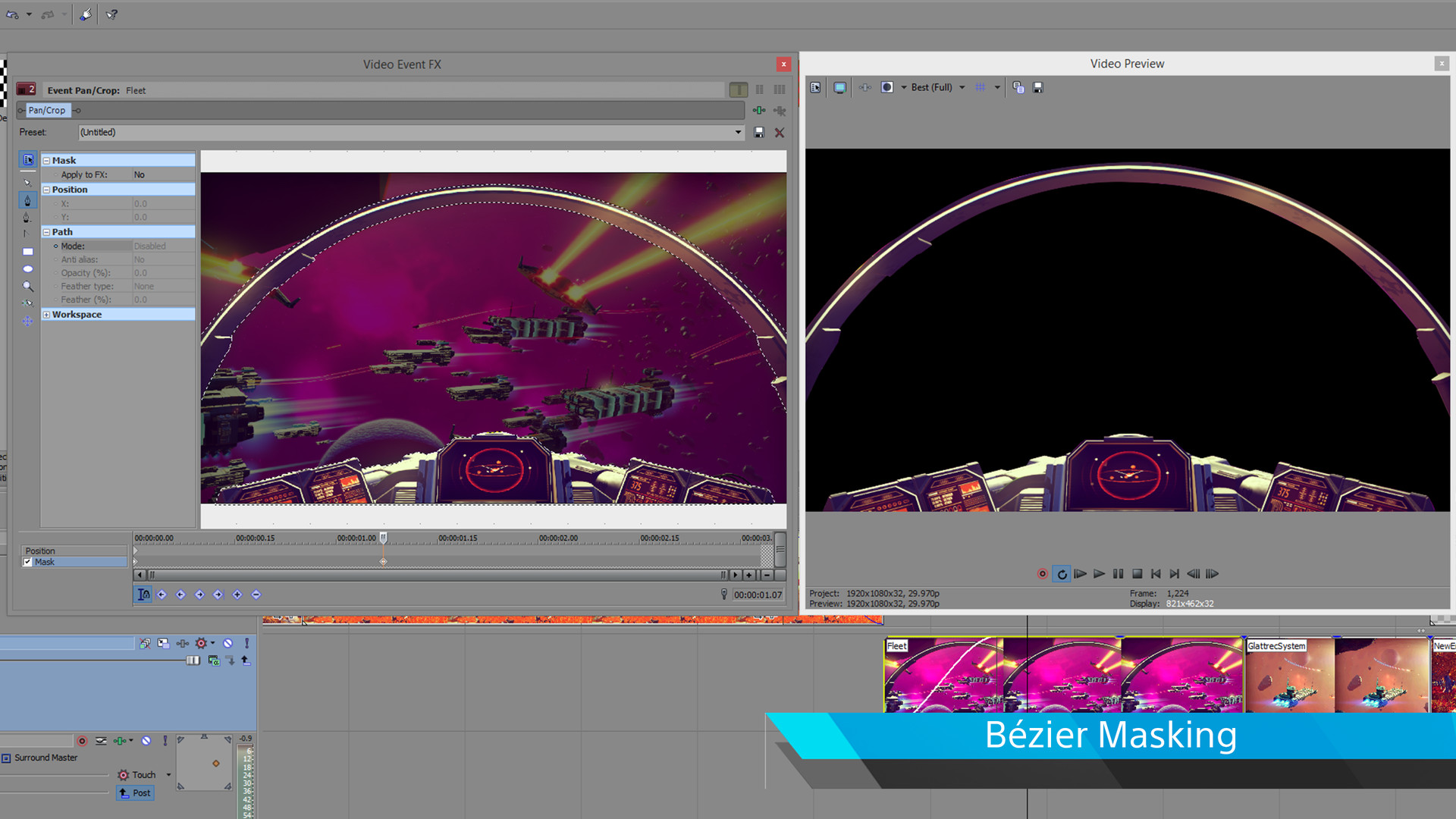
• Bézier masking for creative compositing
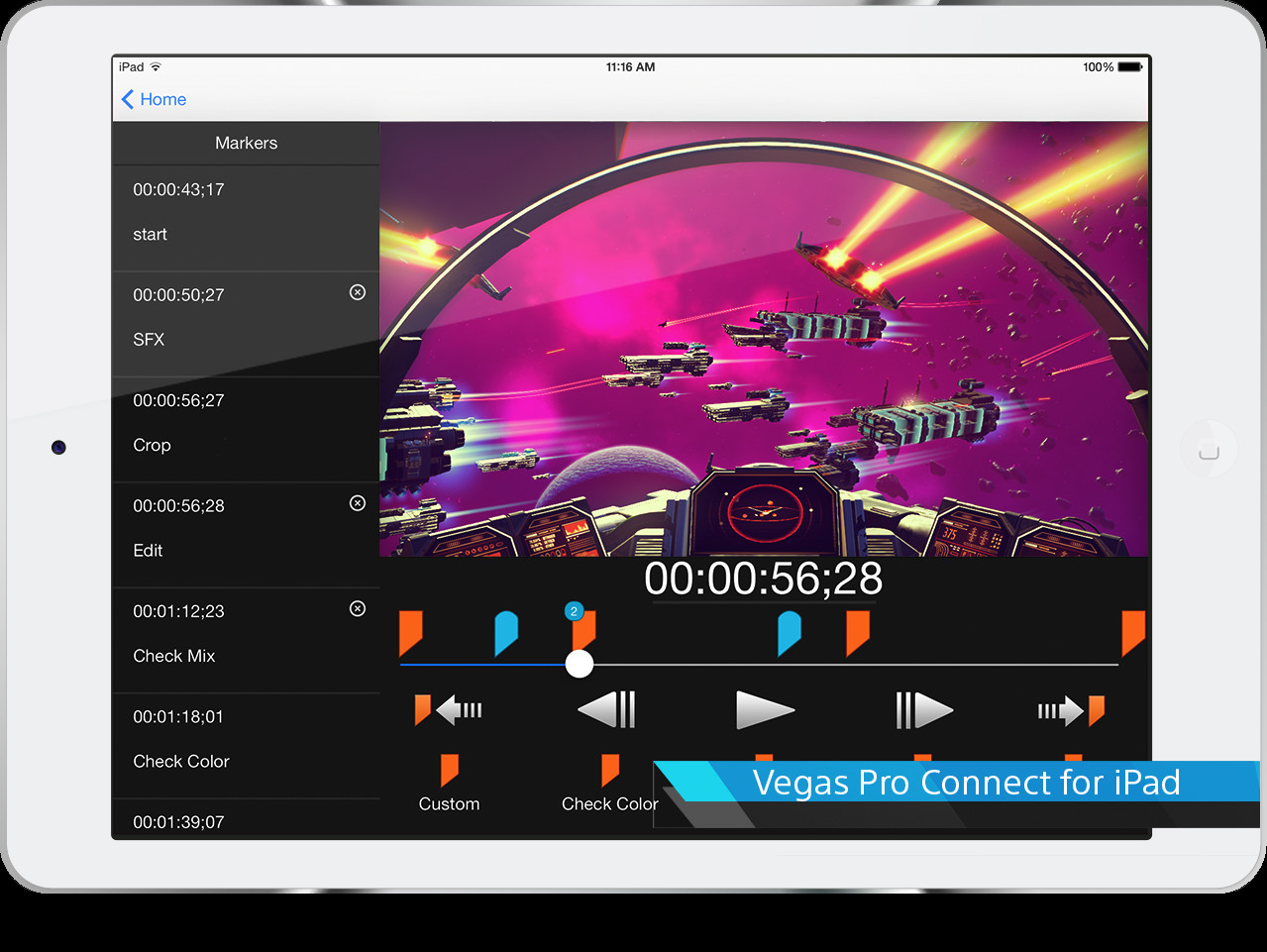
• Collaboration and remote control with VEGAS Pro Connect for iPad
• 390+ Video and 40+ Audio key-frameable filters and effects
• Animated titles and media generators
• Support for multi-layer Adobe Photoshop® PSD files
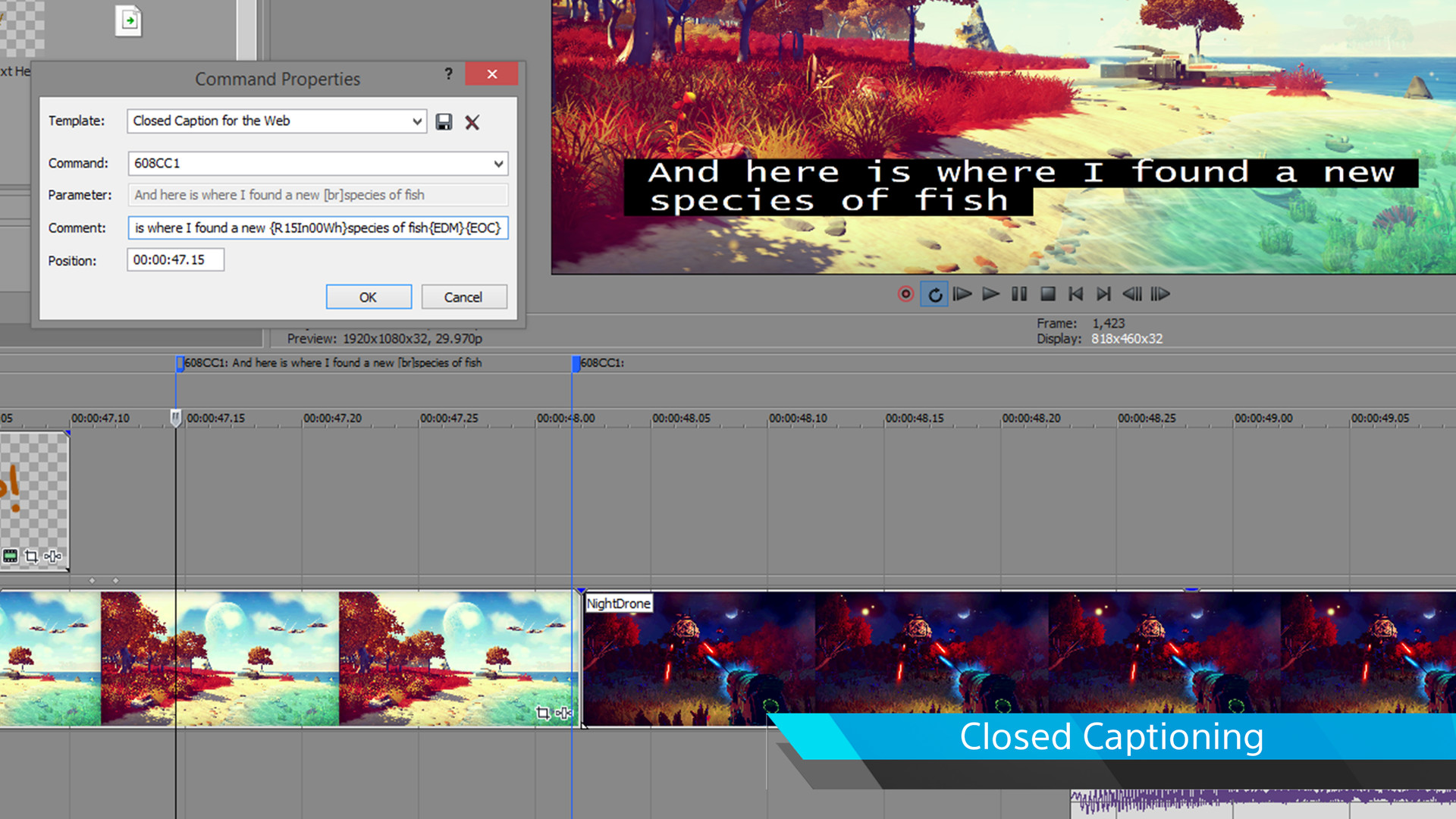
• Closed Captioning creation
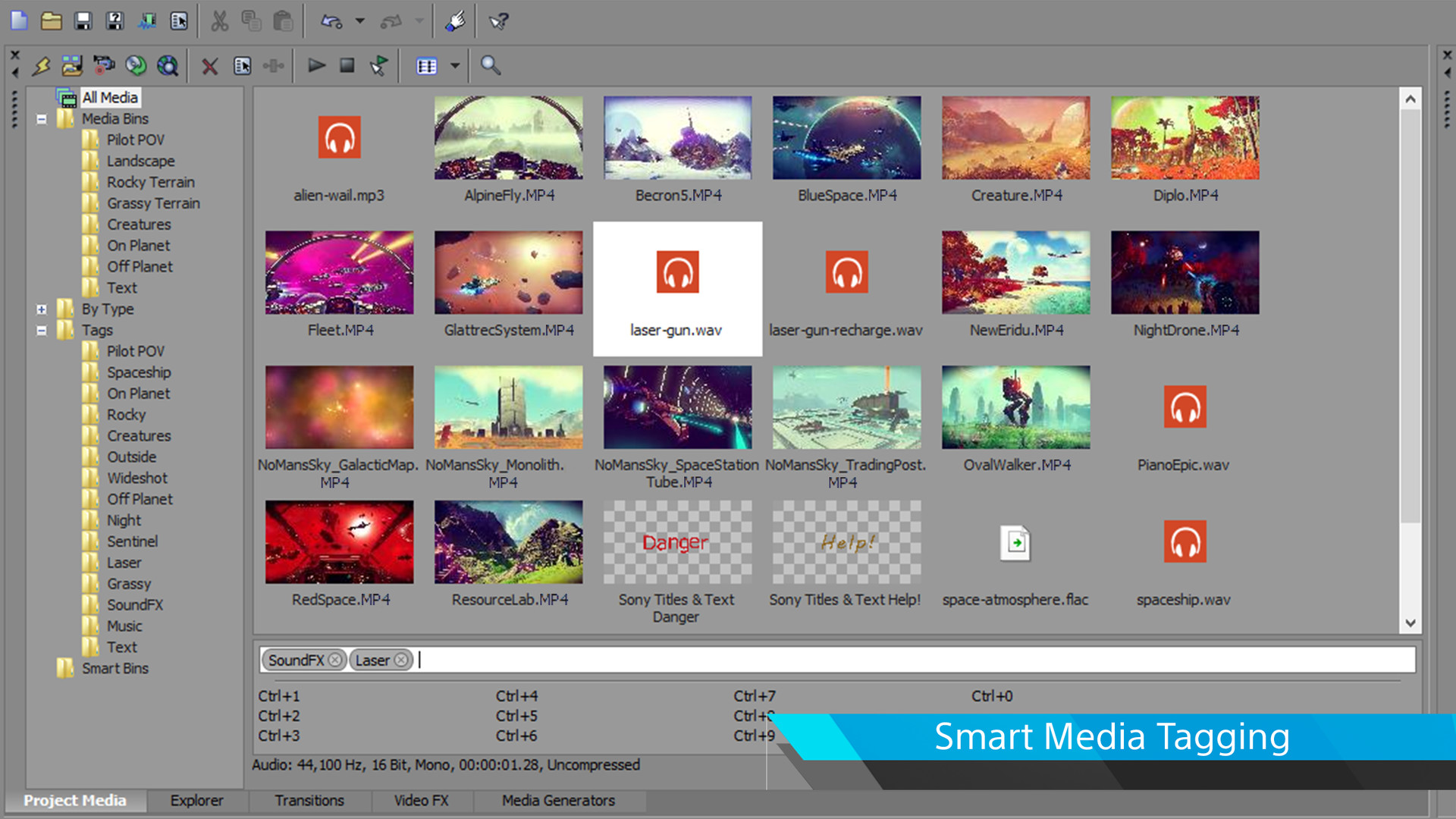
Edit standard definition, high definition, 2K, and 4K material with simple drag-and-drop functionality. The VEGAS Pro 13 Edit interface provides an impressive array of innovative tools and thoughtful touches with a fully customizable workspace for accomplishing a wide range of production tasks. Quickly edit together that clutch moment in your game play or your latest quadcopter video with stunning video and audio effects and titles, post to your channel, and share with your subscribers.
Rapid Editing
VEGAS Pro is known for being a rapid editing environment. VEGAS Pro provides a multi-tool paradigm which organizes frequently used tools in a convenient pop-up menu directly below the timeline to provide fast access for a more efficient editing workflow. All editing tools have keyboard shortcuts so you can edit even faster.
Powerful FX
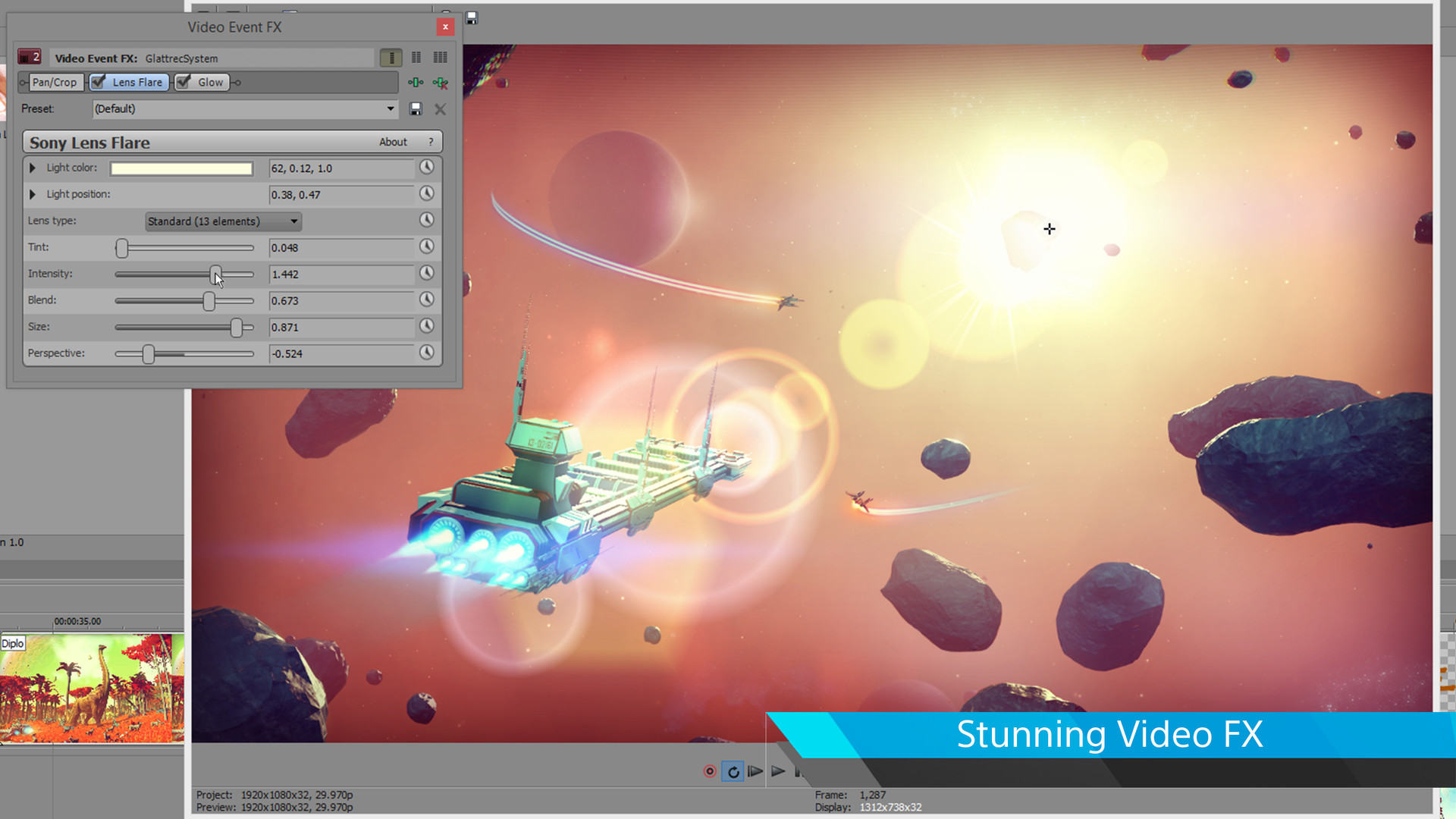
With over 60 video effects and seven specialized video effects from FXHOME, and over 45 audio effects and filters integrated directly into VEGAS Pro 13, you can enhance your video in any number of ways. Combine up to 32 video filters and effects per effects chain and apply them at the event, track, media, and project levels. Easily match color characteristics from one clip to another using the color match plug-in. Import layered Photoshop® files with each layer on its own track. Process and render videos faster with GPU-accelerated, OpenCL™-supported devices.
Add Narration and Closed Captioning
Enhance your game-play projects for the web by recording your narration as you preview your video. Add closed captioning to follow lockstep with your narration.
Masking
Don’t have a green screen? Bézier Masking to the rescue! Creative masking combined with the compositing available in VEGAS Pro can dramatically enhance—and in some cases save—your project.
VEGAS Pro Connect
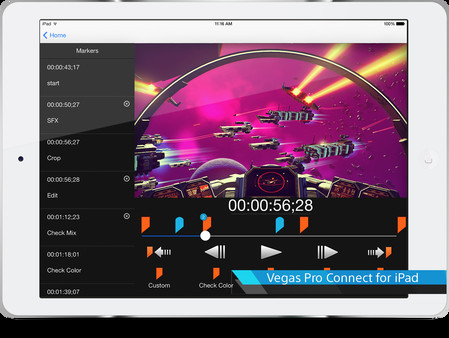
Control VEGAS Pro remotely from your iPad with VEGAS Pro Connect, a free app for your iPad. Send your video to a friend’s iPad where they can leave comments and suggestions on your project. Reconnect and instantly bring those comments and suggestions directly to your project timeline as frame-accurate markers with text.
Add Animated Titles
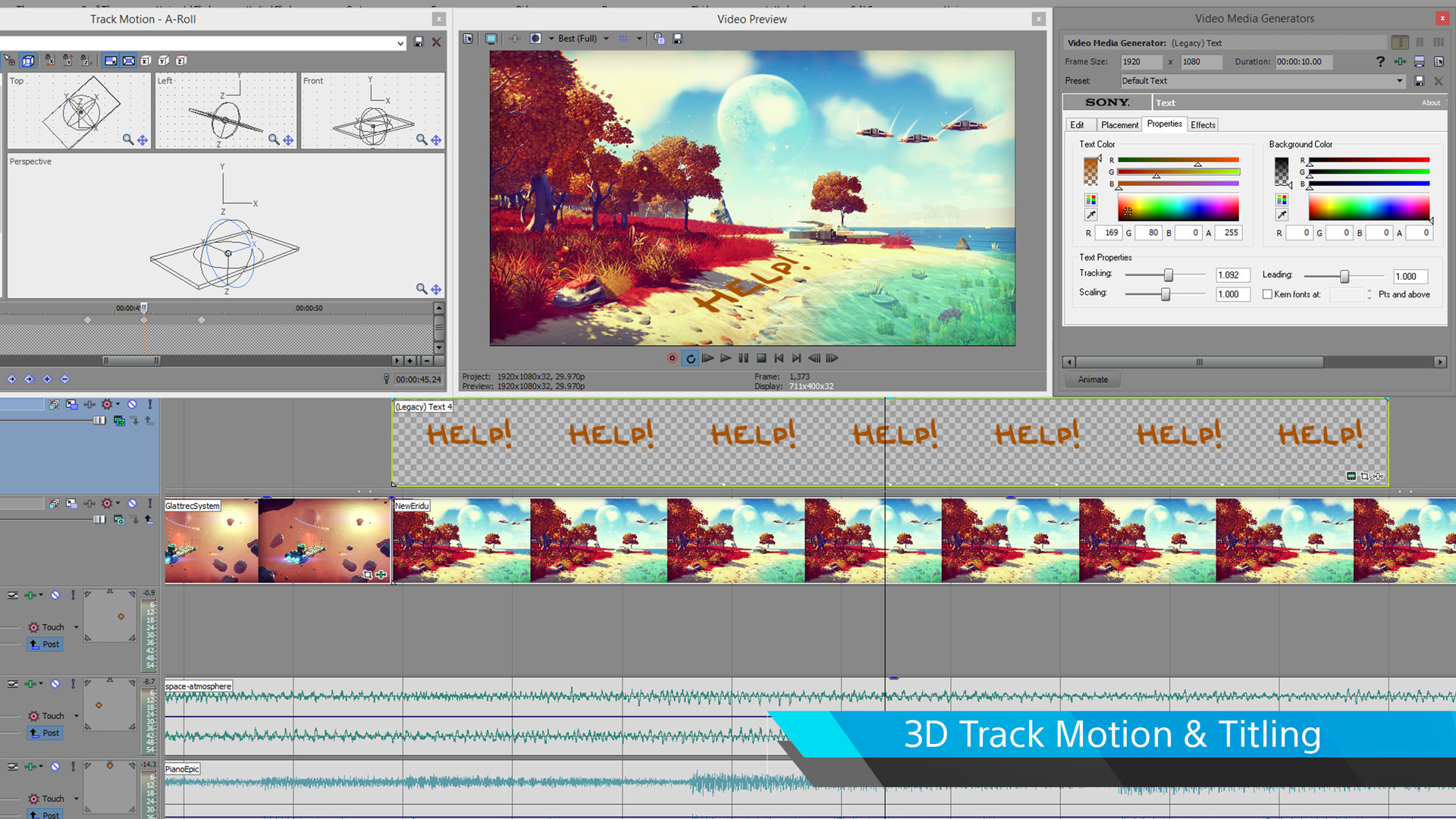
Creating animated titles and credit rolls is as easy as a drag and drop. Place the titler on the timeline to create lower thirds or main titles. Use animation presets or design your own. Choose from a variety of credit roll presets and customize anything from font to color and background.
Media
Trailers and screenshots straight from the store page
Juegos como VEGAS Pro 13 Edit - Steam Powered
Etiquetas en común, no la misma serie.










VEGAS Pro 13 Edit - Steam Powered: historial de precios y ofertas actuales
Seguimiento de precios de VEGAS Pro 13 Edit - Steam Powered en tiendas autorizadas.
Reseñas, duración y clasificación de VEGAS Pro 13 Edit - Steam Powered
43 personas han valorado VEGAS Pro 13 Edit - Steam Powered. 91% son positivas. Steam lo llama Positive.
Preguntas frecuentes
Respondido con los propios datos de este juego. Donde no tengo nada, no digo nada.
¿Merece la pena VEGAS Pro 13 Edit - Steam Powered?


Requirements
English, French, German, Spanish - Spain, Japanese