Le texte du produit est affiché en anglais parce que le texte source n’est pas disponible dans cette langue.
PC Region FR

Simulation · cybereality
Decay - a real time interactive experience

Windows macOS Linux
Mostly Positive · 79% of 33
Price verdict · FR updated yesterday
Why this verdict
Player reviews 79% positive of 33
Quality score 79/100 · small sample
Offres
Prix des boutiques officielles et comparaisons de keyshops signalées
Aucune offre suivie pour ce produit.
Report a wrong price
About this game
What this game is, in the developer's words
Decay, a real time interactive experience.
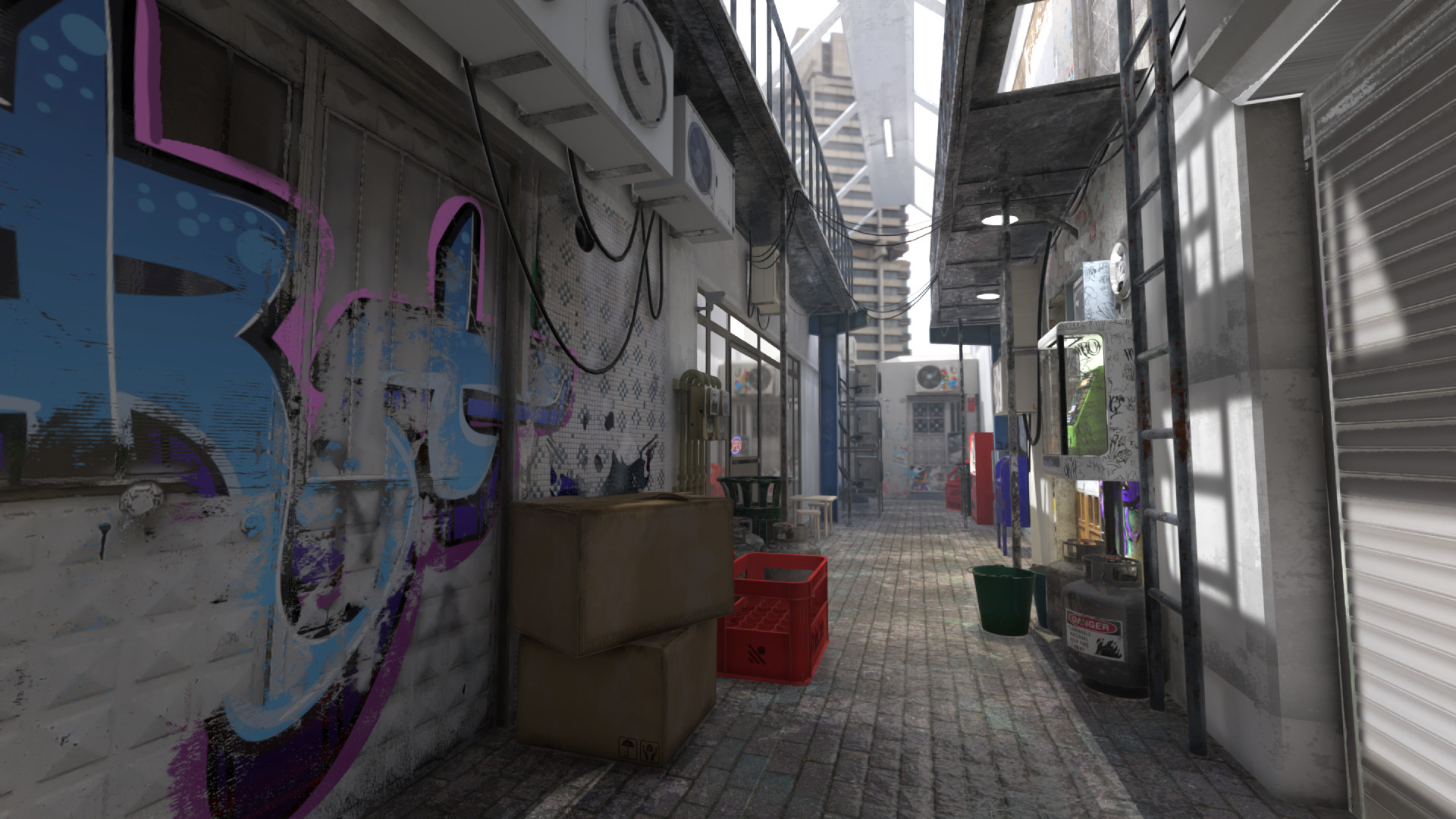
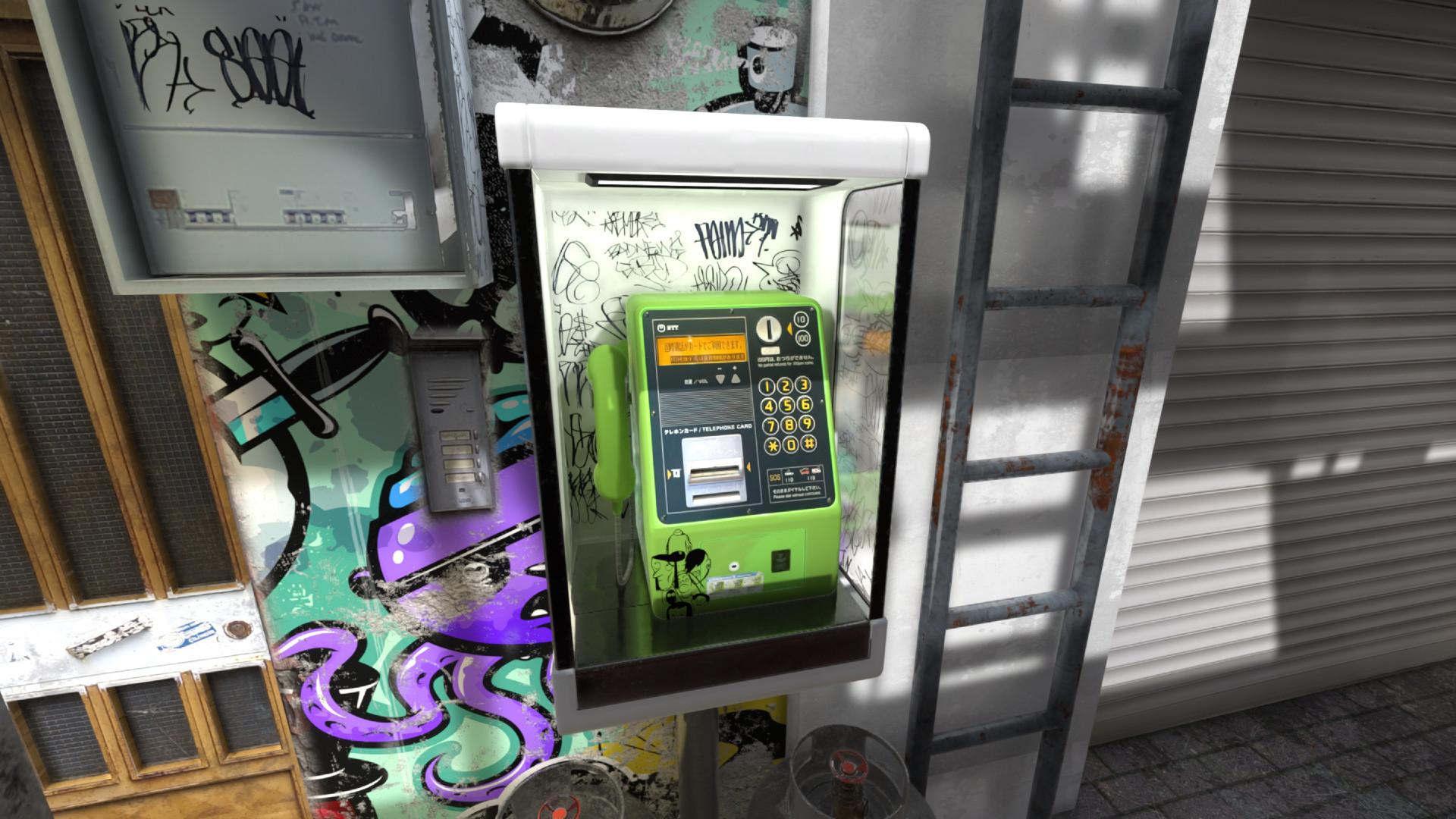
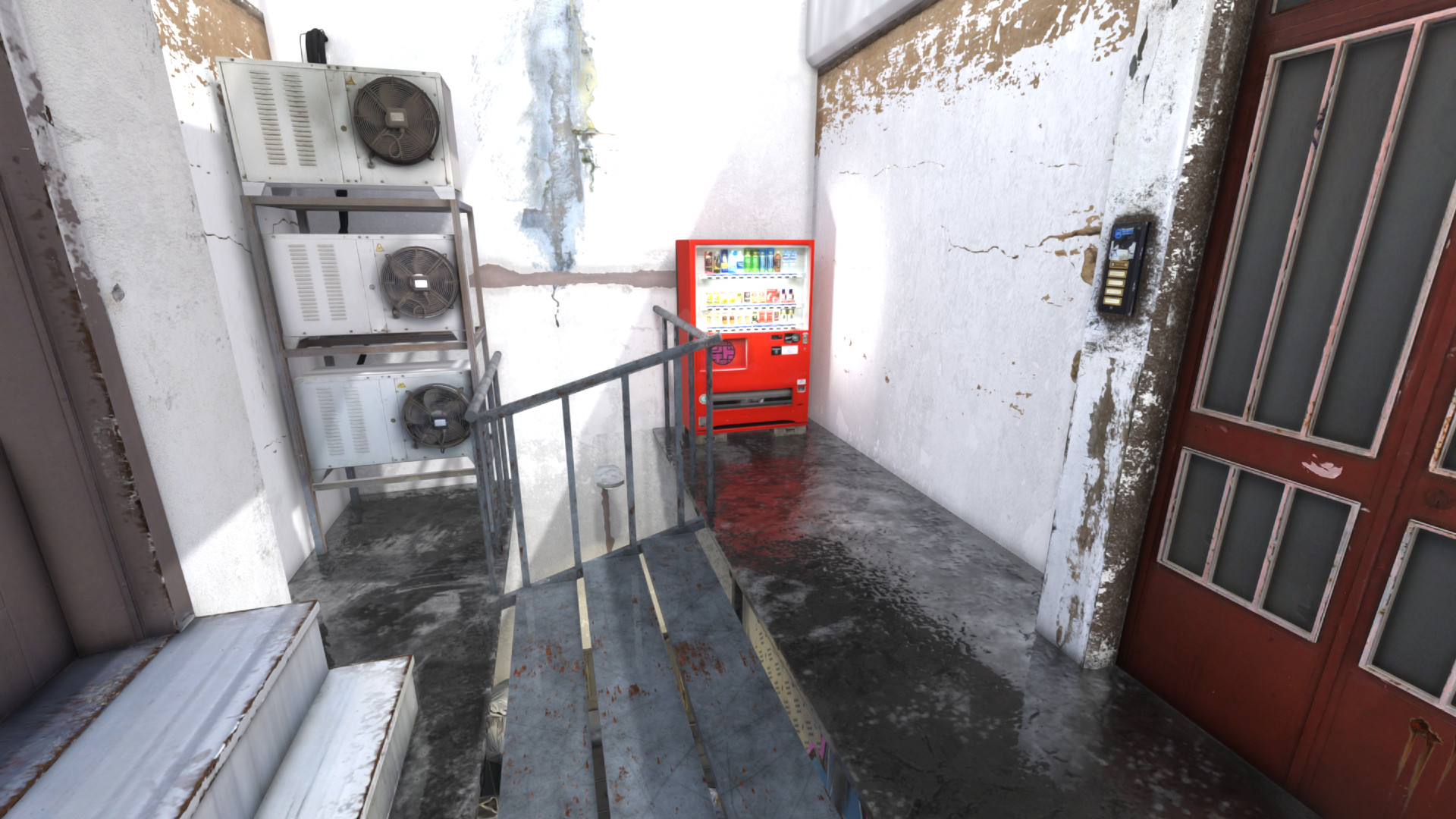
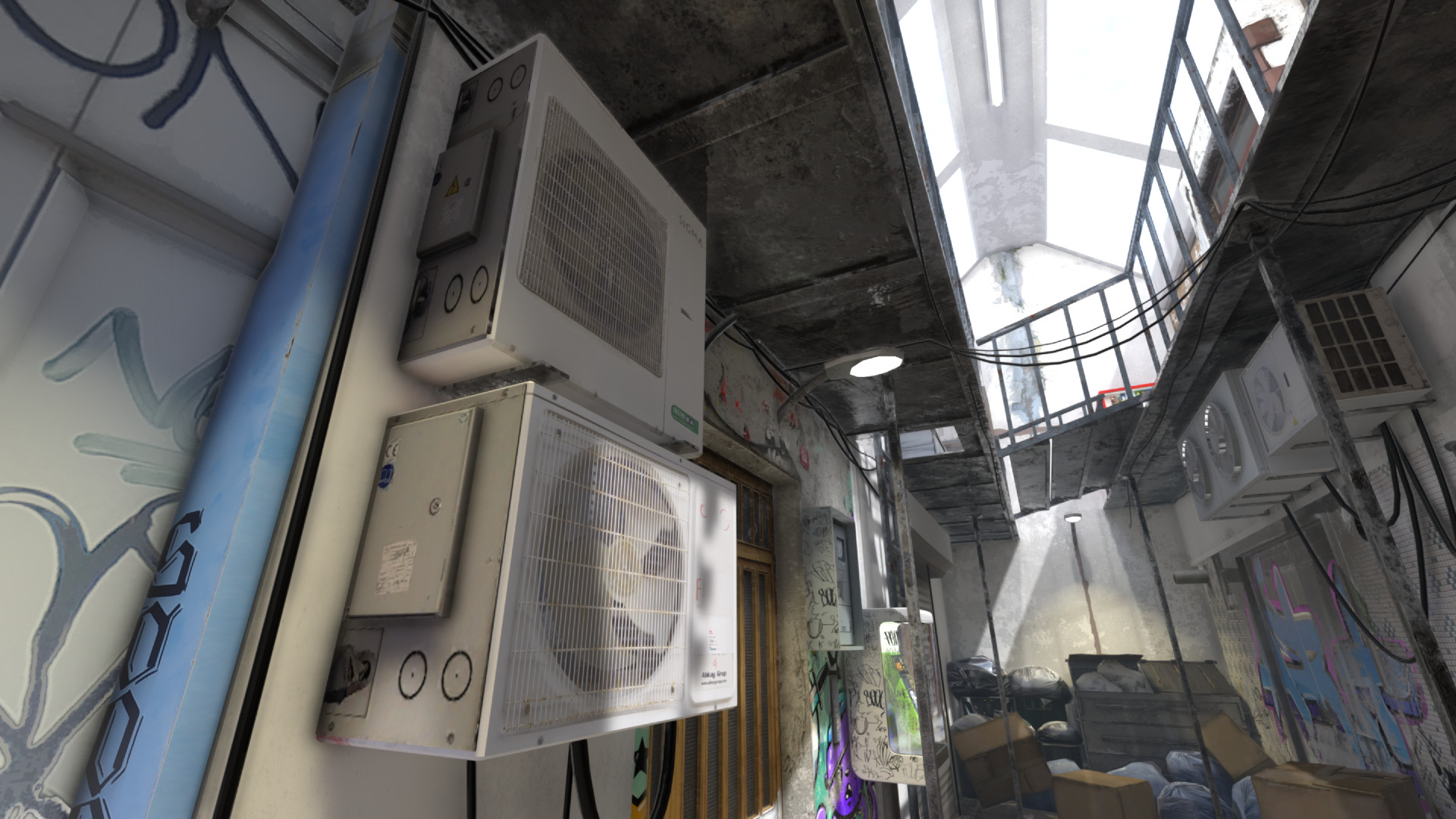
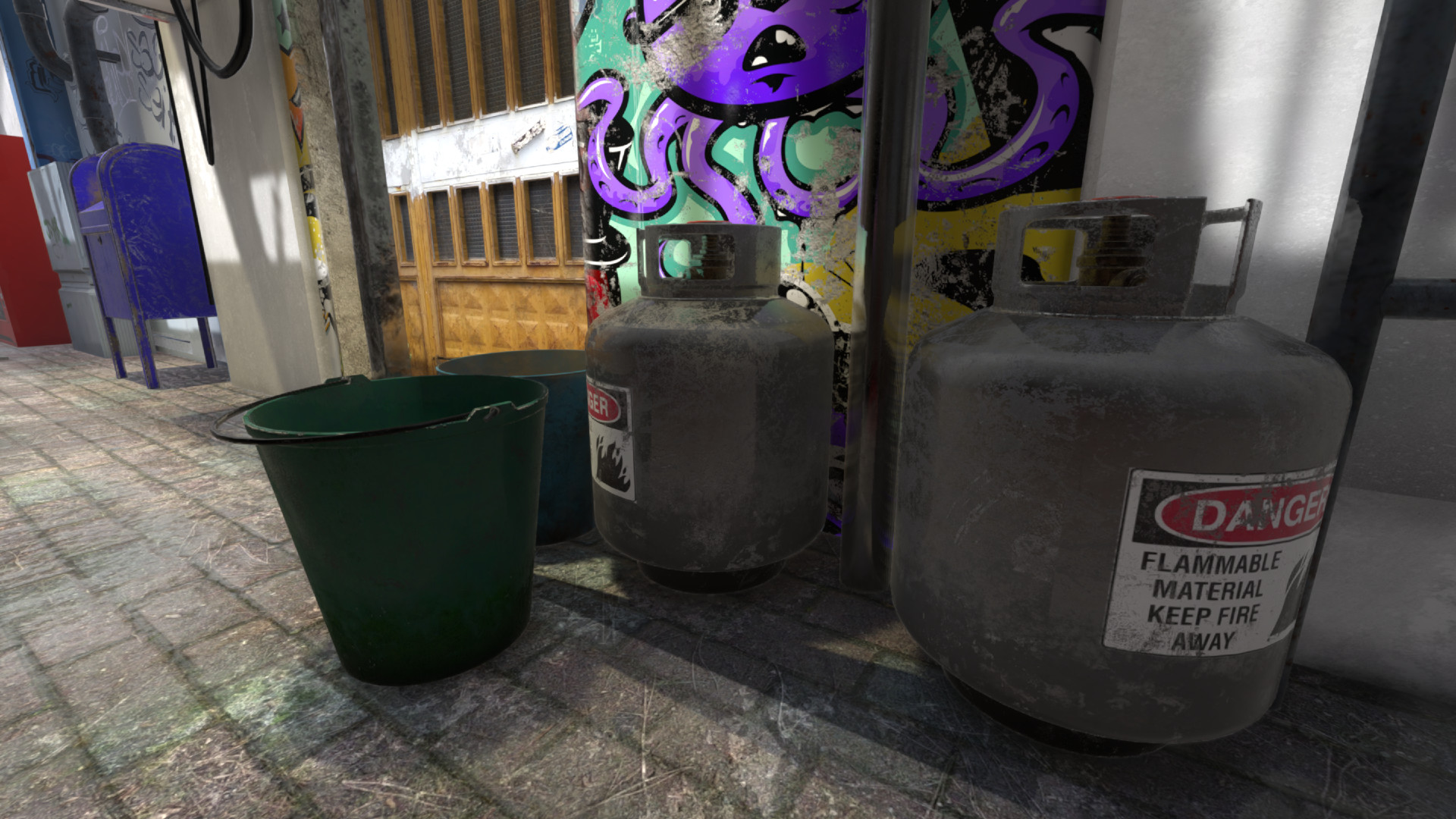
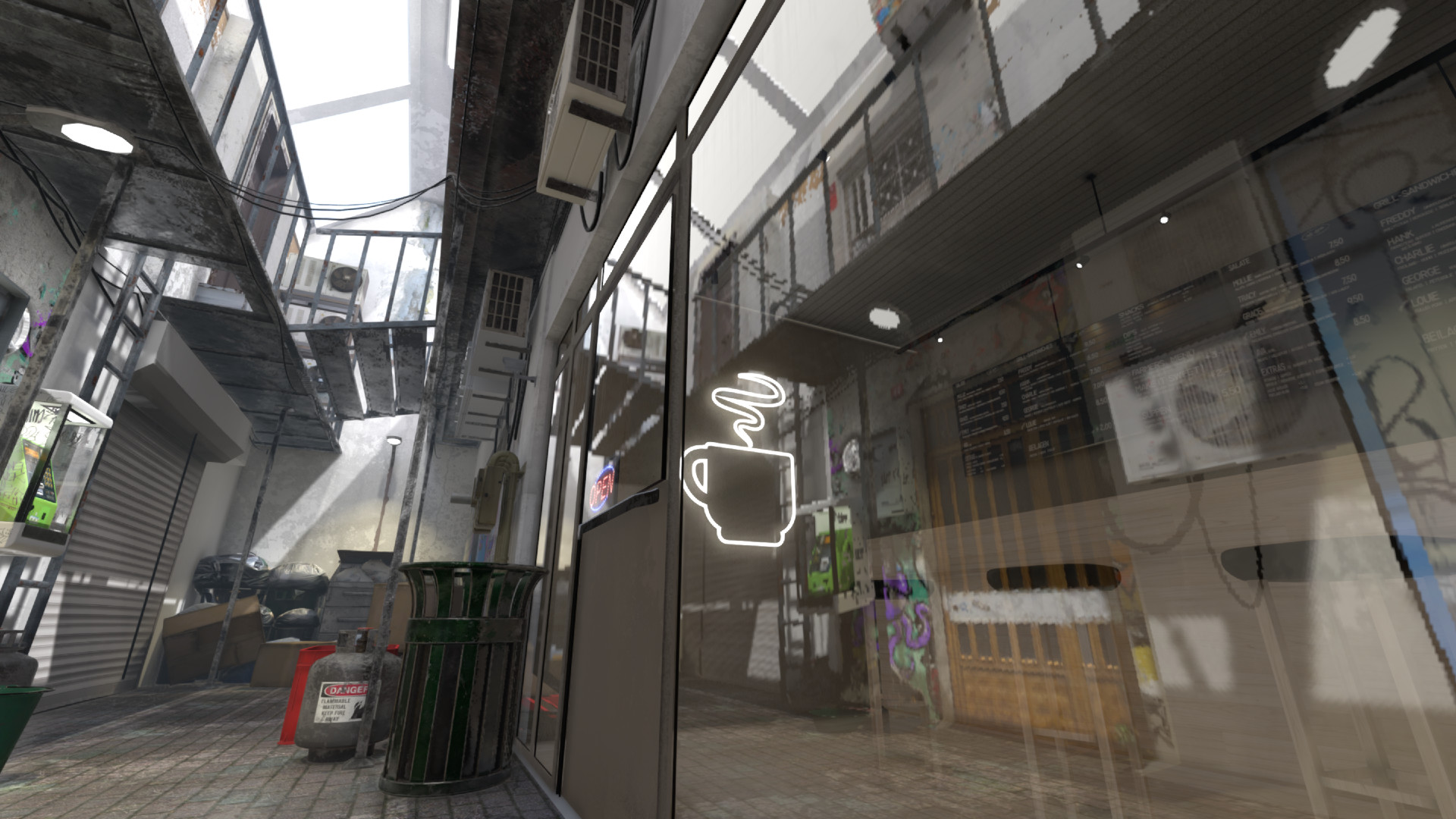
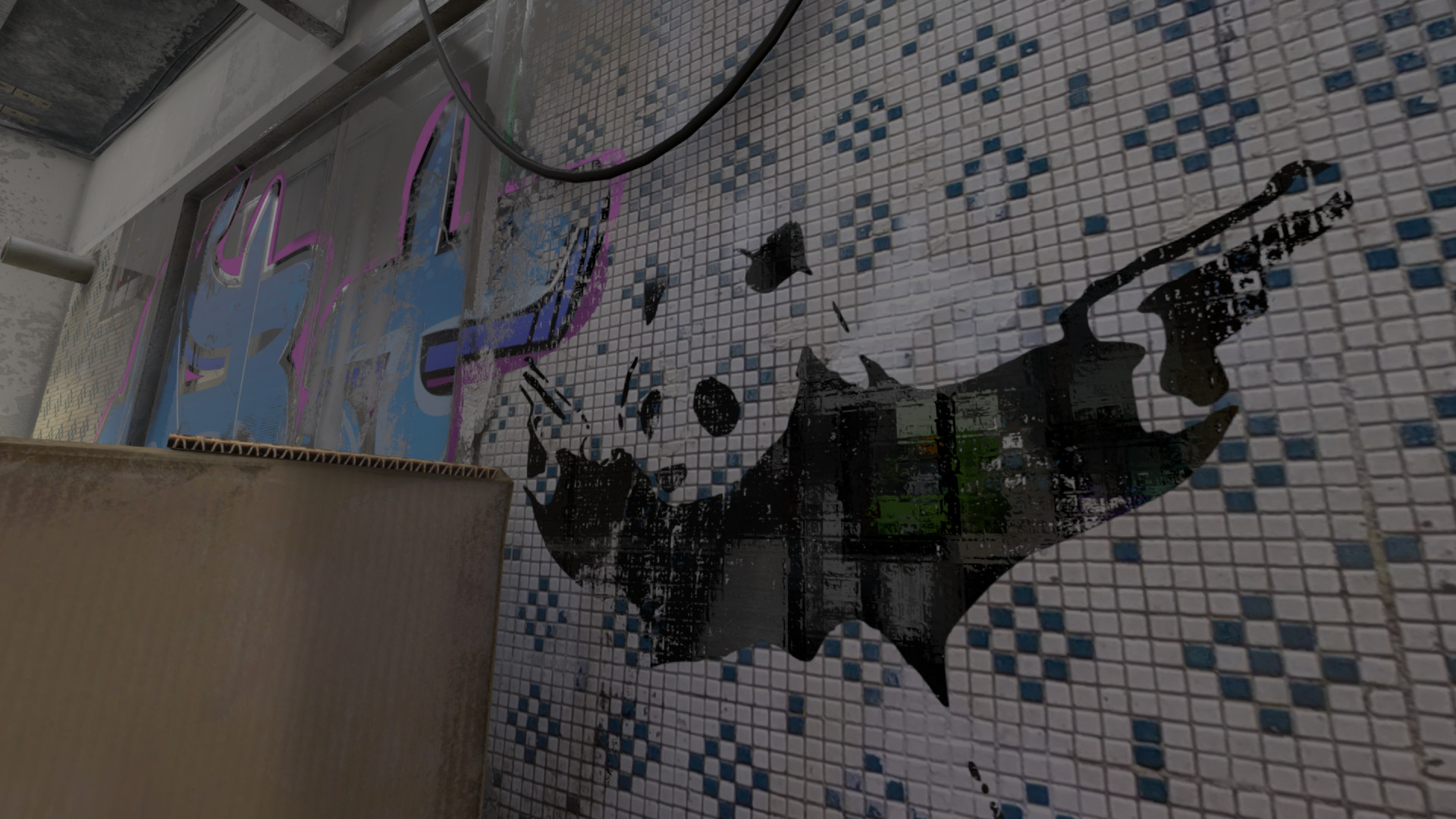
Decay, a real time interactive experience made in Godot Engine. Basically a technology showcase for Godot, you can watch it for a few minutes and look at the graphics and performance on your computer. A frames per second monitor is included (press Escape to open the menu) and you can also tweak the many graphics options. It includes 4 presets (Ultra, Quality, Performance, and Low Spec) and also allows you to change individual settings (for example, full screen mode or changing the render scaling, as well as visual settings like reflection and ambient occlusion).
The experience features a cinematic camera that runs and loops by itself, so can be watched as a real time music video, a 3D graphics benchmark, or control the camera and fly around the environment. You can press the Space Bar to enable the camera control. The free camera control is like a spectator camera in games (with collision detection) and allows you to fly around freely and explore the environment and the graphics.
Press Escape to view the options. Space to toggle cinematic camera (be sure to close the menu before flying around). WASD or Arrow keys move around. Mouse to look. Supports 3D glasses. To experience Decay in stereo 3D, you'll need red/cyan anaglyph 3D glasses. The ones from Pro-Ana or BIAL are the best quality.
The experience features a cinematic camera that runs and loops by itself, so can be watched as a real time music video, a 3D graphics benchmark, or control the camera and fly around the environment. You can press the Space Bar to enable the camera control. The free camera control is like a spectator camera in games (with collision detection) and allows you to fly around freely and explore the environment and the graphics.
Press Escape to view the options. Space to toggle cinematic camera (be sure to close the menu before flying around). WASD or Arrow keys move around. Mouse to look. Supports 3D glasses. To experience Decay in stereo 3D, you'll need red/cyan anaglyph 3D glasses. The ones from Pro-Ana or BIAL are the best quality.
Media
Trailers and screenshots straight from the store page
Latest news
Recent updates from the game's own feeds
Decay - a real time interactive experience price history and current deals
Price tracking for Decay - a real time interactive experience across authorized stores.
Scores
Steam reviews Mostly Positive · 79%
79% positive of 33
Media (7)
Requirements
Facts
Développeurcybereality
Éditeurcybereality
GenresSimulation
TagsCyberpunk · Simulation · Futuriste · Test de performance · Cinématographique · 3D · Linéaire · Dystopique · Réaliste · Atmosphère · Jeu solo · 1ʳᵉ personne · Exploration · Simulation de marche · Simulation immersive · Fiction interactive · Free-to-play
Links