Le texte du produit est affiché en anglais parce que le texte source n’est pas disponible dans cette langue.

GamingPulsePRO — Gamepad Hub

Offres
Prix des boutiques officielles et comparaisons de keyshops signalées
Aucune offre suivie pour ce produit.
Report a problem
Price history
Historique des prix acceptés et prix enregistrés les plus bas
No price history recorded yet.
No history yet.
Aucun début de promotion enregistré pour le moment.
About this game
What this game is, in the developer's words
Full controller management with XInput and DirectInput support. Real-time overlay showing button presses, analog sticks and triggers. Custom button mappings, deadzone and sensitivity profiles, per-game configuration, AI-assisted setup and a visual controller display with colored face buttons.
🕹️ GamingPulsePRO — Gamepad Hub
Take full control of your gamepad. See every button press in a sleek real-time overlay, create custom profiles with deadzone and sensitivity tuning, remap buttons per game, and let AI configure the perfect setup for you. 🎮
🎮 Controller Detection
🔌 XInput Support
Native XInput via xinput1_4.dll with automatic fallback to xinput9_1_0.dll. Full support for Xbox controllers and XInput-compatible gamepads.
🕹️ DirectInput Support
Legacy DirectInput detection for older controllers, flight sticks and specialty peripherals.
🔄 Auto-Connect
Continuously monitors for controller connection and disconnection events. Plug in your gamepad at any time — it's instantly detected.
📊 Real-Time Overlay
🎨 Visual Controller Display
A beautifully rendered on-screen controller with color-coded face buttons:
🟢 A (Green) · 🔴 B (Red) · 🔵 X (Blue) · 🟡 Y (Yellow)
D-Pad, bumpers, triggers and thumbstick presses all light up in real time.
🔘 Analog Stick Circles
Two 70 px circles showing precise stick position with a moving dot indicator. See exactly where each stick is pointing.
📏 Trigger Bars
Visual bar indicators for Left Trigger (LT) and Right Trigger (RT) showing analog pressure from 0 to 255.
📋 Analog Readout Panel
Numerical values for Left Stick X/Y, Right Stick X/Y, LT and RT — perfect for calibration and testing.
📍 Overlay Positioning
Drag and place the overlay anywhere on screen. Stays on top of your game for constant visibility.
⚙️ Profile Management
📝 Custom Profiles
Create, rename and delete profiles for different games and play styles.
🎯 Deadzone Configuration
Per-stick deadzone slider from 0 to 32 000. Eliminate stick drift and set the perfect deadzone for each game.
📈 Sensitivity Adjustment
Sensitivity range from 10% to 200%. Fine-tune stick response for FPS, racing or any genre.
🔀 16 Button Bindings
Remap up to 16 controller buttons per profile. Map any button to any action.
💾 Auto-Save
Profile changes save automatically. Switch profiles and your settings are instantly applied.
🤖 AI Controller Setup
🧠 AI-Assisted Configuration
Tell the AI which game you're playing and it suggests optimal deadzone, sensitivity and button mapping for that title. One click to apply the recommended setup.
🎮 Per-Game Configuration
🕹️ Game Profiles
Link a controller profile to a specific game. When the game launches, the right profile is loaded automatically.
🔄 Hot-Swap
Switch between profiles on-the-fly without restarting the game.
📦 Extras
- 🖥️ Multi-monitor overlay support
- 🎨 Semi-transparent overlay with adjustable opacity
- ⌨️ Global hotkeys for overlay toggle
- 🔋 Battery level awareness for wireless controllers
- 💾 JSON-based persistent profile storage
- 🔄 Works alongside other GamingPulsePRO overlays
⚠️ Requires the base GamingPulsePRO application.
Media
Trailers and screenshots straight from the store page
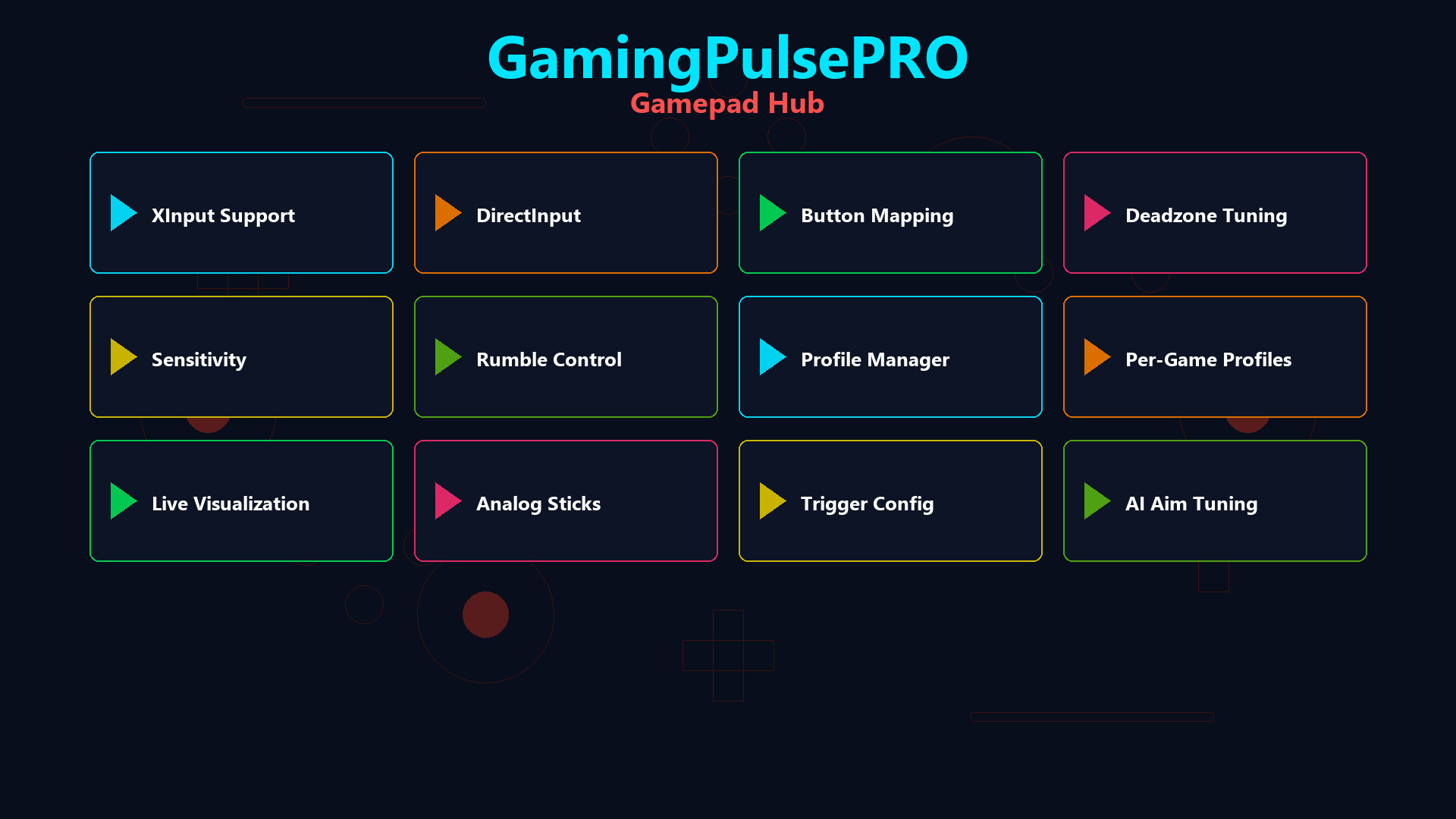
GamingPulsePRO — Gamepad Hub price history and current deals
Price tracking for GamingPulsePRO — Gamepad Hub across authorized stores.