Le texte du produit est affiché en anglais, car le texte source n’est pas disponible dans cette langue.
GlassWire Basic

 Chip's verdict · FR
 Why this verdict
Offers
Official stores only · every price checked from the source
No offers tracked yet for this product.
Report a wrong price
About
What this game is, in the developer's words
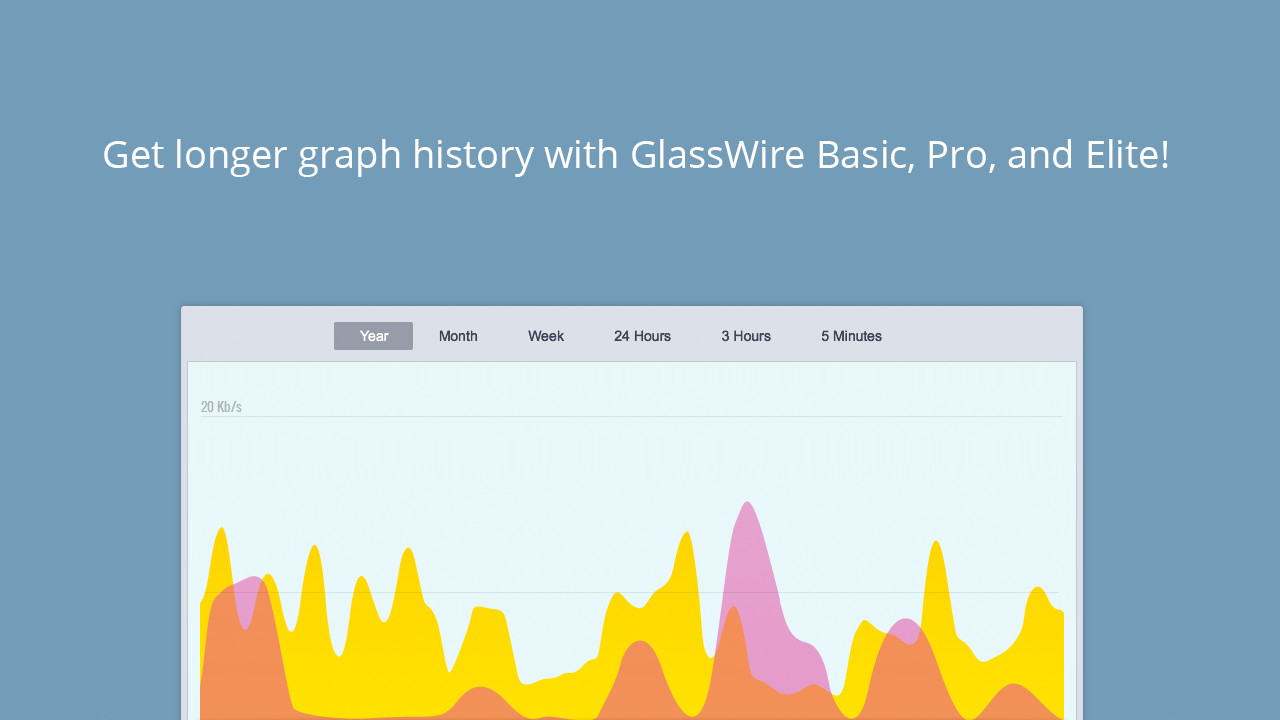
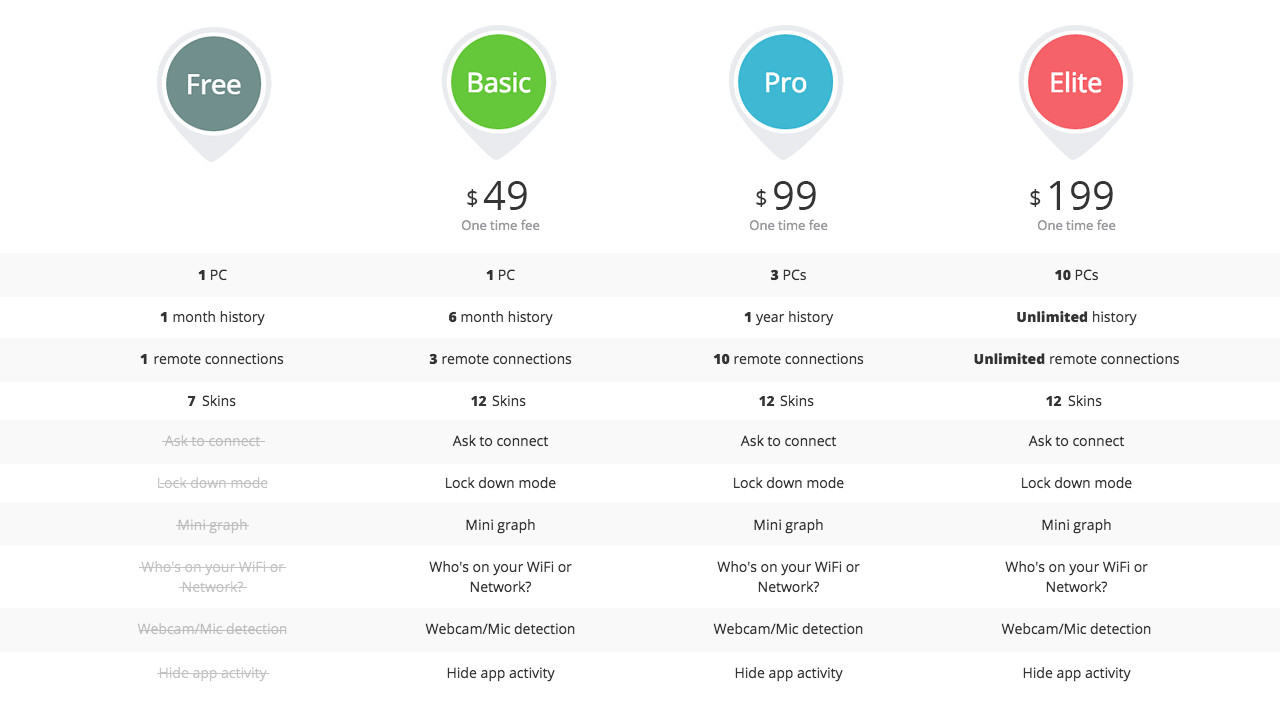
Buy GlassWire Basic to add “Ask to connect” and “Lock down” firewall modes, monitor 3 remote PCs, add the mini graph to your desktop, see all the devices on your WiFi/network, enable Webcam/Mic detection, access new graph skins, and add the ability to hide some apps from the graph. GlassWire Basic also gives you 6 months of graph history. The GlassWire Basic license should only be used with one PC. Upgrade now and unlock GlassWire’s awesome paid features!
Buy GlassWire Basic to add “Ask to connect” and “Lock down” firewall modes, monitor 3 remote PCs, add the mini graph to your desktop, see all the devices on your WiFi/network, enable Webcam/Mic detection, access new graph skins, and add the ability to hide some apps from the graph. GlassWire Basic also gives you 6 months of graph history. The GlassWire Basic license should only be used with one PC.
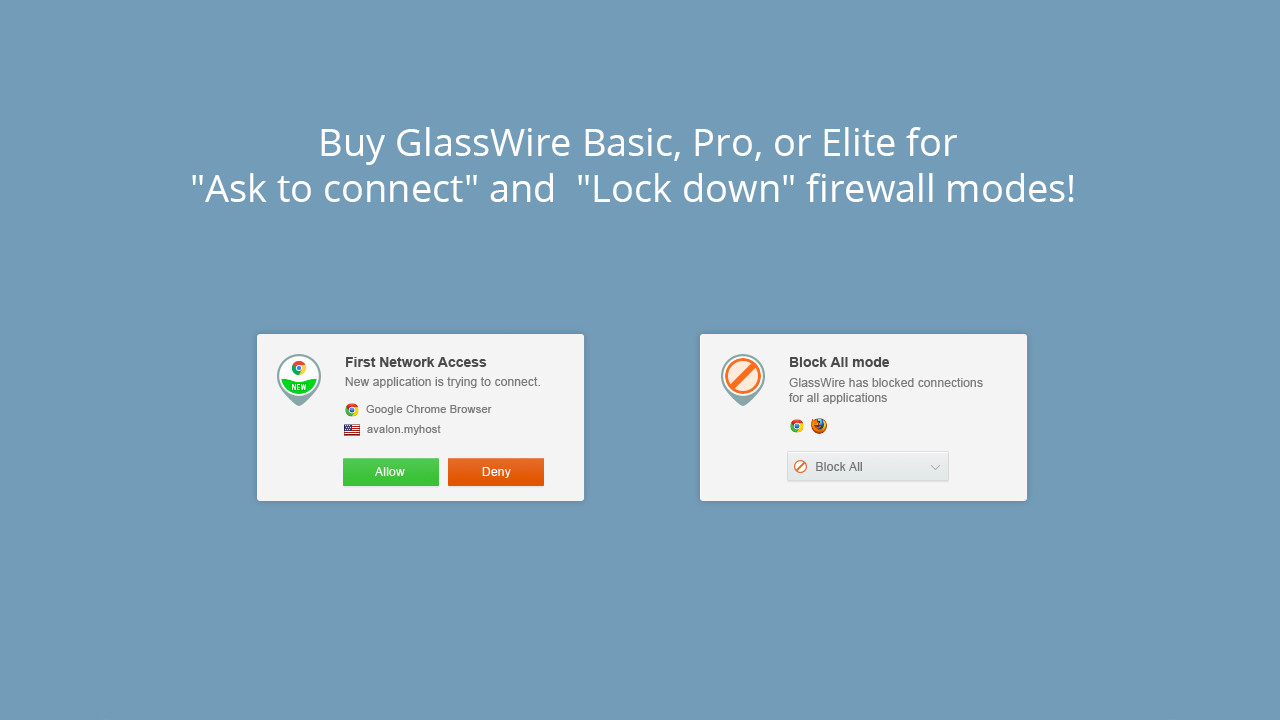
GlassWire’s “Ask to connect” and “Lock down” modes allow you to only accept new application connections if you choose to do so. Click “Allow” to accept the new network connection from an application and “Block” to block it. Are you leaving your PC for a while? If so go to the “Firewall” tab and choose “Block all” mode. Now no new connections can come in or out of your PC while you’re away.
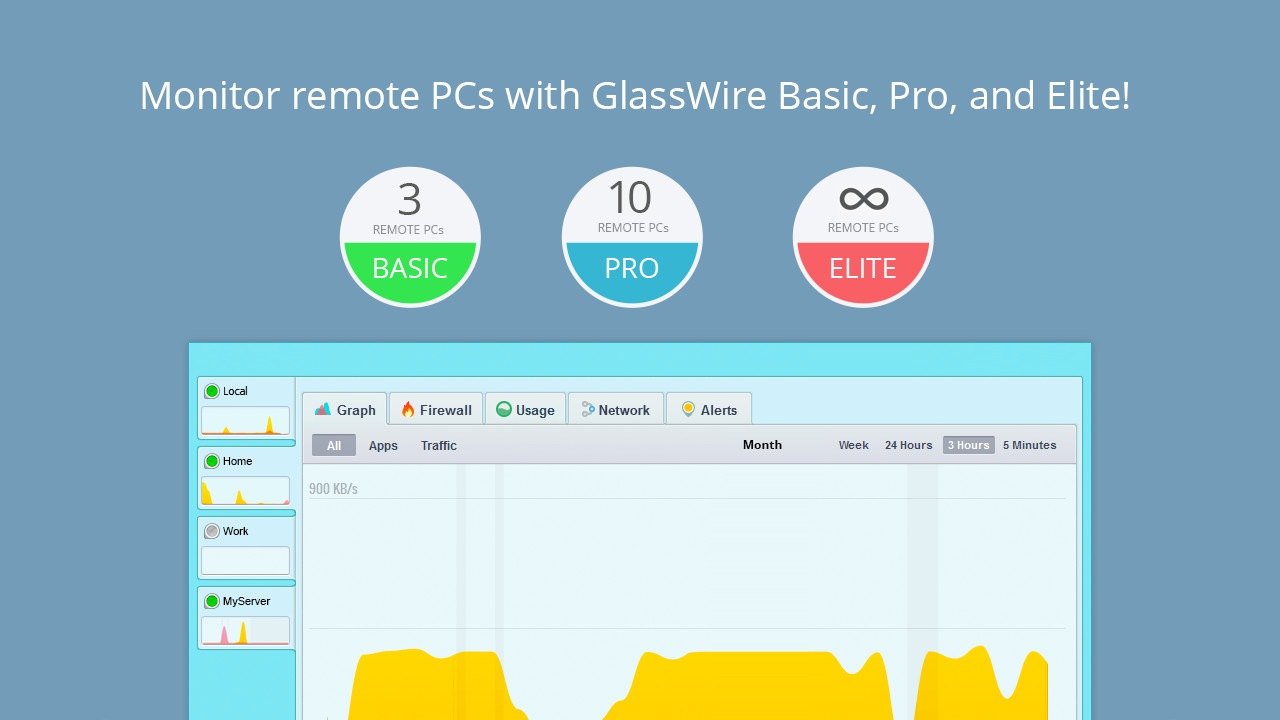
Want to monitor the other PCs in your house, or remote gaming PCs? You need GlassWire’s remote access mode. You can try this feature for free before buying for one PC in our free version by going to GlassWire’s settings. GlassWire Basic can monitor 3 remote PCs simultaneously instead of only 1 with the free version.
Are you tried of having to open the full GlassWire application to see your network data? If so go to the top left GlassWire menu and choose “Show mini viewer” to see a graph summary on your desktop. You can even make this window transparent in GlassWire’s settings, it looks awesome!
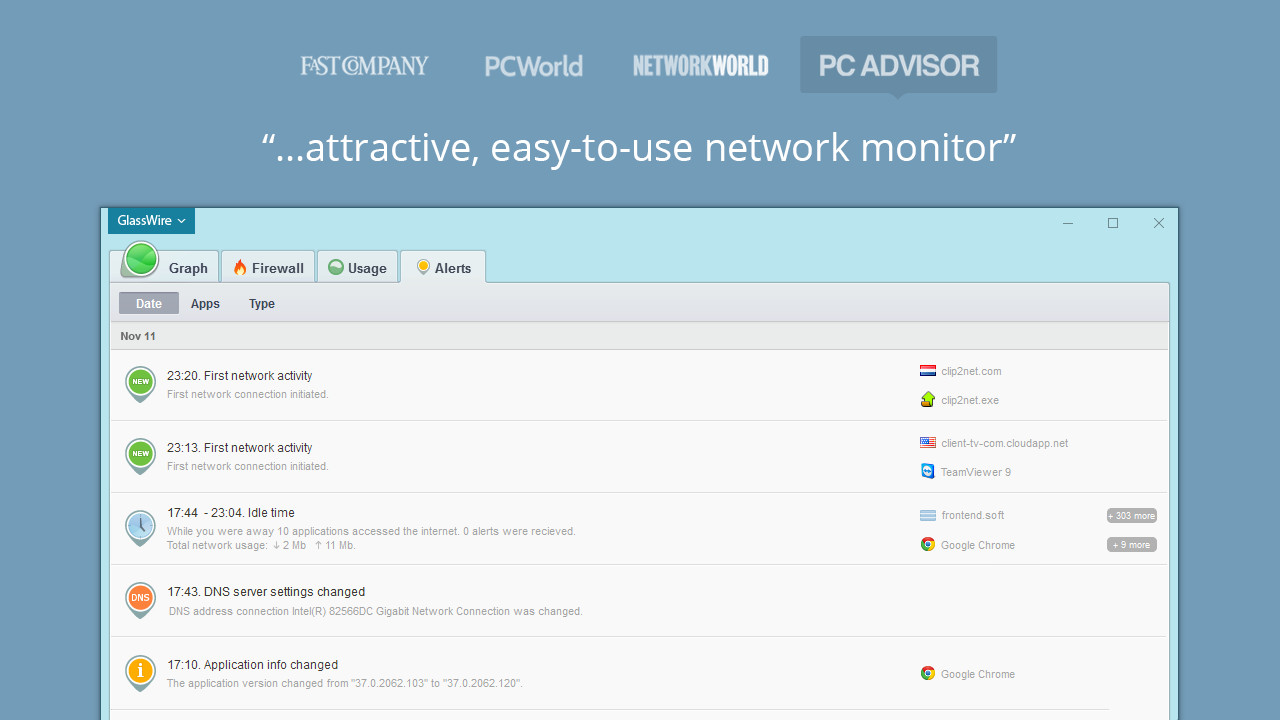
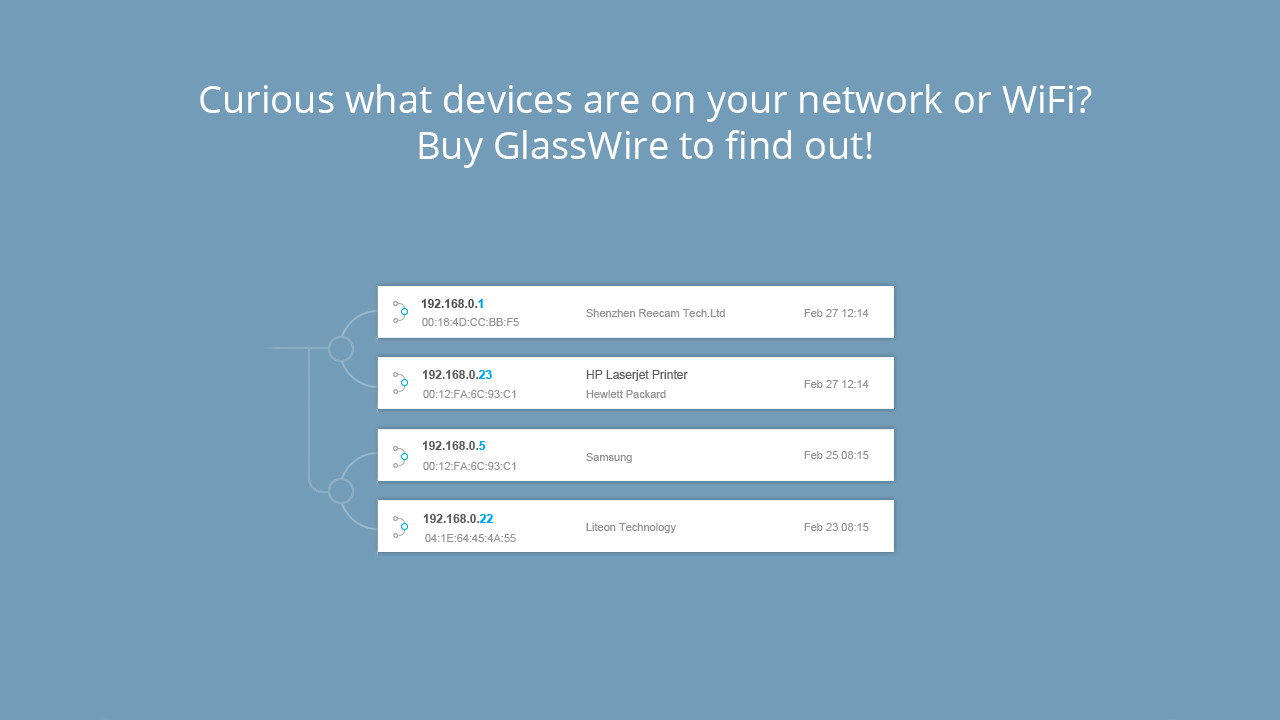
Do you ever feel nervous someone is accessing your network or WiFi without your permission and using all your bandwidth? Having a slow network can cause your games to lag and glitch out. Install GlassWire then click the “Network” tab to see a list of devices on your network. Go to GlassWire’s settings to get alerted when a new unknown device joins your network. Be sure to reboot after installing GlassWire to pick up all new connections.
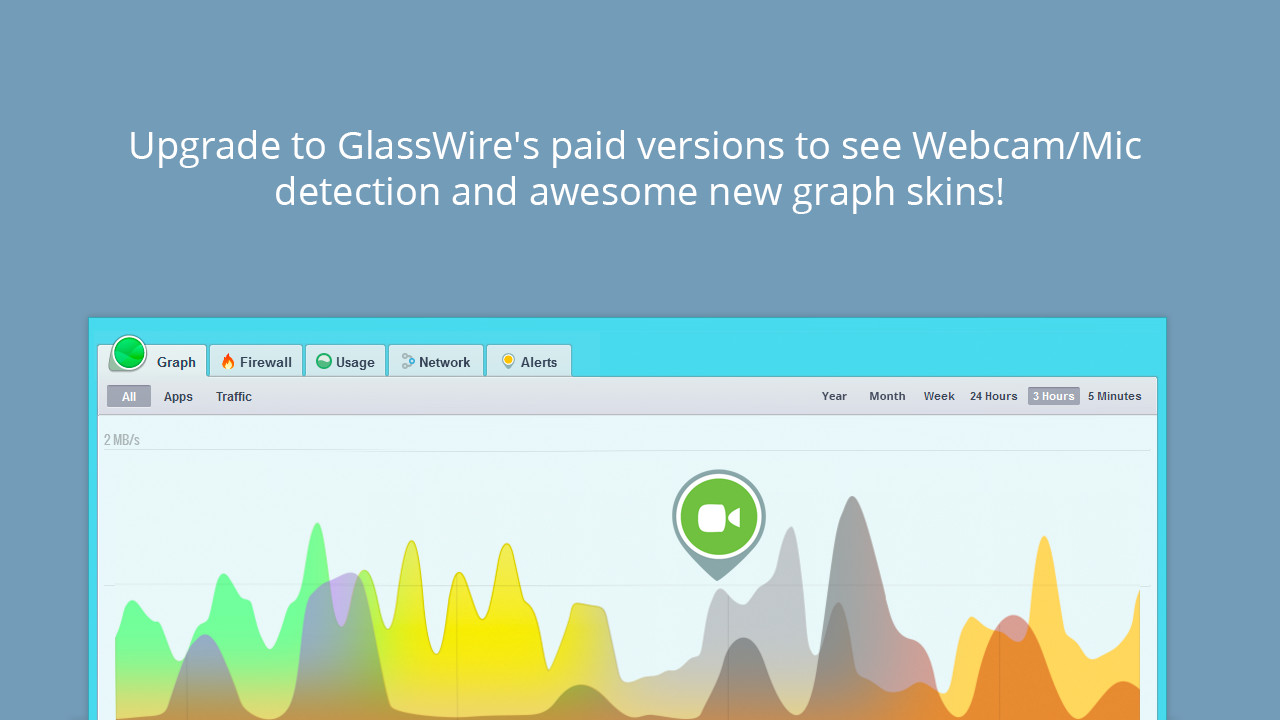
Are you nervous an app is using your webcam or mic when you don’t realize it? Go to GlassWire’s settings and turn on GlassWire’s webcam/mic monitor feature to see when your webcam and mic are accessed and see what app is doing it.
Check out GlassWire’s new paid skins under the “GlassWire” menu after upgrading to the paid version.
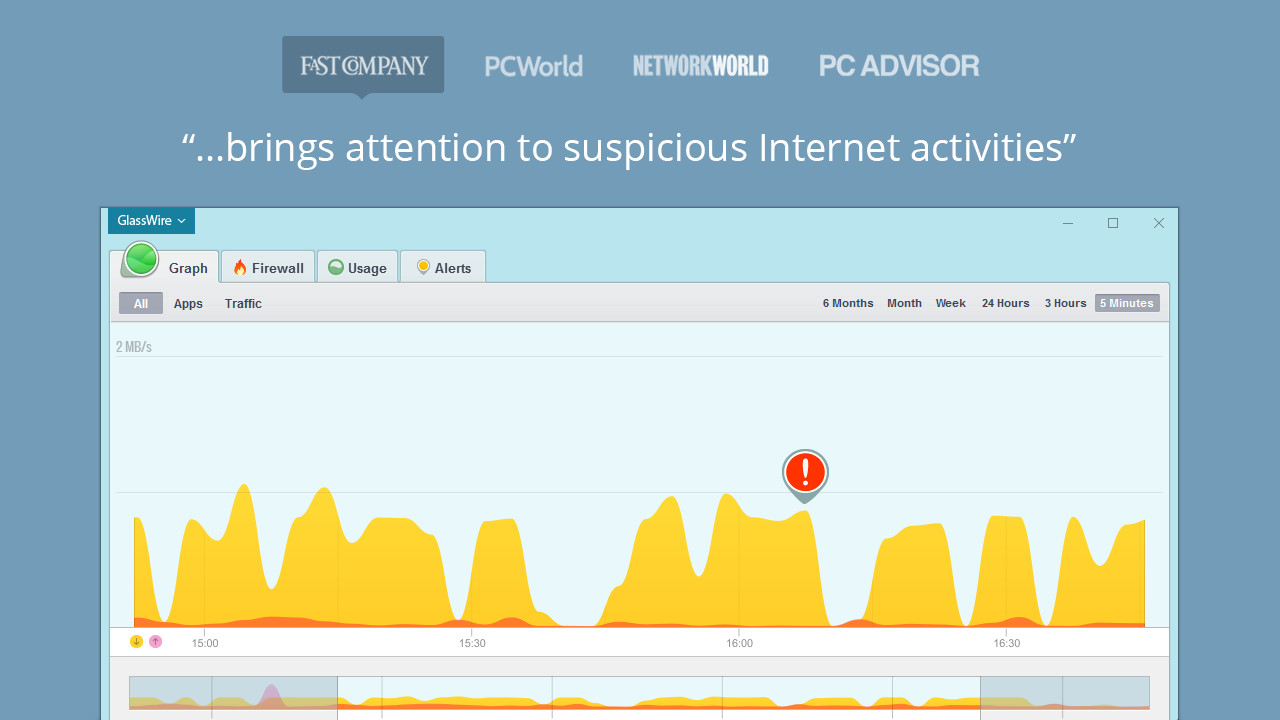
Are you always using BitTorrent or another application that is constantly sending/receiving data, and does that app make it hard to read your graph? If so go to the “Graph” tab, then click on “Apps” then click the app name you want to hide and choose “Hide App” to remove its data from the graph.
Also, don’t forget as a gamer you can put GlassWire into “Snooze” mode by going to the top left GlassWire menu when you don’t want any notifications, plus you can go into GlassWire’s settings to disable whatever desktop notifications you don’t like.
Buy GlassWire Basic now on Steam to instantly insert your activation code and get all these awesome features!
Media
Trailers and screenshots straight from the store page


System requirements
Minimum and recommended specs per platform
Age rating and content
Board ratings and content descriptors
Price intelligence
Accepted price history and the lows that matter
No price history recorded yet.
No history yet.