Le texte du produit est affiché en anglais parce que le texte source n’est pas disponible dans cette langue.

MAGIX Movie Edit Pro 2013 Plus

Pourquoi ce verdict
Offres
Prix des boutiques officielles et comparaisons de keyshops signalées
Aucune offre suivie pour ce produit.
Signaler un problème
Historique des prix
Historique des prix acceptés et prix enregistrés les plus bas
Aucun historique de prix enregistré pour le moment.
Pas encore d’historique.
Aucun début de promotion enregistré pour le moment.
À propos de ce jeu
Le jeu, présenté avec les mots de ses créateurs
MAGIX Movie Edit Pro MX Plus, the next generation of video editing: faster, better and even more powerful – in each and every way.
We are proud to present MAGIX Movie Edit Pro 2013 Plus, the next generation of video editing: faster, better and even more powerful – in each and every way.
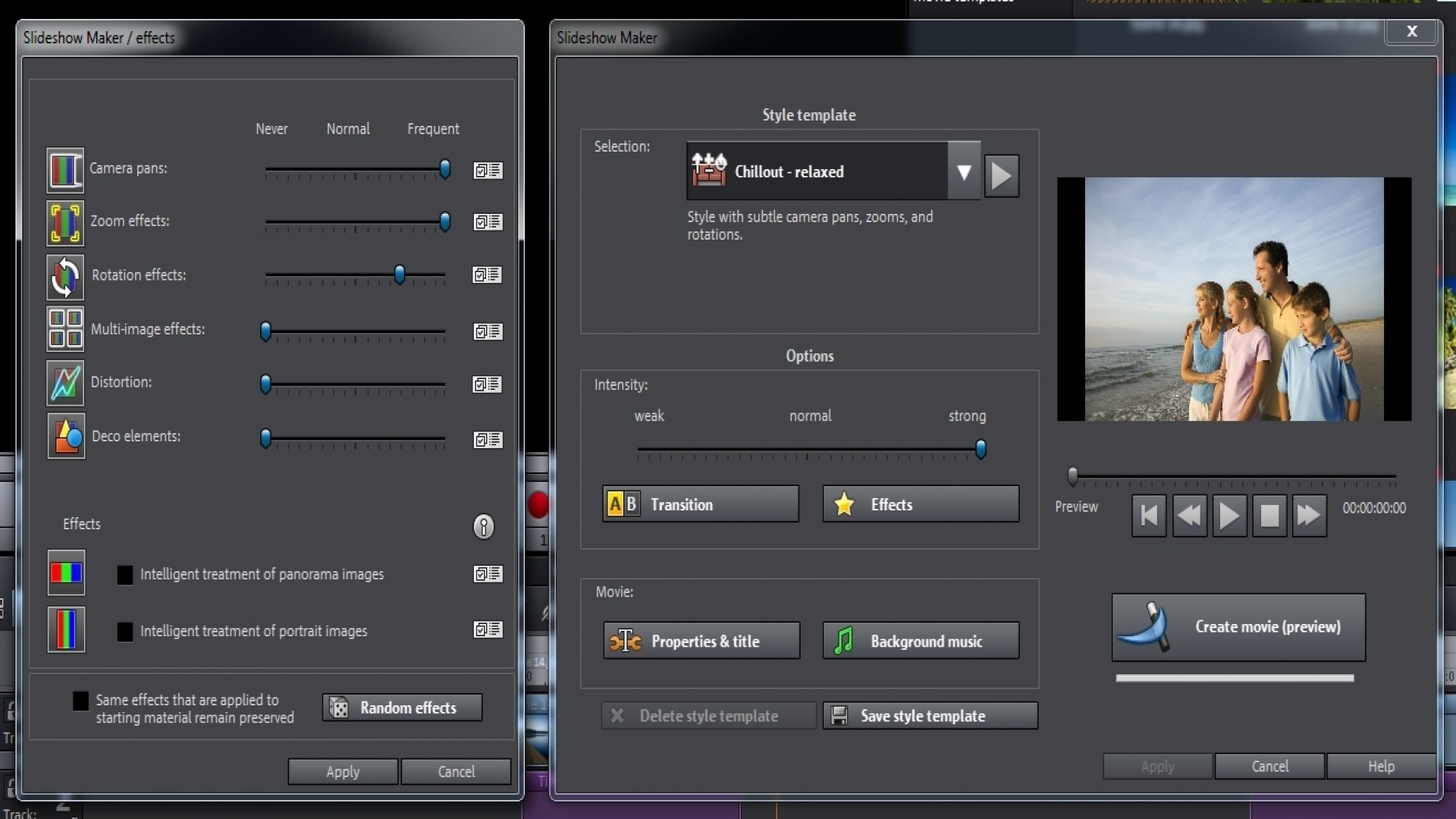
The Plus version offers more: more tracks, more templates, more functions. From 3D editing to MultiCam editing to travel route animation.
Your Benefits
- 99 tracks for picture and sound
- Full HD support (HDV, AVCHD/50/60p)
- Full Stereo3D workflow
- AVCHD SmartRendering
- Full support for recordings in 50/60p
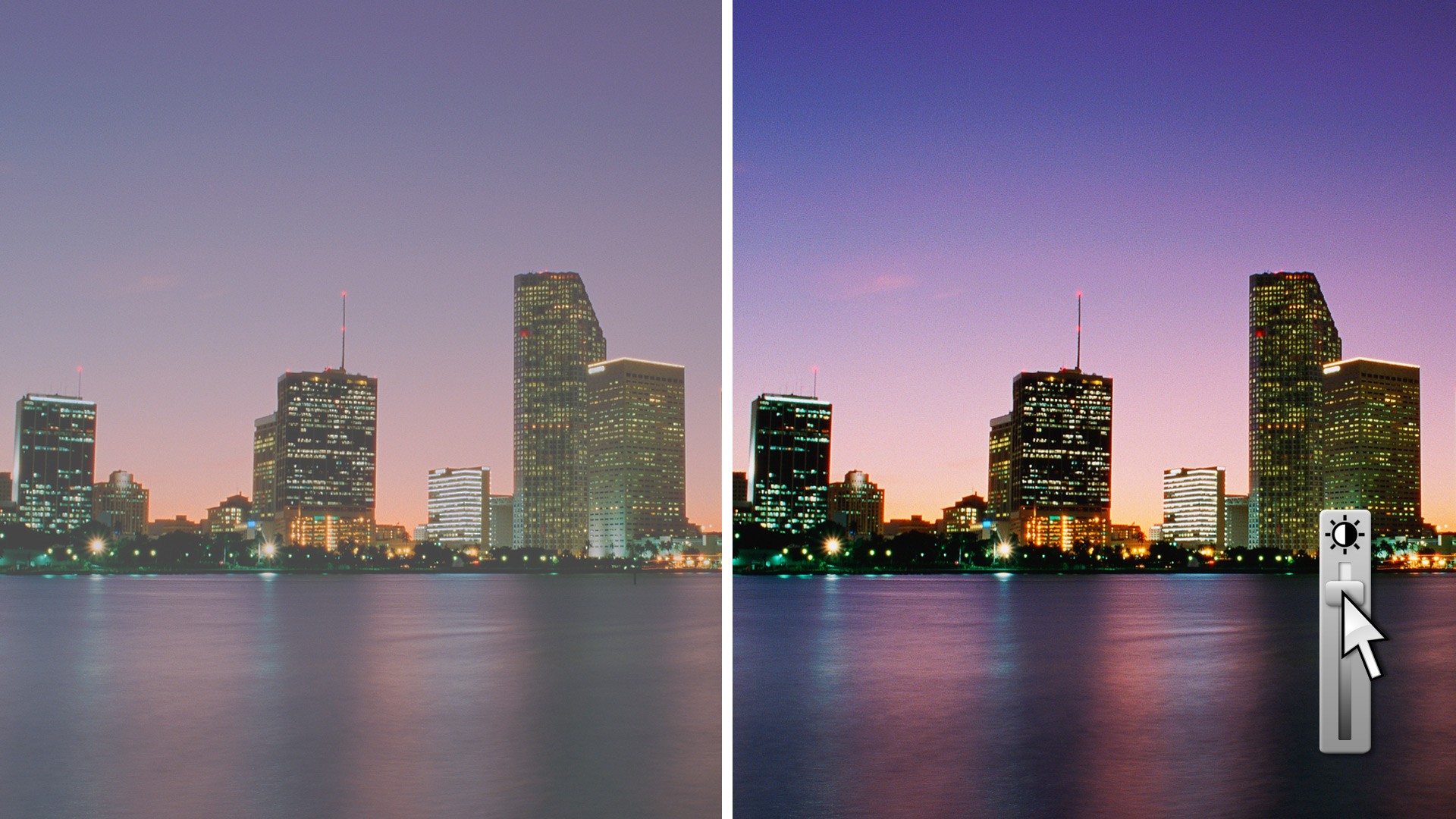
- High-quality effects, transitions and templates
- MultiCam editing (with 2 cameras)
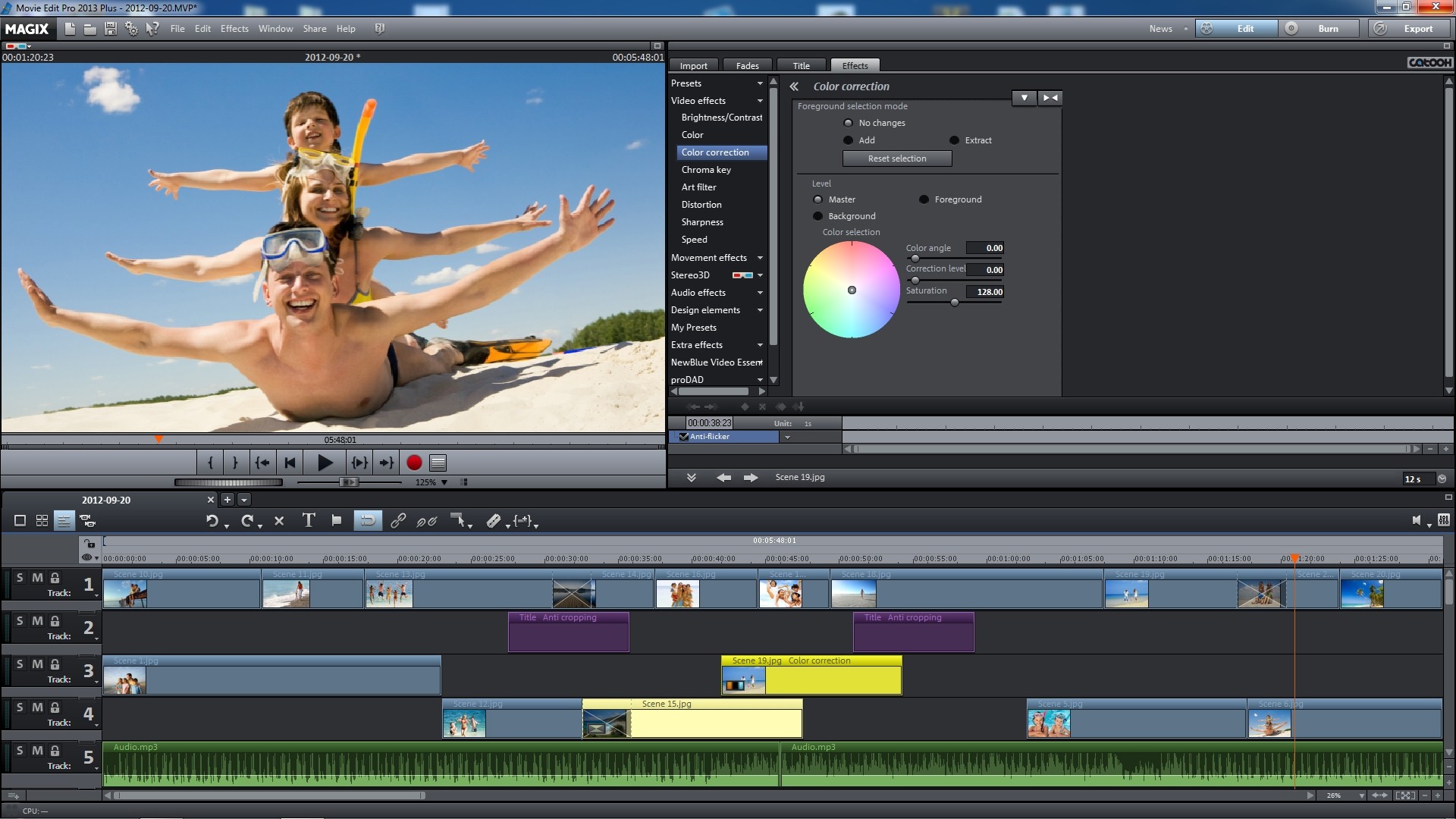
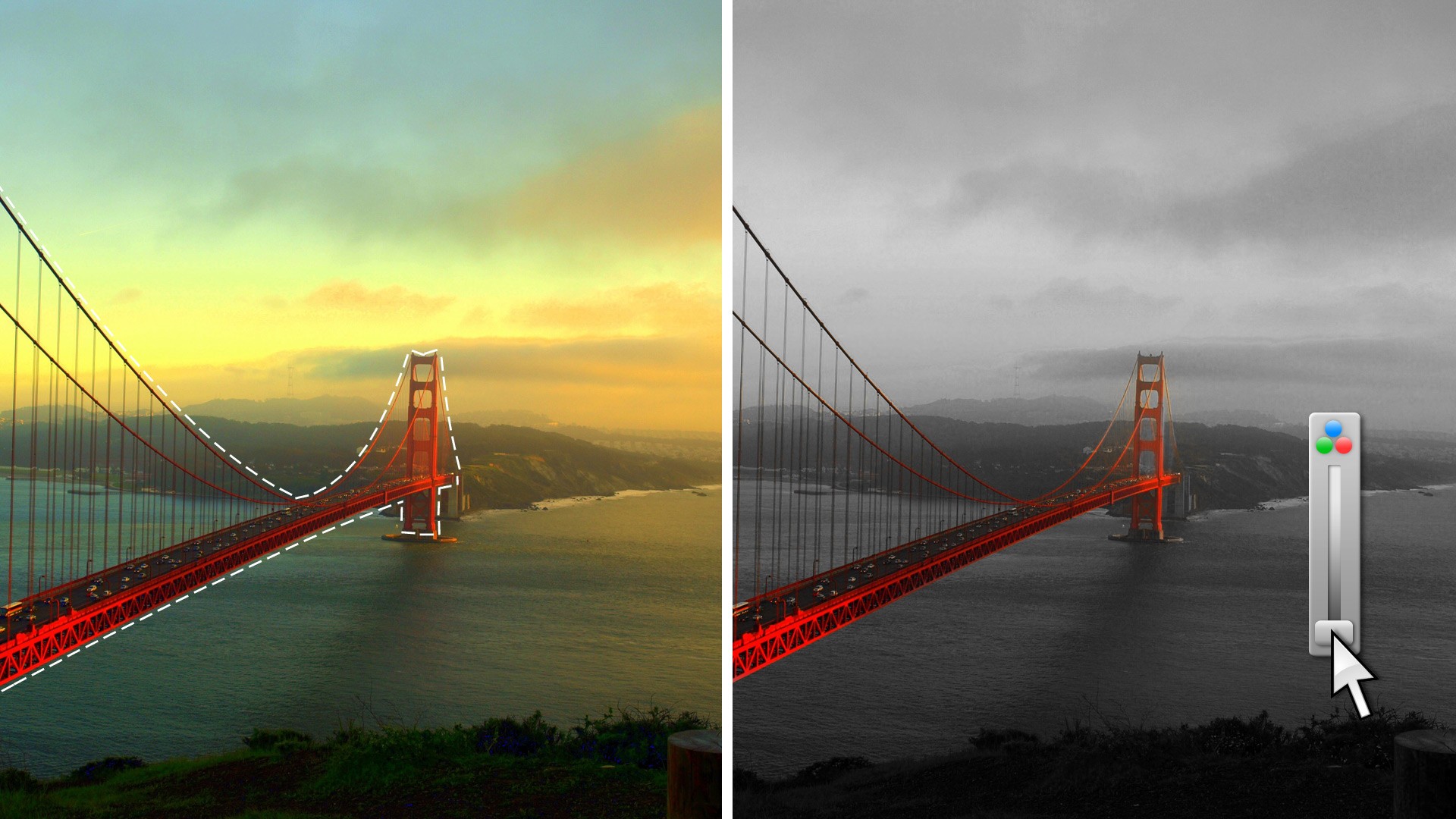
- Secondary color correction
- Travel route animation
- Comprehensive dubbing, also with Surround Sound (Dolby®Digital 5.1)
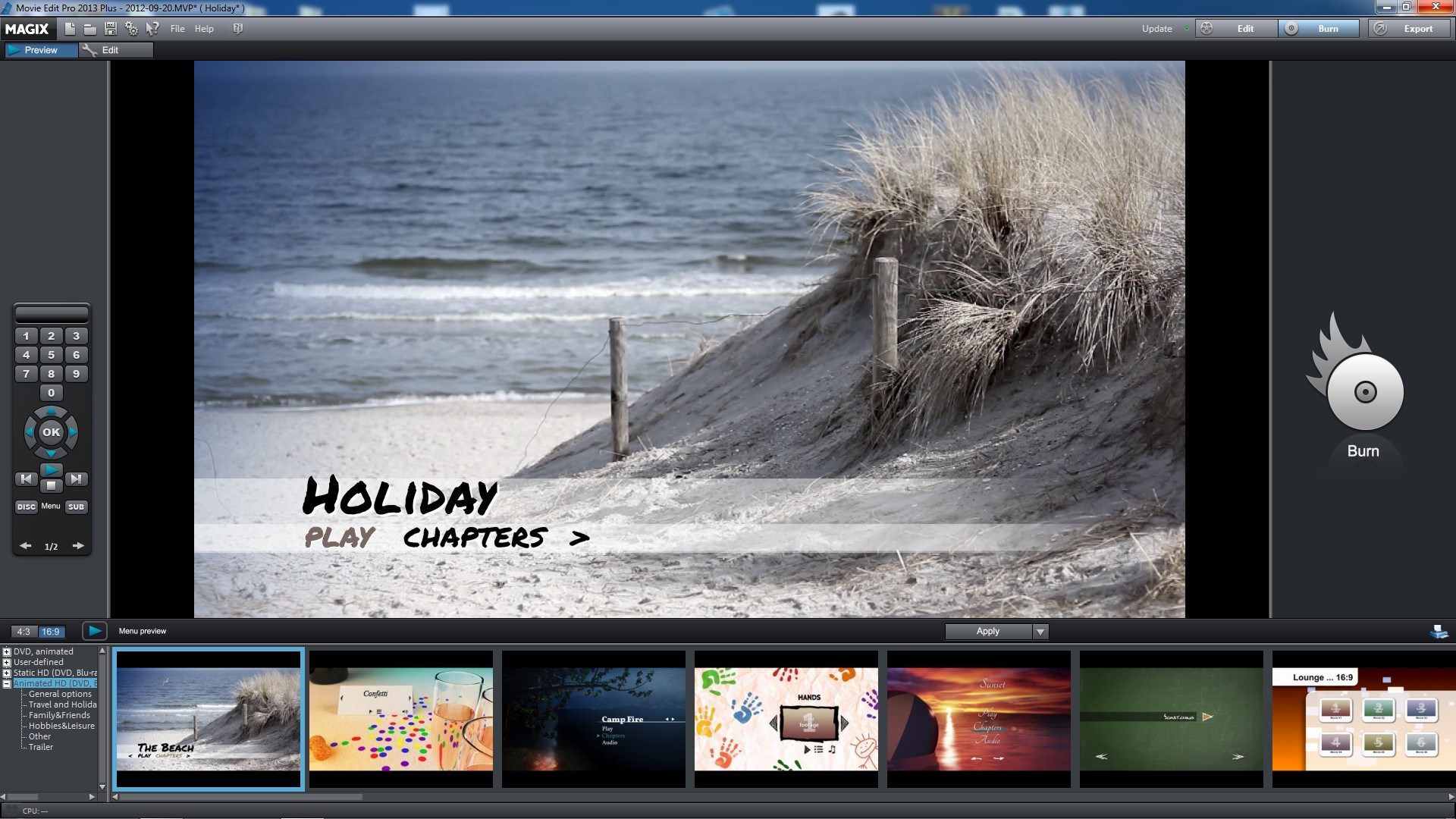
- Custom menu design with professional templates
- Universal output options: file, DVD, Blu-ray Disc™, YouTube™, Facebook®, Vimeo, etc.
Mx = Unlimited Multimedia Enjoyment
MX stands for Media-X-change – the fast exchange of media with other MAGIX programs, online services, and mobile devices.Use direct upload to YouTube™, Facebook®, etc. to immediately share your videos with your friends and family or open other MAGIX programs directly from Movie Edit Pro 2013 and create even more demanding titles or the perfect soundtrack.
Optimized Memory Usage On 64-bit Windows® Systems
Improved performance: Memory usage on 64-bit Windows® systems has been improved. As a result, more RAM is made available for MAGIX Movie Edit Pro 2013 Plus. More memory for adding images and graphics to the clipboard (so-called "bitmap caching") ensures noticeably smoother playback.Improvements
Now even faster: Quicker loading times, enhanced performance and improved output options!
Our developers worked hard at making the new version even faster and more efficient, and they were successful! The AVCHD file import feature has been improved and is now more than 40% faster*. Rendering test projects (AVCHD Full HD) with Intel® Quick Sync Video, AMD®/OpenCL™ or NVIDIA® CUDA™ for the Apple iPad is now up to twice as fast in Movie Edit Pro 2013 Plus*. After activating hardware acceleration your graphics card will be automatically recognized by Movie Edit Pro 2013 Plus.
Calculating effects directly on the graphic card's GPU is now over 90%* faster, the biggest speed boost out of all the improvements.
New chroma key engine for perfect object extraction
Just like the movies: The new chroma key engine allows you to create impressive video effects in movie quality.
Green screen and blue screen effect: Simply record footage of people or things in front of a plain-colored background and layer new photos or videos just like a green/blue screen.
Add objects and people to movies or create incredible backgrounds, e.g. mountains, underwater or outer space.
NEW! The built-in anti-spill feature immediately creates neat, sharp contours - without any green edges.
Improved timeline display with video and audio on one track
Complete control: Video and audio from one source are now combined on one track. This allows you to fit more tracks into the timeline and keep an overview of larger projects with lots of tracks. Picture and sound can also be split onto their own separate tracks at any time with a simple mouse click.
Support of the new video standard AVCHD Progressive (50/60p)
MAGIX leading the way: MAGIX Movie Edit Pro 2013 Plus is the first video editing software in the consumer sector to support the official new video standard, AVCHD Progressive, for high-definition, progressive AVCHD recordings (50/60p). This new technology delivers twice as many fullscreens as before. The advantage: Objects move more smoothly and the image quality is even more detailed for perfect movies in top quality.
Preview rendering for Stereo3D and multicam projects
Smooth playback: Complex arrangements and detailed effects can really slow some computers down - not any more: With the new segment rendering feature complex Stereo3D and multicam projects can be played smoothly, even on slow computers - simply highlight the necessary area, leave it to render and then press play.
Fast and direct GPU calculation of all essential video effects
Fast effect preview: In order to guarantee smooth playback Movie Edit Pro 2013 Plus makes use of the enormous computing power of modern graphics cards to calculate all the important video effects. Effects are calculated directly on the GPU (graphic processor) which decreases the load on the CPU and provides smooth playback when previewing effects.
Improved user interface with quick access features
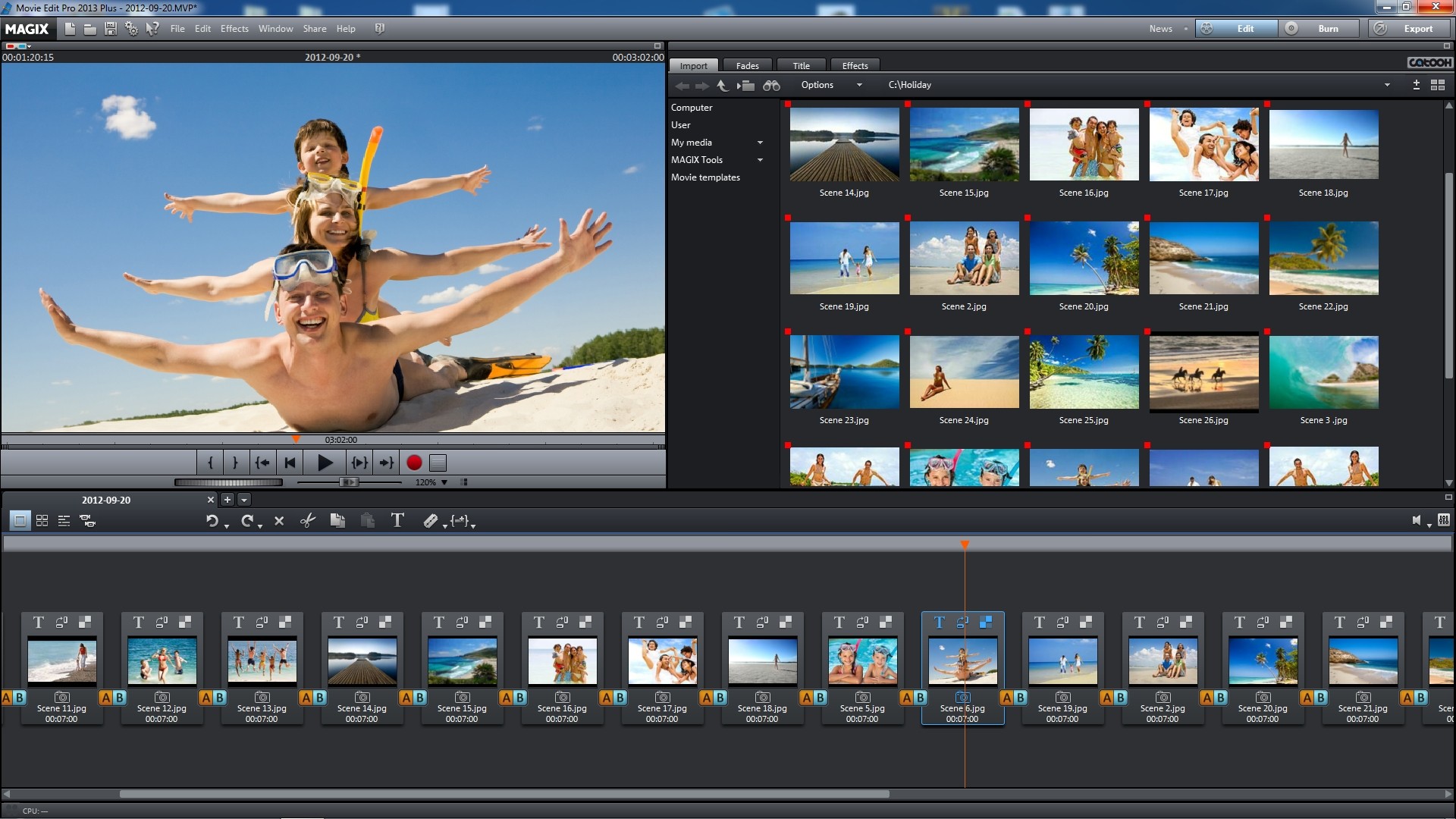
Perfect workflows: The new quick access feature allows you to play and trim video clips directly in the Media Pool and import them directly into your video project's timeline.
This saves time and makes the whole process much more efficient leading to quick results that meet even the highest standards.
Automatic synchronization of multicam projects using the audio track
Simplicity: Video footage from several cameras can now also be synchronized using audio tracks. If video tracks first need aligning manually they can be accurately synchronized with a click. The intelligent feature simultaneously analyzes the audio tracks and automatically aligns the video tracks.
- *compared to the previous version of Movie Edit Pro MXNote: The test results depend on the system configuration, file size, video format and selected effects.
Key Features
- Supports all common video formats and sources
- Open timeline
- 99 tracks
- Native HD/AVCHD/50/60p editing
- AVCHD import assistant with preview function
- AVCHD SmartRendering
- Full Stereo3D workflow
- Full support for recordings in 60p
- High-quality effects, transitions and templates
- MultiCam editing (with 2 cameras)
- Secondary color correction
- Travel route animation
- PC performance benchmarking
- Video editing: custom and automatic
- Intelligent mouse mode
- Fully adjustable user interface
- Zoom in video monitor
- Title editor with direct previewing
- Object zoom function for even more precise effects control
- Comprehensive dubbing, also with Surround Sound (Dolby®Digital 5.1)
- Sound restoration
- Export wizard
- Output directly to SD cards
- Batch processing
- Burn to DVD, Blu-ray Disc™ or AVCHD-Disc
- Transfer videos to countless mobile devices (iphone®, Ipad® and android® Smartphones)
- Universal output options: file, DVD, Blu-ray Disc, YouTube, Facebook, etc.
- Improved timeline display with video and audio on one track
- Support of the new video standard AVCHD Progressive (50/60p)
- Accelerated export of AVCHD videos - featuring automatic graphics card recognition*
- Improved user interface with quick access features
- New high-quality decorative elements and intro/outro templates
- Fast and direct GPU calculation of all essential video effects
- New Chroma Key Engine for perfect object extraction
- New templates for professional movie trailers including music
- Preview rendering for Stereo3D and multicam projects
- Automatic synchronization of multicam projects using the audio track
Médias
Bandes-annonces et captures de la page de la boutique
MAGIX Movie Edit Pro 2013 Plus : historique des prix et offres actuelles
Suivi des prix de MAGIX Movie Edit Pro 2013 Plus dans les boutiques autorisées.
Avis, durée de jeu et classification de MAGIX Movie Edit Pro 2013 Plus
14 personnes ont évalué MAGIX Movie Edit Pro 2013 Plus. 71% sont positives. Steam appelle ça Mostly Positive.
Questions fréquentes
Réponses tirées des données de ce jeu. Là où je n'ai rien, je ne dis rien.
MAGIX Movie Edit Pro 2013 Plus vaut-il le coup ?