Le texte du produit est affiché en anglais parce que le texte source n’est pas disponible dans cette langue.

Movavi Video Suite 18

Why this verdict
Offres
Prix des boutiques officielles et comparaisons de keyshops signalées
Aucune offre suivie pour ce produit.
Report a problem
Price history
Historique des prix acceptés et prix enregistrés les plus bas
No price history recorded yet.
No history yet.
Aucun début de promotion enregistré pour le moment.
About this game
What this game is, in the developer's words
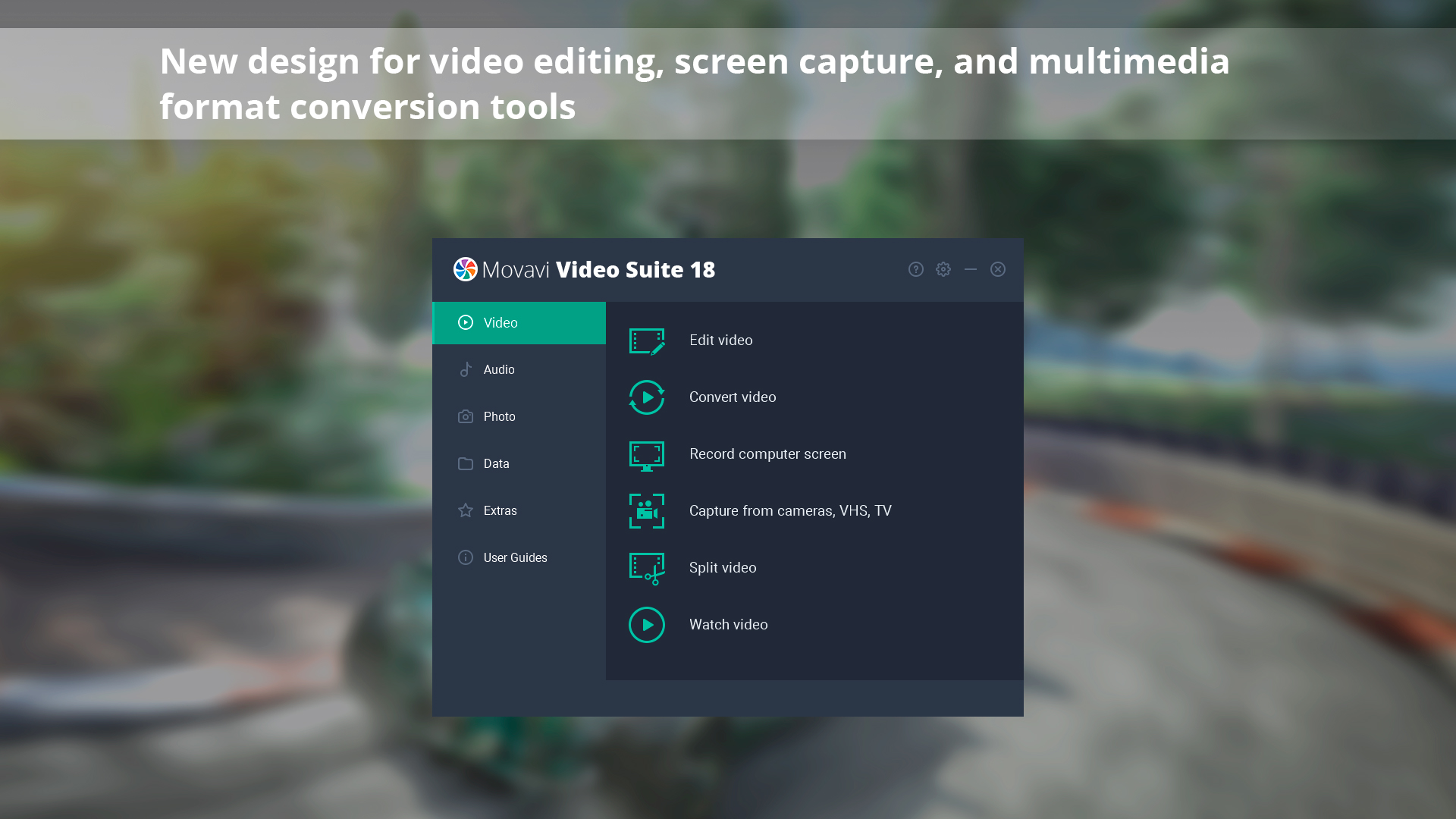
Movavi Video Suite is a must have for anyone who wants all the top-notch video editing tools in one app. Take your video editing to the next level with these advanced tools, capture screen activity at optimal quality, convert gameplay and videos between 180 formats in an instant & much more
THE NEW AI-POWERED 2023 VERSION WITH DLCs AVAILABLE!
About the Software
Movavi Video Suite has everything you need for video editing in a single program. This set of first-rate tools will help you turn your gameplay footage into engaging Let’s Play videos, quickly convert them to any popular media format, capture program usage, play back any video or audio, transfer data to optical disks, and more.Highlights
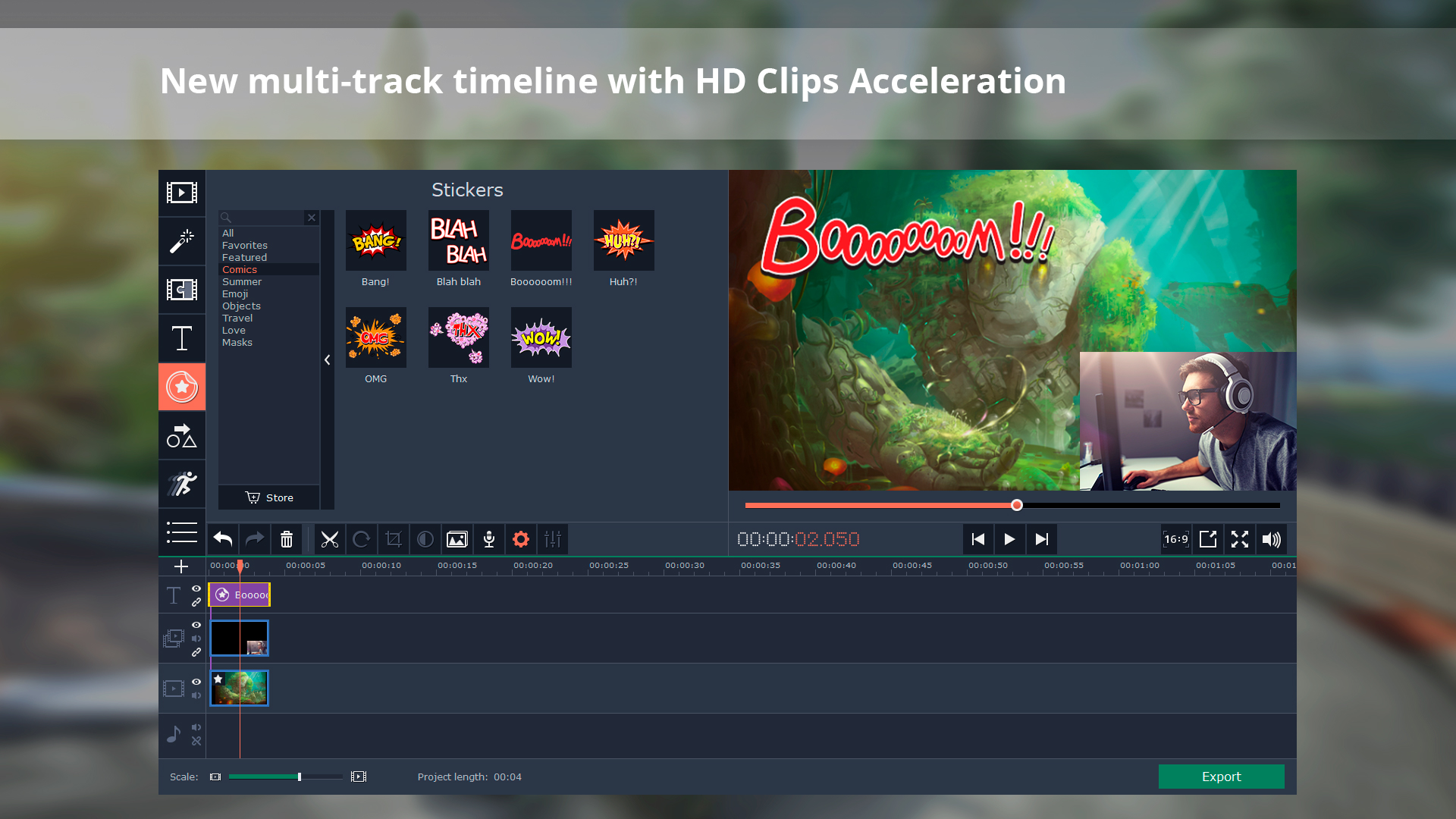
- Compact multi-track timeline: manage and re-order tracks the way you want
- Fast Track HD acceleration: work with large Full HD and 4K files without lags
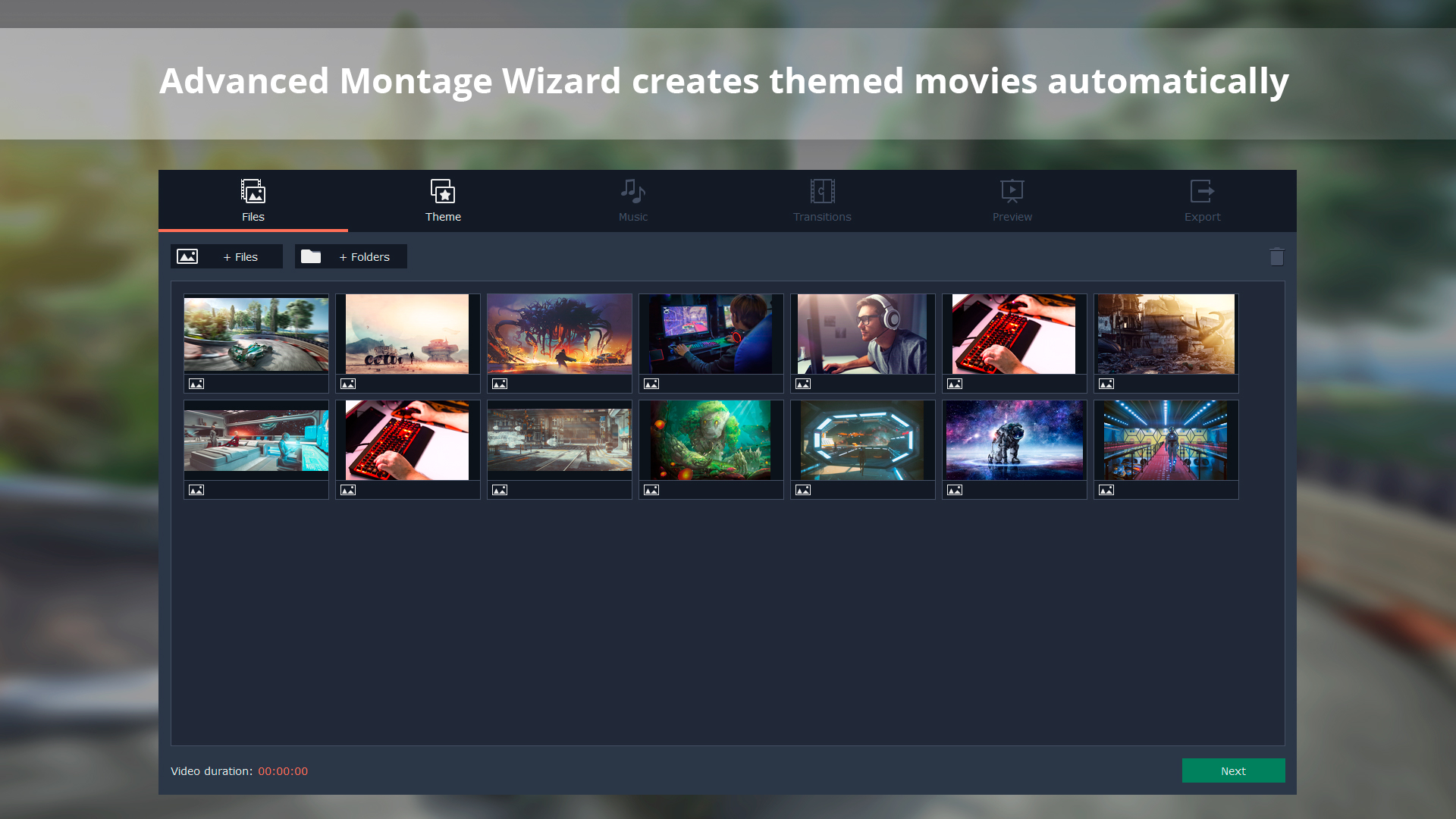
- Automatic video creation: add your files and let the Montage Wizard work its magic
- Your own intros and outros: edit clips from the library or create them from scratch
- Portable projects: save and move your projects to other devices
- AMD acceleration and NVIDIA HD decoders: process even large videos two times faster
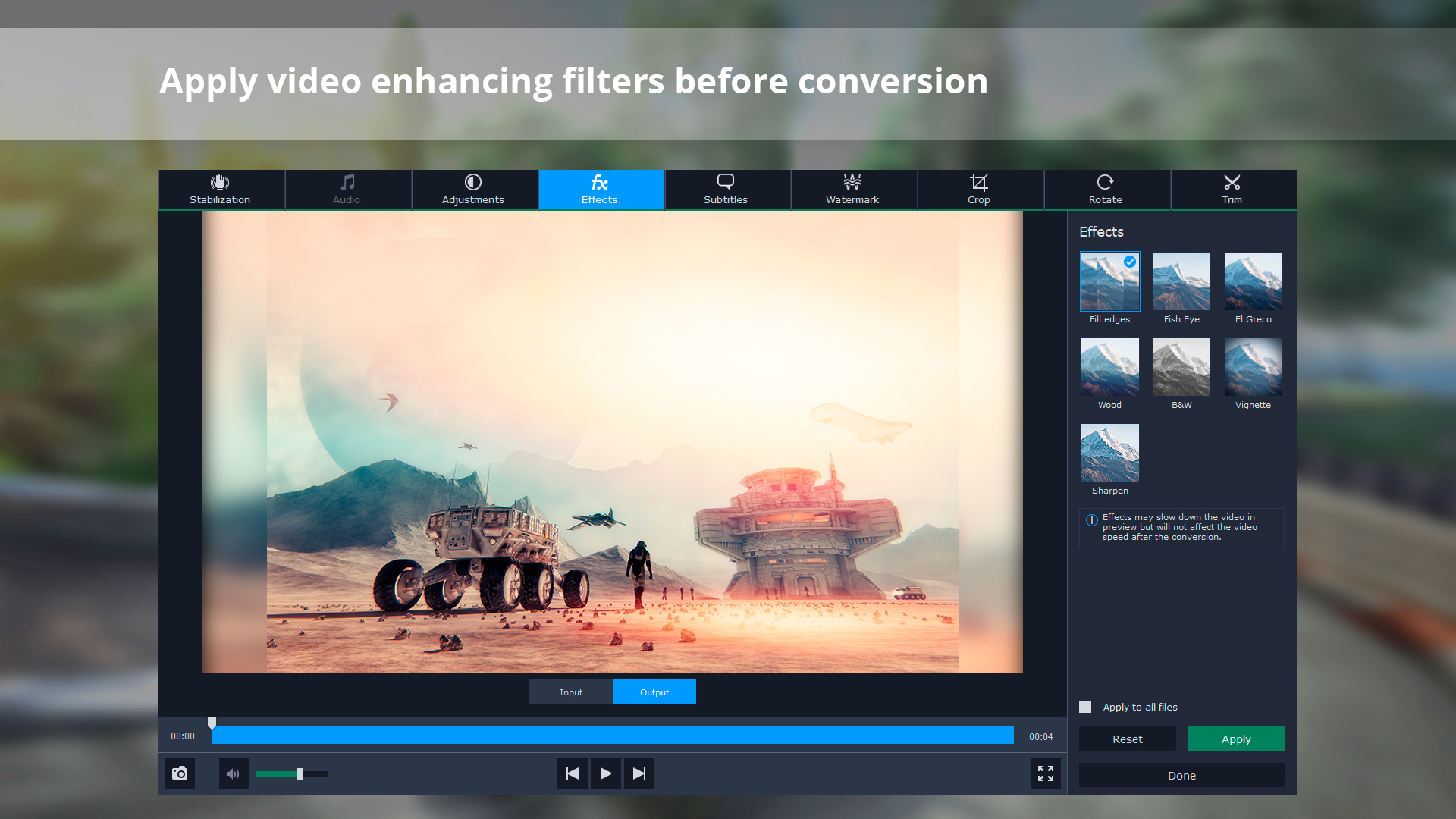
- New built-in effects: quickly enhance videos before conversion
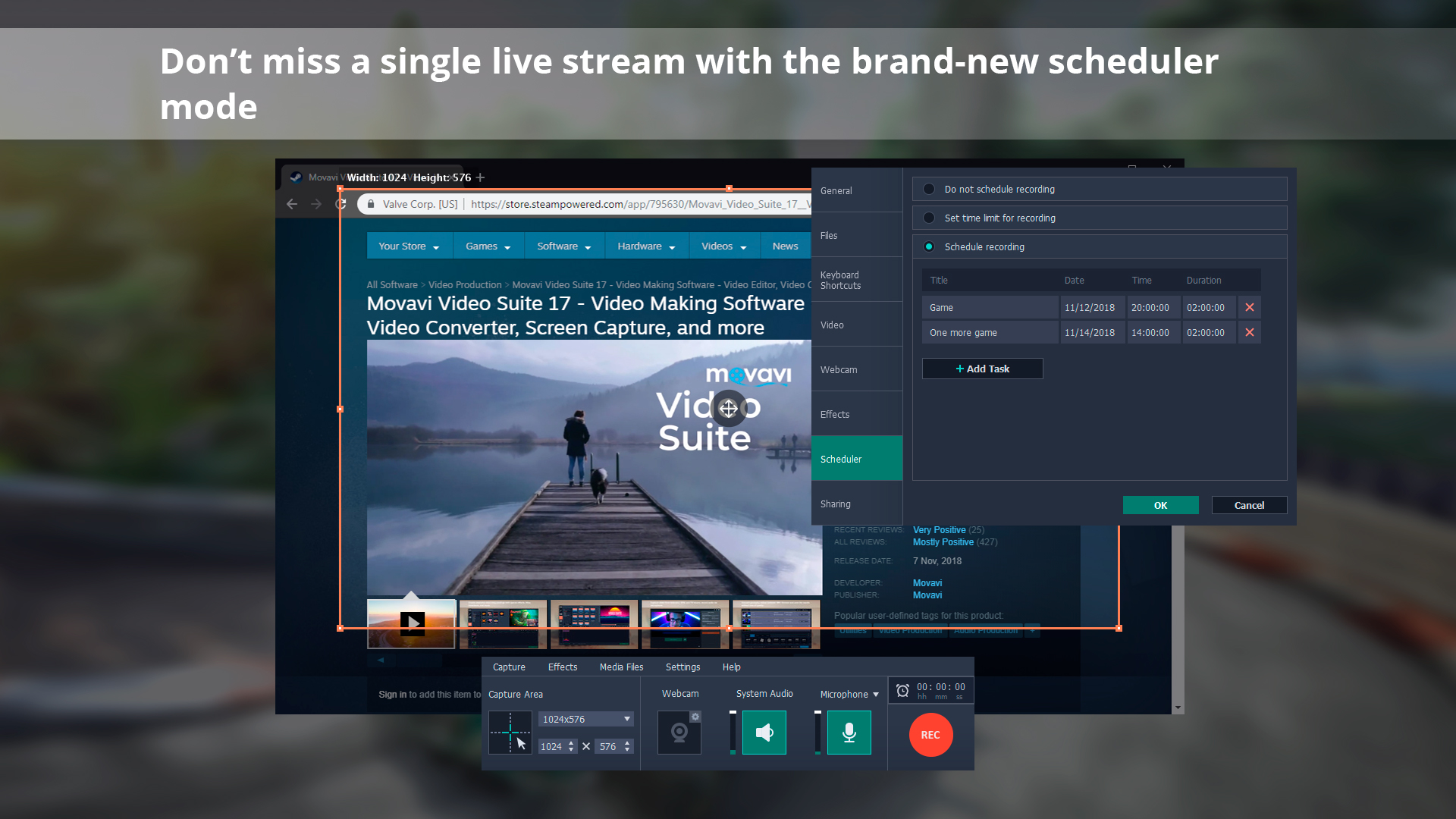
- Convenient recording scheduler: don’t miss any live streams
Make video editing your favorite playground
Use your creativity to make the most engaging vlog ever – you have everything you need to do it. Manage your footage on a convenient multi-track timeline and don’t worry about large files – the program is perfect for working with even Full HD and 4K videos. Trim, rotate and enhance clips, add special effects like Chroma Key and Object Animation, insert stickers and titles. Make your own intro from anything you can find in the program: backgrounds, titles, stickers, callouts, and even music – then save the clip and use it in every video you create.
Convert files at the speed of light
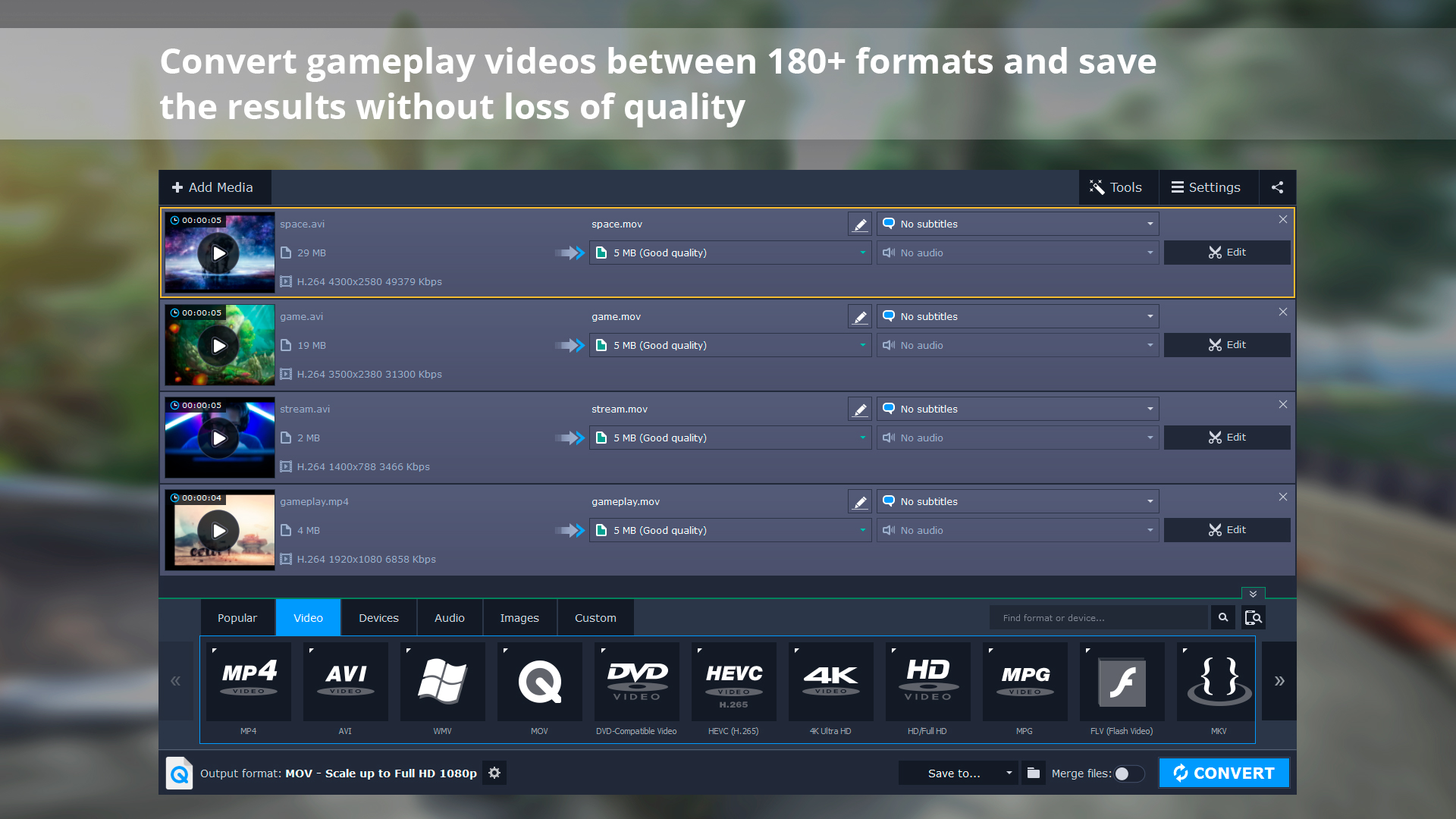
Make sure your gameplay videos can be seen on any platform or device – thanks to 180+ supported formats and 200+ available mobile presets. Compress large videos to save disk space and prepare them for sharing online at YouTube, Vimeo, and other video hosting services. SuperSpeed mode guarantees lossless conversion in no time, plus you can use other types of hardware acceleration: Intel HD Graphics, AMD, NVIDIA NVENC and CUDA. Perfect your files before the conversion with the built-in editor, and you’re all set.
Record live streams at the best quality
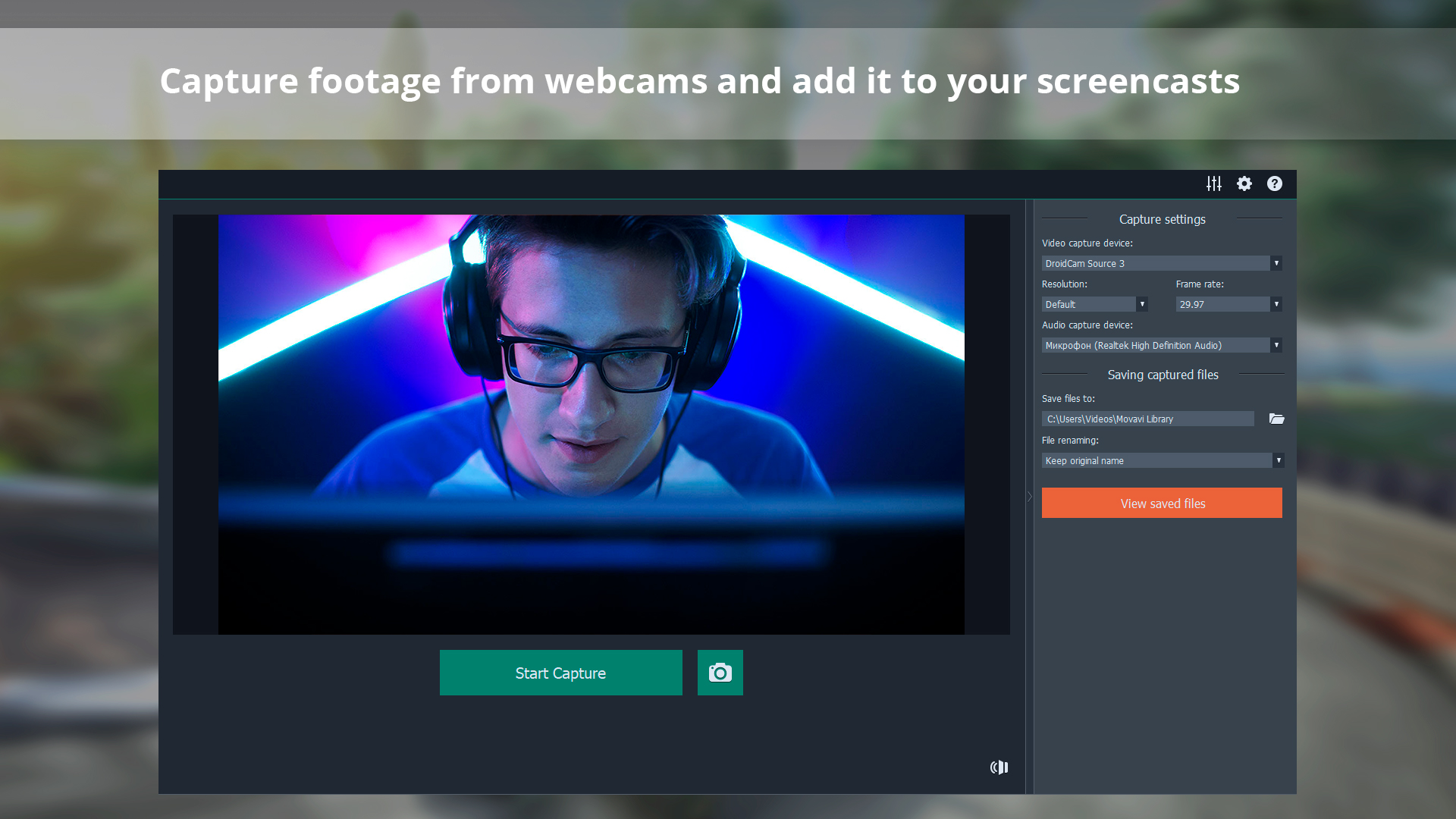
Capture any activity on your desktop: live streaming, video chats, or program usage. Overlay a webcam video and you’ll get a real live screencast. The advanced scheduler ensures you miss any live streams – create multiple recording tasks and the program will do the rest, and even remind you to open the required window at the right time.
Even more tools
- Easily share captured or edited videos via YouTube or Google Drive
- Automate video-making with the Montage Wizard: just add the footage and enjoy the result
- Split videos into multiple clips with one click
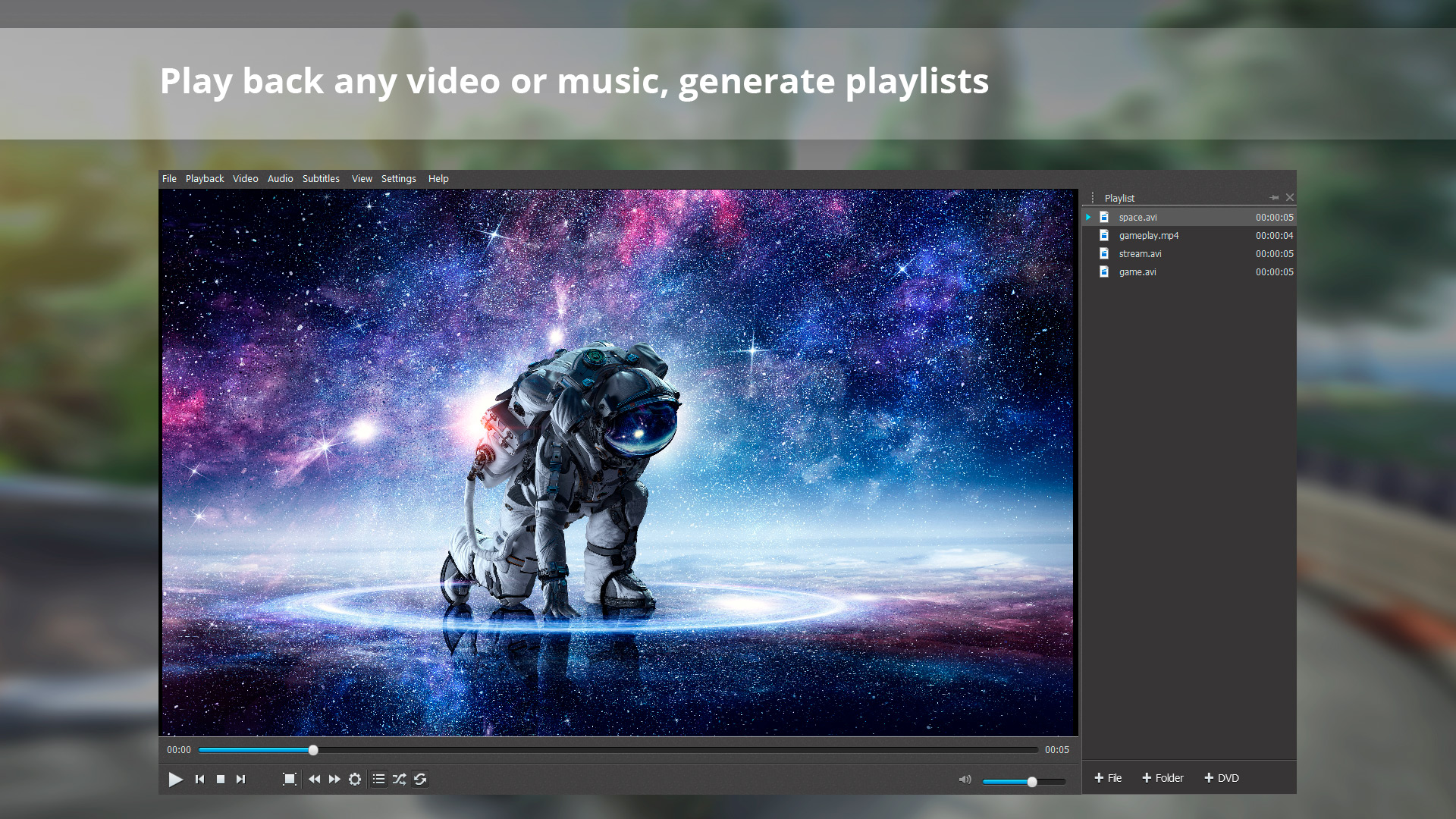
- Watch videos and listen to your favourite music via a handy mediaplayer
- Transfer data to CD, DVD, or Blu-ray
- Capture video from any external device – webcam, TV tuner, or VHS
Media
Trailers and screenshots straight from the store page

Movavi Video Suite 18 : historique des prix et offres actuelles
Suivi des prix de Movavi Video Suite 18 dans les boutiques autorisées.
Avis, durée de jeu et classification de Movavi Video Suite 18
991 personnes ont évalué Movavi Video Suite 18. 76% sont positives. Steam appelle ça Mostly Positive.
Questions fréquentes
Réponses tirées des données de ce jeu. Là où je n'ai rien, je ne dis rien.
Movavi Video Suite 18 vaut-il le coup ?