Le texte du produit est affiché en anglais parce que le texte source n’est pas disponible dans cette langue.

Reality Mixer - Mixed Reality for VR headsets

Le prix actuel est proche du prix fort. Les promotions saisonnières l’ont déjà rendu moins cher.
Pourquoi ce verdict
Offres
Prix des boutiques officielles et comparaisons de keyshops signalées
Signaler un problème
Historique des prix
Historique des prix acceptés et prix enregistrés les plus bas
À propos de ce jeu
Le jeu, présenté avec les mots de ses créateurs
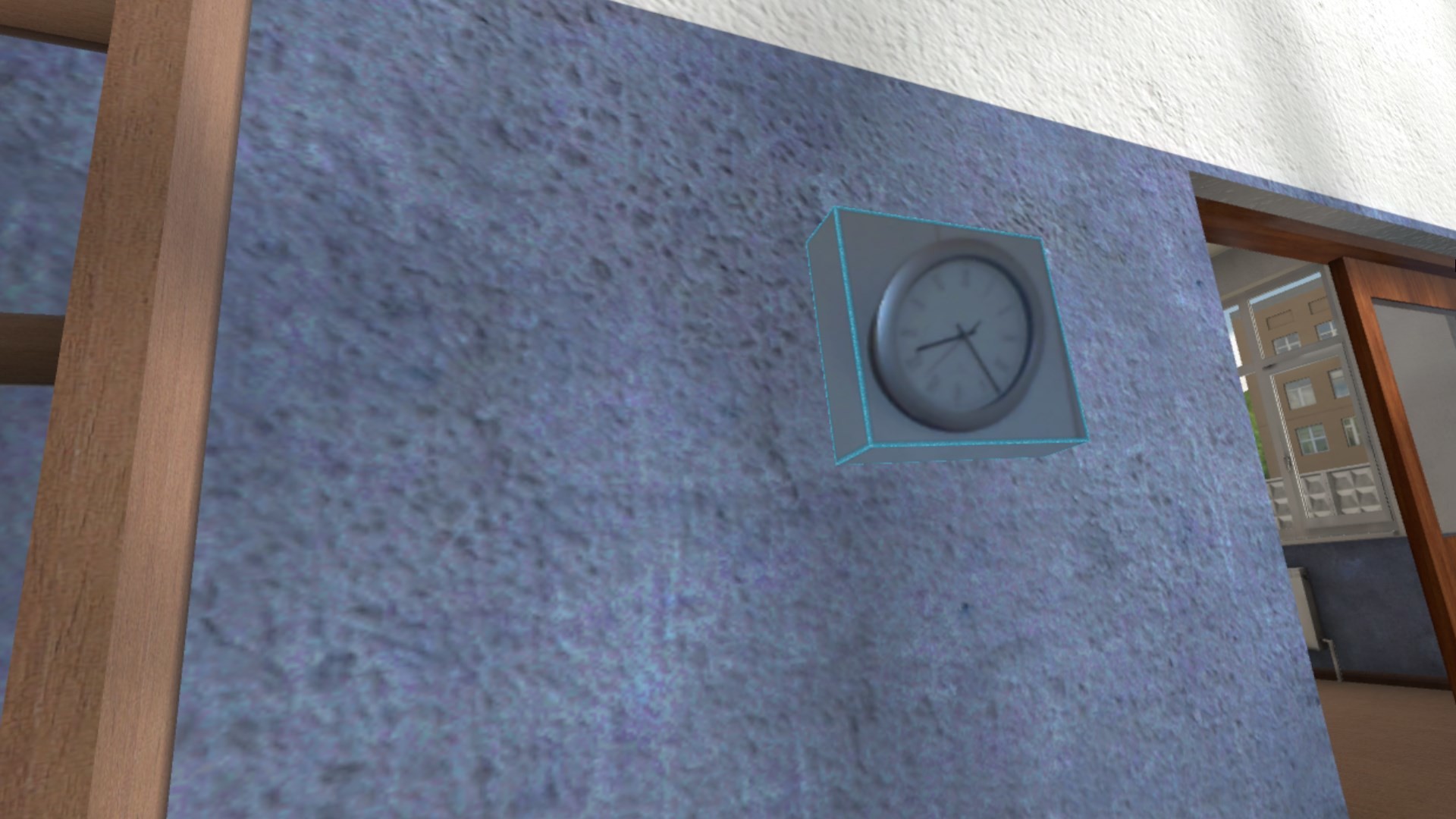
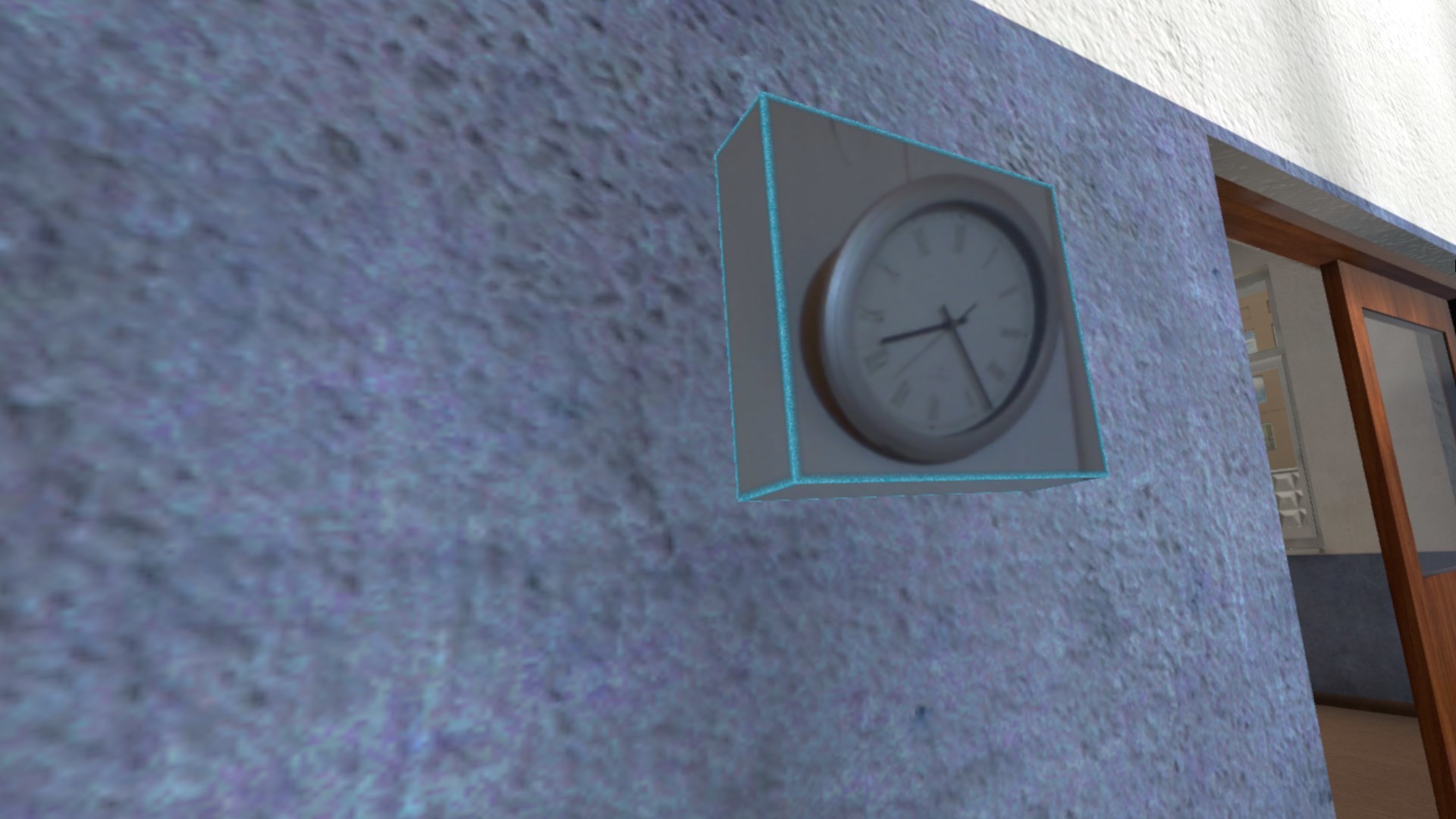
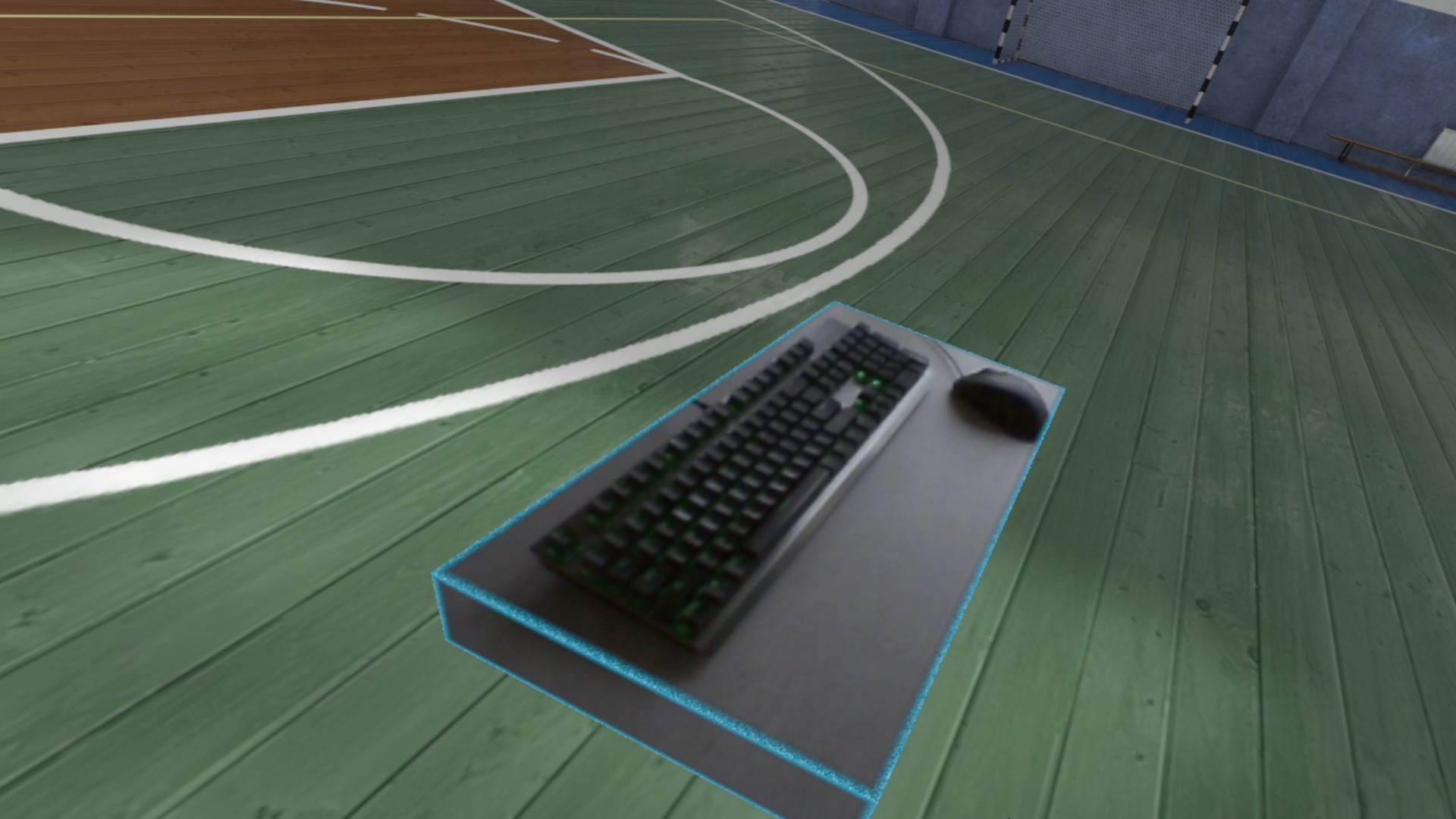
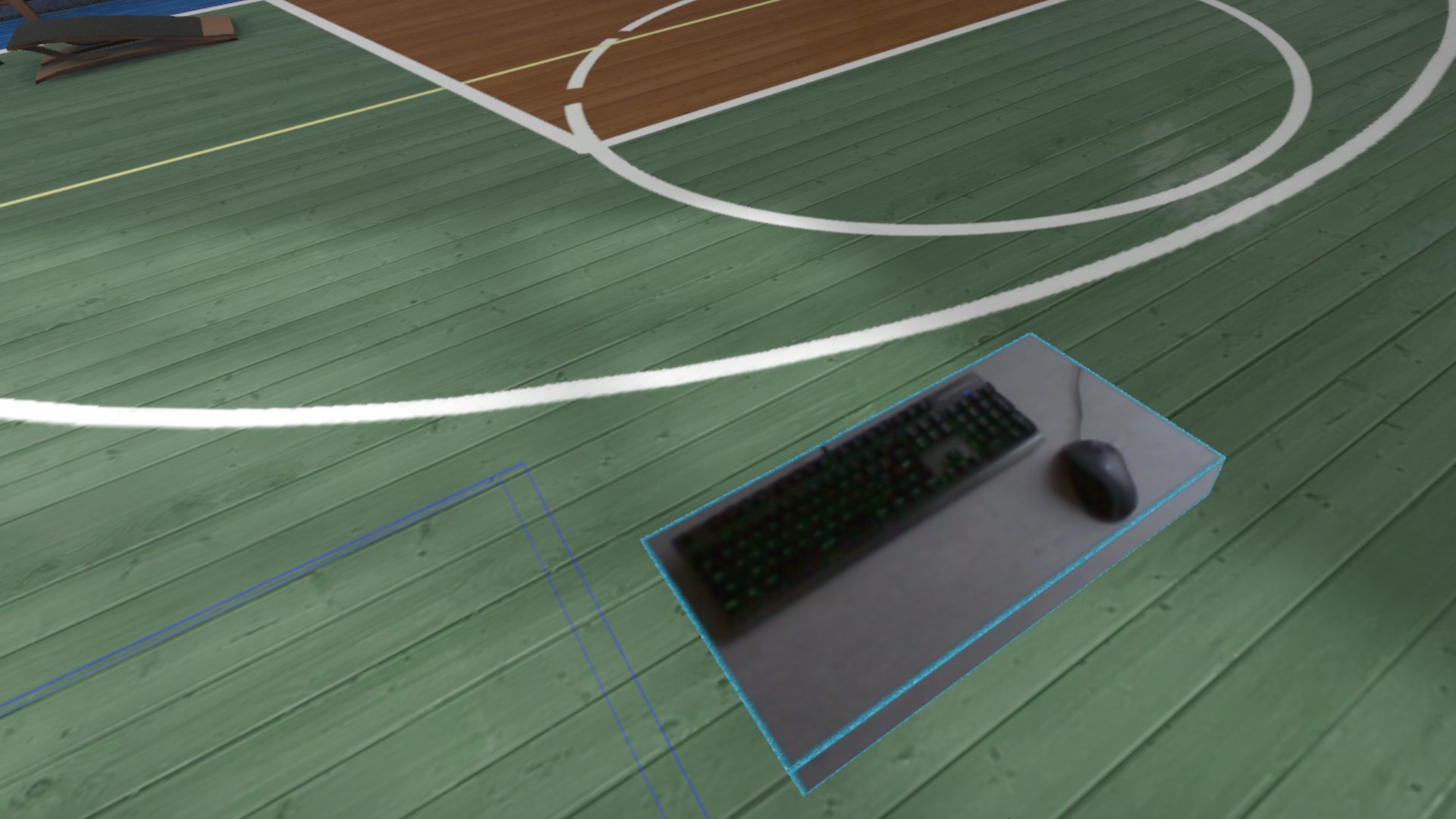
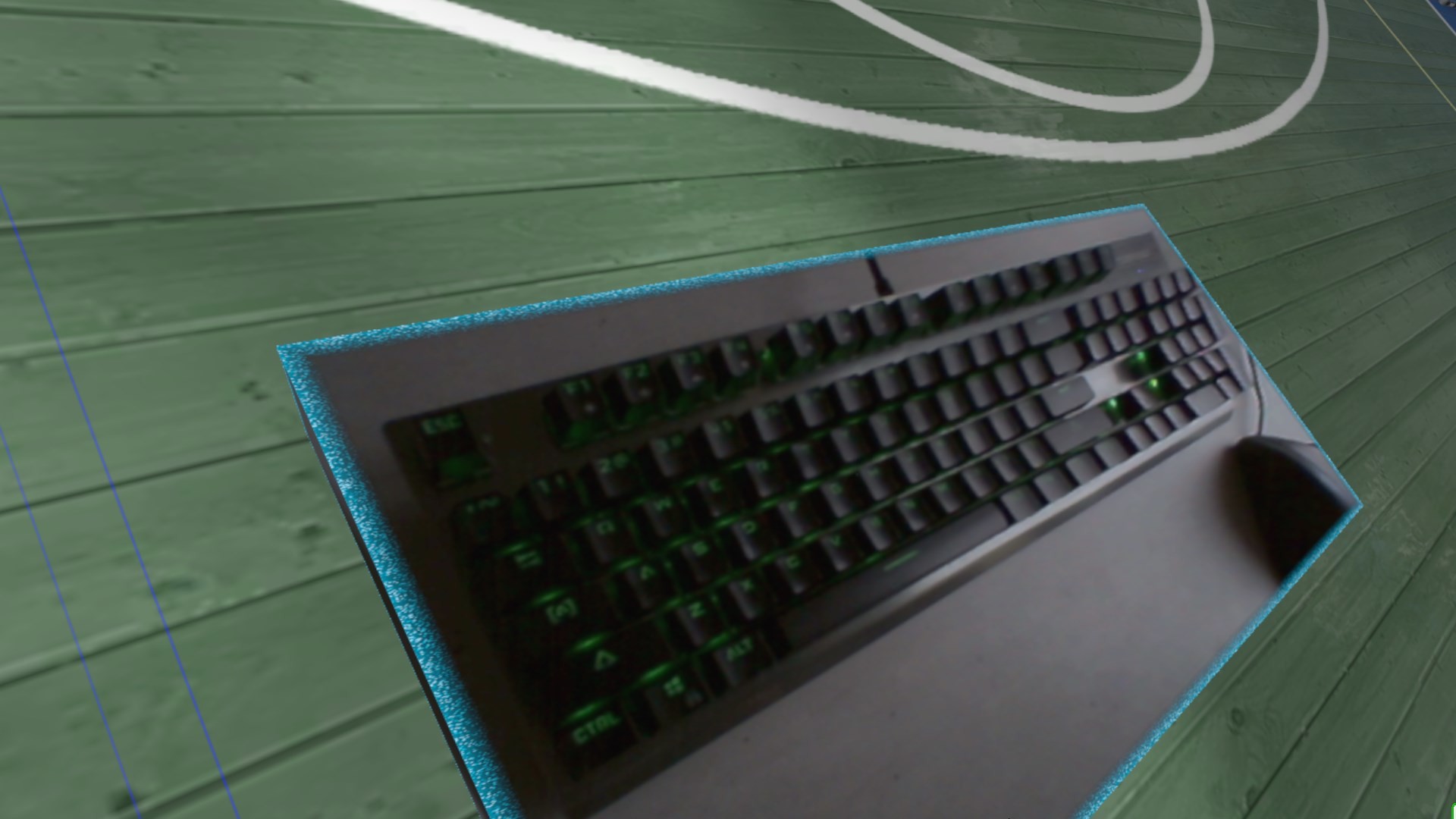
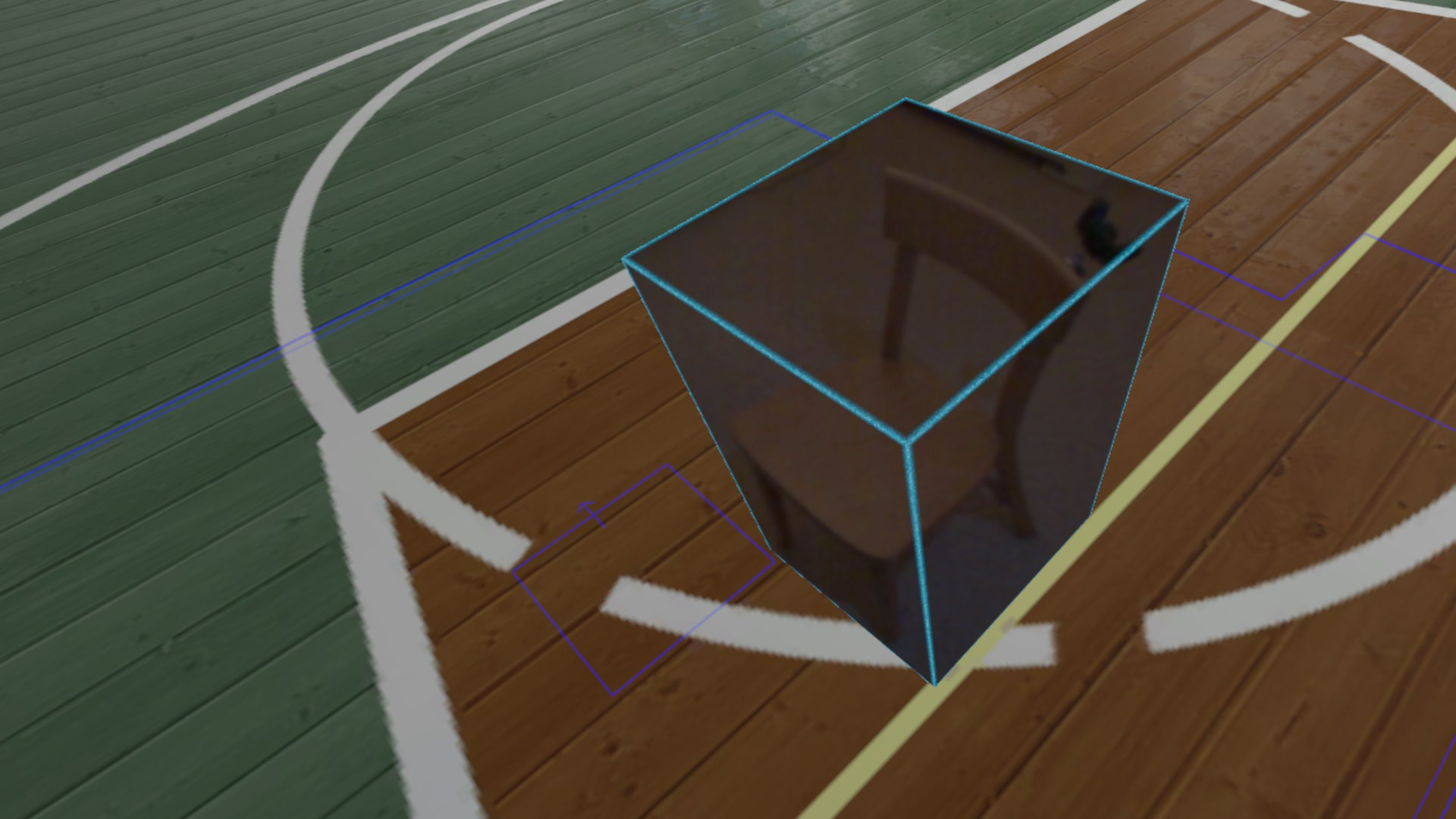
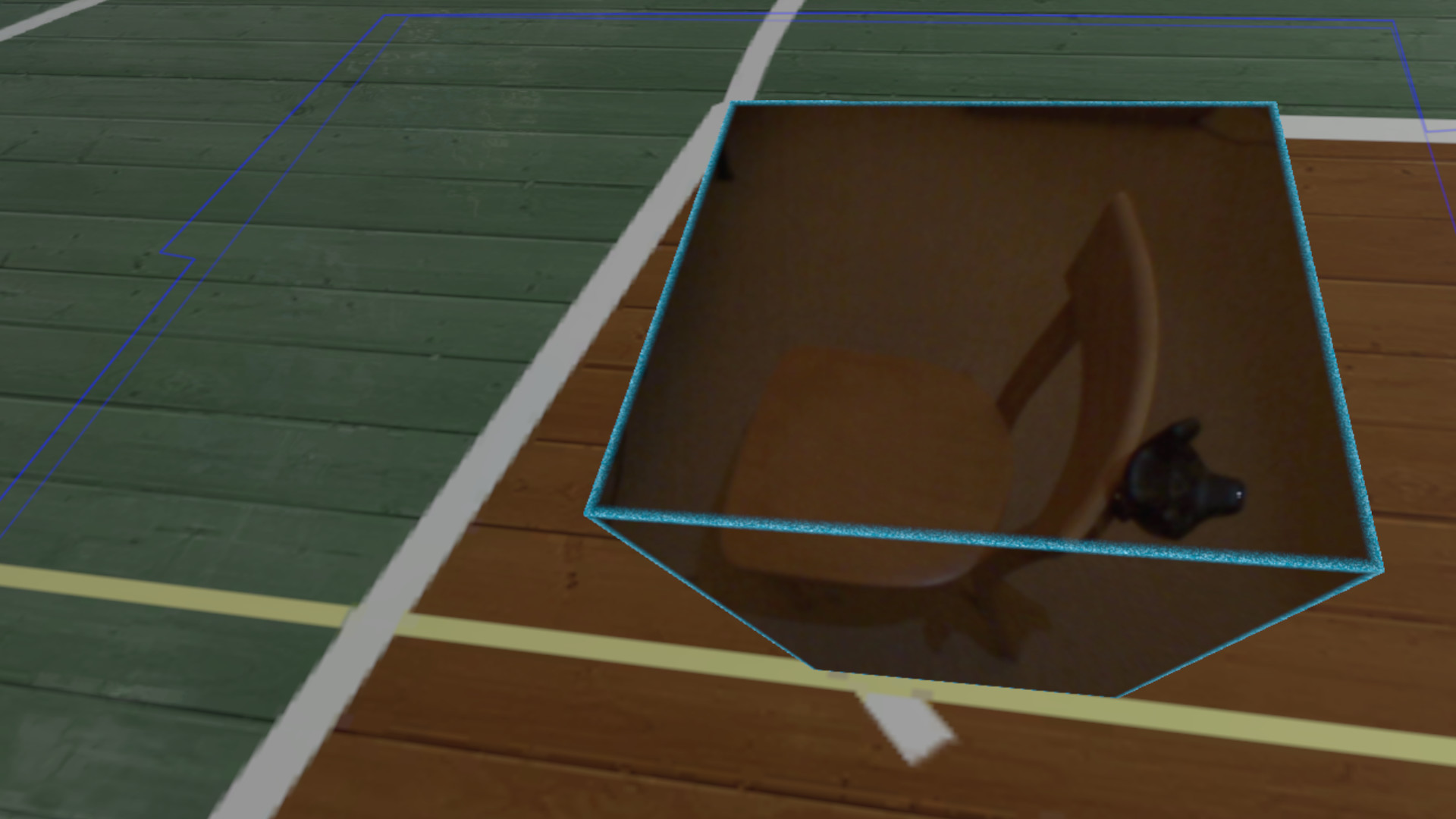
Reality Mixer lets you bring real objects into VR. It uses the camera on the headset to show the real object and its surroundings in the current VR environment (game). You can use: keyboard & mouse, a racing wheel, HOTAS, a drink on your desk, a phone, tablet, chair, couch, etc.
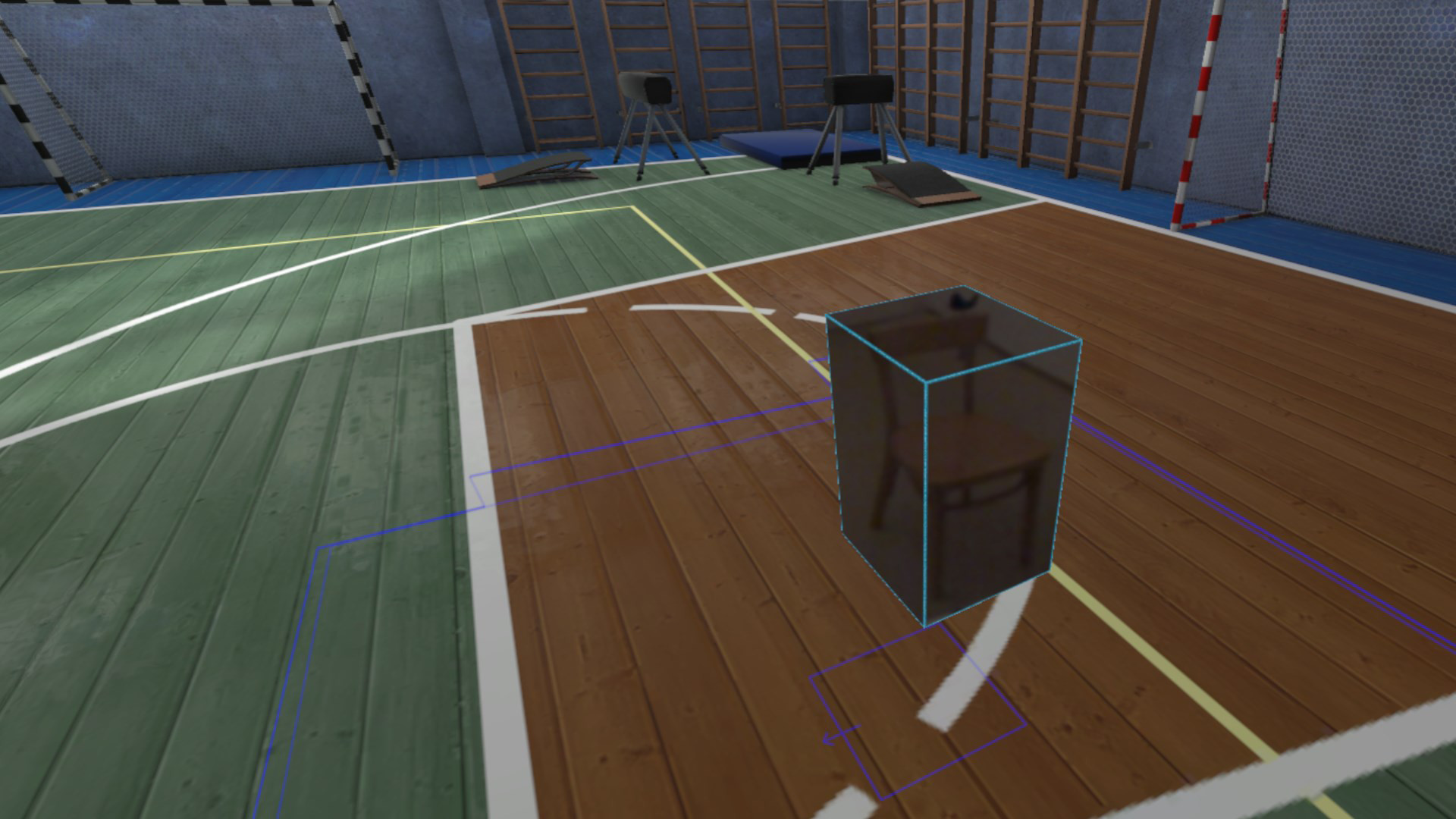
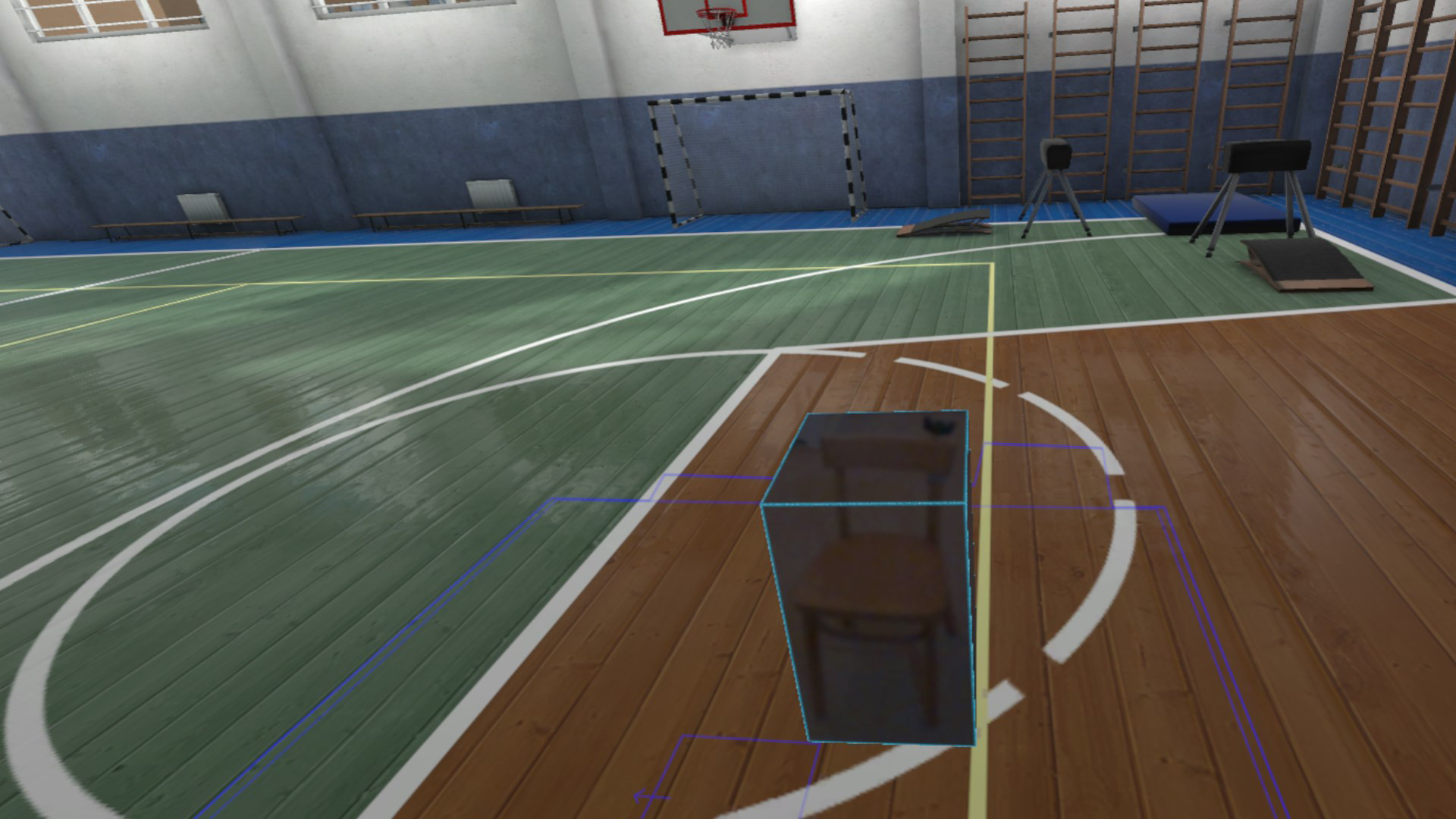
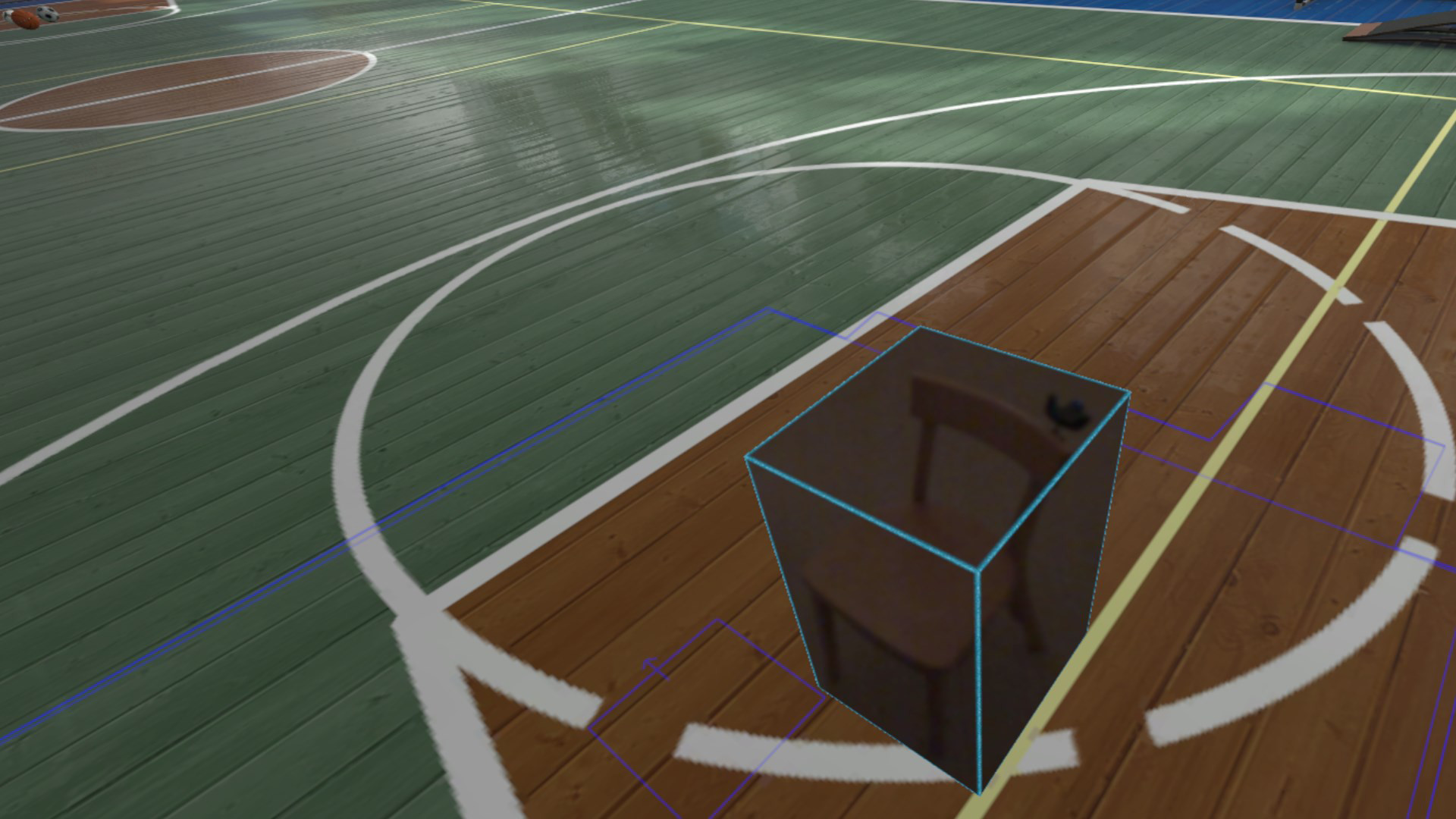
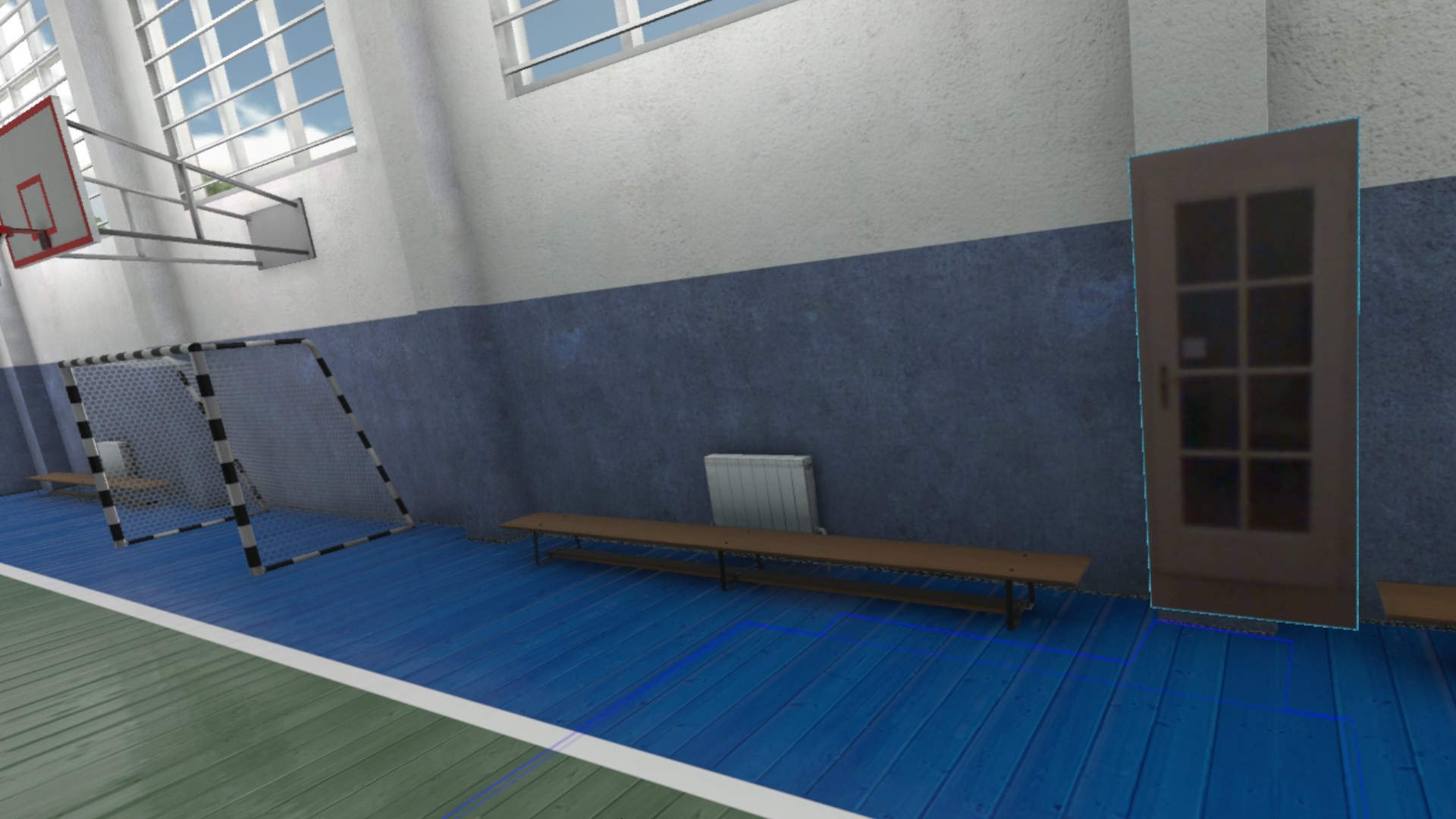
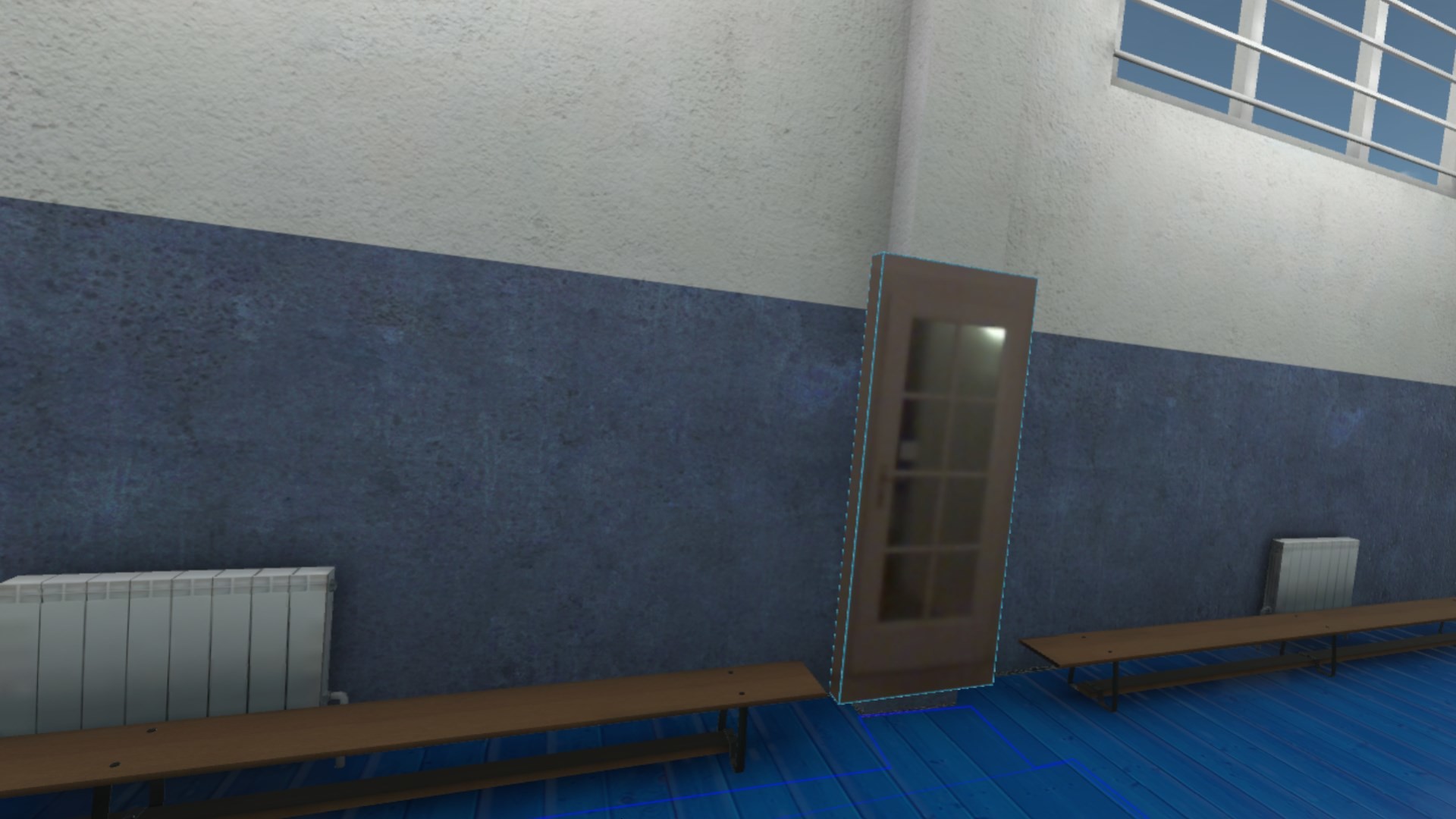
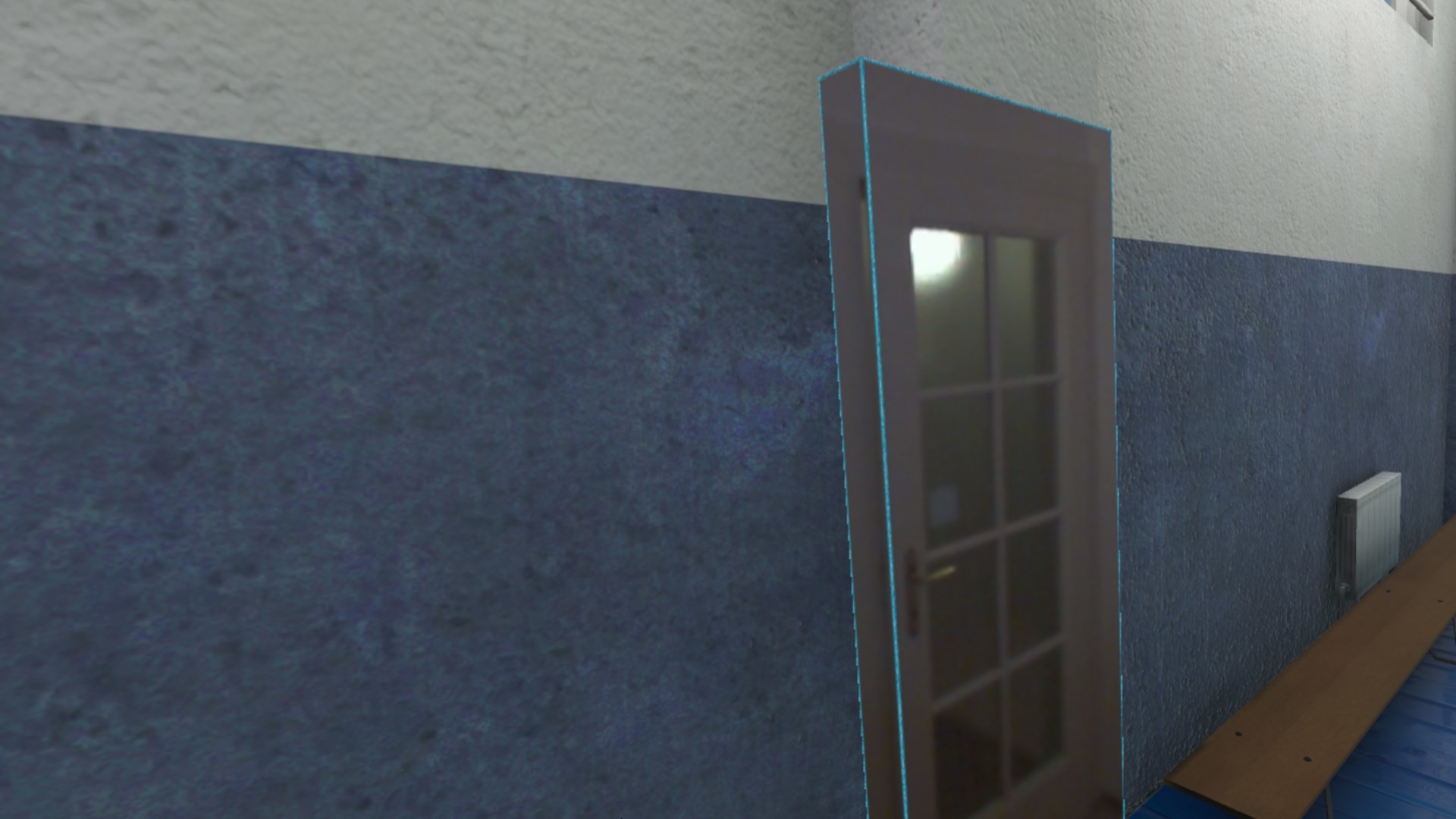
Think of objects like keyboard & mouse, a racing wheel, HOTAS, a clock on the wall, a drink on your desk, a phone, a tablet, a chair, etc. Also larger real objects can be used. Like the door to your room, so you can see who comes in, or the couch with your friends.
Bringing real objects into a virtual environment is known as 'Augmented Virtuality'.
Reality Mixer creates 'boxes of reality' which are shown in VR.
Apart from these 'camera boxes' the app also provides a mixed reality Cockpit for use with simracing and flight simulators, a Floor Viewer to quickly see the real floor around your feet and a Lap Viewer for use with seated experiences such as Big Screen. Lap Viewer can be used for quick glances at a normal (untracked) keyboard on your lap.
If you have a Vive or Tundra Tracker, you can attach a camera box to it so the tracked object will be visible wherever it is in your play area.
The real objects (and their immediate surroundings) don't have to be visible all the time. There are three activation methods:
- Activate by Proximity: Objects (camera boxes) will fade out when you are too far away. This fade out distance can be set by yourself.
- Activate by Gaze Angle: Look straight at a camera box to make it visible. Use this activation method with seated games where you have things on a table next to your seat. The activation angle and optional activation delay can be configured. Using an activation delay means you have to look at the object for a second before it starts to show itself, to prevent accidental activation. Floor Viewer and Lap Viewer both use Gaze Angle Activation by default, but can also use Proximity or ButtonPress activation.
- Activate by Button Press: Press a keyboard, mouse, gamepad, HOTAS or racing wheel button to turn on/off a camera box.
If you have an Elgato Stream Deck, or if you use Touch Portal on your phone or tablet, you can use it in VR with Reality Mixer.
Chroma keying (green screen) makes the background of the objects transparent so the VR world shows through. This can be useful for objects such as a racing wheel and HOTAS.
Instructions
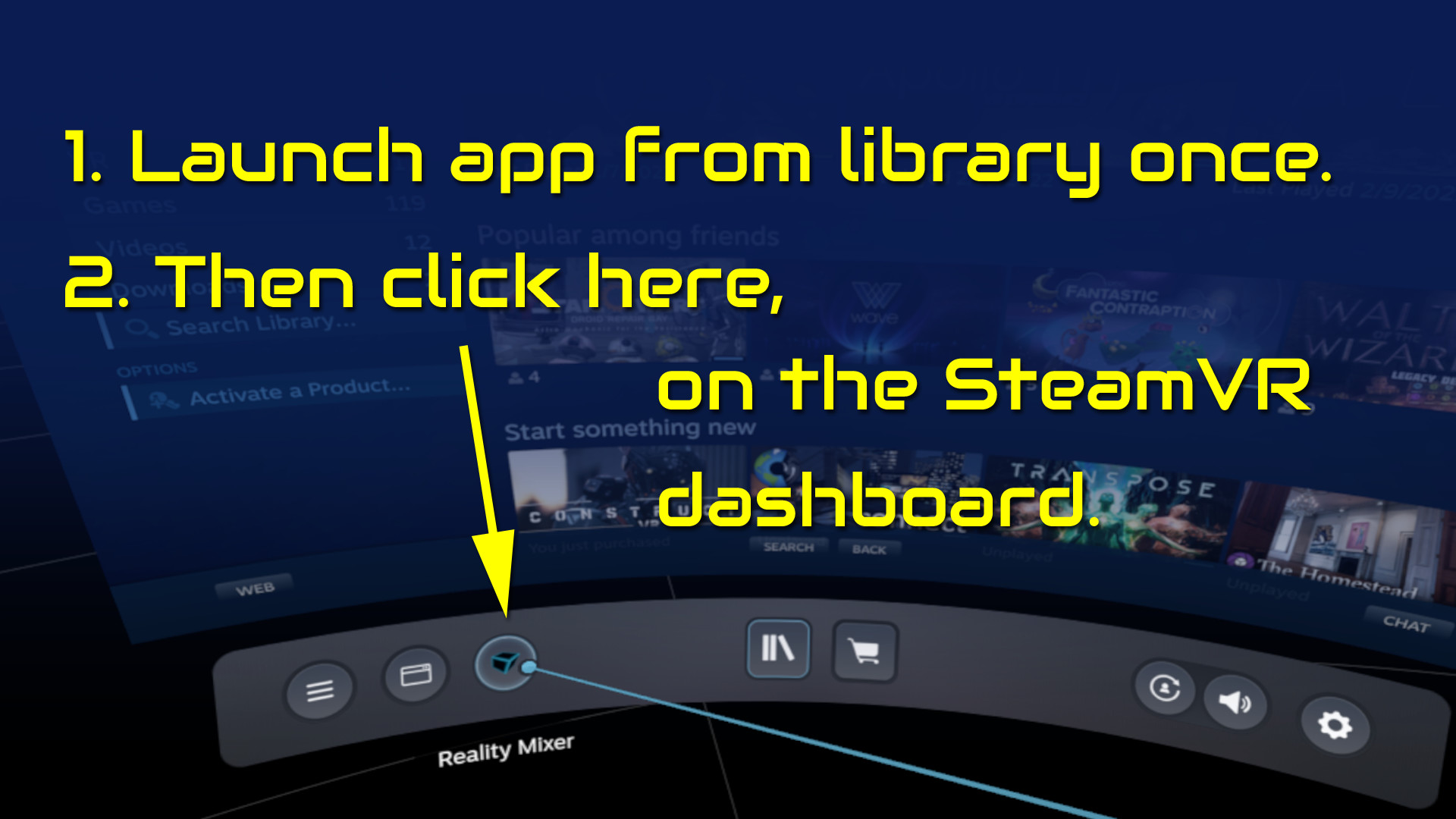
- Start the app once from your Steam Library. It will auto-launch with SteamVR next time.
- Open the SteamVR dashboard.
- Click the icon for the Reality Mixer app. See image below.
- Follow instructions on screen.
- If you use it on a Quest, Pico or Vive XR Elite, you need to turn on passthrough in the Virtual Desktop app on your Quest/Pico/Vive XRE.
Compatibility
Reality Mixer is currently compatible with the VR headsets listed here.- Valve Index
- Meta Quest 2 and 3, when used in combination with the Virtual Desktop app on the Quest
- HP G2 (v1 and v2)
- all first generation Windows Mixed Reality (WMR) headsets
- HTC Vive (the original Vive)
- HTC Vive Pro (version 1 and 2)
- HTC Vive XR Elite, when used in combination with the Virtual Desktop app on the XR Elite
- Pico 4, when used in combination with the Virtual Desktop app on the Pico 4
Extra features in development
- External (USB) camera support
- ChromaKey updates
- Extra activation options
- Circular passthrough shape
Médias
Bandes-annonces et captures de la page de la boutique
Dernières actualités
Mises à jour récentes des flux du jeu

Jeux comme Reality Mixer - Mixed Reality for VR headsets
Tags en commun, pas la même série.







Reality Mixer - Mixed Reality for VR headsets : historique des prix et offres actuelles
Reality Mixer - Mixed Reality for VR headsets sur PC se vend actuellement à partir de 9,99 € dans des boutiques autorisées. Prix le plus bas depuis le 18 juin 2026: 7,99 €.
Avis, durée de jeu et classification de Reality Mixer - Mixed Reality for VR headsets
91 personnes ont évalué Reality Mixer - Mixed Reality for VR headsets. 77% sont positives. Steam appelle ça Mostly Positive.
Questions fréquentes
Réponses tirées des données de ce jeu. Là où je n'ai rien, je ne dis rien.
Le prix actuel de Reality Mixer - Mixed Reality for VR headsets est-il intéressant ?
Quelles boutiques proposent Reality Mixer - Mixed Reality for VR headsets ?
Reality Mixer - Mixed Reality for VR headsets pas cher : où trouver le meilleur prix ?
Reality Mixer - Mixed Reality for VR headsets vaut-il le coup ?