Le texte du produit est affiché en anglais, car le texte source n’est pas disponible dans cette langue.
PC
Region FR

Content rating unavailable
Indépendant · Mibli
Shadowforge

Content rating unavailable
Windows
Positive · 92% of 13

 Chip's verdict · FR
 Why this verdict
Player reviews 92% positive of 13
Quality score 92/100 · small sample
Offers
Accepted regional prices from official stores
No offers tracked yet for this product.
Report a wrong price
DLC (2)
Add-on content for this game
- Shadowforge Pro No offer tracked

- Support The Developer No offer tracked

About this game
What this game is, in the developer's words
Shadowforge is a painting software with sandbox features. Upload your own made brushes and share with the Shadowforge community!
Shadowforge is a painting software for individual/multiply images that put their layers in a formation that works well with rocks, grass and things like that. You can import any image to Shadowforge and draw with it. Don't feel much creative and layering stuffs? Let Shadowforge do the job!
Shadowforge Features
- It's here! On Steam.
- Has a 4-point vertice tool with a 3d perspective.
- Polygon tools.
- Lots of custom made image manipulation shaders. Gameboy Shader as an example.
- You can make your own brush inside the app.
- Easy to use scale, angle, color and alpha sliders.
- Onionskin.
- "Fast layers" and normal layers.
- Outline and inline shading. Don't worry about doing this manually, because Shadowforge can do it for you with different options to choose from when outlining or inlining.
- Animating in Shadowforge is fast and shows the frames on the docker. Animation frames are seperate from the canvas. Switch from the docker to the canvas and vice versa. Export all your animation frames as single png files together without having to save them one by one.
- Upload a gif file into a sprite sheet and into the WYSIWYG docker.
- Save your project as a zip file and load it with that zip file. Send it to a friend and he can too upload it on his Shadowforge.
- Write text fast and easy in real time.
- Hide menu, palette and sliders and use the mini palette for ultra space freedom.
- Save your custom brushes permanently and when you start Shadowforge again you can use them again.
- Have fun with the miscelleanous sprites on Shadowforge. Use them to your advantage.
- Record your brush strokes, vectors and pixels into a gif file to show other people how you made your art or to learn from the past.
- Another thing to have fun with, save your mini palette into a .sfpal file and send to your friends so they too can work with the same mini palette.
- Record your frames on the canvas by picking the frame it should stop at into a gif file.
- Tile your sprites together on the canvas to create a beautiful background, clothing or anything else you can think of.
- Color only on colored parts just by pressing a key shortcut. Disable it by pressing the same key shortcut.
- It helps you remember what you are doing by being informative.
Media
Trailers and screenshots straight from the store page
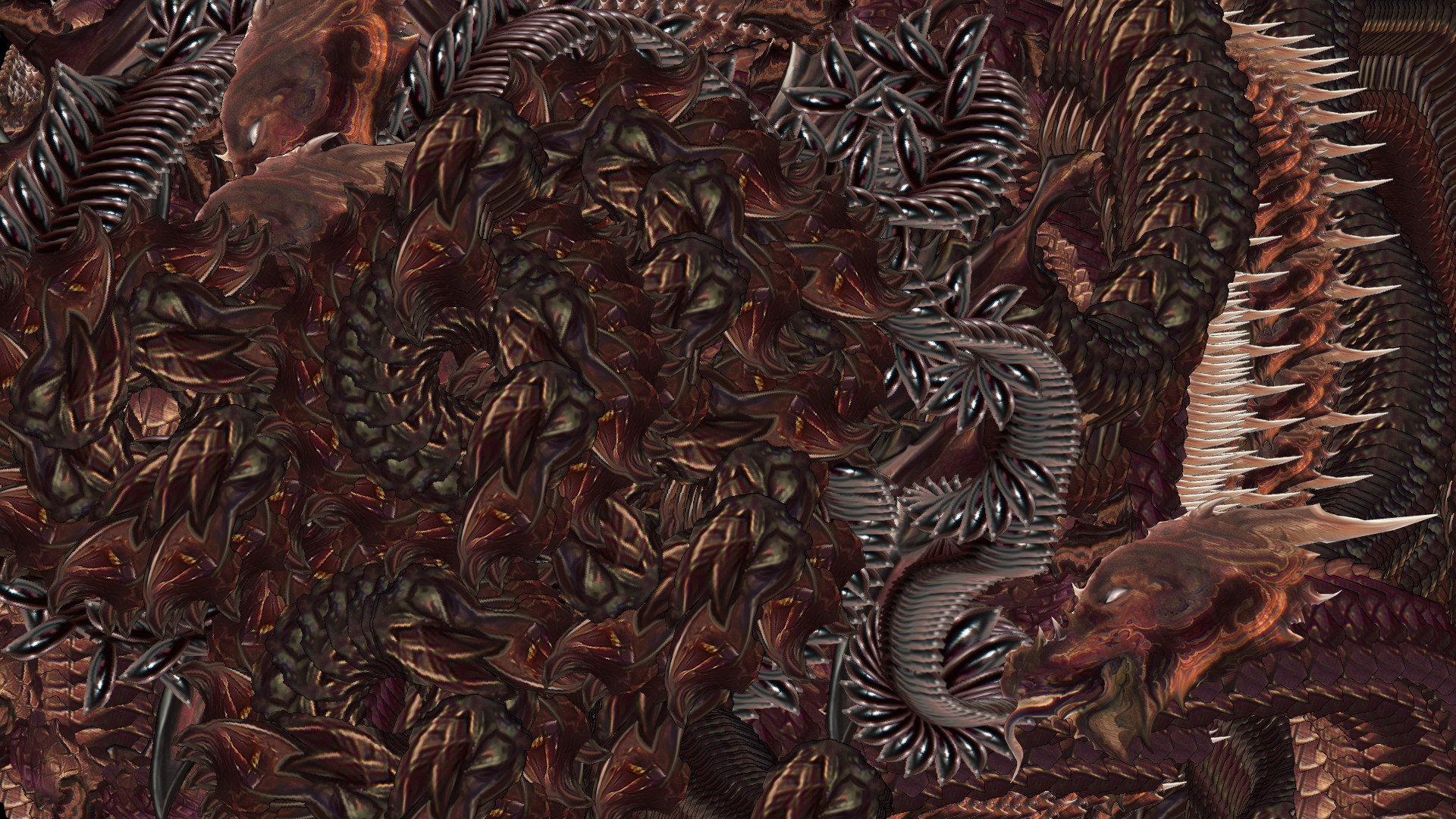
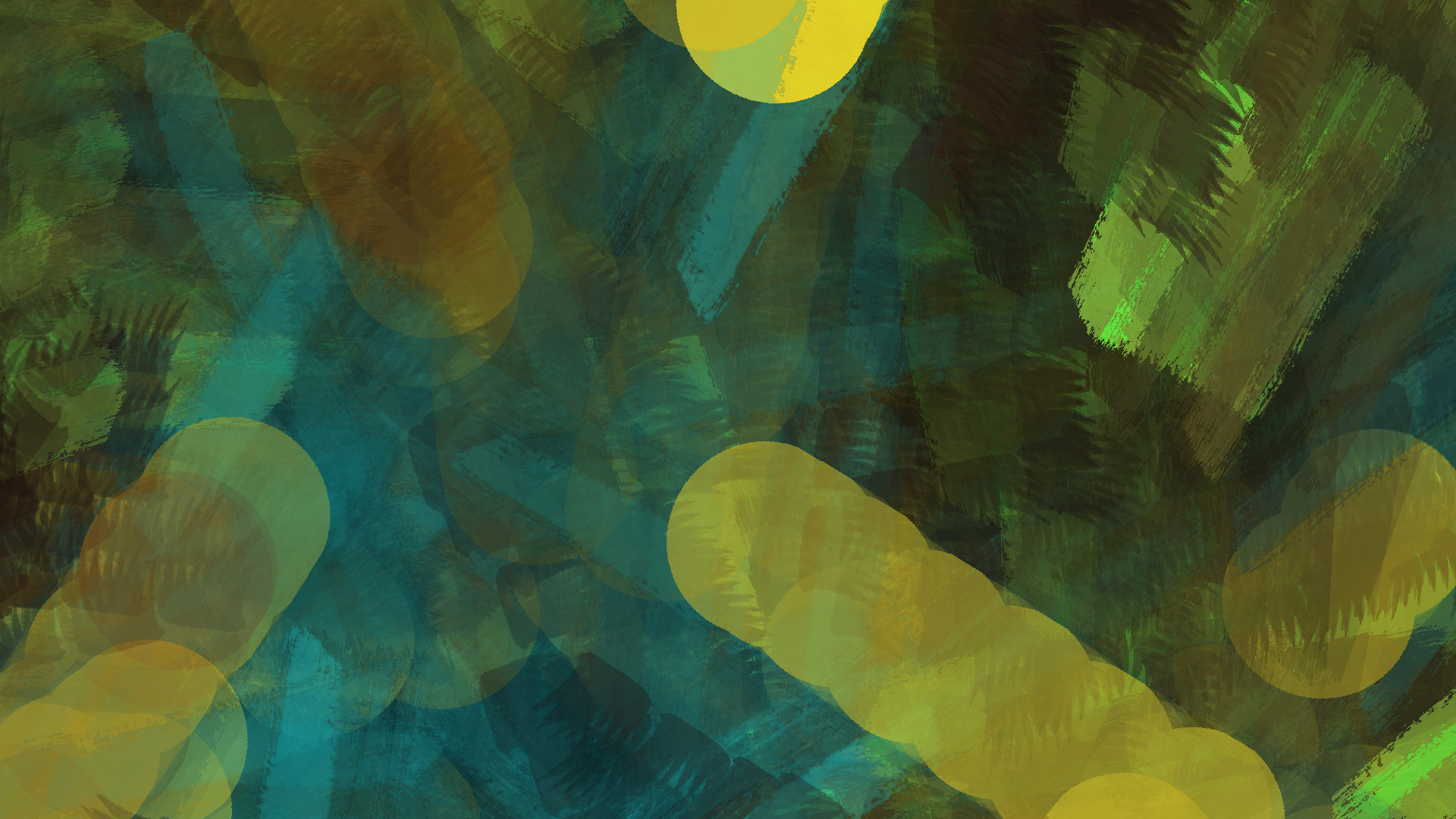
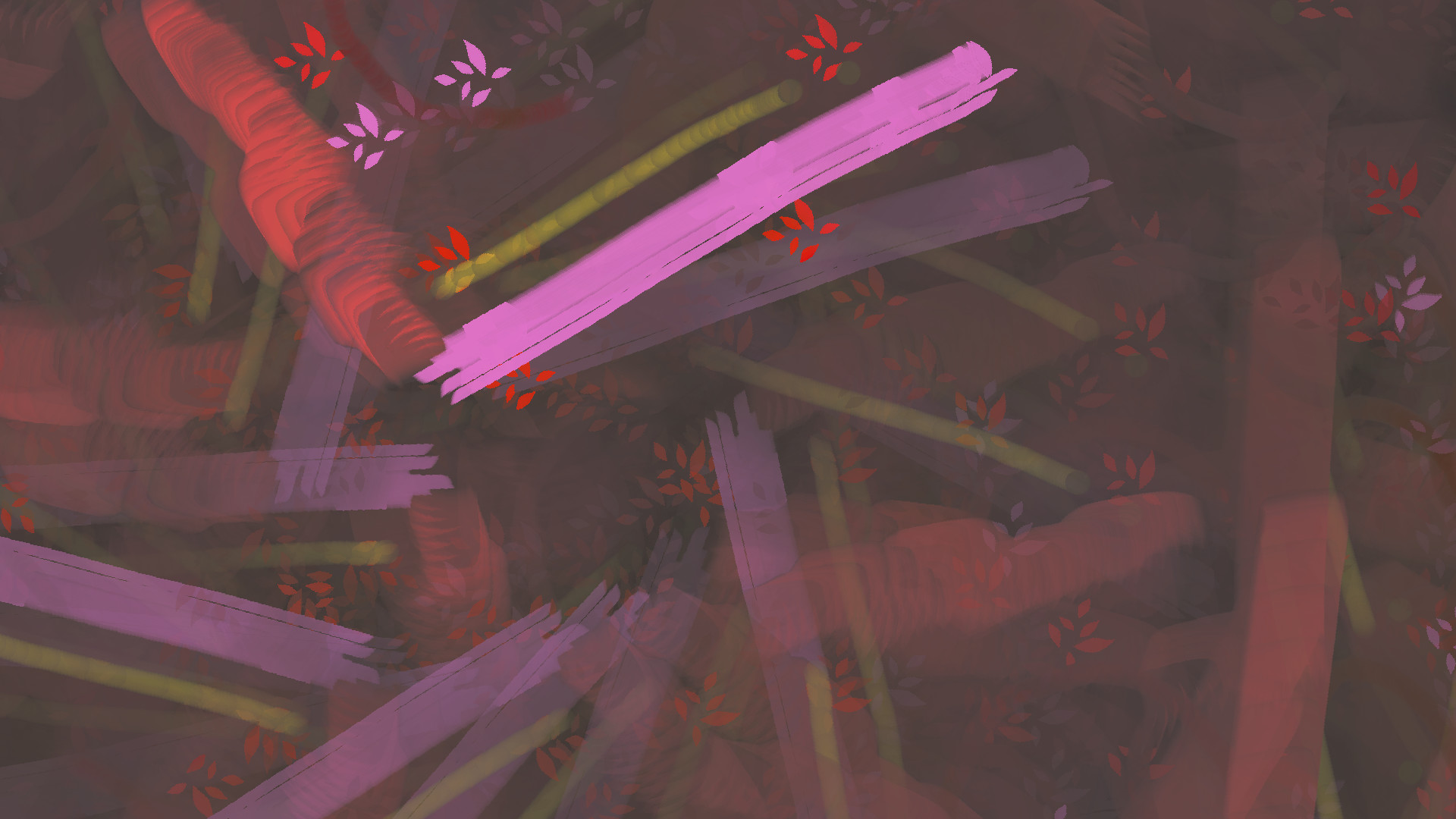
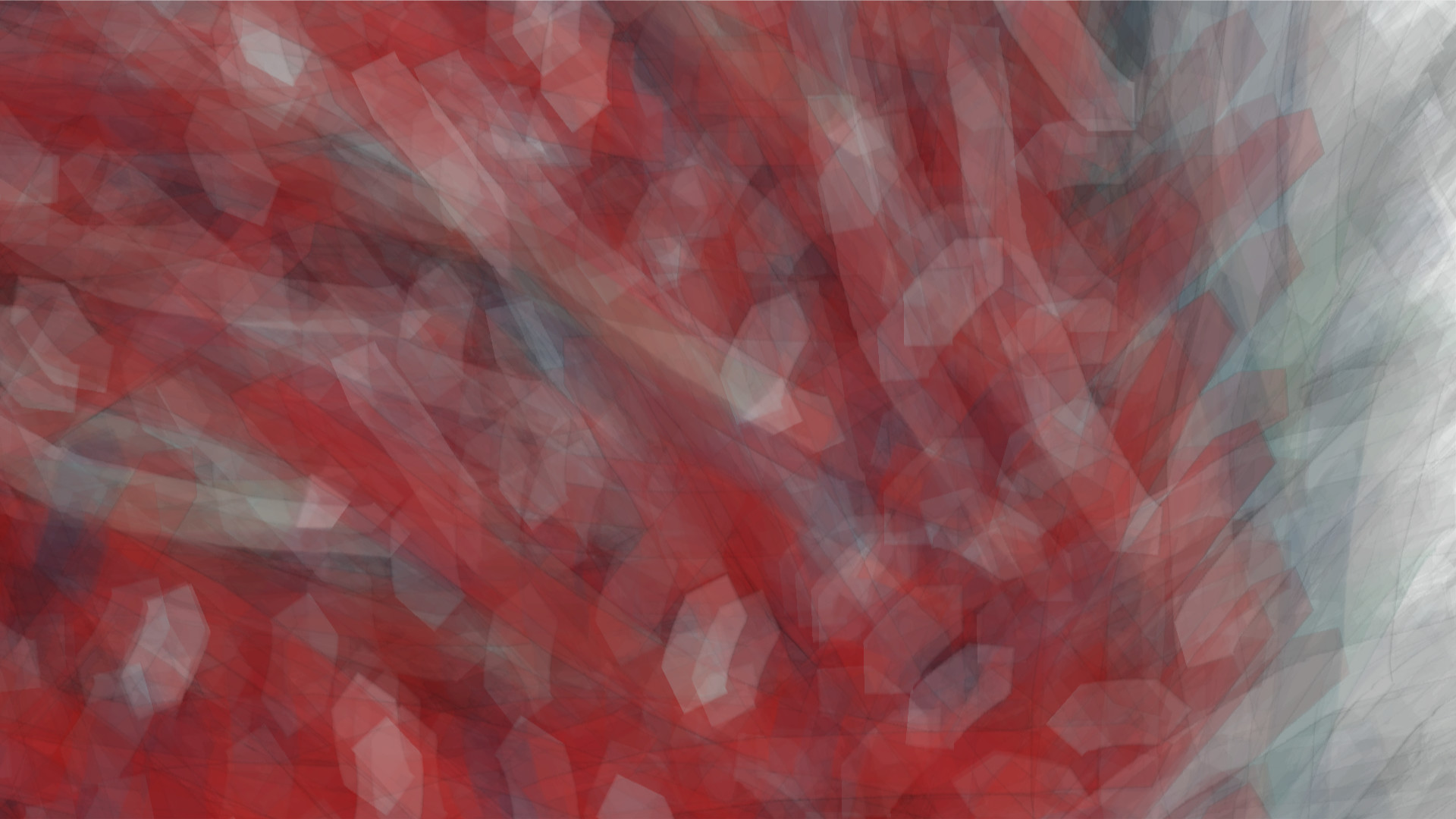
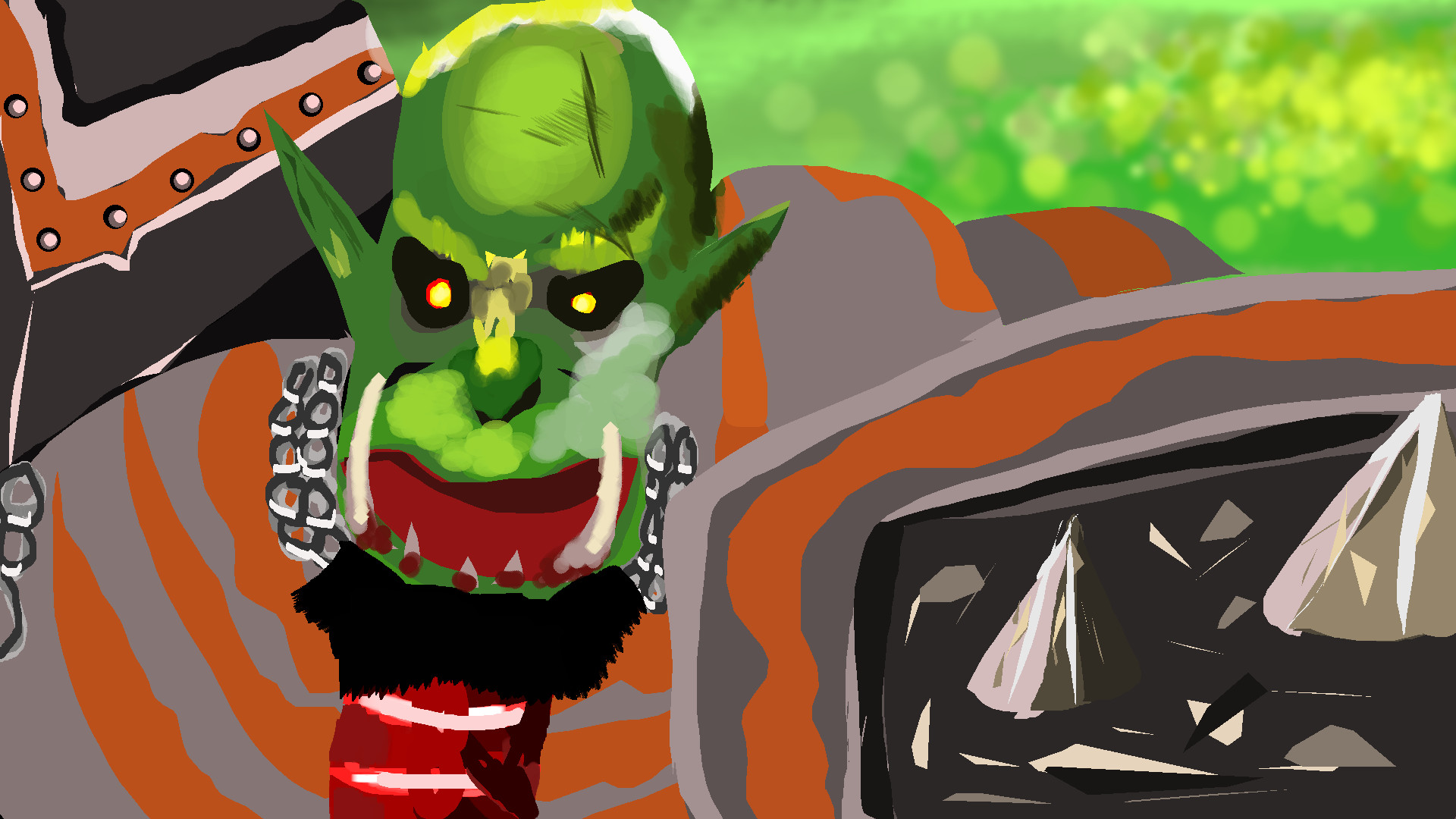
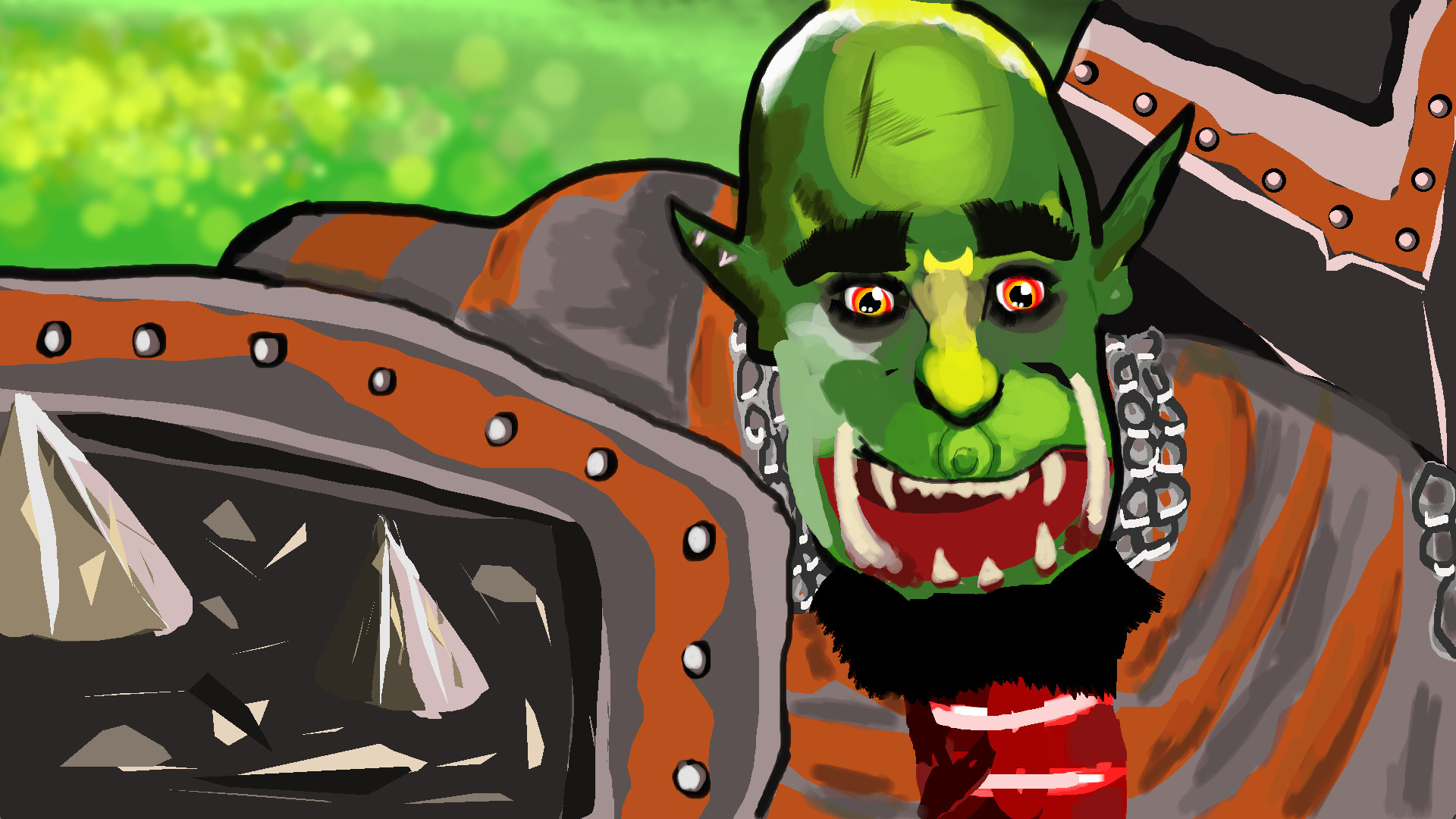
Latest news
Recent updates from the game's own feeds
Price intelligence
Accepted price history and the lows that matter
No price history recorded yet.
Historical lows
No history yet.
Shadowforge price history and best deals
Price tracking for Shadowforge across authorized stores.
Scores
Steam reviews Positive · 92%
92% positive of 13
Media (6)
Tech
Requirements
Facts
DéveloppeurMibli
ÉditeurMibli
Links