
1001 TVs


 Chip's verdict · US
 Why this verdict
Offers
Accepted regional prices from official stores
No offers tracked yet for this product.
Report a wrong price
About this game
What this game is, in the developer's words
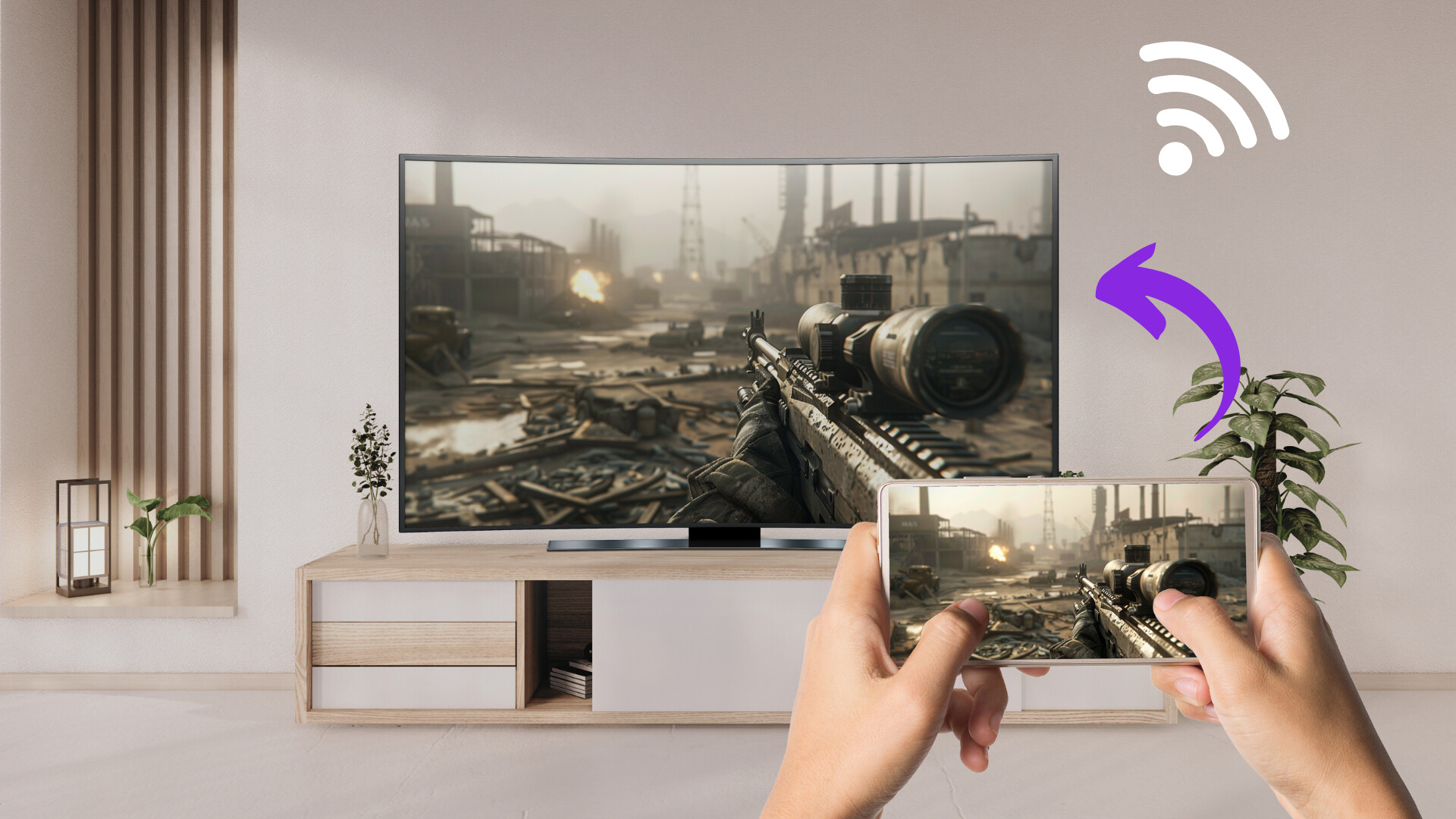
Simple Screen Mirroring App. Cast your Phone to PC, Mirror your PC screen to TV, Wireless Screen Extension.
1001 TVs - Screen Mirroring from phone to PC
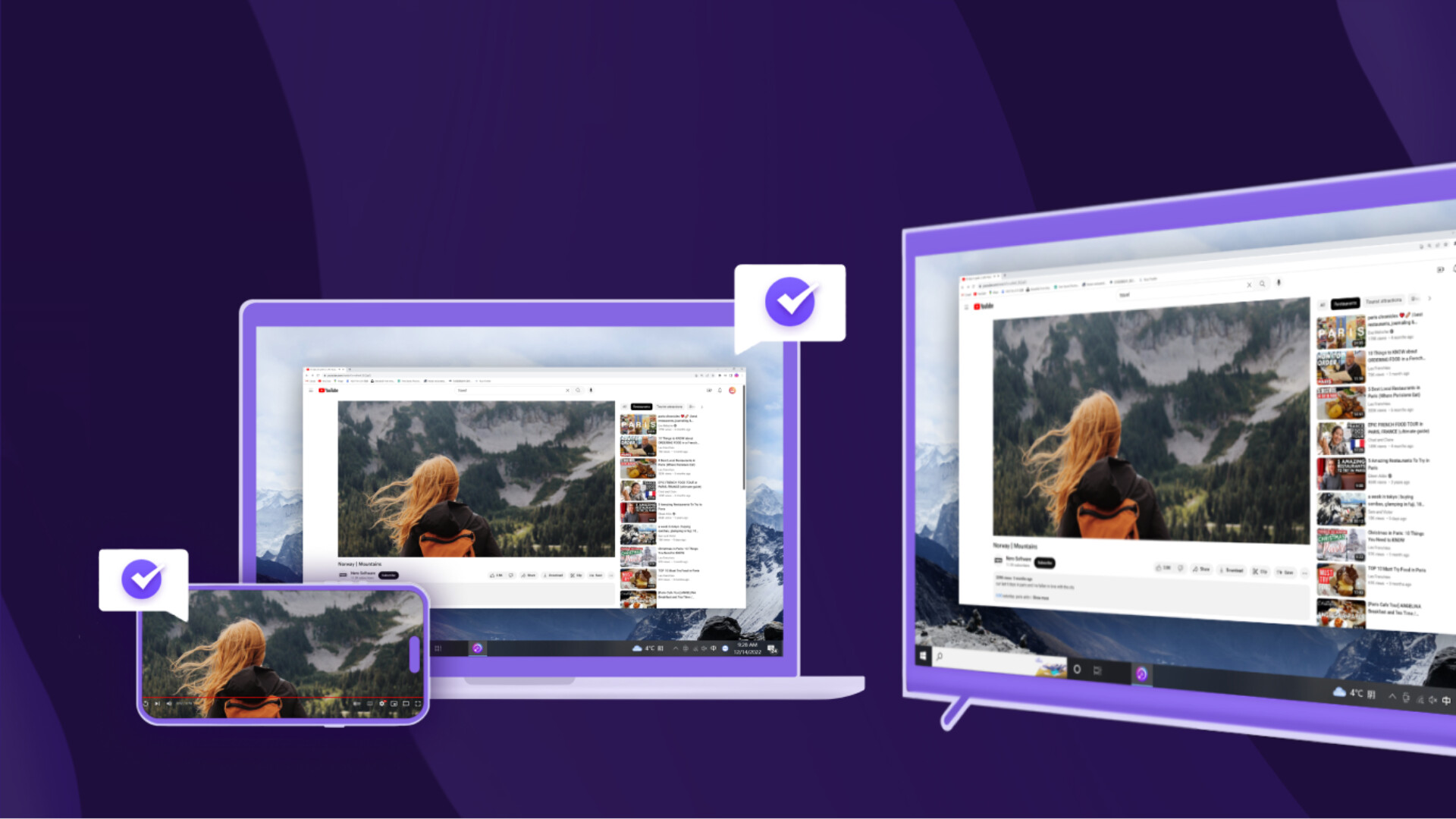
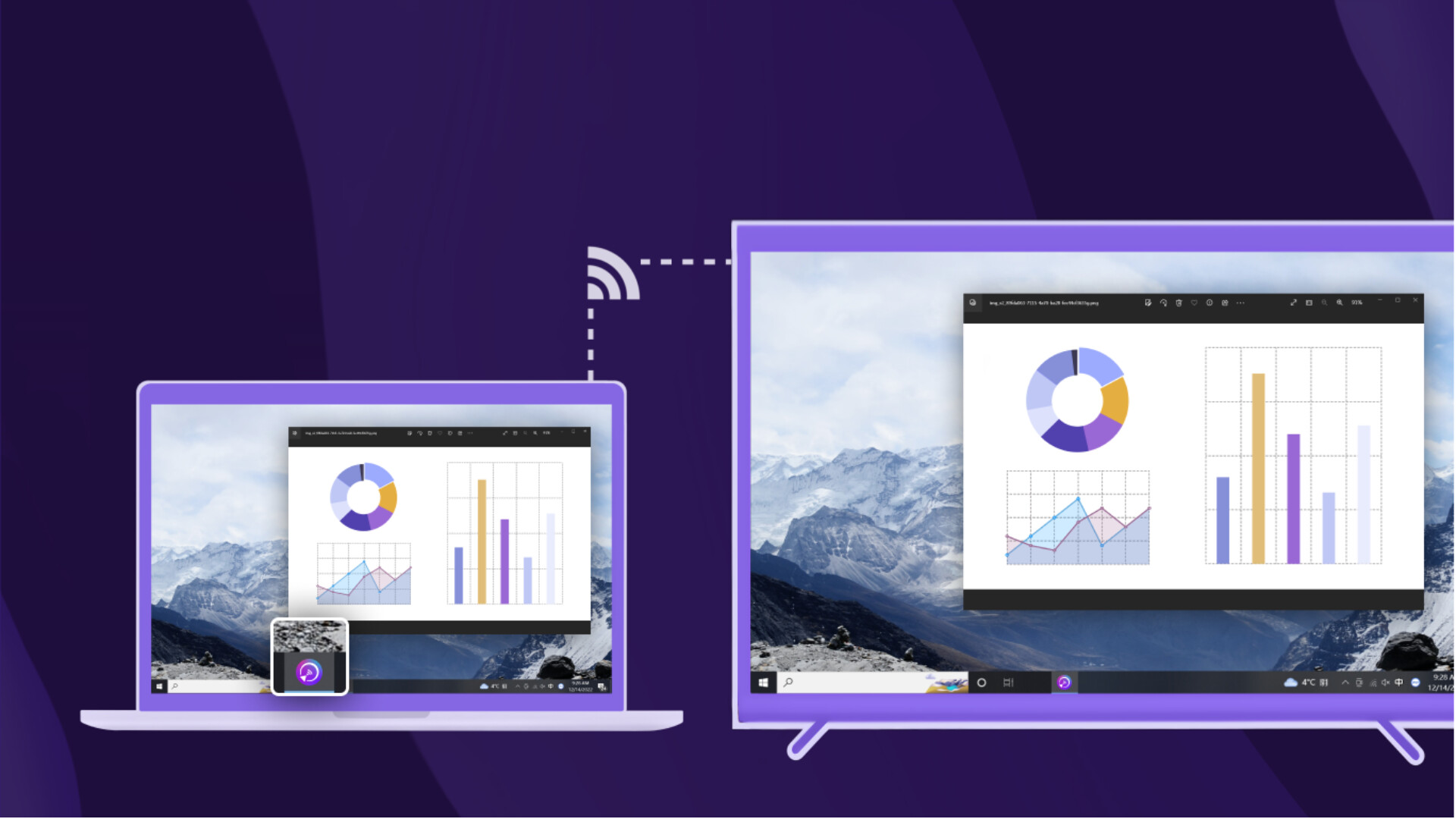
1001 TVs(PC):Mirror your phone/tablet screen to your computer, also can mirror your computer screen to TV.
We are a professional team on screen mirroring, always focus on the core features:
* Screen mirroring from Phone to PC:
- Support mirroring from multiple phones/tablets to the same PC simultaneously, with one-click automatic window arrangement.
- Freely zoom the phone mirroring window, supports full screen, force screen rotation, hide title bar, and more.
- Auto rotation adaptation, Perfectly maintains the original aspect ratio of your phone.
- Pause mirroring, and resume anytime – all controlled from your computer.
* Screen mirroring from PC to TV:
- Mirror screen to multiple TVs at the same time.
- Supports mirroring the Primary Screen, Extended Screen, or Virtual Screen.
- High frame rate support for smoother visuals.
- Mirror screen to PC, Mac, Phone, Pad and so on.
* German-quality you can trust:
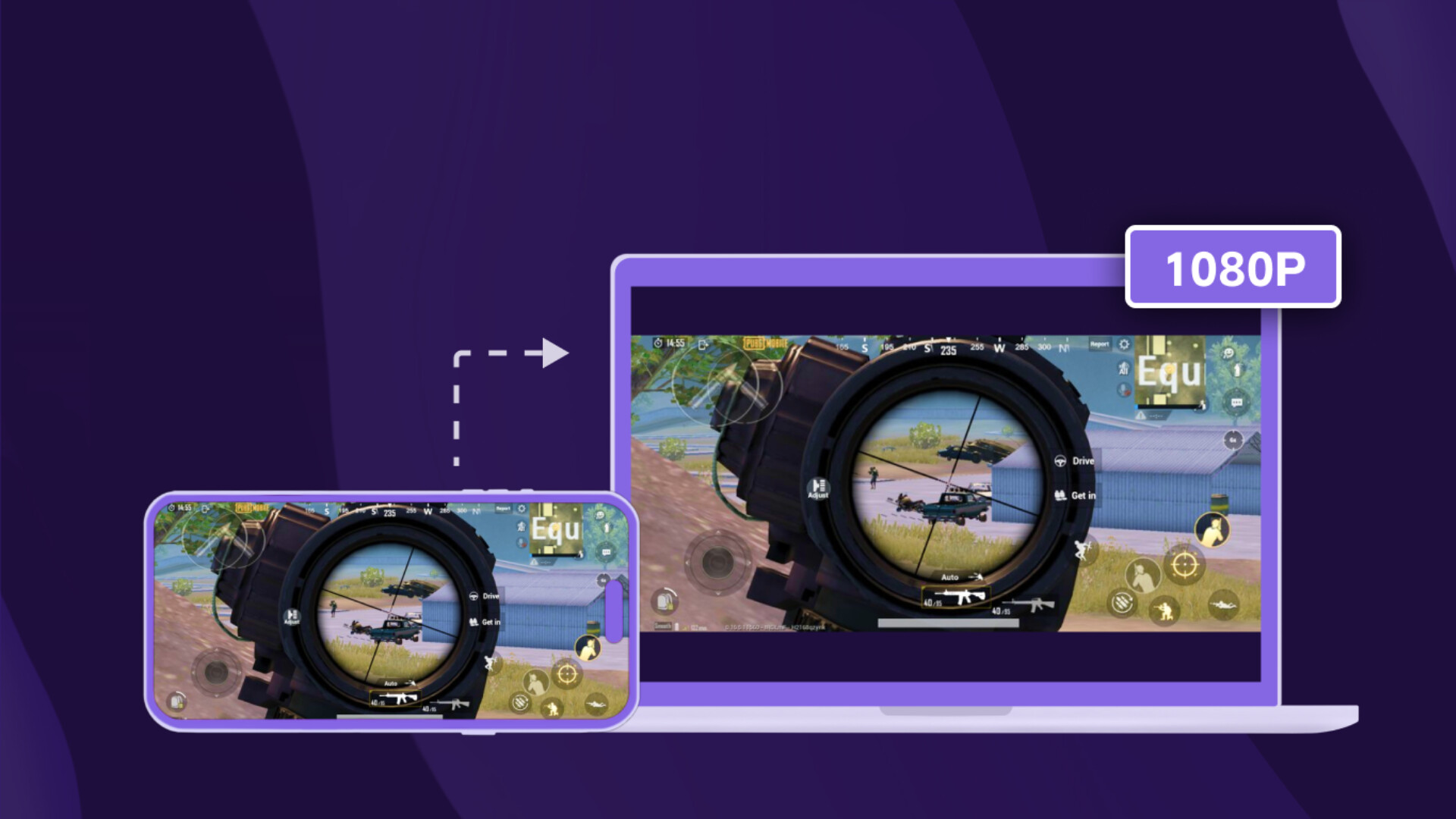
- Real-time, Low-Latency Screen Mirroring: Excellent balance between image quality and smoothness, with audio-video sync and no lag.
- Stable Long-Duration Connections: Meets industrial-grade mirroring requirements.
- HD Quality: Achieve high-definition picture quality through flexible configuration.
- Privacy & Security: All screen data is transmitted only within your local network, never uploaded to the internet, guaranteeing 100% privacy and security.
* Additonal Features:
- Annotation Tool: Draw and annotate directly on the mirrored screen.
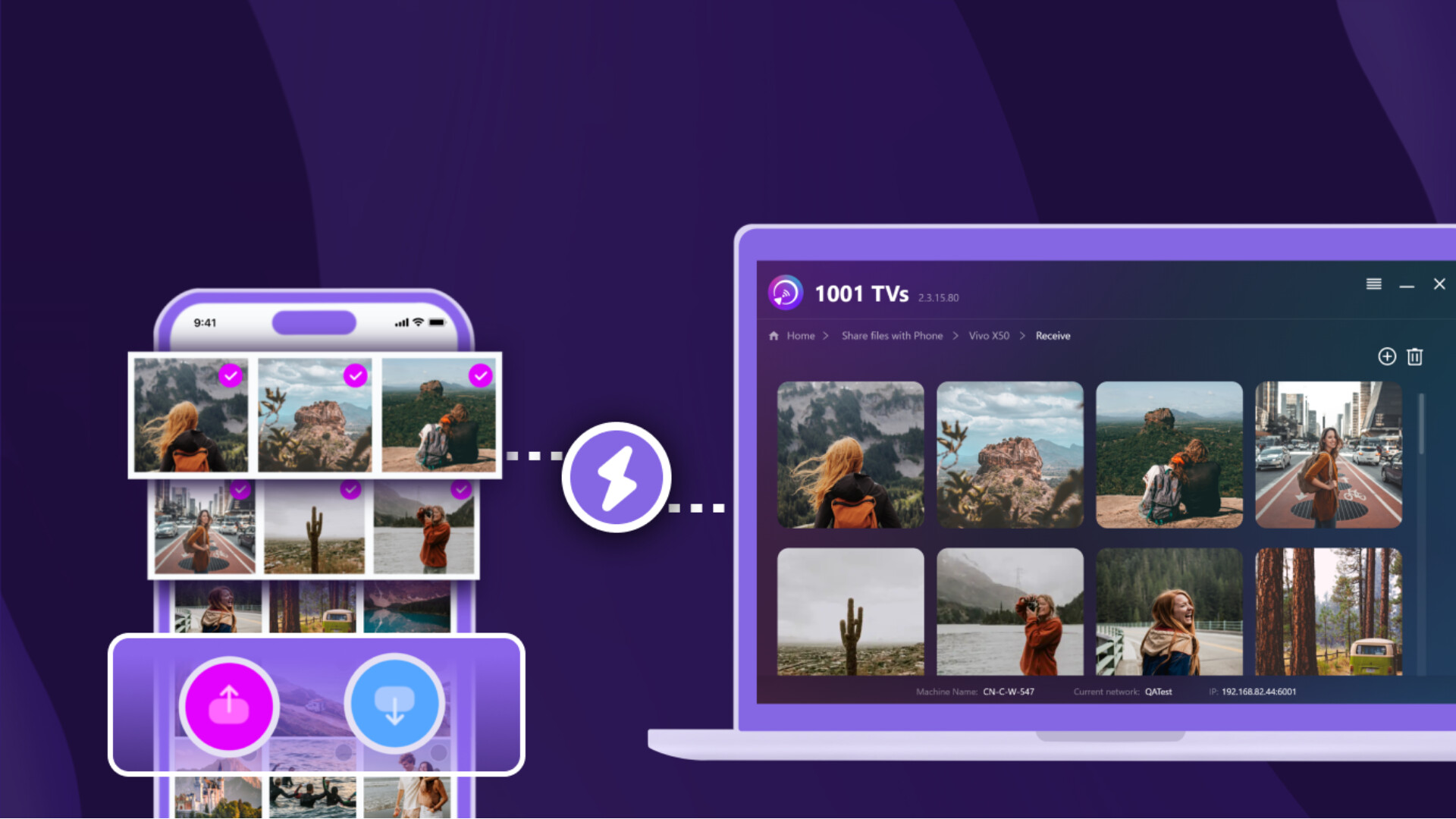
- File Transfer: Easily transfer files between your computer and phone.
* Getting Started is Easy:
1. Install "1001 TVs" application on phone and receiving device (PC/TV/Tablet).
2. Ensure all devices are connected to the same Wi-Fi network.
3. Open the app, select the target device, and start screen mirroring immediately.
* Pricing:
- Screen mirroring from Phone to PC: Offers a free trial, A paid membership is required to continue using after the trial.
- Screen mirroring from PC to TV: Basic features are free, some advanced features require payment.
* Contact Us:
- Email: [email protected]
- Website:
- YouTube: nero1001TVs
[User Agreement]
[Privacy Policy]
Media
Trailers and screenshots straight from the store page
Price intelligence
Accepted price history and the lows that matter
No price history recorded yet.
No history yet.
1001 TVs price history and best deals
Price tracking for 1001 TVs across authorized stores.