PC Steam $2.99 Region US

Design & Illustration · 3dm_live_wallpapers
3D Earth Time Lapse PC Live Wallpaper

Windows
Mixed · 61% of 188
Wait for a sale Price verdict · US updated 3 days ago
No discount right now. The current price is 100% of the way from its all-time low to full price.
Why this verdict
Price position between all-time low and full price 100%
All-time low $1.49 · 13d ago
Player reviews 61% positive of 188
Quality score 61/100
Value score 0/100
Offers
Official store prices and labeled keyshop comparisons
Official stores (1)
Direct store link. Payment stays with the store.
Report a problem
Price history
Accepted price history and recorded lows
Historical lows
All-time low ATL $1.49 2026-07-07
3-month low $1.49
12-month low $1.49
Current $2.99
Sale cadence
Recorded sale starts 1
Since the latest sale started 13.4 days
Price events From the accepted price history
Jul 9, 2026
Sale ended · back to $2.99
Jul 7, 2026
Sale started · -50% to $1.49
Jul 7, 2026
New all-time low $1.49
Packs and bundles (1)
Multi-item packages that include this game
- Space Collection -12% From $5.54
About this game
What this game is, in the developer's words
3D Interactive desktop wallpaper for Windows 10/11. What if you could control the International Space Station (ISS) from your wallpaper?
COMING SOON ! Wishlist
NEW BY 3DM !
MORE 3DM LIVE WALLPAPERS
About the Software
WINDOWS 10/11 ONLY!
We see the wallpapers on our screen every day. Apart from increasing the resolution, they have not changed for many years. Today we have powerful devices and wallpaper is still a flat picture. Our plan is simple! take the wallpapers to a new level.
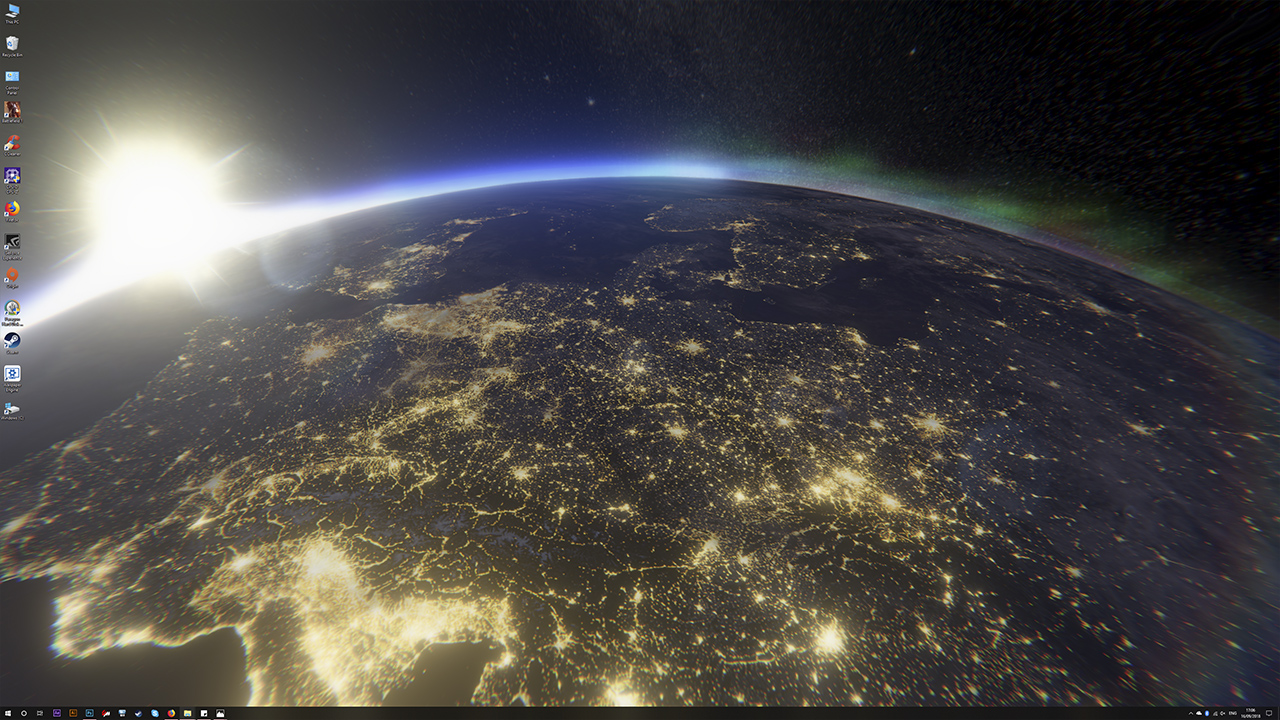
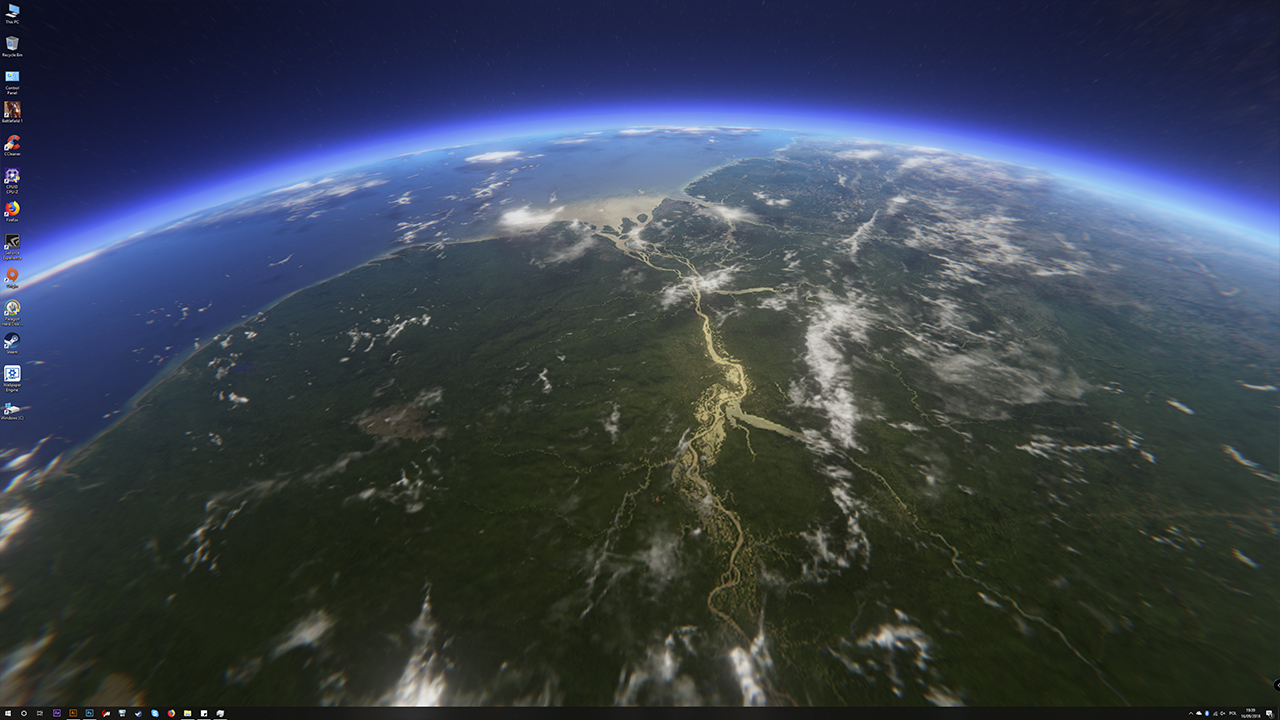
3D Earth Time Lapse PC is a project that simulates the view from the International Space Station ISS which acts as an interactive wallpaper that is displayed under Windows icons and windows. Thanks to this, each time your wallpaper will be unique and ready for your instructions!
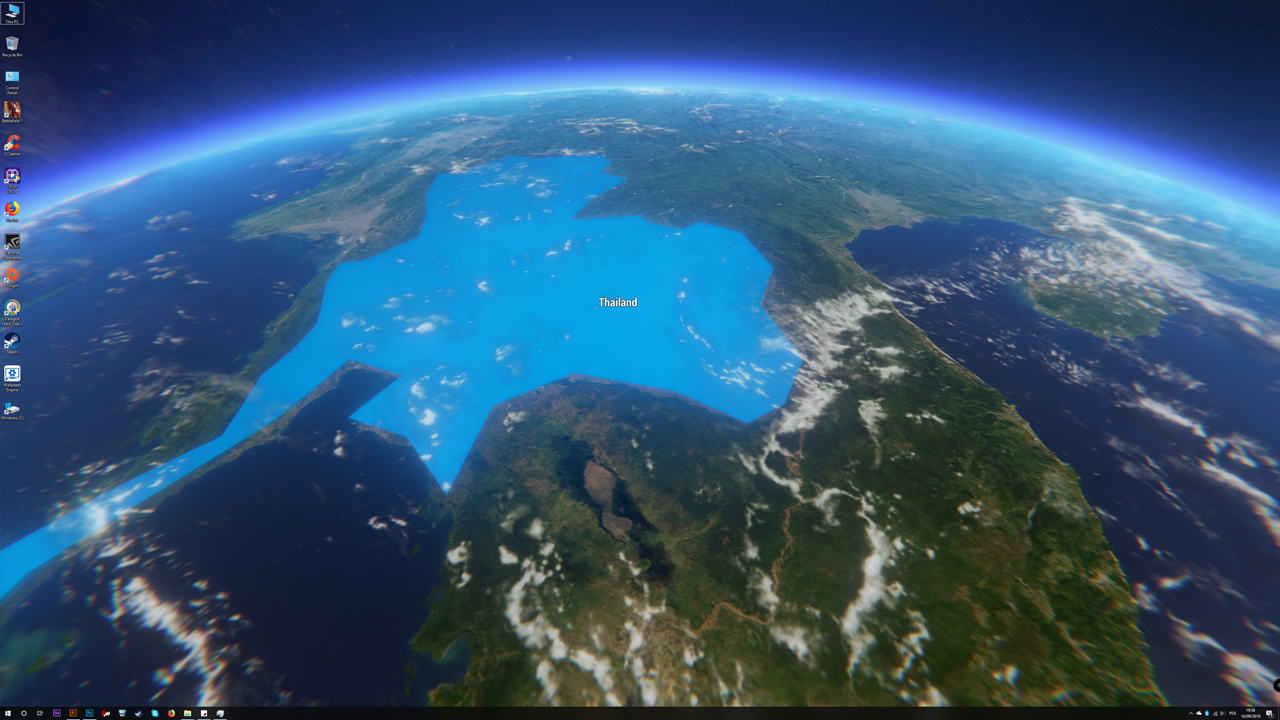
You can change the direction, height or speed of orbiting to the ground. After selecting any country, its name will be displayed so you will always know where you are.
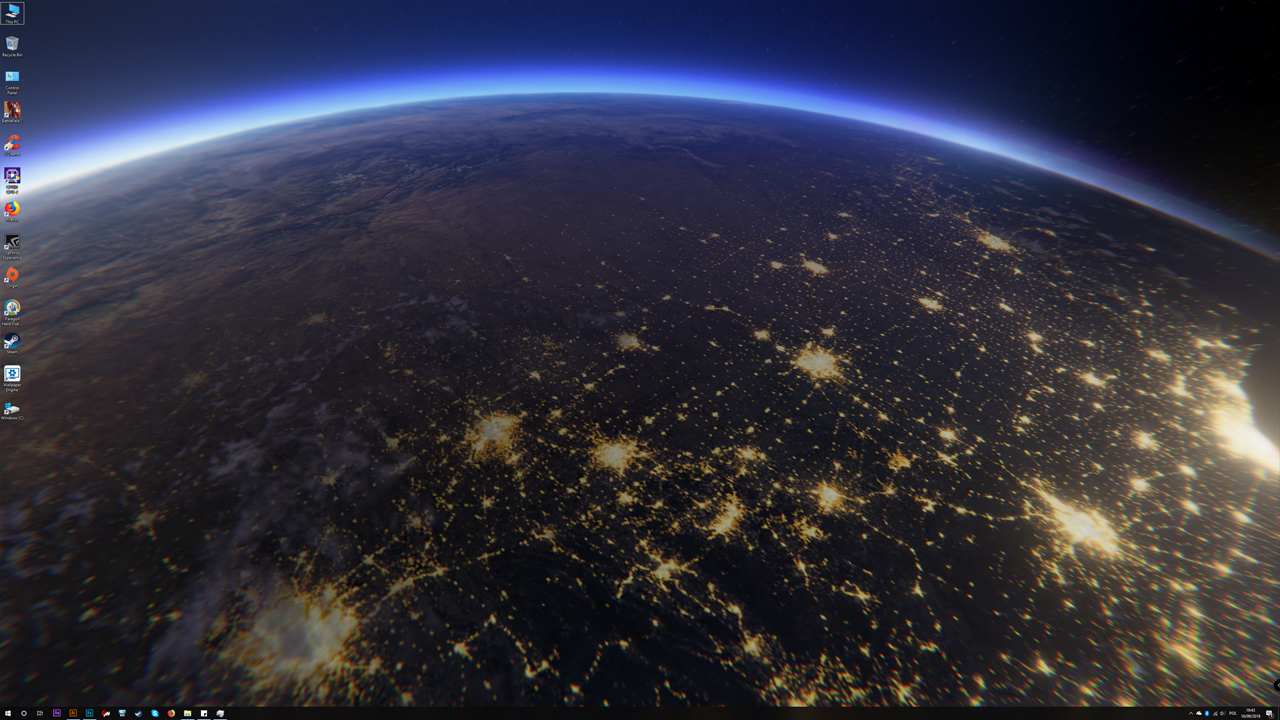
3D Earth Time Lapse PC also has a system of positioning the earth relative to the sun. When you have the night and the wallpaper in the place where you live it will also be the night. You can also manually set the rate of the day and night changes.
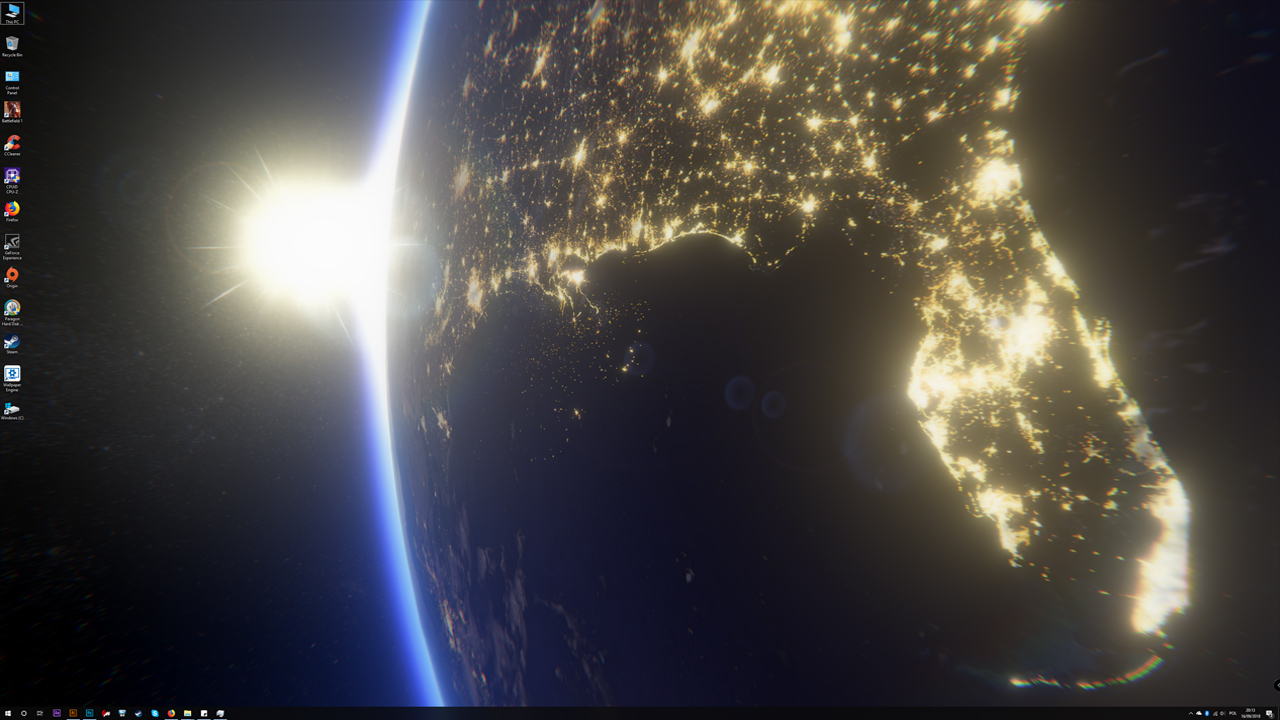
The land is built of high-quality 16K textures on which you can see details like lakes or rivers and at night we will see the night lights of roads and cities. In addition, the land has effects like storms or auroras.
The project contains most of the countries that you can highlight and choose your own to fly to it on demand.
3DM Live Wallpapers is not responsible for correct mapping/changes of borders and names of all countries. We are not the creators of the system of division into countries.
The "Game Mode" button will allow you to stop the wallpaper when you want to play the normal game. This will cause the wallpaper will not drill down on the CPU and video card. Thanks to this you can play as always and then return to your wallpaper and unique views.
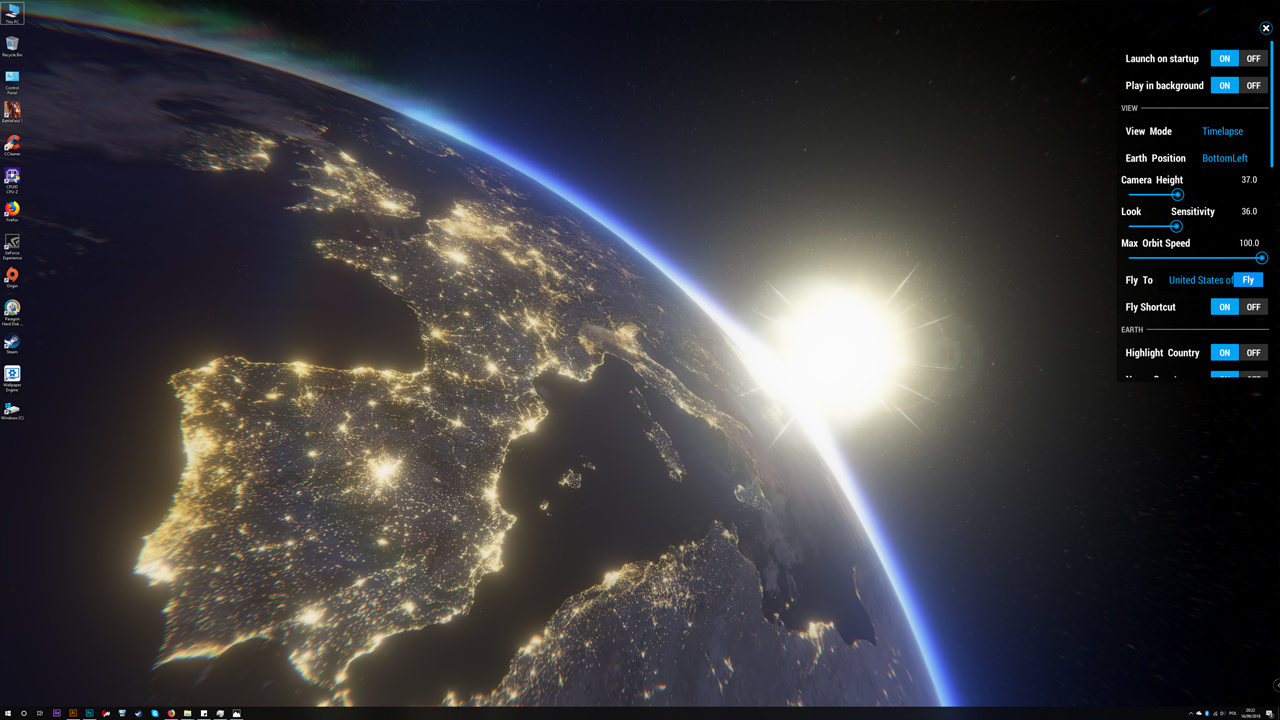
The wallpaper has an extensive menu where you can change the modes and effects of the camera, graphics settings and many more.
Wallpaper Features
> 16k Earth Maps Resolution.
> Full Flight Control.
> Real-time Or Manual Sun Position and Speed.
> Interactive countries with names, borders and the biggest cities.
> Game Mode button to stop wallpaper to play normal games.
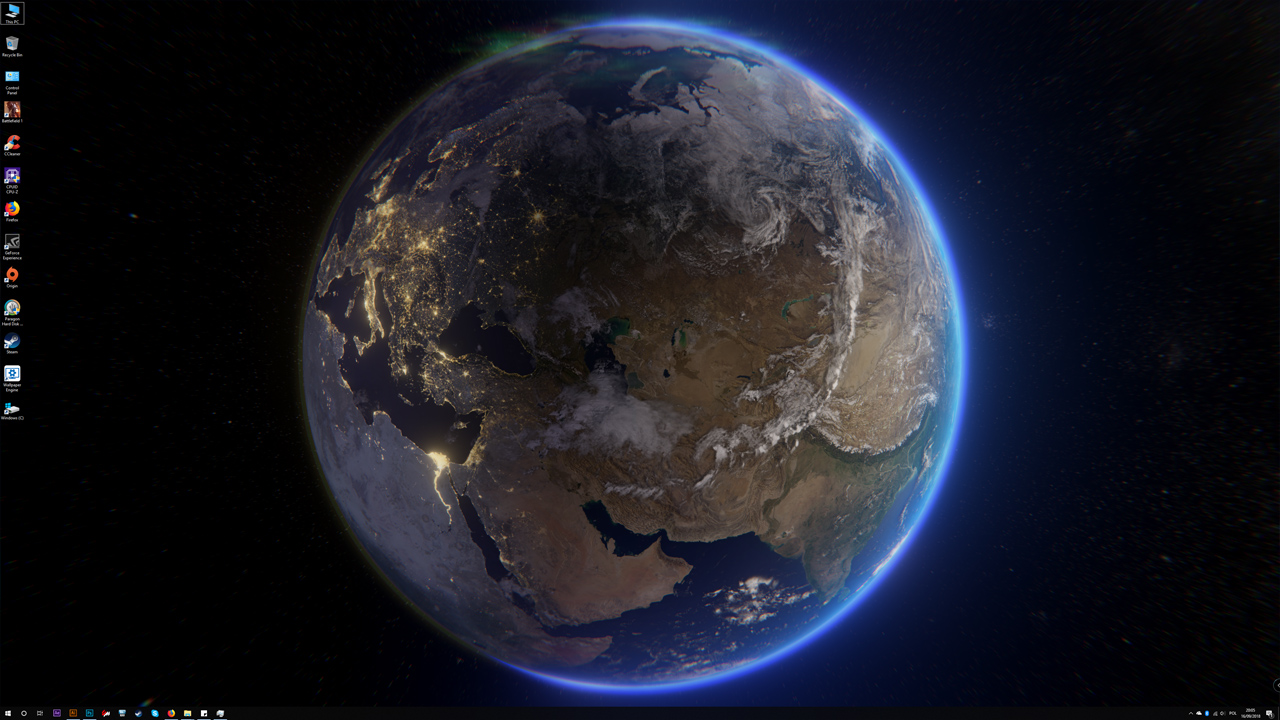
> Globe mode to see all the earth.
> Different globe position.
> Home button to fly to your country.
> Graphics settings.
> Flying objects.
> More details like thunderstorms, Aurora, moving clouds.
> Probably something more ... and will be more ;)
WINDOWS 10 ONLY!
Multi-screen Users:
We recommend using the same size screens. The wallpaper will be automatically fitted to your multi-screens. The menu is draggable so now you can place it where do you want. For the best experience, you can set earth position on one side to keep the earth at only one screen.How to Turn Off This Wallpaper?:
To turn off this project you can select "Close the app" button inside the menu. Also, you can run "Game Mode" and use "X" in the right top corner.How Do Interactive Wallpapers Work?
Interactive wallpaper works just like a normal game, but it is displayed under icons and windows of the Windows system. The wallpaper is active all the time so that you always have a unique view. Unlike standard "flat" wallpapers, this one will always be something else. A 3D environment posed for interaction, which allows you to influence its appearance.Can I Play Games With This Wallpaper?
Of course! To reduce almost to 0 using the processor and graphics card at any time you can "pause" the wallpaper and return to it when you finish playing. Also recommended when working on larger projects or renderings. Unfortunately, at the present moment, it is not possible to automate this process.Consumption Of Pc Resources
As it is a 3D application it must take its own. We have this in mind and therefore maintaining low demand is our priority. 3D Earth Time Lapse PC also appears on mobile devices (Android) and works great on medium range phones. The wallpaper also has graphics settings so you can limit some effects. Just like in games, you can set options for your PC hardware.Why Earth?
The idea came up years ago when I watched recordings from the ISS International Space Station. The views are amazing but I missed one ... freedom of flight control. The graphics engine allows more, for example, interactive countries. And that's how the project was made ...;)Do the Project Will Be Developed
Of course, we still have ideas and sometimes users themselves share their ideas with us that we will try to add in the amendments. Unfortunately, we are very limited by the use of PC resources so we can not implement all ideas. For example, we could use texture 64k! (sic!) but the project would take almost 4GB when it's just a "wallpaper" ;dSupport
We are a tiny team that wants to create interactive applications that diversify well-known Windows wallpapers. We try to make each project unique, bringing something new to your screen. Every support is valuable to us. Ratings and comments help us move forward and make even better interactive wallpapers.3D Earth Time Lapse PC is our first project on the Steam platform, but we promise that with your support there will be more truly unique projects.
Have A Nice Flight!
3DM
Media
Trailers and screenshots straight from the store page
3D Earth Time Lapse PC Live Wallpaper price history and current deals
3D Earth Time Lapse PC Live Wallpaper for PC currently sells from $2.99 at authorized stores. Its all-time low is $1.49, set on 2026-07-07.
Frequently asked questions
Answered from this game's own price and edition data
How does the current 3D Earth Time Lapse PC Live Wallpaper price compare?
The price verdict is wait. The current price is 100% of the way from its all-time low to full price. Seasonal sales have priced it lower.
How does $2.99 compare with the 3D Earth Time Lapse PC Live Wallpaper price history?
$2.99 is 100% of the way from the all-time low of $1.49 to the full price. A lower price is recorded in the history.
Which stores list 3D Earth Time Lapse PC Live Wallpaper?
3D Earth Time Lapse PC Live Wallpaper is tracked at steam. This section lists authorized stores and links to their store pages.
Scores
Steam reviews Mixed · 61%
61% positive of 188
Media (7)
Requirements
Facts
Developer3dm_live_wallpapers
Publisher3dm_live_wallpapers
GenresDesign & Illustration · Utilities
TagsUtilities · Design & Illustration · Space Sim · Software · Simulation · Space · Sci-fi · Beautiful · Atmospheric · Experimental
Links