


Album3D

Offers
Accepted regional prices from official stores
No offers tracked yet for this product.
Report a wrong price
About this game
What this game is, in the developer's words
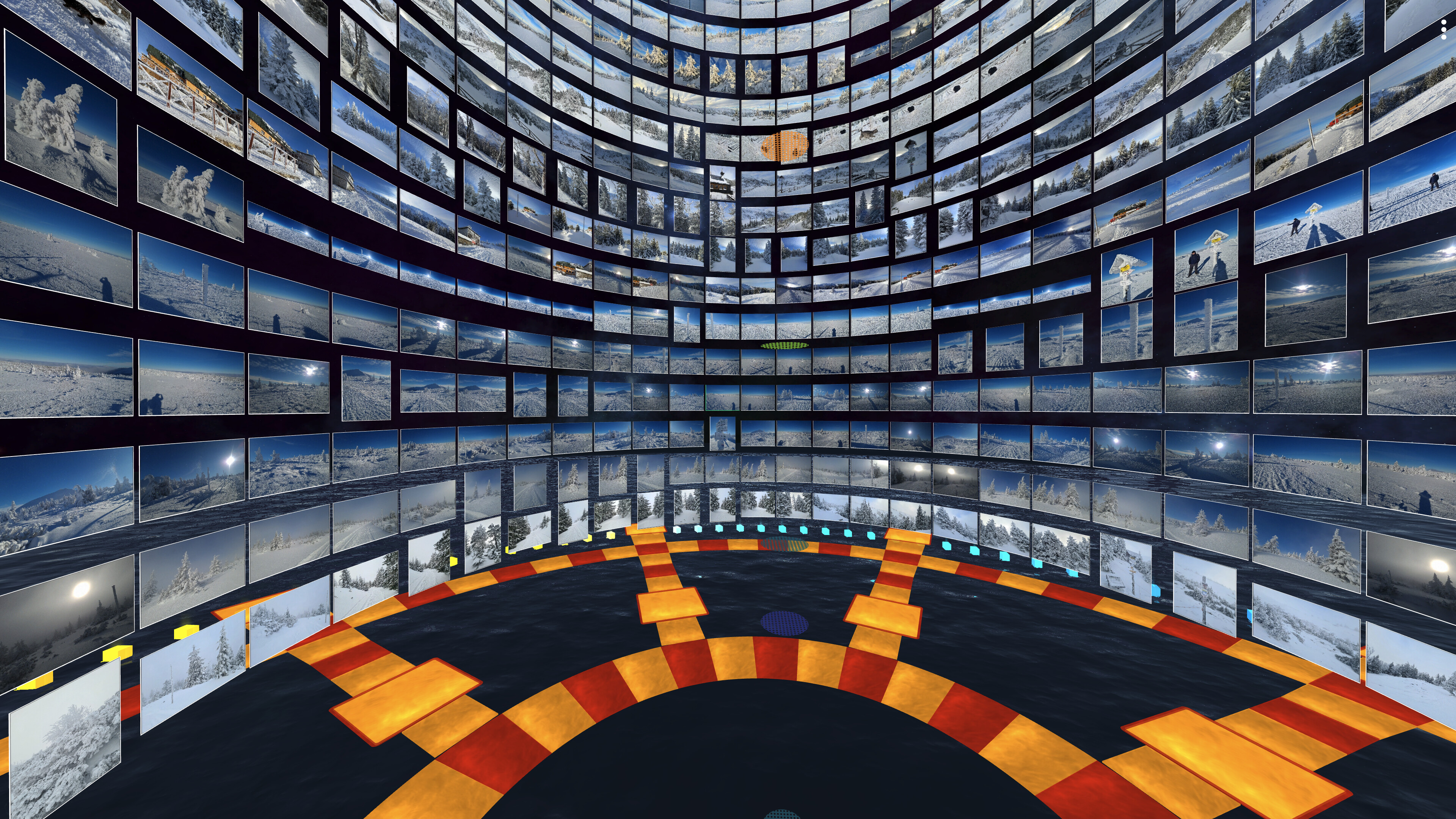
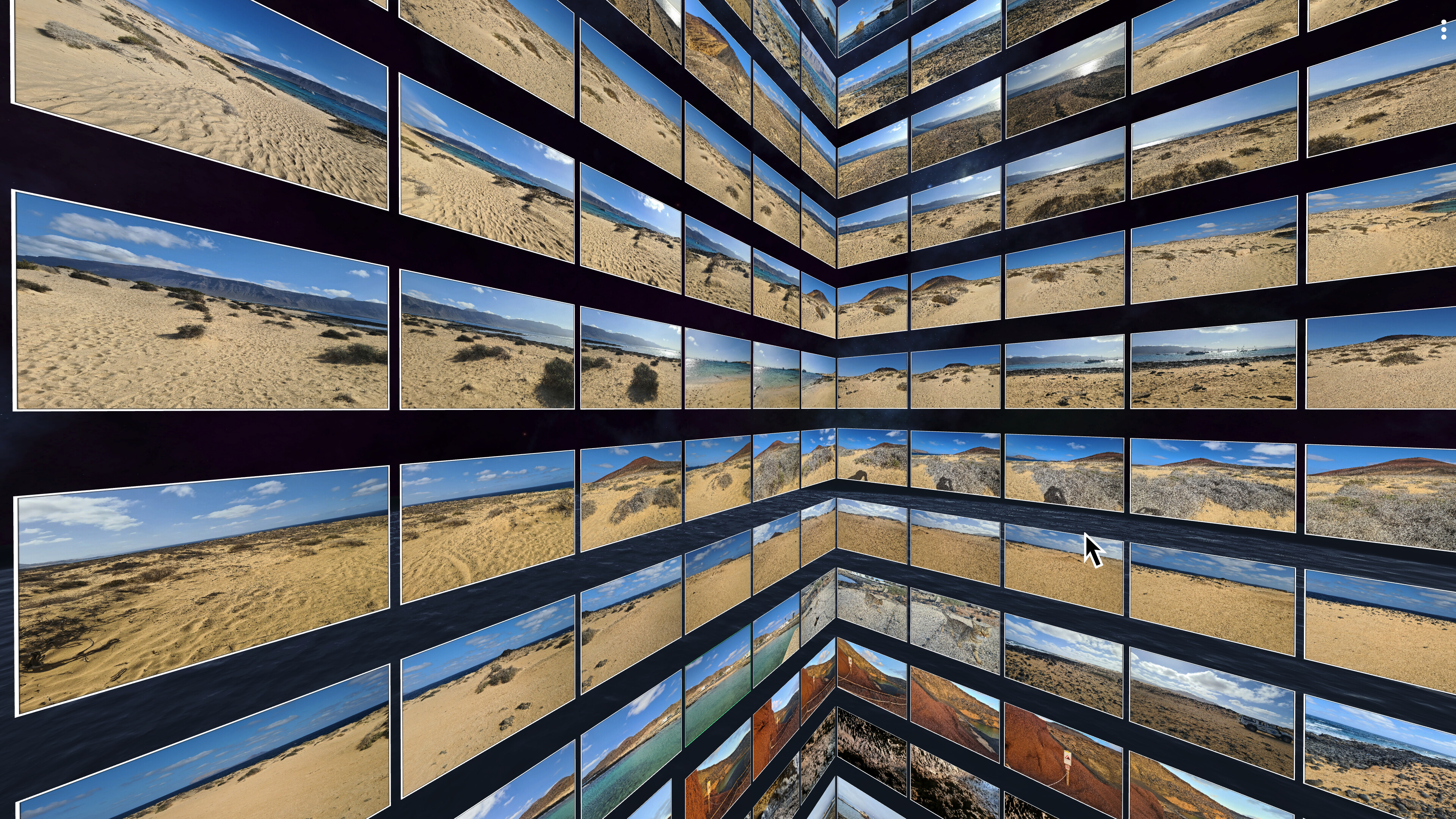
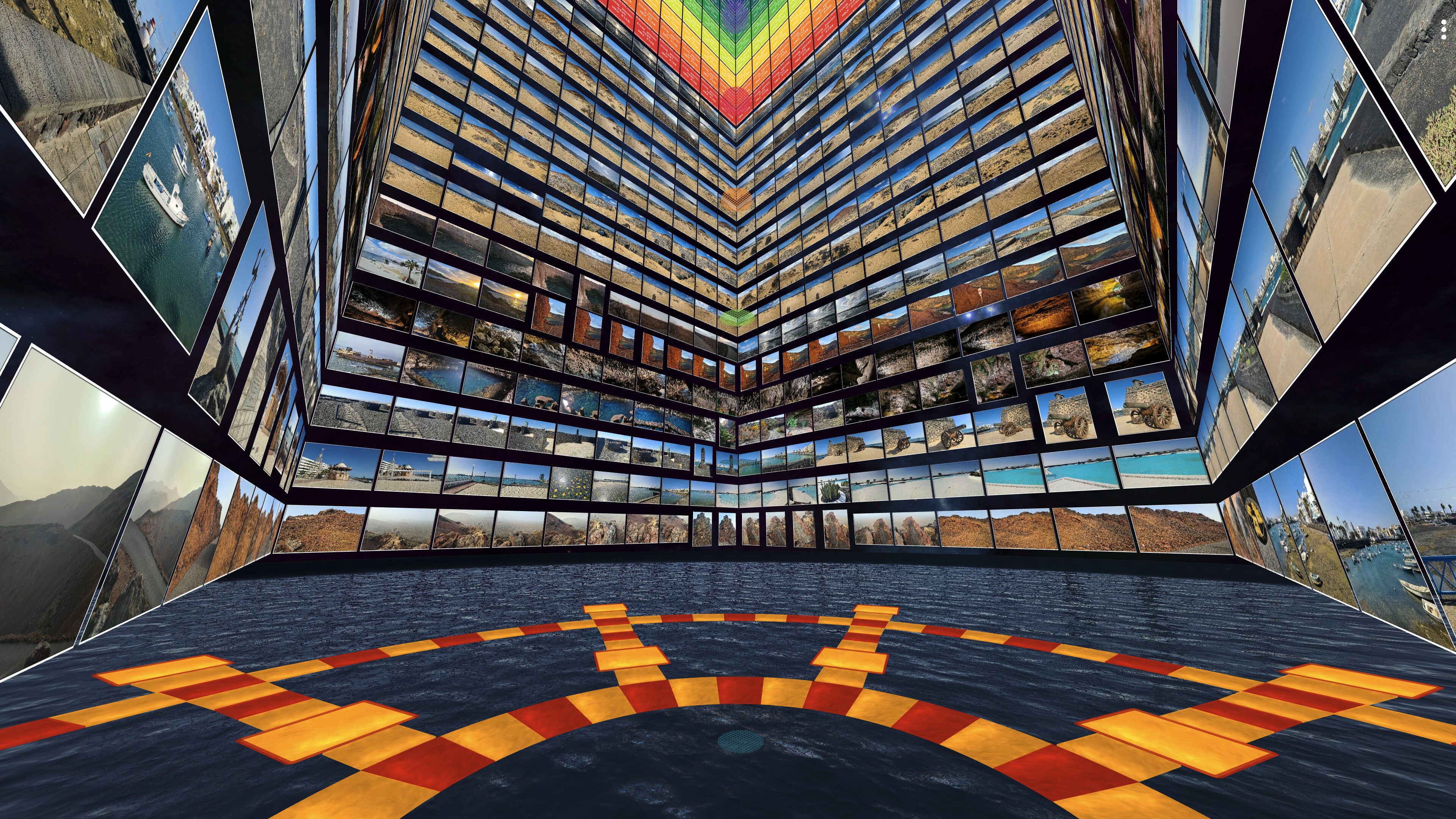
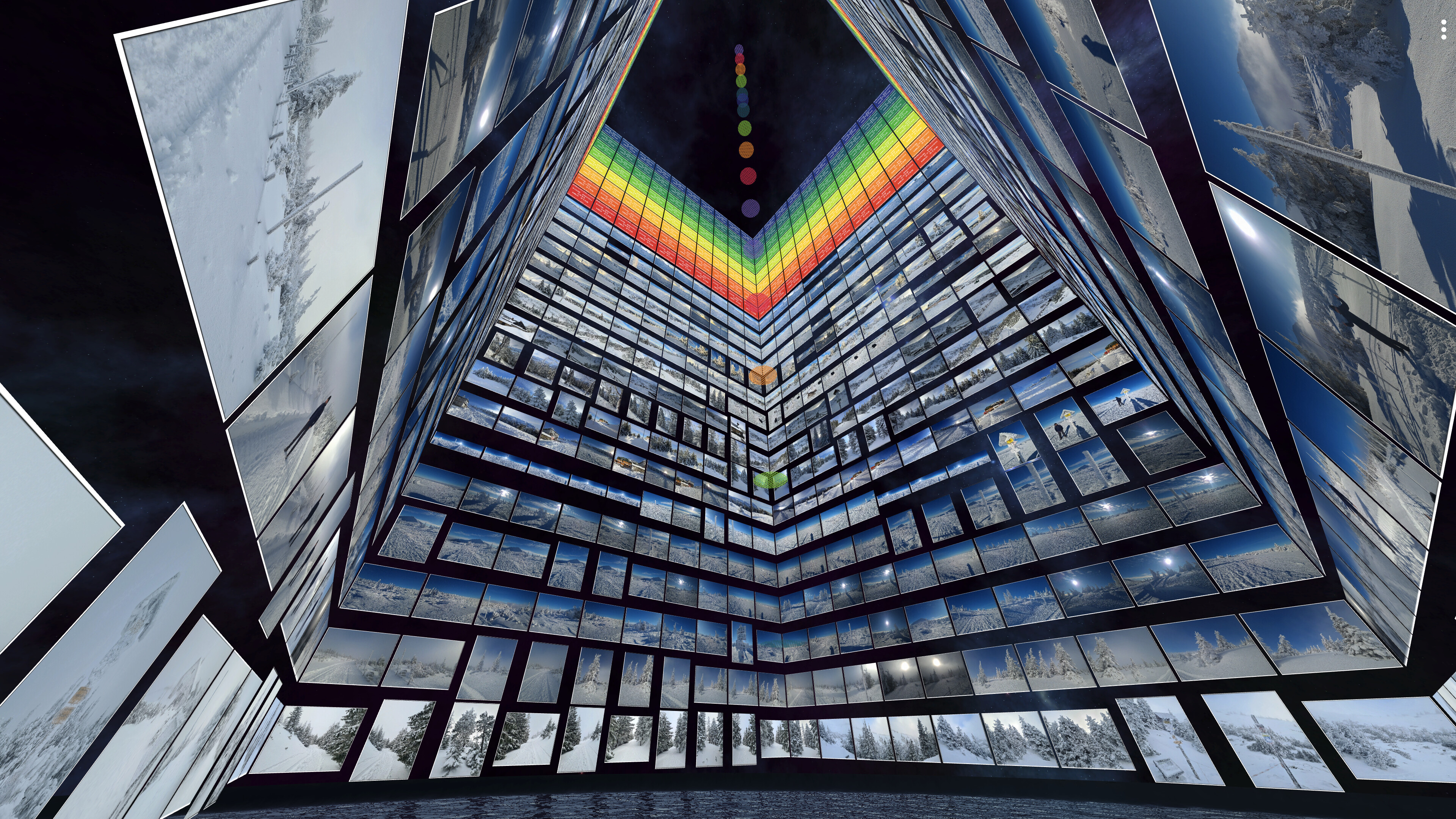
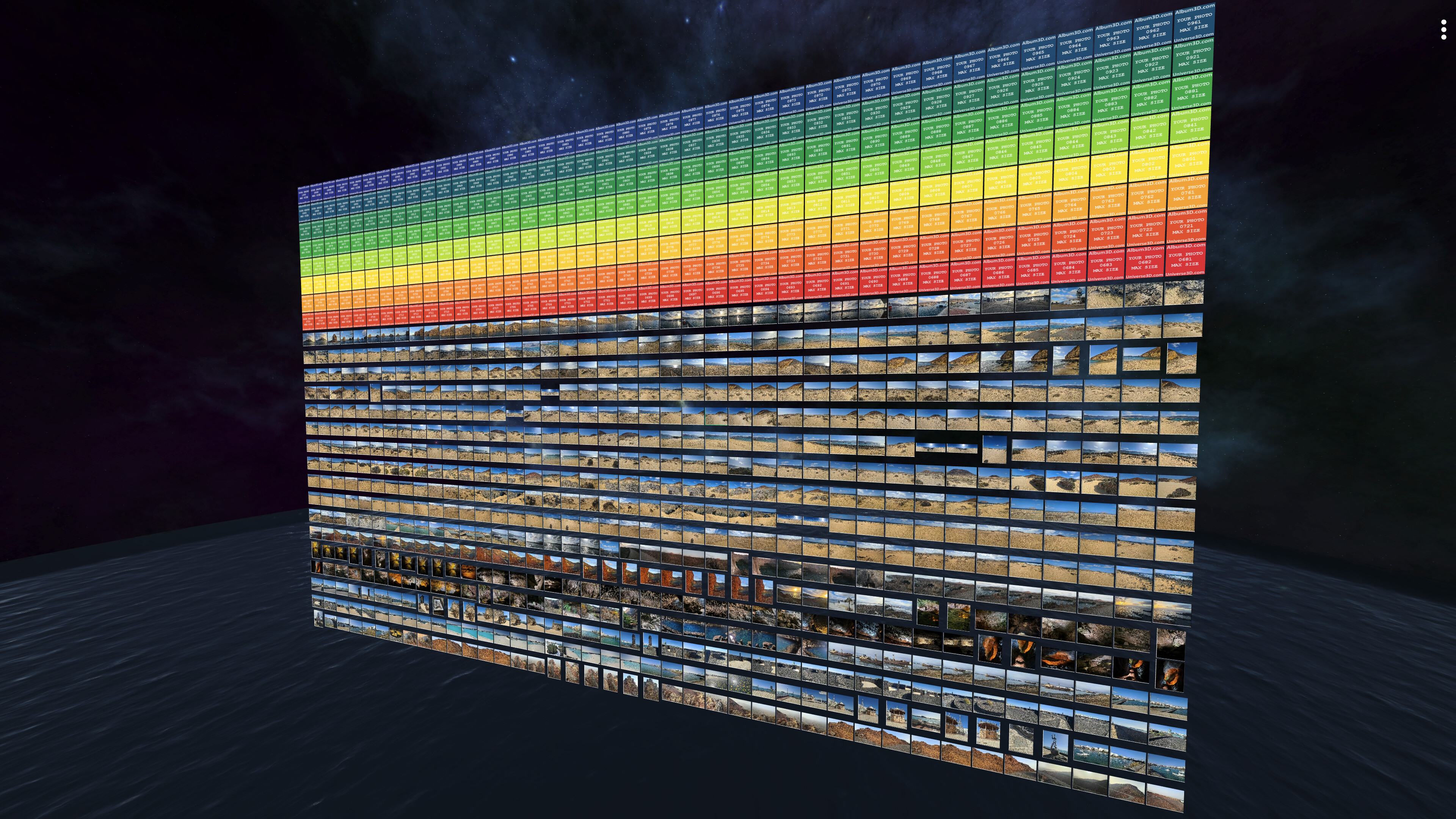
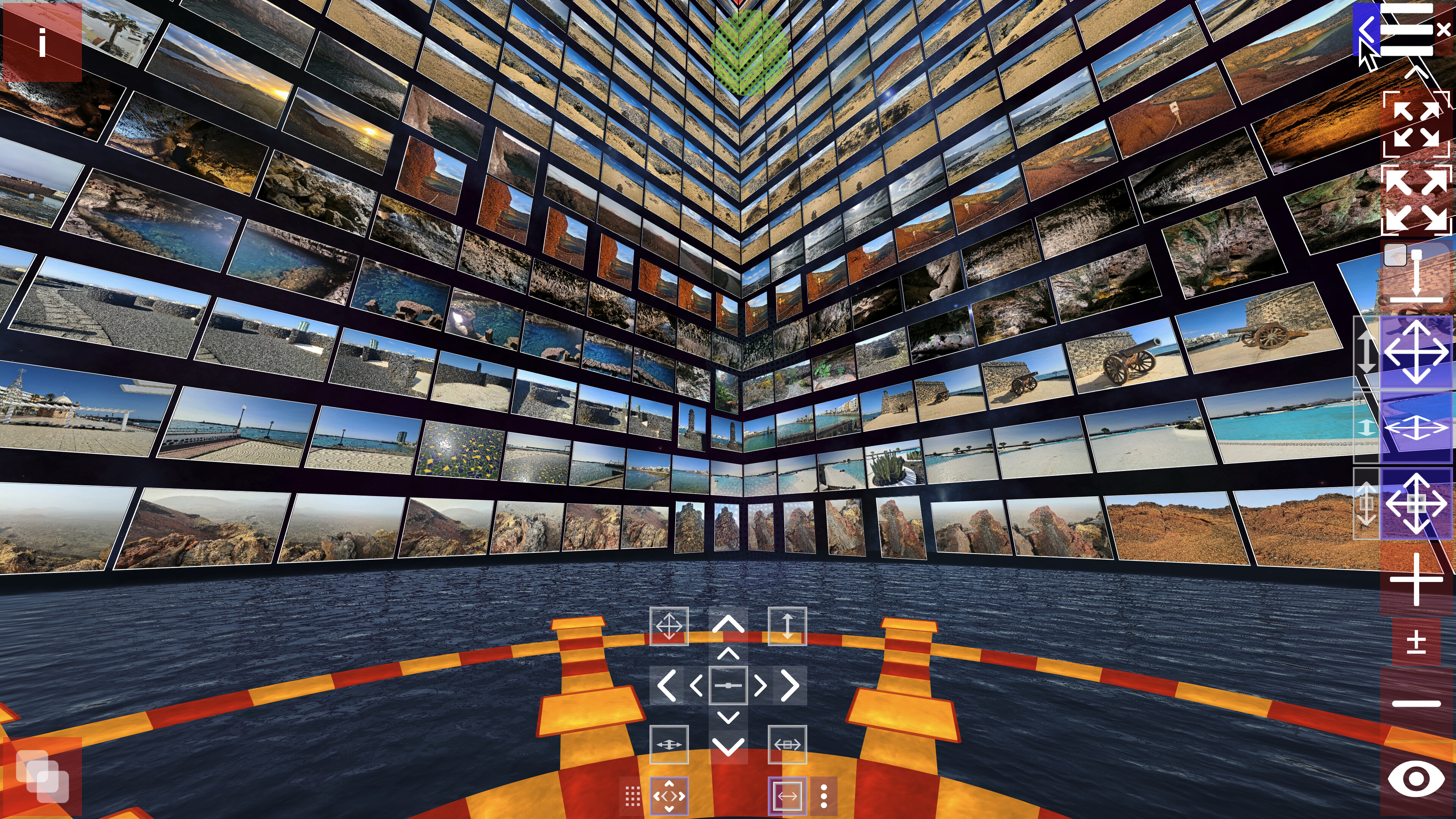
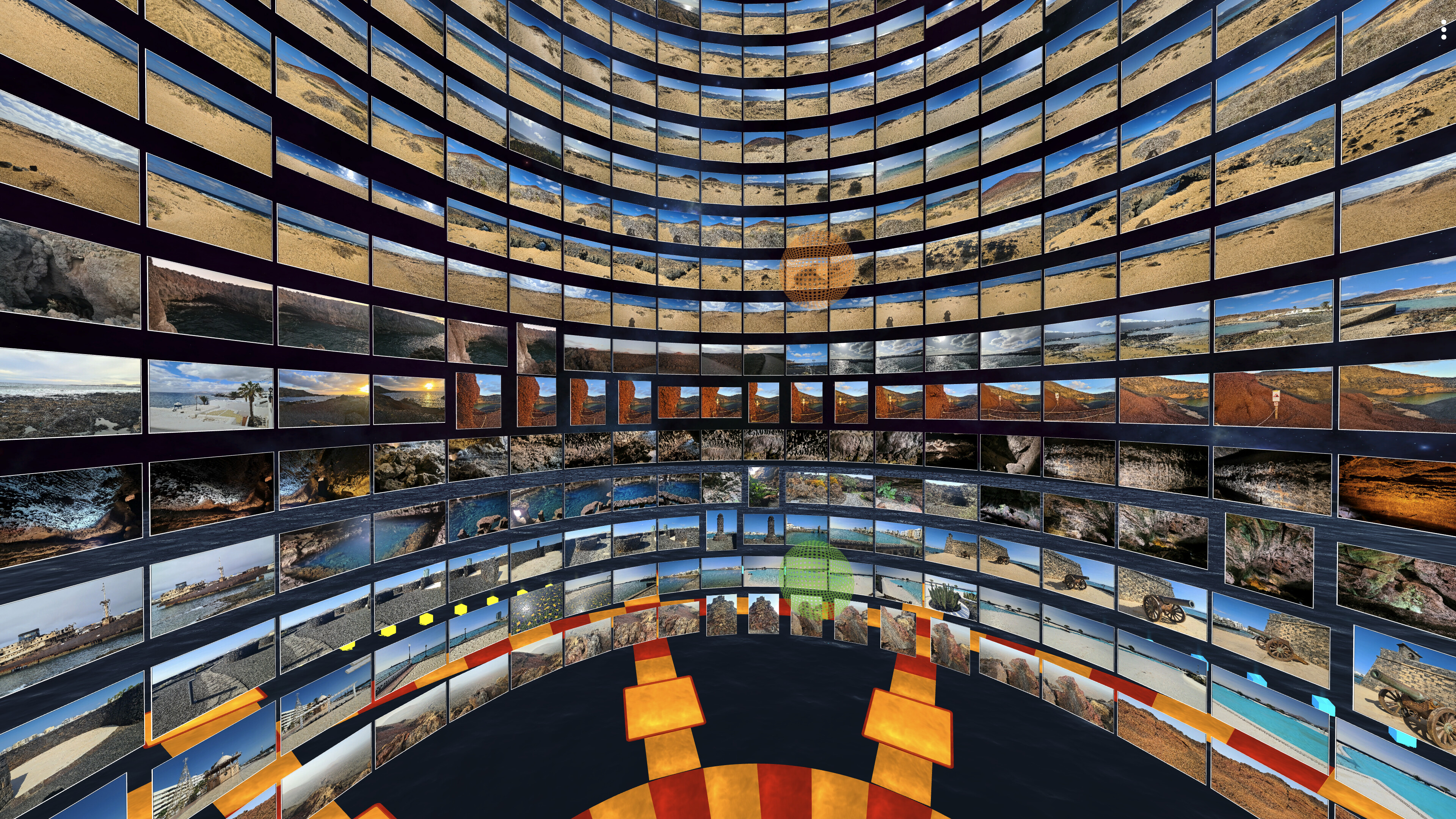
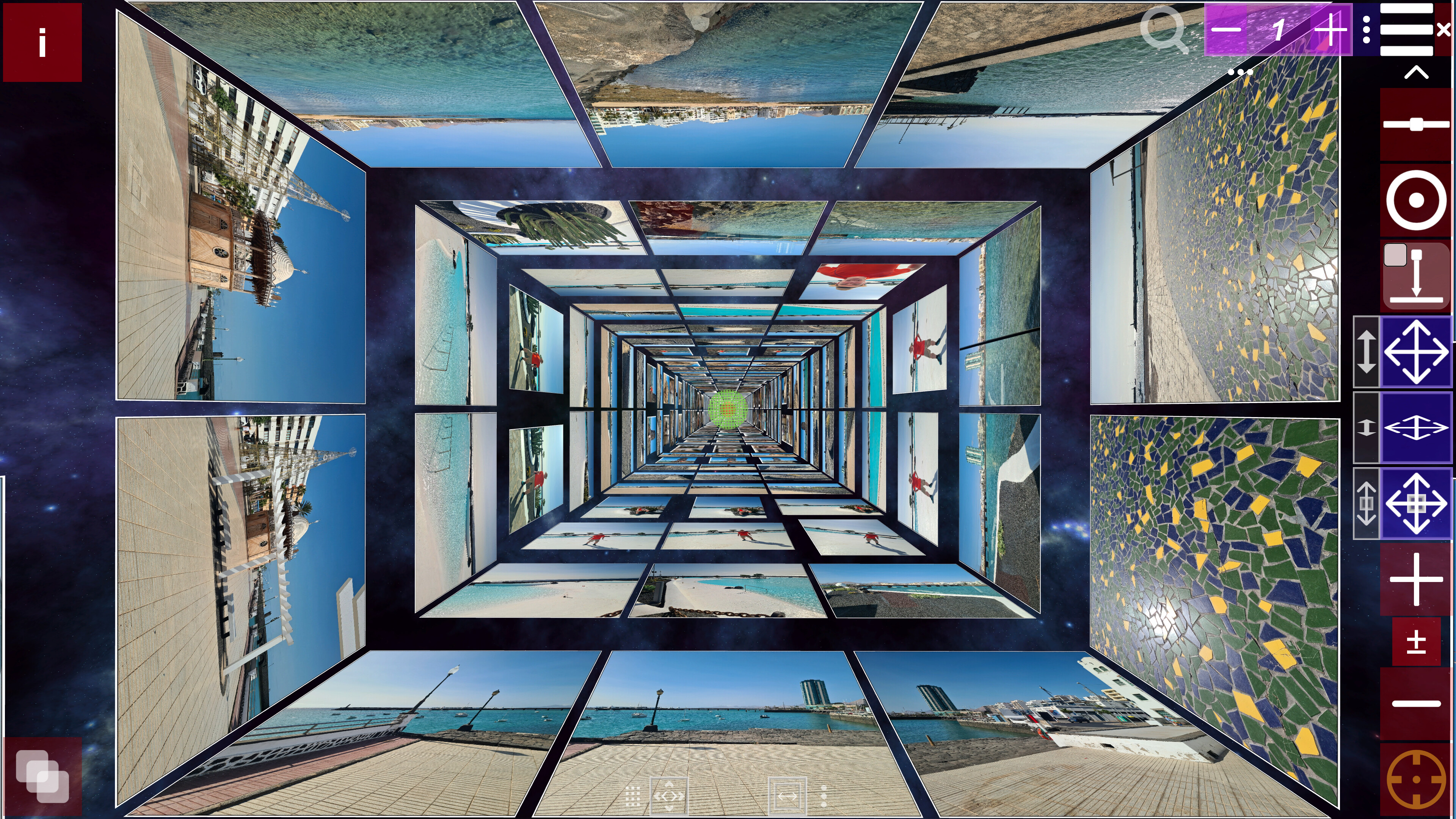
Not a flat photo viewer—Album3D is a game-like 3D photo experience that turns your photos into 3D albums you can manually explore. Import large photo libraries, switch 3D views/layouts, and enjoy manual mode, slideshow, or flythrough—fast and fun.
Coming Soon for Windows and macOS
Album3D will be available for Windows 10 or later and macOS 11.0 or later.
See Album3D in Action
About the Game
Not a flat photo viewer—Album3D is a game-like 3D photo experience that turns your photos into 3D albums you can manually explore. Instead of scrolling endless rows, you browse by moving through an immersive 3D world and switching between multiple 3D views/layouts anytime.
What makes it different
Album3D is built around the idea that photos are more fun (and often faster) to revisit when they live in a 3D scene you can explore. It’s designed to feel playful and game-like without requiring gaming skills.
Manual exploration that feels like flying: smoothly fly toward photos and glide through your album
Switch views/layouts anytime: instantly change how your album is arranged in 3D
Made for big libraries: organize content into image sets so you can keep browsing comfortably
Import formats
Supported import formats: JPEG, PNG, BMP, and WebP. Photo importing uses credits (virtual currency). Credits can be purchased, and importing requires an online connection.
Explore in an immersive 3D world
Manual exploration is the core experience. Selecting a photo smoothly takes you to it, and navigation feels more like flying than walking.
Viewing modes
Manual Mode: explore freely and browse at your own pace
Slideshow Mode: sit back and enjoy an automated viewing flow
Demo Flythrough: an automatic flythrough that tours your 3D album
Albums, slides, and 3D placement
In Album3D, an album is made of slides: each slide is a 3D placement of an image in the world. This lets your photos become something you can move through, not just flip past.
Views & layouts (switch anytime)
Album3D includes multiple 3D views/layouts you can switch on the fly. Different layouts can feel more organized, more cinematic, or more exploratory—pick what fits your mood and your content.
Built for large photo libraries
Album3D is designed for large collections. Instead of being limited by how many photos fit comfortably in one scene, you can organize your library into multiple image sets—and keep multiple albums in the same project.
Multiple albums per project
Keep multiple albums inside a single Album3D project. Organize by trip, year, family, events, or any system you like, and jump between albums without leaving your project.
Projects, packages, and sharing
Save projects: keep building and revisiting your Album3D world over time
Create packages: archive an album or move it between computers
Share with others: send a project or package to someone else so they can open it on their computer
Who it’s for
People with large photo libraries who want a faster, more enjoyable way to revisit them
Photographers/creators who want a more spatial, gallery-like browsing feel
Anyone who wants their photos to feel less like files—and more like a place to explore
Themes and future expansion
Album3D currently includes one main theme with multiple views/layouts. We plan to expand Album3D over time with additional themes/environments and view options—ranging from more realistic to more stylized depending on the theme—and some may be released as optional add-ons. Details will be shared when they’re ready.
Media
Trailers and screenshots straight from the store page



Price intelligence
Accepted price history and the lows that matter
No price history recorded yet.
No history yet.
Album3D price history and best deals
Price tracking for Album3D across authorized stores.