PC
Region US

Content rating unavailable
Animation & Modeling · TheGameCreators
AppGameKit Classic - VR

Content rating unavailable
Windows
7 user reviews · 57% of 7
Chip's verdict · US
Why this verdict
Player reviews 57% positive of 7
Quality score 57/100 · small sample
Offers
Accepted regional prices from official stores
No offers tracked yet for this product.
Report a wrong price
About this game
What this game is, in the developer's words
AppGameKit Classic VR adds powerful and easy to use VR commands to your core AppGameKit Script language.
AppGameKit Classic VR adds powerful and easy to use VR commands to your core AppGameKit Script language.
With just a few commands you can start to develop your own VR experiences, from detecting the head mounted displays to registering touch events from the touch controllers.
Note: Users must already own AppGameKit Classic and have an OpenVR compatible head mounted display (HMD) and HTC Vive controllers or optional Touch controllers to use this DLC. To use the Leap Motion Plug-in you must own the Leap Motion hardware. This DLC is currently only available for the Windows platform.
The AppGameKit Classic VR DLC includes:
AppGameKit Classic VR Commands
These new VR commands will empower you to:
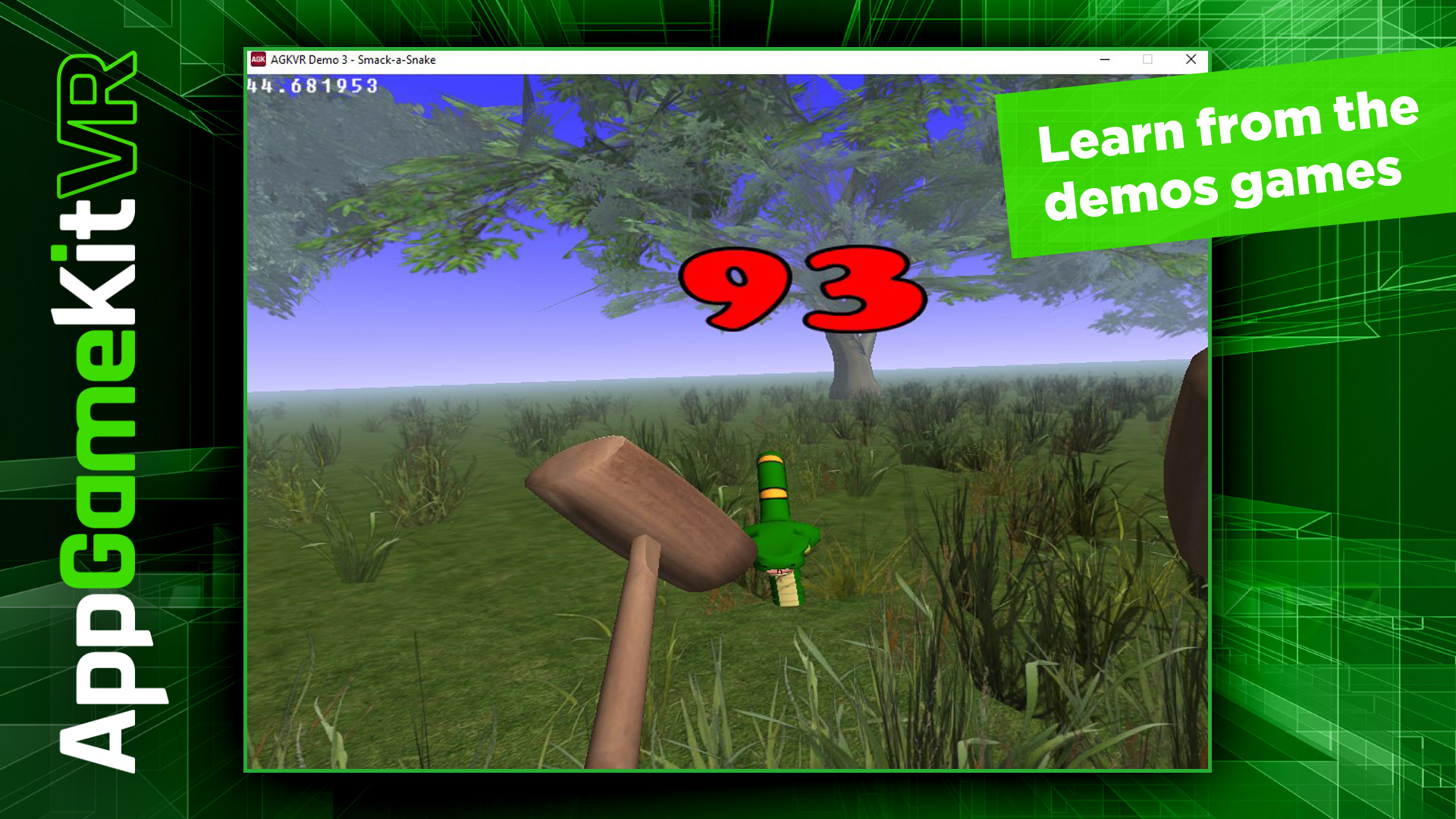
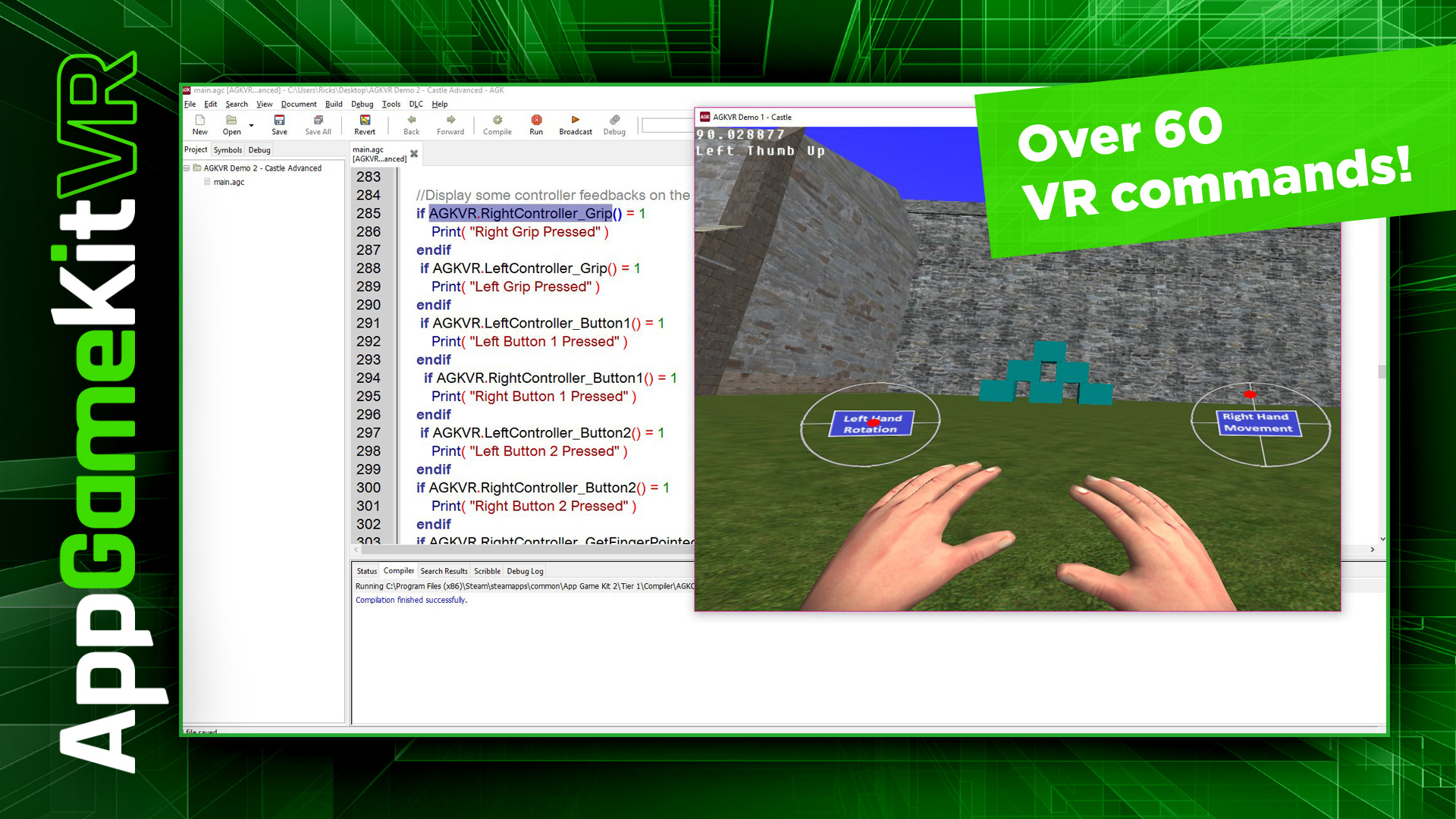
There are over 60 commands provided and we’ve created some getting started demos to show you how to get up and running with your own creations.
Setup Commands
Player Commands
Controller Commands
With just a few commands you can start to develop your own VR experiences, from detecting the head mounted displays to registering touch events from the touch controllers.
*** NEW***
AppGameKit Classic VR now comes with a new Plug-in for Leap Motion support!Note: Users must already own AppGameKit Classic and have an OpenVR compatible head mounted display (HMD) and HTC Vive controllers or optional Touch controllers to use this DLC. To use the Leap Motion Plug-in you must own the Leap Motion hardware. This DLC is currently only available for the Windows platform.
The AppGameKit Classic VR DLC includes:
- AppGameKit Classic VR Plugin for AppGameKit Tier1 Script
- Tier 2 C++ Library
- AppGameKit Classic VR Getting Starter Guide PDF
- AppGameKit Classic VR Leap Moton Plugin for AppGameKit Tier1 Script
- Leap Motion Tier2 C++ Libray
- AppGameKit Classic VR Leap Motion User Guide PDF
AppGameKit Classic VR Commands
These new VR commands will empower you to:
- Diagnostic checks on the hardware and SteamVR
- Initialise the HMD
- Create standing or seated VR experiences
- Set the scale and camera ranges
- Render a 3D scene to the HMD
- Read the 3D values and angles of the HMD
- Control the position and rotation of a player within the 3D scene
- Read the 3D values and angles of the player
- Read the values of both the users left and right hands
- Read all the buttons and joystick values from controller devices
There are over 60 commands provided and we’ve created some getting started demos to show you how to get up and running with your own creations.
The AppGameKit Command List
Setup Commands
- IsHmdPresent
- IsRuntimeInstalled
- Init
- ErrorMessagesOn
- SetTrackingSpace
- GetTrackingSpace
- ResetSeatedZeroPose
- SetCameraRange
- SetWorldScale
- GetWorldScale
- Render
Player Commands
- SetPlayerPosition
- SetPlayerRotation
- MovePlayerLocalX
- MovePlayerLocalY
- MovePlayerLocalZ
- RotatePlayerLocalX
- RotatePlayerLocalY
- RotatePlayerLocalZ
- LockPlayerTurn
- LockPlayerPitch
- GetPlayerX
- GetPlayerY
- GetPlayerZ
- GetPlayerAngleX
- GetPlayerAngleY
- GetPlayerAngleZ
- GetHMDX
- GetHMDY
- GetHMDZ
- GetHMDAngleX
- GetHMDAngleY
- GetHMDAngleZ
- GetRightHandX
- GetRightHandY
- GetRightHandZ
- GetRightHandAngleX
- GetRightHandAngleY
- GetRightHandAngleZ
- GetLeftHandX
- GetLeftHandY
- GetLeftHandZ
- GetLeftHandAngleX
- GetLeftHandAngleY
- GetLeftHandAngleZ
Controller Commands
- RightControllerFound
- LeftControllerFound
- RightController_JoyX
- RightController_JoyY
- LeftController_JoyX
- LeftController_JoyY
- RightController_Trigger
- LeftController_Trigger
- RightController_Grip
- LeftController_Grip
- RightController_Button1
- LeftController_Button1
- RightController_Button2
- LeftController_Button2
- RightController_TriggerPulse
- LeftController_TriggerPulse
- LeftController_GetFingerPointed
- RightController_GetFingerPointed
- LeftController_GetThumbUp
- RightController_GetThumbUp
Media
Trailers and screenshots straight from the store page

Price intelligence
Accepted price history and the lows that matter
No price history recorded yet.
Historical lows
No history yet.
AppGameKit Classic - VR price history and best deals
Price tracking for AppGameKit Classic - VR across authorized stores.
Scores
Steam reviews 7 user reviews · 57%
57% positive of 7
Media (4)
Tech
Requirements
Facts
DeveloperTheGameCreators
PublisherTheGameCreators
Links