
Battle Marine

Good game, but it sits 100% of the way from its all-time low to full price. It drops harder in seasonal sales. Patience pays.
Why this verdict
Offers
Accepted regional prices from official stores
Report a wrong price
About this game
What this game is, in the developer's words
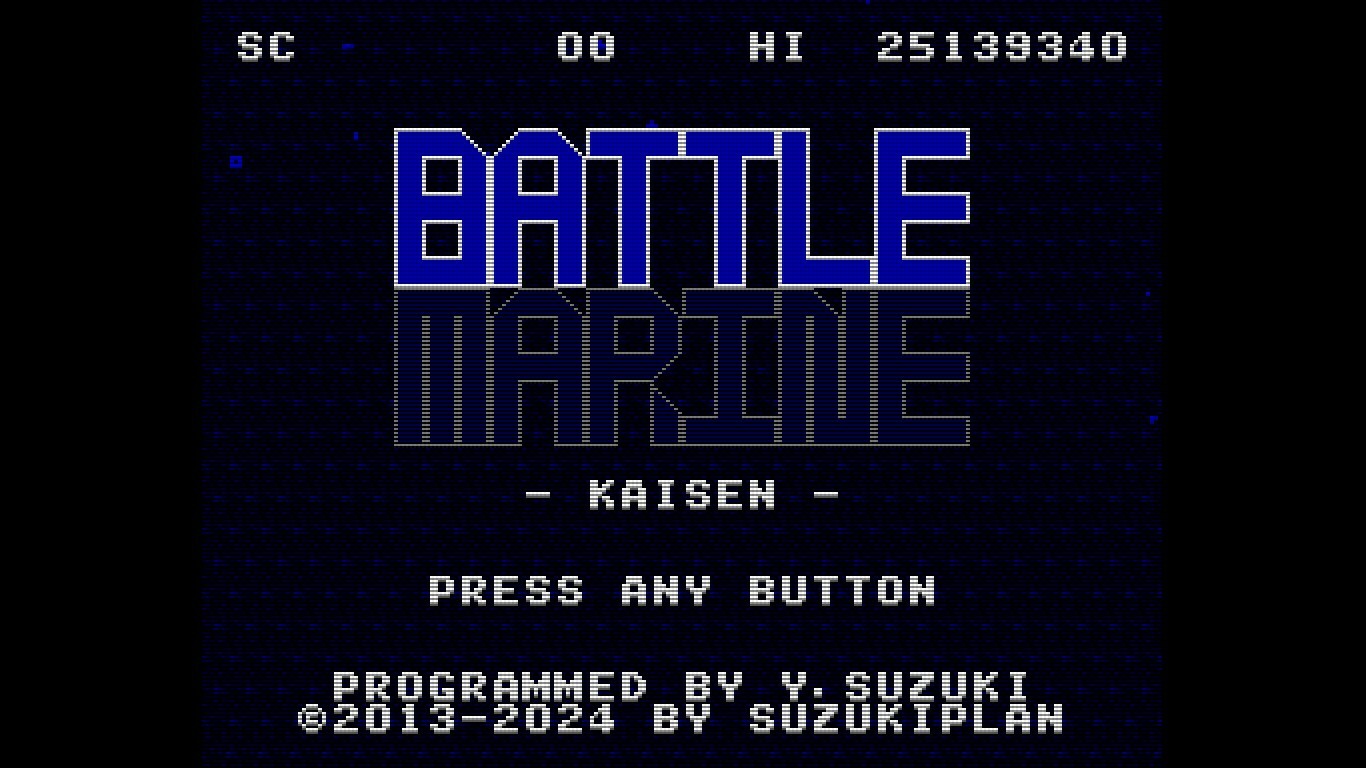
SHOOT 'EM UP! Battle Marine is a simple naval barrage STG. A barrage of intense shots! Shoot 'em up! Shoot 'em up! Chain bombs with detonation, powerful laser sweeps, and jumps to collect medals! Enjoy a RETRO but NEW and exhilarating STG experience!
Overview
Battle Marine is a simple naval barrage STG.
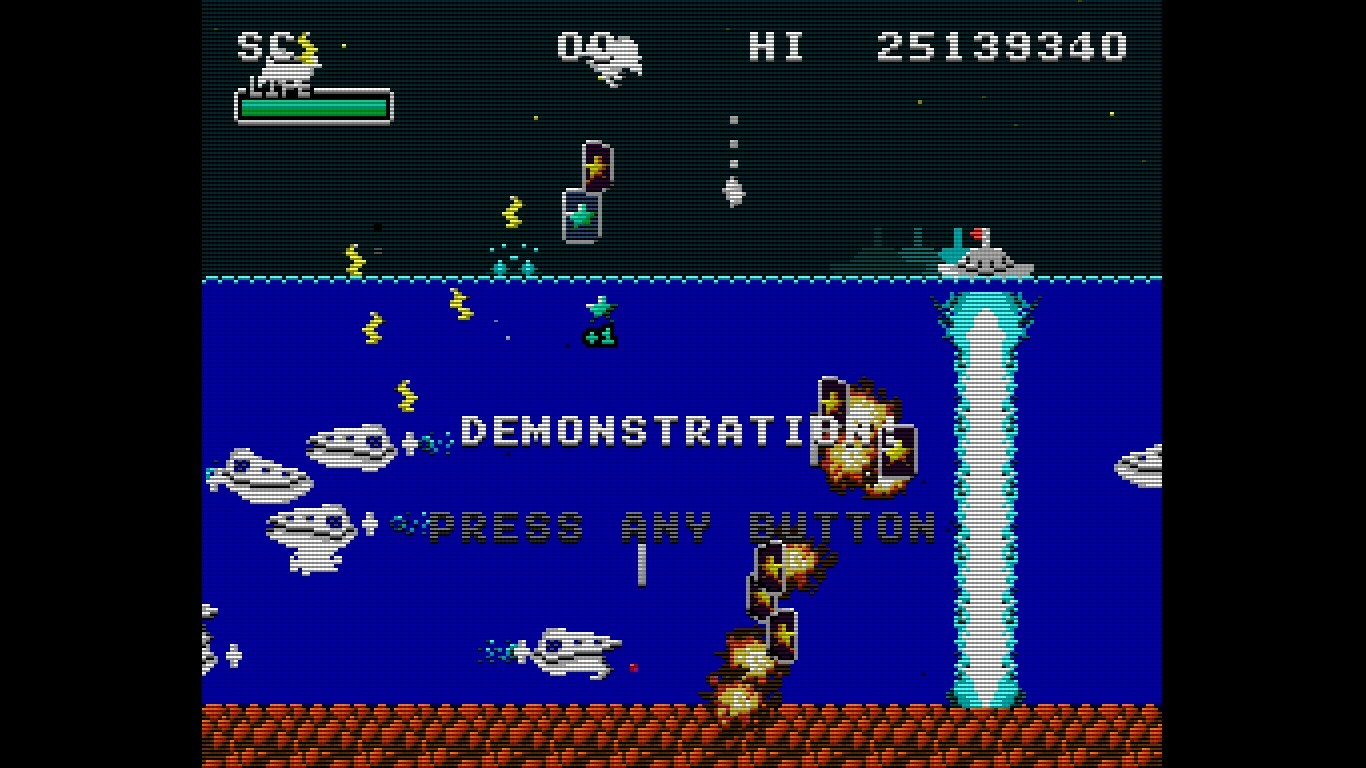
Enjoy a somewhat retro yet new and exhilarating game experience by firing a barrage of shots, inducing explosions, sweeping with powerful lasers, and automatically collecting medals (recovery and score) by jumping.
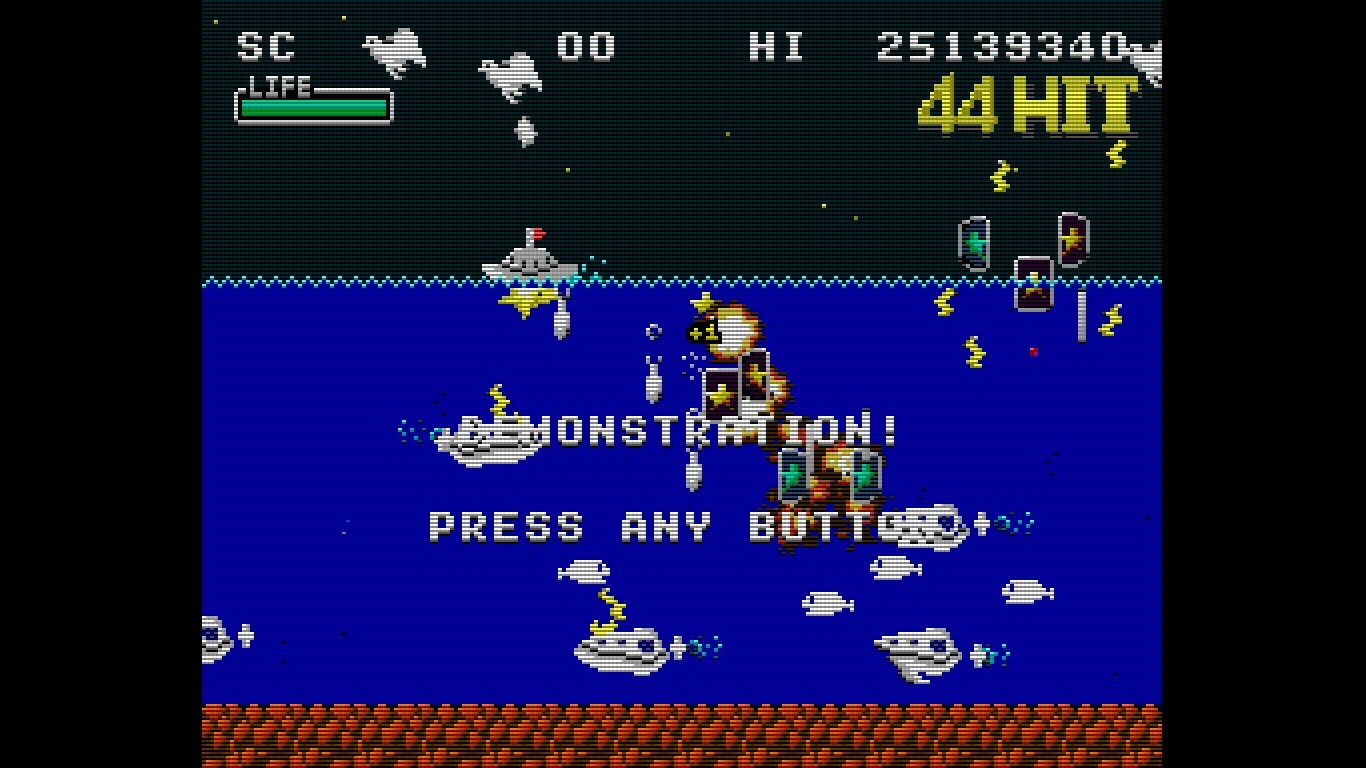
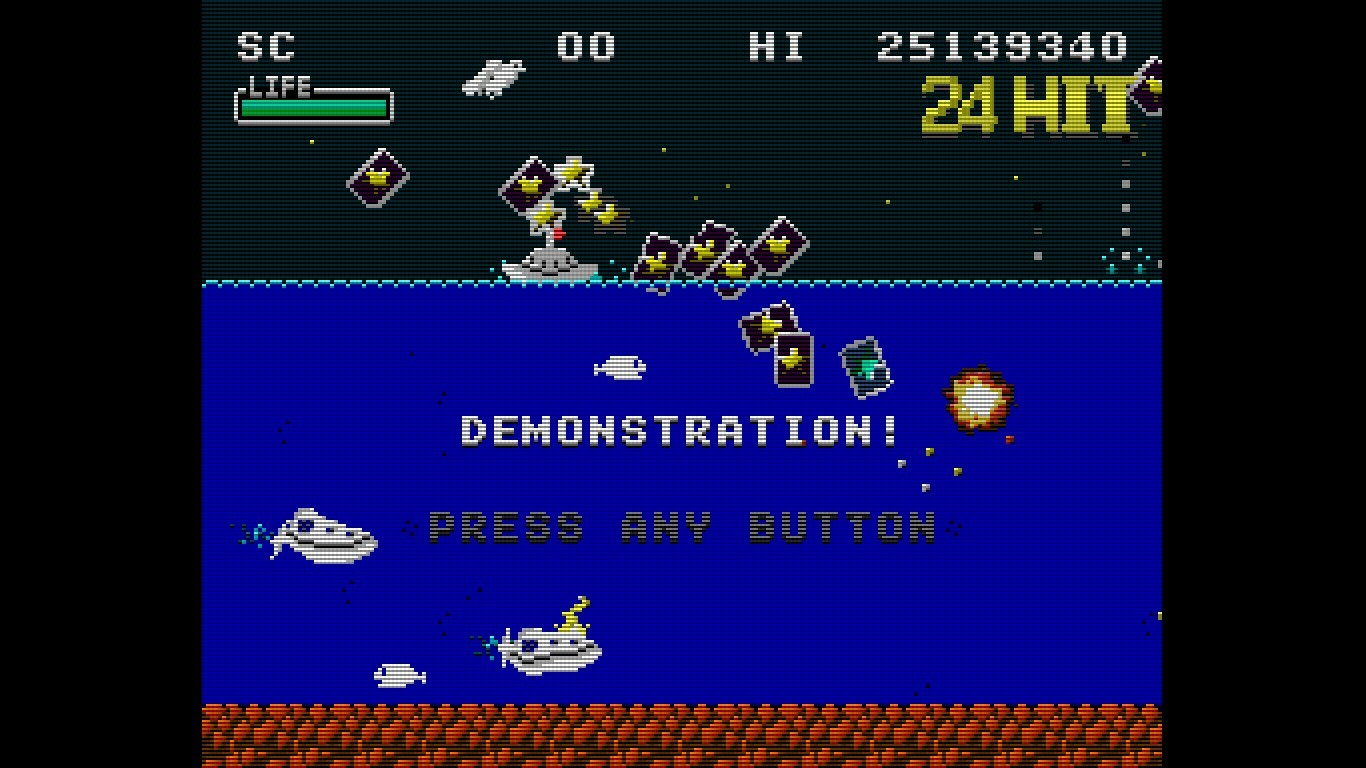
Destroying enemies consecutively within a certain time frame will result in a HIT combo. Aim for 999 HITs!
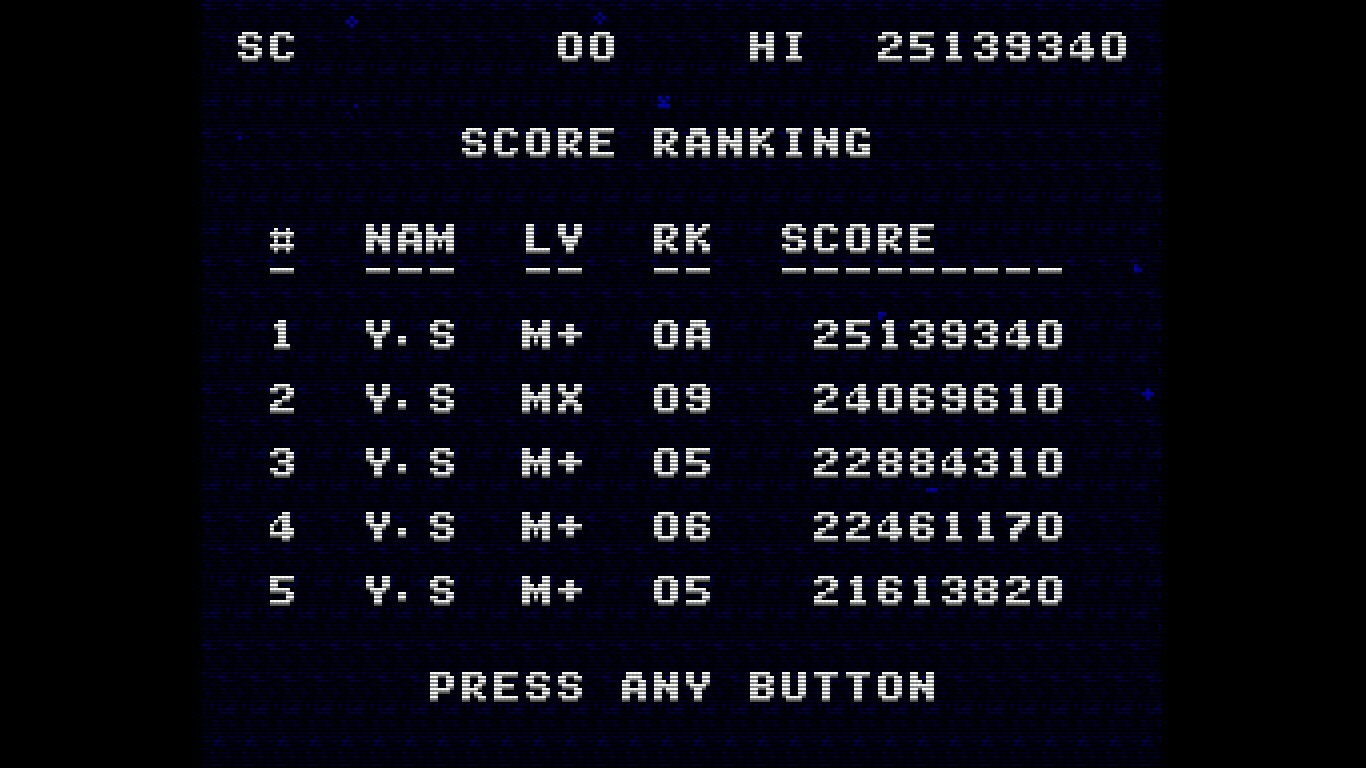
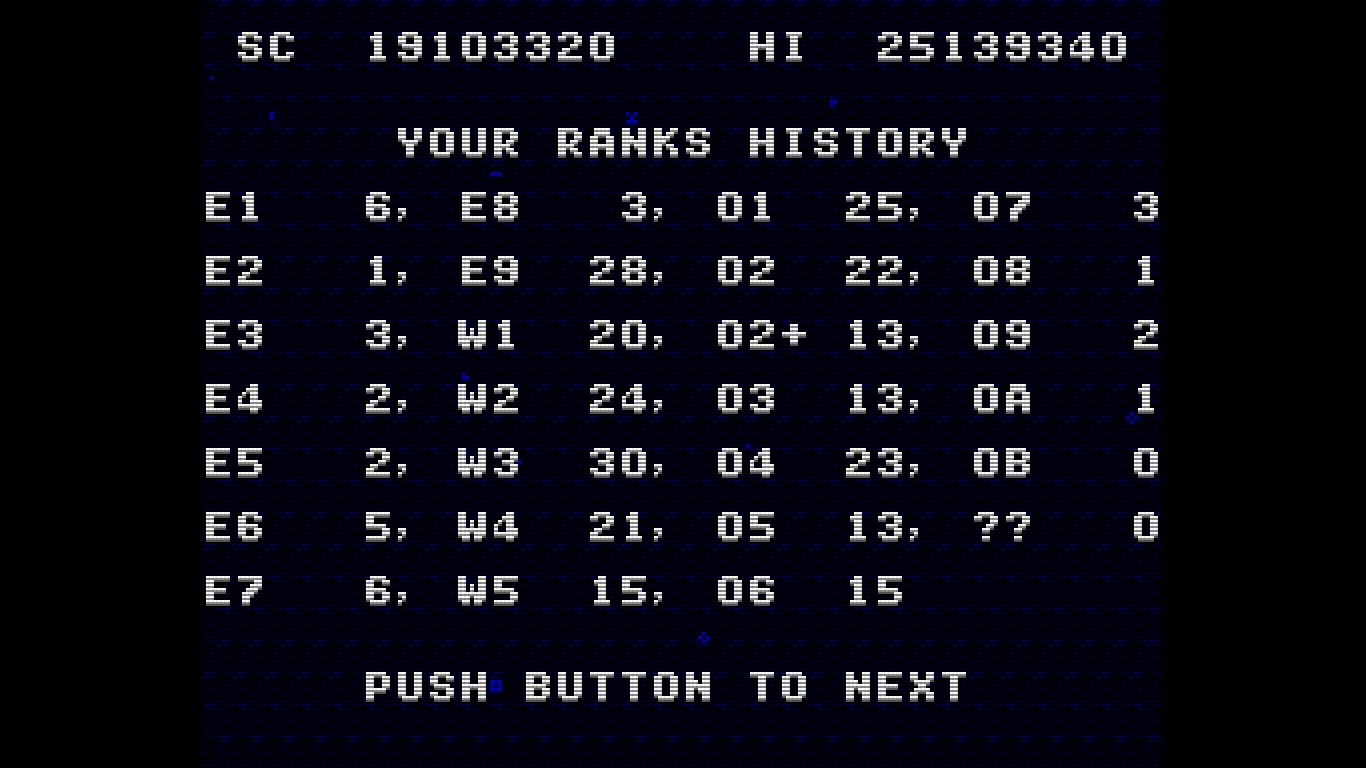
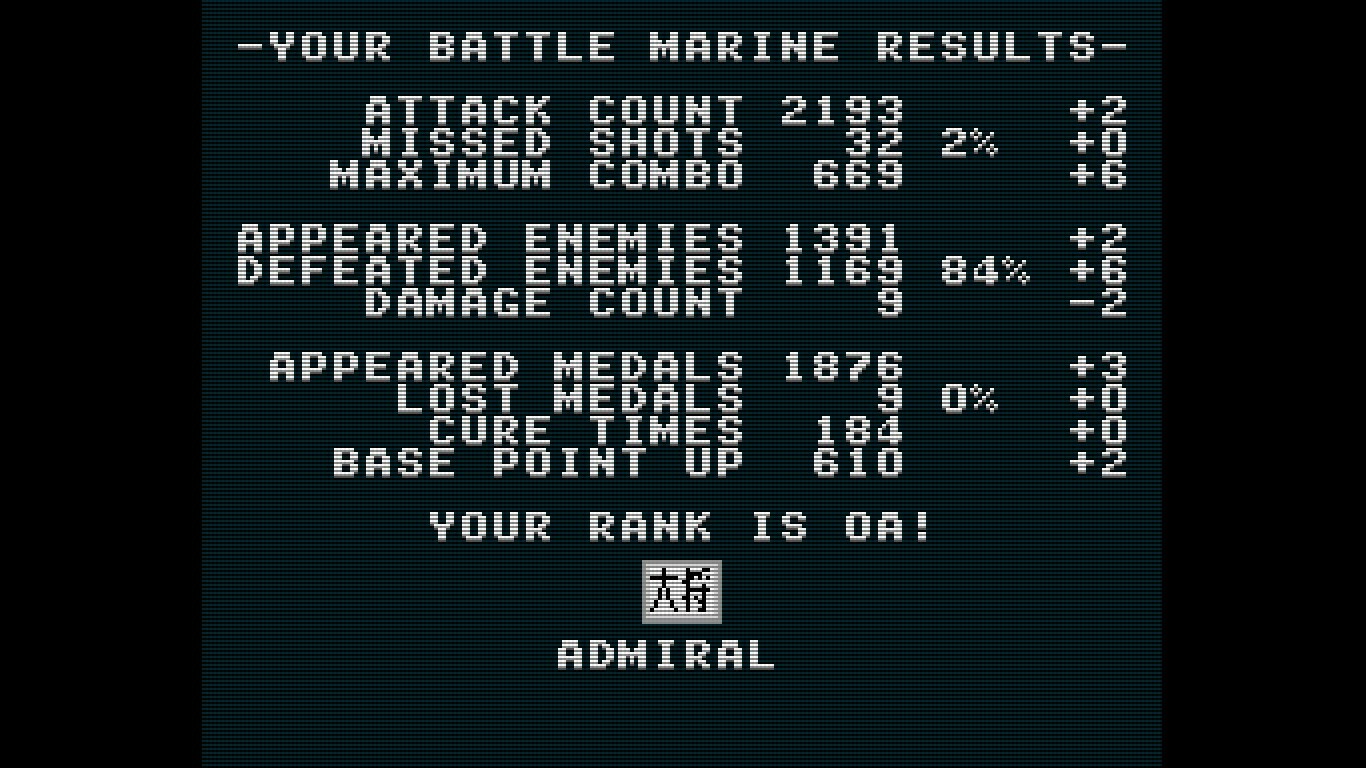
Your rank will be assessed according to the results of your play. Aim for the rank of FLEET ADMIRAL!
Controls
Use the cursor keys to move left and right, press X or B to shoot, and A or Y to jump.
Press and hold the B button to charge the laser, and release it when the charge is maxed out to fire the laser.
Press A briefly for small jumps and long for large jumps.
Button assignments can be freely customized in the SteamInput menu.
Keyboard Controls (Windows)
Cursor keys: D-Pad (Can be changed in the key configuration)
X key: A button (Can be changed in the key configuration)
Z key: B button (Can be changed in the key configuration)
Space key: START button (Can be changed in the key configuration)
ESC key: SELECT button (Can be changed in the key configuration)
CTRL+X: Exit the game (CTRL+Q, CTRL+C also work)
CTRL+R: Reset
Alt+Enter: Toggle full screen (CTRL+F also work)
CTRL+A: Toggle screen aspect mode
CTRL+L: Toggle scanline filter
CTRL+S: Screen Resolution Settings
CTRL+K: Key configuration for the Keyboard
CTRL+V: Volume control of background music and sound effects
Keyboard Controls (Linux and macOS)
Cursor keys: D-Pad
X key: A button
Z key: B button
Space key: START button
ESC key: SELECT button
Q: Exit the game
R: Reset
Notes on the Linux and macOS version
Supported screen displays are for Aspect-Fit only.
Configuration UI is not exist yet
Configuration for Linux and macOS
When Battle Marine is launched, the config.json file is automatically created.
The output path for config.json is as follows:
macOS: ~/Library/Application Support/Steam/userdata/<UserID>/2824990/local/config.json
Linux: ~/.local/share/Steam/userdata/<UserID>/2824990/local/config.json
The configuration entries are as follows:
graphic.isFullScreen: true = full screen, false = window mode
graphic.isScanline: true = with screen effects, false = without screen effects
gaphic.windowHeight: height of the screen in window mode
gaphic.windowWidth: width of the screen in window mode
sound.volumeBgm: Volume of background music (0-100)
sound.volumeSe: Volume of sound effect (0-100)
keyboard.a: Key code for A button (jump)
keyboard.b: key code for B button (fire)
keyboard.start: key code for START button (pause)
keyboard.select: key code for SELECT button (n/a)
keyboard.up: key code for up button
keyboard.down: key code for down button
keyboard.left: Key code for left button
keyboard.right: Key code for right button
keyboard.reset: Reset button key code
keyboard.quit: Key code for quit button
The keycode specifies the SDL keycode.
Detailed Gameplay
When you destroy an enemy, a green or yellow medal will appear.
Taking the green medal will restore your LIFE.
Your score will increase if you take a yellow medal.
If you keep defeating enemies within a certain time (120 frames), your combo will increase and medals will be collected automatically when you reach 100 HITs or more.
Medals are also automatically collected by jumping.
You are invincible during the laser (after the firing motion is complete).
Unlike normal STGs, explosions also have hit points.
If you keep collecting green medals while your LIFE is full, the yellow medal's base points will continue to increase.
The number of crowns at the bottom of the screen will increase for every 16 green medals you take while your LIFE is full.
The maximum number of crowns displayed is 30 (480 green medals), but the maximum number of crowns is 4,095 (65,535 green medals).
When you collide with enemy bullets, your LIFE will be reduced and the number of crowns will be strongly reduced.
With the exception of some enemies (crabs), yellow medals will appear when enemies are killed by lasers.
Obtaining a medal also resets the combo duration to 120 frames
About the GBA version
We are giving away a ROM file of the GBA version as a special offer for purchasing the game on Steam.
The GBA version ROM file can be found in the Steam client by clicking on the Battle Marine settings (gear icon) and selecting “Browse local files” under “Manage”.
The GBA version of the ROM can be played on mGBA or other emulators.
Video distribution, etc.
There are no restrictions on the distribution of this game on TV, YouTube, or other video distribution sites.
Of course, there are no restrictions on monetization.
There is no need to contact the author prior to or after the event.
Similarly, there are no restrictions on publishing screenshots in magazines, web media, social media, etc.
About VGS-Zero
This game is made with the SDK called VGS-Zero.
VGS-Zero is a virtual game machine with a fast 16MHz Z80 CPU, old-fashioned VDP (Video Display Processor) and VGS (chip-tuned sound system).
There may be many 8-bit style games, but the games made with VGS-Zero are real 8-bit games.
If you want to develop games like Battle Marine, please try to develop games with VGS-Zero.
Games you develop with VGS-Zero can be sold on Steam (Windows, Linux and macOS) using the VGS-Zero SDK for Steam.
Media
Trailers and screenshots straight from the store page
Price intelligence
Accepted price history and the lows that matter
Battle Marine price history and best deals
Battle Marine for PC currently sells from $4.99 at authorized stores. Its all-time low is $3.99, set on 2026-07-07.
Frequently asked questions
Answered from this game's own price and edition data
Should I buy Battle Marine now or wait?
Is $4.99 a good price for Battle Marine?
Where can I buy Battle Marine?