PC Region US
Games Blade Tutorial: 3Ds Max 2017 and Substance Painter 2
Blade Tutorial: 3Ds Max 2017 and Substance Painter 2

Windows macOS Linux
Positive · 100% of 14
Price verdict · US
Why this verdict
Player reviews 100% positive of 14
Quality score 100/100 · small sample
Offers
Official store prices and labeled keyshop comparisons
No offers tracked yet for this product.
Report a problem
DLC (2)
Add-on content for this game


About this game
What this game is, in the developer's words
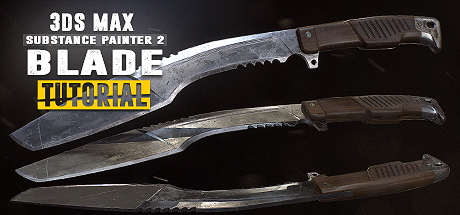
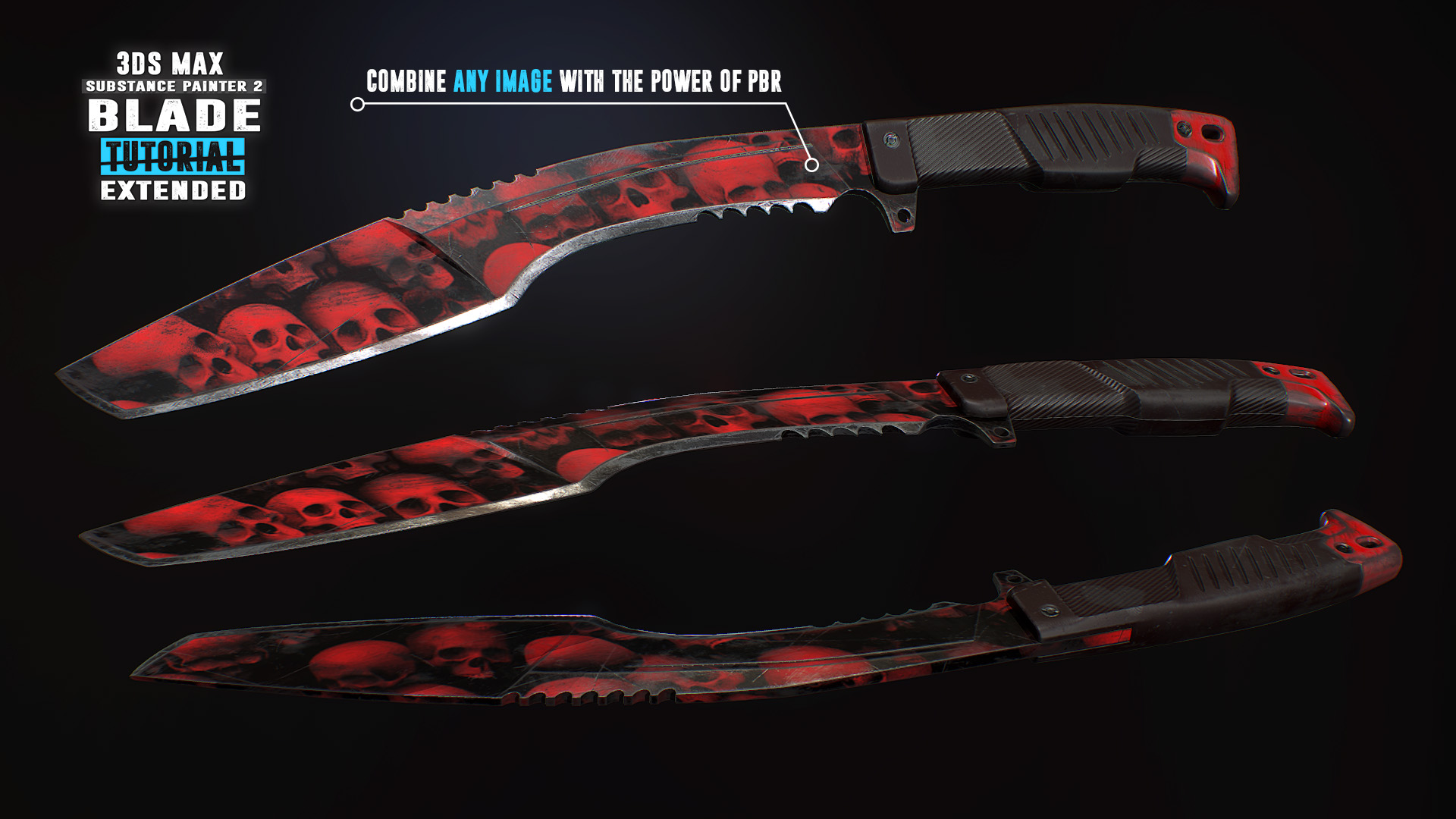
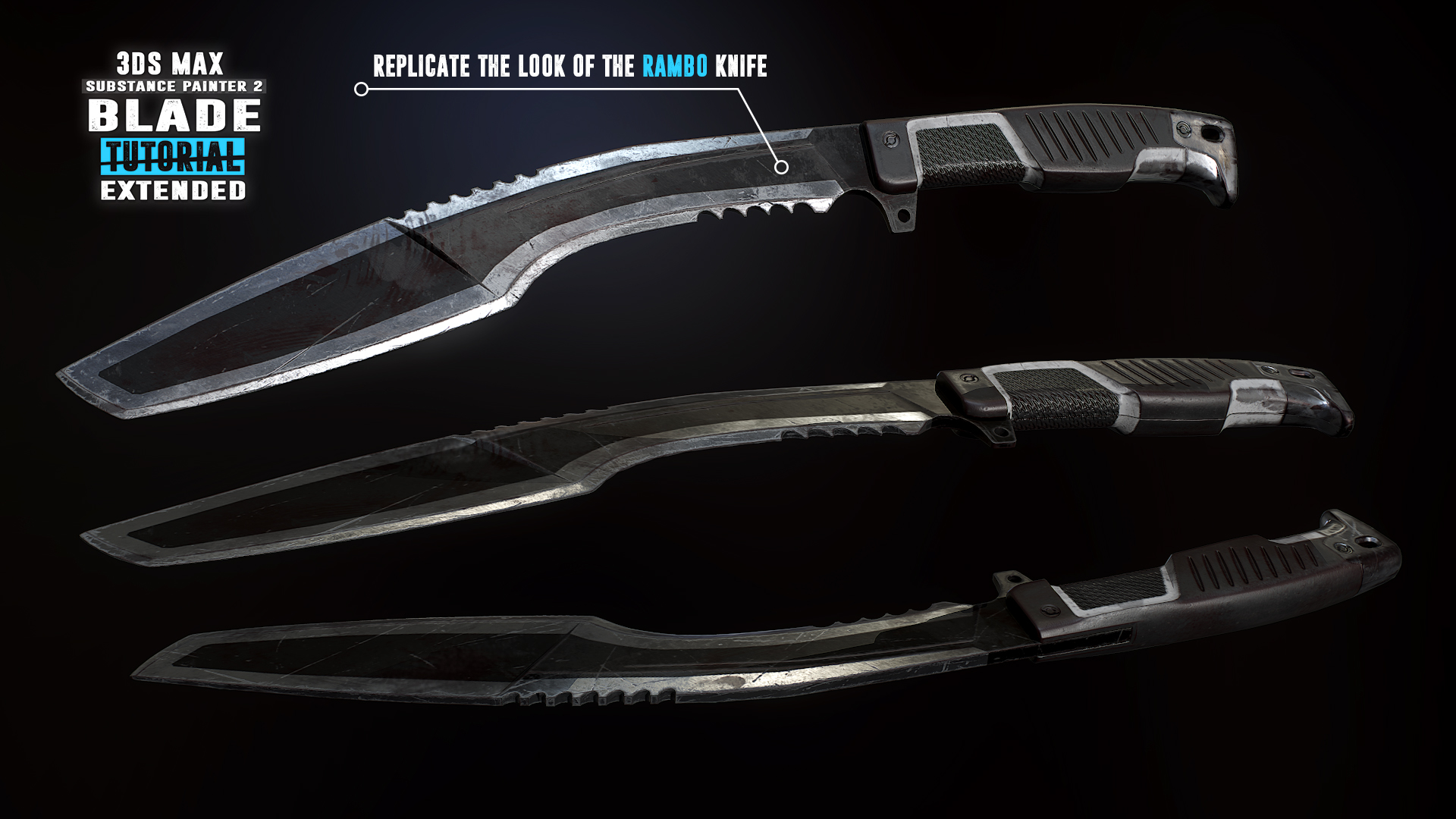
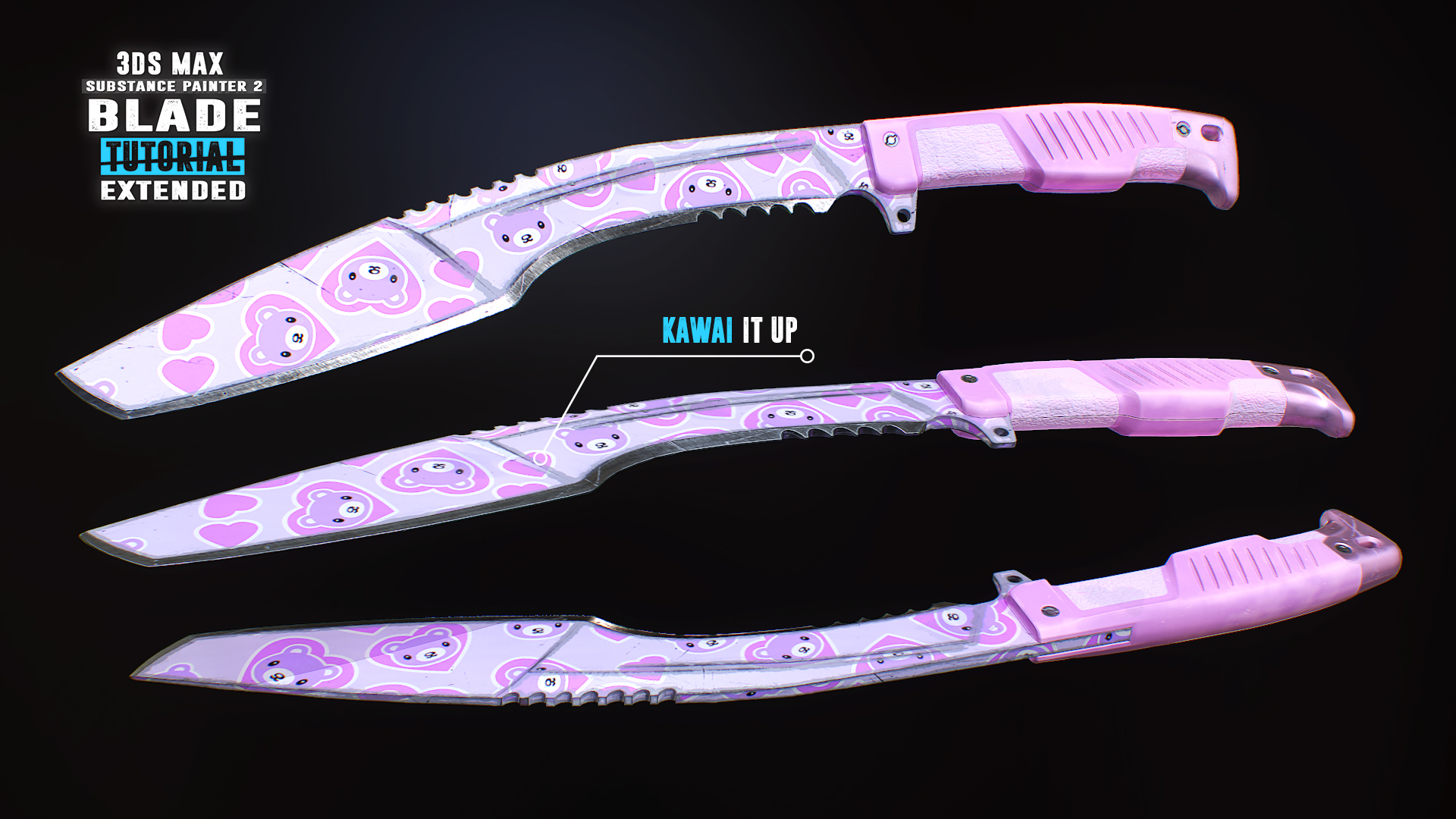
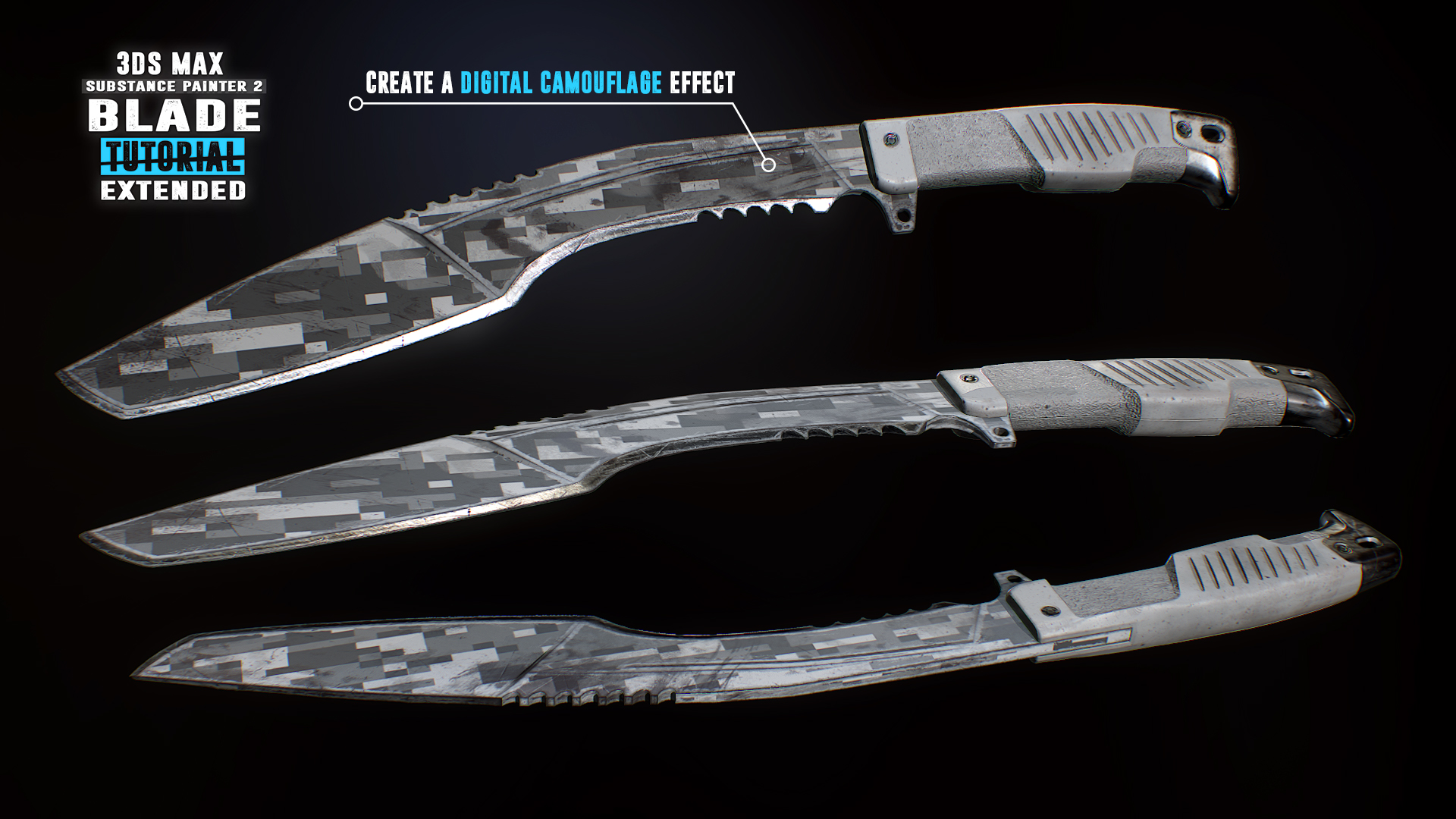
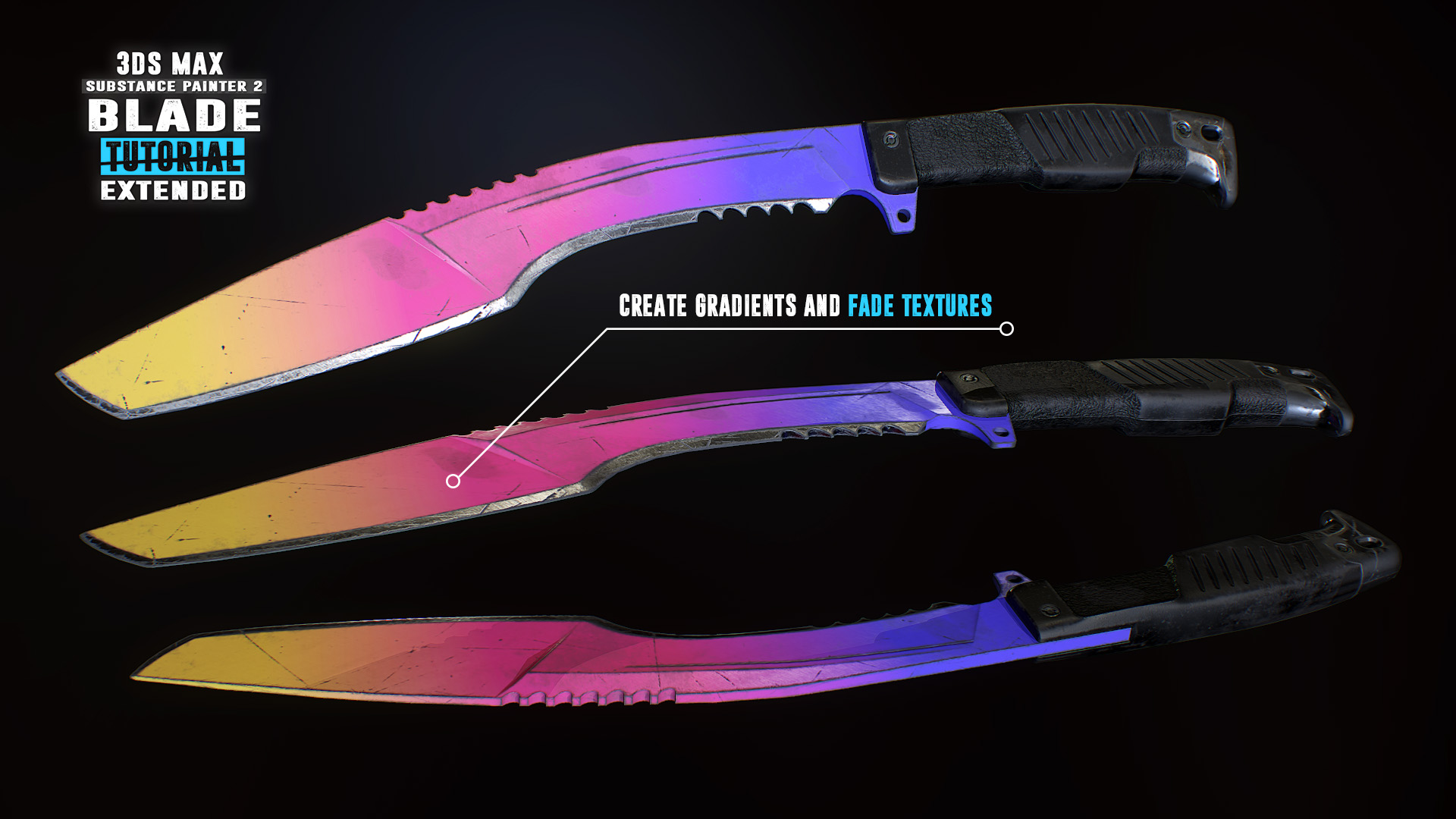
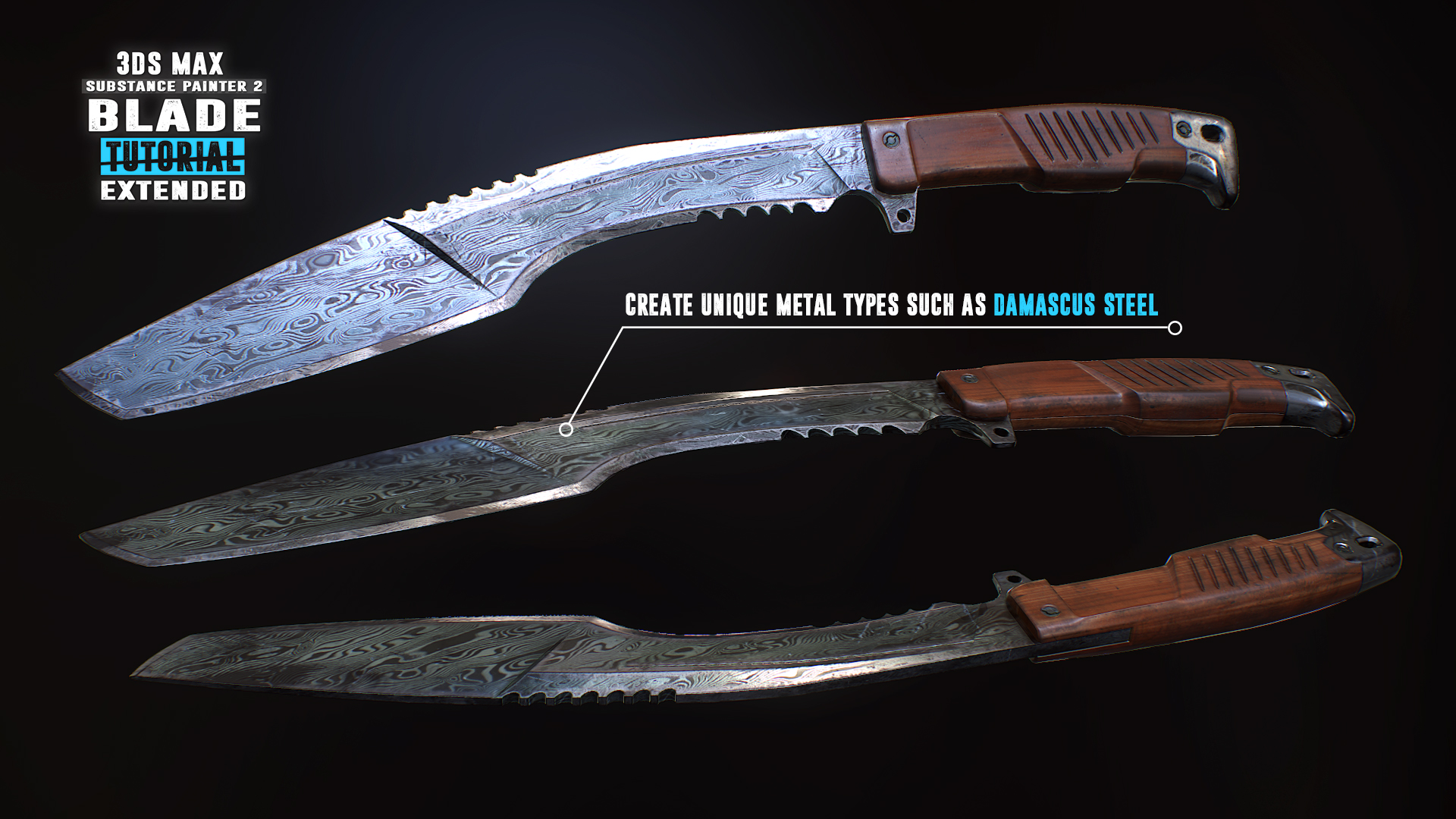
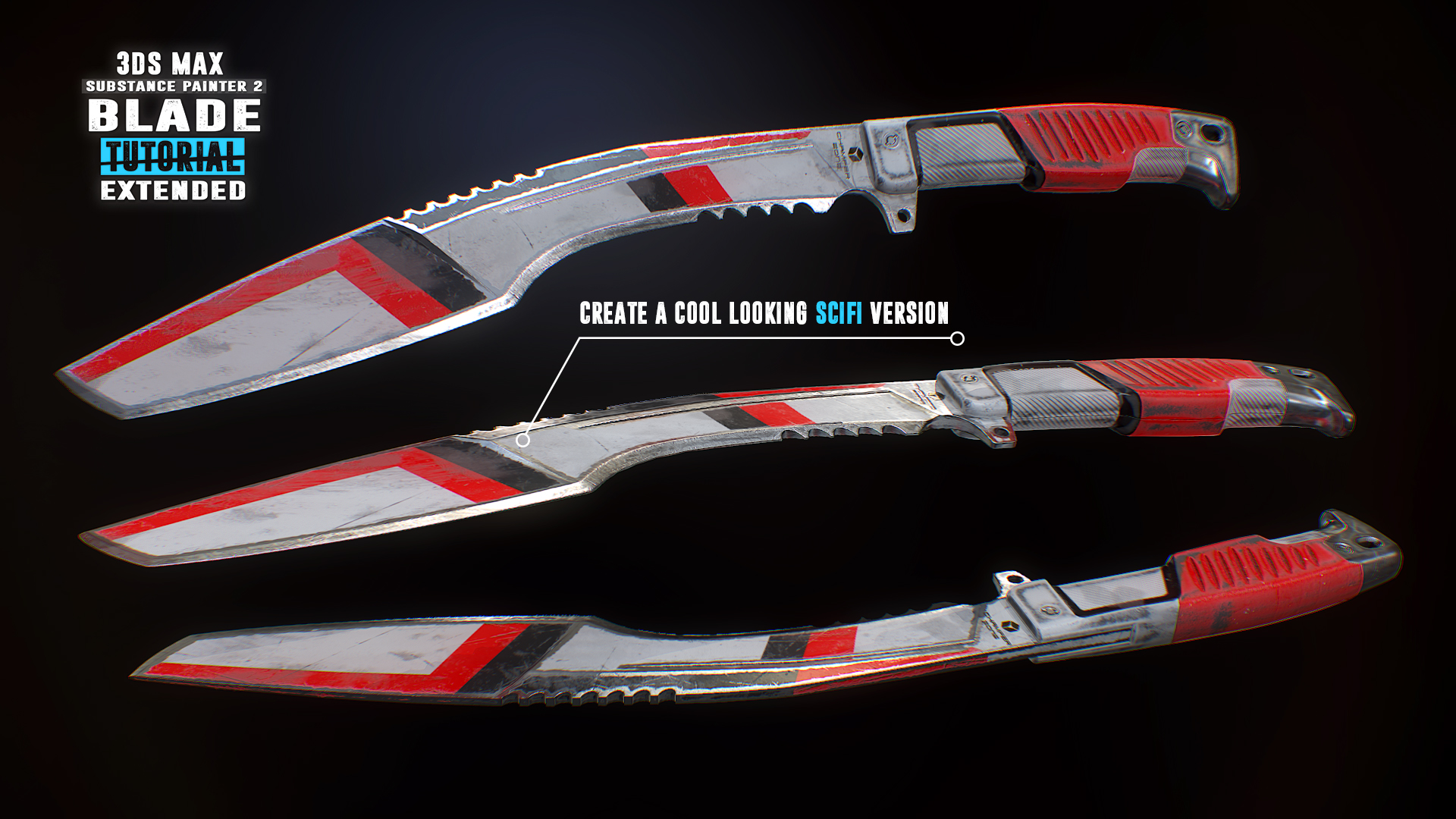
Follow along for free as we create a first person kukri knife in 3Ds Max & Substance Painter 2. Reach Substance Painter expert level as we create 10 more texture versions in the paid extended edition. Turn your passion into a profession and start creating game art today!
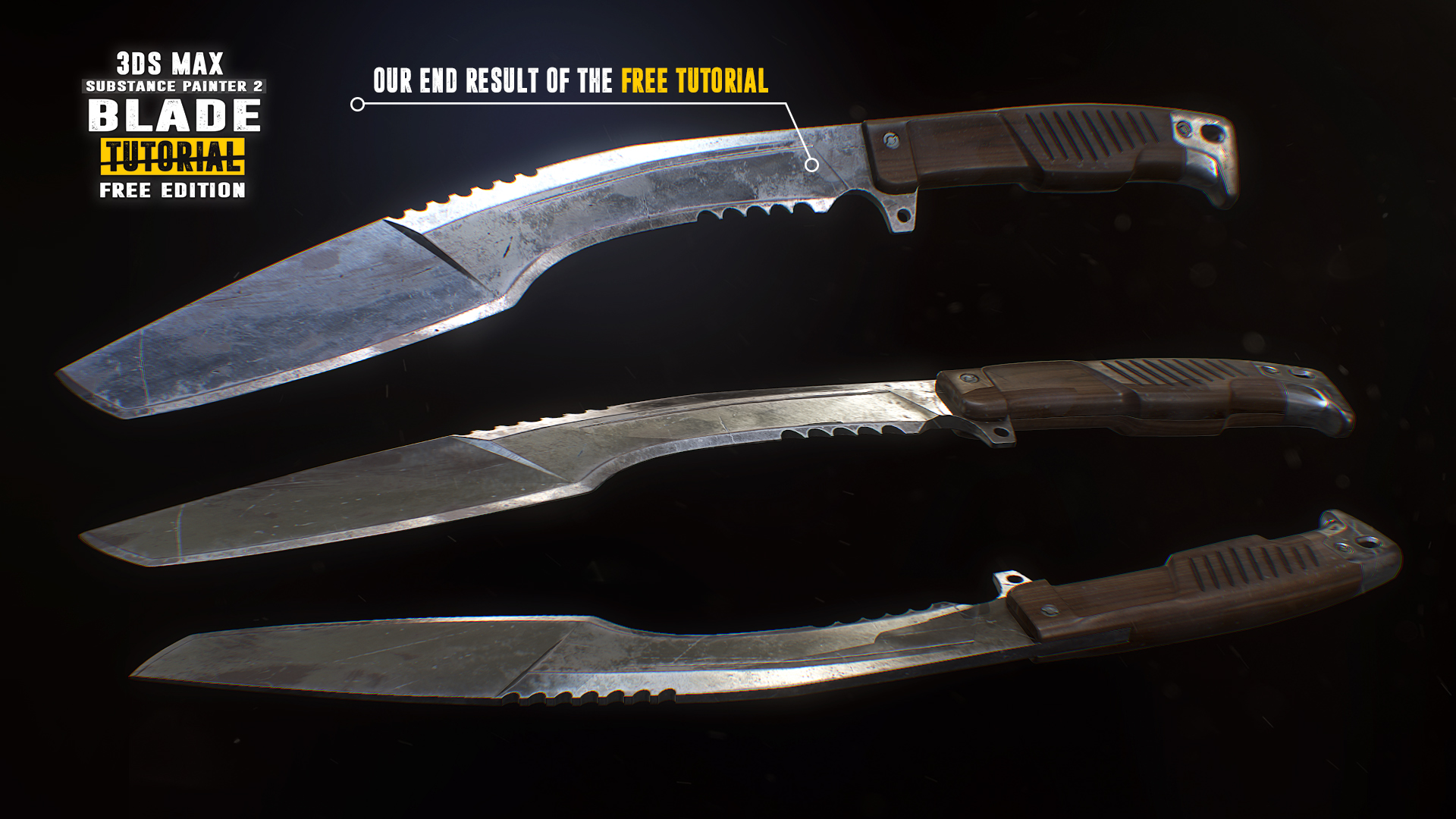
Create a first person kukri knife
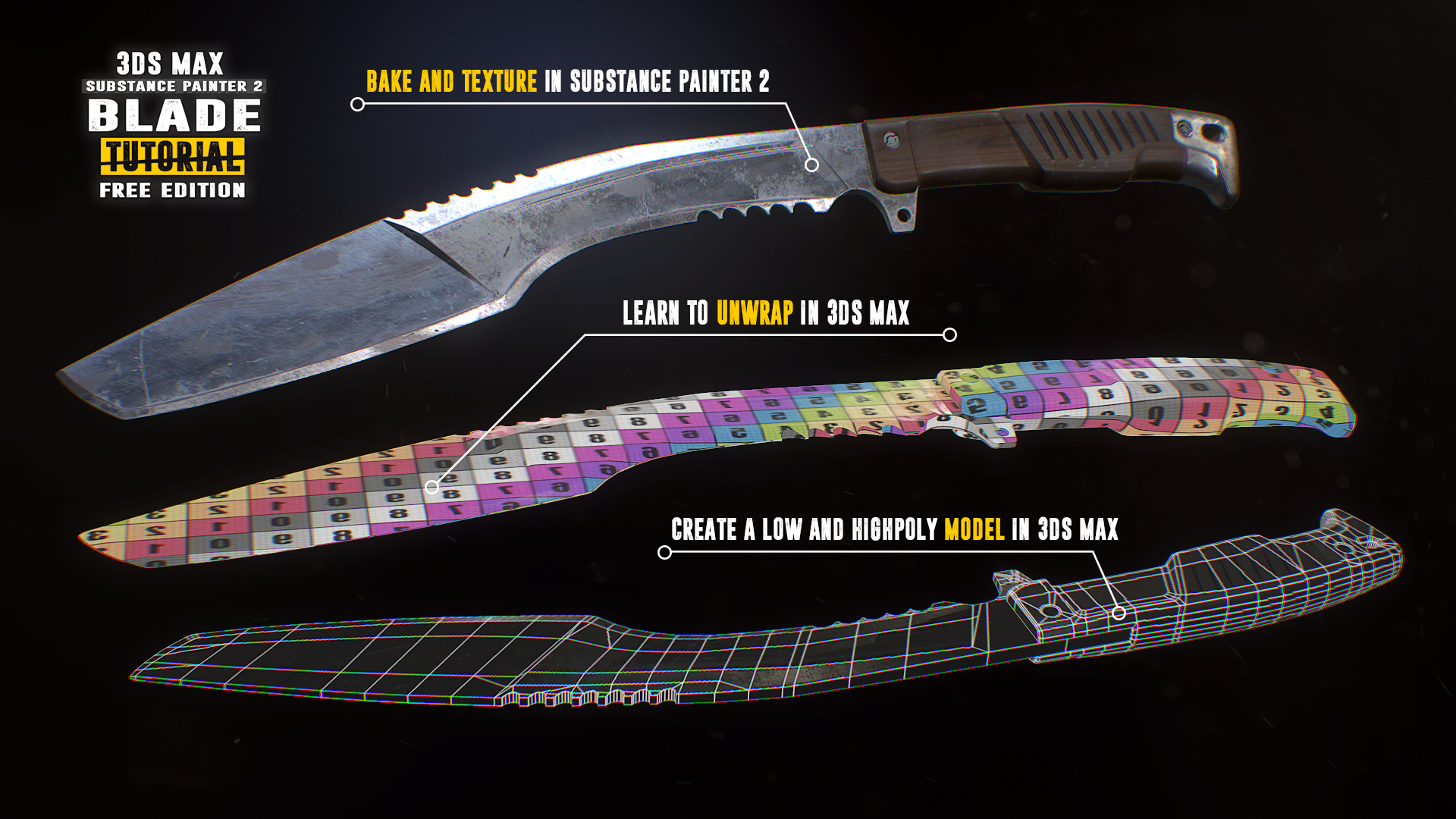
Follow along for free in this compact ~3 hour long tutorial as we model and texture a game ready first person kukri knife. Every step is documented without any fast forwarding. At the end of the free part you have the option to learn even more with the extended edition in which we go over 10 more triple A quality PBR textures.
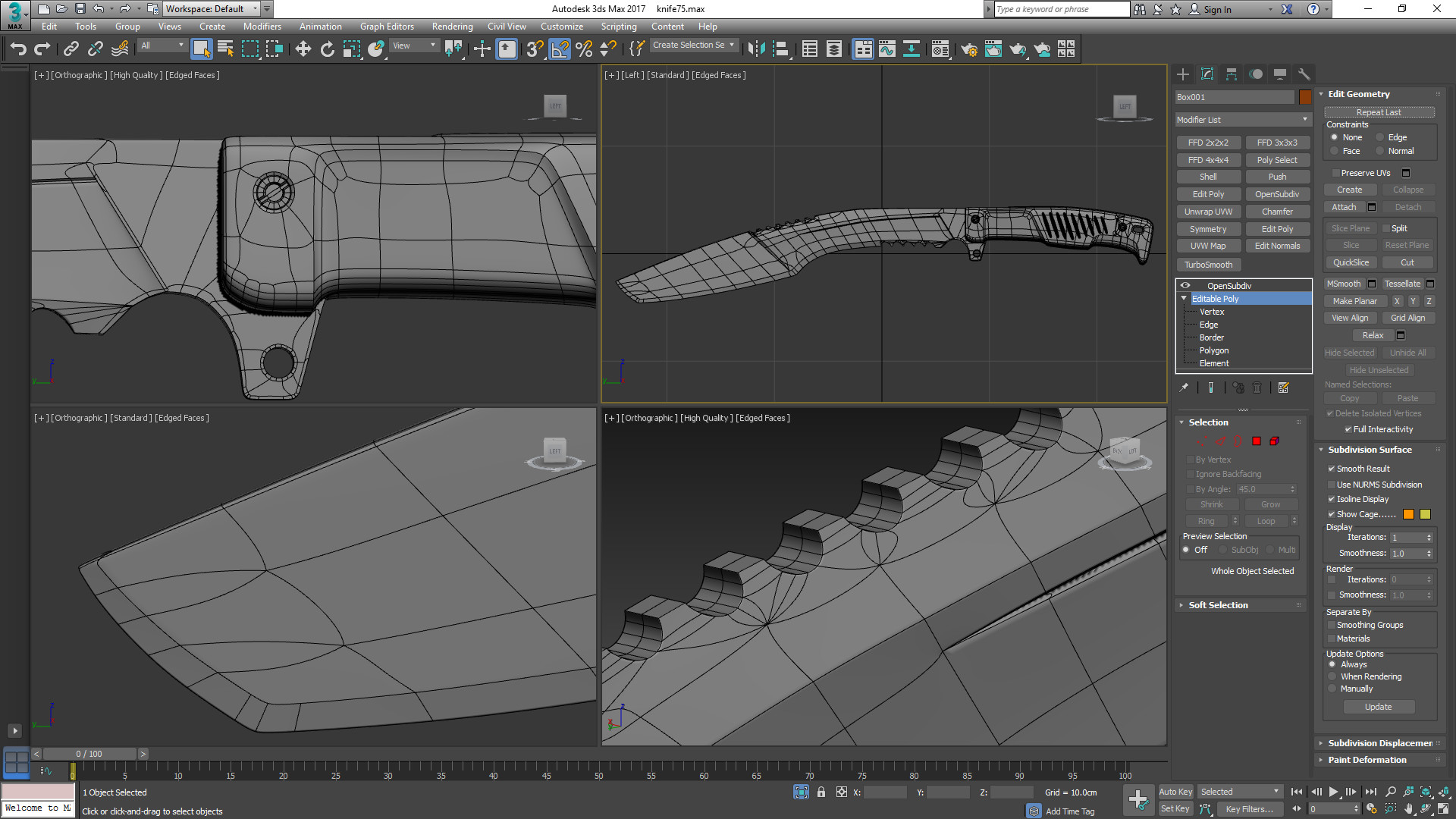
The modeling part covers the scene setup followed by the low and high-poly modeling in which we make use of advanced actions, modifiers and tools to help us create our kukri. After the modeling process we will jump straight into the UVW Editor and focus on the importance of an optimized UV-Layout to get the maximum out of our texture.
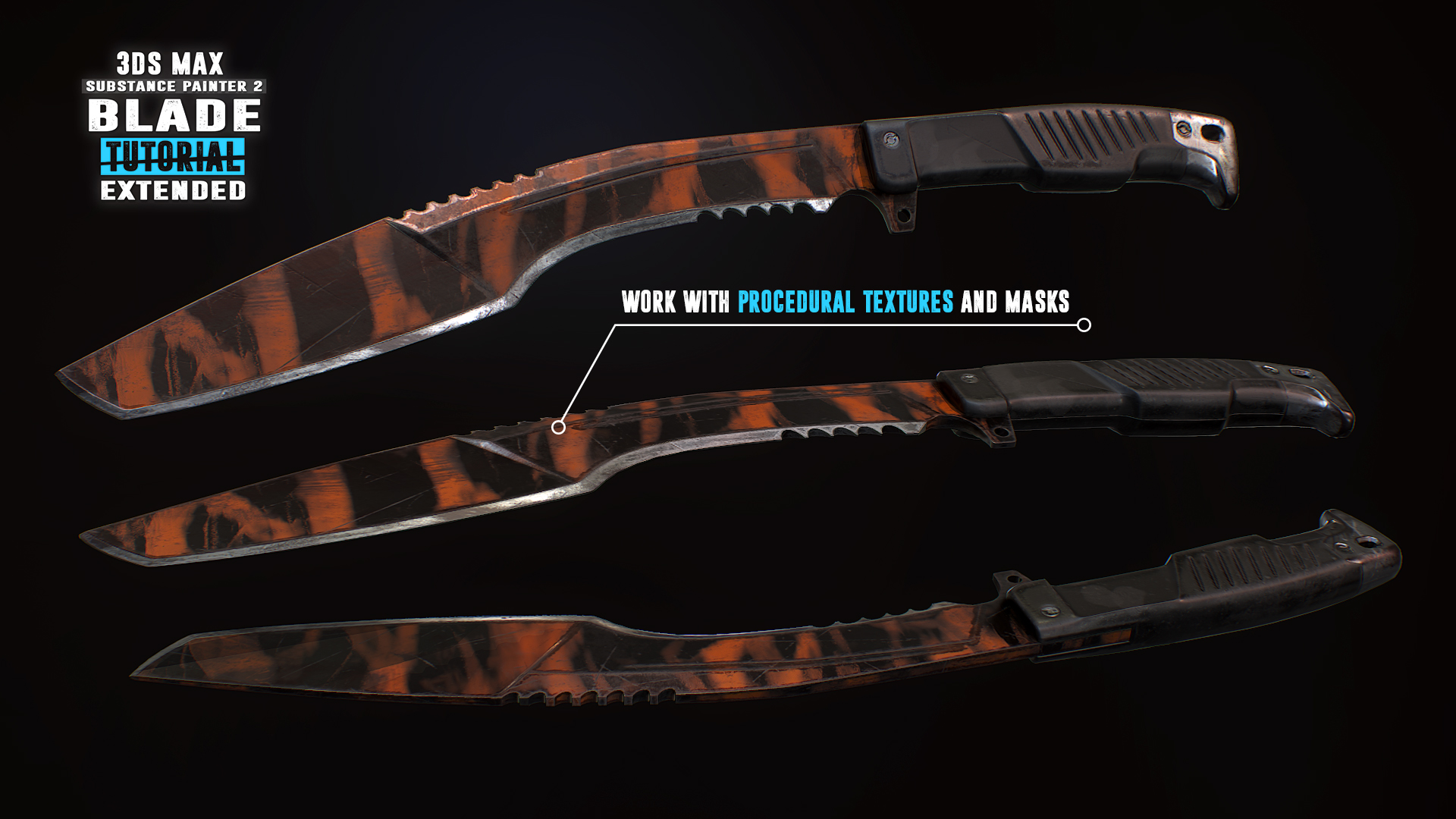
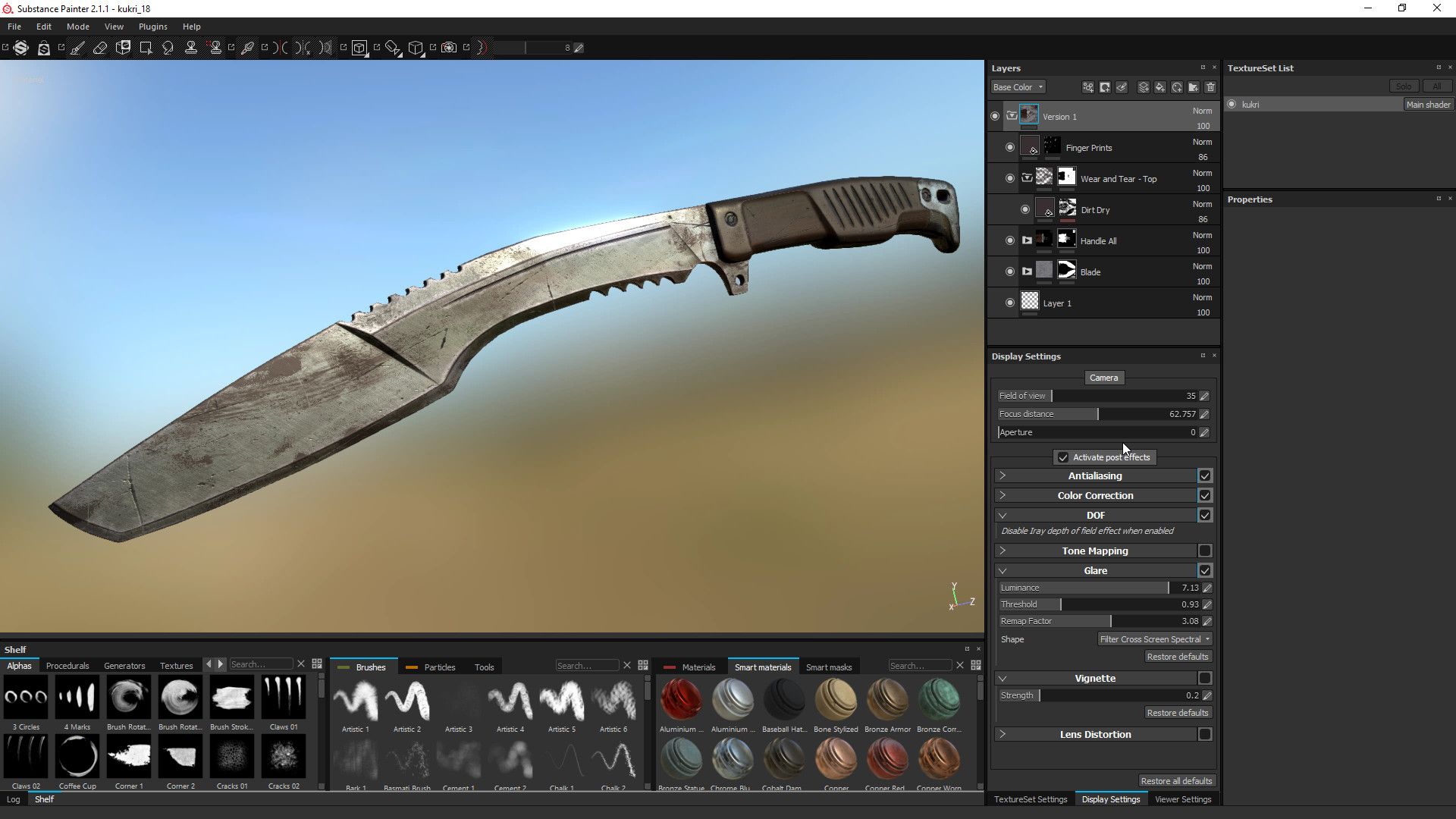
In the Substance Painter 2 part we will then bake our normal map as well as other important support maps. Right after that you will learn how to create an ultra realistic texture for our kukri. Learn how to create our base layer materials and how to use procedural textures, masks and generators to form up the wear and tear on our kukri resulting in a photo realistic appearance.
What are the requirements?
It is recommended to follow the course with the same software we use throughout the tutorial:3Ds Max 2017 (can be 2016 and 2015 too) and Substance Painter 2.
Who is the target audience?
This tutorial is aimed at beginners as well as intermediate.I try to avoid heavy use of shortcuts as much as I can during the lesson so that you can see which actions I use.
What do I get from this course?
- Nearly 3 hours of free fully documented and commented content.
- Knowledge in modeling, unwrapping and texturing.
- Essential reference images.
- Final high-poly and low-poly kukri for those that just want to follow the texturing part.
Instructor Biography
Hi! I'm Tim - Senior 3D Artist at Ubisoft Toronto.I'm originally from Germany where I started my 3D Artist career at Crytek. I worked on titles such as Far Cry 4, Splinter Cell Blacklist and the Crysis series as well as other non disclosed titles.
In my spare time I enjoy creating tutorials in which I share all my tips and tricks which I gathered over the years. Let me help you avoiding mistakes and equipping you with powerful techniques and knowledge in game ready 3D art creation. See you in the tutorial! Cheers, Tim
Relevant links:
- Learn more at
- Facebook
- All tutorials
- Artstation
Media
Trailers and screenshots straight from the store page


Latest news
Recent updates from the game's own feeds
Blade Tutorial: 3Ds Max 2017 and Substance Painter 2 price history and current deals
Price tracking for Blade Tutorial: 3Ds Max 2017 and Substance Painter 2 across authorized stores.
Scores
Steam reviews Positive · 100%
100% positive of 14
Media (14)
Requirements
Facts
Links