PC Region US
Games Blender Game Asset Creation
Blender Institute
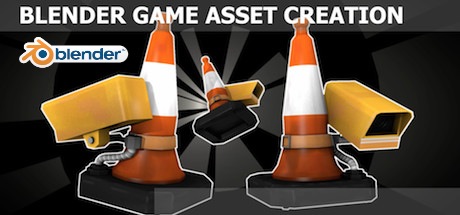
Blender Game Asset Creation

Windows macOS Linux
Mostly Positive · 73% of 51
Price verdict · US
Why this verdict
Player reviews 73% positive of 51
Quality score 73/100
Offers
Official store prices and labeled keyshop comparisons
No offers tracked yet for this product.
Report a problem
DLC (1)
Add-on content for this game
- Blender Game Asset Creation - Training Files No offer tracked

About this game
What this game is, in the developer's words
In 8 well organized sections with 51 short videos you will get a complete introduction to Blender and how to create game assets. This tutorial has been produced by Blender Institute, to support Blender Foundation projects.
In 8 well structured sections with 51 short videos you will get a complete introduction and video reference guide to Blender and how to create game assets.
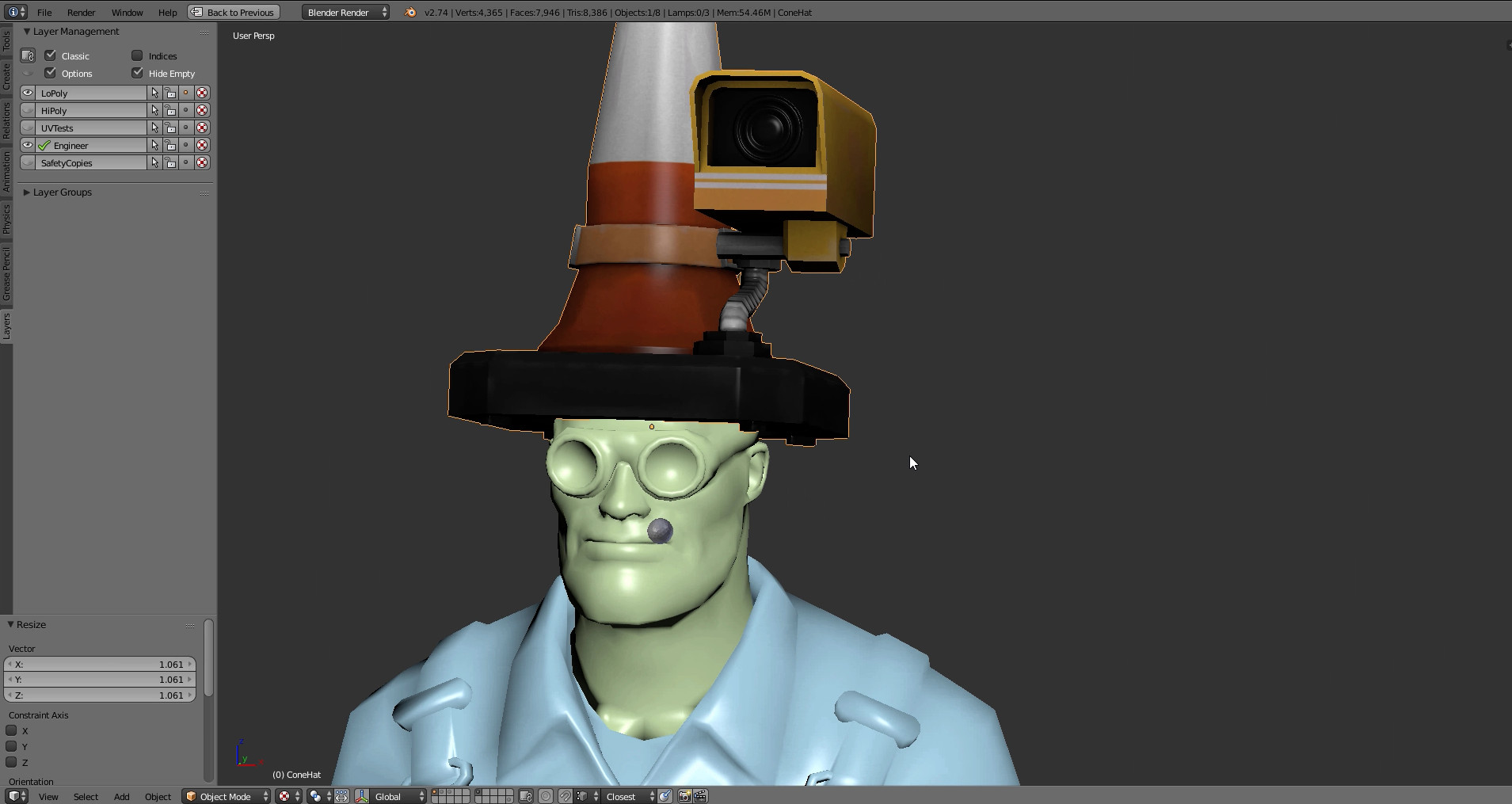
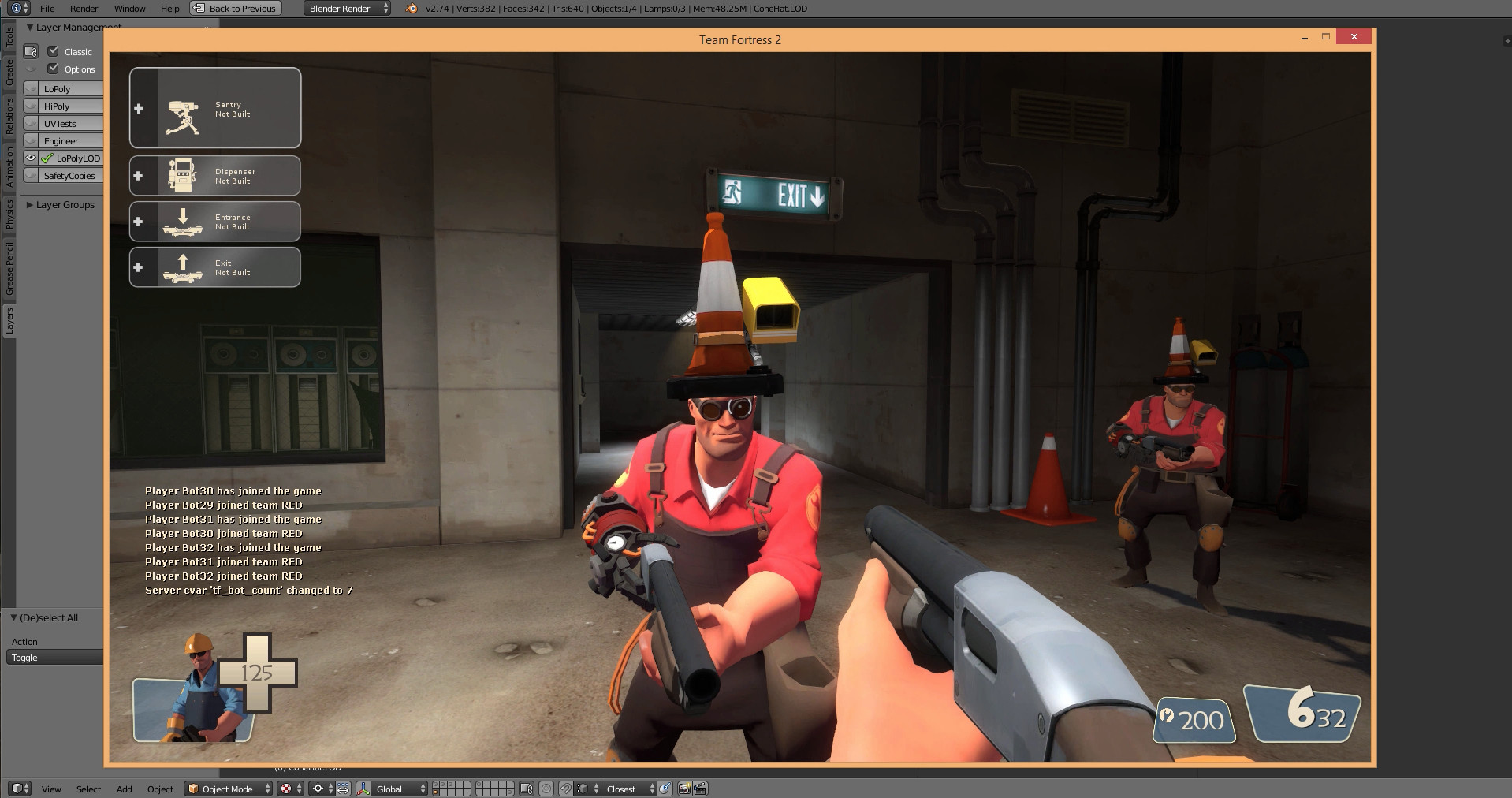
The training series will end with importing a hat game asset into Team Fortress 2.
In the first section all the basic knowledge will be built up to begin modeling in Blender. From there it's full steam ahead on making a Team Fortress game asset, where additional topics are explored in many 10 minute chapters - so you can just come in and browse the section on 'baking normals' or 'setting up for 3d painting' or 'exporting into Team Fortress 2' or 'an introduction to uv's'. Or you can watch the whole series sequentially as a training session to master Blender in general.
Author Aidy Burrows lives in Manchester UK and has worked for large games companies on next-gen titles titles such as Lord of the Rings and Lego Marvel. He's been trained with 3ds Max and Maya but now uses Blender for his work as well. Currently he's working as part of the CGMasters team to produce free high quality training material.
NOTE: the associated Blender files will be in a ZIP archive in the Software catalog of the Steam client.
This video tutorial was produced by Blender Institute. By purchasing this product you will support Blender Foundation's open source projects!
Section 1 - Understanding the Interface.
Chapter 01 - First encounters 5 mins
Chapter 02 - Navigation 6 mins
Chapter 03 - Layout Customizing 8 mins
Chapter 04 - User Preference Changes 6 mins
(Autodepth, Autoperspective, Addon - Layers, VBO’s.)
Section 2 - 3D View.
Chapter 01 - Menus, Modes and Display. 5 mins
Chapter 02 - Pivot Point and 3d Manipulator 8 mins
Chapter 03 - Layers and Snapping 7 mins
Section 3 - Modeling
Chapter 01 - Mesh Data, Object Data 7 mins
Chapter 02 - Object Tools 7 mins
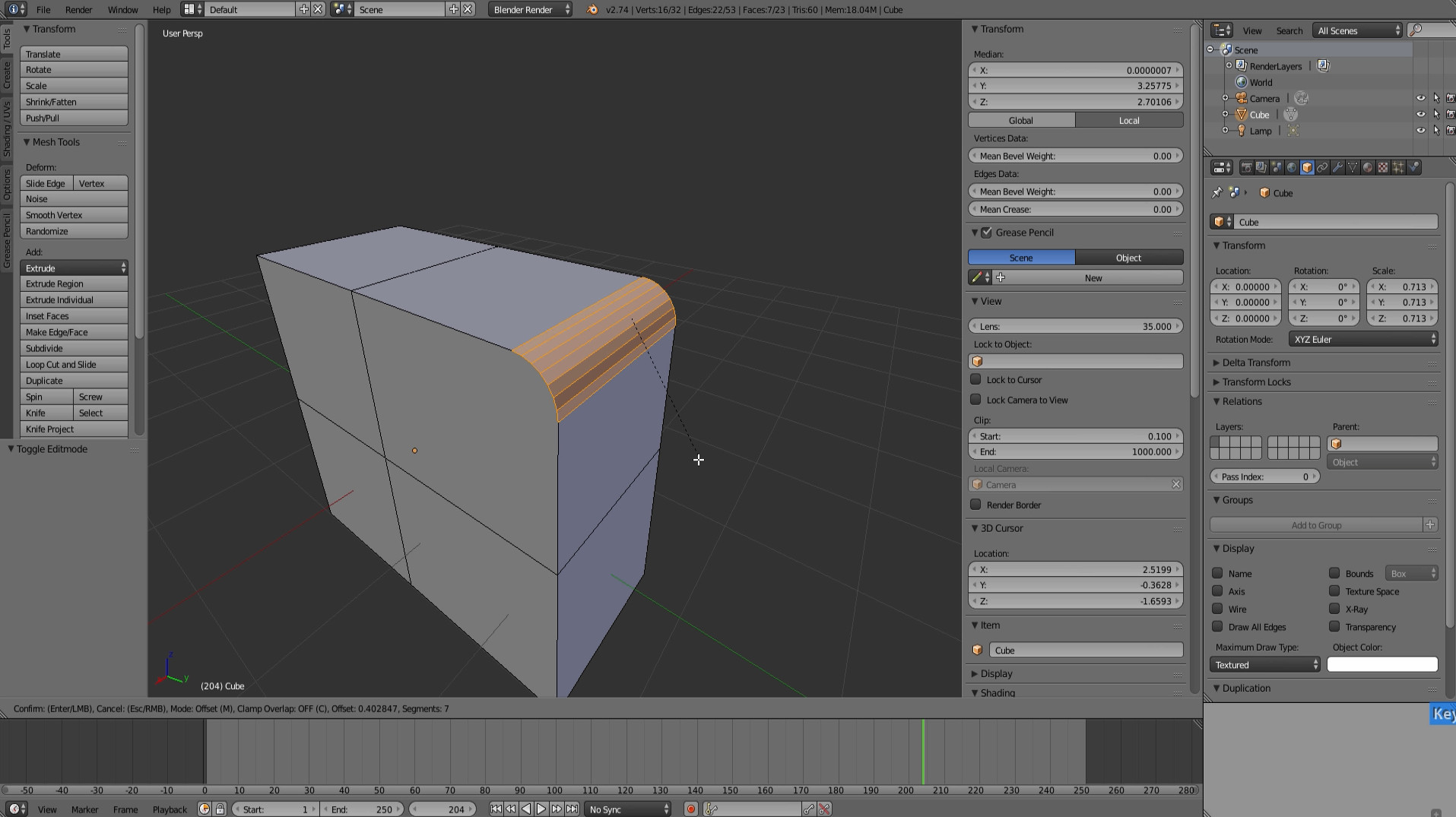
Chapter 03 - Mesh Tools - Extrude 2 mins
Chapter 04 - Mesh Tools - Bevel 1 min
Chapter 05 - Mesh Tools - Subdivide 2 mins
Chapter 06 - Mesh Tools - Working With Loops. 5 mins
Chapter 07 - Mesh Tools - Vertex Connect 2 mins
Chapter 08 - Mesh Tools - Inset. 2 mins
Chapter 09 - Mesh Tools - Merging 2 mins
Chapter 10 - Mesh Tools - Knife Tool 2 mins
Section 4 - Modeling A Game Asset
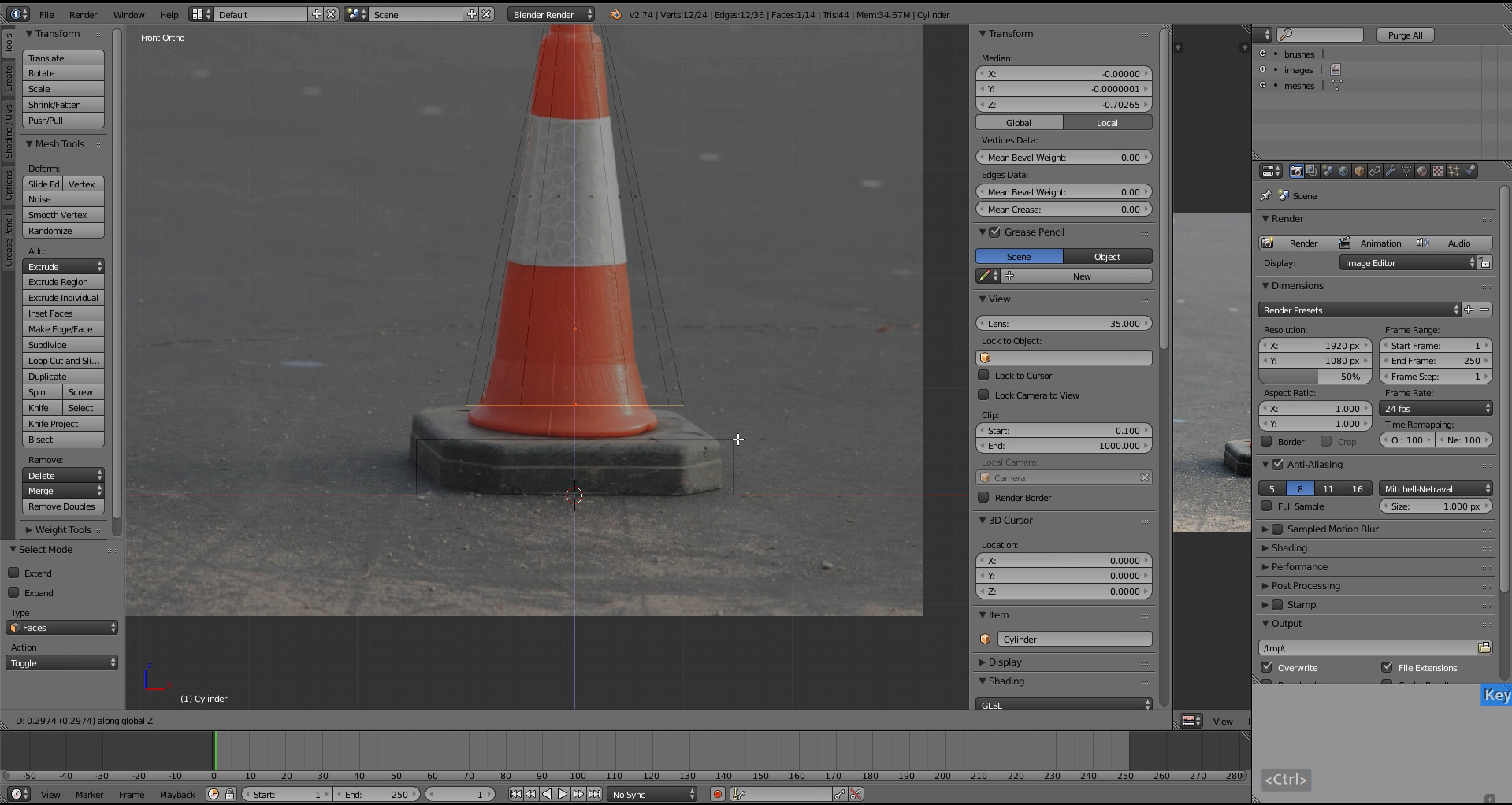
Chapter 01 - Ref Images & Traffic Cone Blockout 10 mins
Chapter 02 - Traffic Cone Modeling 8 mins
Chapter 03 - Normal Editing - Smooth/Hard Edges 5 mins
Chapter 04 - High Res Traffic Cone 5 mins
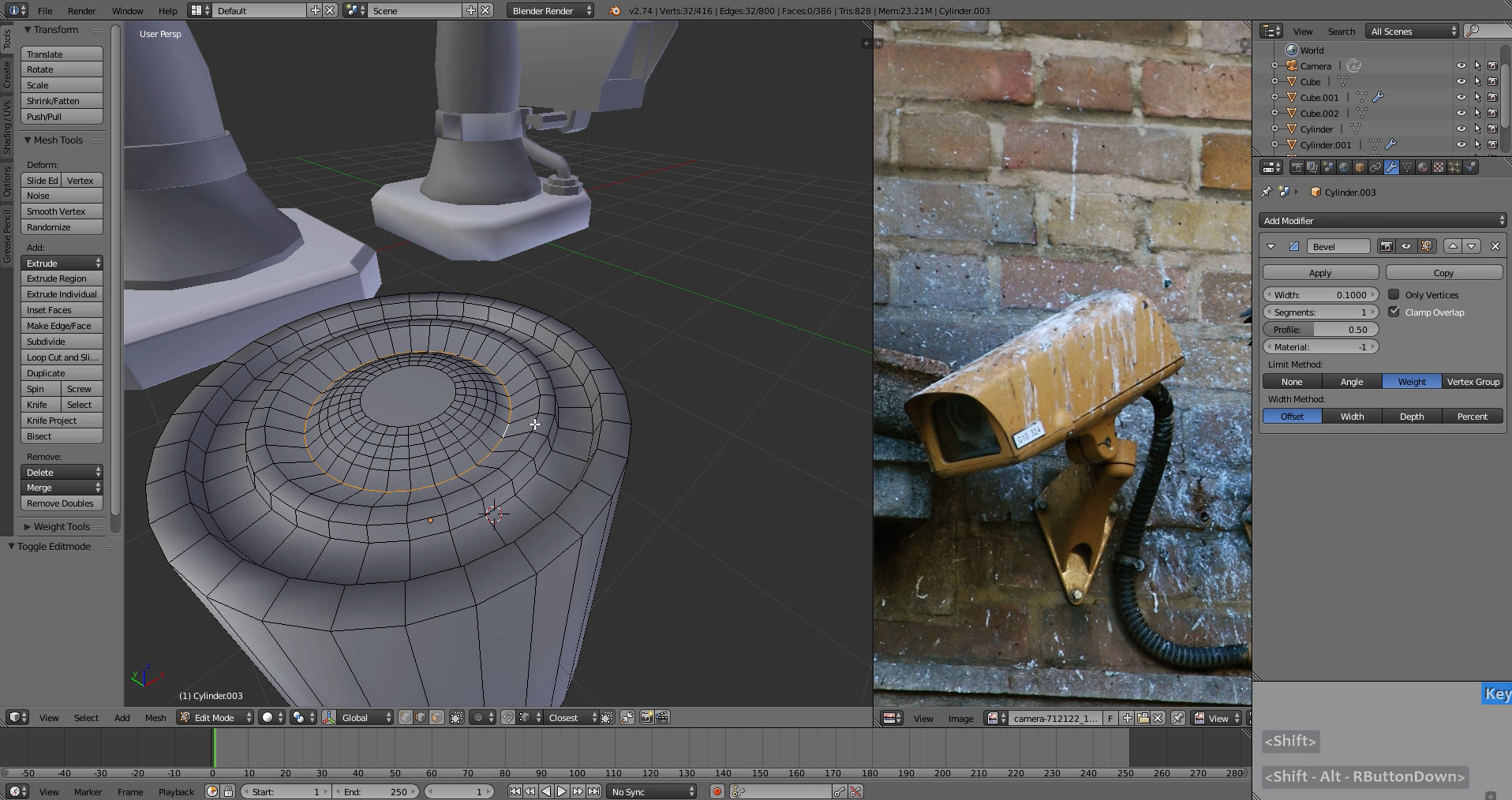
Chapter 05 - Camera Modeling 15 mins
Chapter 06 - Modeling With Curves 7 mins
Chapter 07 - Camera Modeling Finish 2 mins
Chapter 08 - Removing NGons 4 mins
Chapter 09 - Hi Res Lens And Ribbed Cable 6 mins
Chapter 10 - Organizing And Naming Objects 3 mins
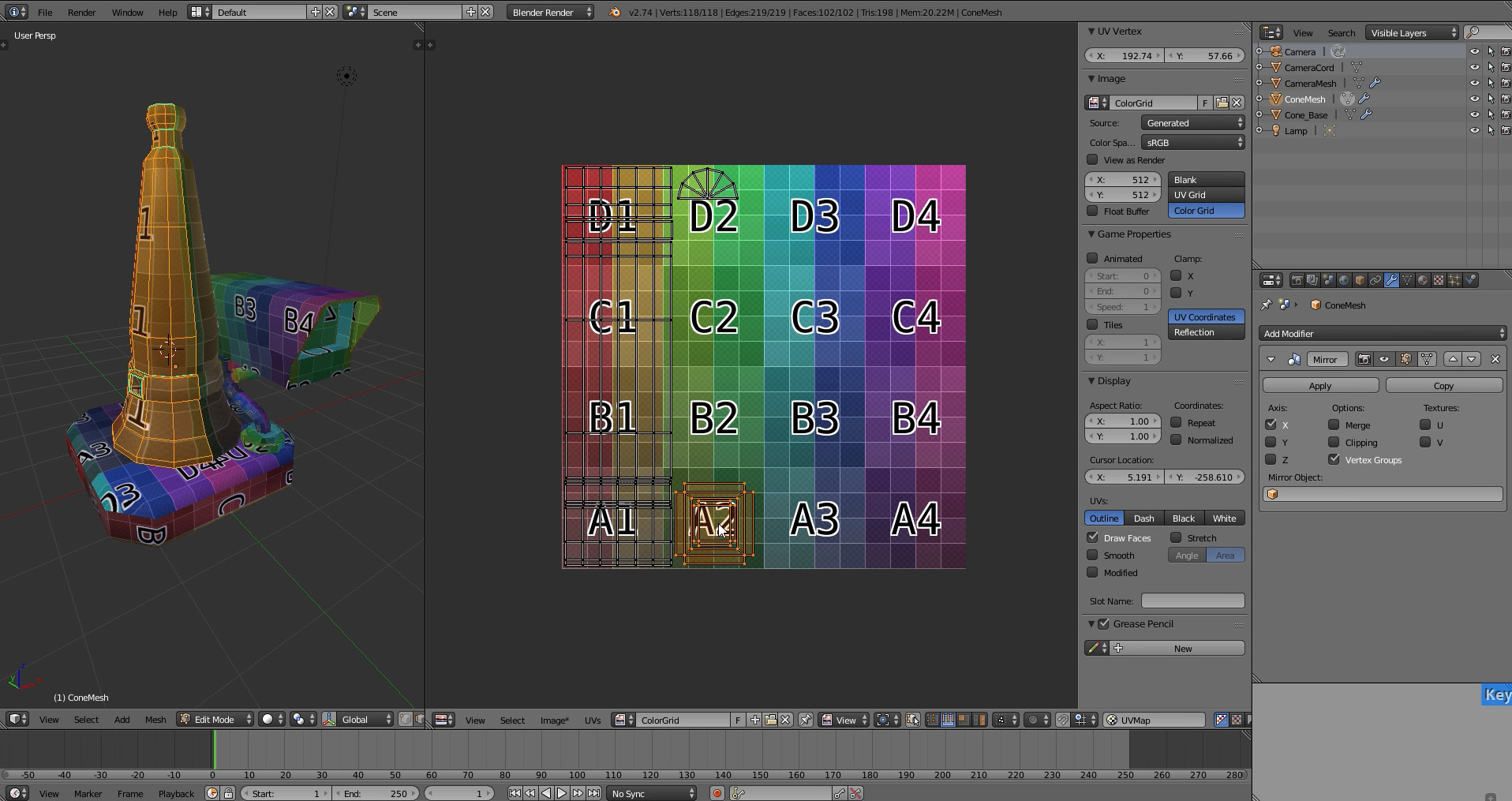
Section 5 - UV’s.
Chapter 01 - UV’s Overview 12 mins
Chapter 02 - Mirror Modifier 5 mins
Chapter 03 - UV Unwrapping The Base 7 mins
Chapter 04 - UV Unwrapping The Cable 10 mins
Chapter 05 - UV Unwrapping The Cone 9 mins
Chapter 06 - UV Final Layout 8 mins
Section 6 - Baking
Chapter 01 - Baking Setup And Creating Images 4 mins
Chapter 02 - Baking Ambient Occlusion 10 mins
Chapter 03 - Baking Normal Maps 9 mins
Chapter 04 - Creating The Base Color Materials 5 mins
Chapter 05 - Baking The Base Color 2 mins
Chapter 06 - Setting Up A Complete Material 3 mins
Chapter 07 - Cord Baking And Multiple UV Sets 9 mins
Chapter 08 - Baking The Camera Lens 7 mins
Section 7 - 3D Painting
Chapter 01 - 3D Painting Setup 6 mins
Chapter 02 - Painting A Vertical Gradient 6 mins
Chapter 03 - Multi Layered Painting 18 mins
Chapter 04 - Worn Edges With Cavity Masking 13 mins
Chapter 05 - Baking All Layers Down To 1. 7 mins
Section 8 - Importing And Exporting
Chapter 01 - Importing A TF2 Character 3 mins
Chapter 02 - Rigging And Placing The Asset 2 mins
Chapter 03 - LOD Creation 6 mins
Chapter 04 - Exporting As OBJ 1 min
Chapter 05 - Importing Into Team Fortress 2. 5 mins
The training series will end with importing a hat game asset into Team Fortress 2.
In the first section all the basic knowledge will be built up to begin modeling in Blender. From there it's full steam ahead on making a Team Fortress game asset, where additional topics are explored in many 10 minute chapters - so you can just come in and browse the section on 'baking normals' or 'setting up for 3d painting' or 'exporting into Team Fortress 2' or 'an introduction to uv's'. Or you can watch the whole series sequentially as a training session to master Blender in general.
Author Aidy Burrows lives in Manchester UK and has worked for large games companies on next-gen titles titles such as Lord of the Rings and Lego Marvel. He's been trained with 3ds Max and Maya but now uses Blender for his work as well. Currently he's working as part of the CGMasters team to produce free high quality training material.
NOTE: the associated Blender files will be in a ZIP archive in the Software catalog of the Steam client.
This video tutorial was produced by Blender Institute. By purchasing this product you will support Blender Foundation's open source projects!
Full Contents:
Section 1 - Understanding the Interface.
Chapter 01 - First encounters 5 mins
Chapter 02 - Navigation 6 mins
Chapter 03 - Layout Customizing 8 mins
Chapter 04 - User Preference Changes 6 mins
(Autodepth, Autoperspective, Addon - Layers, VBO’s.)
Section 2 - 3D View.
Chapter 01 - Menus, Modes and Display. 5 mins
Chapter 02 - Pivot Point and 3d Manipulator 8 mins
Chapter 03 - Layers and Snapping 7 mins
Section 3 - Modeling
Chapter 01 - Mesh Data, Object Data 7 mins
Chapter 02 - Object Tools 7 mins
Chapter 03 - Mesh Tools - Extrude 2 mins
Chapter 04 - Mesh Tools - Bevel 1 min
Chapter 05 - Mesh Tools - Subdivide 2 mins
Chapter 06 - Mesh Tools - Working With Loops. 5 mins
Chapter 07 - Mesh Tools - Vertex Connect 2 mins
Chapter 08 - Mesh Tools - Inset. 2 mins
Chapter 09 - Mesh Tools - Merging 2 mins
Chapter 10 - Mesh Tools - Knife Tool 2 mins
Section 4 - Modeling A Game Asset
Chapter 01 - Ref Images & Traffic Cone Blockout 10 mins
Chapter 02 - Traffic Cone Modeling 8 mins
Chapter 03 - Normal Editing - Smooth/Hard Edges 5 mins
Chapter 04 - High Res Traffic Cone 5 mins
Chapter 05 - Camera Modeling 15 mins
Chapter 06 - Modeling With Curves 7 mins
Chapter 07 - Camera Modeling Finish 2 mins
Chapter 08 - Removing NGons 4 mins
Chapter 09 - Hi Res Lens And Ribbed Cable 6 mins
Chapter 10 - Organizing And Naming Objects 3 mins
Section 5 - UV’s.
Chapter 01 - UV’s Overview 12 mins
Chapter 02 - Mirror Modifier 5 mins
Chapter 03 - UV Unwrapping The Base 7 mins
Chapter 04 - UV Unwrapping The Cable 10 mins
Chapter 05 - UV Unwrapping The Cone 9 mins
Chapter 06 - UV Final Layout 8 mins
Section 6 - Baking
Chapter 01 - Baking Setup And Creating Images 4 mins
Chapter 02 - Baking Ambient Occlusion 10 mins
Chapter 03 - Baking Normal Maps 9 mins
Chapter 04 - Creating The Base Color Materials 5 mins
Chapter 05 - Baking The Base Color 2 mins
Chapter 06 - Setting Up A Complete Material 3 mins
Chapter 07 - Cord Baking And Multiple UV Sets 9 mins
Chapter 08 - Baking The Camera Lens 7 mins
Section 7 - 3D Painting
Chapter 01 - 3D Painting Setup 6 mins
Chapter 02 - Painting A Vertical Gradient 6 mins
Chapter 03 - Multi Layered Painting 18 mins
Chapter 04 - Worn Edges With Cavity Masking 13 mins
Chapter 05 - Baking All Layers Down To 1. 7 mins
Section 8 - Importing And Exporting
Chapter 01 - Importing A TF2 Character 3 mins
Chapter 02 - Rigging And Placing The Asset 2 mins
Chapter 03 - LOD Creation 6 mins
Chapter 04 - Exporting As OBJ 1 min
Chapter 05 - Importing Into Team Fortress 2. 5 mins
Media
Trailers and screenshots straight from the store page

Blender Game Asset Creation price history and current deals
Price tracking for Blender Game Asset Creation across authorized stores.
Scores
Steam reviews Mostly Positive · 73%
73% positive of 51
Media (7)
Tech
ControllerFull
Requirements
Facts
DeveloperBlender Institute
TagsAnimation & Modeling · Game Development · Tutorial · Gaming
Links