PC $1.99 Region US

Casual · Shard Real
Blueprint Word: Classroom

Windows
Positive · 93% of 14
Price verdict · US updated yesterday
Why this verdict
Player reviews 93% positive of 14
Quality score 93/100 · small sample
Offers
Official store prices and labeled keyshop comparisons
Official stores (1)
Direct store link. Payment stays with the store.
Report a wrong price
Packs and bundles (1)
Multi-item packages that include this game
- Blueprint Word Collection From $2.78
About this game
What this game is, in the developer's words
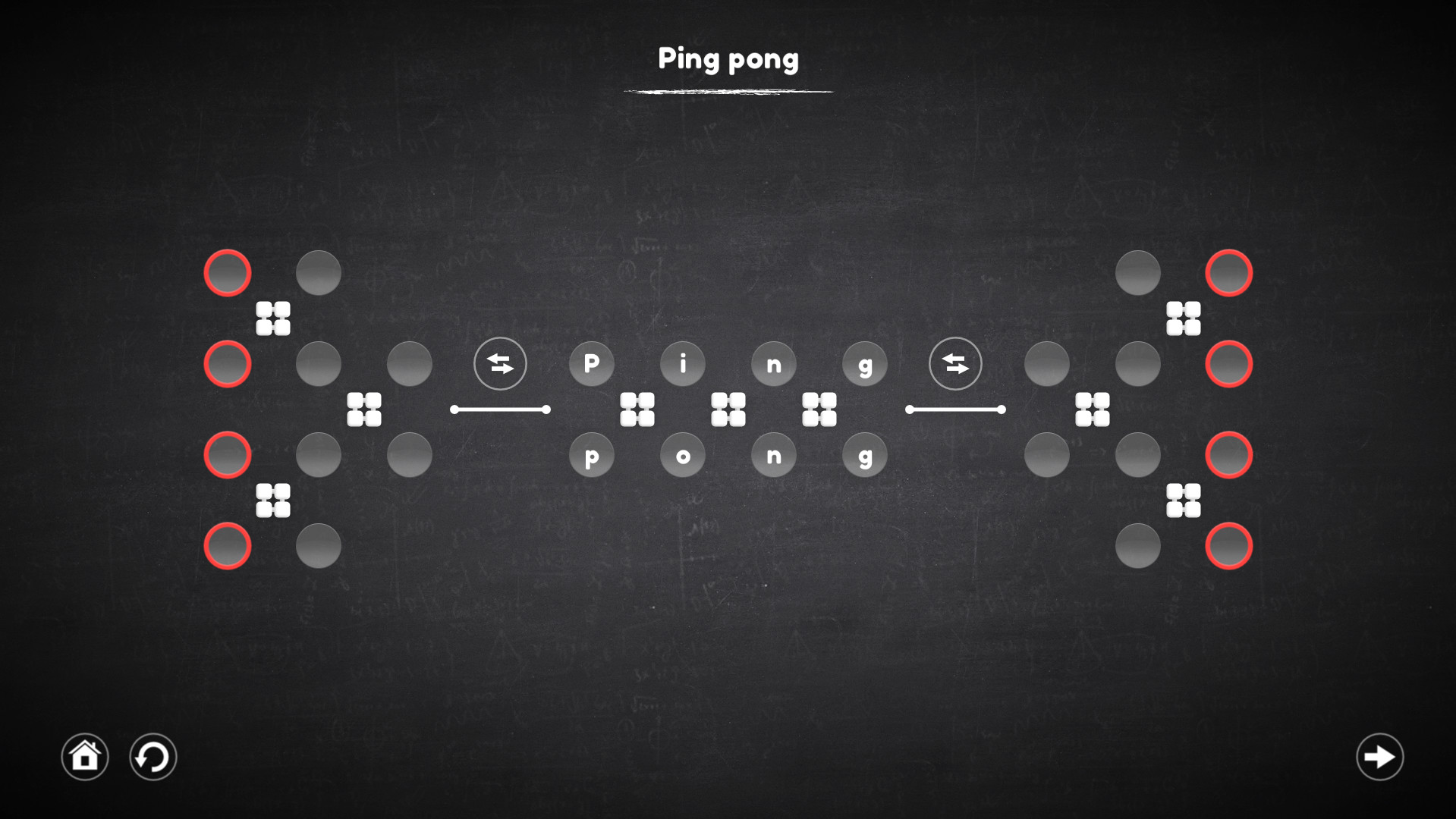
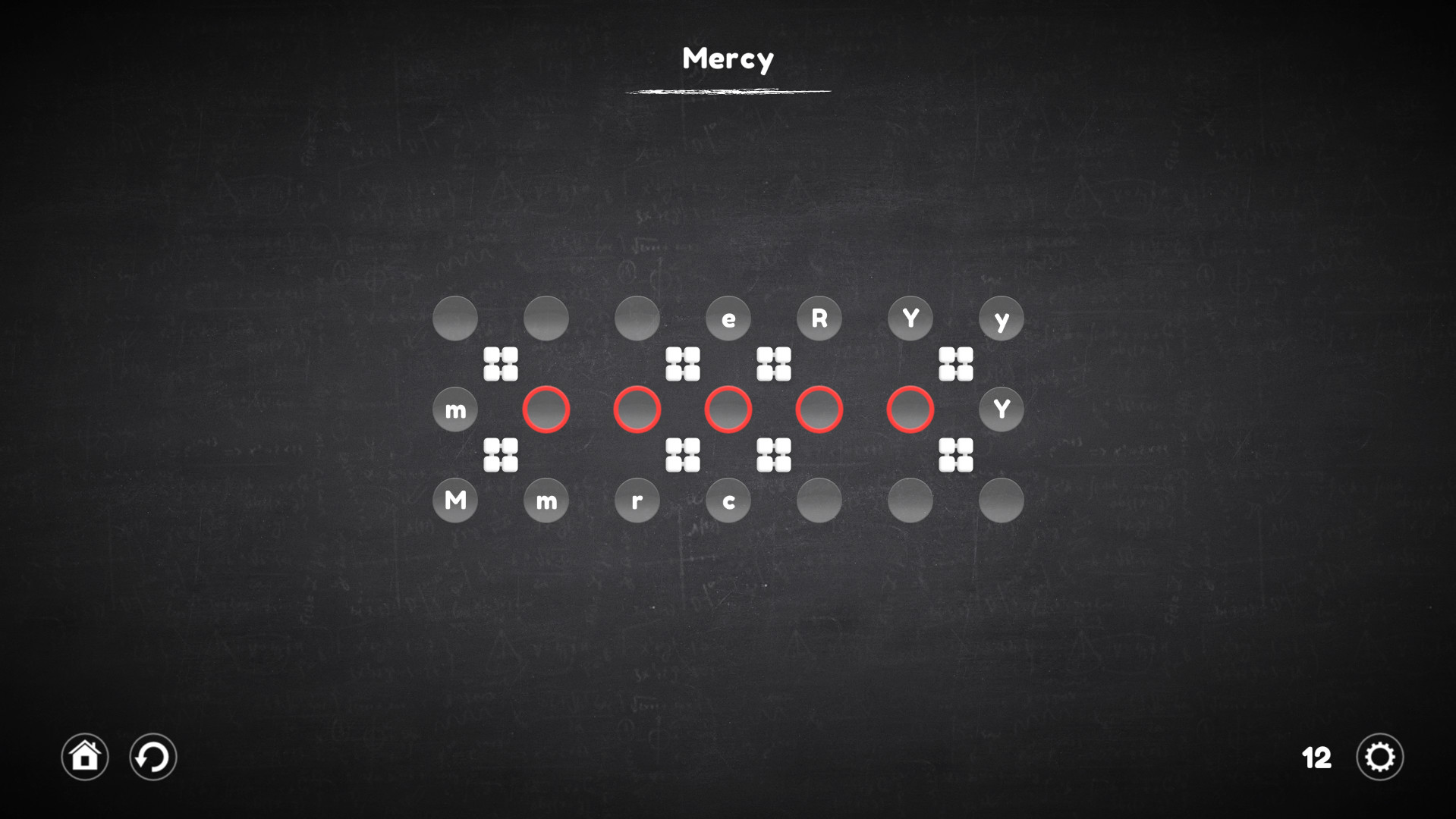
Blueprint Word: Classroom - Continuation of an exciting puzzle where you need to make a certain word using all possible mechanisms.
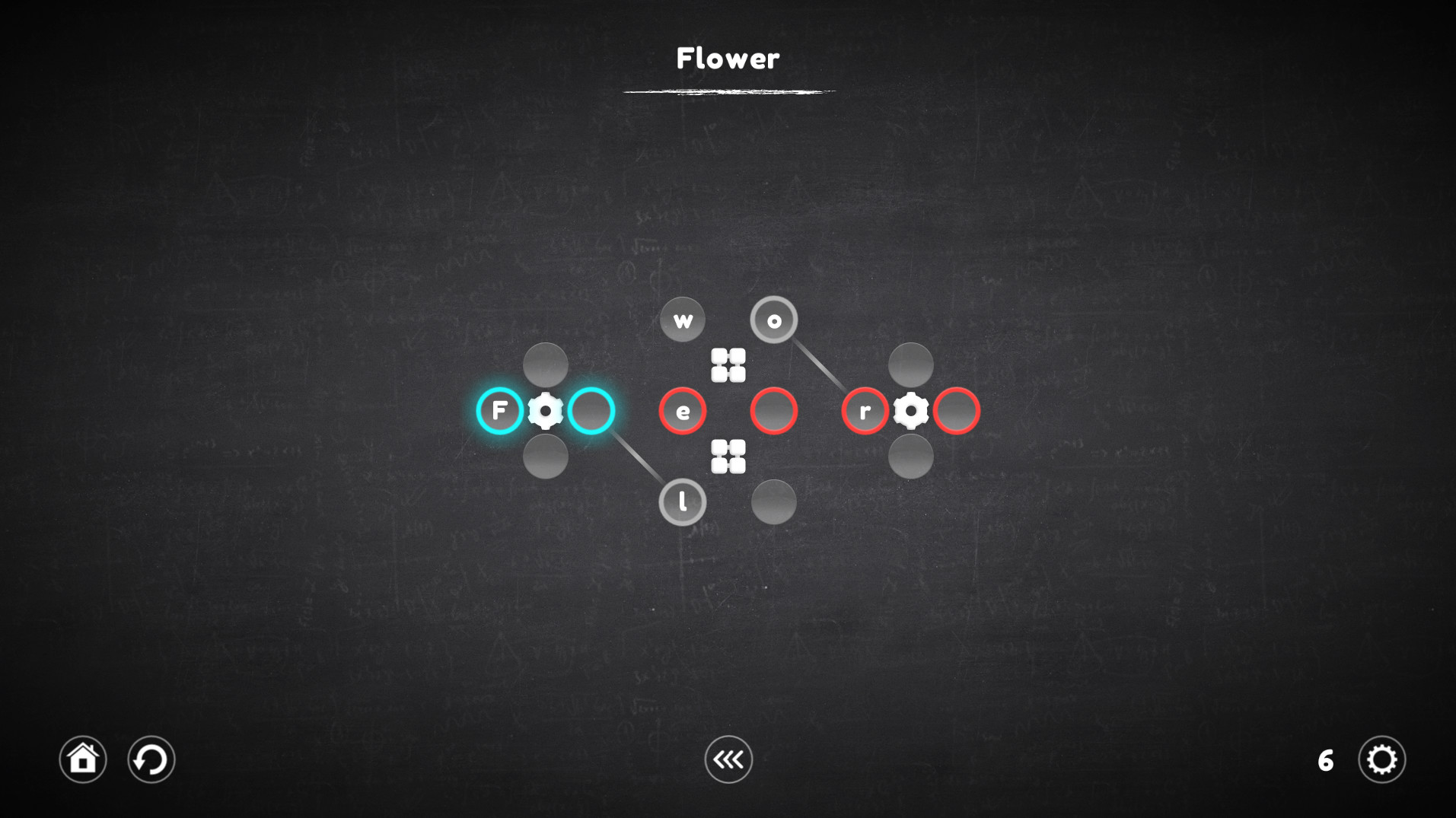
The goal of each level is to assemble a word or even a whole sentence from letters that are part of certain mechanisms and are controlled by them. Pick up the right letters or symbols, insert into the cells, adapt to difficult conditions and do not fall into deception. Try - It's Easy!
Regarding the innovations: The game is a big work on the mistakes of the last part of the series. Therefore, it has become much more convenient and easier to play.
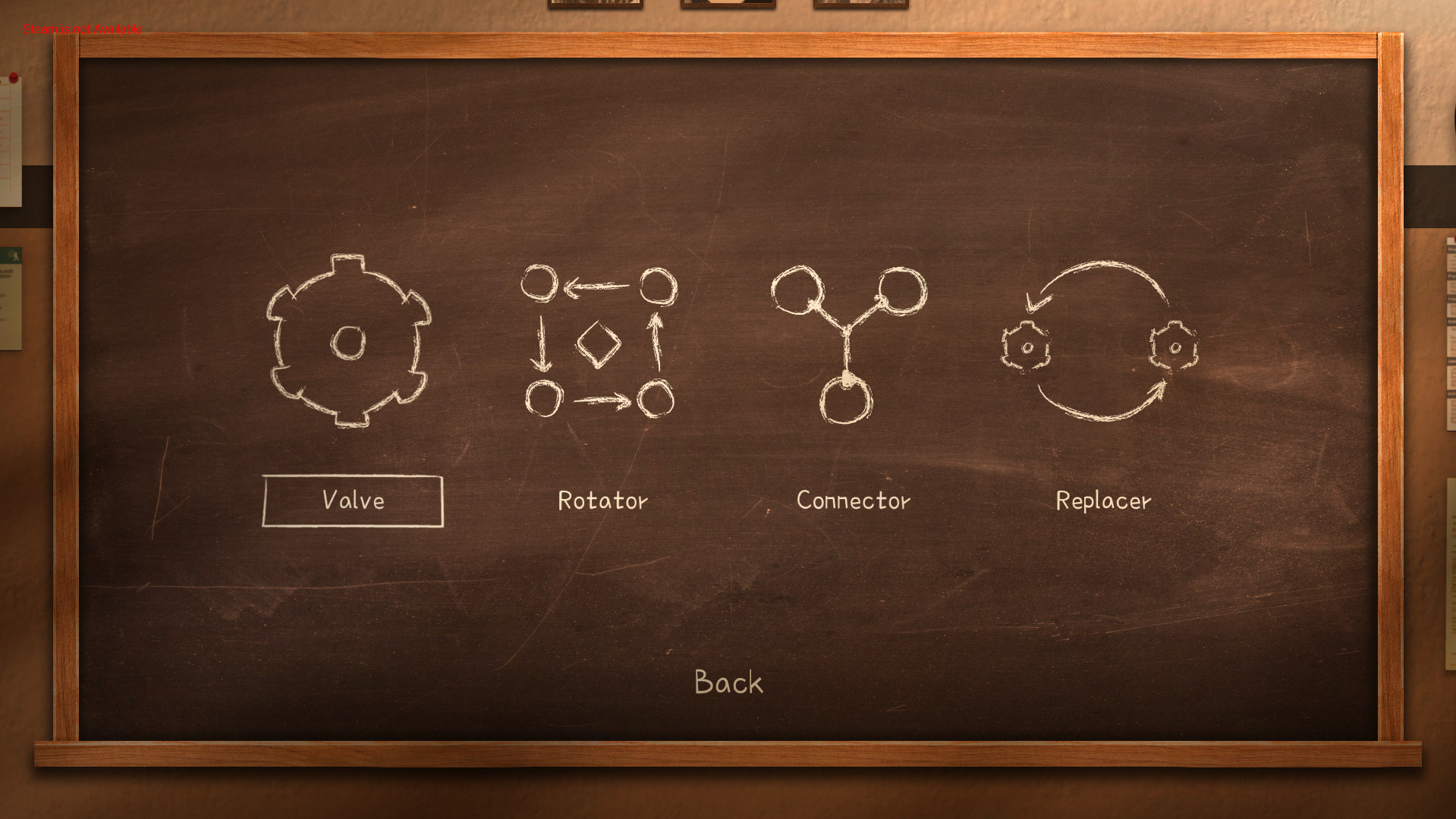
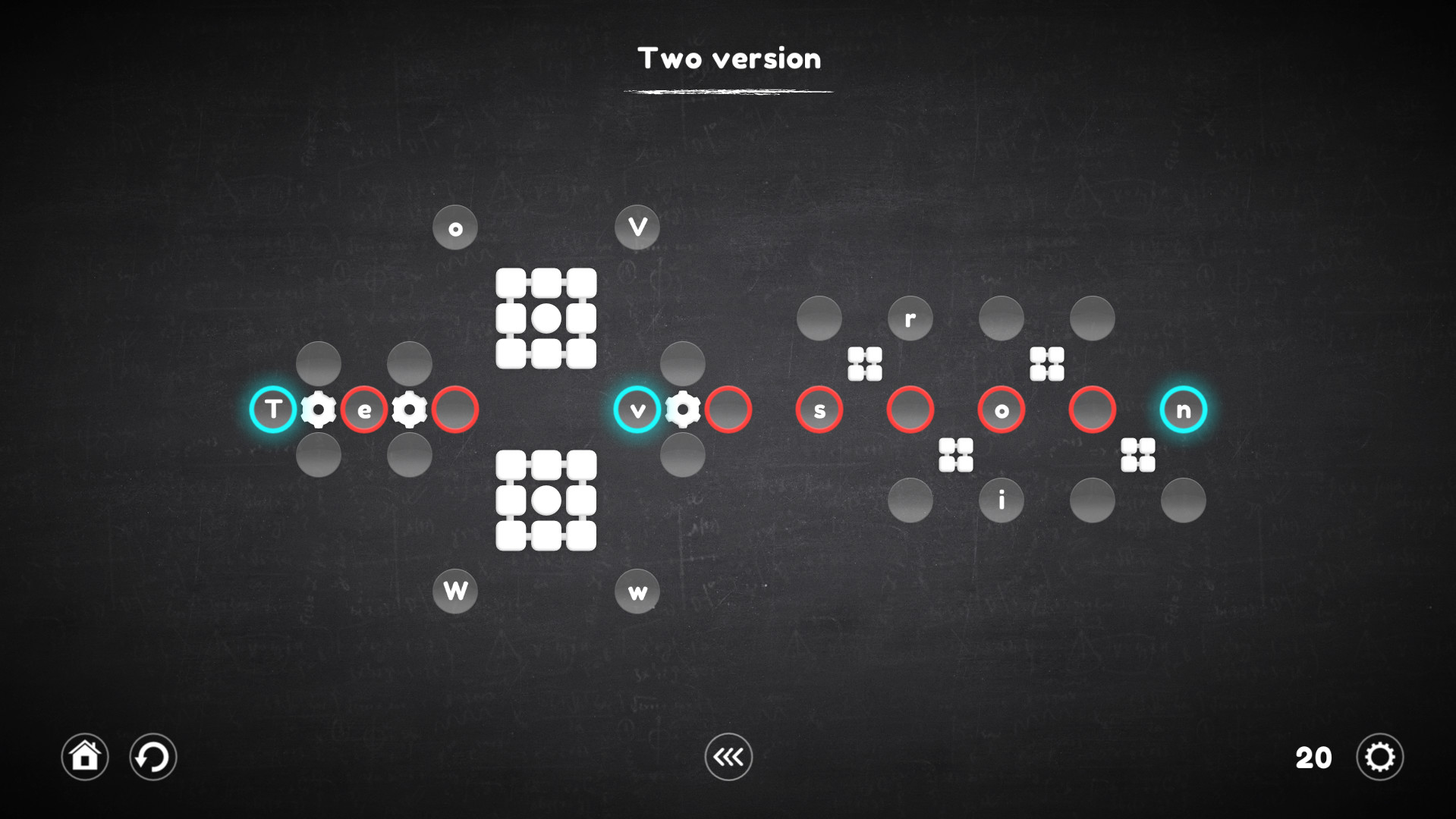
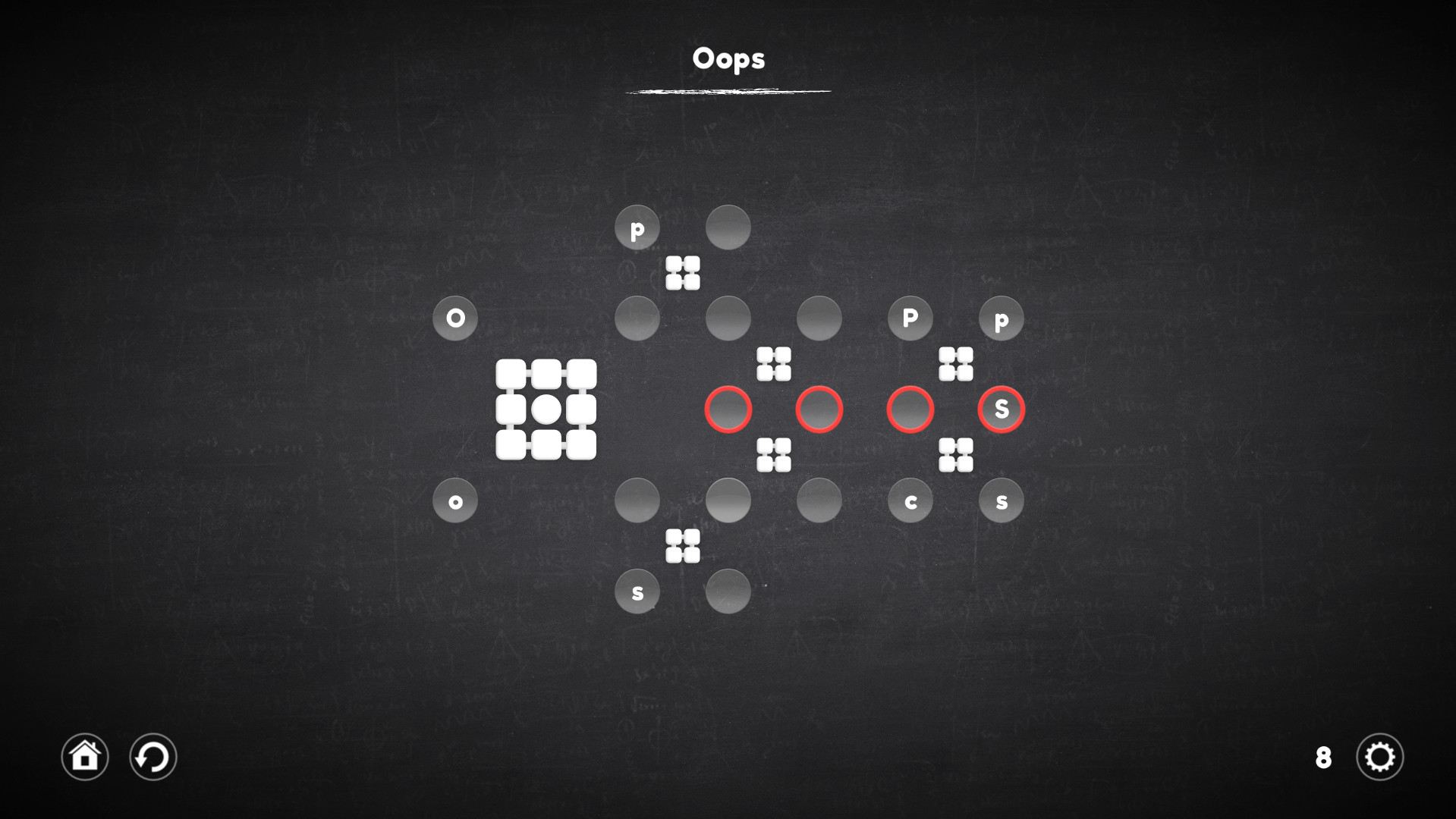
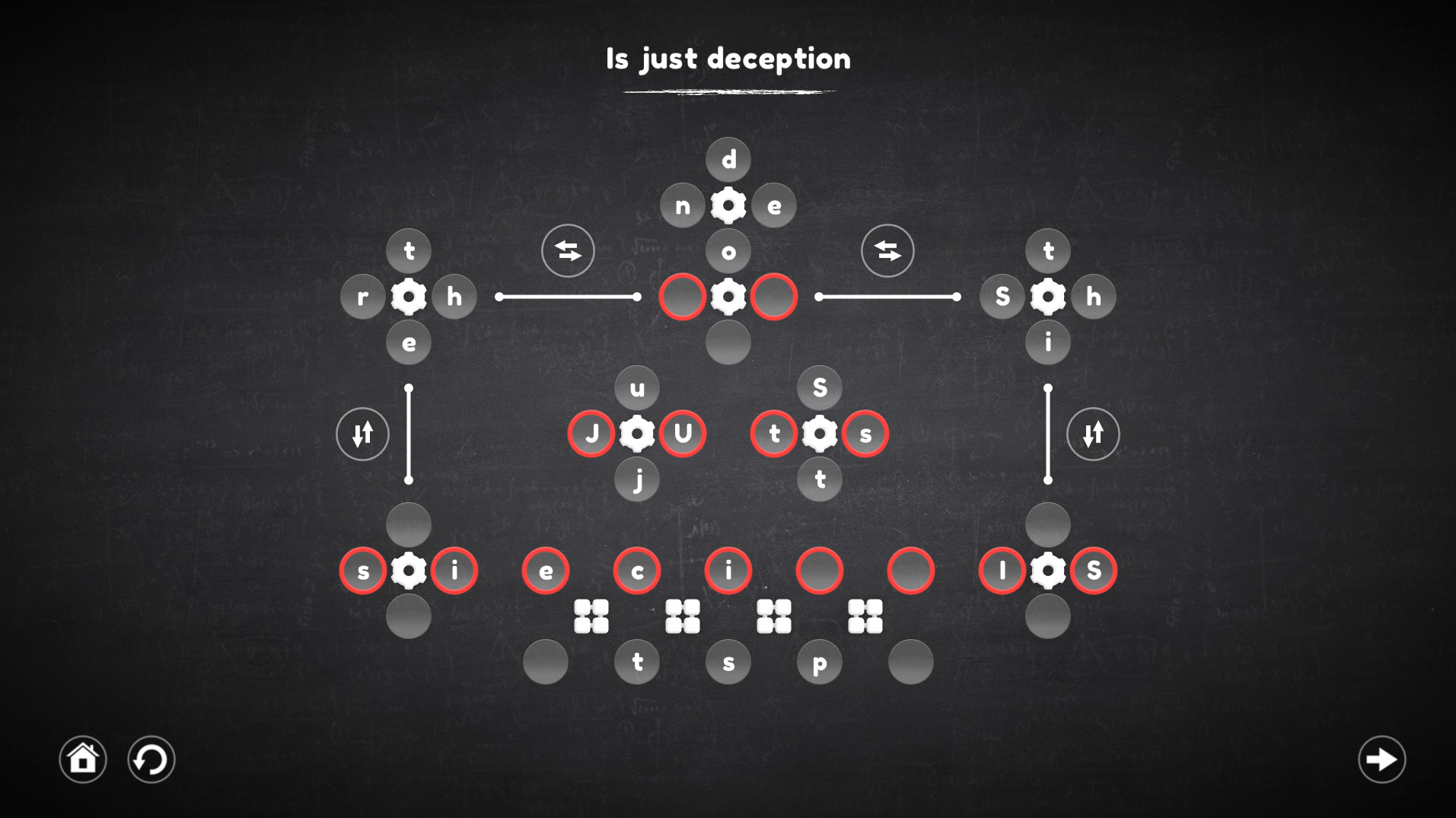
The game has four categories of levels, each of which involves the use of certain mechanisms. The very first of them is the usual gear, which remained unchanged, the other three are completely new.
Each category contains 30 unique levels, and the levels can combine the mechanisms from the previous categories.
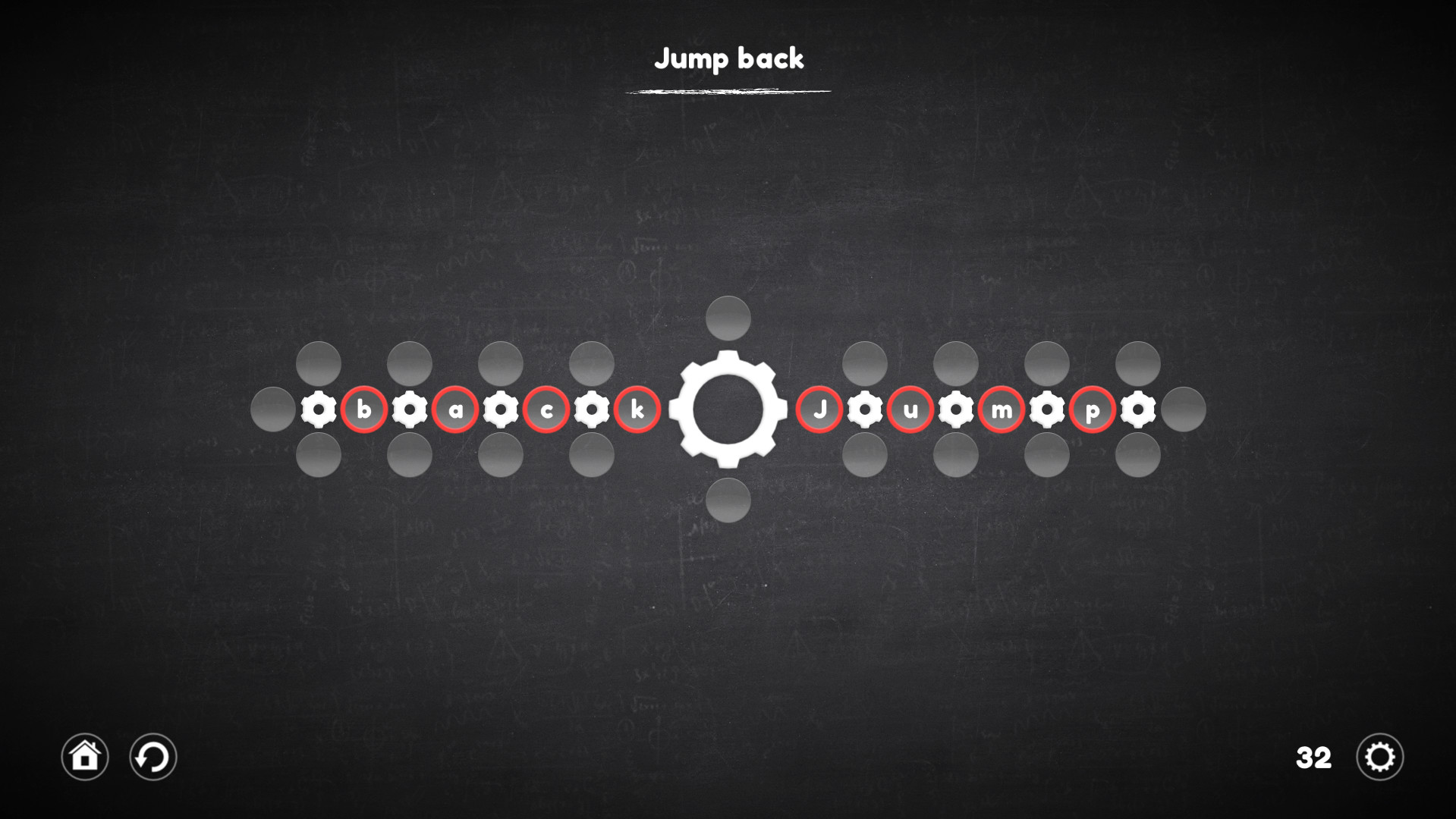
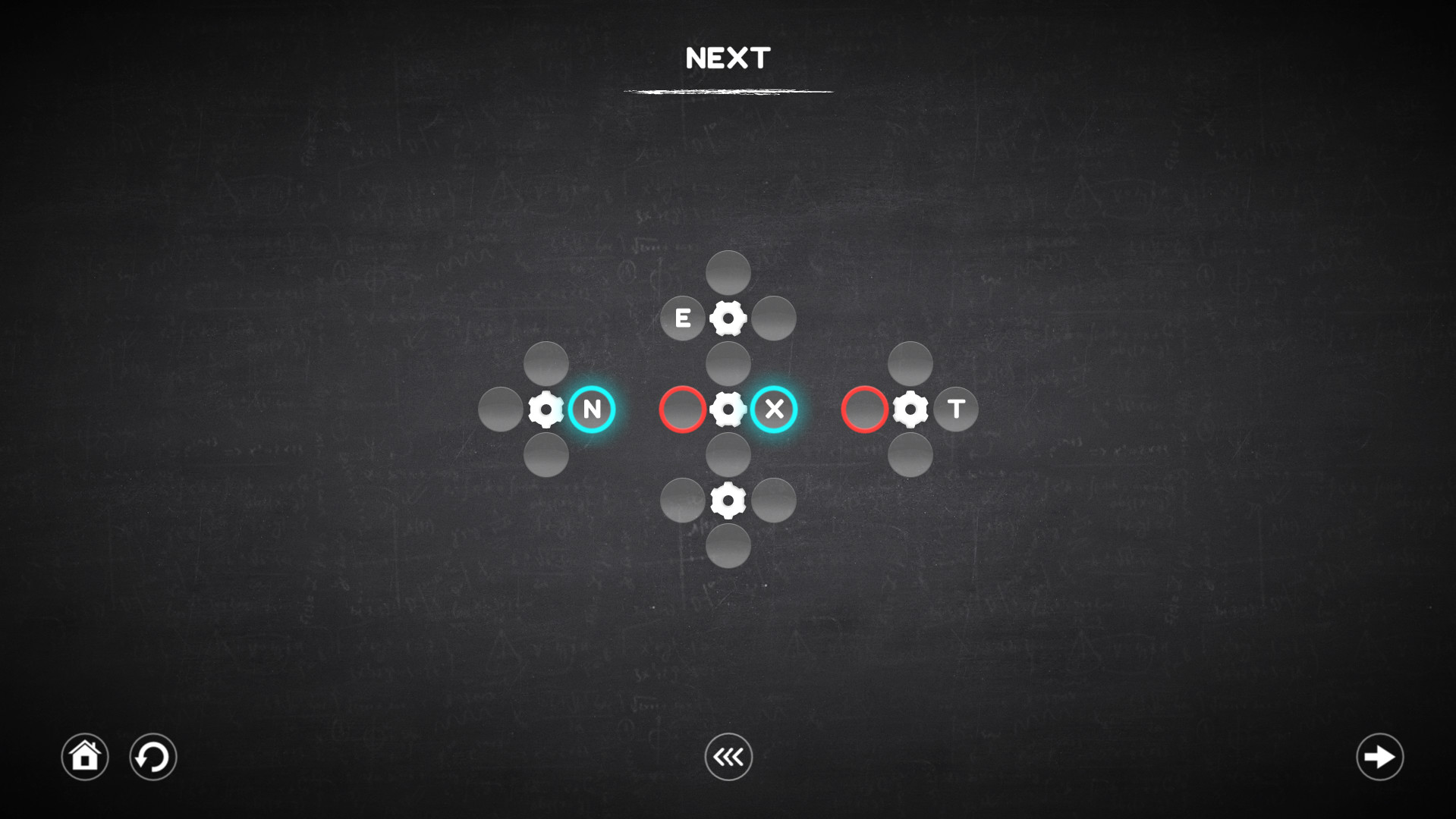
Using the gear allows you to rotate all the nearest cells around it, both clockwise and counterclockwise. It is important to understand that all cells are not part of the gears before they are activated, this means that the cells located next to one gear (for example, left or right) can take part in the rotation of the other, which in fact allows you to move the cells to the right places.
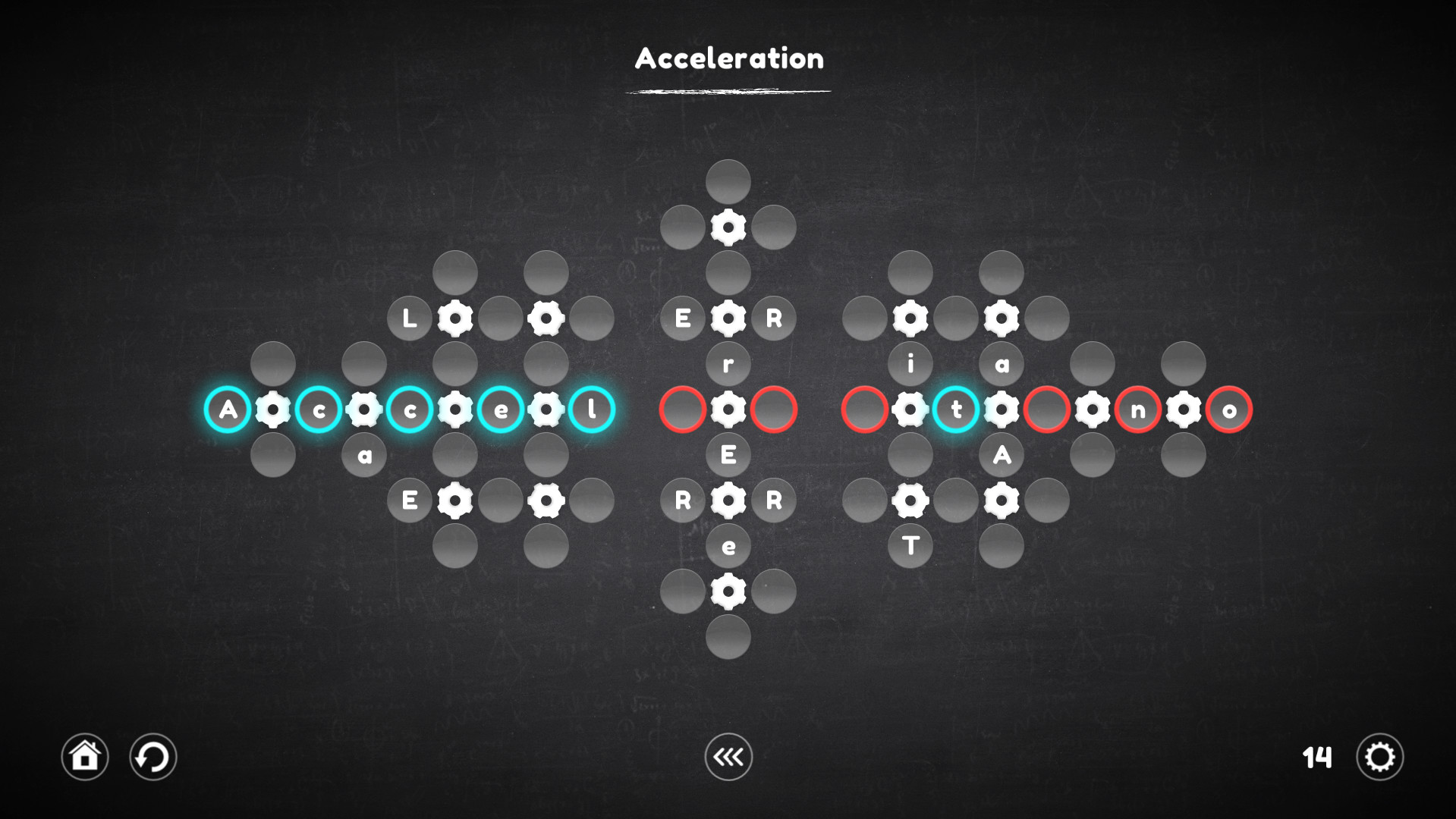
A rotator is a kind of gear, but it works a little differently. His work is reminiscent of the Rubik's Cube, all the cells nearest to him rotate not in a circle, but linearly, which complicates the process, but allows the cells to be moved in a slightly different way.
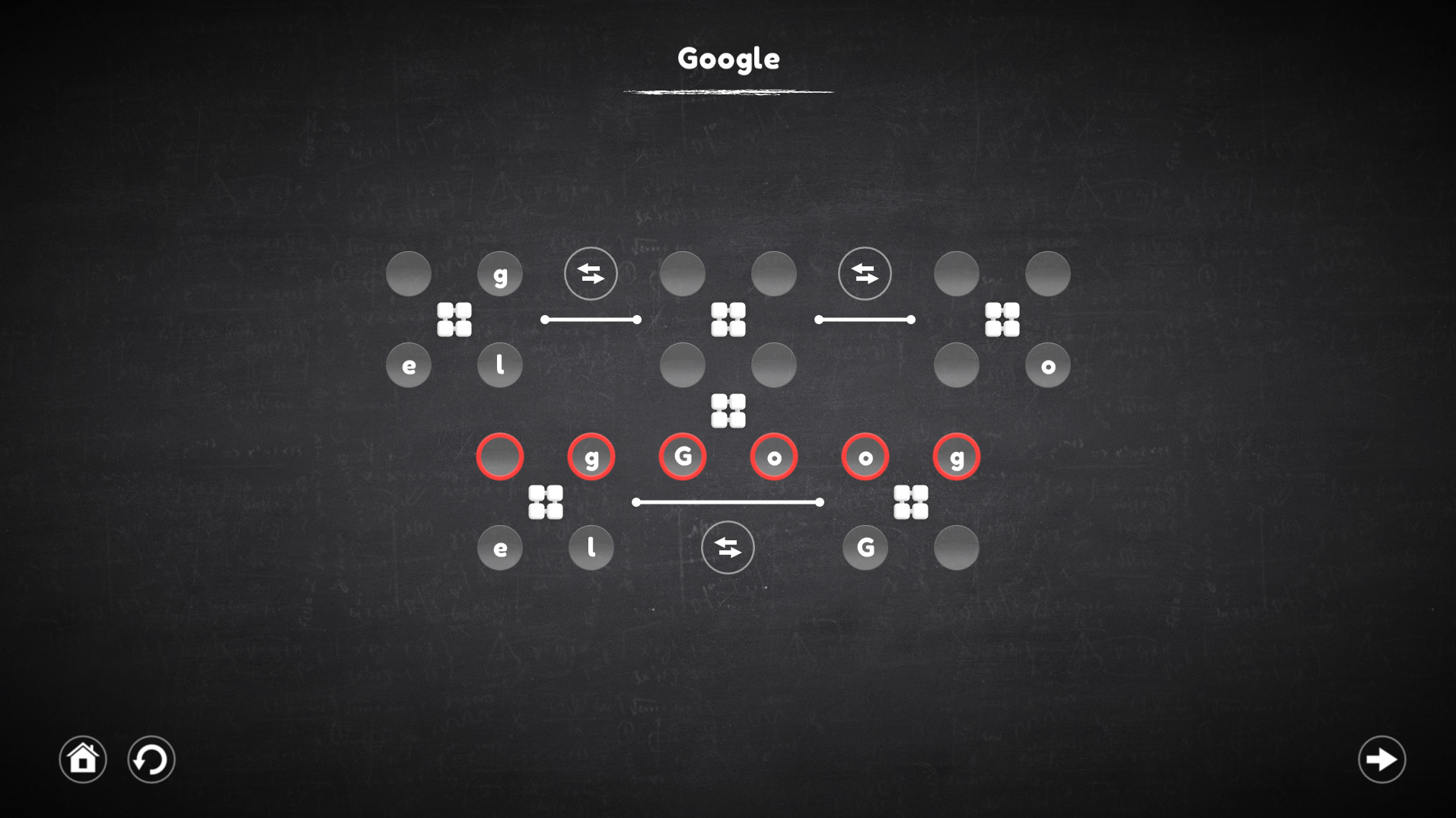
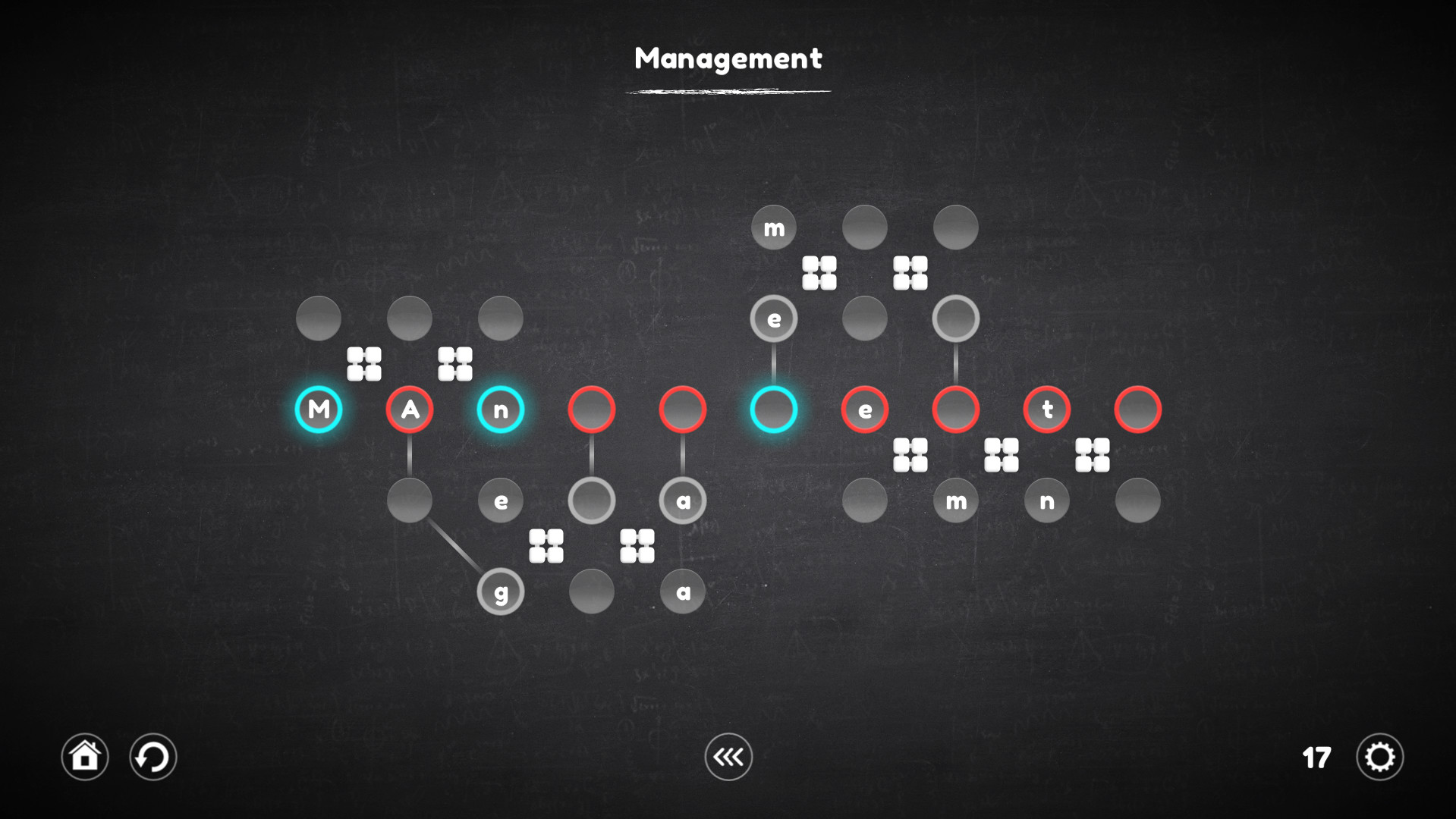
The connector is not a mechanism on which you can act, but it forms a connection between the cells in which the characters are located, with the target cell, which allows you to select the desired character in places inaccessible to the mechanisms.
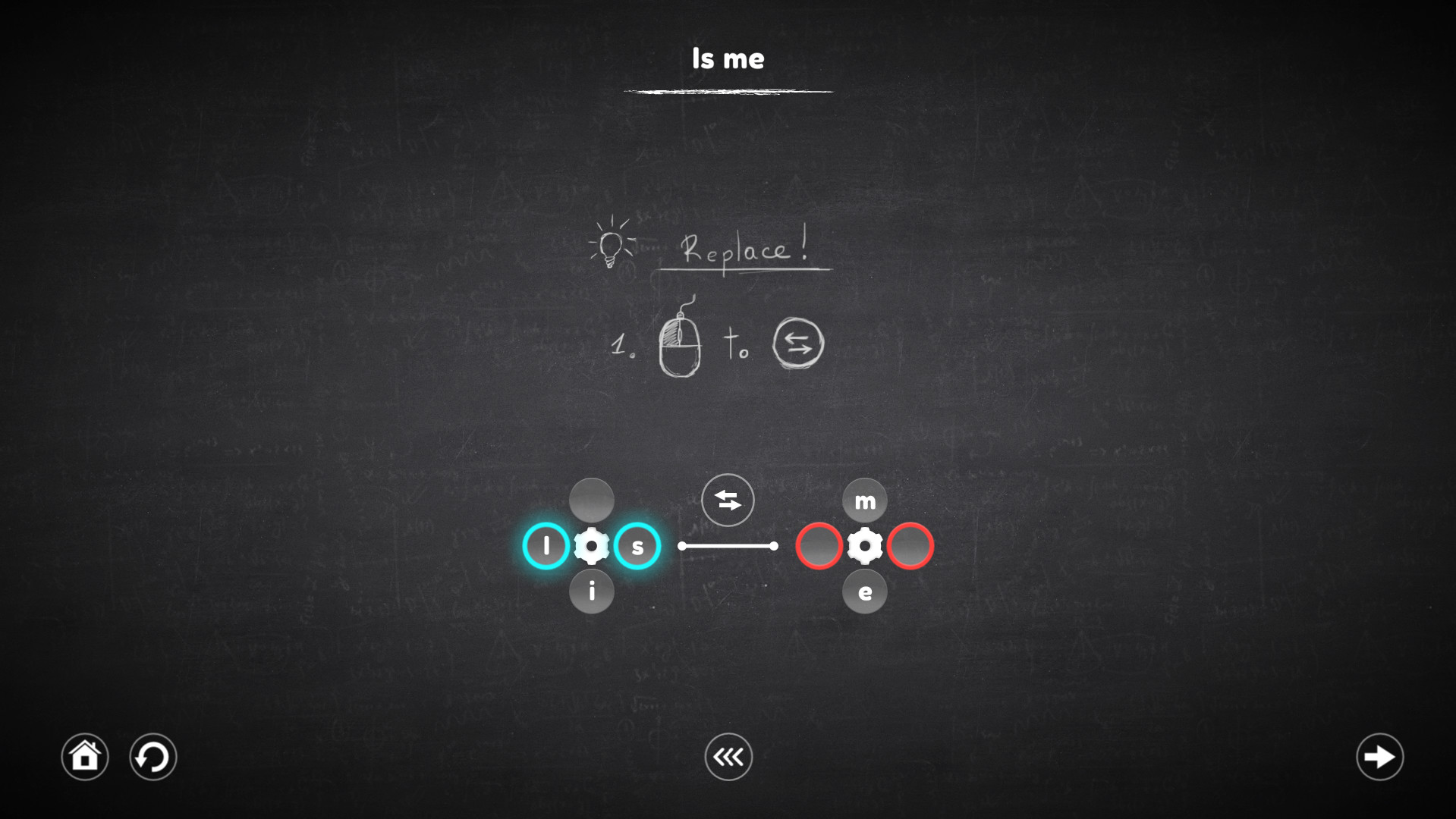
This mechanism no longer works with cells, but with mechanisms. When it is activated, it replace the mechanisms that it intersects, and the cells attached to them also move along with these mechanisms.
Regarding the innovations: The game is a big work on the mistakes of the last part of the series. Therefore, it has become much more convenient and easier to play.
Key Features
- Play as convenient: The game has 2 levels of difficulty, one is suitable for beginners and does not require much effort from the player, the second is suitable for those who are familiar with Blueprint Word.
- Too difficult for me: Do not know how to solve the puzzle? You can skip the level and try to pass it later.
- Everyone is mistaken: I lost several moves because of an error - just wind the mechanisms a few steps back.
- Over 120 levels.
- 4 new types of mechanisms.
- Improved gameplay.
The game has four categories of levels, each of which involves the use of certain mechanisms. The very first of them is the usual gear, which remained unchanged, the other three are completely new.
Each category contains 30 unique levels, and the levels can combine the mechanisms from the previous categories.
"Valve"
Using the gear allows you to rotate all the nearest cells around it, both clockwise and counterclockwise. It is important to understand that all cells are not part of the gears before they are activated, this means that the cells located next to one gear (for example, left or right) can take part in the rotation of the other, which in fact allows you to move the cells to the right places.
"Rotator"
A rotator is a kind of gear, but it works a little differently. His work is reminiscent of the Rubik's Cube, all the cells nearest to him rotate not in a circle, but linearly, which complicates the process, but allows the cells to be moved in a slightly different way.
"Connector"
The connector is not a mechanism on which you can act, but it forms a connection between the cells in which the characters are located, with the target cell, which allows you to select the desired character in places inaccessible to the mechanisms.
"Replacer"
This mechanism no longer works with cells, but with mechanisms. When it is activated, it replace the mechanisms that it intersects, and the cells attached to them also move along with these mechanisms.
Media
Trailers and screenshots straight from the store page
Latest news
Recent updates from the game's own feeds
Blueprint Word: Classroom price history and current deals
Blueprint Word: Classroom for PC currently sells from $1.99 at authorized stores.
Frequently asked questions
Answered from this game's own price and edition data
Which stores list Blueprint Word: Classroom?
Blueprint Word: Classroom is tracked at steam. This section lists authorized stores and links to their store pages.
Scores
Steam reviews Positive · 93%
93% positive of 14
Media (13)
Requirements
Facts
DeveloperShard Real
PublisherShard Real
TagsCasual · Indie · Puzzle · Minimalist · Singleplayer · Family Friendly · Mouse Only · Turn-Based · 2D · Strategy · Stylized · Atmospheric · Relaxing · Difficult
ModesSingle-player
Links