PC
$1.99 Region US

Content rating unavailable
Casual · Bonk'd Industries
Bonk'd Audio Visualizer

Content rating unavailable
Steam Deck Unsupported Windows Linux
Positive · 100% of 11
Chip's verdict · US updated 22 days ago
Why this verdict
Player reviews 100% positive of 11
Quality score 100/100 · small sample
Offers
Accepted regional prices from official stores
Official stores (1)
Clean outbound link. We never touch your payment.
Report a wrong price
About this game
What this game is, in the developer's words
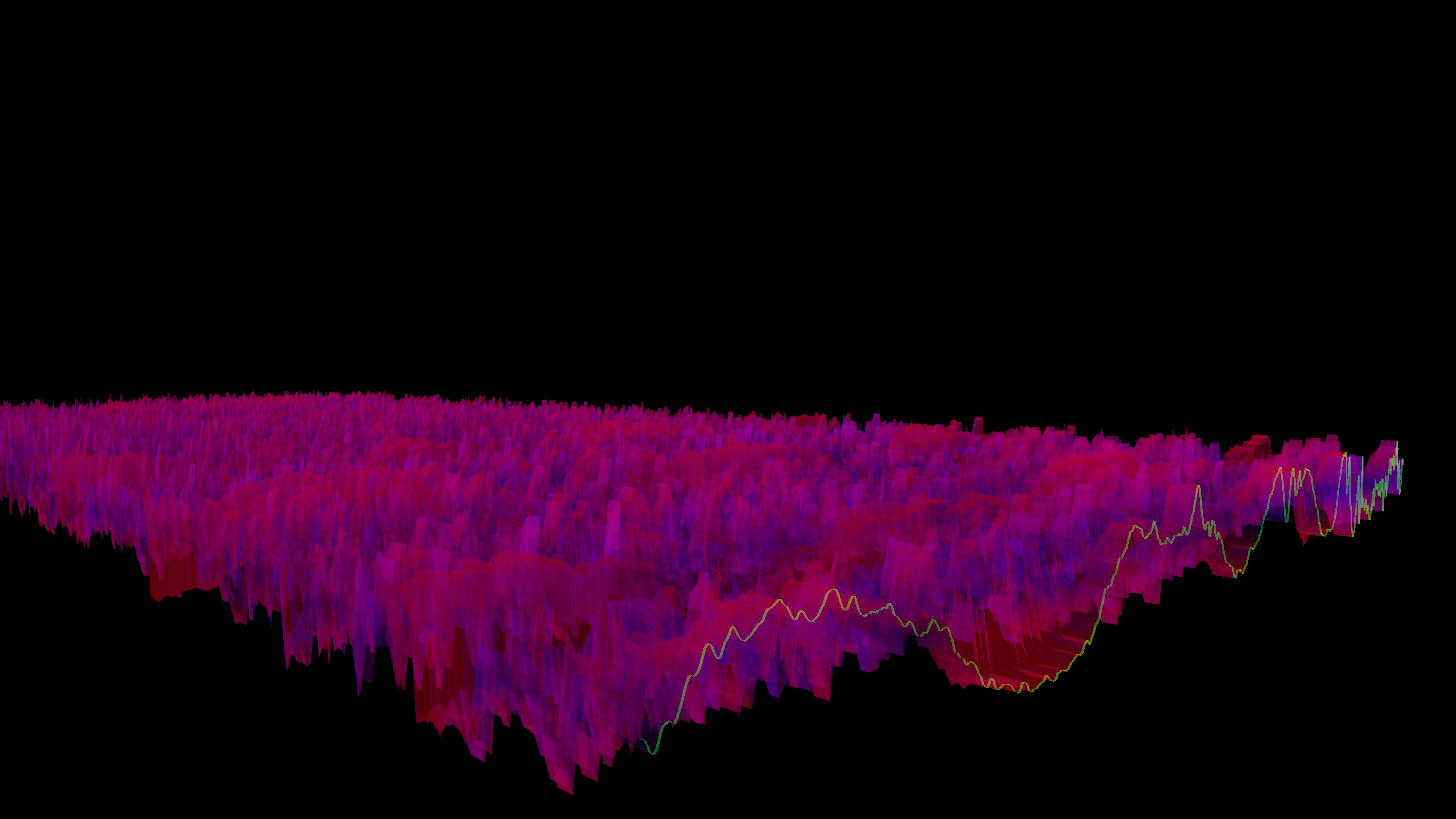
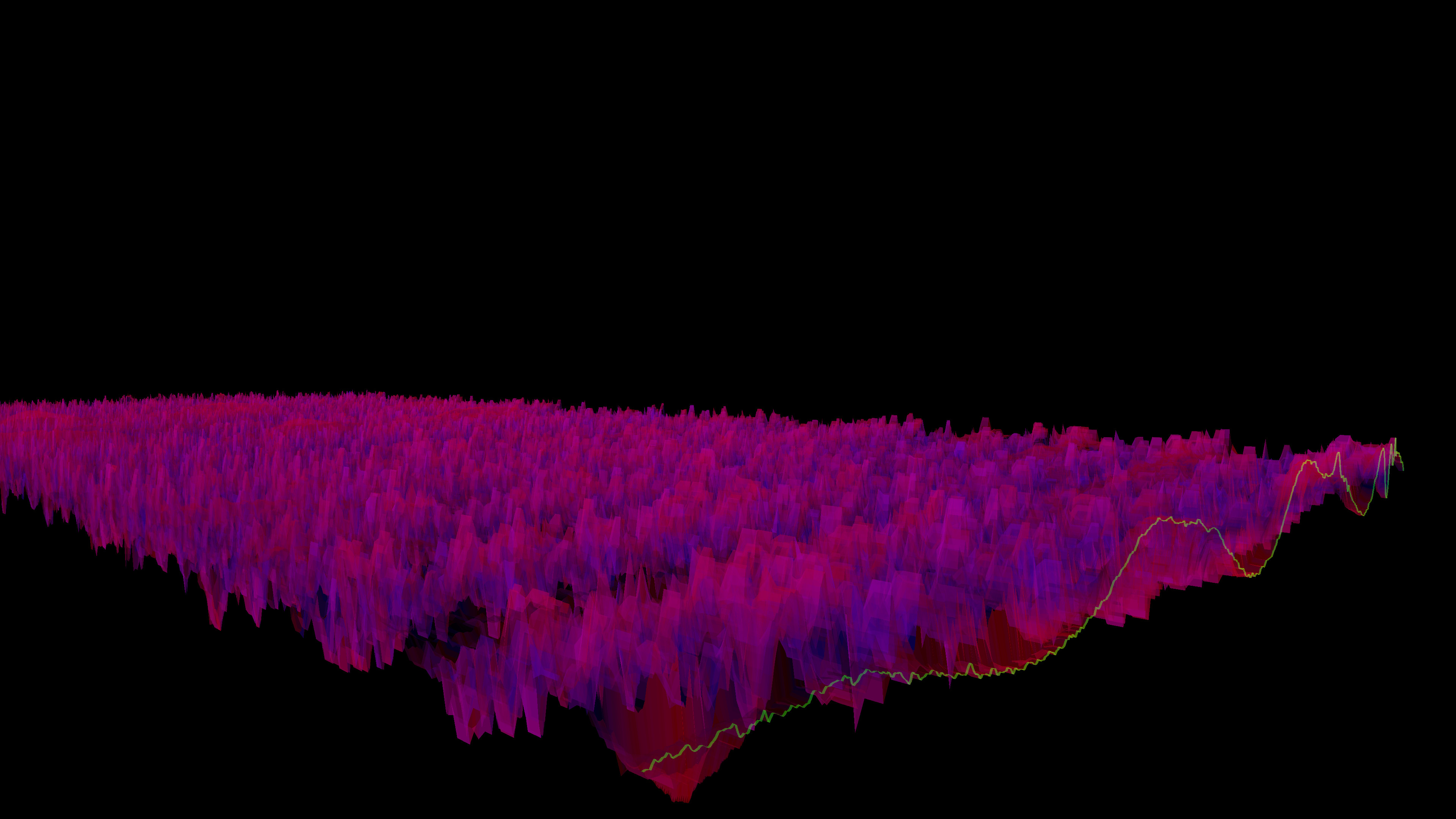
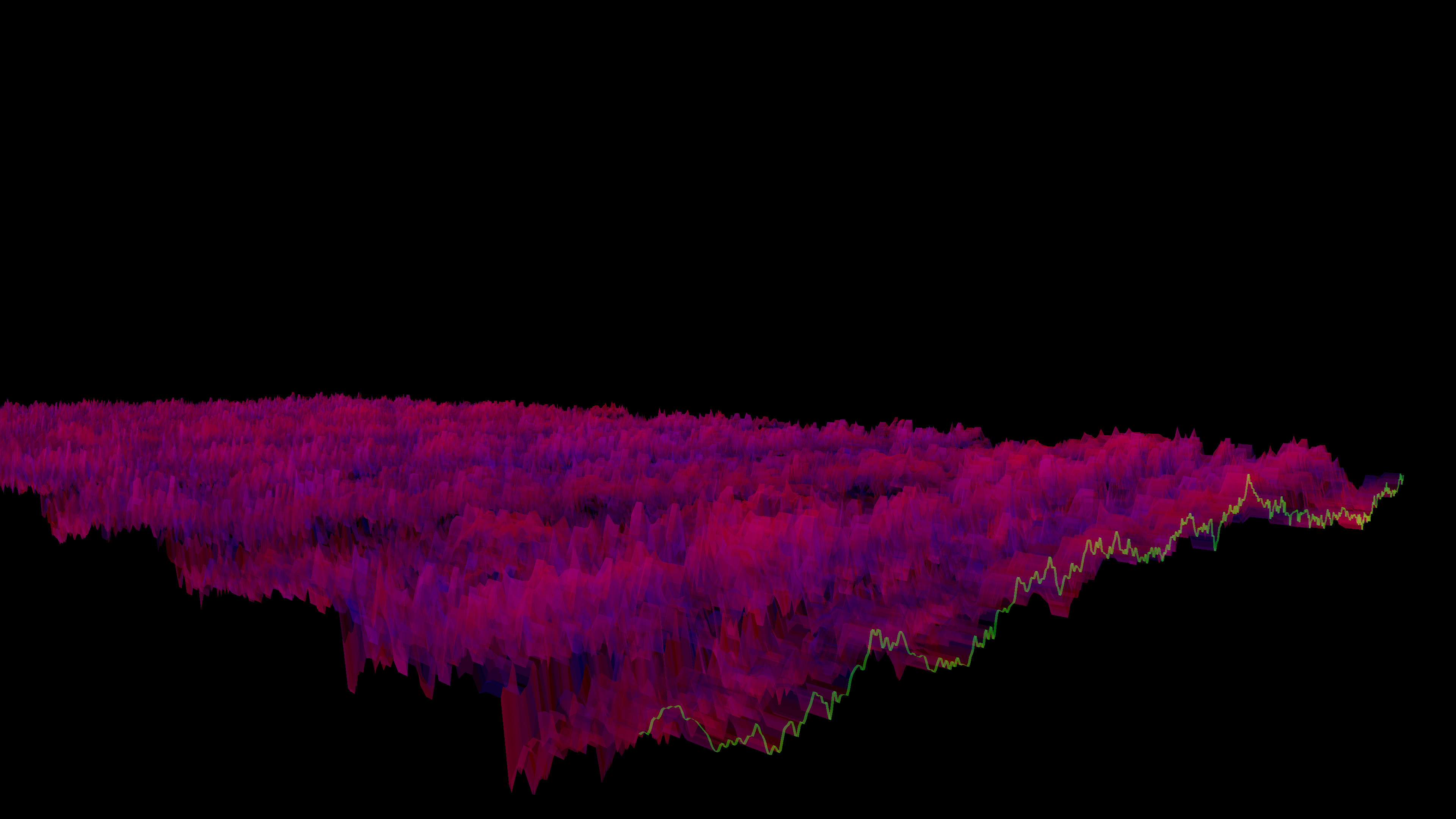
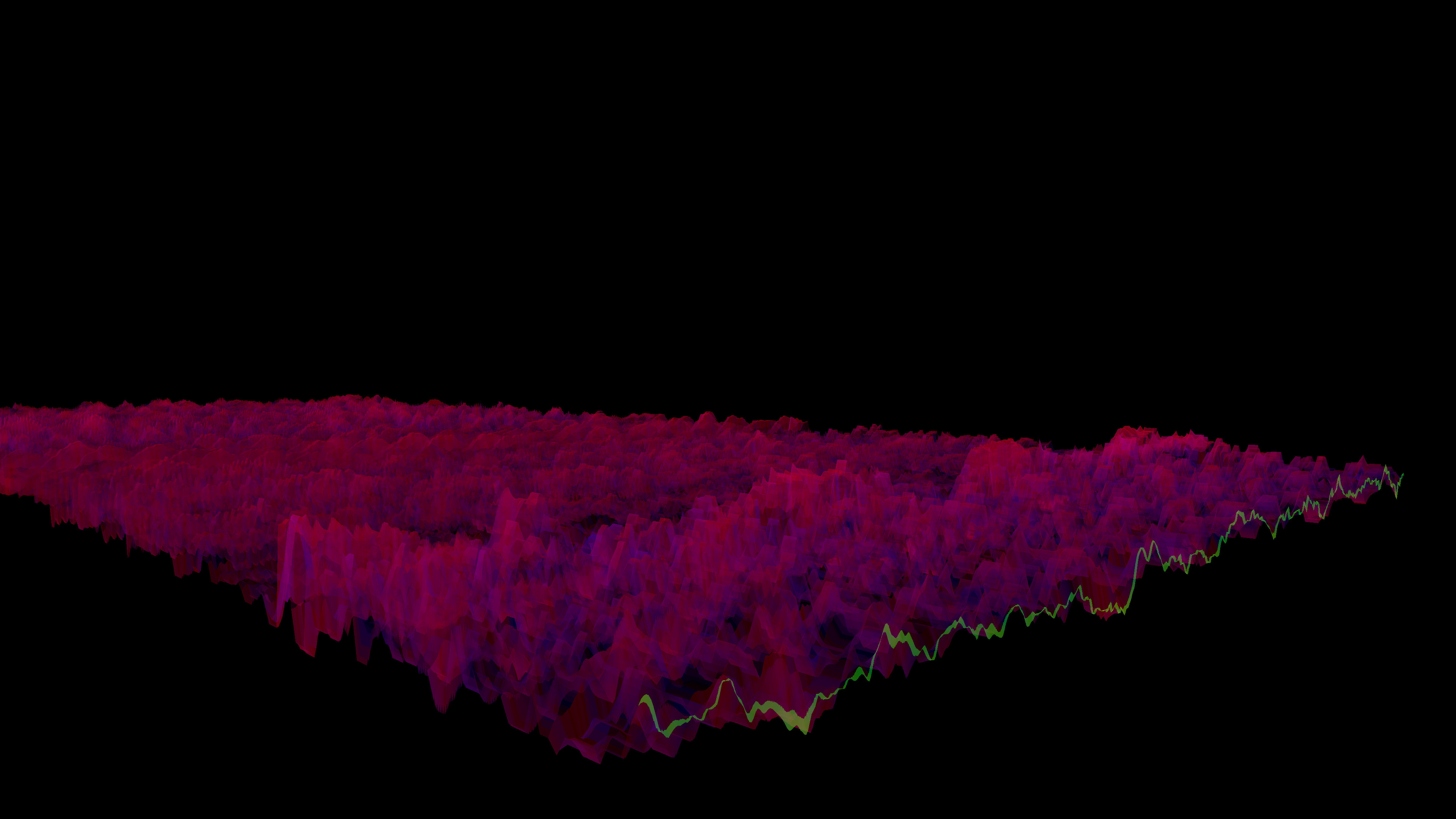
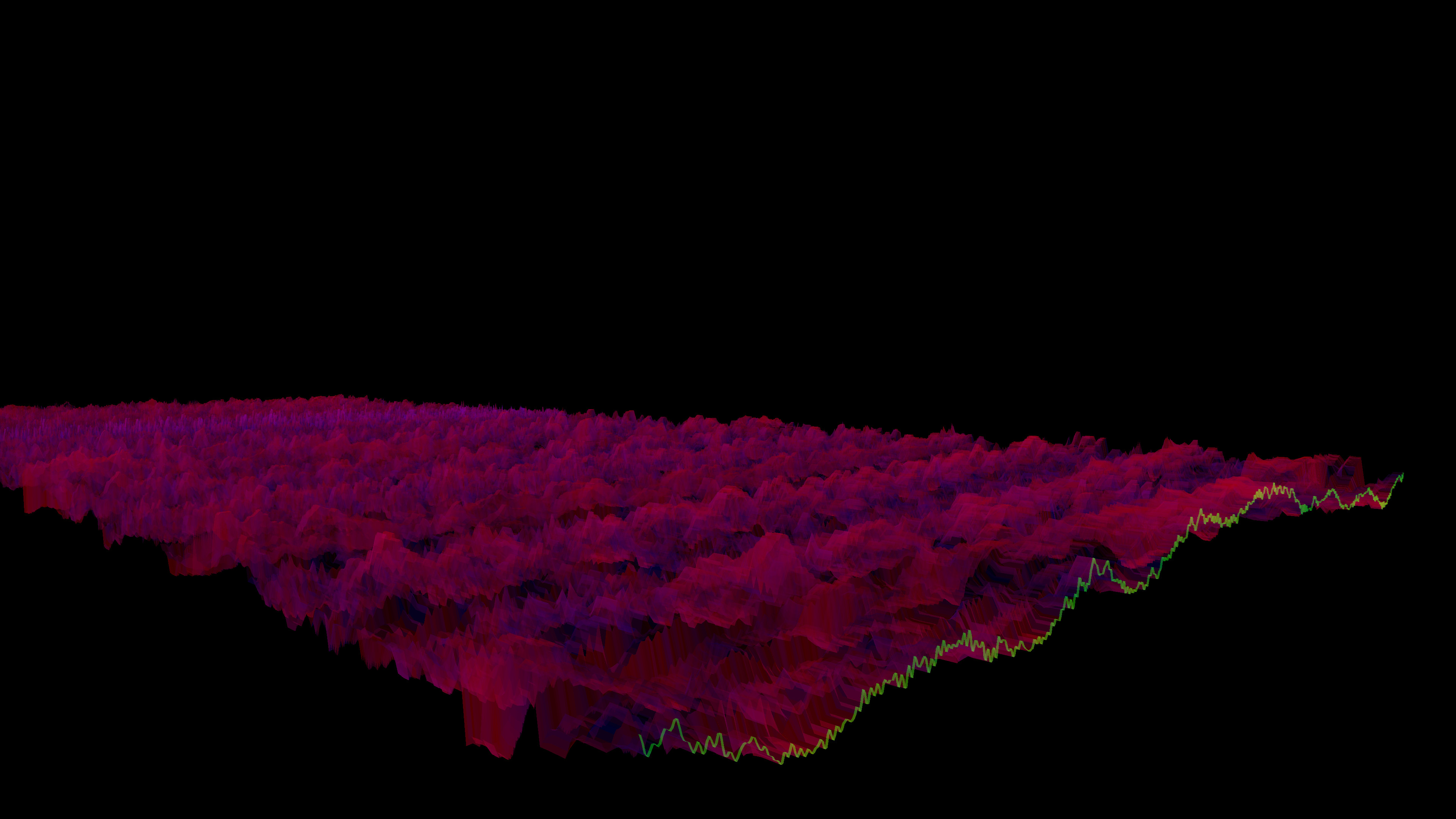
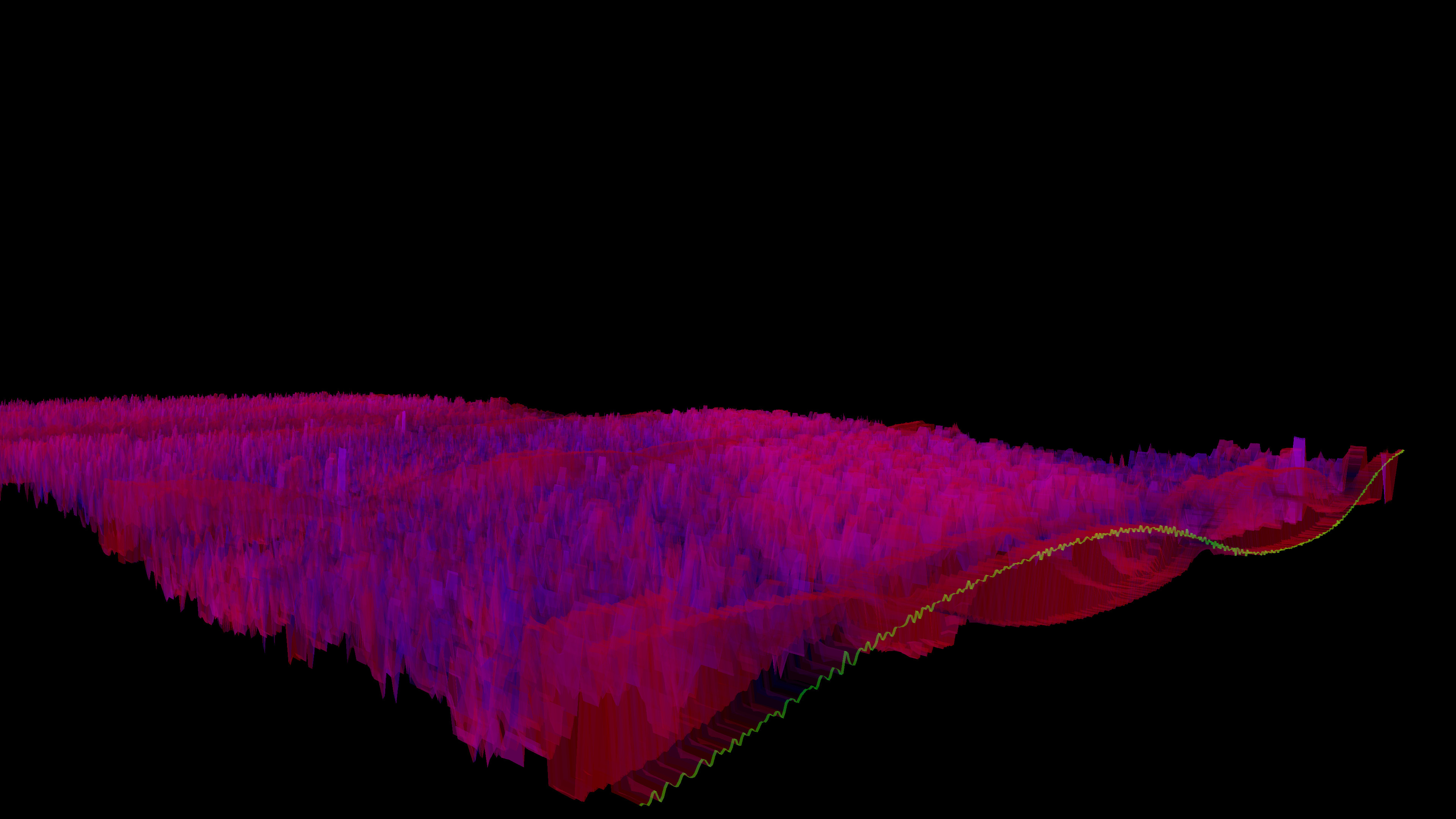
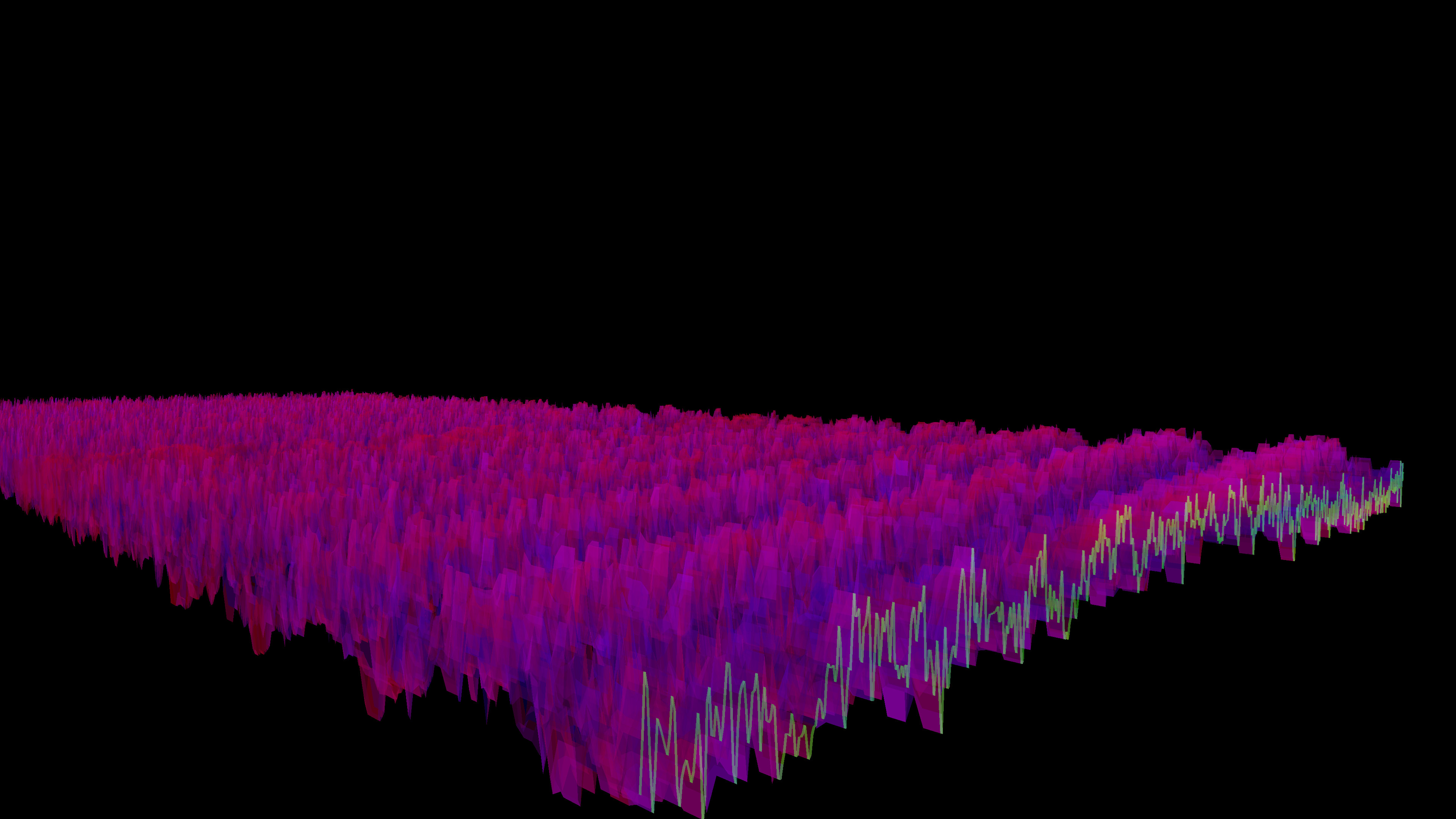
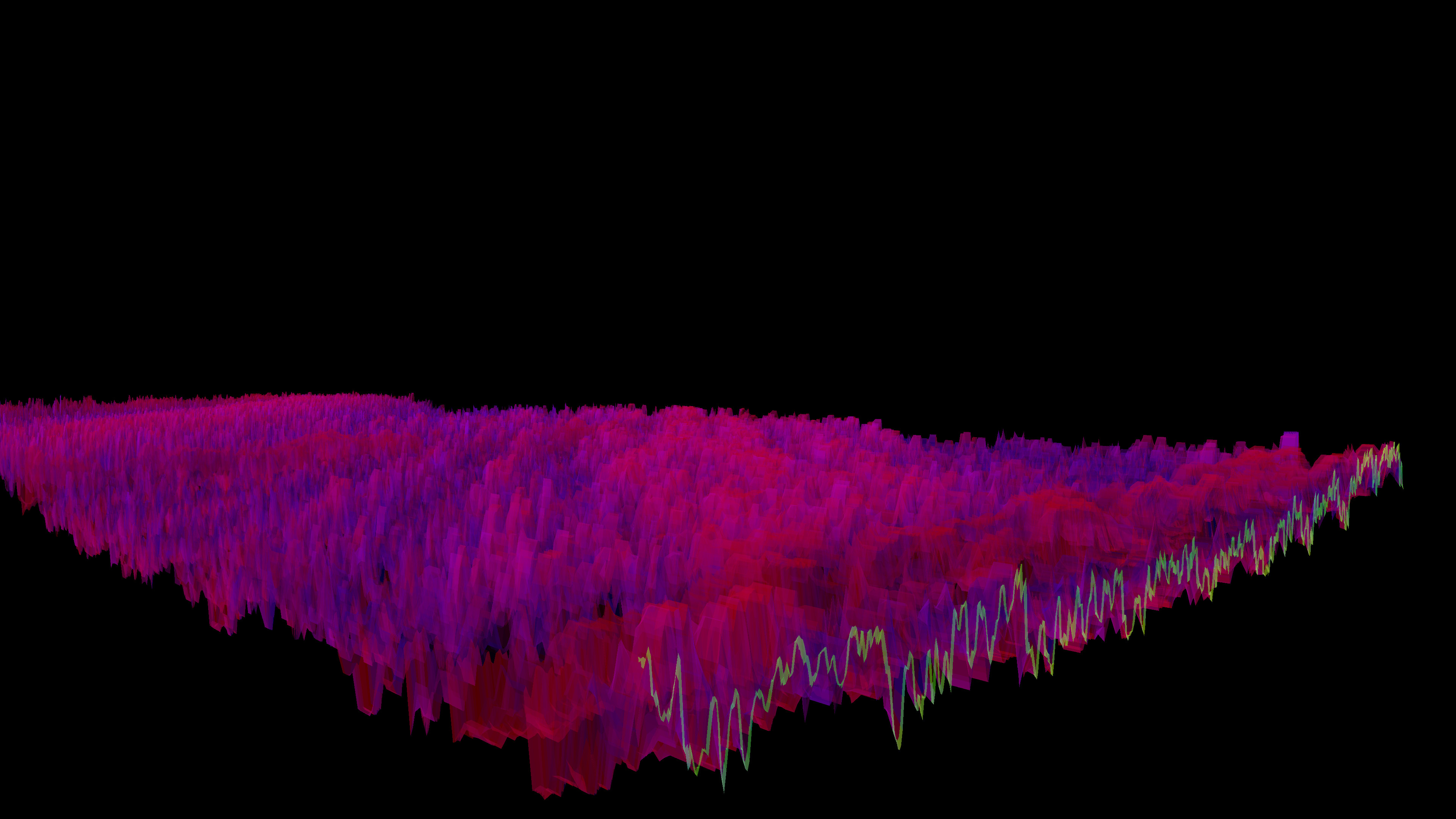
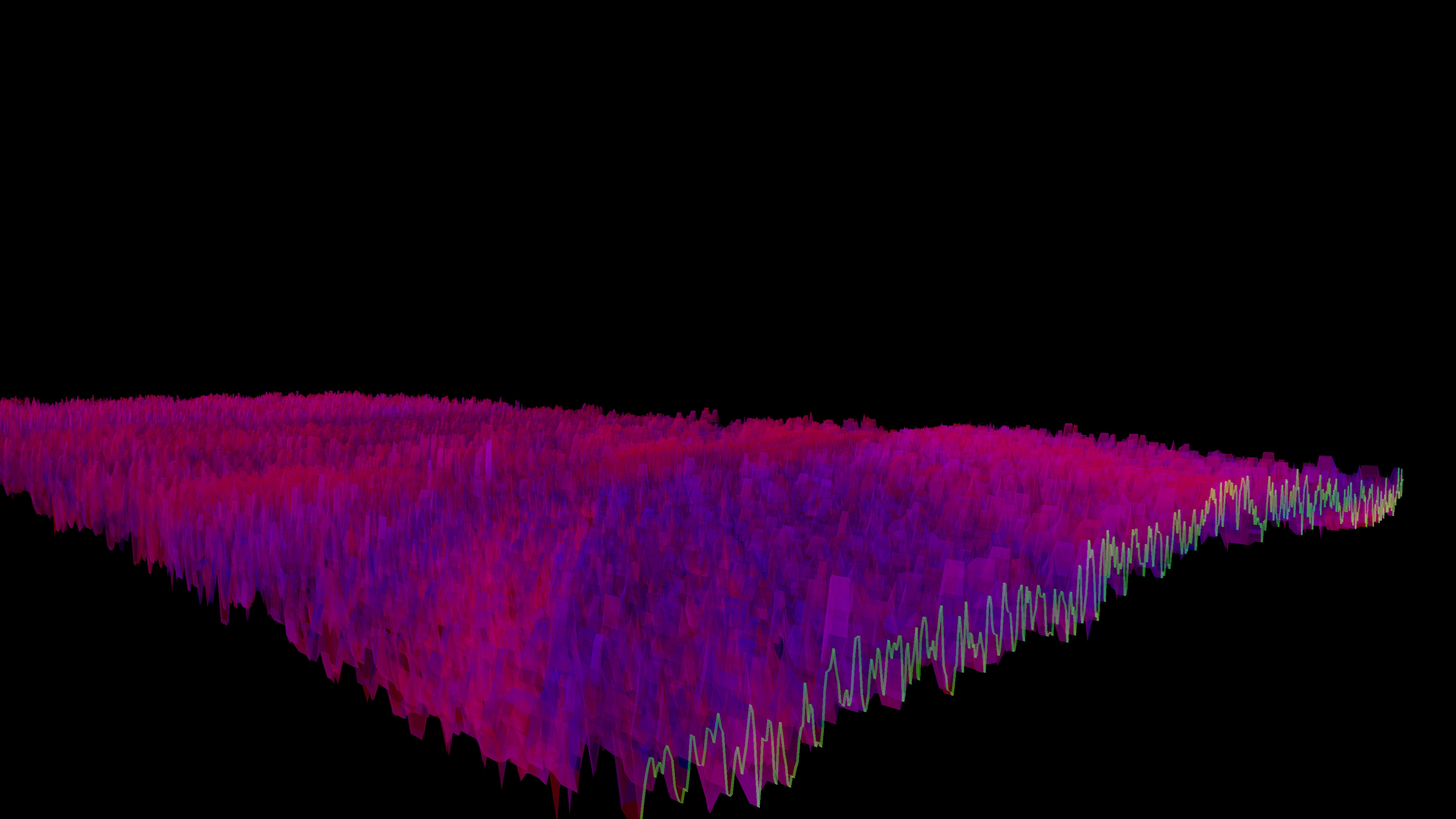
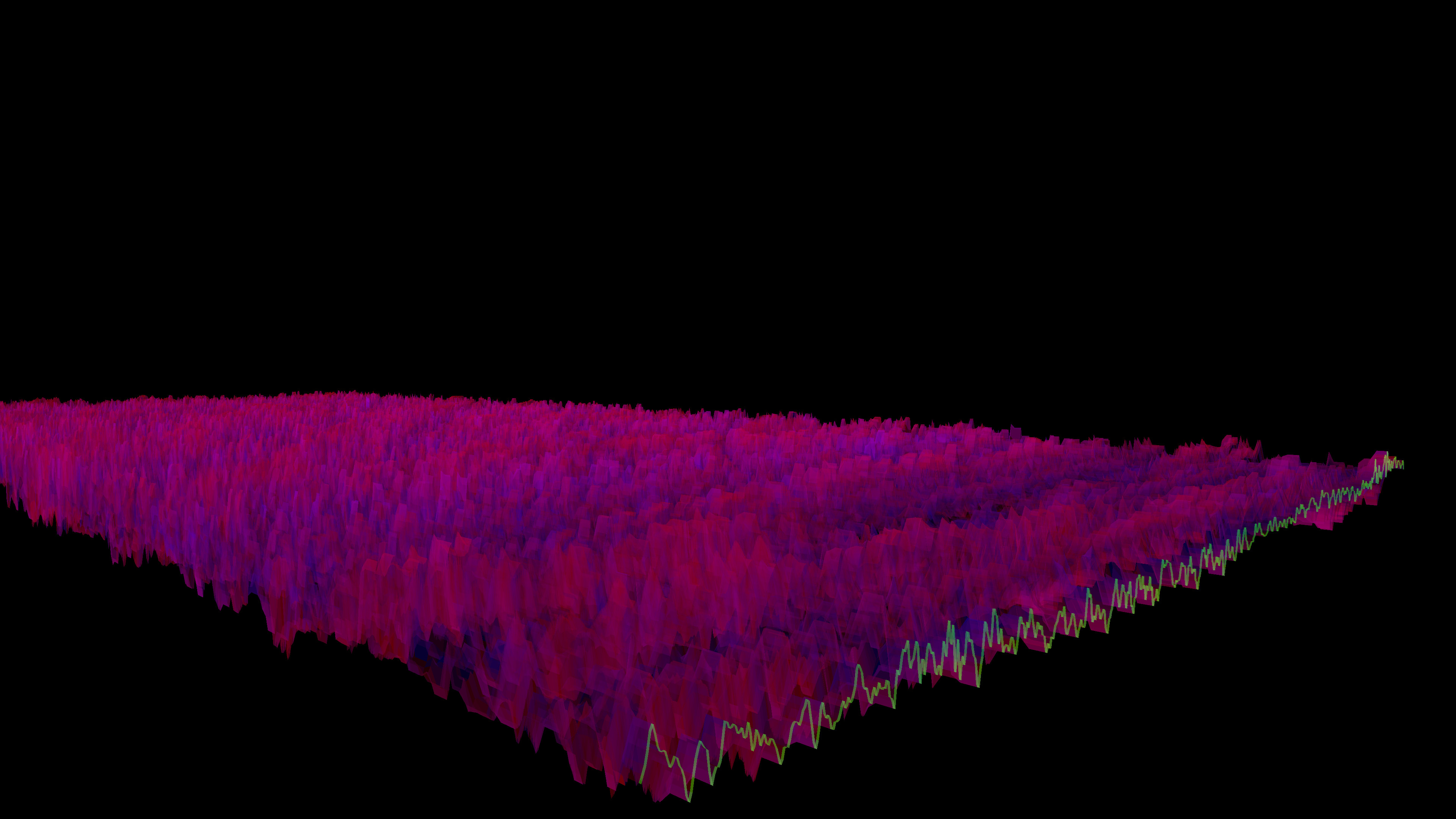
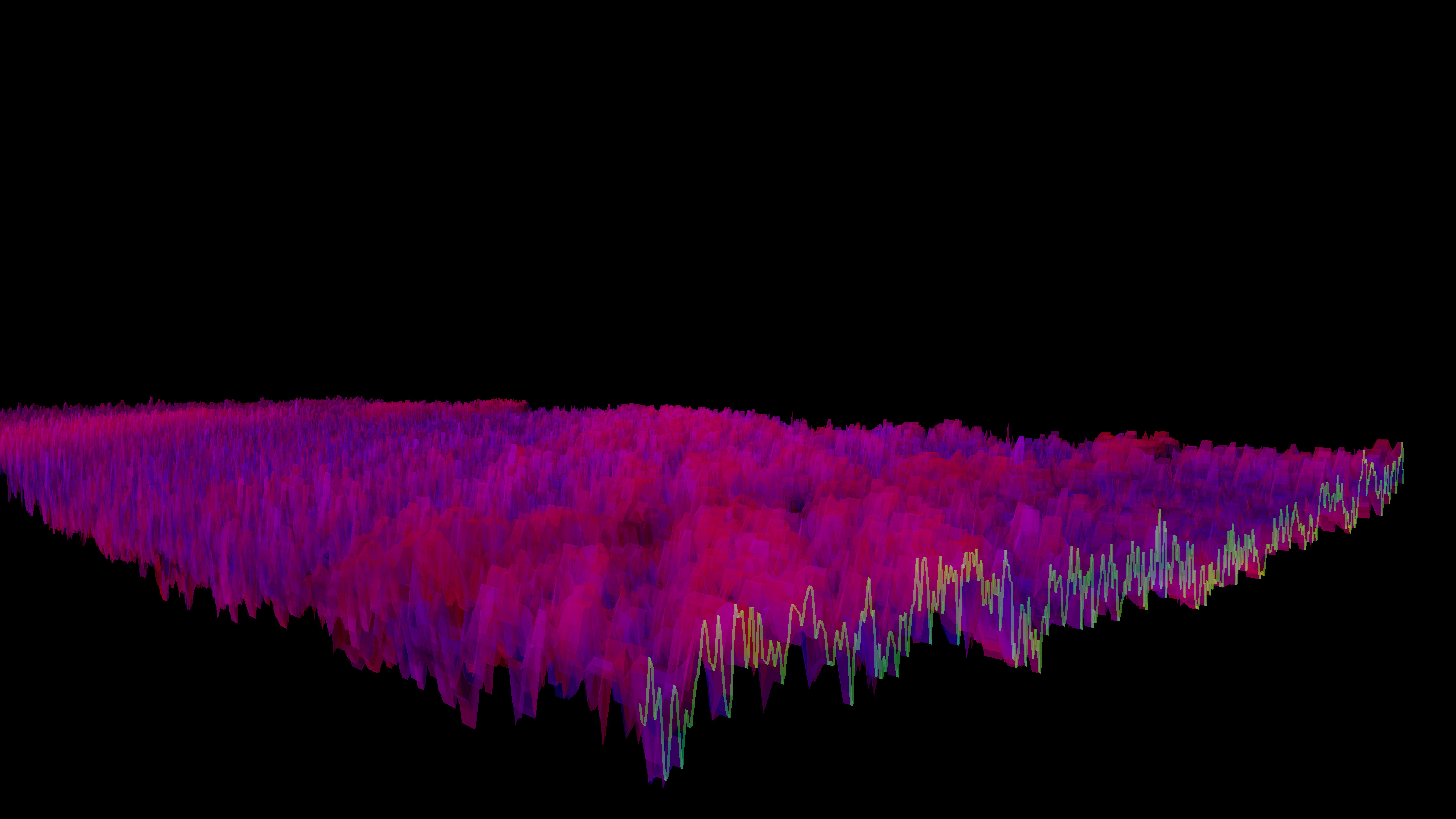
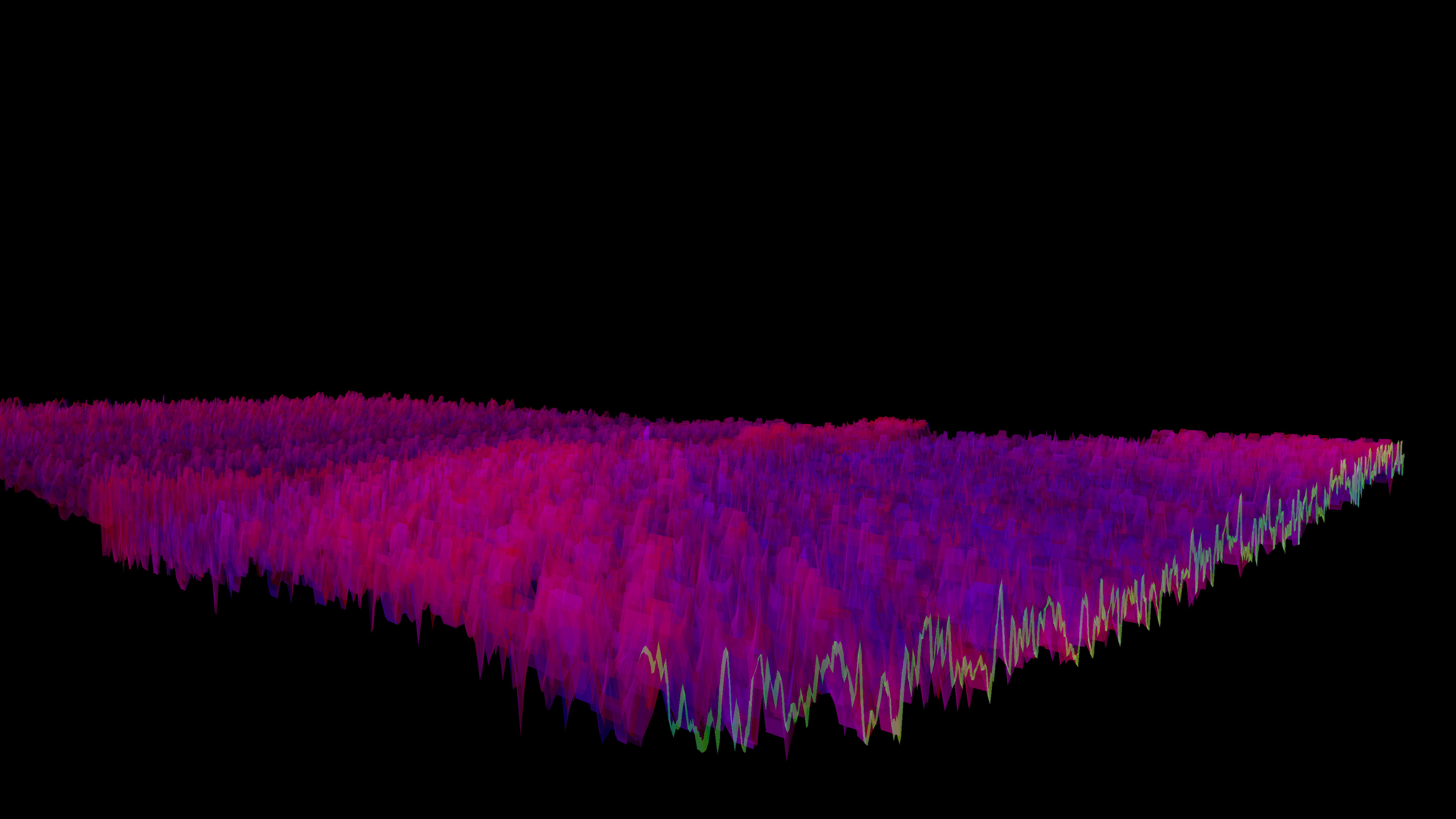
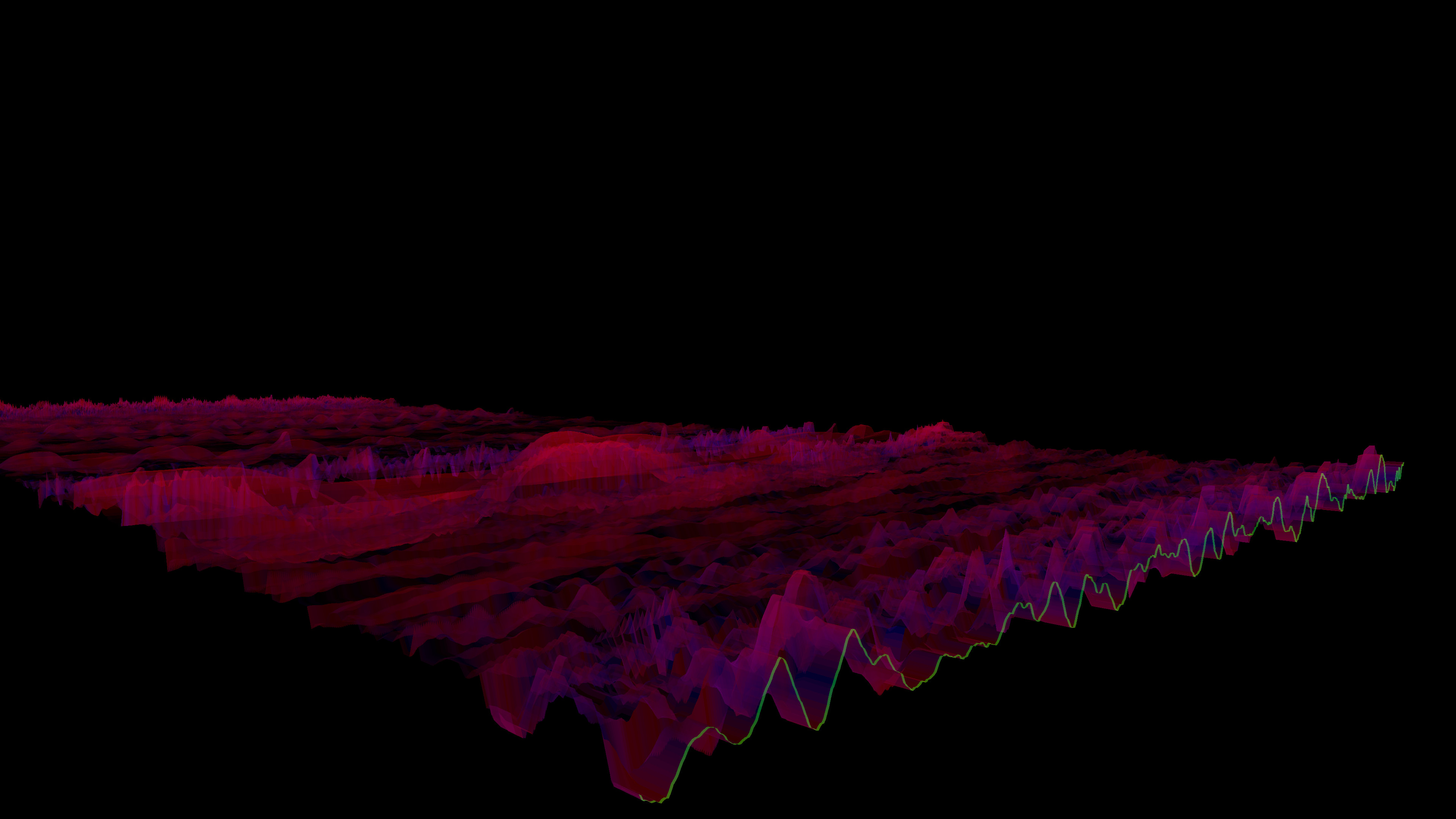
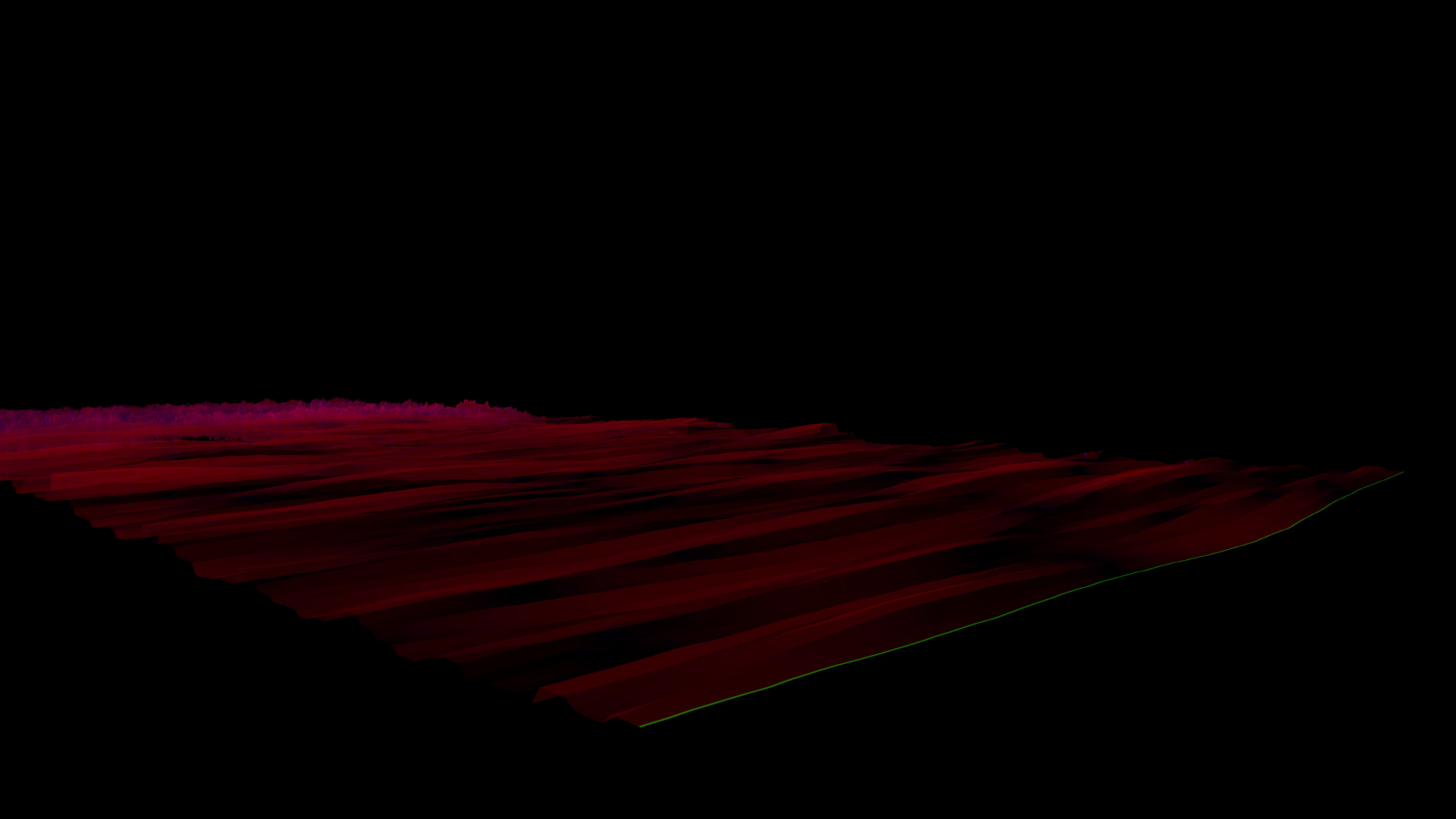
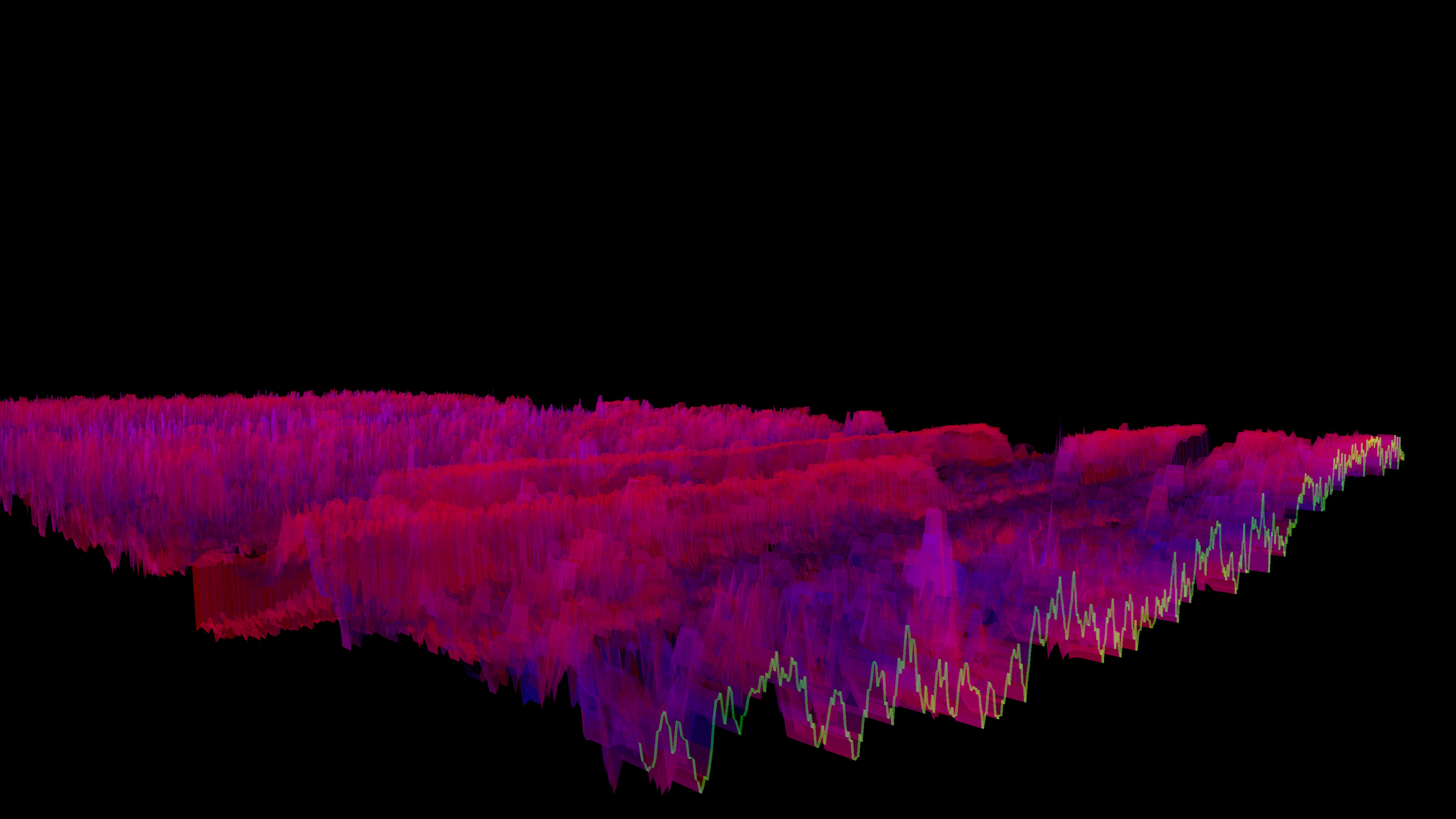
Lightweight 3D audio visualizer with a minimalist, modern design.
Features
The Bonk'd Audio Visualizer is a 3D audio visualizer written in C/C++ with Vulkan, designed for Linux first, Windows second. It is designed to be lightweight, fast, and low latency. Future planned features include:-Desktop background rendering
-Customizable colors (can be customized with command line options right now)
-Customizable speed (can be customized with command line options right now)
-Customizable wave heights/sample rate/sample size (also customizable via command line options right now)
Stretch goals depending on reception:
-VR
-Control of viewport
-Gamification of some sort
Usage
Simply start Bonk'd Audio Visualizer and start playing your favorite music and enjoy! Fruther configuration can be changed with launch options, explained in the Manual.txt included with game files, soon to be available through a configuration file, and then potentially a UI to change things live. Hit escape to close the program.Notes
If you're running on Linux by default the application uses PipeWire, an option to use straight ALSA is available with -alsa in the launch options, it presently connects to the mic instead of the default output device, a fix is in the works. Testing was completed on Fedora 36, but any linux with Pipewire and proper Vulkan drivers should work with the default settings just fine.Many features are available through launch parameters, customization of the rendering, swapping starting monitors, switching audio interface, and forcing usage of integrated or dedicated GPUs are just a few of the available options through launch parameters. These features are being moved into a config file, and then later into a GUI application, but have been provided as launch options to give access to them as early as possible.
For convenience, the launch parameters are listed below, and are included in the Manual.txt in the software installation.
Available options:
Option syntax >>>> description
-wh (integer) >>>>> set wave height, default is 25
-a (real number) >>>>> set alpha (transparency) default 0.25
-mt (integer) >>>> set move time default 6
-alsa >>>>> use ALSA instead of PipeWire (linux only)
-window >>>>> run windowed instead of fullscreen
-fi >>>>> force use of integrated GPU*
-fd >>>>> force use of dedicated GPU*
-debug >>>>>> print debug output to bav_log.log
-display >>>>> set which display to render to (fullscreen only)
*Steam appears to "hide" GPUs from Vulkan when multiple GPUs are present on a machine. You can run the program from command line/terminal with the force parameters and they will function as expected, but through Steam you may run into trouble with them. There may be ways to circumvent this with environment variables or how you run steam, but I've not found a surefire way to do so, ymmv.
Trailer music graciously provided by NCS, link to song:
Media
Trailers and screenshots straight from the store page
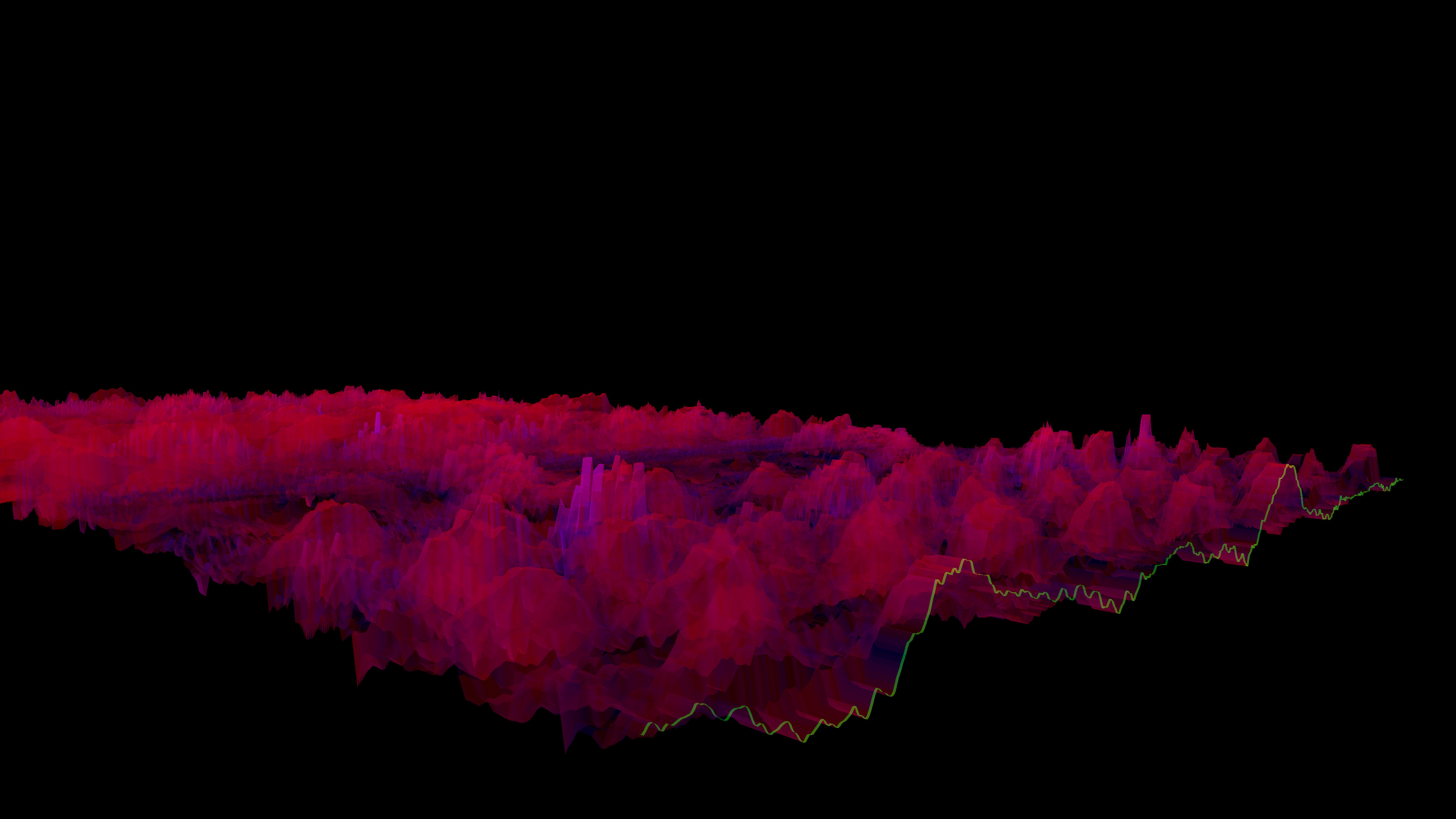
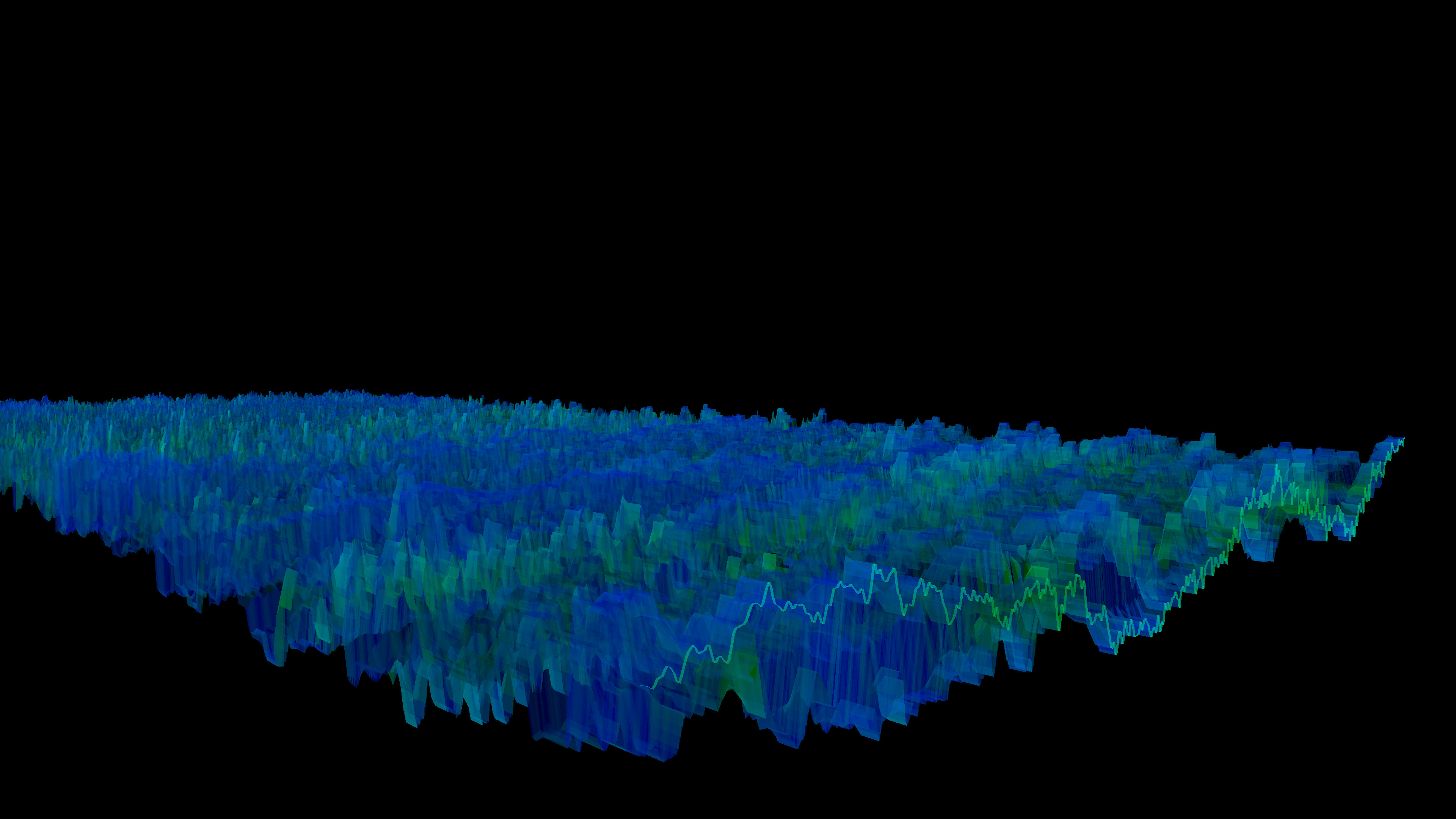
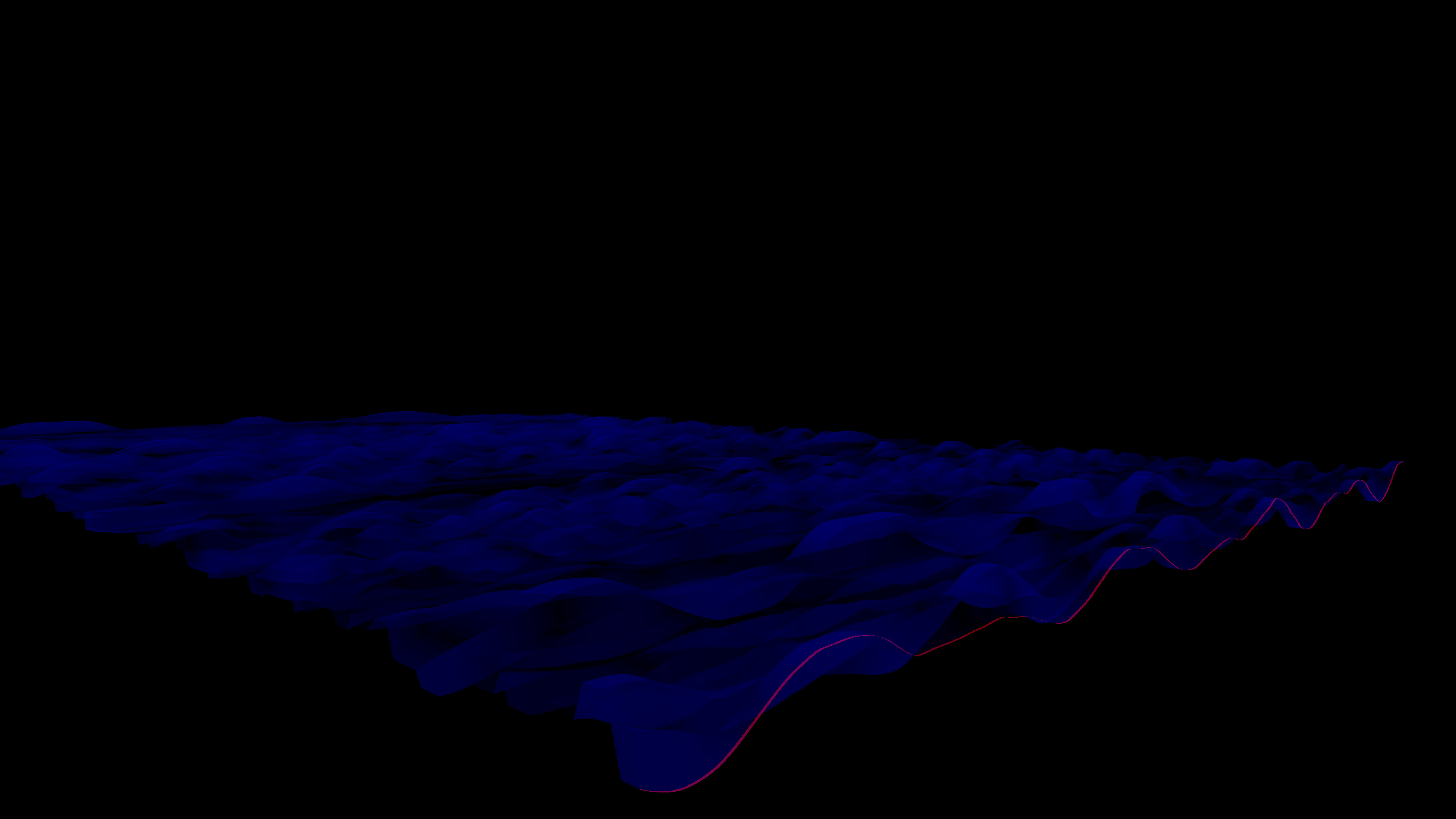
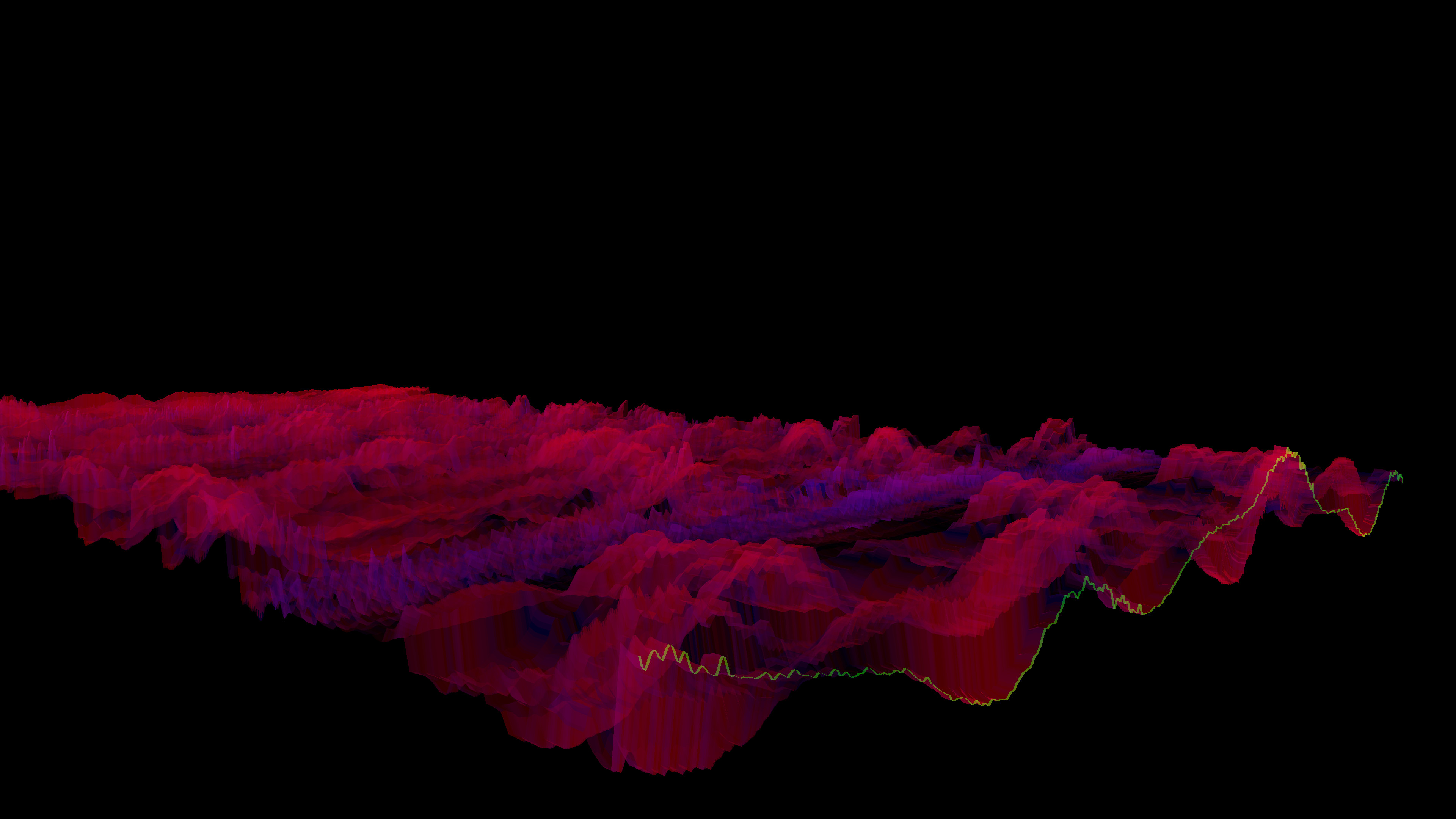

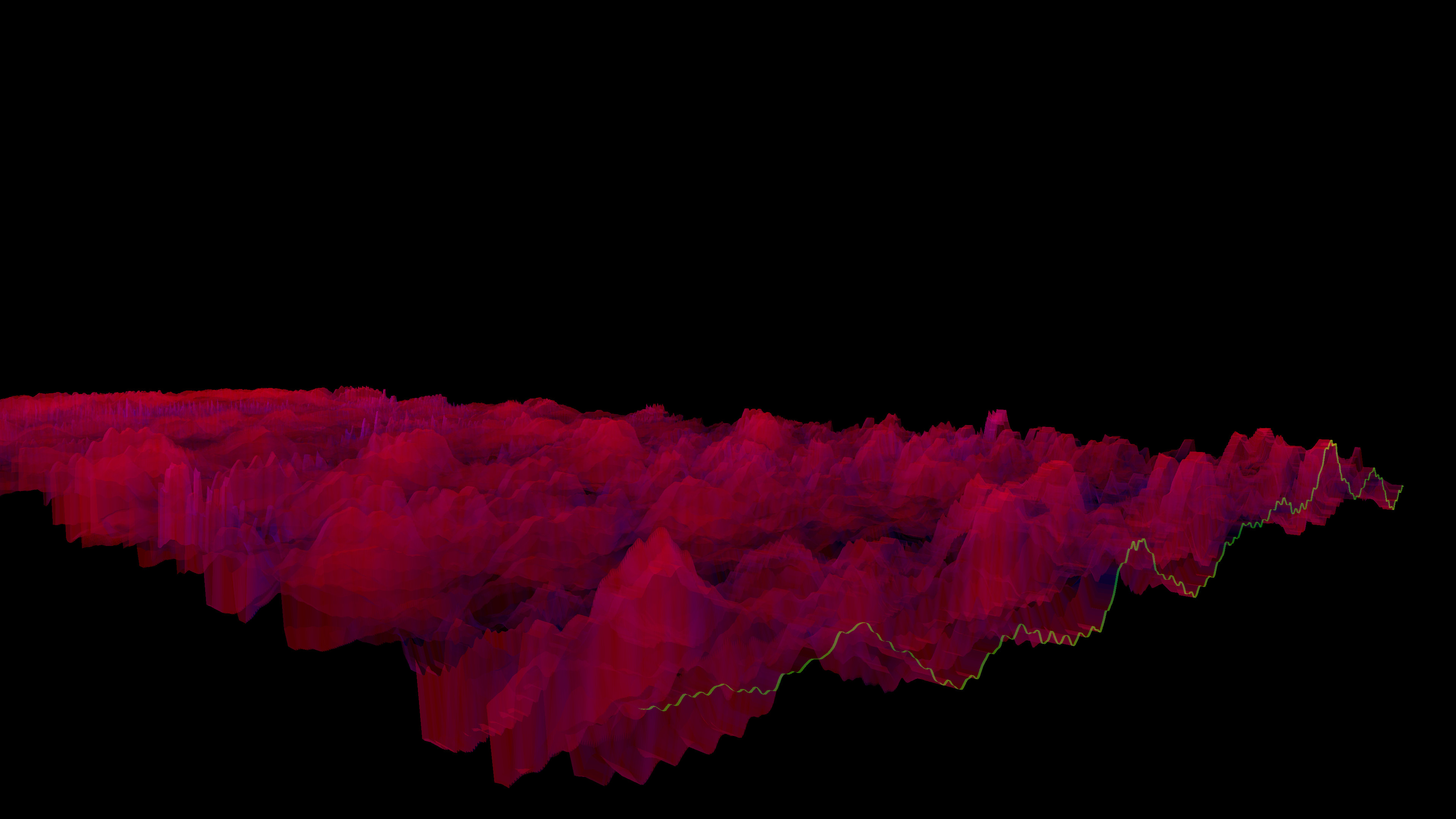
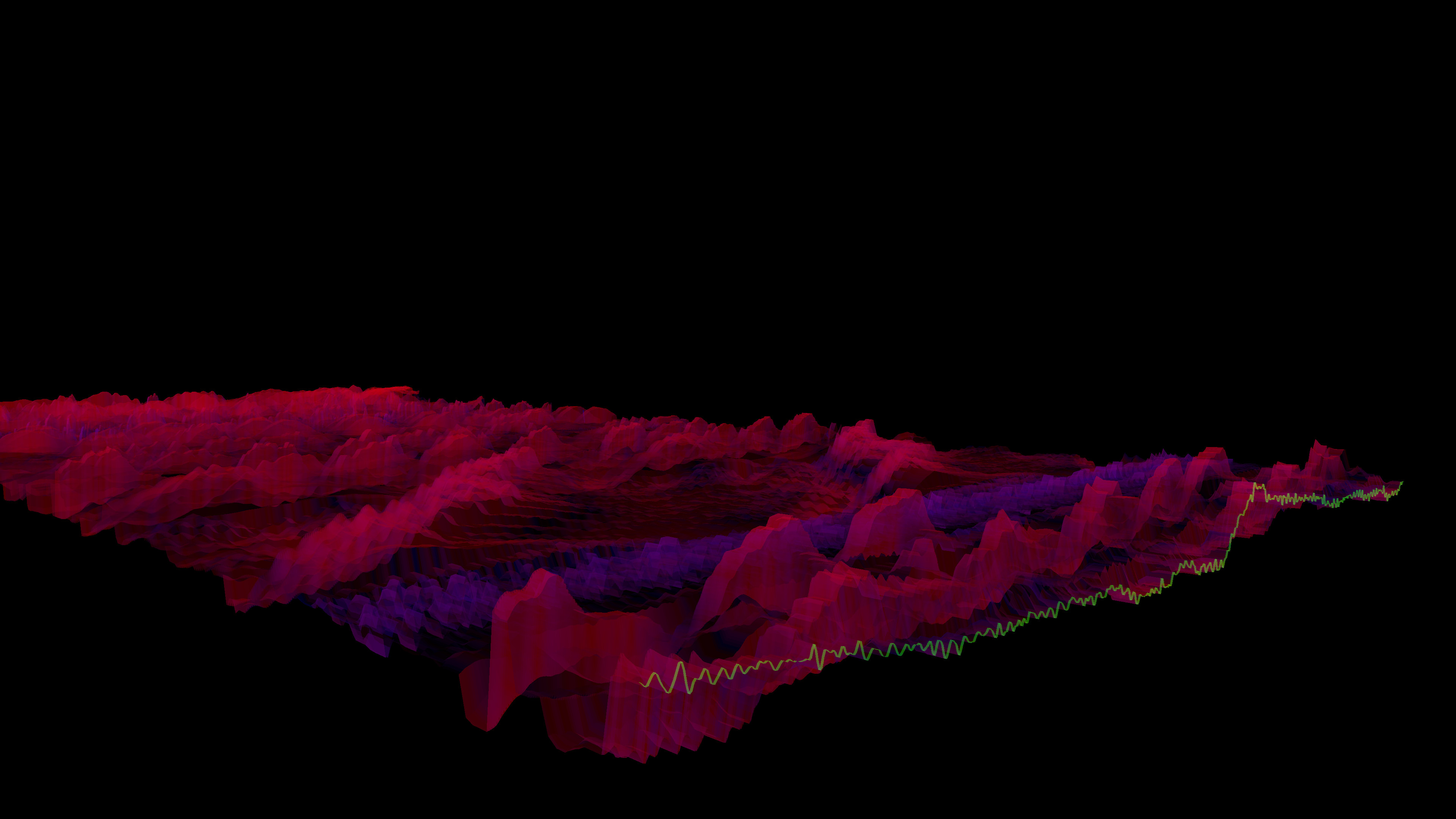
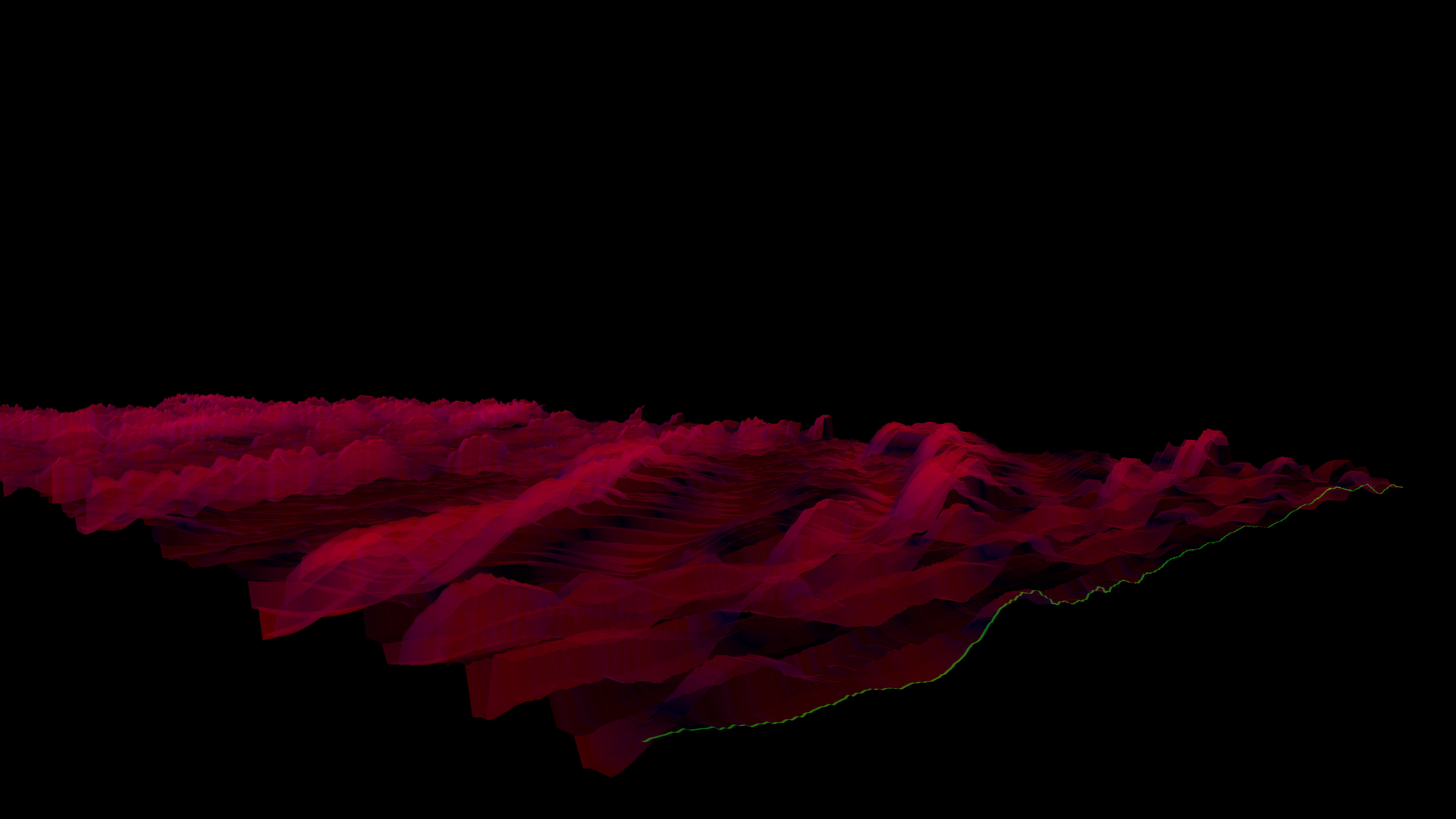
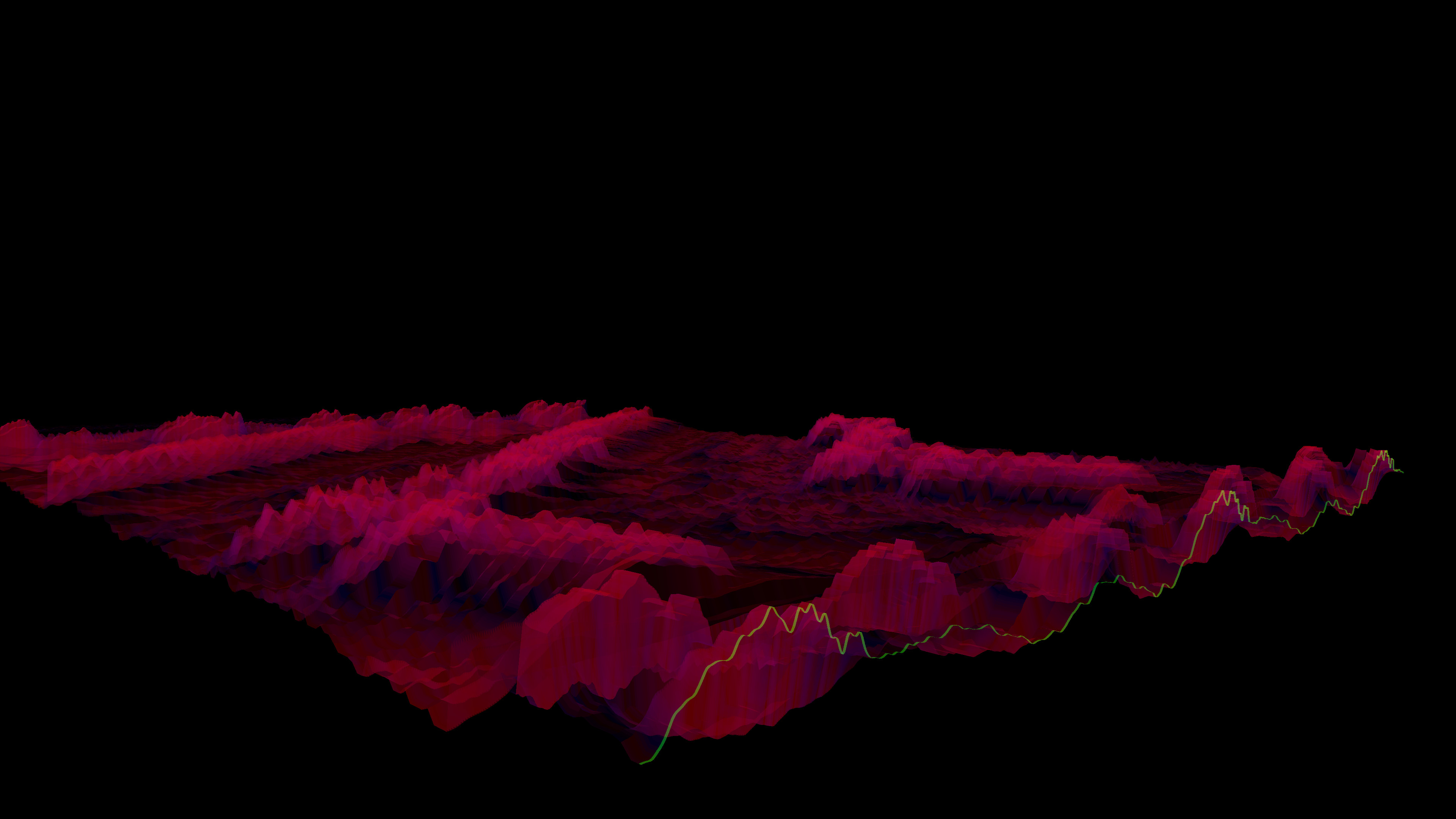

Latest news
Recent updates from the game's own feeds
Price intelligence
Accepted price history and the lows that matter
No price history recorded yet.
Historical lows
No history yet.
Bonk'd Audio Visualizer price history and best deals
Bonk'd Audio Visualizer for PC currently sells from $1.99 at authorized stores.
Frequently asked questions
Answered from this game's own price and edition data
Where can I buy Bonk'd Audio Visualizer?
Bonk'd Audio Visualizer is tracked at steam. We only list authorized stores here and always link out with a clean outbound link.
Scores
Steam reviews Positive · 100%
100% positive of 11
Media (25)
Tech
Steam DeckUnsupported
SteamOSNot supported
Requirements
Facts
Links
Ratings
dejusl
igrs3
steam_germany0