PC
$2.99 Region US
Content rating unavailable
Utilities · Koga Tech Limited
Controller Companion
Content rating unavailable
Steam Deck Unsupported Windows
Very Positive · 90% of 2,646

 Chip's verdict · US updated 2 days ago
 Why this verdict
All-time low $2.99 · 25d ago
Player reviews 90% positive of 2,646
Quality score 90/100
Offers
Accepted regional prices from official stores
Official stores (1)
Clean outbound link. We never touch your payment.
Report a wrong price
About this game
What this game is, in the developer's words
Navigate your PC desktop with a controller! Put mouse, media and keyboard control in the palms of your hands so you'll never have to leave the couch again!
Use your controller even when you're not in-game or in Big Picture.
Never leave the couch when using a controller with PC. Control mouse, keyboard and media player. No more getting up to muck about with mouse and keyboard to launch the game you wanted to play.
Mouse and Keyboard Control on the Desktop
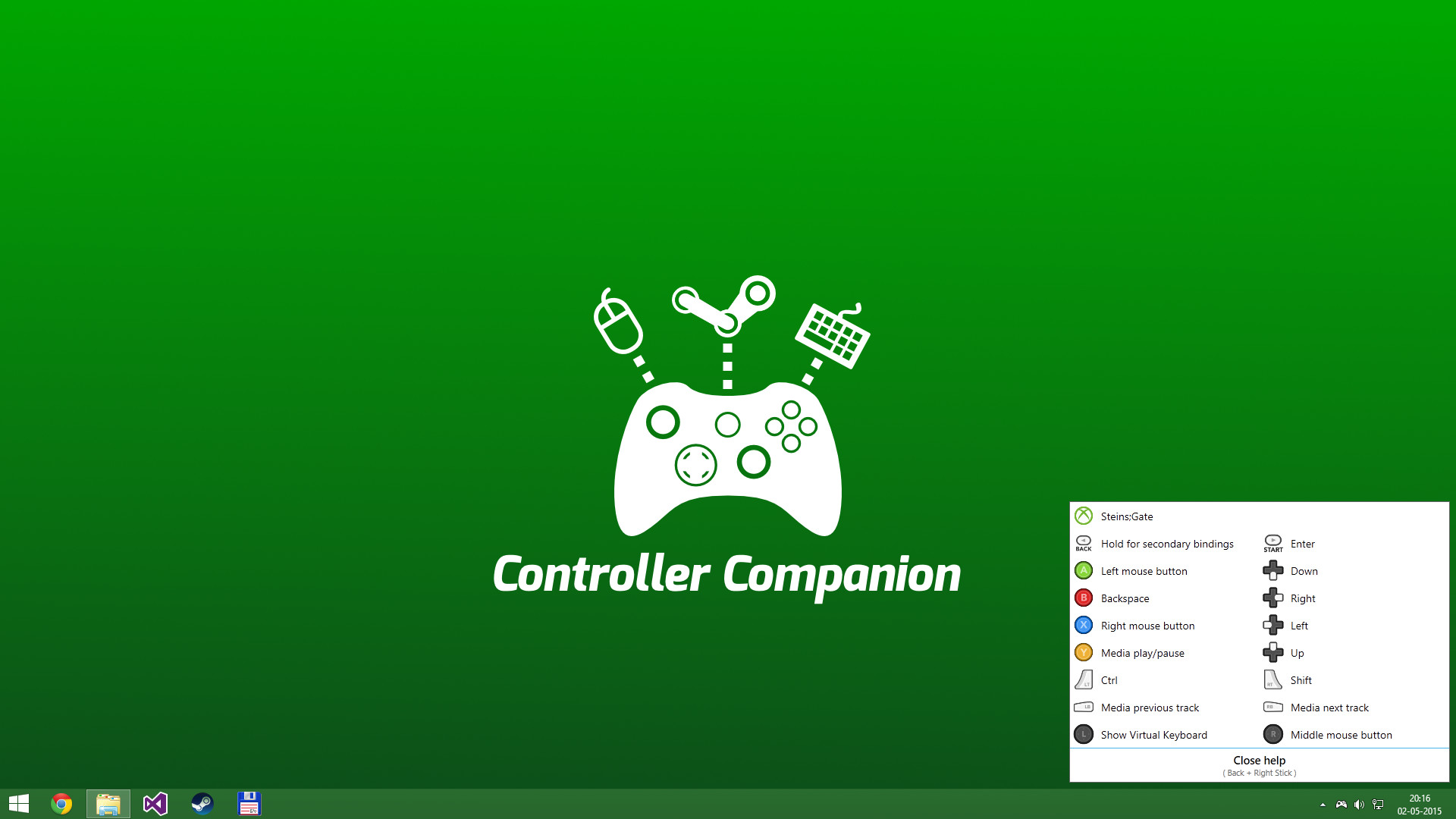
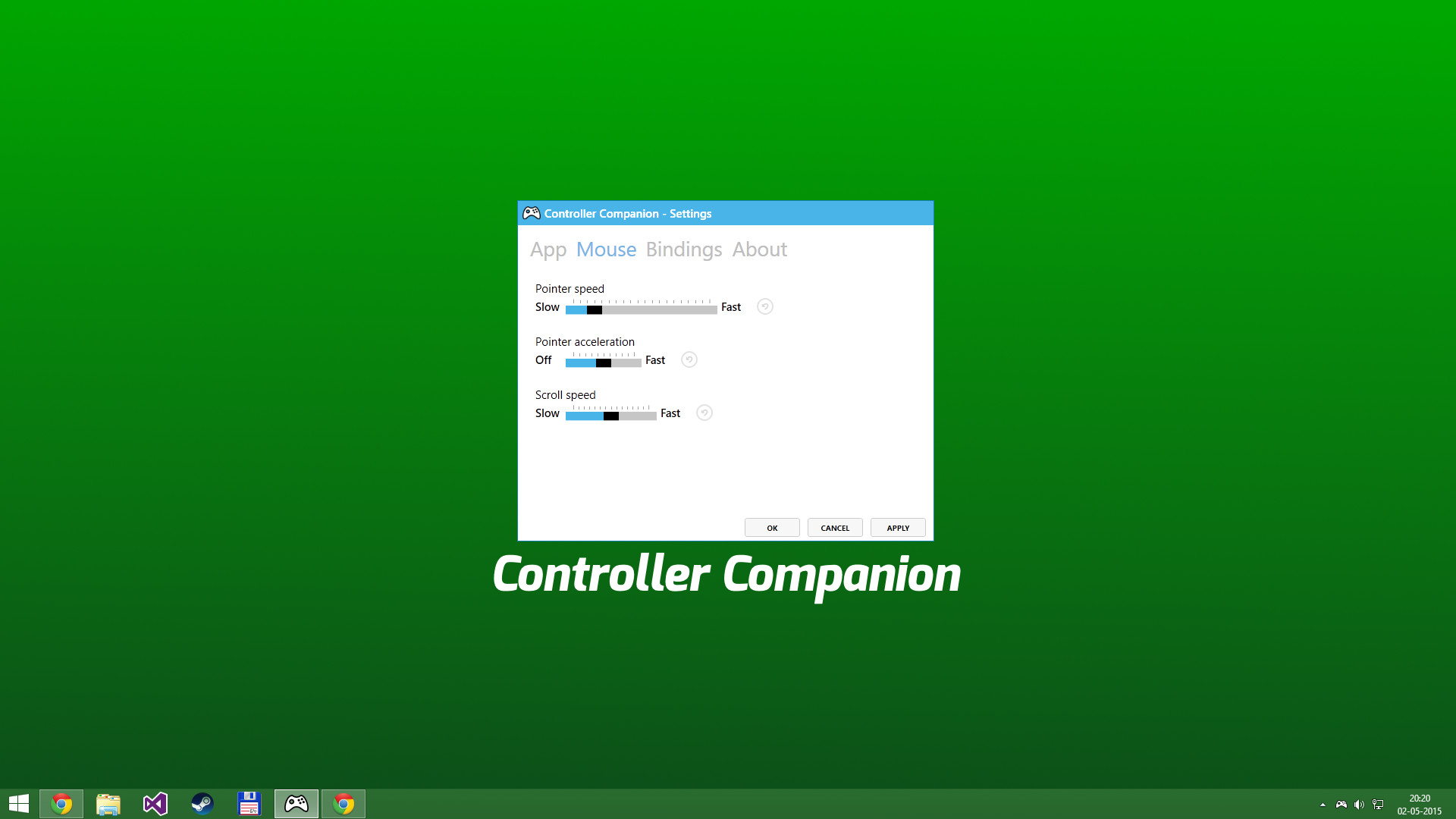
When Big-Picture is not running, you can control the mouse with the left thumbstick and scroll with the right thumbstick.
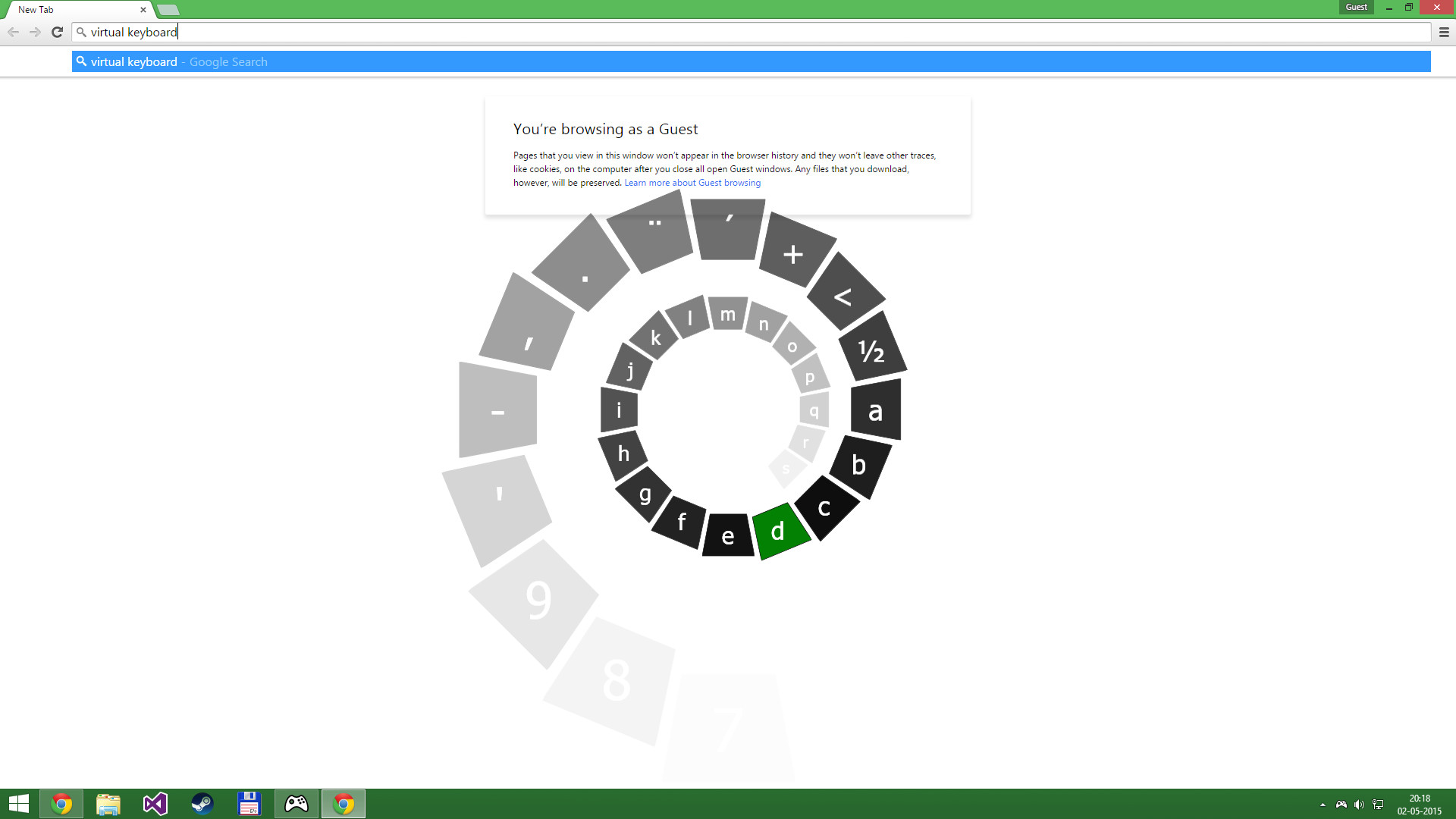
Click the left thumbstick and you get keyboard input directly on the desktop with a nice arcade-style keyboard spiral.
Turns off your wireless controller when you turn off your PC
Never again will you have to pop out the battery to turn off the controller when you turn off the PC. (Only Xbox 360 Controllers)
Very Low CPU usage
Controller Companion makes sure to stay in the background and use as few resources as possible. It will also disable itself as soon as Big Picture is running.
Switch between PC and TV displays
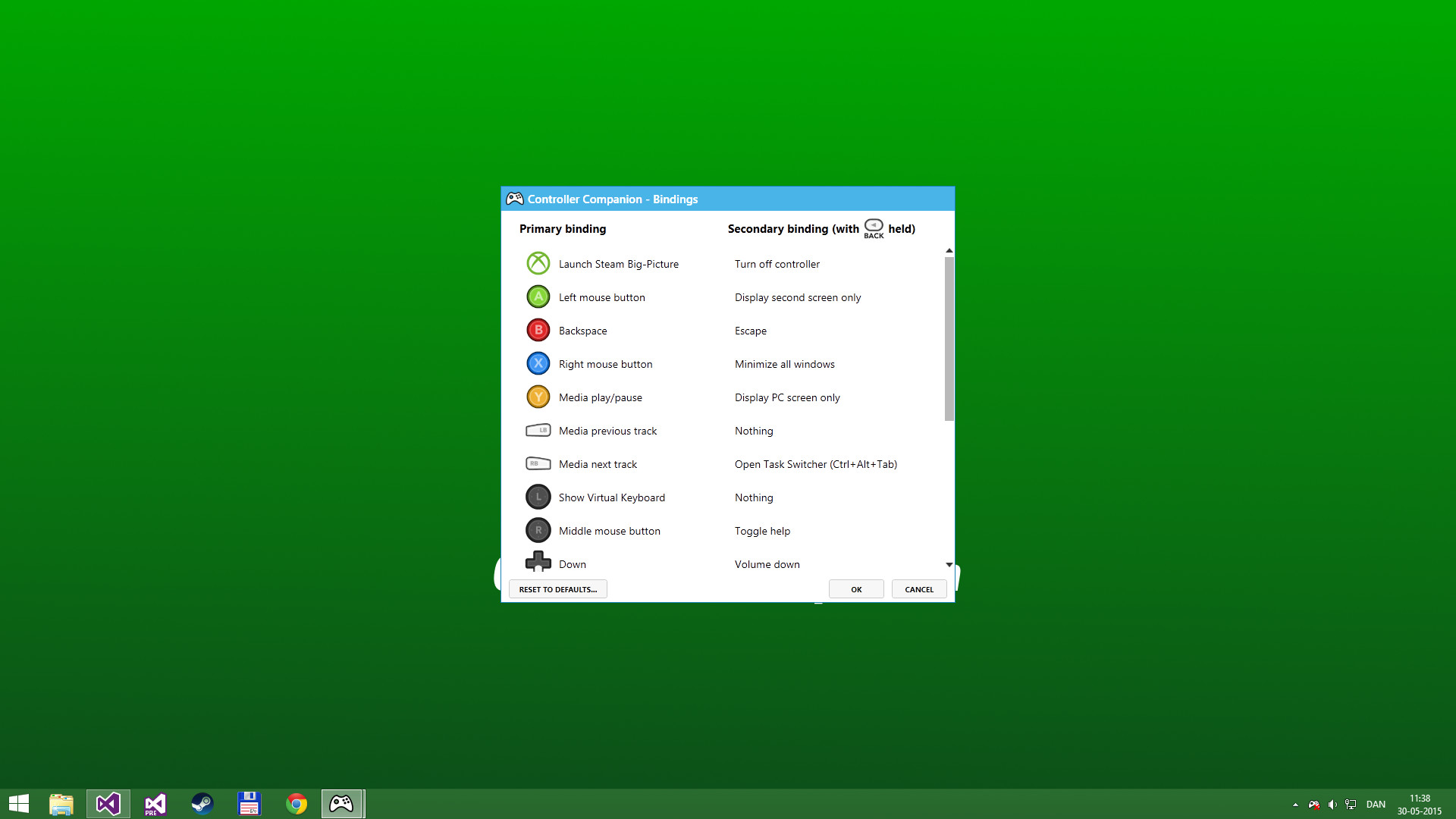
Switch between your connected monitors or TV screens with the controller.
Use Controller as a Media Remote
Control your music player with the controller using Y for Play/Pause and the shoulder buttons for Previous and Next track.
Customization
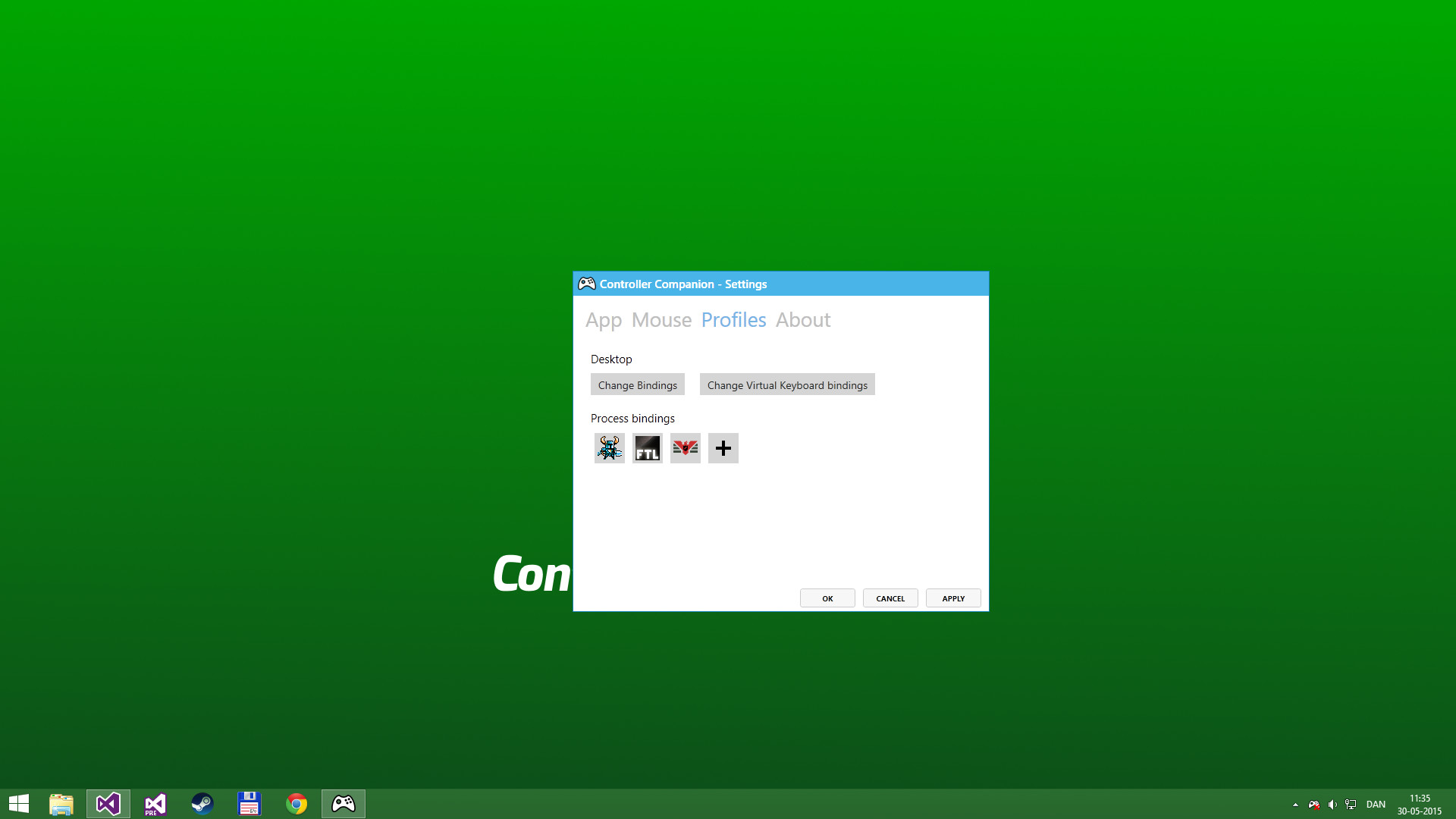
You can remap the buttons.
Xbox 360 Chatpad Support
You can finally put the Xbox 360 Chatpad to use on PC. A custom experimental driver will allow you to use the Chatpad whenever you are not playing any games.
Yes, it works with any controller that is supports XInput.
Why did it stop working when playing fullscreen video?
Controller Companion auto-disables for fullscreen programs, you can override it by holding back and start. See the video above about Auto-Disable.
Will running this app show me as "Playing Controller Companion"?
No! Controller Companion will launch through Steam and then run in the background.
Do I need to have Steam running to use Controller Companion
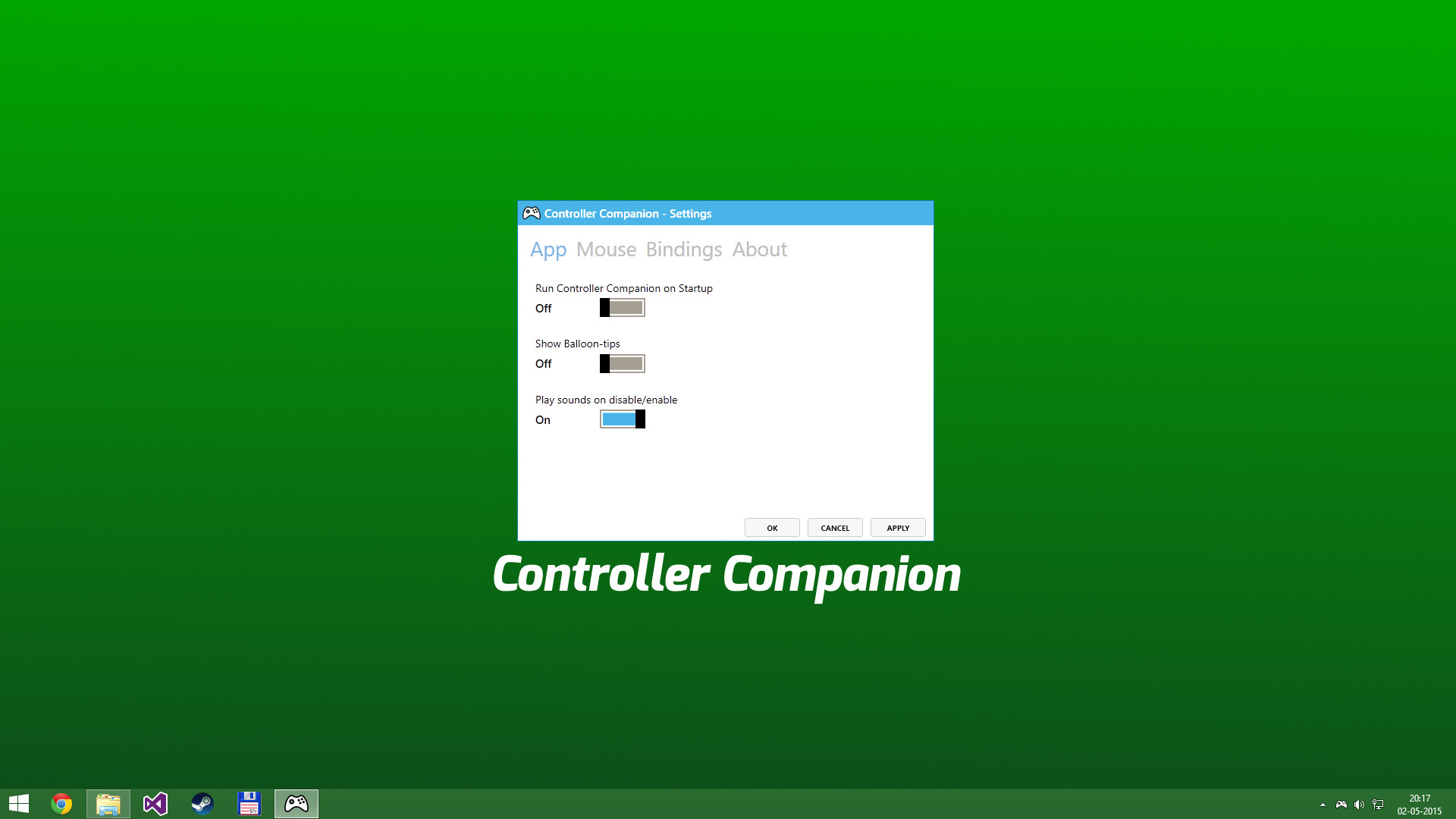
No, you can even set Controller Companion to automatically start when you start your PC.
Is there any kind of DRM in Controller Companion?
No.
Can I use my PlayStation controllers?
No, not without installing an XInput wrapper.
Is the Xbox One Chatpad supported?
The Xbox One Chatpad is supported by Windows 10 natively. You will not need to install Controller Companions chatpad driver do use the Xbox One chatpad
Can I remap the Xbox One Elite paddles?
No, the paddles always have the same functionality as the buttons they have been mapped to. This is a limitation of Windows 10.
Never leave the couch when using a controller with PC. Control mouse, keyboard and media player. No more getting up to muck about with mouse and keyboard to launch the game you wanted to play.
Mouse and Keyboard Control on the Desktop
When Big-Picture is not running, you can control the mouse with the left thumbstick and scroll with the right thumbstick.
Click the left thumbstick and you get keyboard input directly on the desktop with a nice arcade-style keyboard spiral.
Turns off your wireless controller when you turn off your PC
Never again will you have to pop out the battery to turn off the controller when you turn off the PC. (Only Xbox 360 Controllers)
Very Low CPU usage
Controller Companion makes sure to stay in the background and use as few resources as possible. It will also disable itself as soon as Big Picture is running.
Switch between PC and TV displays
Switch between your connected monitors or TV screens with the controller.
Use Controller as a Media Remote
Control your music player with the controller using Y for Play/Pause and the shoulder buttons for Previous and Next track.
Customization
You can remap the buttons.
Xbox 360 Chatpad Support
You can finally put the Xbox 360 Chatpad to use on PC. A custom experimental driver will allow you to use the Chatpad whenever you are not playing any games.
Freqently Asked Questions:
Does it work with Xbox One and Wired Xbox 360 Controllers?Yes, it works with any controller that is supports XInput.
Why did it stop working when playing fullscreen video?
Controller Companion auto-disables for fullscreen programs, you can override it by holding back and start. See the video above about Auto-Disable.
Will running this app show me as "Playing Controller Companion"?
No! Controller Companion will launch through Steam and then run in the background.
Do I need to have Steam running to use Controller Companion
No, you can even set Controller Companion to automatically start when you start your PC.
Is there any kind of DRM in Controller Companion?
No.
Can I use my PlayStation controllers?
No, not without installing an XInput wrapper.
Is the Xbox One Chatpad supported?
The Xbox One Chatpad is supported by Windows 10 natively. You will not need to install Controller Companions chatpad driver do use the Xbox One chatpad
Can I remap the Xbox One Elite paddles?
No, the paddles always have the same functionality as the buttons they have been mapped to. This is a limitation of Windows 10.
Media
Trailers and screenshots straight from the store page
Price intelligence
Accepted price history and the lows that matter
Historical lows
All-time low ATL $2.99 2026-06-18
3-month low $2.99
12-month low $2.99
Current $2.99
Price events From the accepted price history · updates automatically
Jun 18, 2026
New all-time low $2.99
Controller Companion price history and best deals
Controller Companion for PC currently sells from $2.99 at authorized stores. Its all-time low is $2.99, set on 2026-06-18.
Frequently asked questions
Answered from this game's own price and edition data
Where can I buy Controller Companion?
Controller Companion is tracked at steam. We only list authorized stores here and always link out with a clean outbound link.
Scores
Steam reviews Very Positive · 90%
90% positive of 2,646
Media (7)
Tech
Steam DeckUnsupported
SteamOSNot supported
ControllerFull
Requirements
Facts
DeveloperKoga Tech Limited
PublisherKoga Tech Limited
GenresUtilities
TagsUtilities · Controller · Software
Links