PC Region US
Action · Towndarktales
DARK FABLE - Screensaver

Windows
3 user reviews · 100% of 3
Price verdict · US updated yesterday
Why this verdict
Player reviews 100% positive of 3
Quality score 100/100 · small sample
Offers
Official store prices and labeled keyshop comparisons
No offers tracked yet for this product.
Report a wrong price
About this game
What this game is, in the developer's words
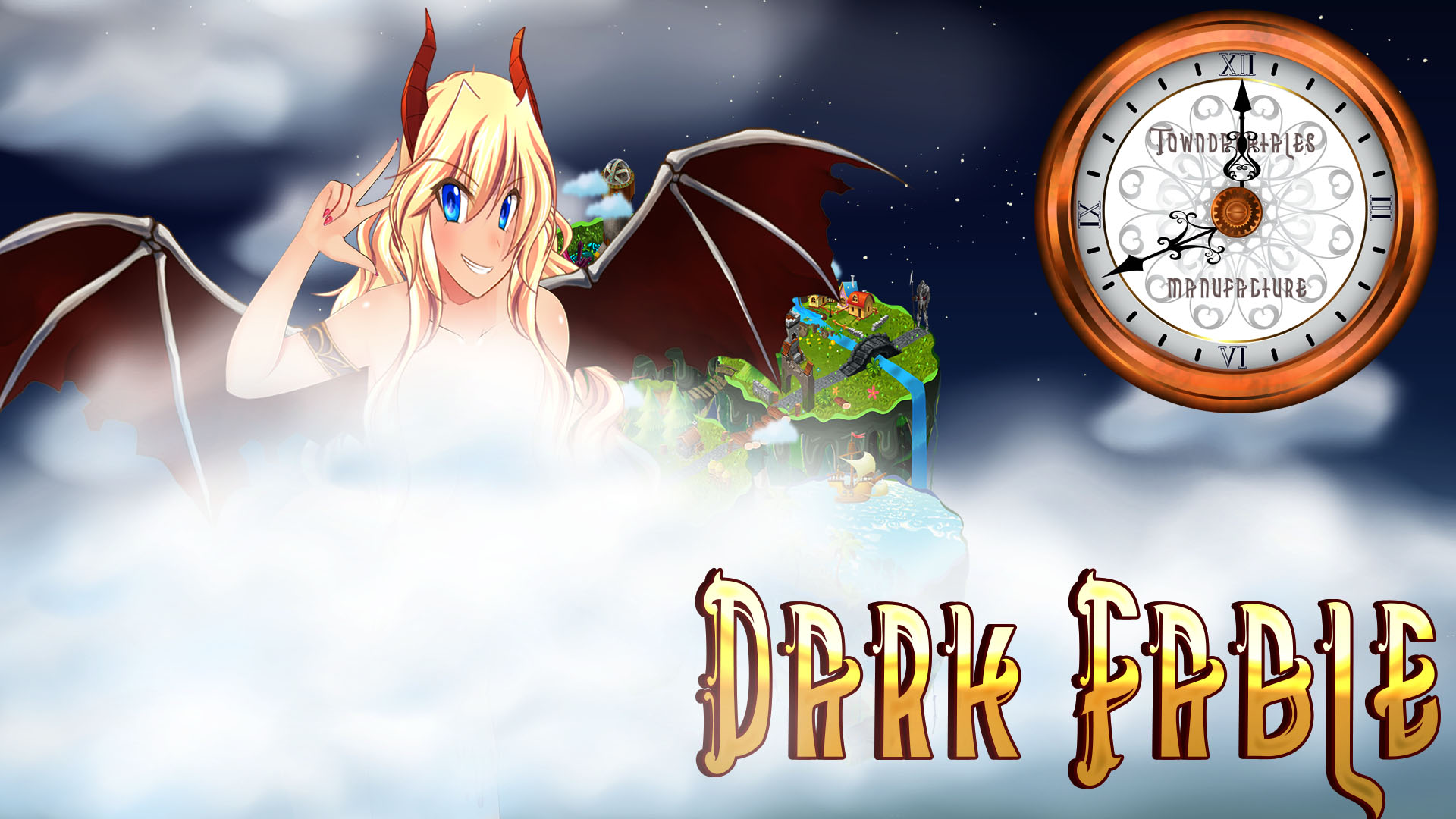
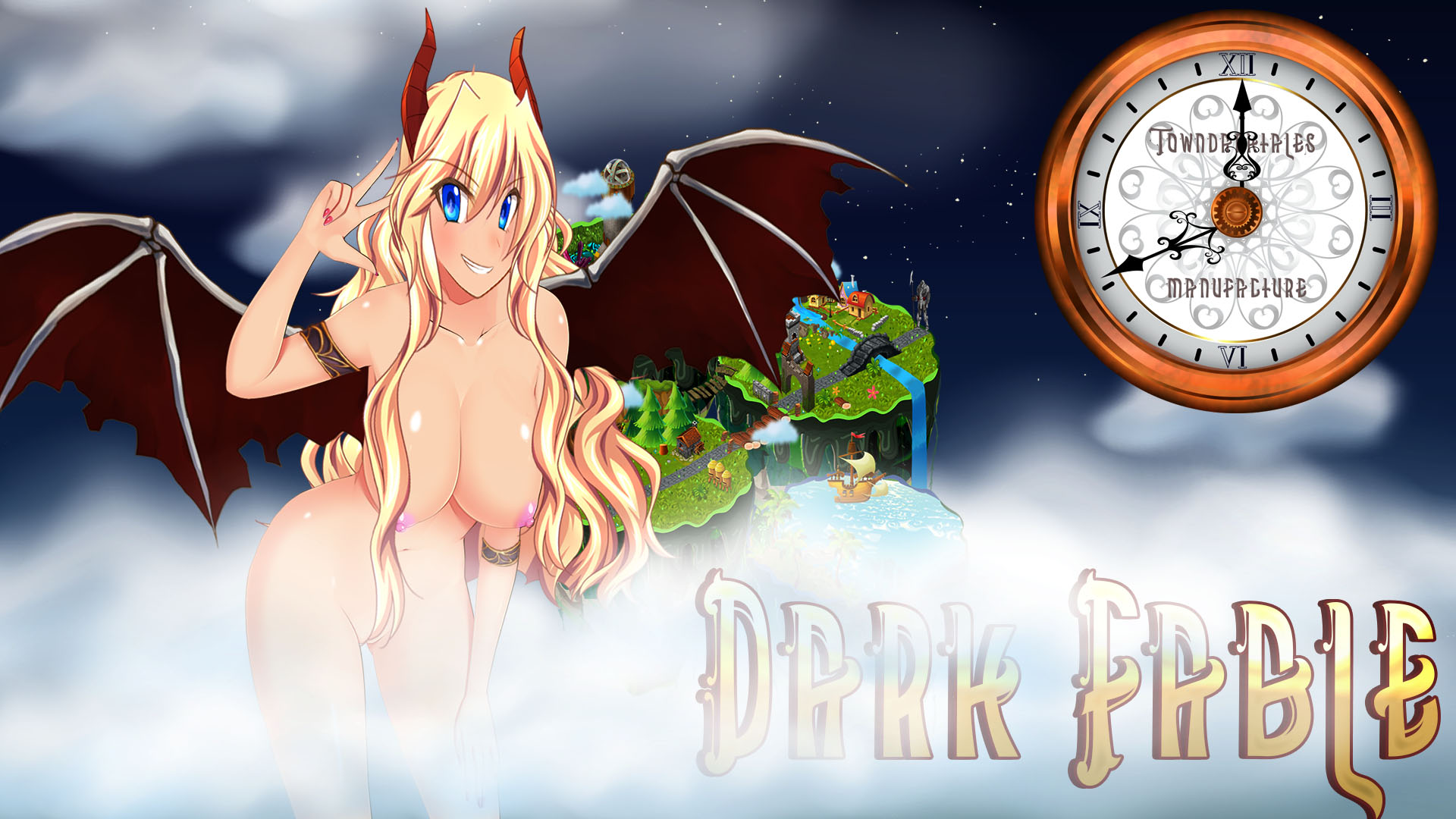
Screensaver for Windows, based on game DARK FABLE. Screensaver with сlock chime
Screensaver for Windows, based on game DARK FABLE.
Screensaver with сlock chime
Optionally disable the music by pressing SHIFT
Windows installation:
1) Right click on " DARK FABLE" on your Steam library, select "Properties"
2) Select "Local files"
3) Press "View local files"
4) Right click on "DFScren"
5) Select "Install"
Screensaver with сlock chime
Optionally disable the music by pressing SHIFT
Windows installation:
1) Right click on " DARK FABLE" on your Steam library, select "Properties"
2) Select "Local files"
3) Press "View local files"
4) Right click on "DFScren"
5) Select "Install"
Media
Trailers and screenshots straight from the store page
Adult content
DARK FABLE - Screensaver price history and current deals
Price tracking for DARK FABLE - Screensaver across authorized stores.
Scores
Steam reviews 3 user reviews · 100%
Media (2)
Requirements
Facts
Links