PC
$2.99 Region US
Content rating unavailable
Design & Illustration · Dark Yellow
Dungeon Display
Content rating unavailable
Windows
5 user reviews · 60% of 5
Chip's verdict · US updated yesterday
Why this verdict
All-time low $2.99 · 27d ago
Player reviews 60% positive of 5
Quality score 60/100 · small sample
Offers
Accepted regional prices from official stores
Official stores (1)
Clean outbound link. We never touch your payment.
Report a wrong price
About this game
What this game is, in the developer's words
Create unique RPG maps easily and effectively and then play through them with your friends!
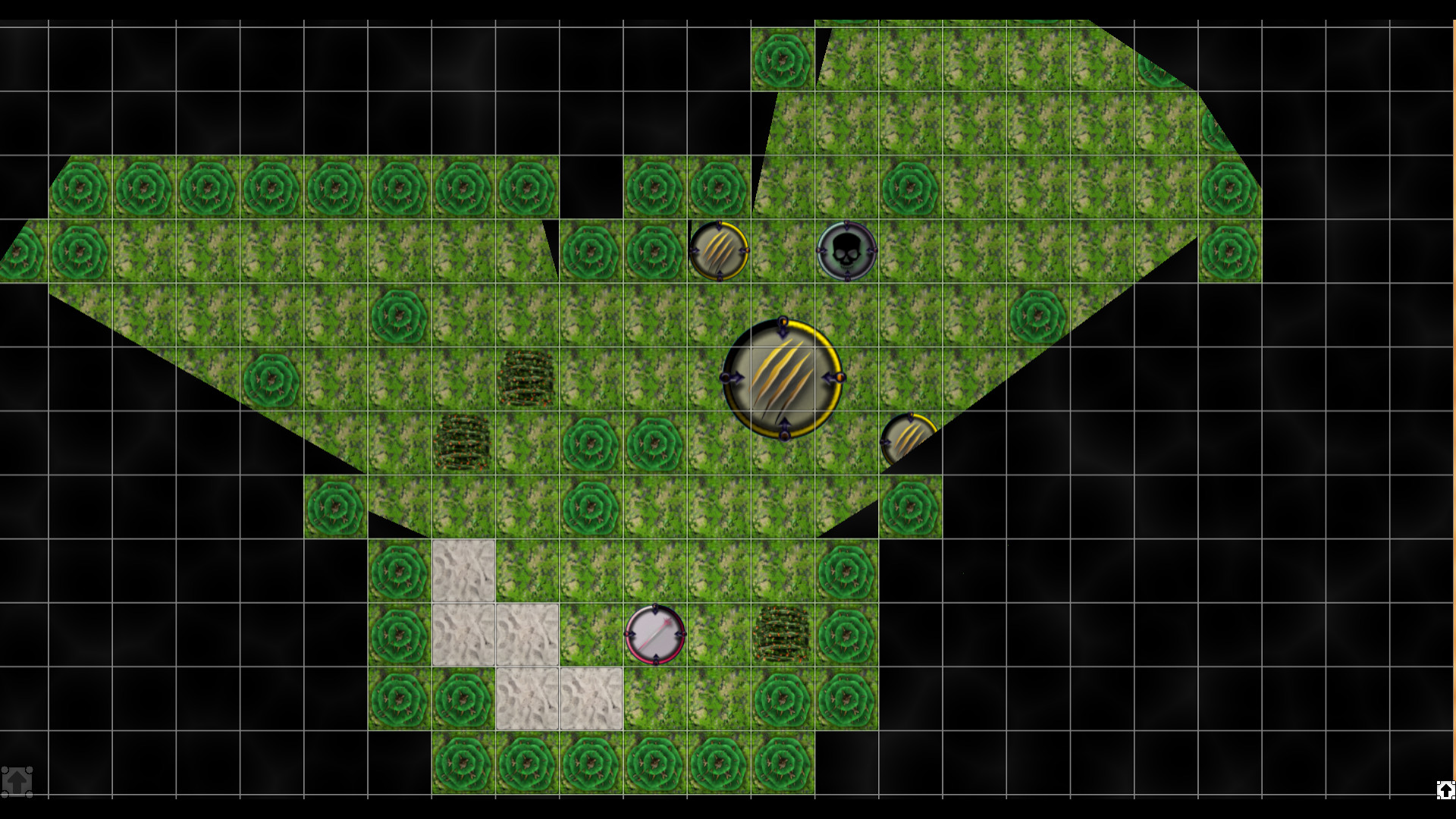
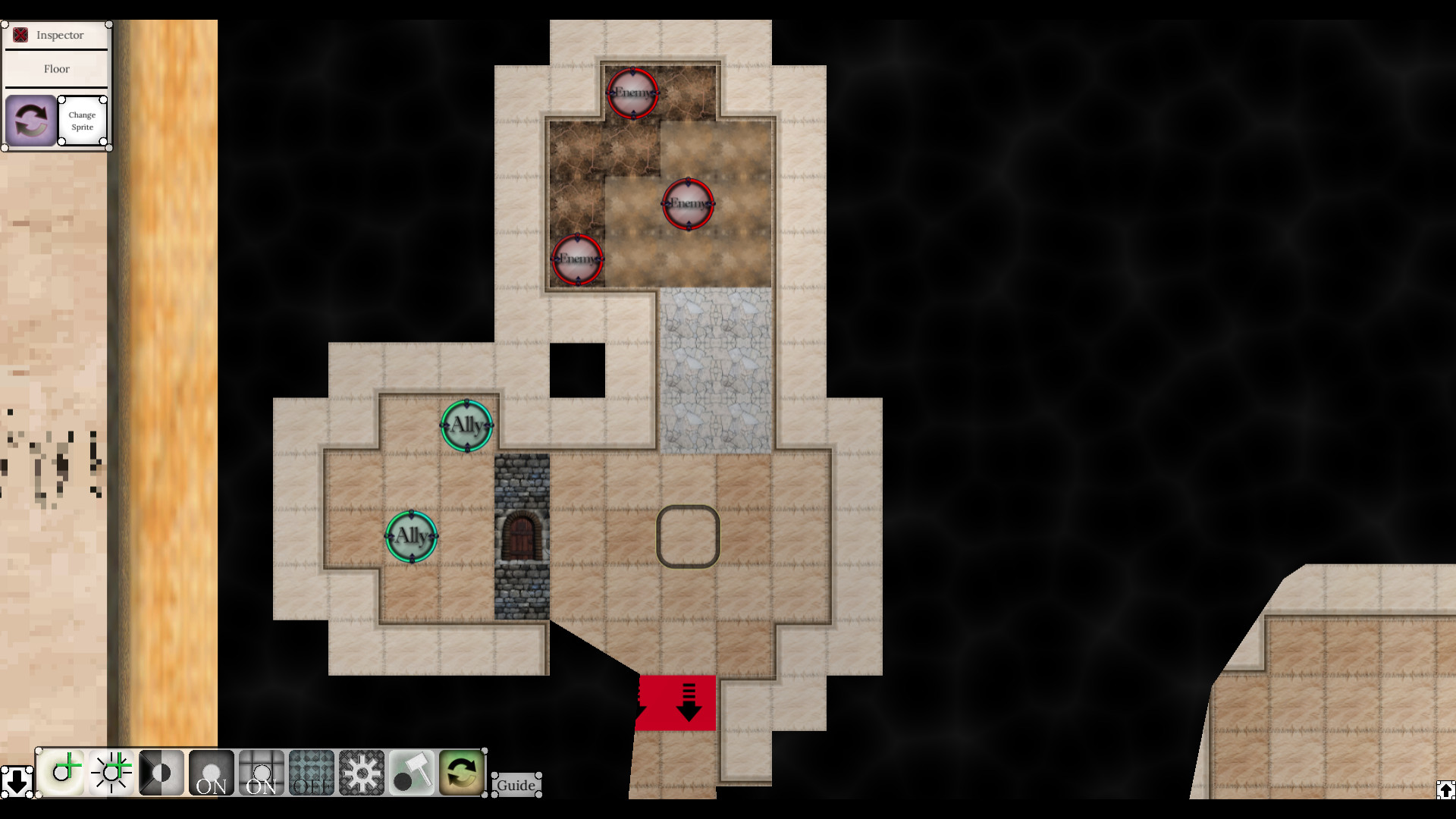
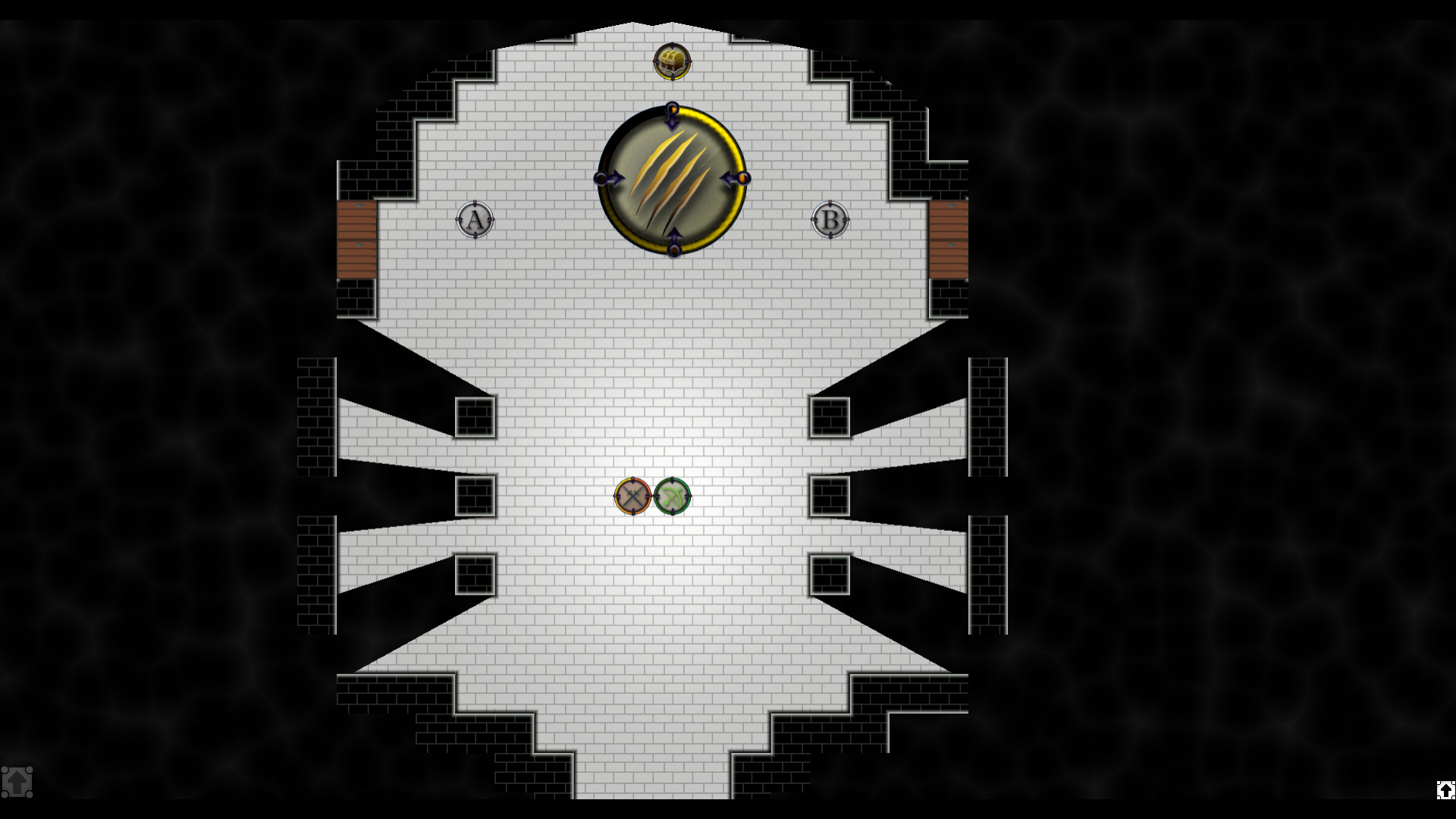
Dungeon Display lets you design and play through functional maps with your friends.
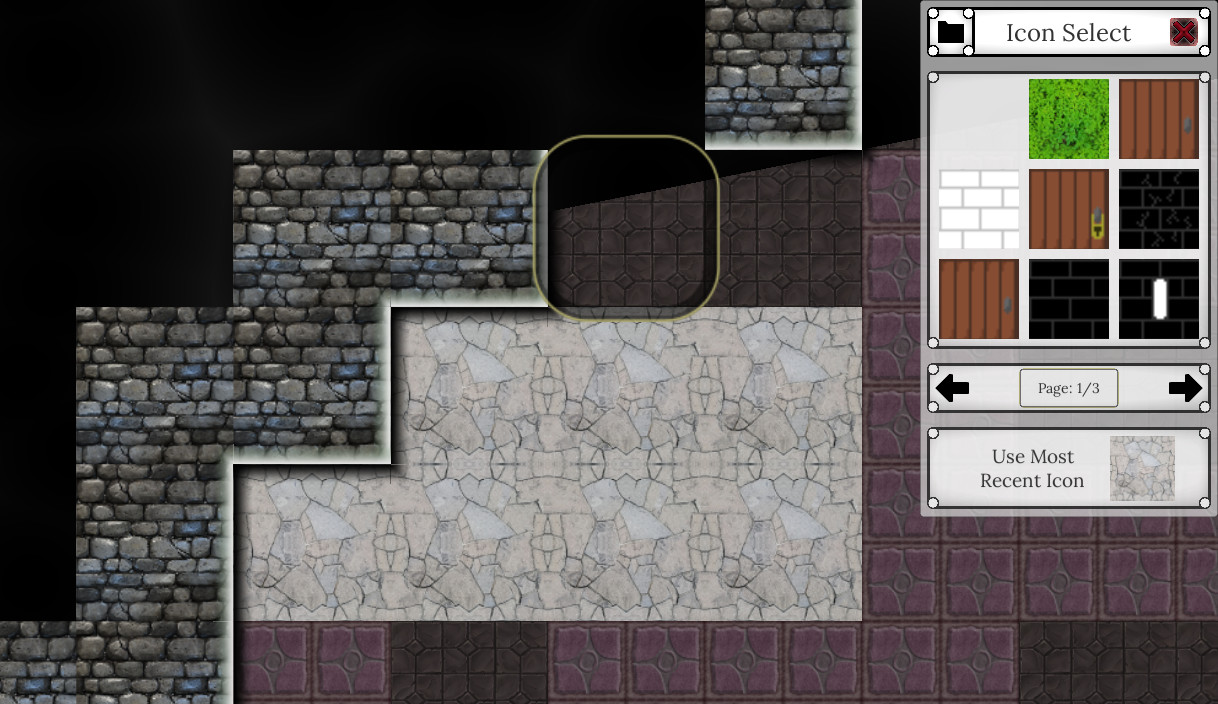
- Maps can use any image asset that you want in your game. Have a set of tokens or some really cool art you want in your dungeon? Your free to put all of that cool stuff in! You can also use tile sets to change the entire look of a dungeon instantly.
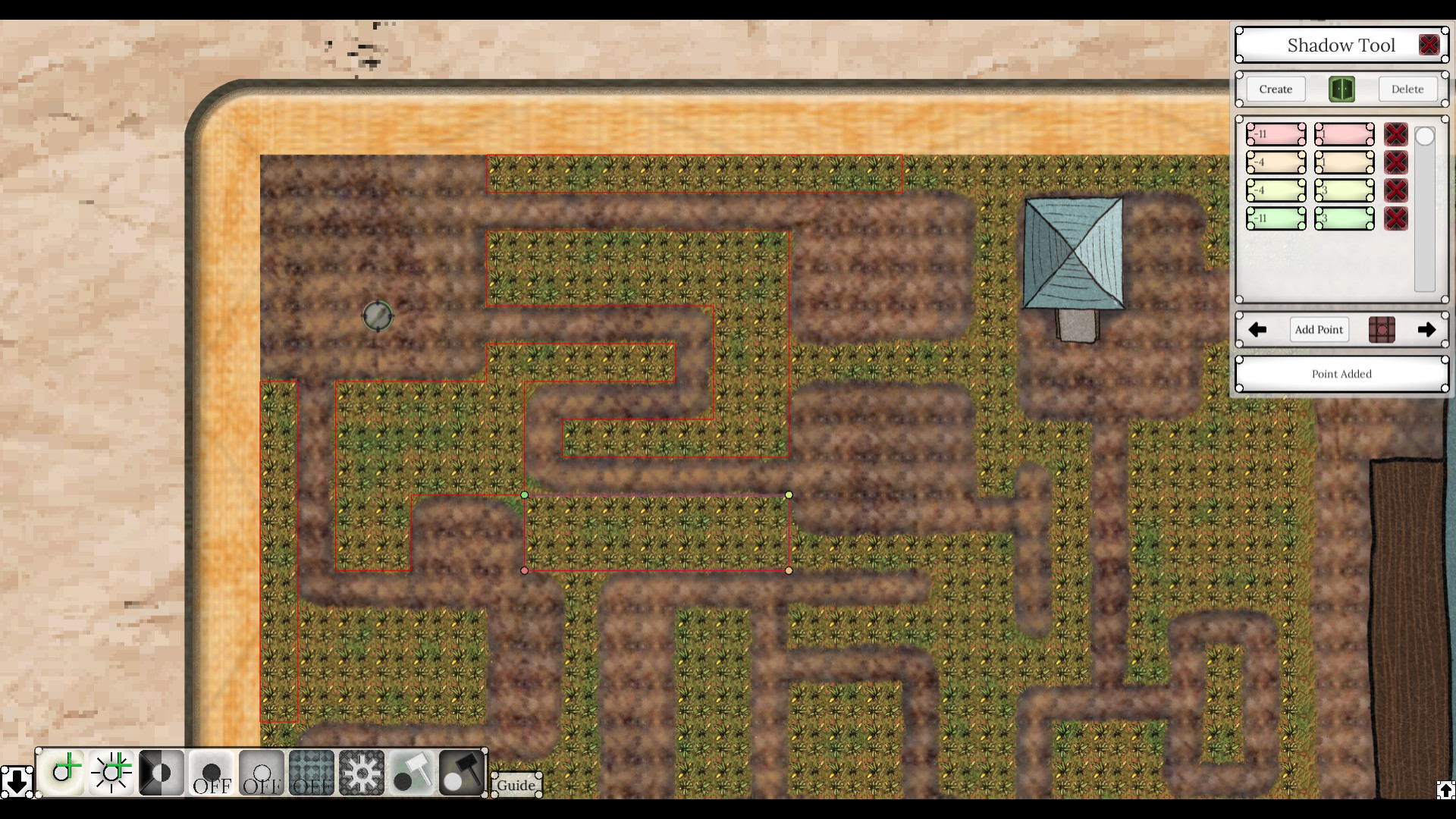
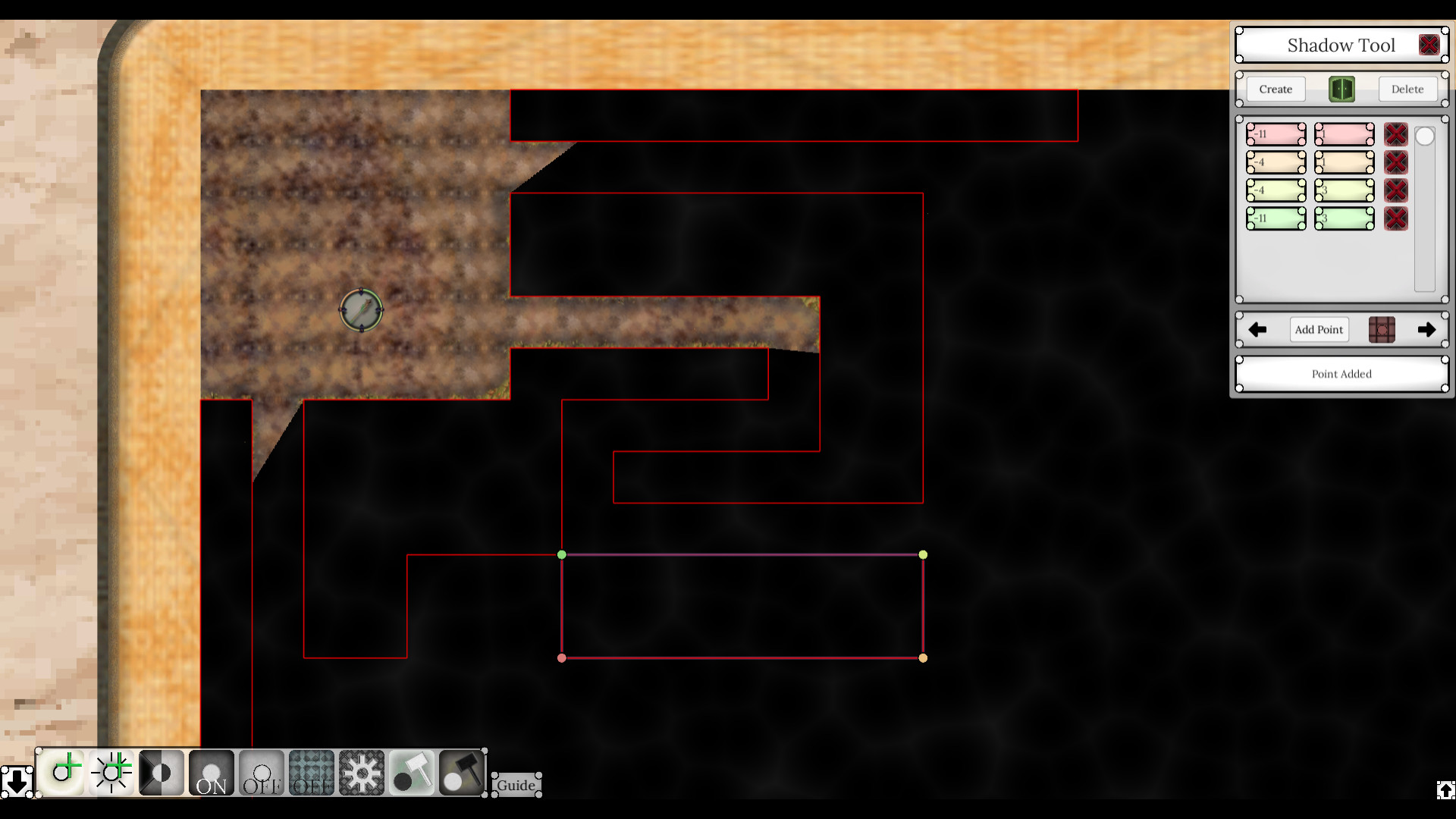
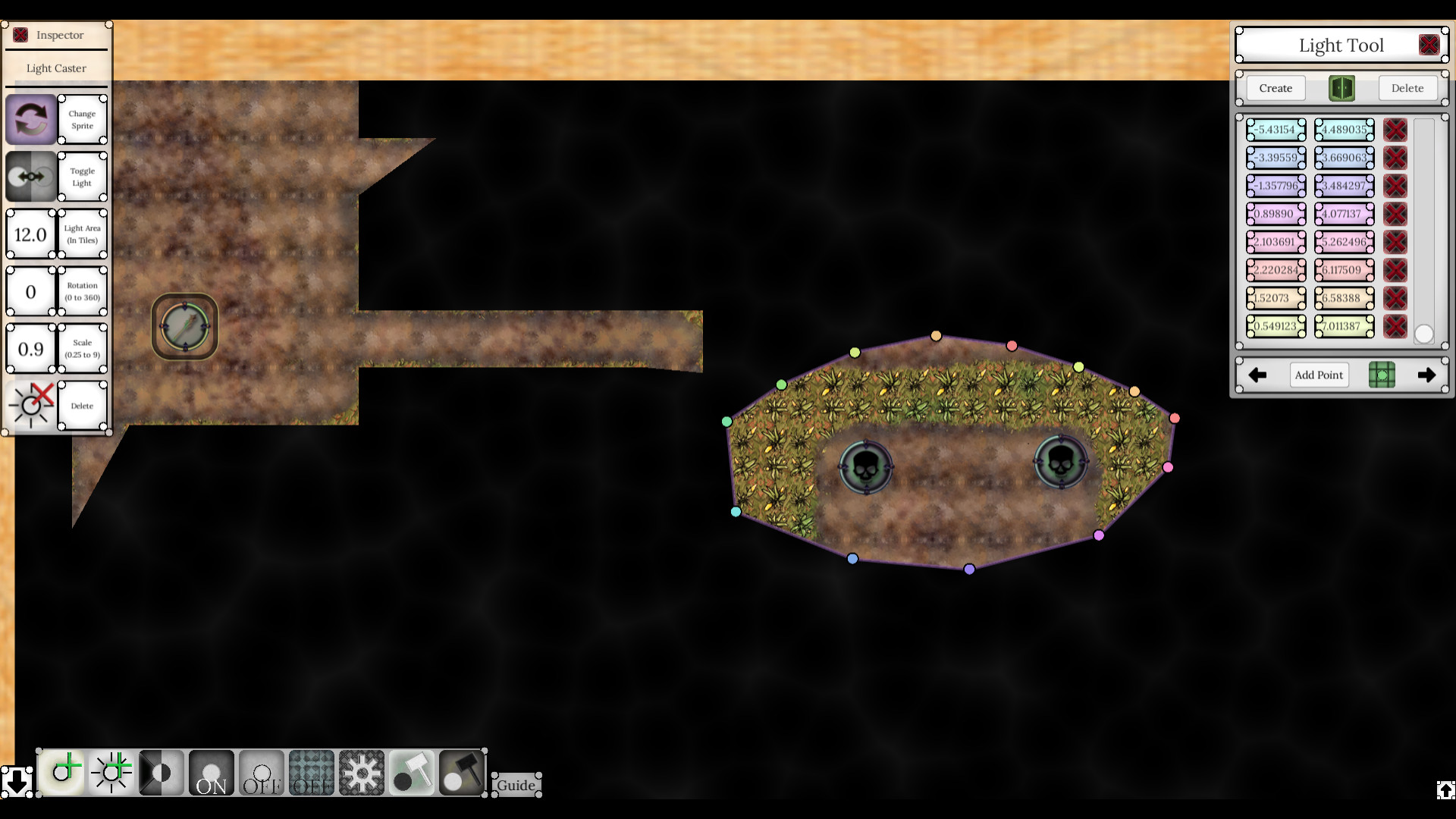
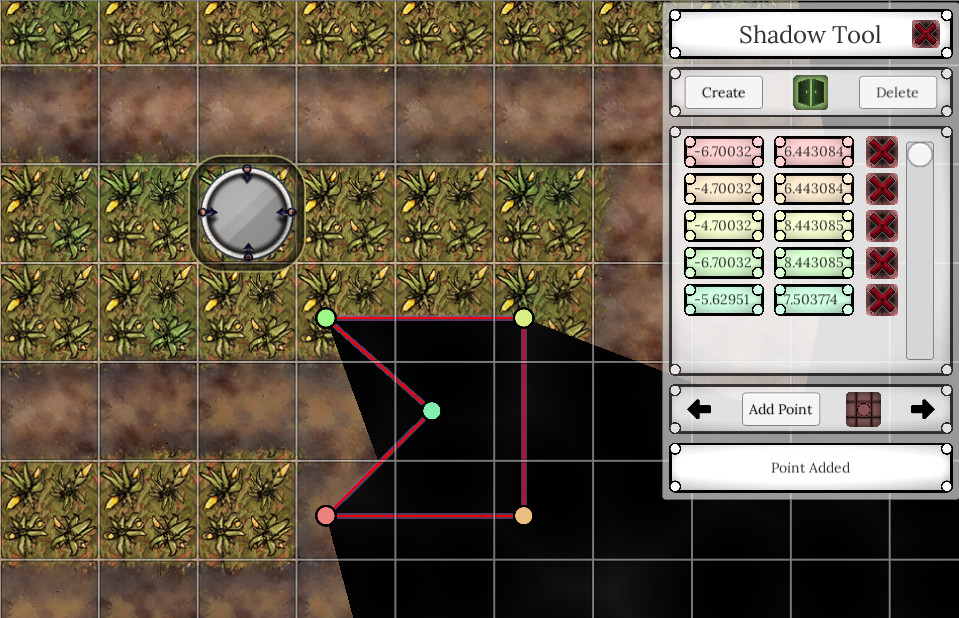
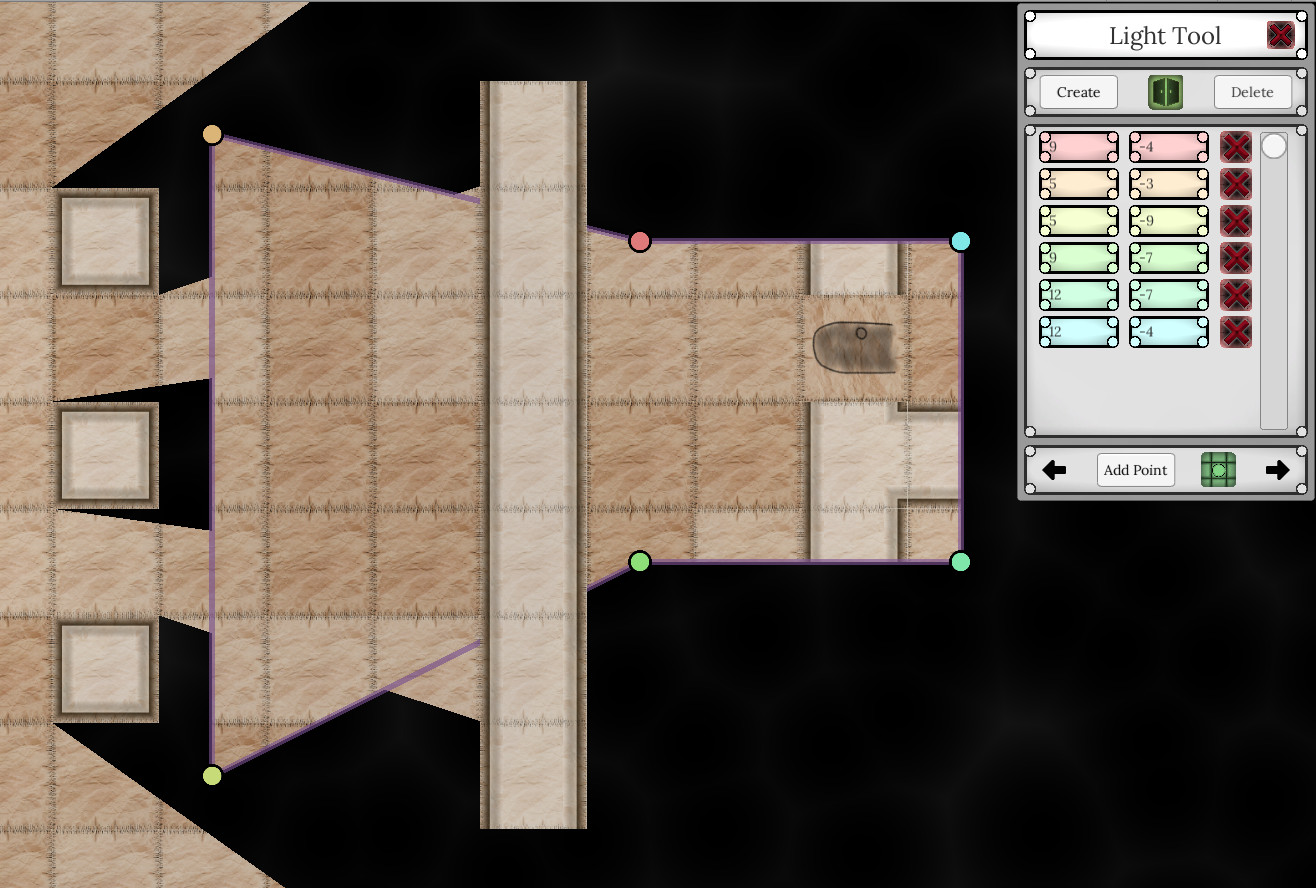
- Shadow system that can be easily edited. When you load a map, shadows will automatically be created on wall tiles, and then lights can be placed in the map to create the shadow effects. Also, there are tools to create areas that players will always be able to see, and a shadow tool for custom maps that lets users create their own shadows.
- Save and load any of your maps.
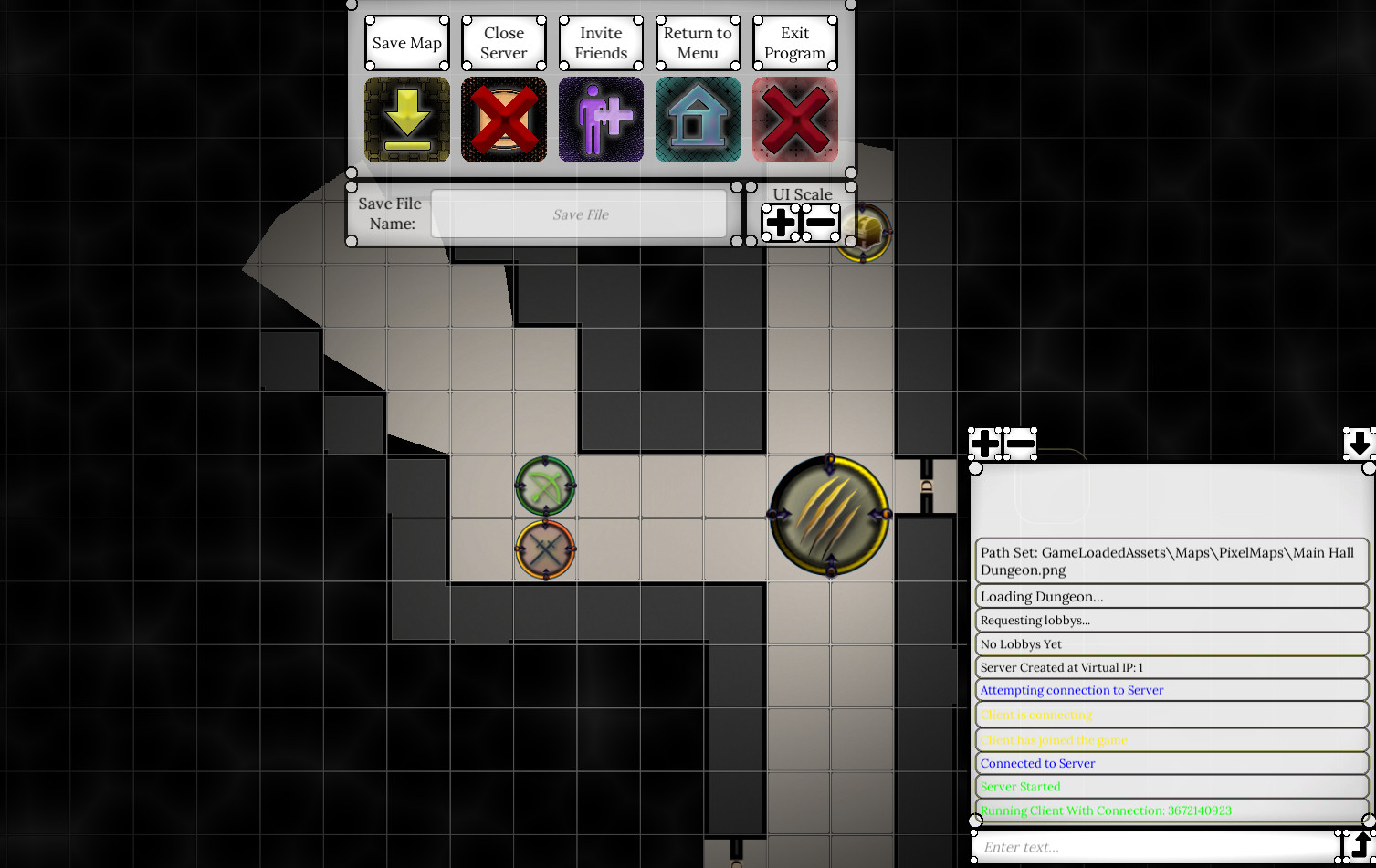
- Play online with friends. The host has certain privileges like toggling global lighting.
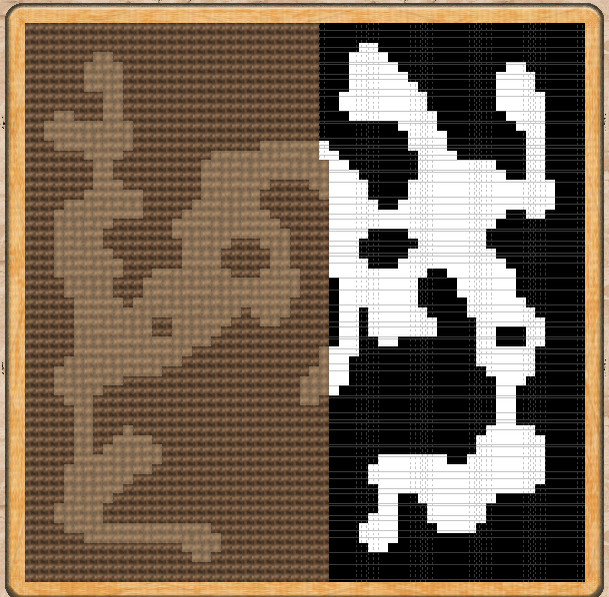
- Import a variety of files to use as maps. Add an image file where each color pixel represents a certain tile type (ie. green = wall). These maps are very easy to make and add to your game. Add a text file which marks tile types by having 'w' be wall, etc. The in game guide tells you how to make these maps easily. Lastly, you can simply upload a pre-made map image for full personal customization.
- Maps can use any image asset that you want in your game. Have a set of tokens or some really cool art you want in your dungeon? Your free to put all of that cool stuff in! You can also use tile sets to change the entire look of a dungeon instantly.
- Shadow system that can be easily edited. When you load a map, shadows will automatically be created on wall tiles, and then lights can be placed in the map to create the shadow effects. Also, there are tools to create areas that players will always be able to see, and a shadow tool for custom maps that lets users create their own shadows.
- Save and load any of your maps.
- Play online with friends. The host has certain privileges like toggling global lighting.
- Import a variety of files to use as maps. Add an image file where each color pixel represents a certain tile type (ie. green = wall). These maps are very easy to make and add to your game. Add a text file which marks tile types by having 'w' be wall, etc. The in game guide tells you how to make these maps easily. Lastly, you can simply upload a pre-made map image for full personal customization.
Media
Trailers and screenshots straight from the store page
Price intelligence
Accepted price history and the lows that matter
Historical lows
All-time low ATL $2.99 2026-06-18
3-month low $2.99
12-month low $2.99
Current $2.99
Price events From the accepted price history · updates automatically
Jun 18, 2026
New all-time low $2.99
Dungeon Display price history and best deals
Dungeon Display for PC currently sells from $2.99 at authorized stores. Its all-time low is $2.99, set on 2026-06-18.
Frequently asked questions
Answered from this game's own price and edition data
Where can I buy Dungeon Display?
Dungeon Display is tracked at steam. We only list authorized stores here and always link out with a clean outbound link.
Scores
Steam reviews 5 user reviews · 60%
Media (11)
Tech
Requirements
Facts
DeveloperDark Yellow
PublisherDark Yellow
Links