PC
Region US

Content rating unavailable
Utilities · Stardock
Fences 4

Content rating unavailable
Windows
Mixed · 57% of 254

 Chip's verdict · US
 Why this verdict
Player reviews 57% positive of 254
Quality score 57/100
Offers
Accepted regional prices from official stores
No offers tracked yet for this product.
Report a wrong price
DLC (1)
Add-on content for this game
- Fences 4 - Multi-Device Upgrade No offer tracked
About this game
What this game is, in the developer's words
Automatically sort your desktop apps, files, and folders on Windows 10 and 11 with Fences. Create shaded areas on your desktop, bring your fences to the front of active programs using Peek, and organize your PC with the world’s most popular desktop enhancement.
Features
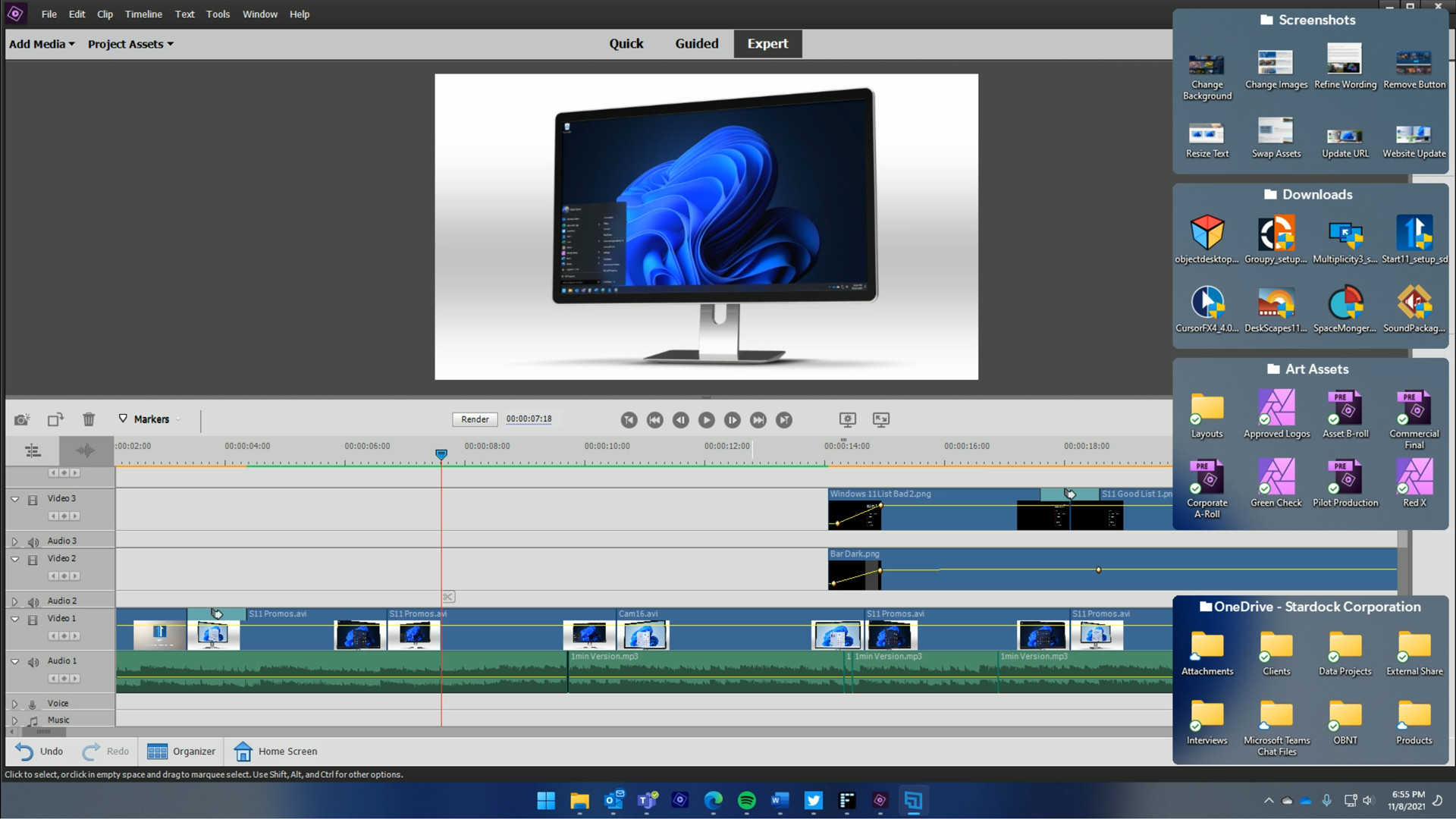
- Create shaded areas to organize your desktop
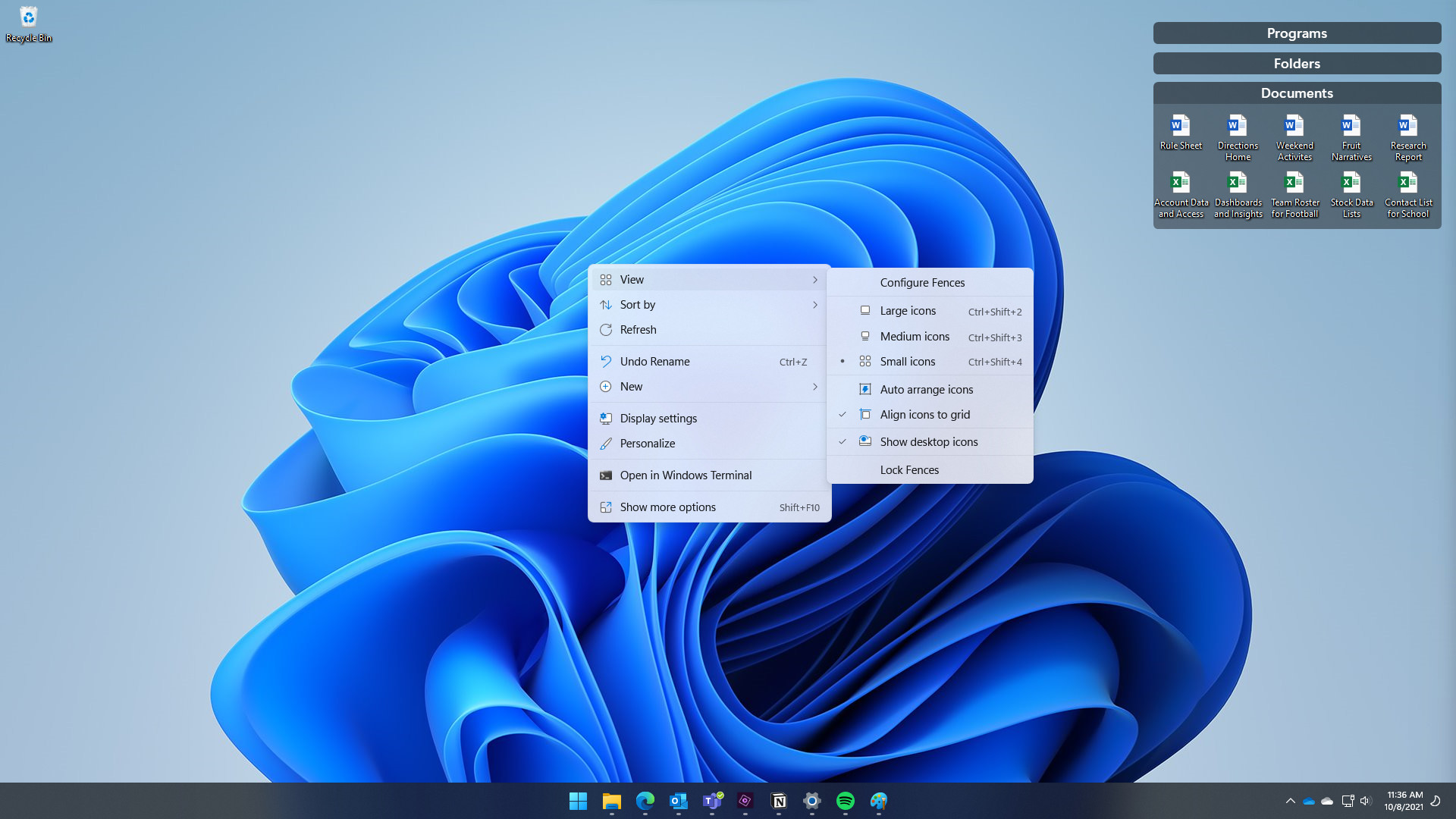
- Create rules to automatically organize your desktop icons
- Peek brings your fences to the top for instant access
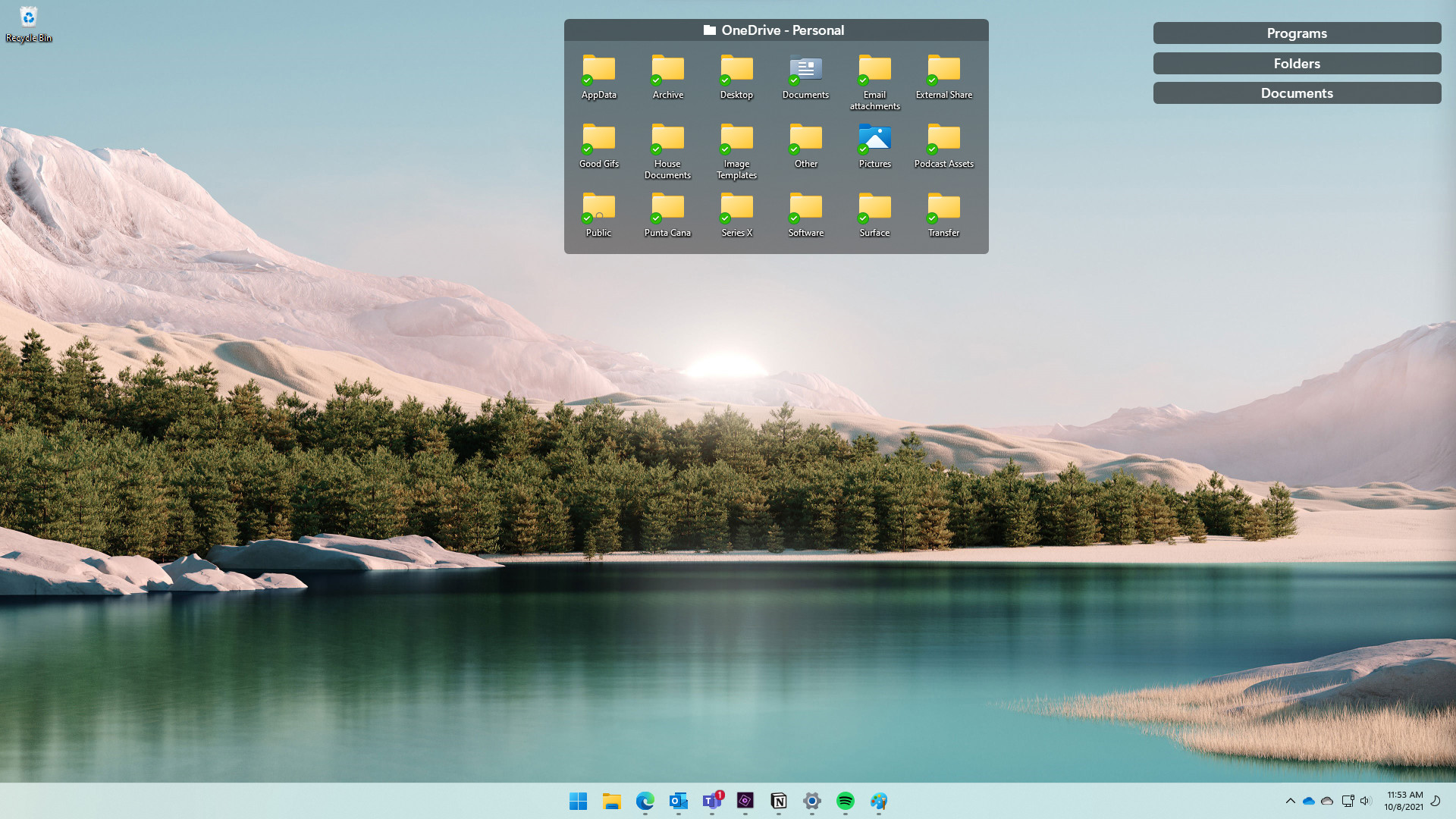
- Use folder portals to quickly access files in Explorer
- Swipe between multiple pages of fences
- Customize “show desktop” hotkey functionality
- Works with Windows 10 and 11
- Single device license - multi-device available via DLC
Organize your PC by automatically placing shortcuts and icons into resizable shaded areas on your desktop called fences. Designed to work for both Windows 10 and Windows 11, Fences’ vast options for customization are what makes it the world’s most popular desktop enhancement.
Peek at your fences for instant access
Bring your files, folders, and applications to the top of all your windows with Peek. By pressing Winkey + Space, you can instantly access everything you need inside of a fence without leaving your current application.Create portals for your most used apps and files
Stop searching through dozens of icons to find the folder you need. Create a portal that mirrors the contents of a folder onto your desktop within a fence, enabling quick access to its files.Eliminate clutter from your desktop
Roll up your fences by double-clicking on the title bar to save space on your desktop. To reveal your fence again, move your mouse over the title bar or double-click it again to view all of the fence’s icons normally.Create multiple pages on your desktop
Quickly swipe between pages on your desktop, allowing you to segment different categories of files, folders, and fences into their own unique areas. To change pages, simply take your mouse cursor to the edge of your screen, then click and drag to view a new page of fences. This feature provides greater control over how you can organize your favorite programs, documents, websites, and much more.Quickly hide your fences
Instantly clean up your desktop with a simple double-click on any blank area. The icons and fences will disappear, leaving you with a distraction-free desktop. Another double-click will return them to the desktop. If you have specific fences or folders you’d like to exclude from hiding, you can adjust those within the settings.Media
Trailers and screenshots straight from the store page


Price intelligence
Accepted price history and the lows that matter
No price history recorded yet.
Historical lows
No history yet.
Fences 4 price history and best deals
Price tracking for Fences 4 across authorized stores.
Scores
Steam reviews Mixed · 57%
57% positive of 254
Media (5)
Tech
Requirements
Facts
DeveloperStardock
PublisherStardock
GenresUtilities
TagsUtilities · Software · Game Development · Photo Editing · Software Training · Singleplayer
Links
Ratings
dejusl
steam_germany0