Cheepr
Games Action Filter Mode: Color Booster | Live Wallpaper | Eye Protection & Color Blindness
Content rating unavailable
Action · istenen

Filter Mode: Color Booster | Live Wallpaper | Eye Protection & Color Blindness

Filter Mode: Color Booster | Live Wallpaper | Eye Protection & Color Blindness
Content rating unavailable
🖥 Windows
4 user reviews · 75% of 4
Developeristenen
GenreAction
$1.99 −80% near all-time low
Get deal →
Our take

Great time to buy

Strong reviews, and it's near its cheapest ever.

Quality75/100
Great
  • 75% positive of 4 reviews
  • Small review sample — read with caution
Value100/100
Lowest ever
  • Now $1.99 — 80% off $9.99
  • Lowest we've recorded: $1.99

Compare prices

Official store Best price
checked
steam, Official store, 80% off, $1.99
Shop now at steam

Keyshops

No keyshop sources live yet.

Report a wrong price

About

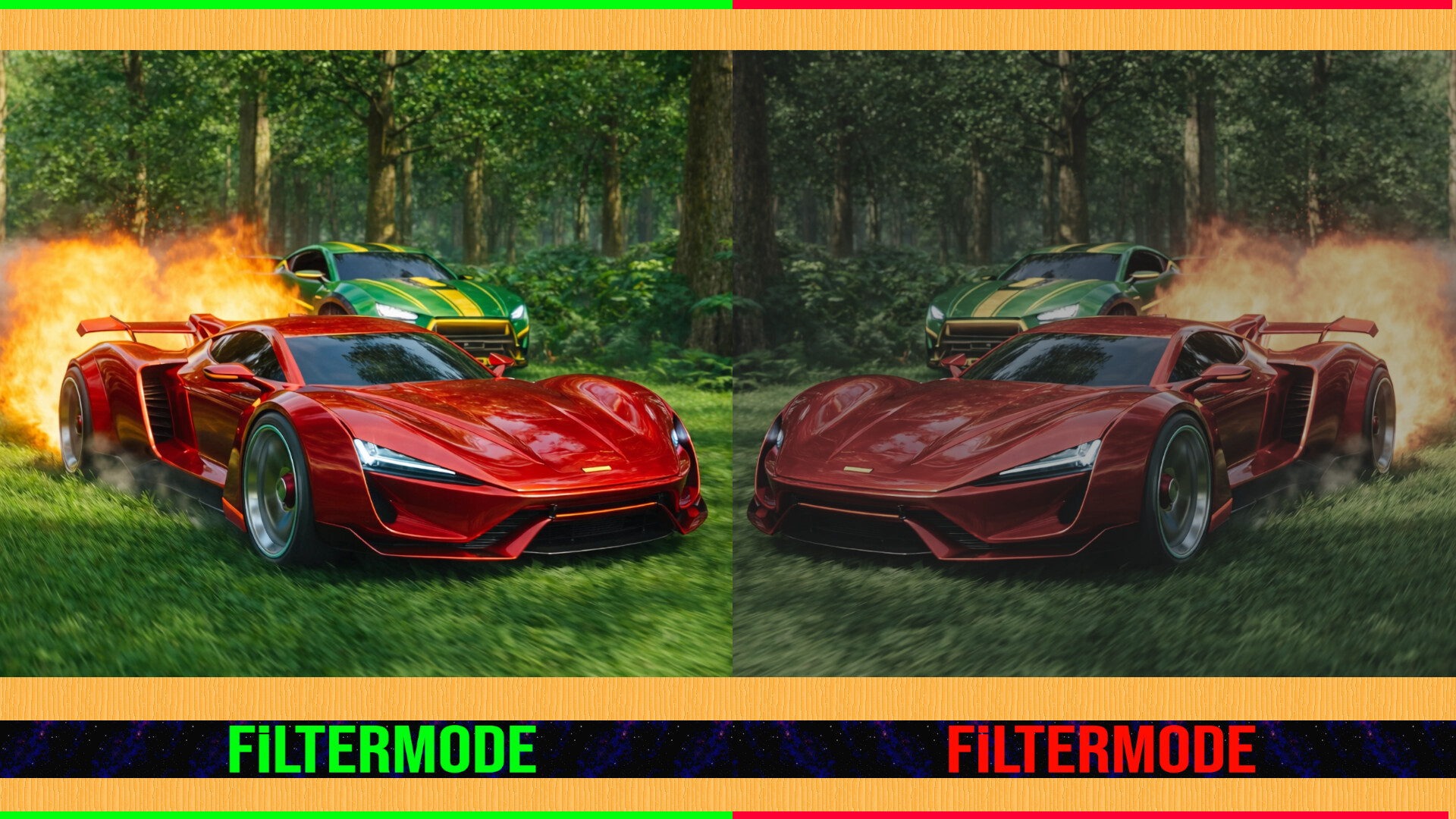
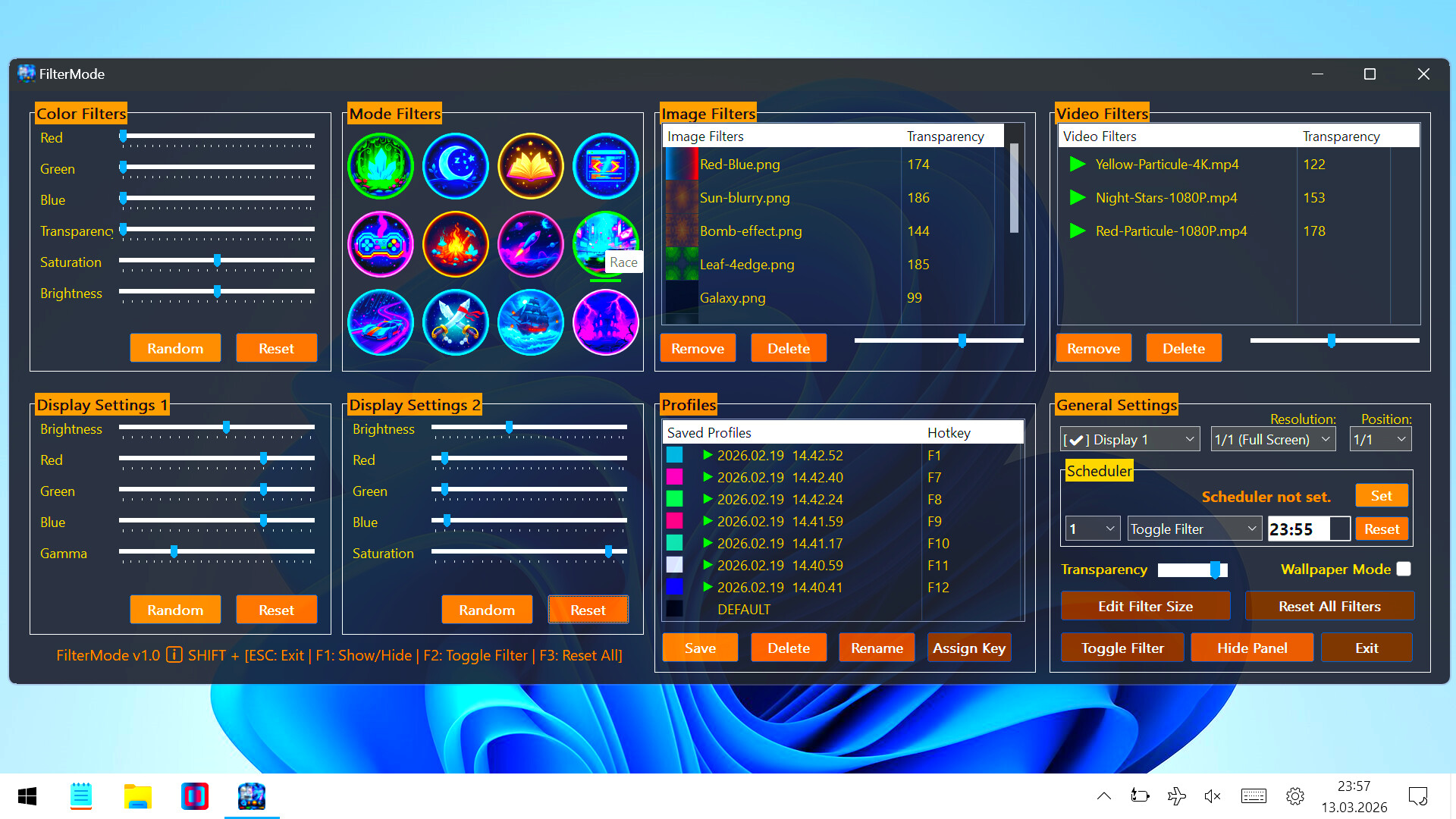
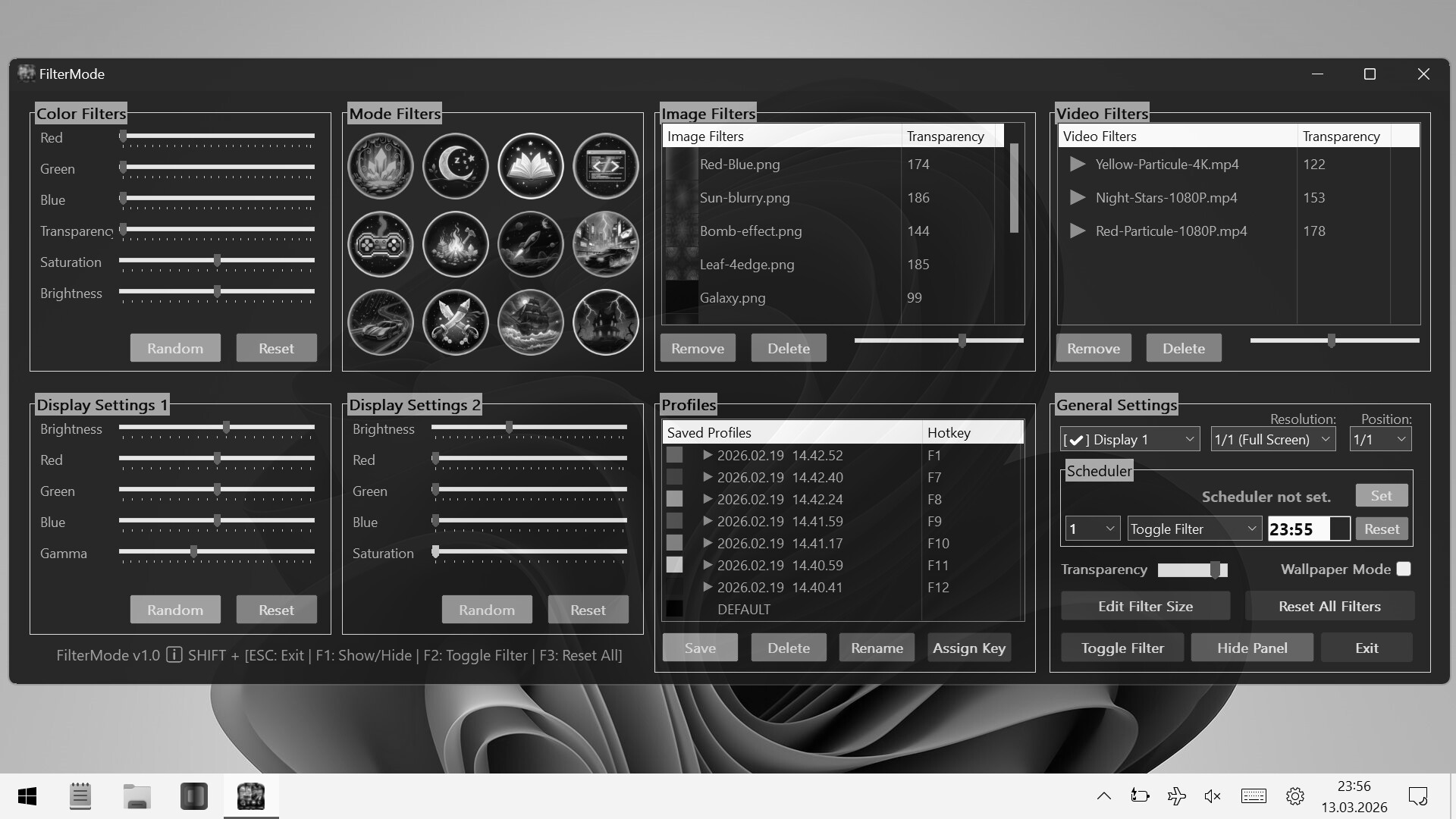
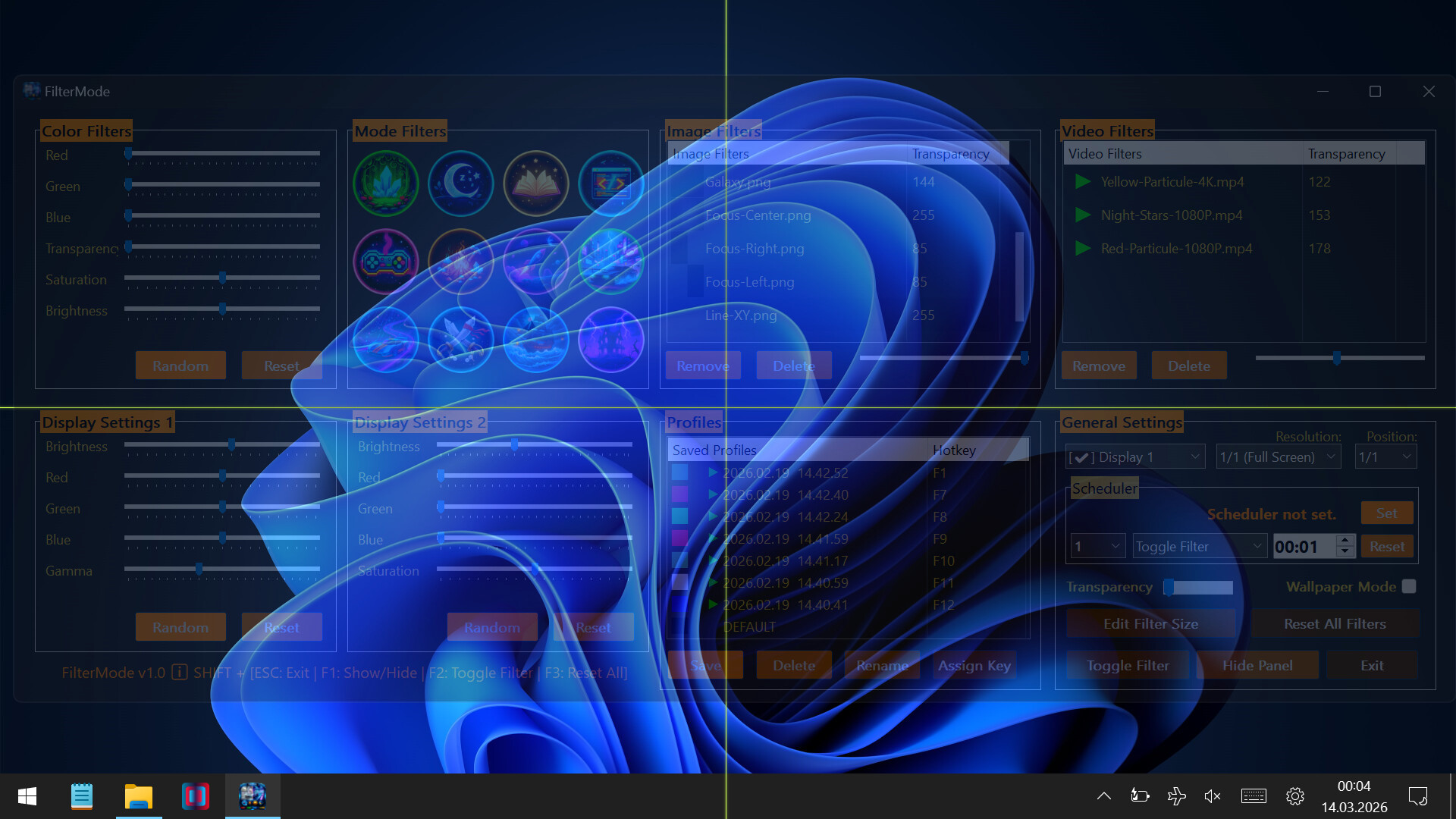
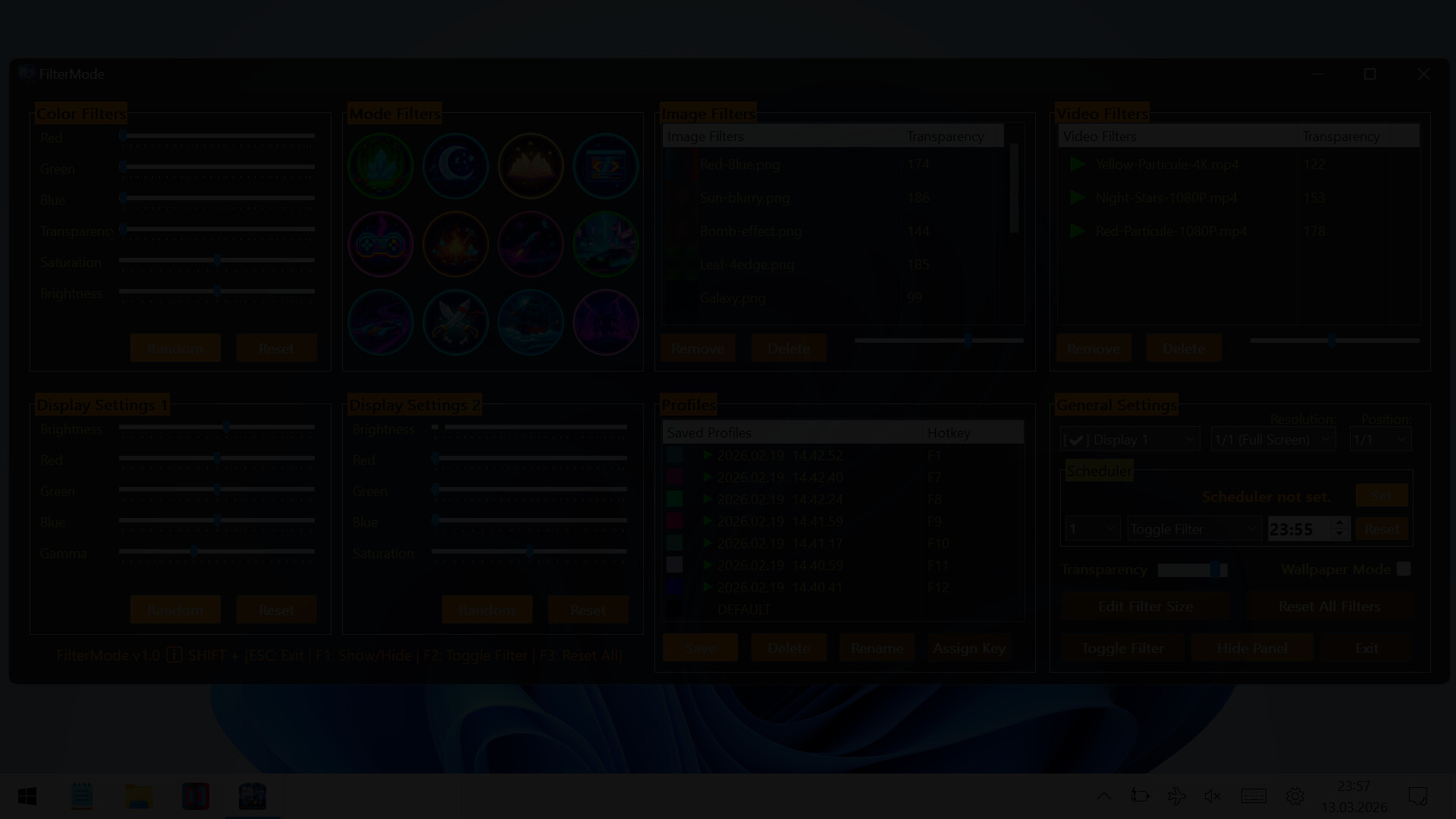
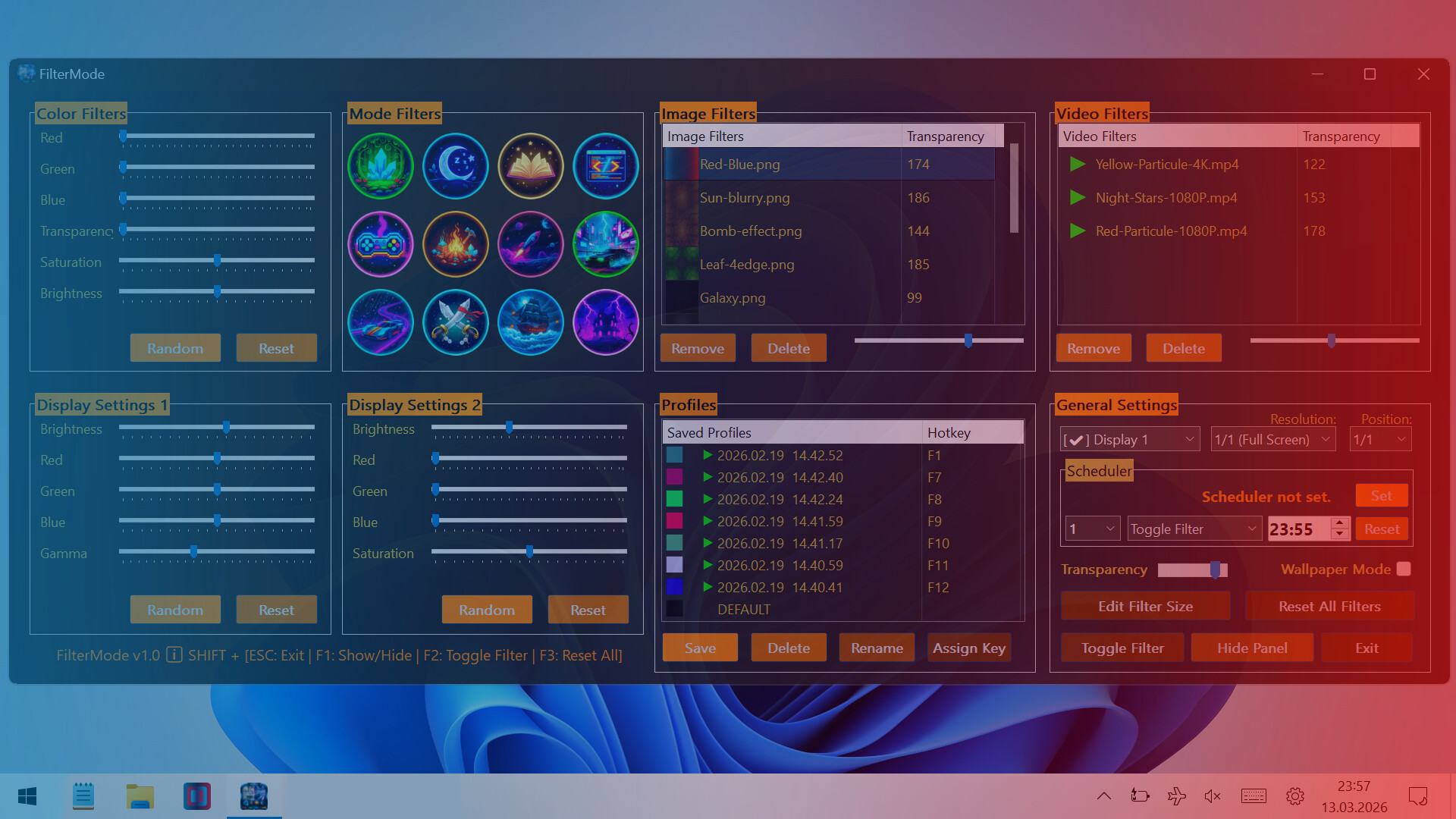
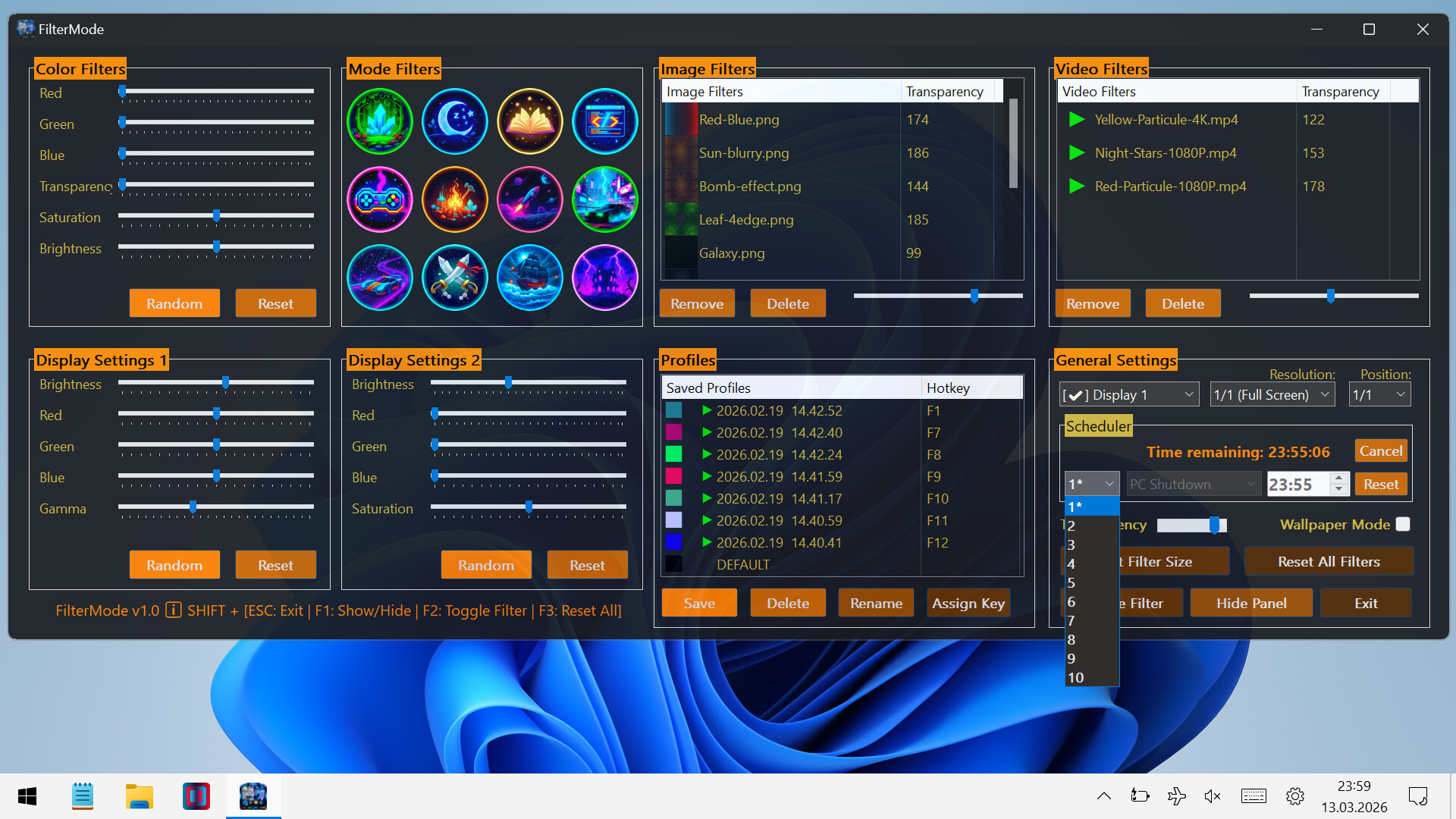
The most comprehensive tool for display customization! Switch between modes like Gaming, Reading, and Night with a single click. Easily manage Colors and Brightness. Assign timers or hotkeys to your profiles. Transform your Images and Videos into screen filters or live wallpapers.

A powerful and easy-to-use tool to personalize your visual experience.

🚀🖱️ Change atmosphere during gaming or work!

• 👁️ Adjust color and brightness as you wish to protect your eyes!

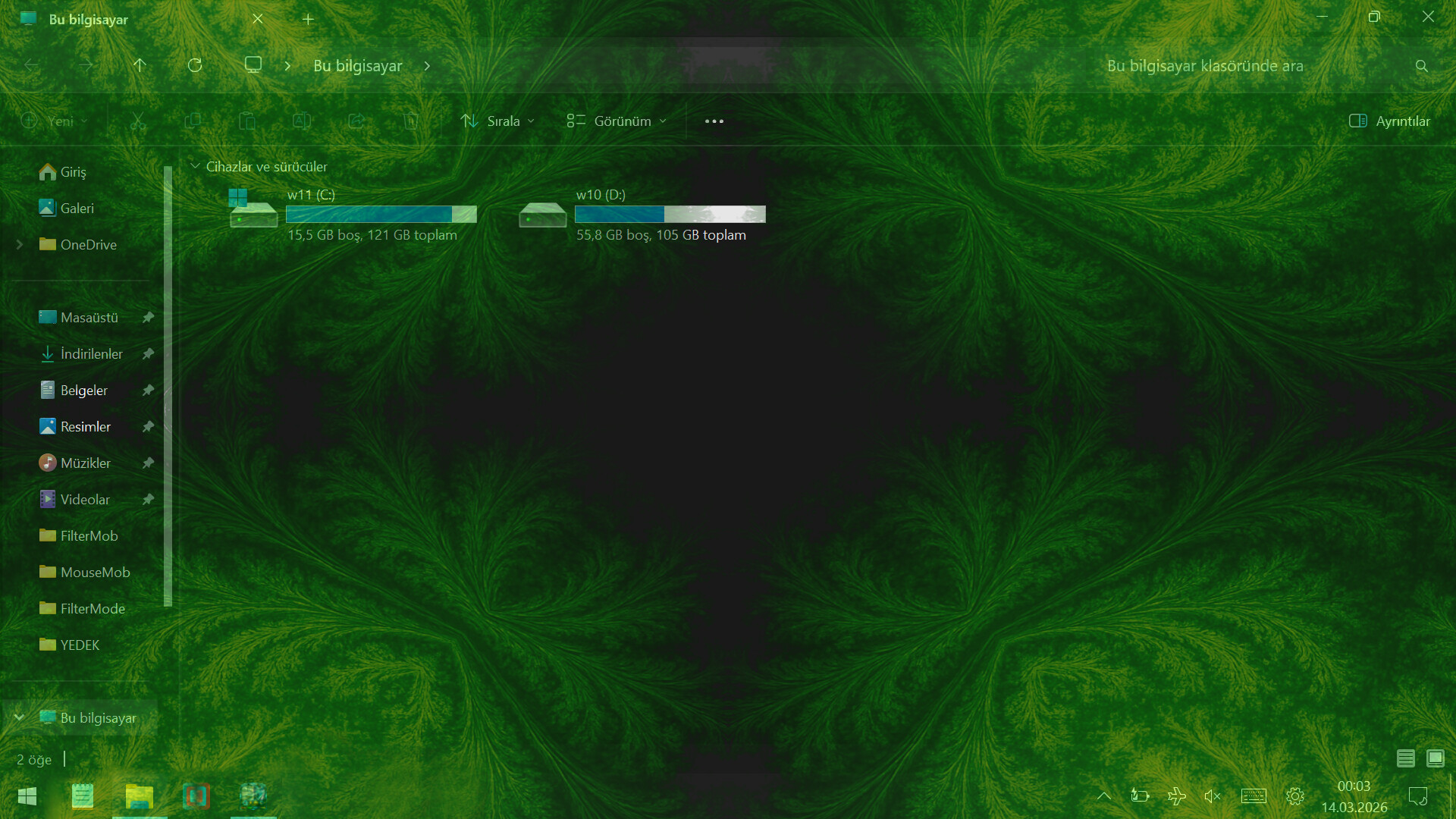
• 🖼️ Use your JPG/PNG images as screen filters!

• 🎥 Use your MP4/WEBM/AVI/MKV/MOV videos as screen filters!

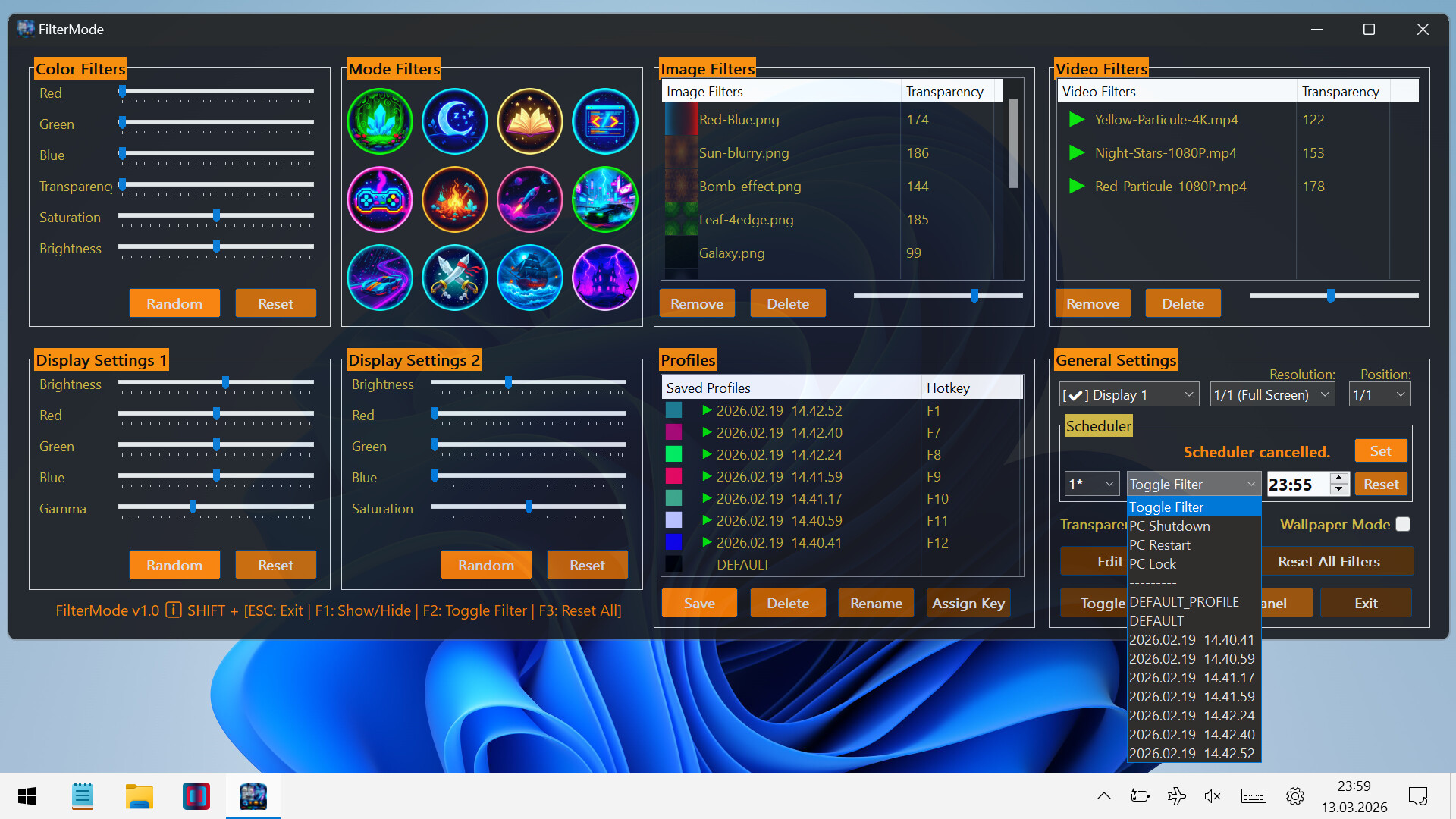
🎨 Color Filters:

  • Real-time RGB, saturation, brightness adjustment

  • 0-100% transparency control

  • Save your filters to a list

  • Easily apply / rename / delete your saved filters

🖼️ Image Filters:

  • Add JPG/PNG images via drag-and-drop

  • Image transparency adjustment

  • Save your images to a list

  • Easily apply / change opacity / delete your saved images

🎥 Video Filters:

  • Add MP4/WEBM/AVI/MKV/MOV videos via drag-and-drop

  • Video transparency adjustment

  • Save your videos to a list

  • Easily apply / change opacity / delete your saved videos

🕒 Scheduler System

With the Scheduler tab, you can set a specific time to automatically:

  • Toggle the All FilterMode filters on/off

  • Automatically load a saved profile

  • Shutdown PC

  • Restart PC

  • Lock PC

💾 Advanced Profile Management

You can now save every setting (Color, Image, Video, Gamma, and System Brightness) as a named Profile.000

  • Saved profiles are now listed with visual icons (Color previews or thumbnails).

  • Switch between "Game Mode," "Reading Mode," or "Night Mode"... (your profiles) with a single click.

💾 Automatic Save Management:

  • All settings are automatically saved

  • Last used filters and overlays are remembered and automatically set at startup

  • Your settings are safe even in unexpected shutdowns

⚡ Performance

  • Optimized Efficiency:Designed for low resource consumption.

⌨️ Quick Actions:

  • Instant control via customizable global shortcuts (Shift+Esc, F-keys) 

  • Automatic system language detection (30+ languages).

Review sentiment over time
positive critical

No review history yet.

Media

Filter Mode: Color Booster | Live Wallpaper | Eye Protection & Color Blindness screenshot 1
Filter Mode: Color Booster | Live Wallpaper | Eye Protection & Color Blindness screenshot 2
Filter Mode: Color Booster | Live Wallpaper | Eye Protection & Color Blindness screenshot 3
Filter Mode: Color Booster | Live Wallpaper | Eye Protection & Color Blindness screenshot 4
Filter Mode: Color Booster | Live Wallpaper | Eye Protection & Color Blindness screenshot 5
Filter Mode: Color Booster | Live Wallpaper | Eye Protection & Color Blindness screenshot 6
Filter Mode: Color Booster | Live Wallpaper | Eye Protection & Color Blindness screenshot 7
Filter Mode: Color Booster | Live Wallpaper | Eye Protection & Color Blindness screenshot 8
Filter Mode: Color Booster | Live Wallpaper | Eye Protection & Color Blindness screenshot 9
Filter Mode: Color Booster | Live Wallpaper | Eye Protection & Color Blindness screenshot 10
Filter Mode: Color Booster | Live Wallpaper | Eye Protection & Color Blindness screenshot 11
Filter Mode: Color Booster | Live Wallpaper | Eye Protection & Color Blindness screenshot 12
Filter Mode: Color Booster | Live Wallpaper | Eye Protection & Color Blindness screenshot 13

System requirements

System requirements platform
Minimum
Minimum:
  • Requires a 64-bit processor and operating system
  • OS: Windows 10
  • Processor: 1 GHz processor
  • Memory: 1 GB RAM
  • Graphics: Intel HD 520 / AMD Radeon R3
  • Storage: 69 MB available space
  • Sound Card: Not required
Recommended
Recommended:
  • Requires a 64-bit processor and operating system
  • OS: Windows 11
  • Processor: 1.5 GHz or faster processor
  • Memory: 2 GB RAM
  • Graphics: NVIDIA GT 1030 / AMD Radeon RX 550 or higher
  • Storage: 75 MB available space
  • Sound Card: Not required
Minimum
Minimum:
    Recommended
    Recommended:
      Minimum
      Minimum:
        Recommended
        Recommended:

          Age rating & content

          dejusl
          igrs3
          steam_germany0

          Price history

          Lowest prices
          Lowest prices view
          All-time low $1.99
          2026-07-07
          Current $1.99
          3-month low $1.99
          12-month low $1.99
          All-time low $1.99
          2026-07-07

          Game info

          Developer istenen
          Publisher istenen
          Platforms Windows
          Features
          Color AlternativesCamera ComfortPlayable without Timed InputKeyboard Only OptionMouse Only OptionTouch Only OptionSave Anytime