
GameAssistant: The Tool For Every Gamer

Why this verdict
Offers
Official store prices and labeled keyshop comparisons
No offers tracked yet for this product.
Report a problem
Price history
Accepted price history and recorded lows
No price history recorded yet.
No history yet.
No recorded sale starts yet.
DLC (1)
Add-on content for this game

About this game
What this game is, in the developer's words
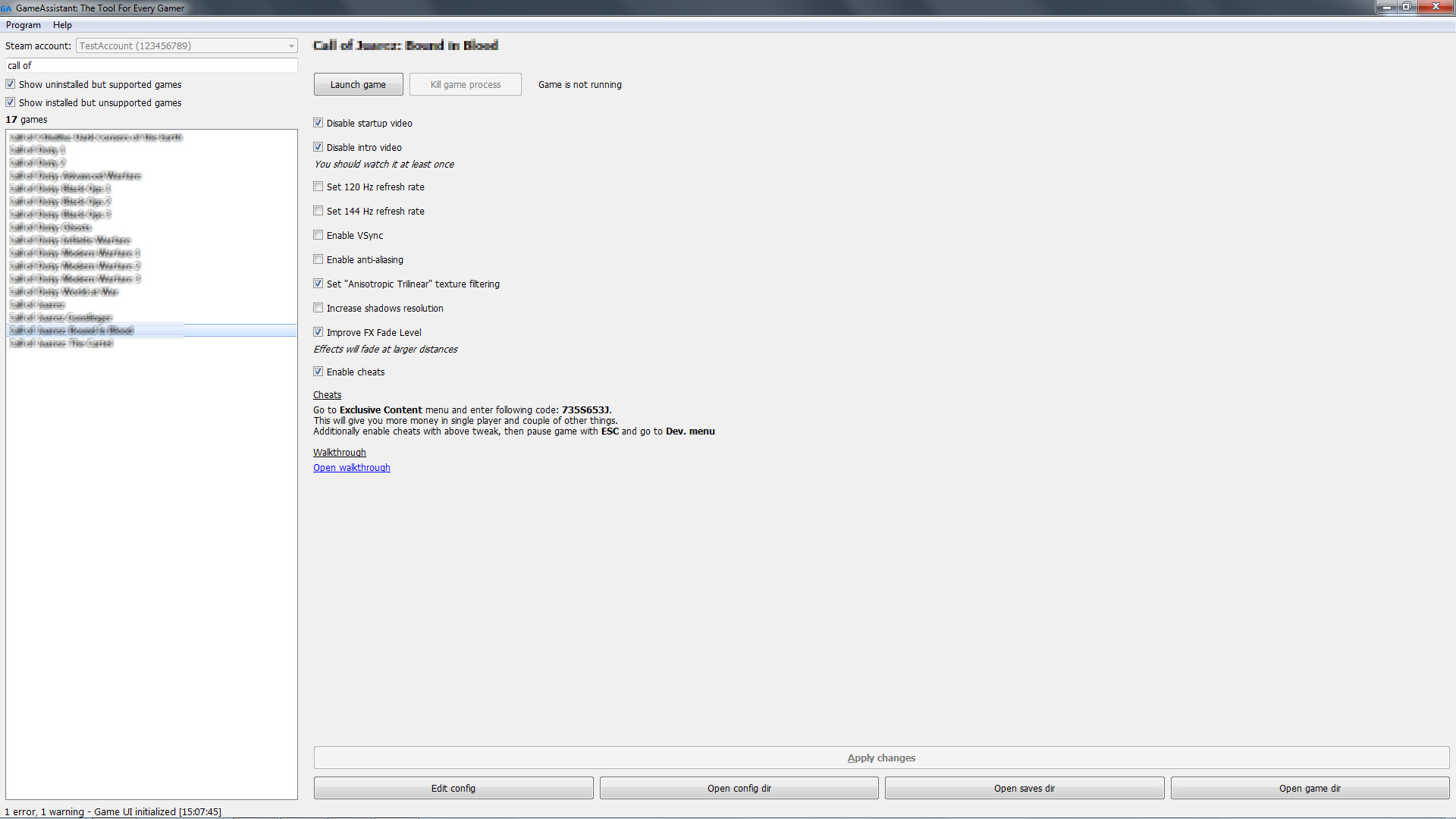
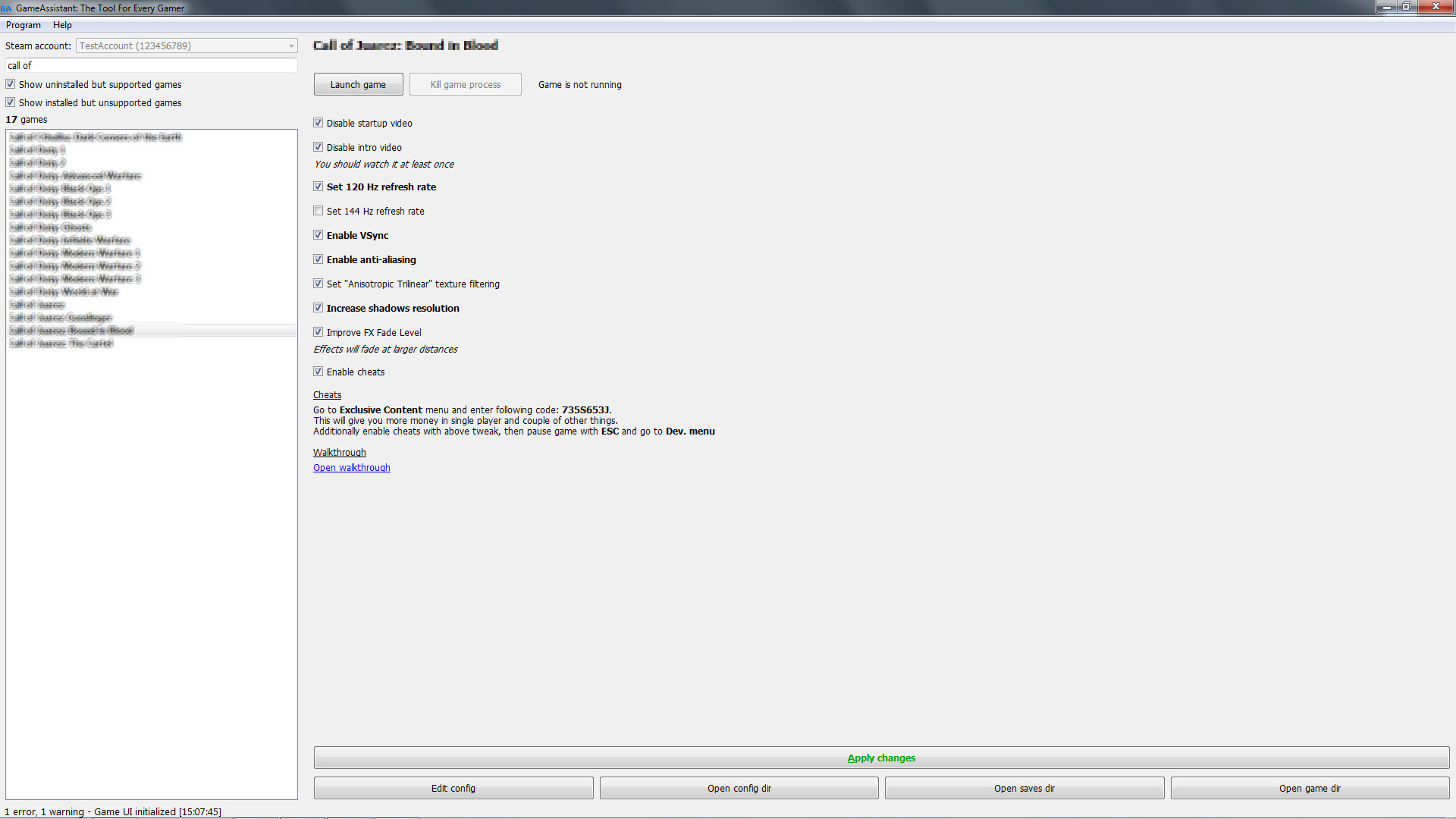
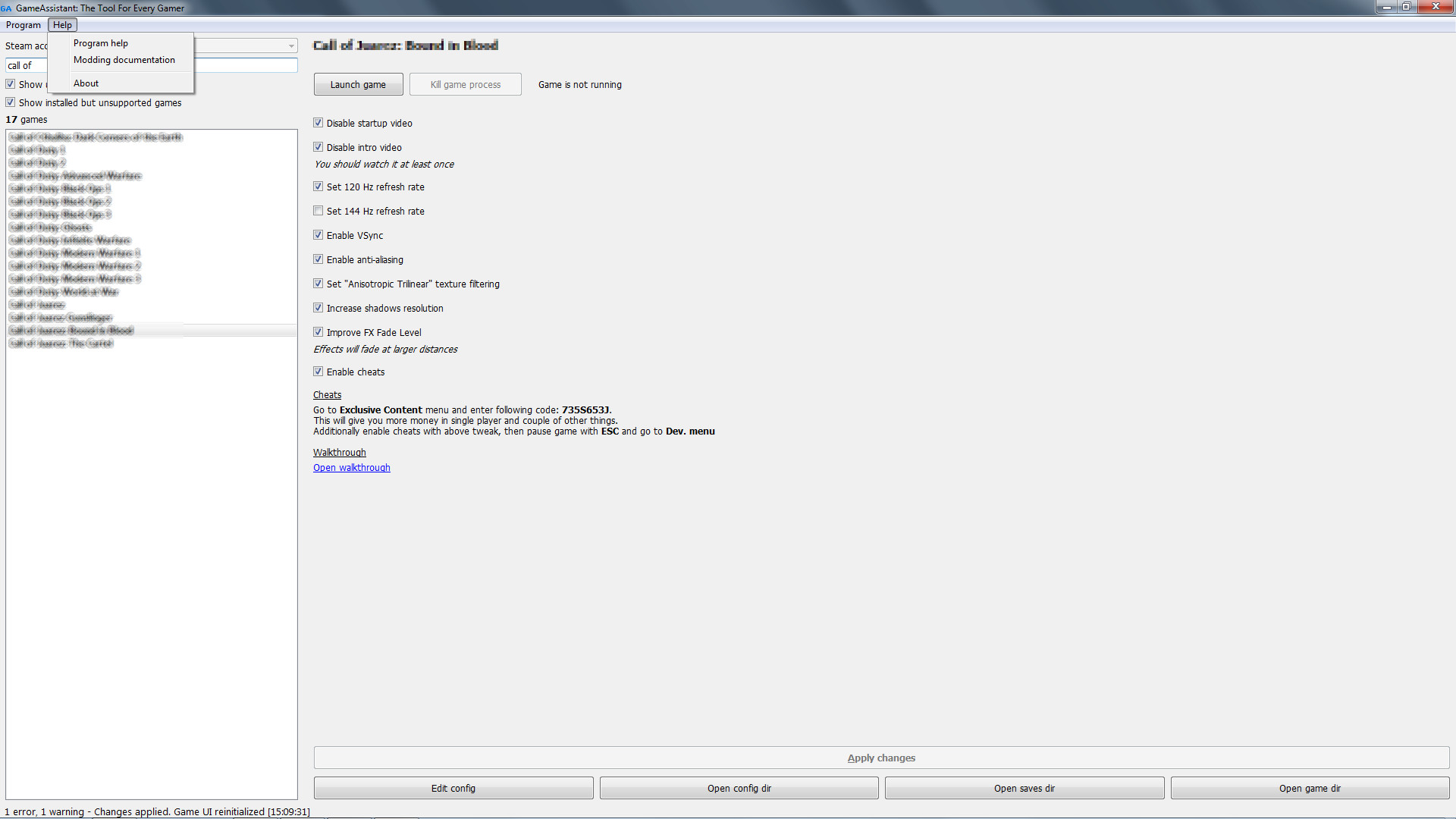
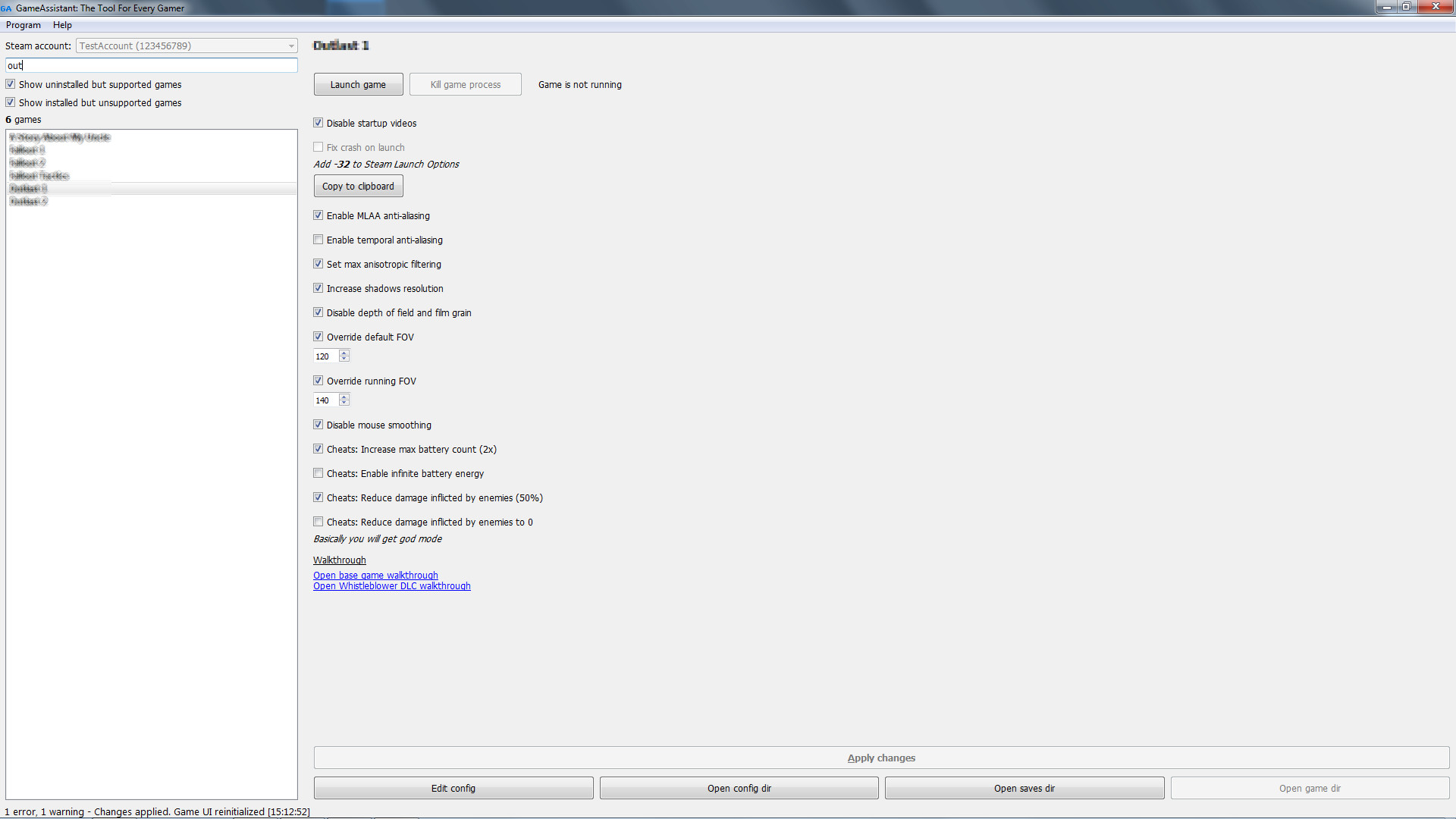
GameAssistant: The Tool For Every Gamer automates games tweaking: disable startup videos, set modern resolutions, enable or disable VSync, override FOV, increase visual quality, disable effects, fix crashes, poor performance and other issues!
Over 200 games supported
Check forums for full detailed list.
Moddable
Open for modding. Adding new games does not require programming skills.
Check modding documentation via Help menu.
About the Software
GameAssistant: The Tool For Every Gamer is a unique program that automates games tweaking.Simple to use, yet powerful.
It allows, depending on game, to:
- disable startup videos
- set modern resolutions
- set windowed mode
- enable anti-aliasing
- enable or disable VSync
- set 120 Hz / 144 Hz refresh rate of FPS limit
- override FOV
- increase visual quality (more detailed shadows, max anisotropic filtering)
- disable some effects (depth of field, bloom, motion blur, chromatic aberration)
- enable or disable mouse smoothing and acceleration
- fix crashes, poor performance and other issues
- enable cheats (when possible, this is not a hacking tool or trainer)
All changes can be reverted.
Additionally some hints will be given along with cheats and link to walkthrough.
It's a real time saver.
No need to search internet.
No need to locate config files and perform manual editing.
For things listed above to be possible program is able to:
- modify config files (11 formats supported: from simple key = value to engine specific)
- modify registry entries
- modify binary files
- set compatibility modes for executables (admin, win xp)
- set CPU affinity
- set process priority
- copy files
- remove files
- create directories
- extract files from archives
- mark files as read-only
- show formatted hints
You can also:
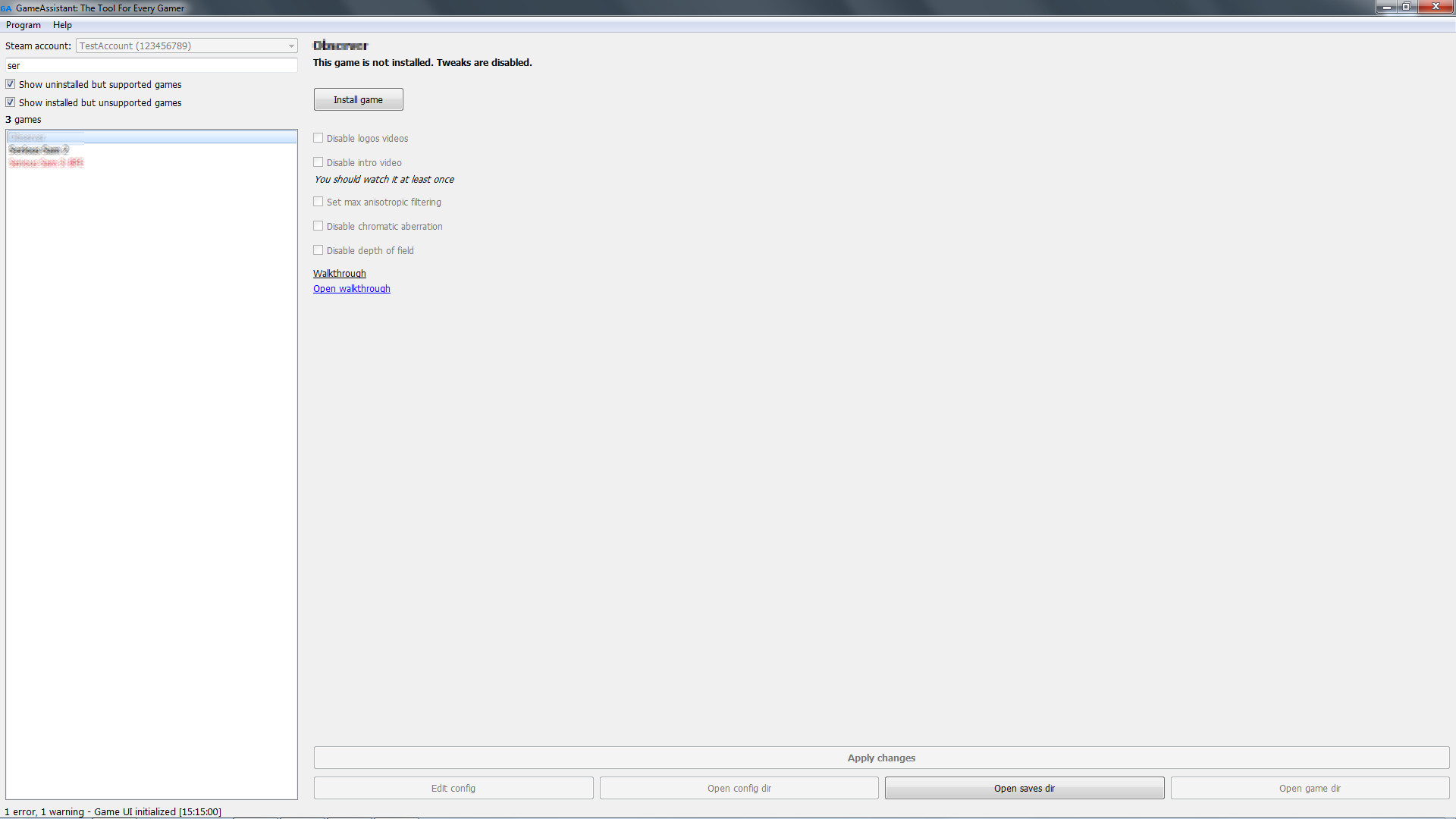
- install game
- launch game
- kill game process
- open config file for manual editing
- open directory with configs
- open directory with save games (games use so many locations!)
- open game directory
Multiple accounts are supported (Special Edition only).
Currently over 200 games are supported.
Check forums for full list of supported tweaks for games.
It is possible to add support for more games. All you need is to write simple JSON config.
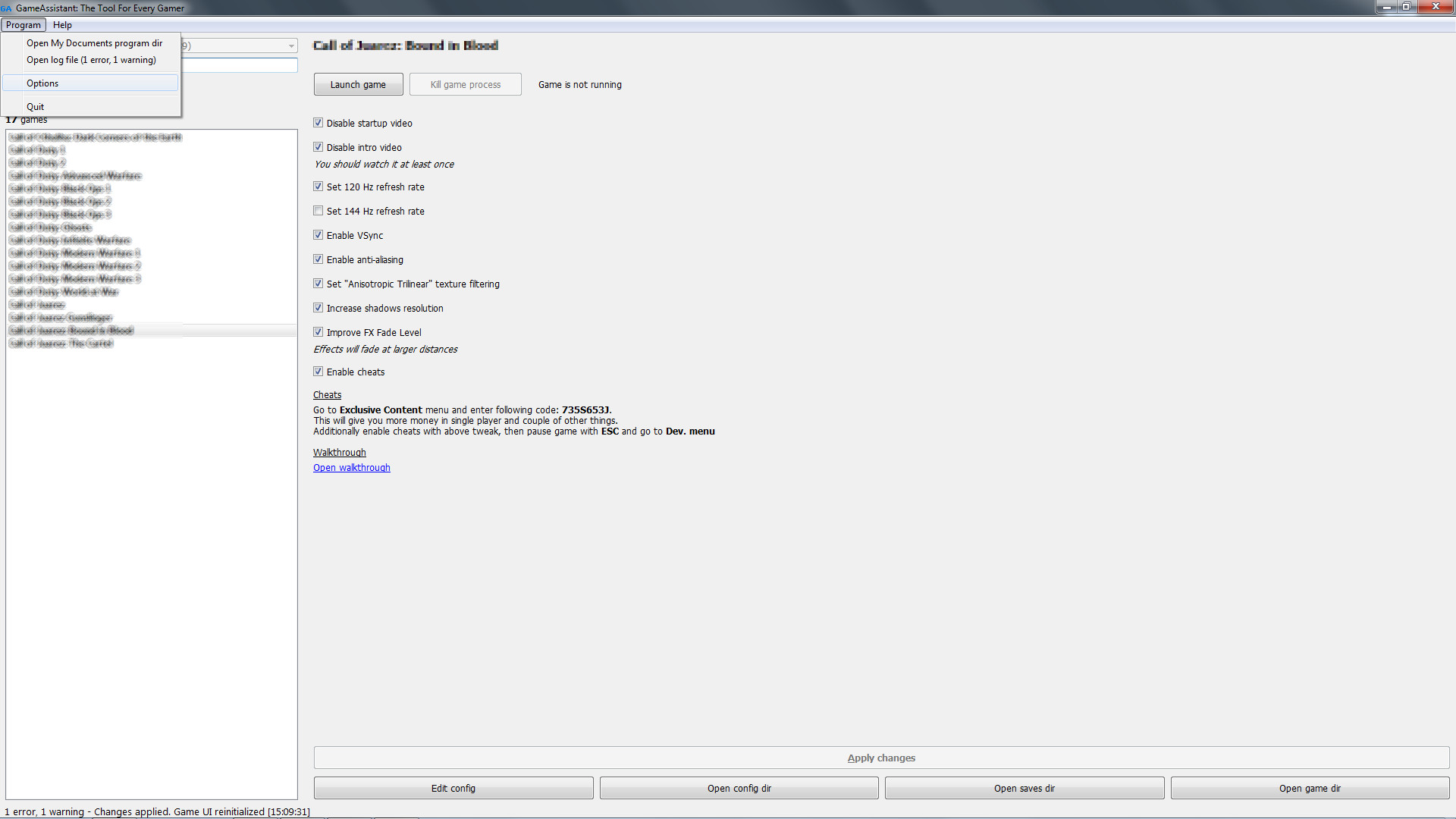
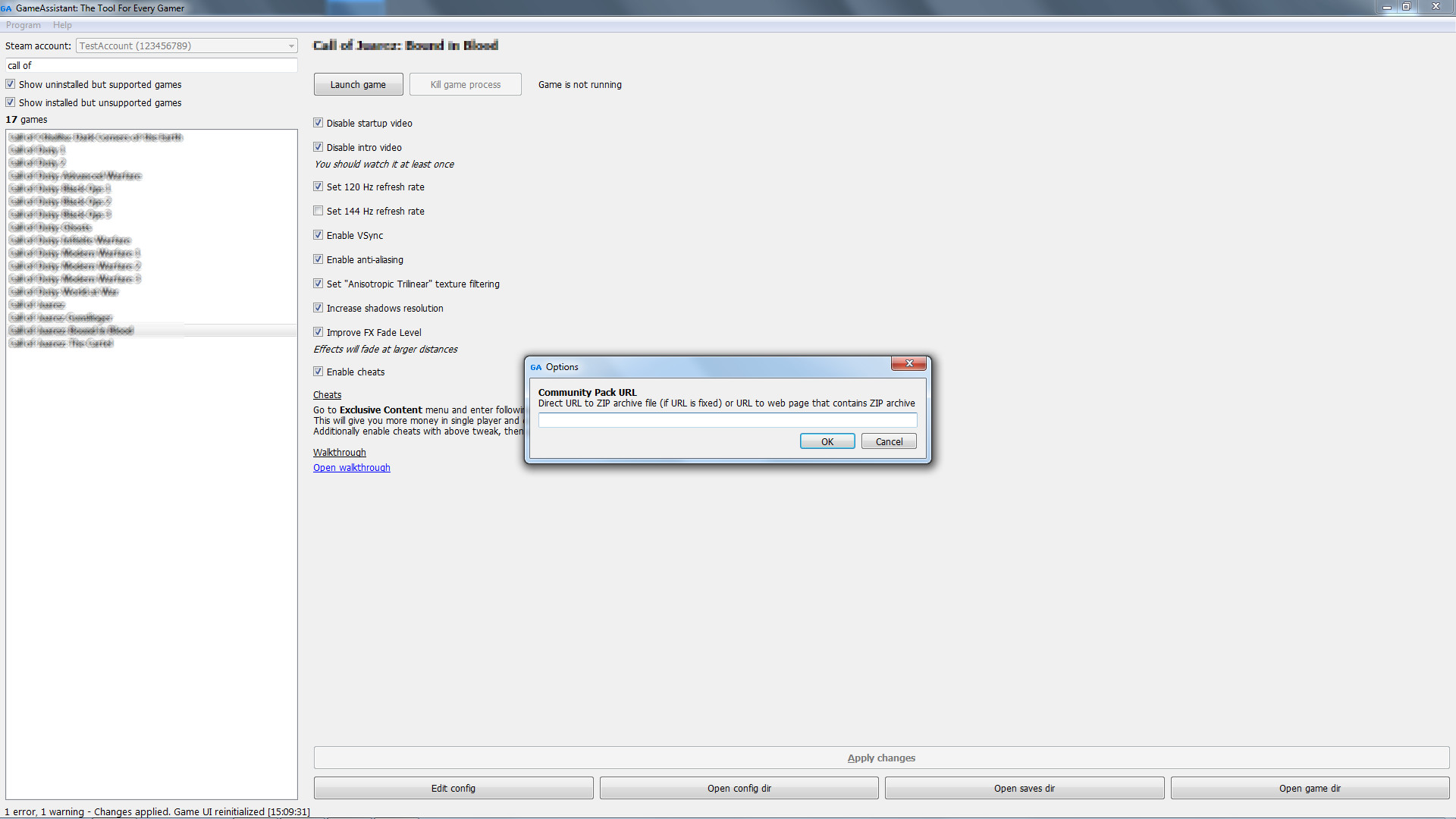
Program can download Community Pack - ZIP archive with configs.
Detailed HTML modding documentation is provided.
Media
Trailers and screenshots straight from the store page


GameAssistant: The Tool For Every Gamer price history and current deals
Price tracking for GameAssistant: The Tool For Every Gamer across authorized stores.