PC
Region US

Casual · Daniel Dimitrov
GamingPulsePRO - Discord Bot

Windows
No user reviews · 0% of 0
Offers
Official store prices and labeled keyshop comparisons
No offers tracked yet for this product.
Report a wrong price
About this game
What this game is, in the developer's words
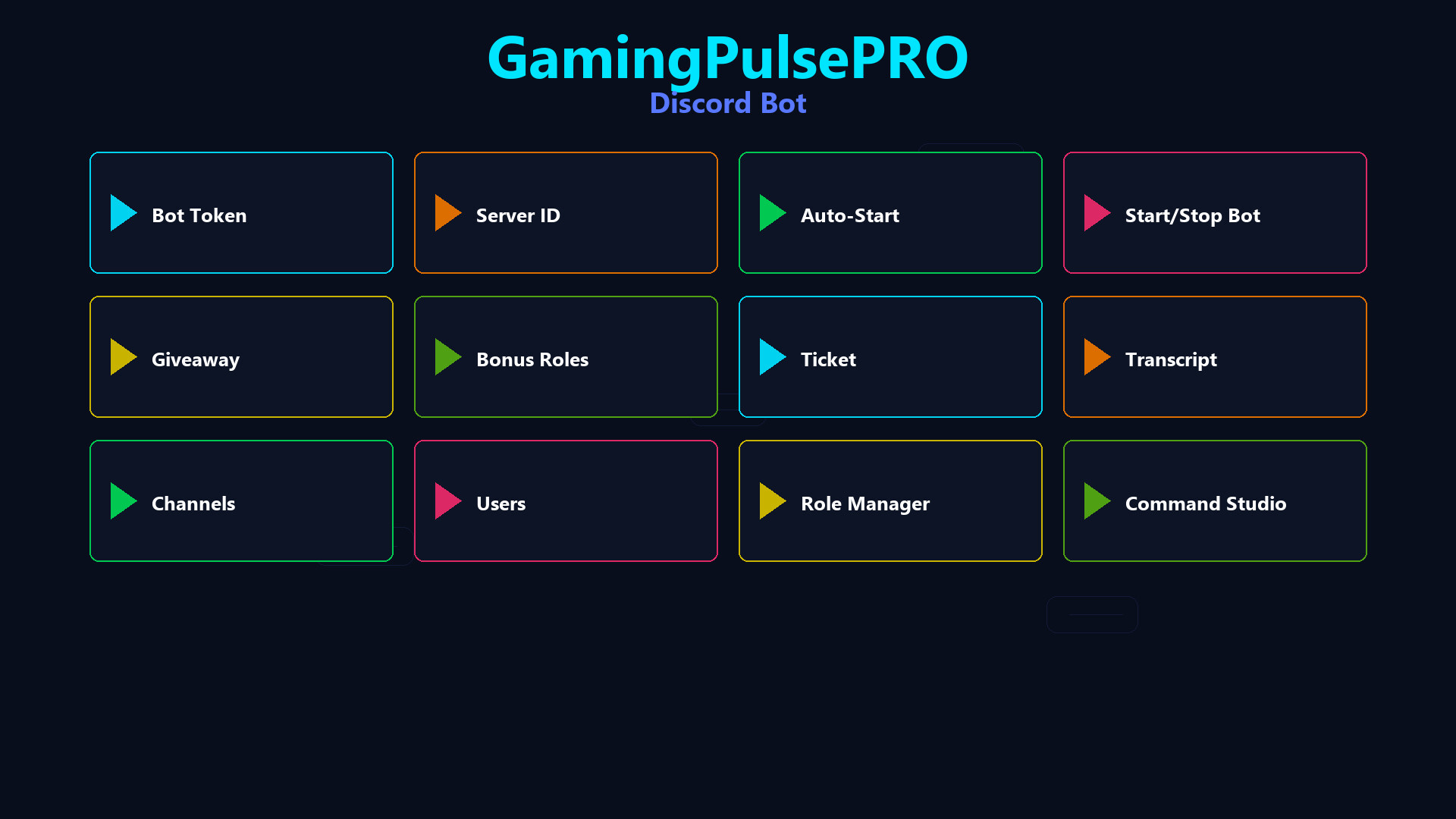
Run a full-featured Discord bot locally — giveaways, support tickets, server management, role manager, command studio and Rich Presence editor. No hosting fees, no external servers. Your bot runs on your PC.
💬 GamingPulsePRO — Discord Bot
A complete Discord bot manager that runs entirely on your PC. Set up giveaways, support tickets, welcome messages, role assignments, custom commands and Rich Presence — without paying for hosting or managing external servers. 🎯
🤖 Bot Management
🔑 Bot Token Setup
Paste your Discord bot token and go live instantly. Secure local storage with no data sent to third parties.
⚡ Command Prefix
Customize the command prefix (default: !) or use @mention-based commands. Your server, your rules.
🌐 Gateway Intents
Full access to Guild Members and Message Content for complete server awareness.
🎉 Giveaway System
🎁 Create Giveaways
Set up timed giveaways with custom prizes, entry requirements and automatic winner selection.
🏆 Winner Announcement
Automated winner announcement with mention and prize details posted directly in the giveaway channel.
🎫 Support Ticket System
📩 Ticket Creation
Members create private support channels with a single command. Each ticket gets a dedicated thread.
📋 Ticket Management
Close, archive and review tickets. Staff can see all open tickets at a glance.
👋 Welcome System
🖼️ Welcome Card
Auto-generate a visual welcome card image when new members join your server.
📢 Welcome Message
Customizable welcome message with user mention posted to your chosen channel.
👥 Role Manager
🎭 Role Assignment
Assign and remove roles based on reactions, commands or automatic triggers.
📊 Role Hierarchy
Visual role hierarchy display with drag-and-drop ordering.
🛠️ Command Studio
✏️ Custom Commands
Create custom bot commands with text responses, embeds, role checks and cooldowns.
📝 Command Editor
Visual command editor with live preview. No coding required.
🎮 Discord Rich Presence
📝 Presence Editor
Edit your Details (top text), State (bottom text), timestamps and activity type in real time.
🖼️ Image Setup
Set large image with tooltip and small badge icon. Display your branding while gaming.
⏱️ Timer Display
Show elapsed time or countdown timer in your Discord status.
🔄 Auto-Reconnect
Named pipes IPC with automatic reconnect every 10 seconds. Presence buffering survives disconnects.
🔧 Server Management
- 📊 Member analytics and activity tracking
- 🔇 Moderation tools — mute, kick, ban via commands
- 📌 Auto-moderation rules
- 💾 JSON-based persistent settings
- 🔄 Hot-reload — changes apply without restart
⚠️ Requires the base GamingPulsePRO application.
Media
Trailers and screenshots straight from the store page
Price history
Accepted price history and recorded lows
No price history recorded yet.
Historical lows
No history yet.
GamingPulsePRO - Discord Bot price history and current deals
Price tracking for GamingPulsePRO - Discord Bot across authorized stores.
Scores
Steam reviews No user reviews · 0%
Media (1)
Tech
Requirements
Facts
DeveloperDaniel Dimitrov
GenresCasual · Software Training · Utilities
TagsUtilities · Casual · Software Training
Links
Ratings
dejusl
igrs3
steam_germany0