
Content rating unavailable
Action · Vertigo Gaming Inc.
greenTech+

Content rating unavailable
Windows
3 user reviews · 100% of 3

 Buy now Chip's verdict · US updated 35 min. ago
 Strong reviews, and it's near its cheapest ever. It rarely gets better than this.
Why this verdict
Price position between all-time low and full price 0%
All-time low $0.99 · 15d ago
Current discount -75% off $3.99
Player reviews 100% positive of 3
Quality score 100/100 · small sample
Value score 100/100
Offers
Official stores only · every price checked from the source
Official stores (1)
Clean outbound link. We never touch your payment.
Report a wrong price
Packs and bundles (1)
Multi-item packages that include this game
- Vertigo Gaming Inc. Legacy Collection -75% From $2.58Vertigo Gaming Inc. Legacy Collection
About
What this game is, in the developer's words
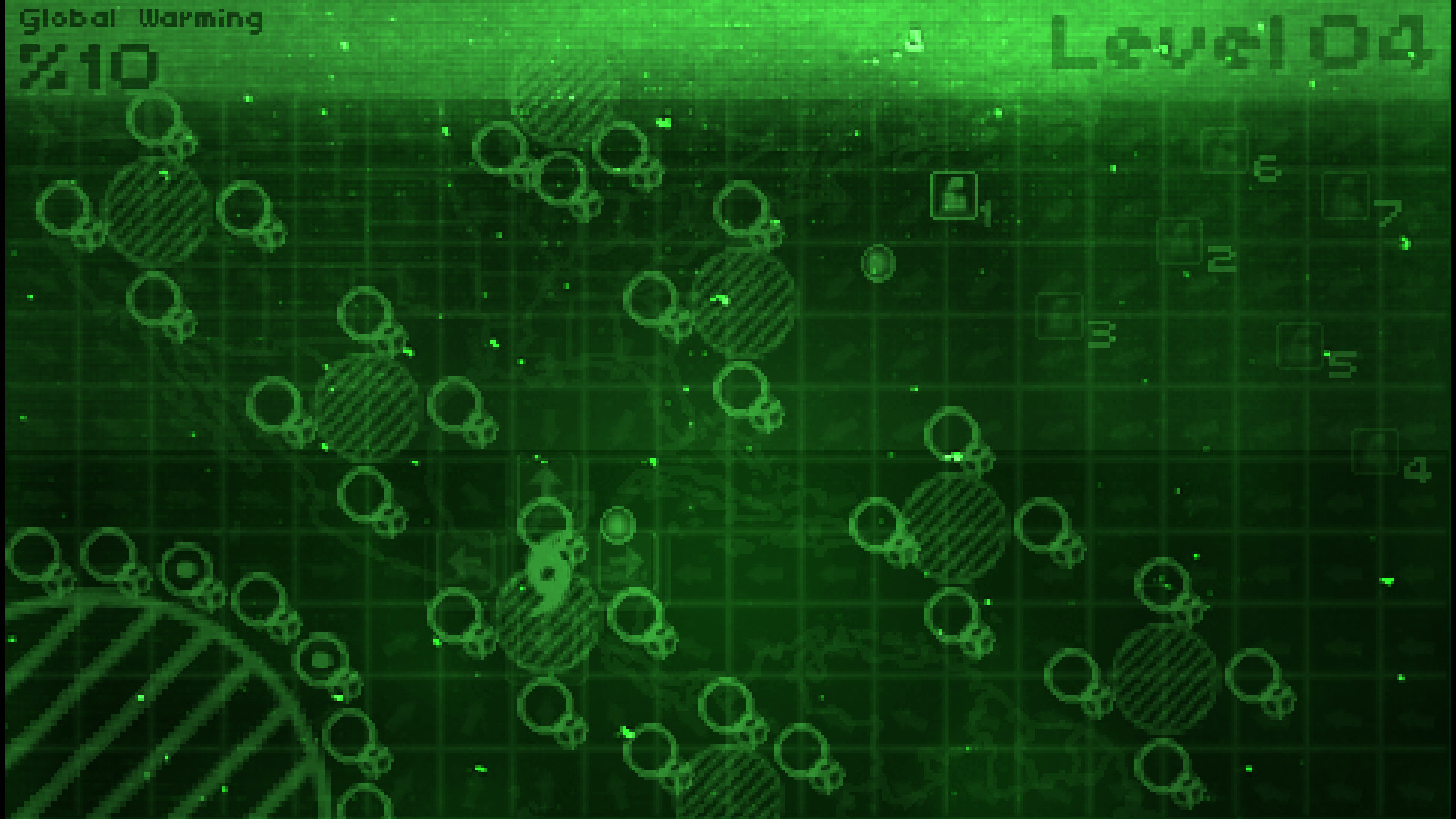
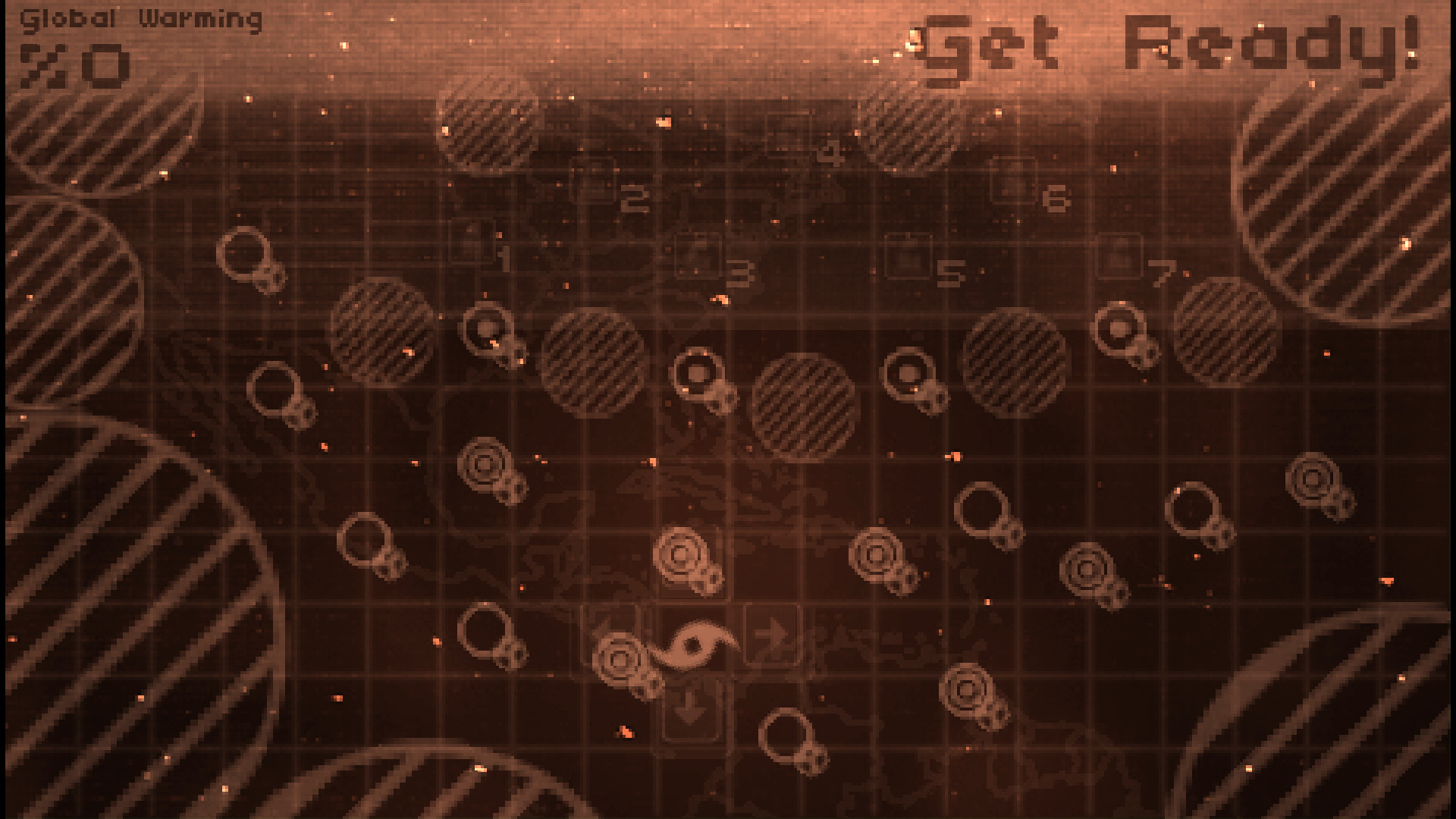
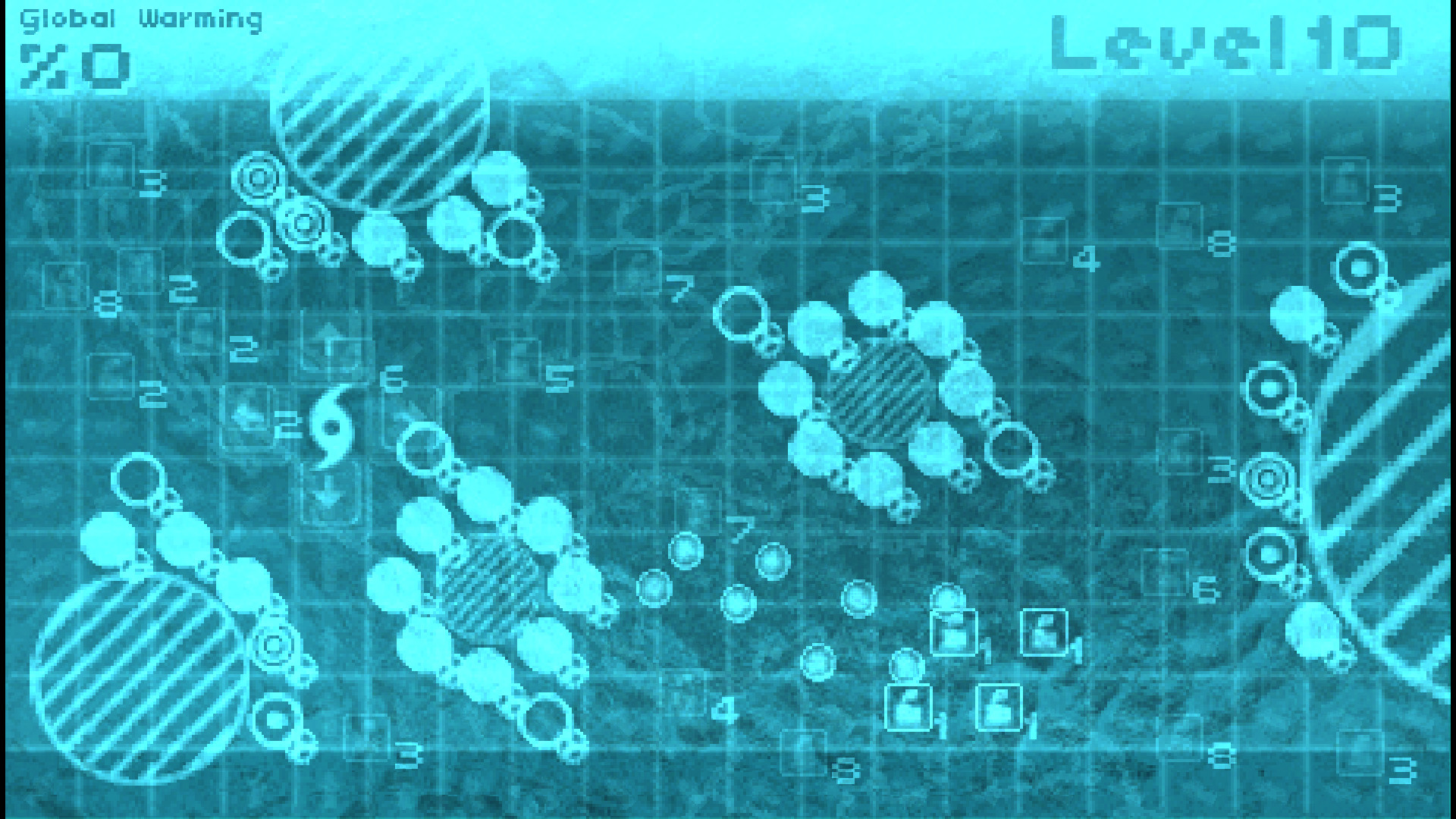
Lead clouds of pollution into the cleansing centers, but be careful not to destroy the world by accident.
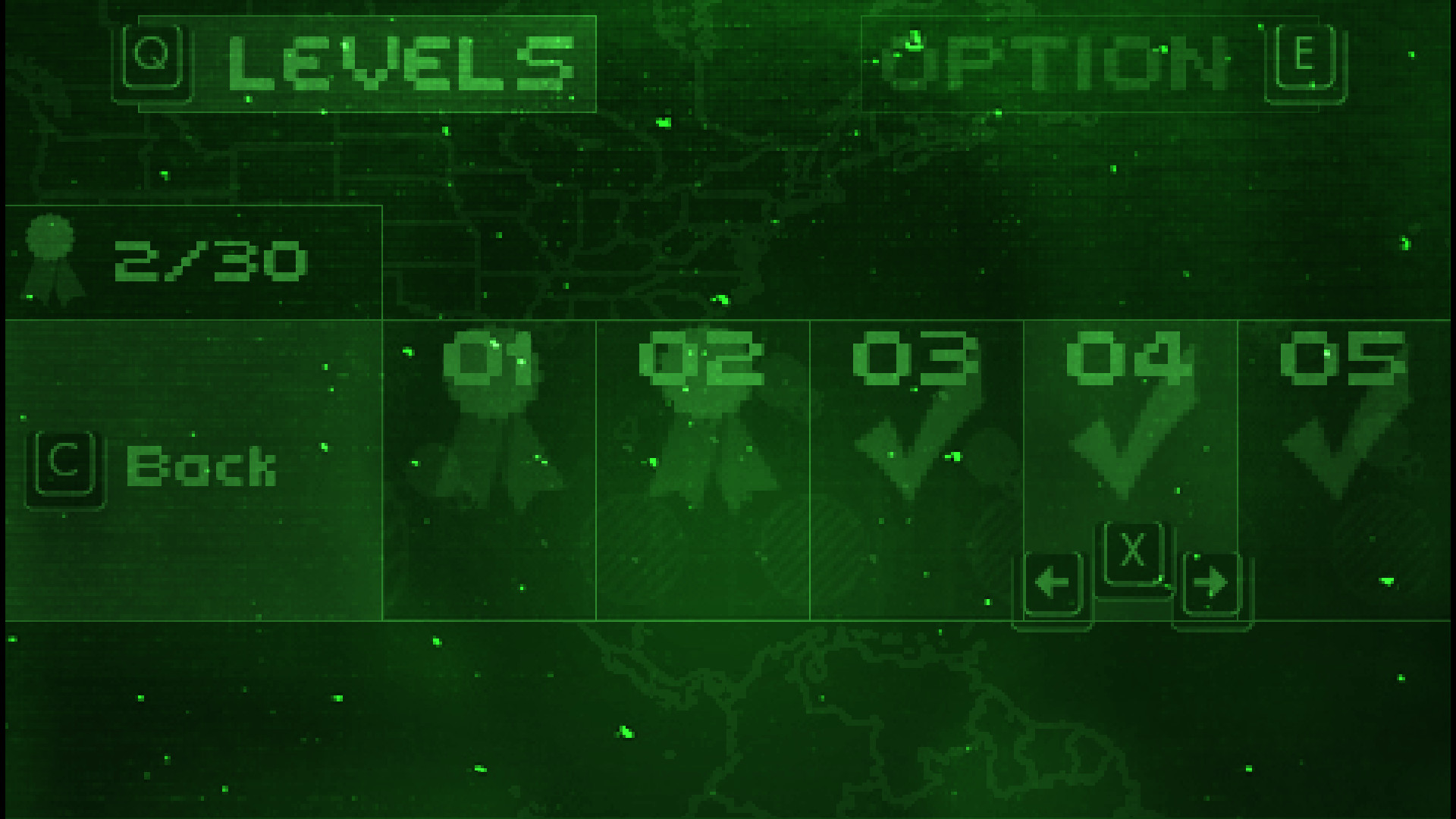
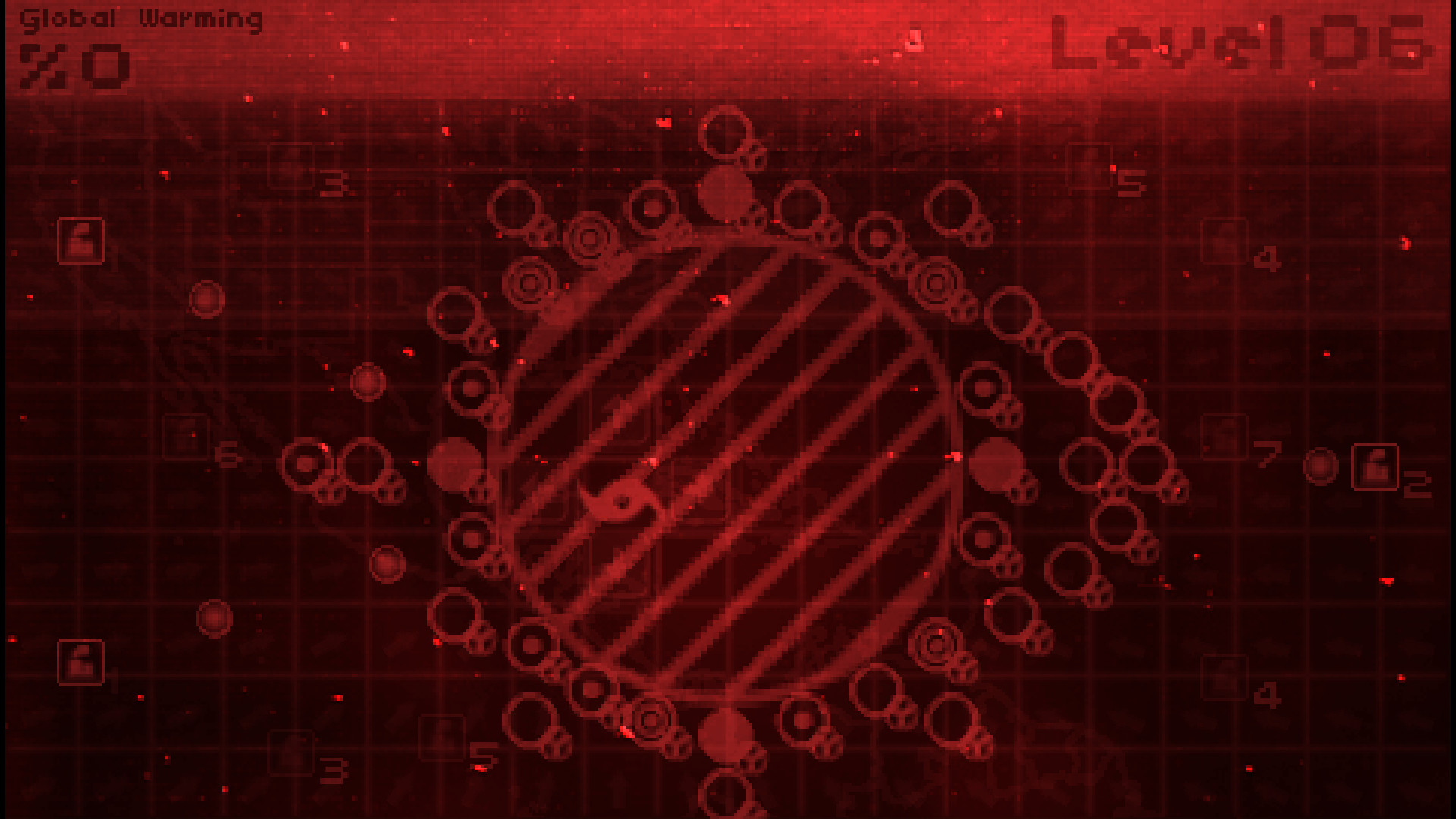
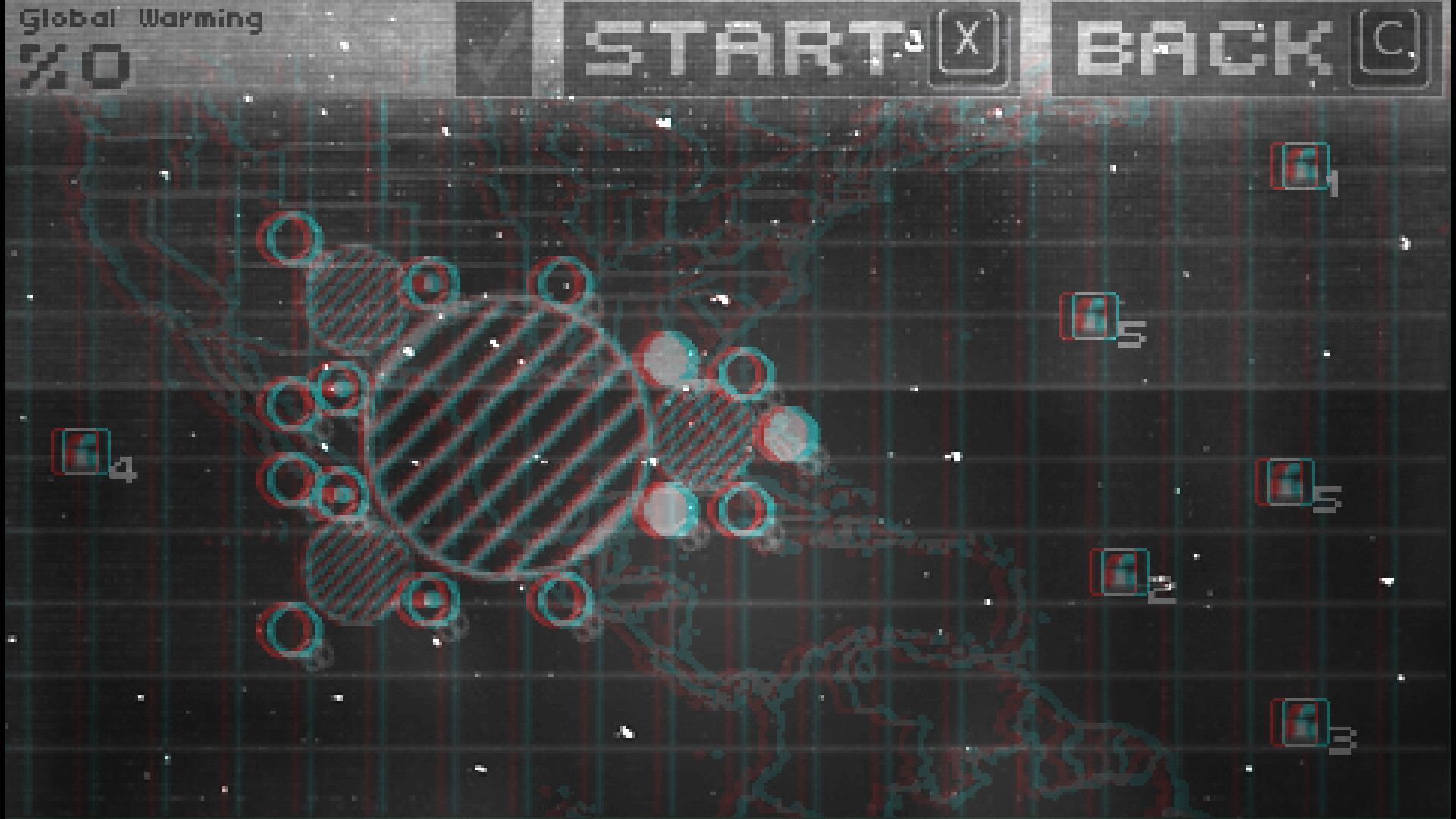
Take it back to the old school days of twitch reflexes, retroish graphics, and relaxing music! You control a hurricane that can guide toxic clouds into cleaning factories. Watch out for high pressure zones, as they can disperse the clouds into the atmosphere and increase the chance of destroying the world! Includes 30 levels with dozens of unlockable monitors, along with anaglyph 3D support! (red/blue glasses).
NOTE: This is a Legacy release of Vertigo Gaming Inc.'s back catalog titles. Because it is an older game running on newer hardware there may be some unexpected errors. Here's how to solve them:
NOTE: This is a Legacy release of Vertigo Gaming Inc.'s back catalog titles. Because it is an older game running on newer hardware there may be some unexpected errors. Here's how to solve them:
- If you have an error of "Failed to load the game data, File seems corrupted.", you will need to disable the Print Spooler on your computer, as older GM8 games can have this issue. First, right click on This PC or My Computer and select Manage. Select Services and Applications on the left side bar and then select Services. Double click the "Print Spooler" key and go to the General tab, select Startup Type, then select Disabled. Finally, select Stop below the Service Status and then click Apply. The game should now boot up correctly.
- If the game does not close properly and continues to run on Steam even after exiting the game, you will need to run it in compatibility mode to resolve this issue. Right click the game in your Steam Library, go to Properties, then Local Files, then Browse Local Files. Right click on the main .exe in the folder, and go to Properties. Click on the Compatibility tab, then click the "Run this program in compatibility mode for:" box and select Windows XP, then Apply and OK. Restart your computer, and the game will now correctly close after exiting.
Review sentiment over time
positive critical
No review history yet.
Media
Trailers and screenshots straight from the store page
System requirements
Minimum and recommended specs per platform
Age rating and content
Board ratings and content descriptors
Price intelligence
Accepted price history and the lows that matter
Historical lows
All-time low ATL $0.99 2026-06-27
3-month low $0.99
12-month low $0.99
Current $0.99