
HoloMapper – Projection Mapping Tool

Good game, but it sits 100% of the way from its all-time low to full price. It drops harder in seasonal sales. Patience pays.
Why this verdict
Offers
Accepted regional prices from official stores
Report a wrong price
About this game
What this game is, in the developer's words
Real-time projection mapping software for creators, VJs, and visual artists. Warp images, videos, GIFs, text, and animations onto walls, objects, and custom surfaces using mesh controls, Bezier curves, snapping tools, and live projector output.
HoloMapper – Projection Mapping Software
HoloMapper is a real-time projection mapping tool for creators, VJs, digital artists, installation designers, and visual experimenters who want precise control over how visuals are projected onto physical surfaces.
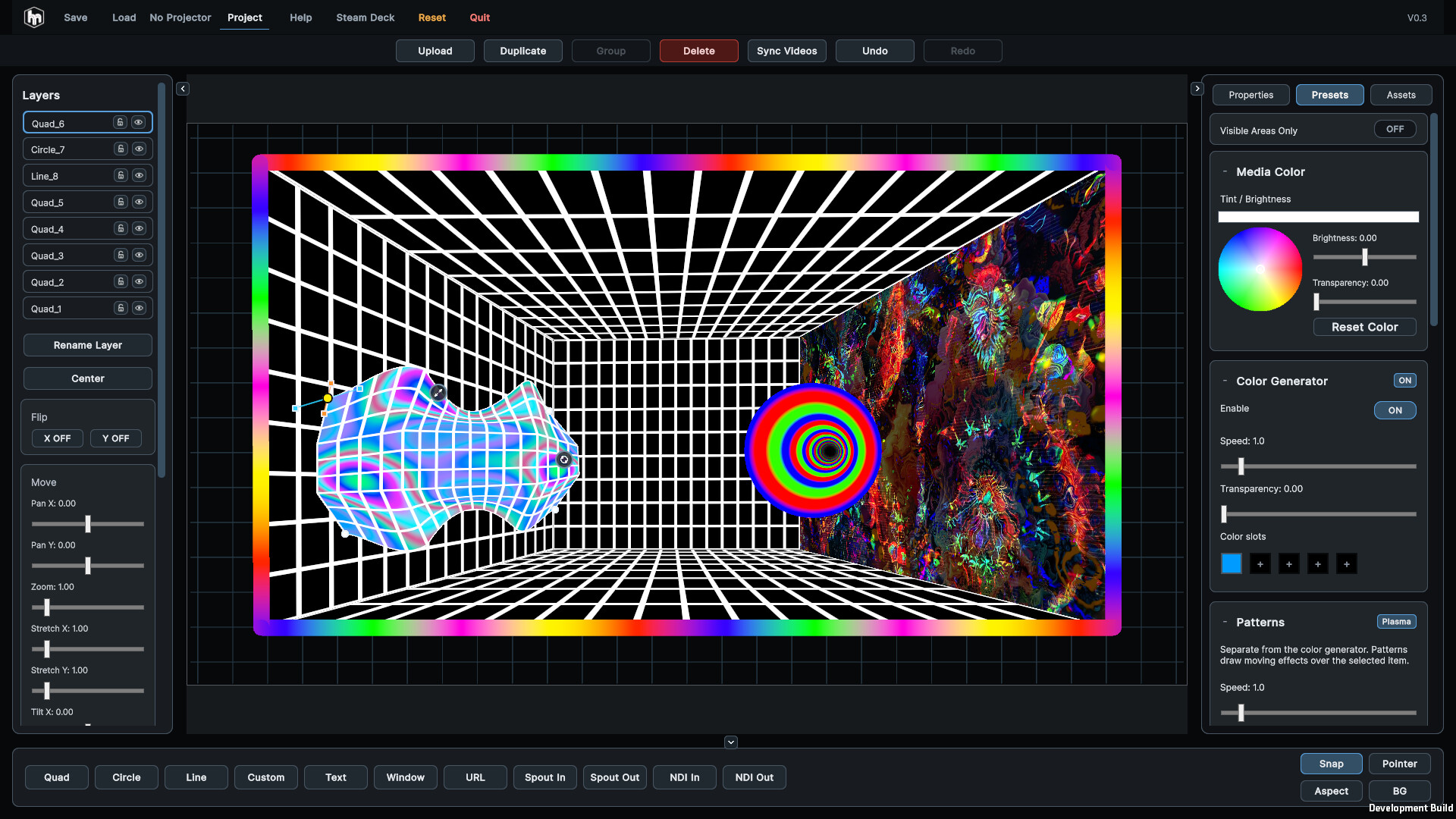
Map visuals onto walls, objects, stages, installations, custom builds, tabletop setups, or room-scale environments. With mesh warping, Bezier curves, flexible surface tools, snapping, media presets, and real-time editing, HoloMapper gives you a focused workspace for building and adjusting projection mappings quickly.
Whether you are creating a small home setup, an art installation, live visuals, or experimental mapped content, HoloMapper helps you align, warp, and transform visuals directly onto the surfaces around you.
Key Features
Real-Time Projection Mapping
Create and edit projection surfaces live while viewing the mapped result on your projector or external display. Move points, reshape surfaces, align visuals, and fine-tune your mapping without leaving the creative flow.
Advanced Mesh Warping
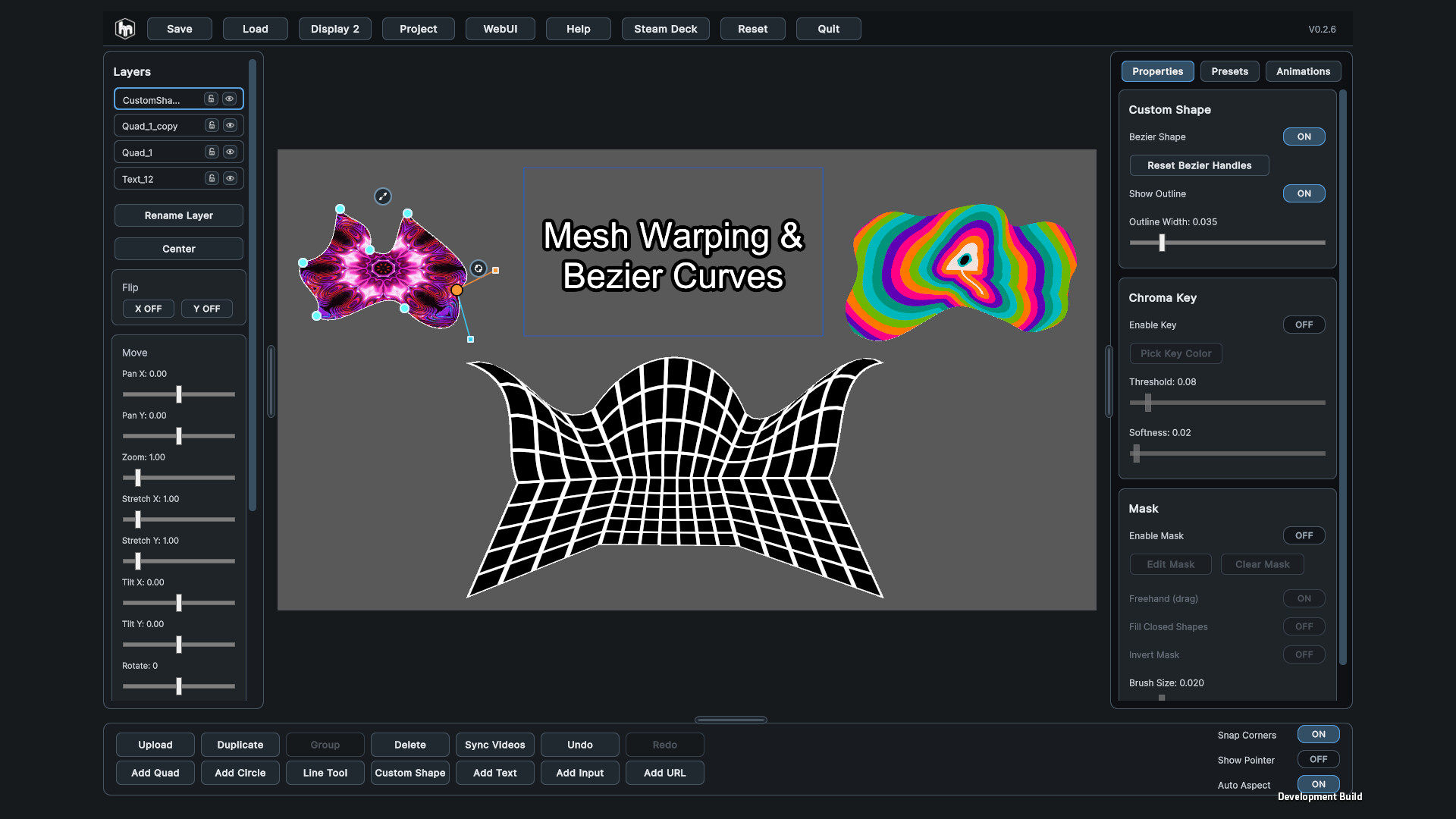
Go beyond basic corner pinning with detailed mesh controls. Adjust edges, internal warp points, and surface deformation to better fit visuals onto irregular, angled, curved, or uneven surfaces.
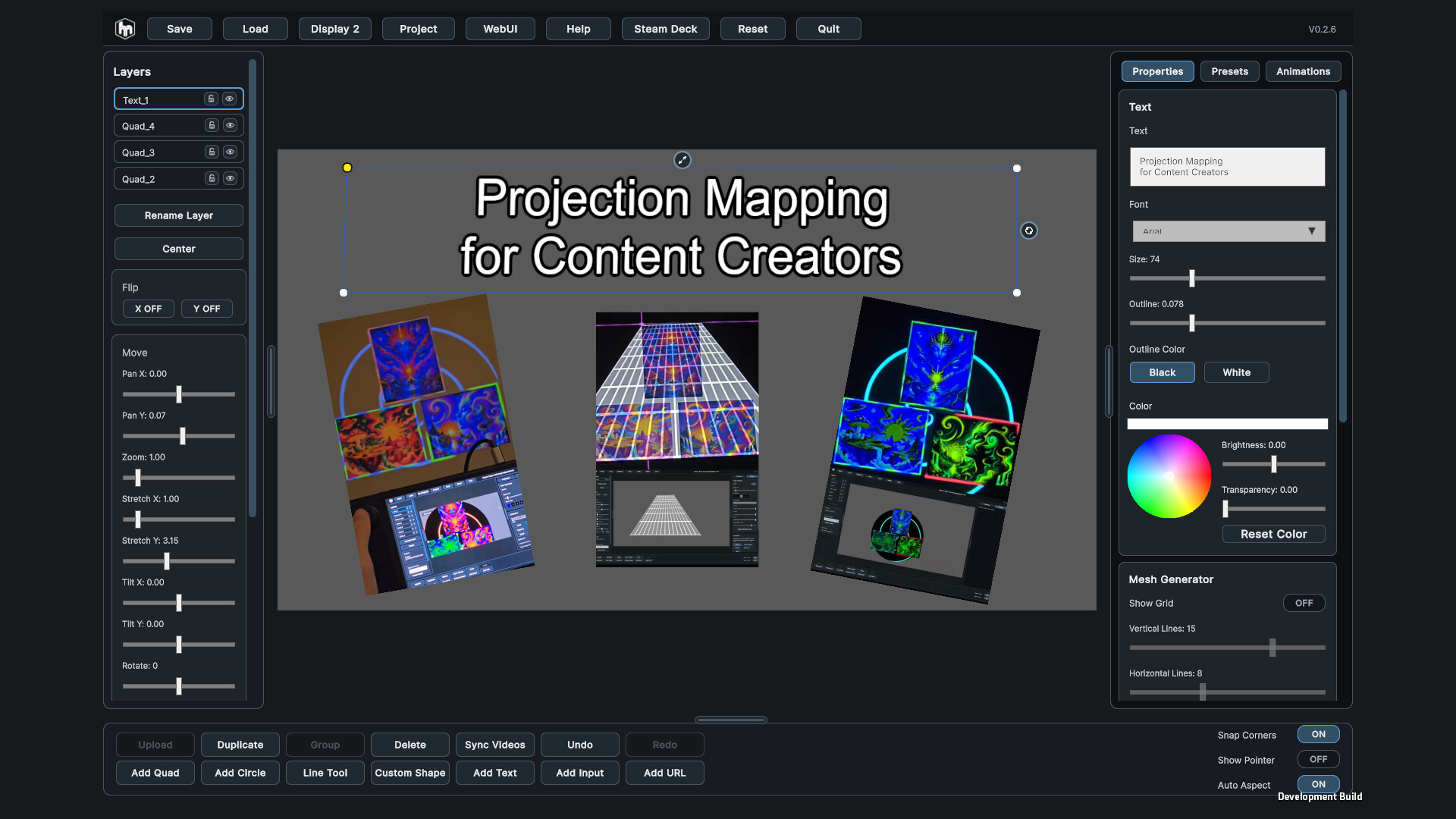
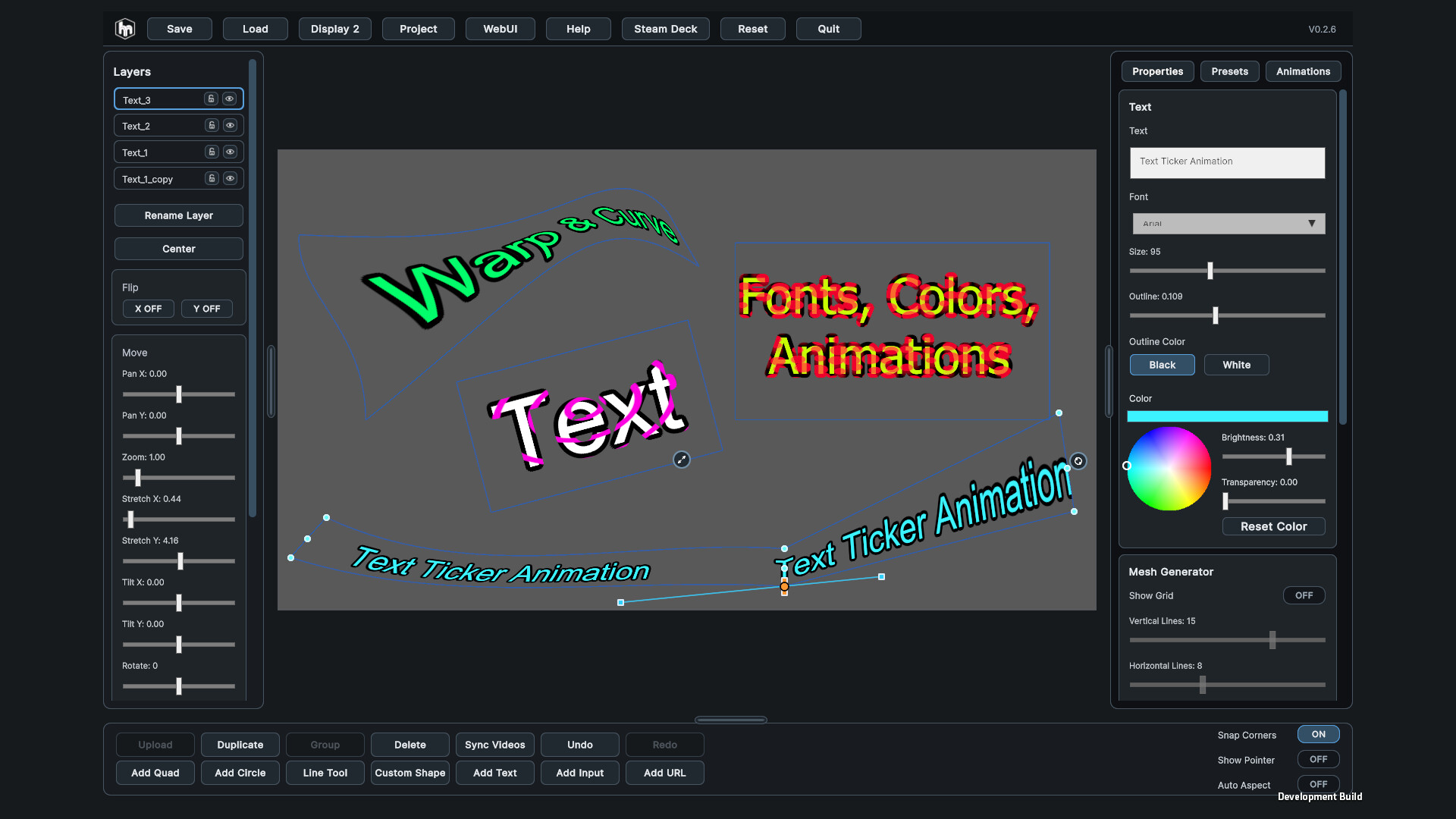
Mesh warping is supported across multiple layer types, including images, videos, GIFs, and text, giving you more freedom when designing complex projection layouts.
Bezier Curve Mapping
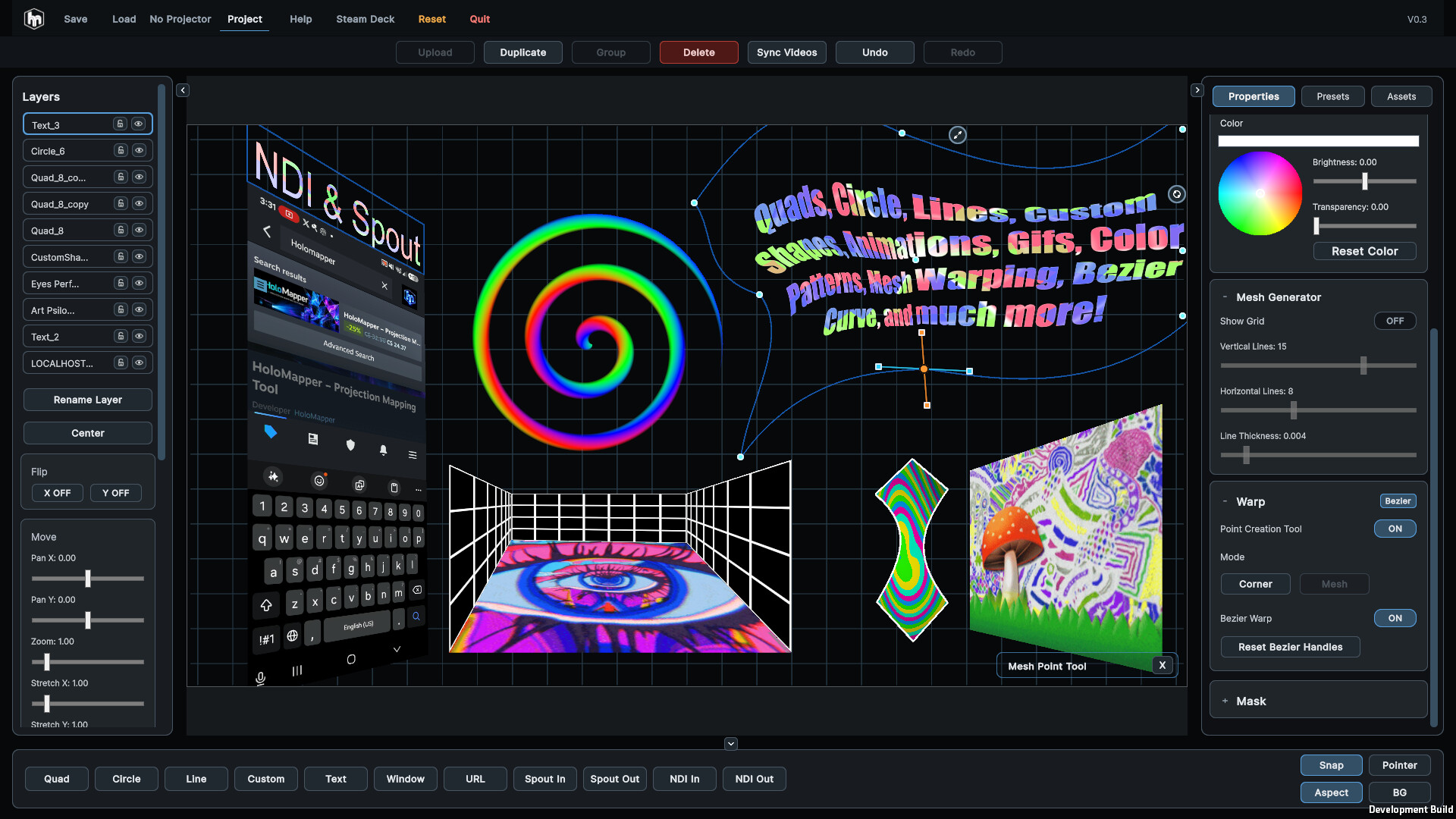
Create smooth curved shapes using Bezier curves. This is useful for more organic mappings, curved visual elements, decorative outlines, abstract projection designs, and surfaces that do not fit simple rectangular layouts.
Multiple Surface and Drawing Tools
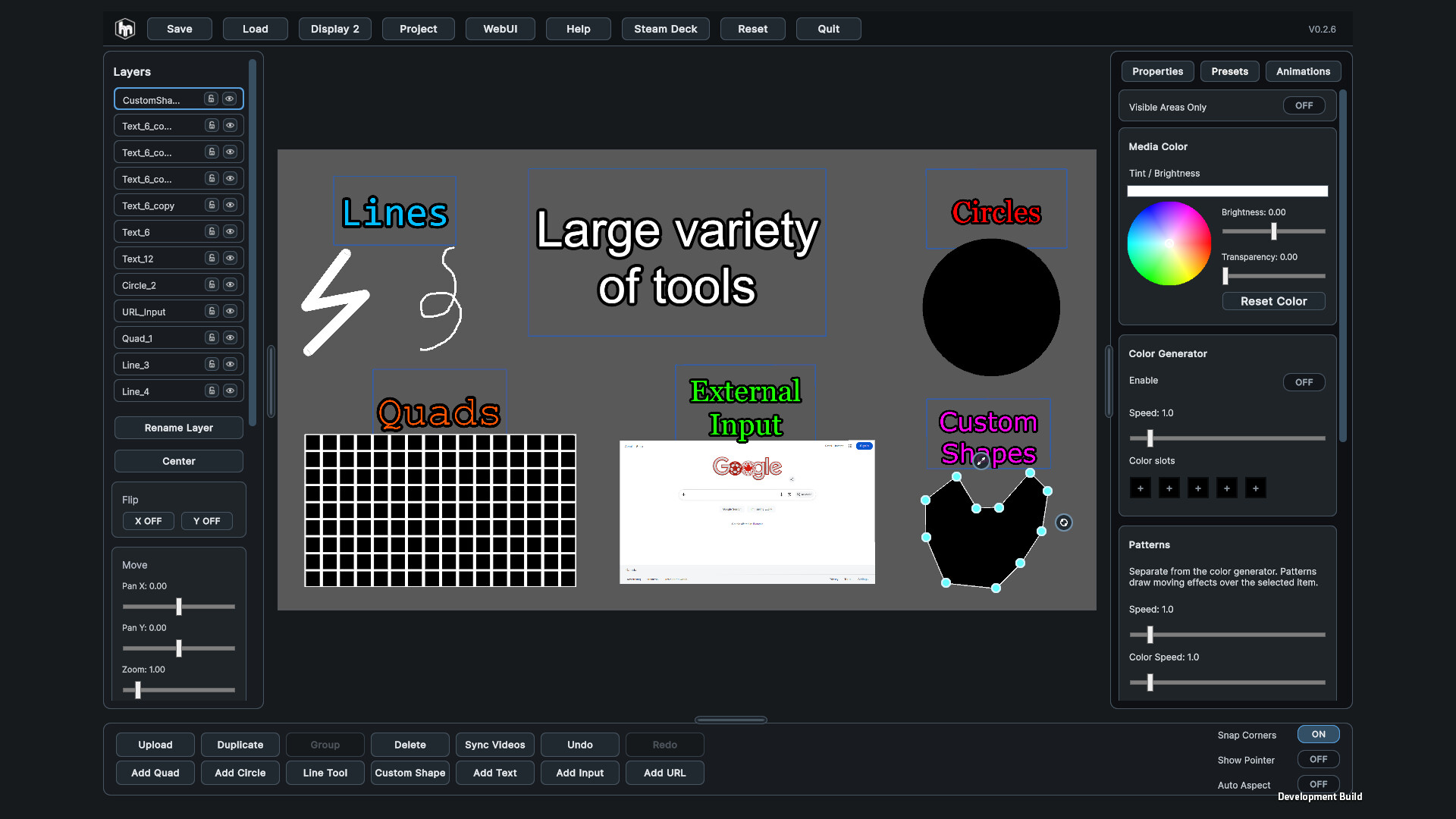
Build your projection scene using a growing set of surface tools, including:
Quad surfaces
Mesh-warped surfaces
Circle surfaces with depth and bulge controls
Bezier curves
Straight and freehand lines
Custom filled shapes
Text layers with mesh warping
These tools make HoloMapper flexible enough for clean technical alignment as well as more artistic and experimental projection setups.
Flexible Media Support
Import and map a variety of visual content, including:
Images
Videos
GIFs
Text
MP4 animation presets
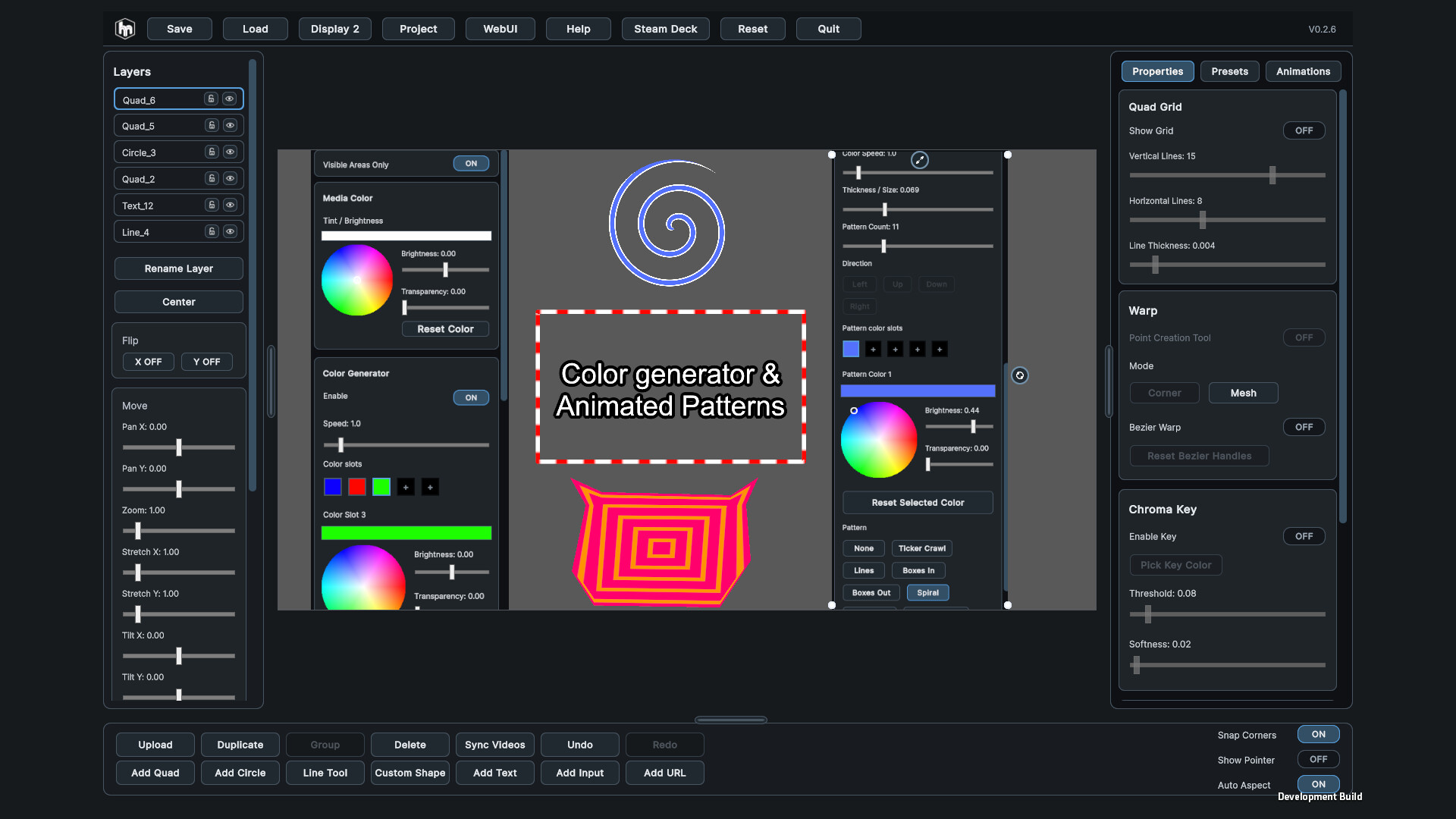
Color and animation presets
HoloMapper is built for both prepared visual content and quick live experimentation.
Animation and Preset Tools
Use built-in preset options to create motion and visual variation faster. Import MP4 animation presets, combine them with mapped surfaces, and build layered projection effects without needing a complicated VJ setup.
Projector Workflow
HoloMapper is designed for setups where you control the software on one screen while sending the final mapped output to a projector or external display. This keeps the editing interface separate from the clean projection output.
Snapping and Alignment Tools
Align surfaces more quickly with side, corner, and rotation snapping. Auto Aspect can automatically match a quad’s aspect ratio to imported media, helping prevent stretched or distorted visuals.
Clean Editing Interface
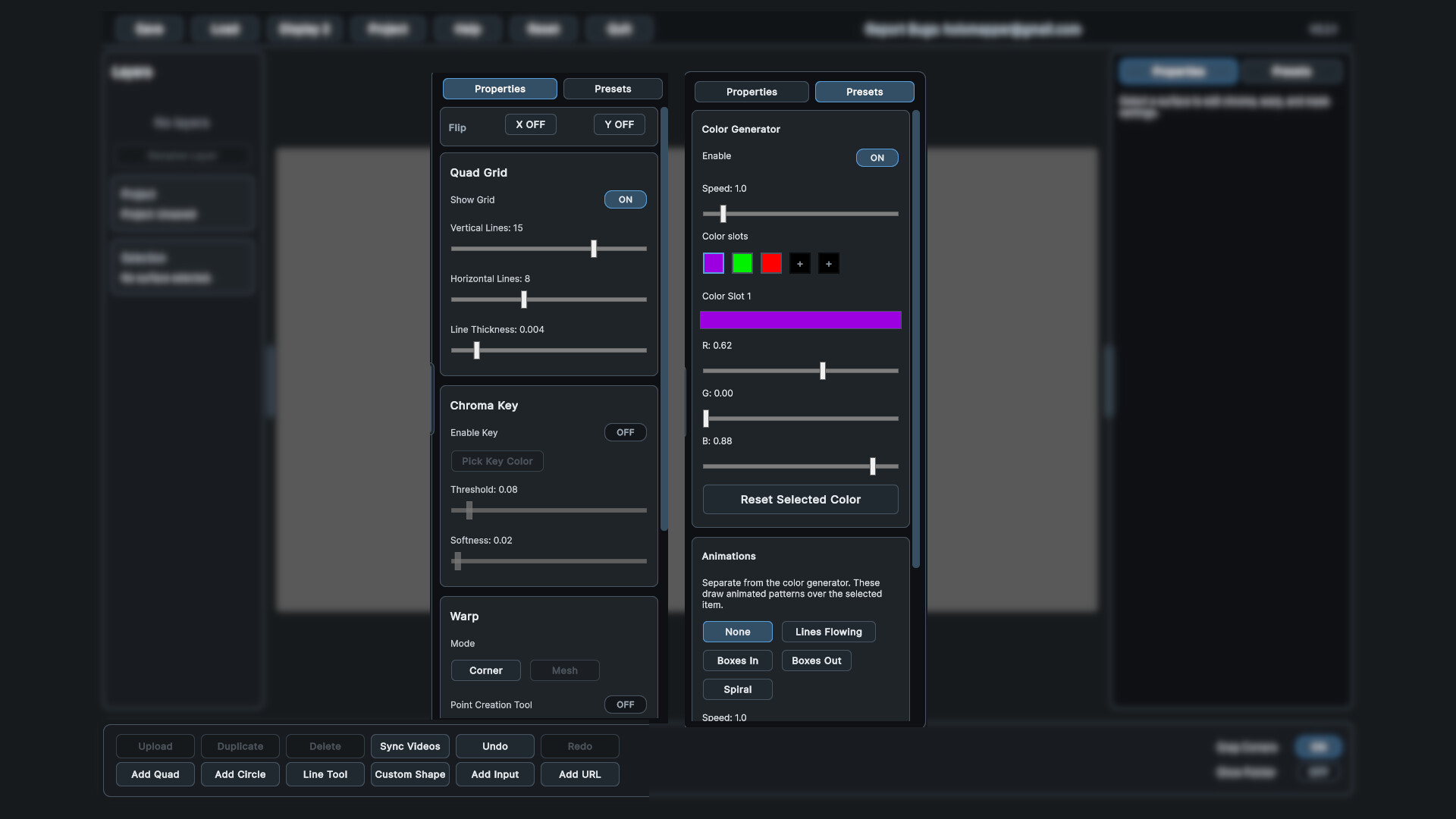
HoloMapper uses a focused interface built for fast visual work. Adjust surfaces, collapse menus, move handles, duplicate layers, organize groups, and fine-tune properties without unnecessary clutter.
Experimental Input Features
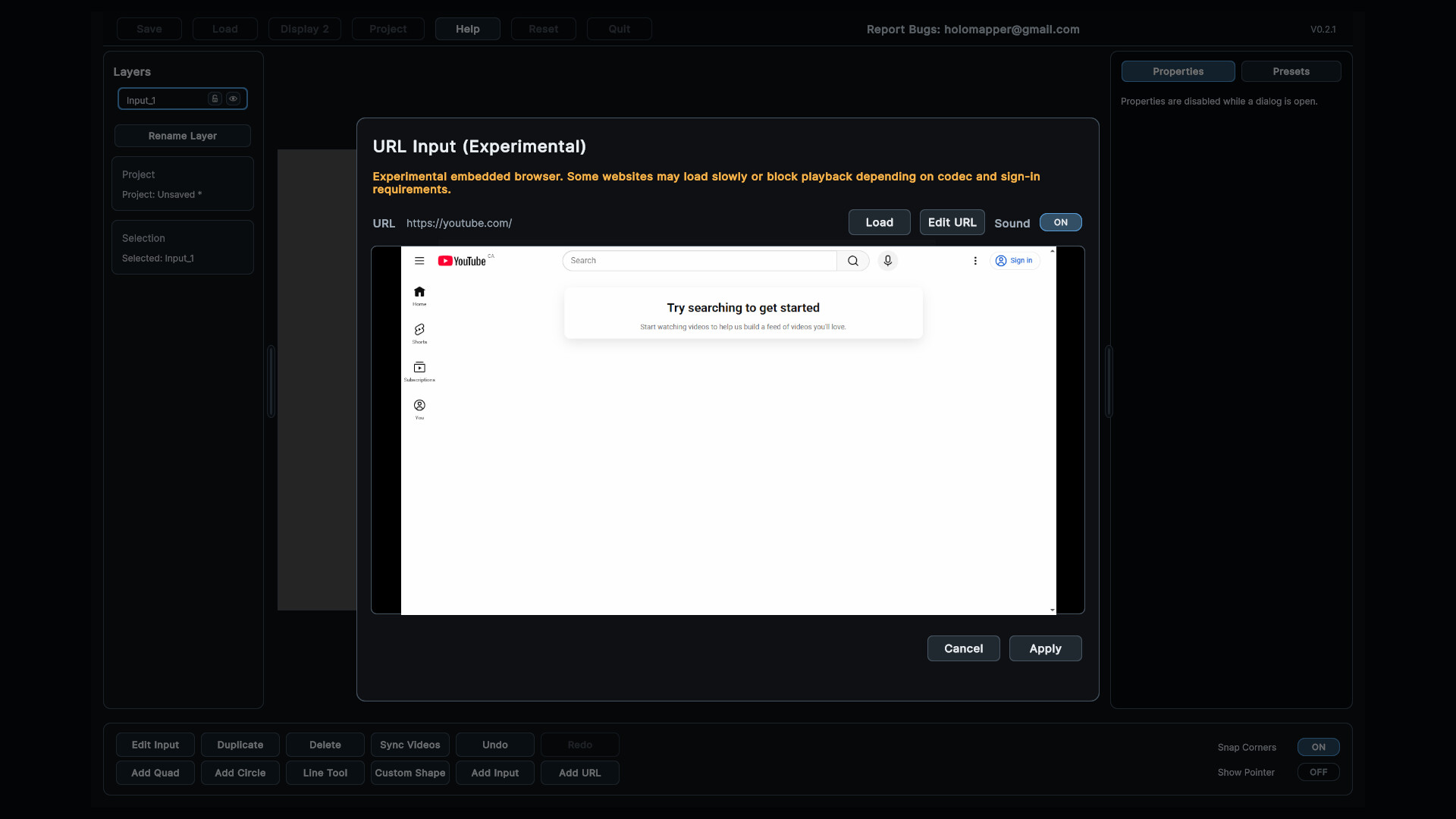
HoloMapper also includes experimental support for additional input types, such as browser / URL layers and external window inputs. These features are still evolving and may vary in performance depending on the source, system, and content being used.
Built For
HoloMapper is designed for:
Projection mapping artists
VJs and live visual performers
Digital artists
Installation designers
Stage and event visuals
Creative developers
Makers and experimental builders
Steam Deck projection setups
Small studio and home projection experiments
From simple wall projections to multi-layer mapped visuals, HoloMapper adapts to a wide range of creative workflows.
Steam Deck and Linux Support
HoloMapper supports Windows and Linux / SteamOS, including Steam Deck workflows. A Steam Deck can be used as a portable control device for projection setups when connected to an external display or projector.
For best results on Steam Deck, Desktop Mode and an extended display setup are recommended.
Early Access Development
HoloMapper is actively evolving with regular updates, new features, fixes, and workflow improvements. Recent updates have added Bezier curves, animation preset support, GIF support, mesh warping for text, snapping tools, improved layer handling, Auto Aspect, and expanded surface editing tools.
Planned and ongoing improvements include:
More advanced mesh and curve tools
Expanded media support
More animation and preset systems
Improved live performance features
Community-requested workflow improvements
Additional support for portable and projector-based setups
Join the Community
Share your projection mapping setups, suggest features, report issues, and help shape the future of HoloMapper through the Steam community.
HoloMapper is built for creators who want a simple, flexible, and affordable way to experiment with real-time projection mapping.
Media
Trailers and screenshots straight from the store page

Price intelligence
Accepted price history and the lows that matter
HoloMapper – Projection Mapping Tool price history and best deals
HoloMapper – Projection Mapping Tool for PC currently sells from $24.99 at authorized stores. Its all-time low is $18.74, set on 2026-06-29.
Frequently asked questions
Answered from this game's own price and edition data
Should I buy HoloMapper – Projection Mapping Tool now or wait?
Is $24.99 a good price for HoloMapper – Projection Mapping Tool?
Where can I buy HoloMapper – Projection Mapping Tool?