
Immersive English - Translation Extension

Why this verdict
Offers
Official store prices and labeled keyshop comparisons
No offers tracked yet for this product.
Report a problem
Price history
Accepted price history and recorded lows
No price history recorded yet.
No history yet.
No recorded sale starts yet.
About this game
What this game is, in the developer's words
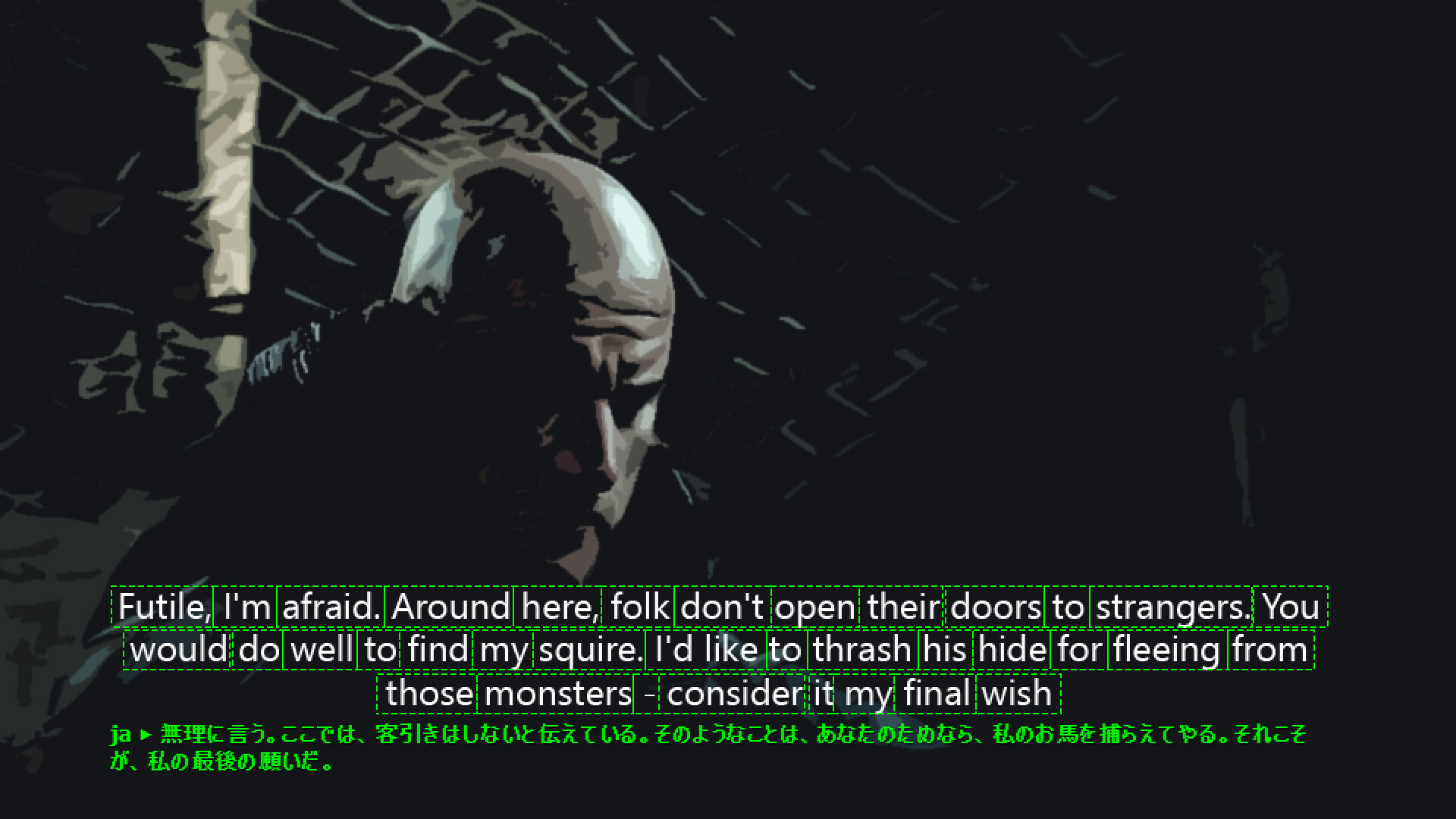
Translate recognized game subtitles.
The Translation Extension can translate recognized sentences or paragraphs for you.
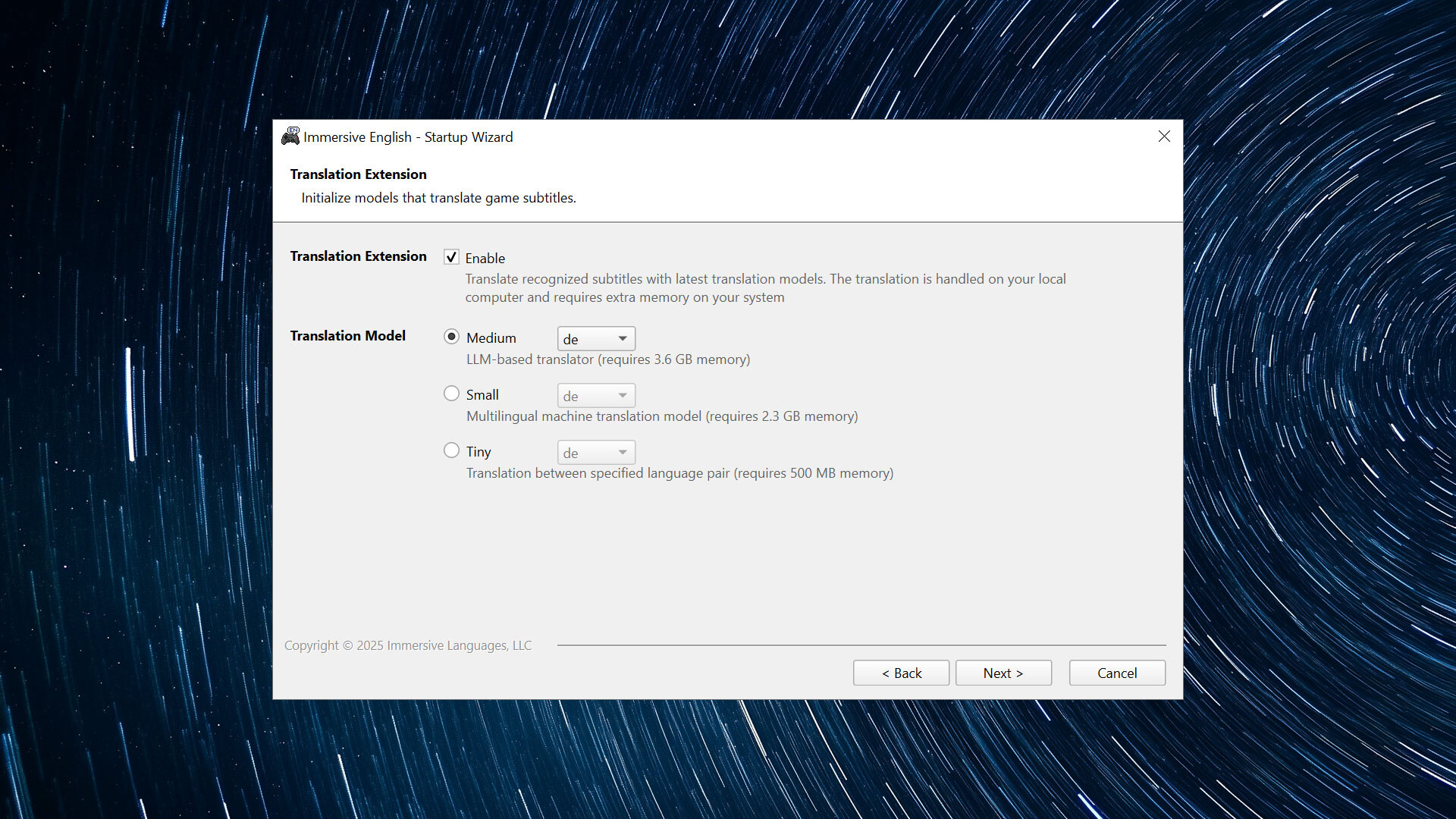
1. Enable Translation Extension
Check the "Enable Translation Extension" option in the startup wizard, and then select the translation model you want to use. The translation will be handled on your local computer and it consumes pretty much memory.
The medium model requires 3.6 GB memory
The small model requires 2.3 GB memory
The tiny model requires 500 MB memory
The medium model is recommended if your computer has 16 GB memory.
2. Start Immersive English and Pause the Game
Start Immersive English and the game as usual, and then pause the game with the hotkey (Pause/Break by default).
3. Translate Recognized Paragraphs
If a paragraph is detected, a small button will appear on its bottom-left corner. Click on it to start translation.
Media
Trailers and screenshots straight from the store page
Immersive English - Translation Extension price history and current deals
Price tracking for Immersive English - Translation Extension across authorized stores.
Immersive English - Translation Extension reviews, playtime, and age rating
1 people have reviewed Immersive English - Translation Extension. 100% are positive. Steam calls that 1 user reviews. Brazil rates it l.
Frequently asked questions
Answered from this game's own data. Where I have none, I say nothing.
Is Immersive English - Translation Extension worth playing?
What age rating does Immersive English - Translation Extension have?