PC Steam Region US
Tutorial
Intro to Prop Sculpting and Texturing

Windows macOS Linux
No user reviews · 0% of 0
Offers
Official store prices and labeled keyshop comparisons
No offers tracked yet for this product.
Report a problem
Price history
Accepted price history and recorded lows
No price history recorded yet.
Historical lows
No history yet.
Sale cadence
No recorded sale starts yet.
DLC (1)
Add-on content for this game
- Intro to Prop Sculpting and Texturing Downloadable Content No offer tracked

About this game
What this game is, in the developer's words
In this tutorial Seth Thompson teaches how to use ZBrush 2018, Adobe Photoshop CC 2018 and Keyshot 7 Pro to confidently model, sculpt, texture and light detailed props.
In this tutorial Seth Thompson teaches how to model, sculpt, texture, light and render realistic 3D props.
Software Demonstrated:
ZBrush 2018
ZBrush to Keyshot Bridge
Keyshot 7 Pro
Adobe Photoshop CC 2018
Knald 1.2.1
Magic Looks Builder
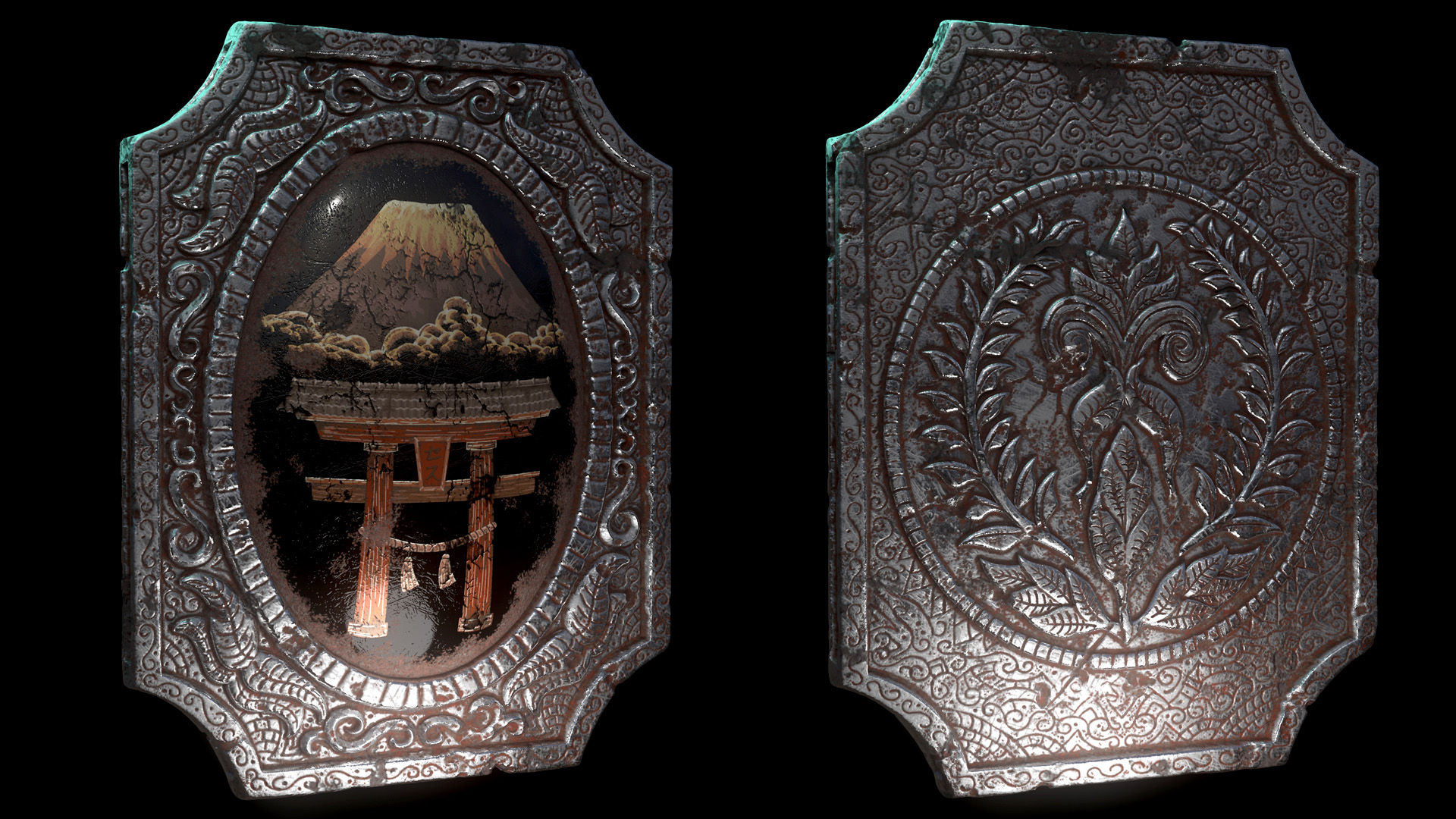
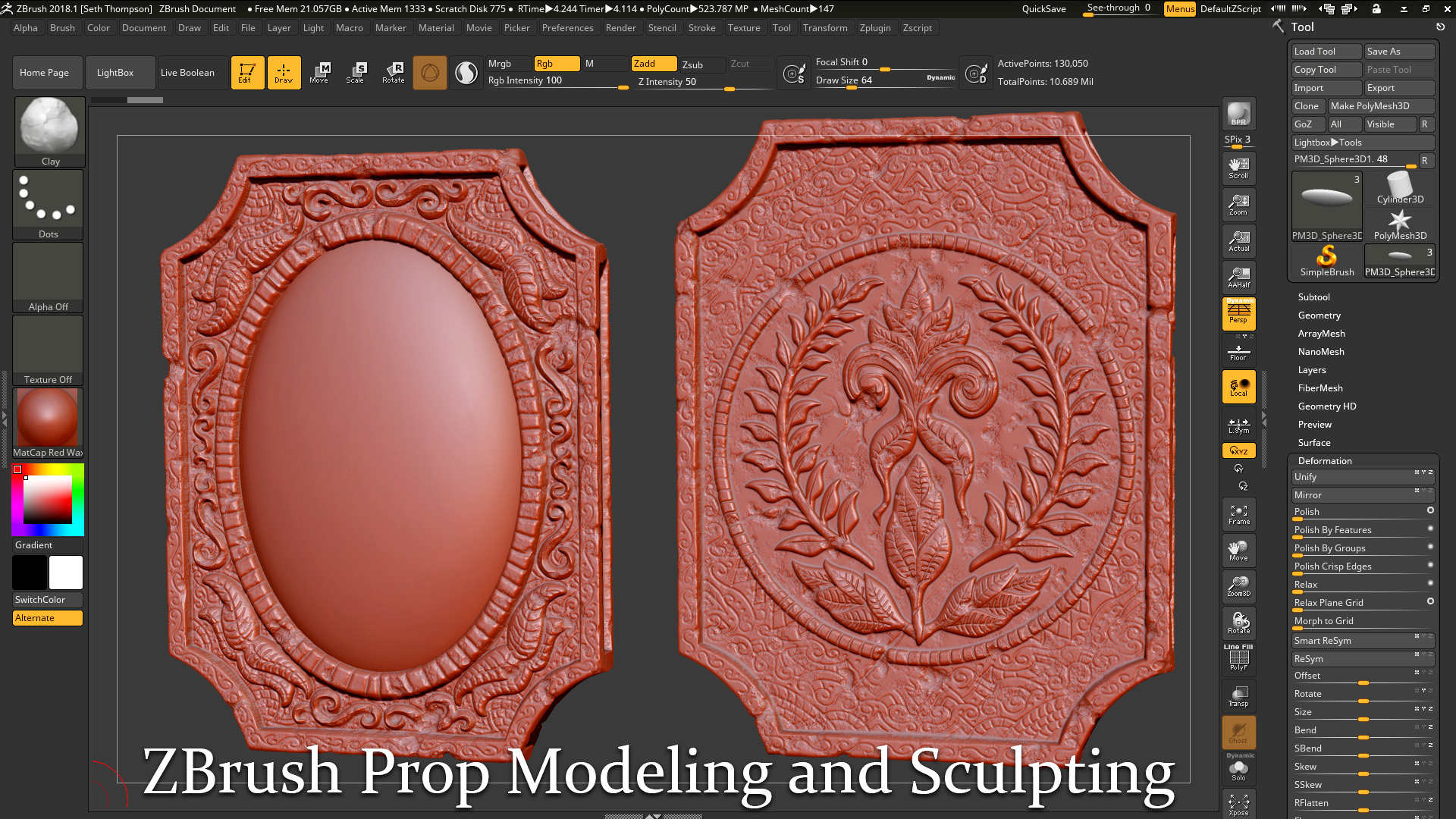
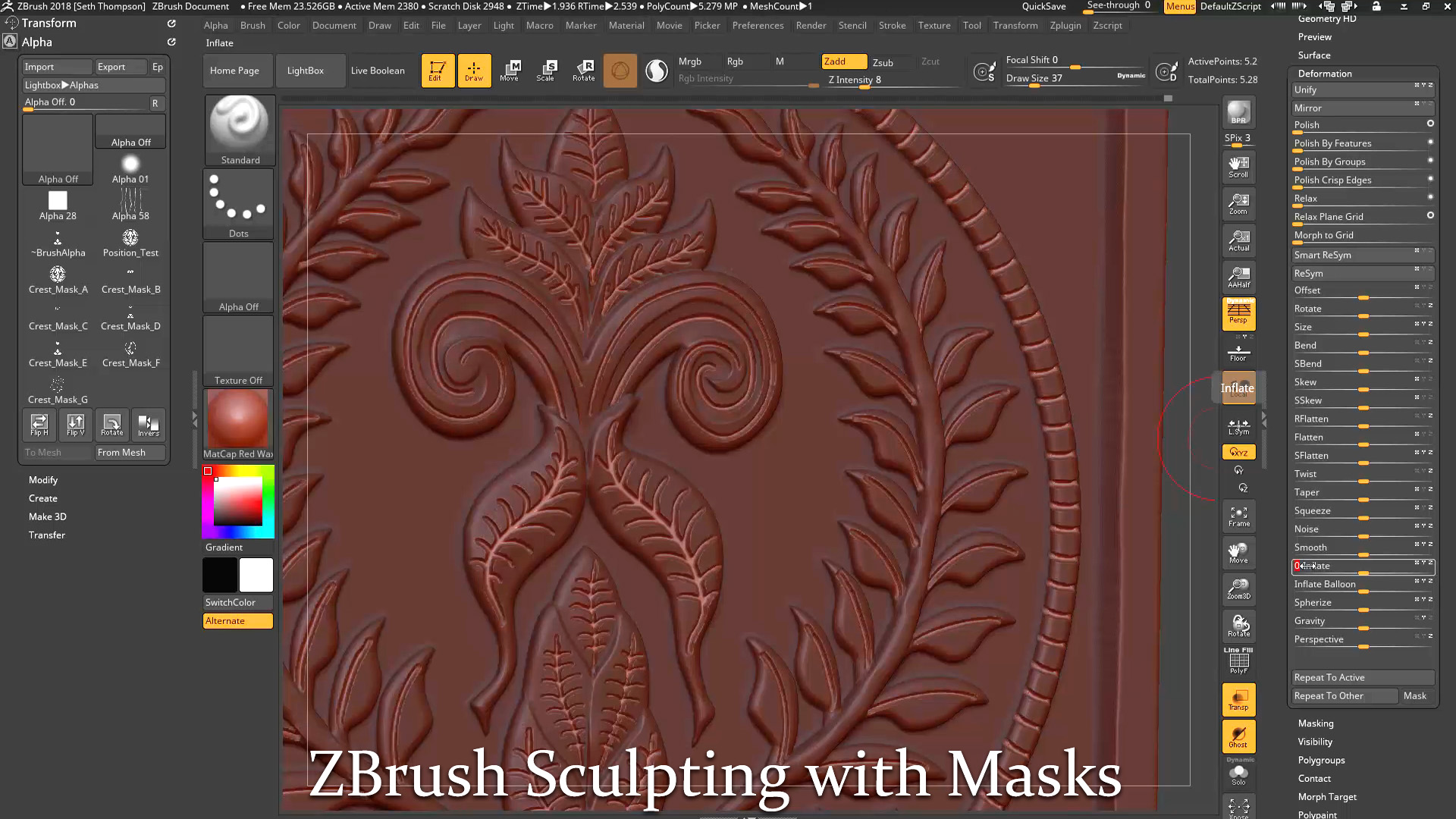
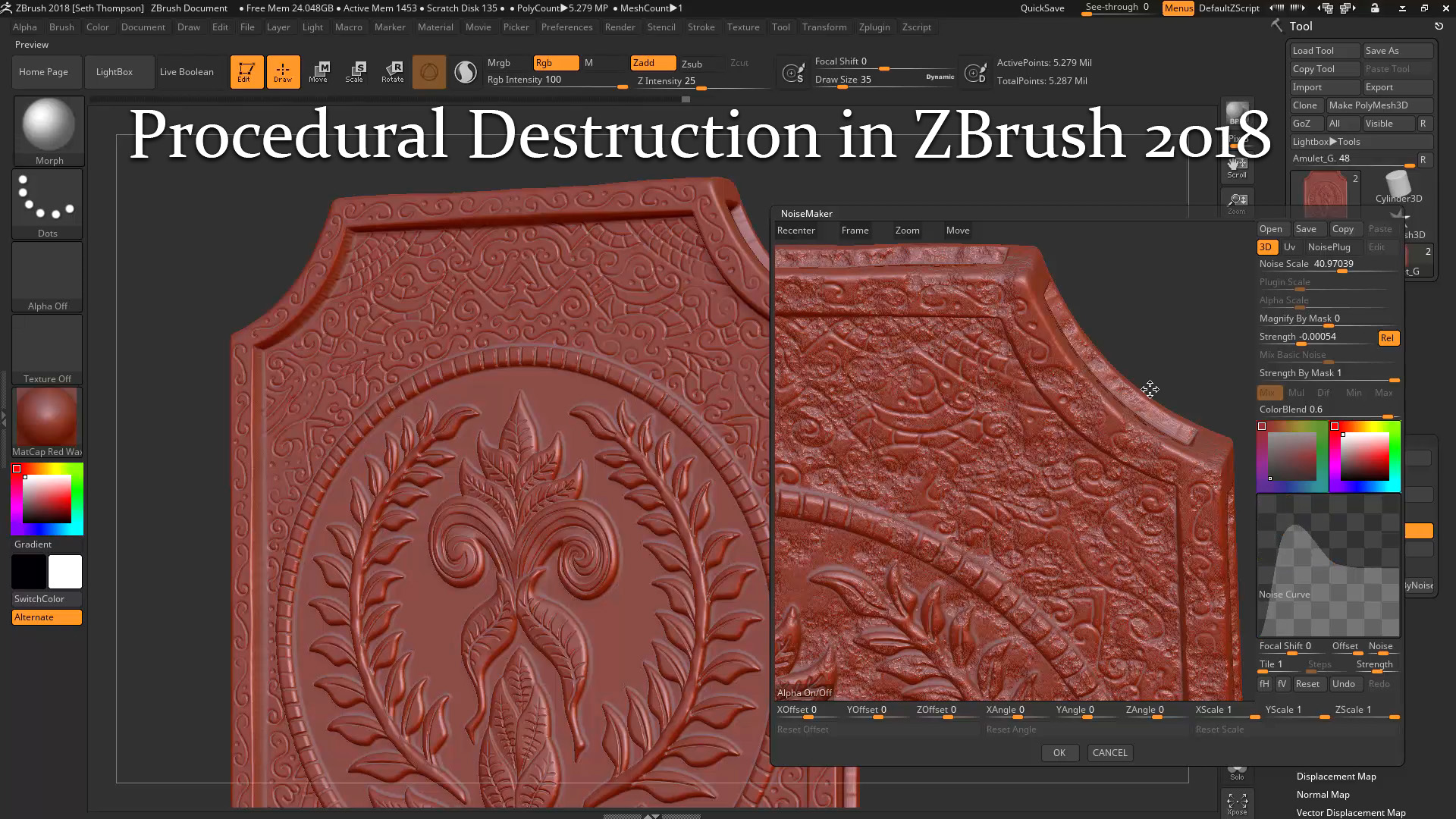
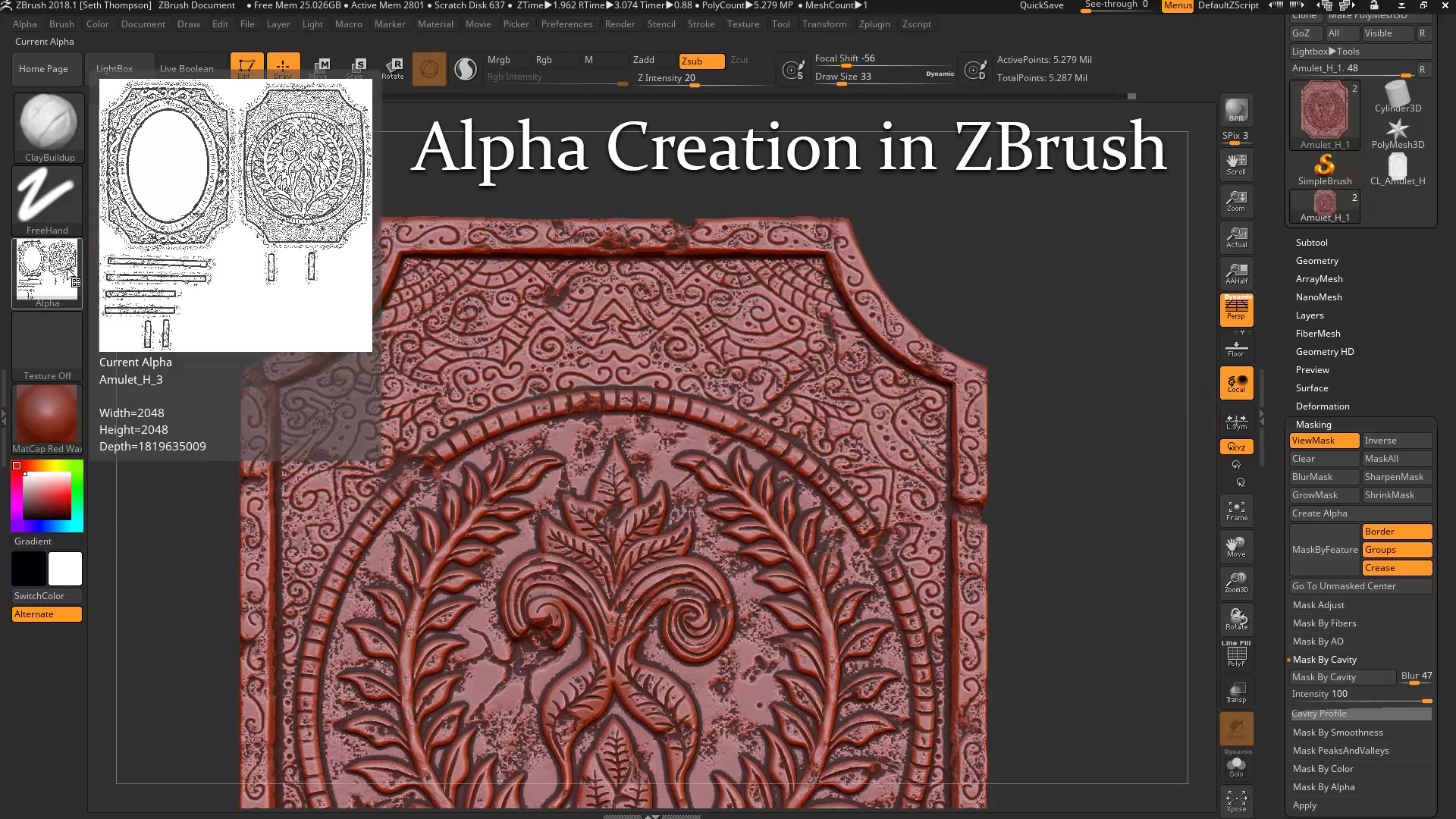
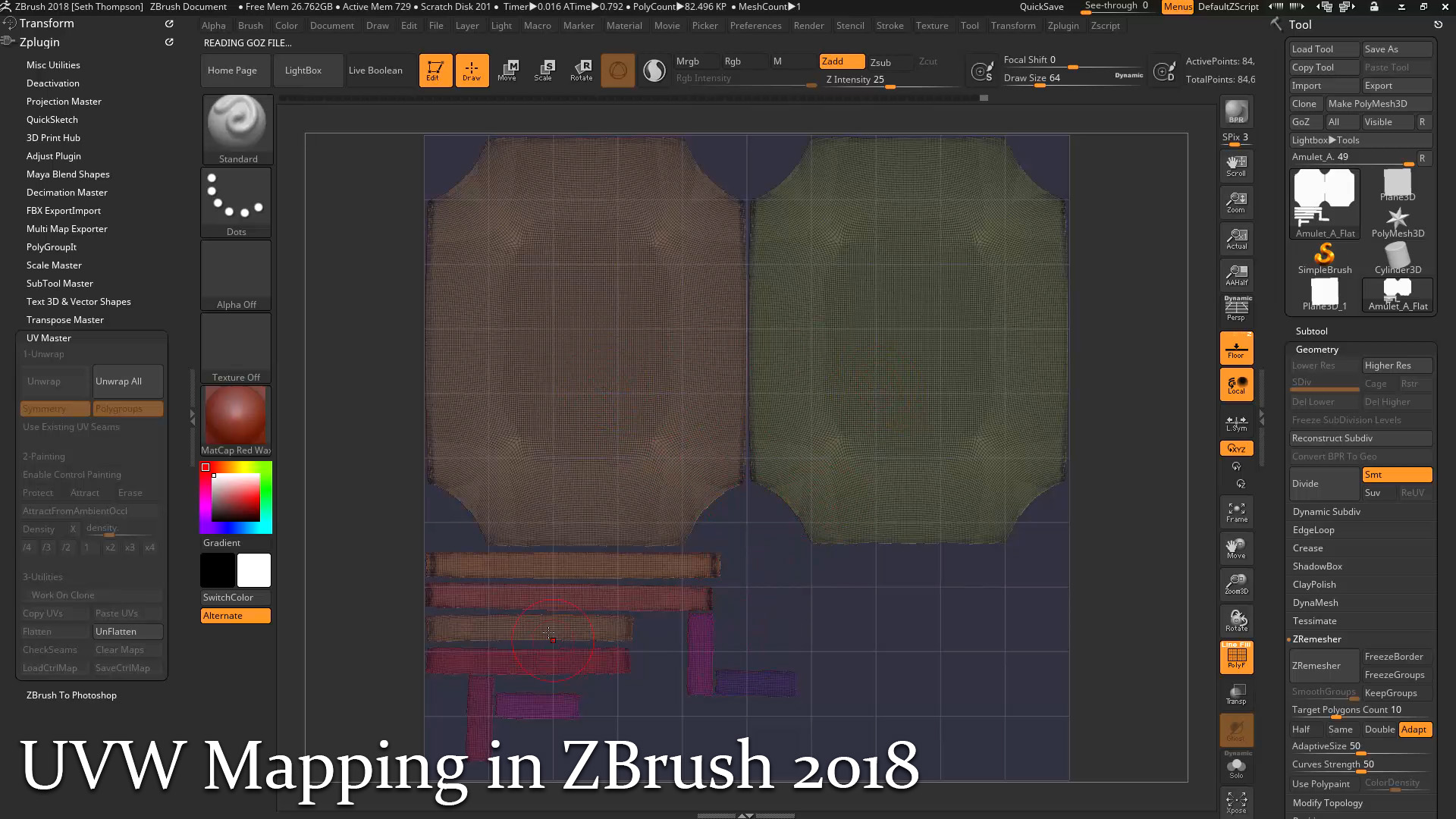
ZBrush 2018 - The course begins with modeling and sculpting of a detailed amulet within ZBrush, introducing a variety of excellent program settings, techniques and workflows. Techniques include using “UV Master” to create UVW Maps for use in texturing. You will also learn sculpting methods for generating detailed ornamental designs with incredible precision using image based maps or traditionally with hand sculpting techniques Seth has developed from years of experience. Procedural sculpting workflows using “Surface Noise” to quickly create realistic destruction and weathering are also explored. You will also learn how to create and export edge and cavity masks onto your UVW templates for use within Photoshop and Keyshot for texturing and generation of complex materials.
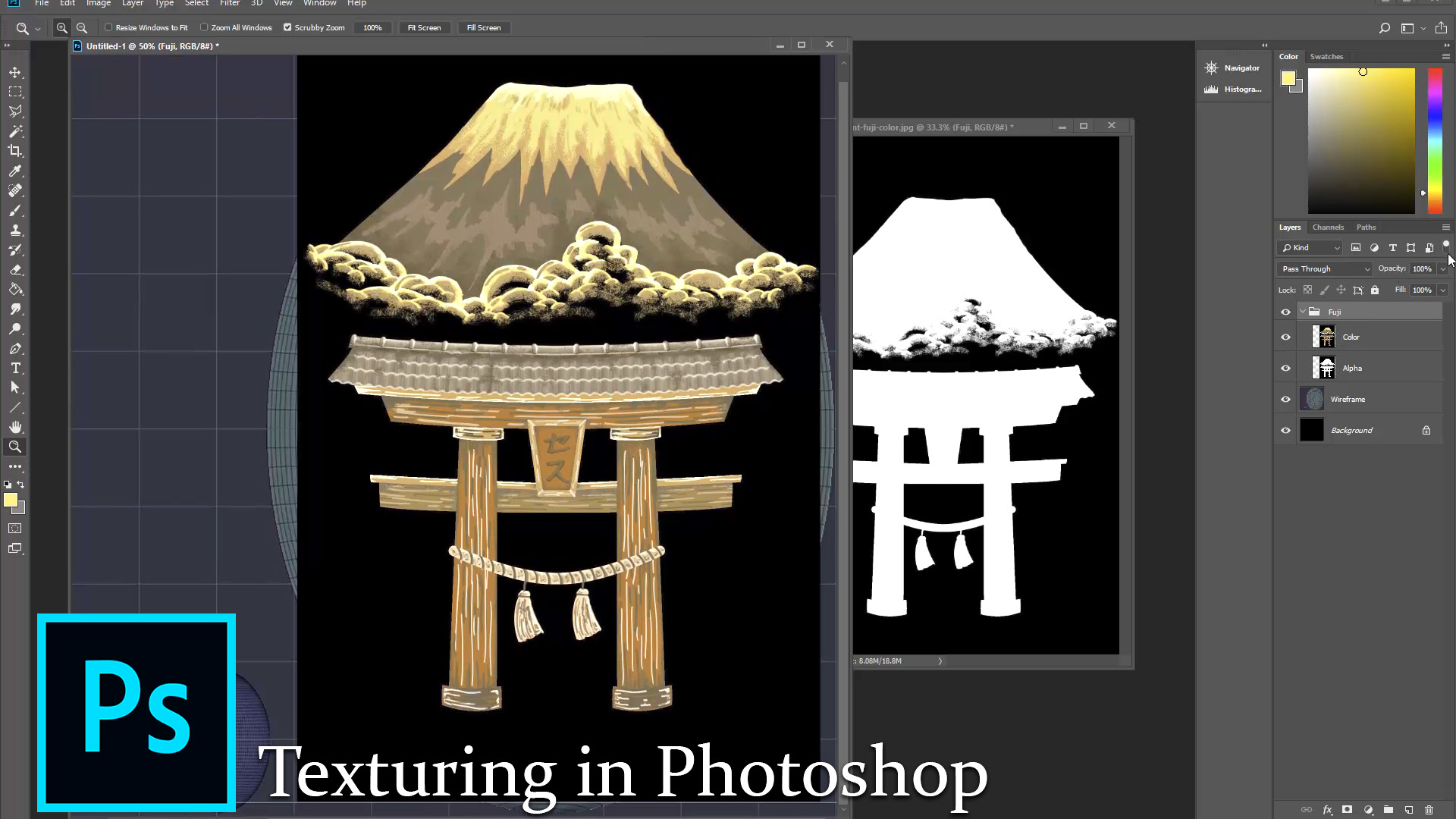
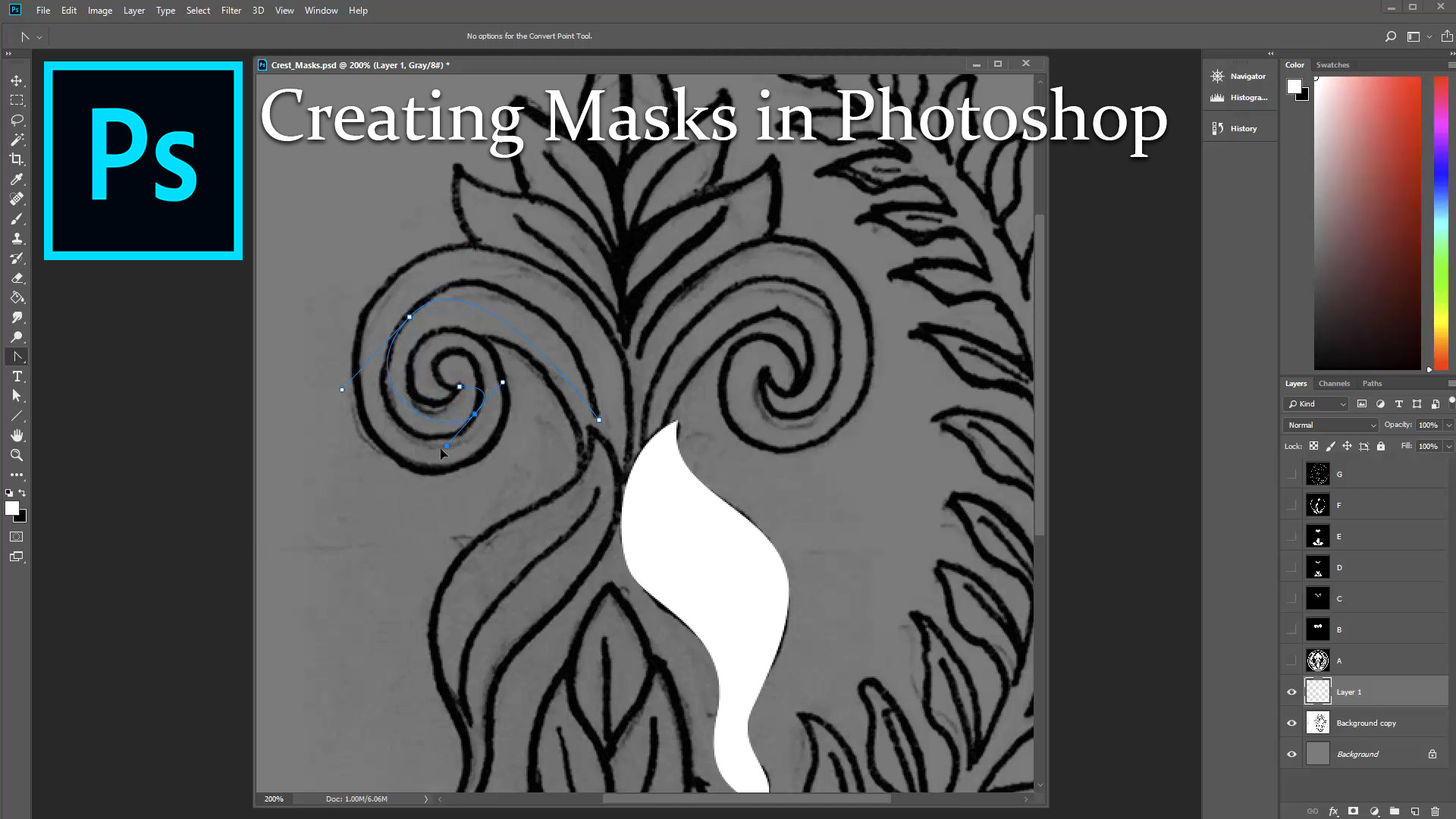
Adobe Photoshop – Throughout the tutorial Seth showcases numerous techniques within Photoshop for concepting, texturing and compositing beautiful images. Seth shares and shows his final PSDs used to create a beautiful gold painted design of Mount Fuji and dirt masks for texturing during the Keyshot portion of the demo. Techniques for creation of extremely detailed and precise designs with rarely used tools such as the pen tool, layer masks and paths is also covered. Seth also teaches how to work “non-destructively” insuring you can always go back to the original state of an image while having the freedom to explore and iterate multiple looks quickly and easily. At the end of the tutorial you will also learn many tips and tricks for editing and compositing of renders to create stunning images of your amulet.
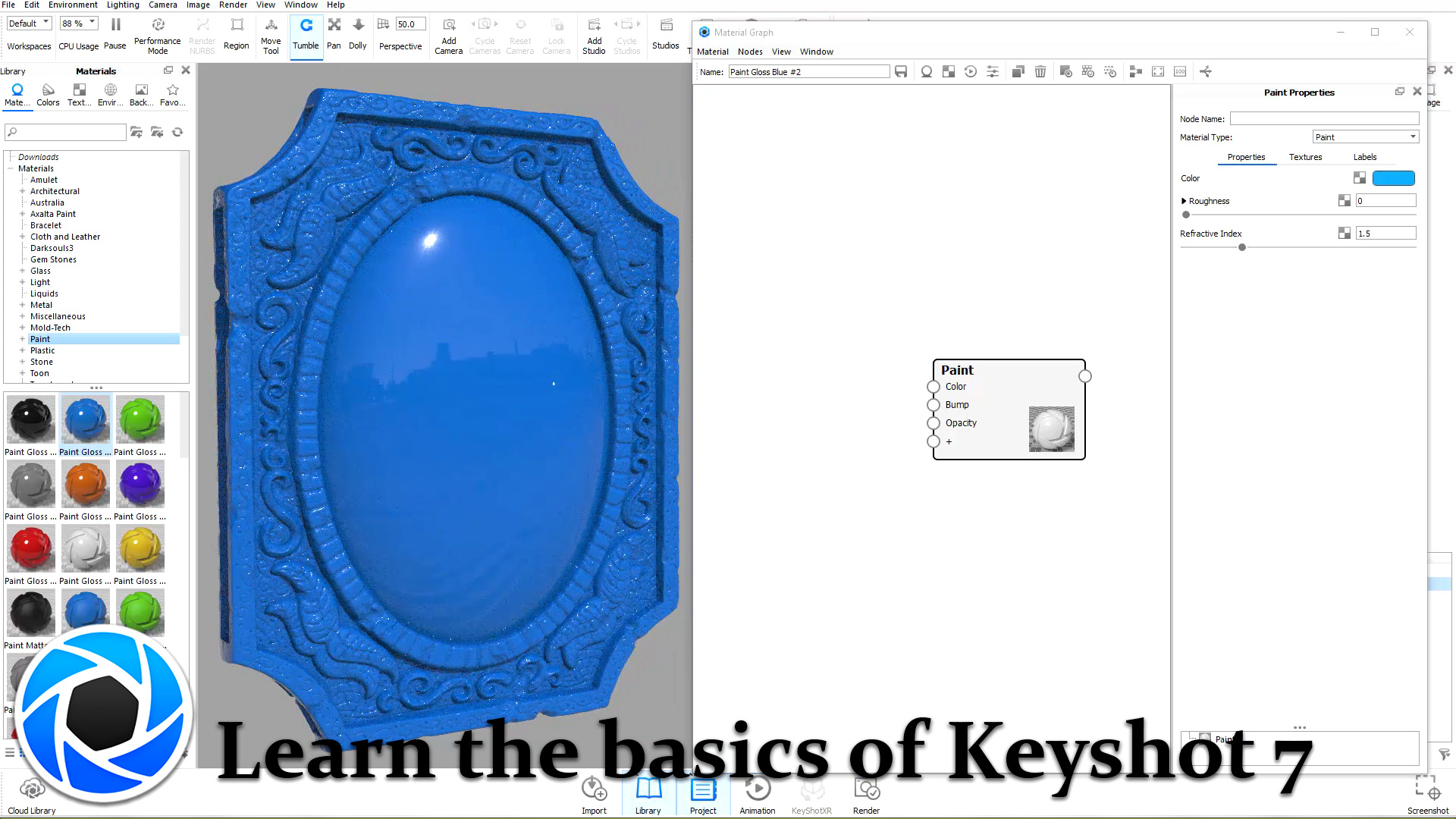
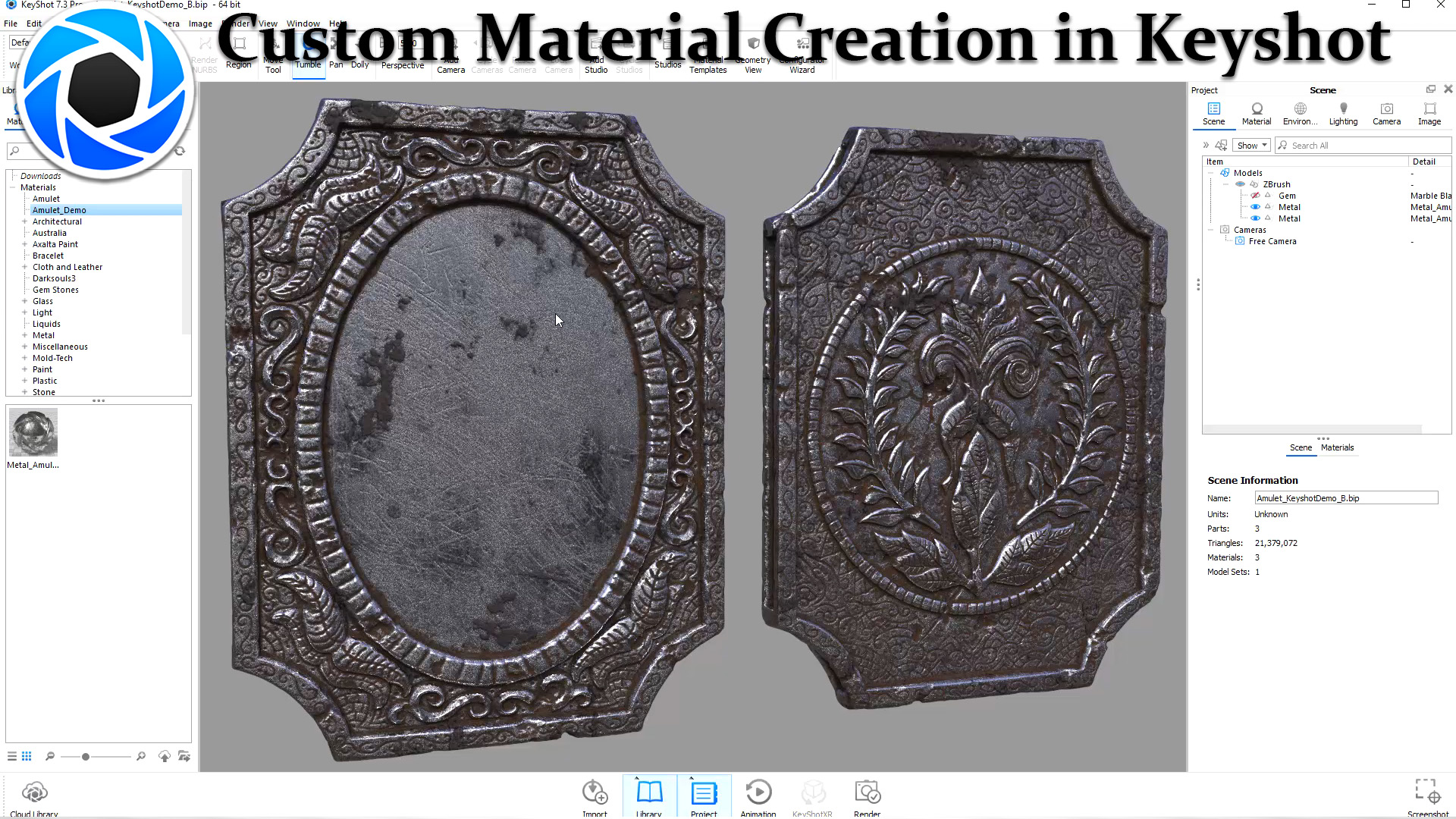
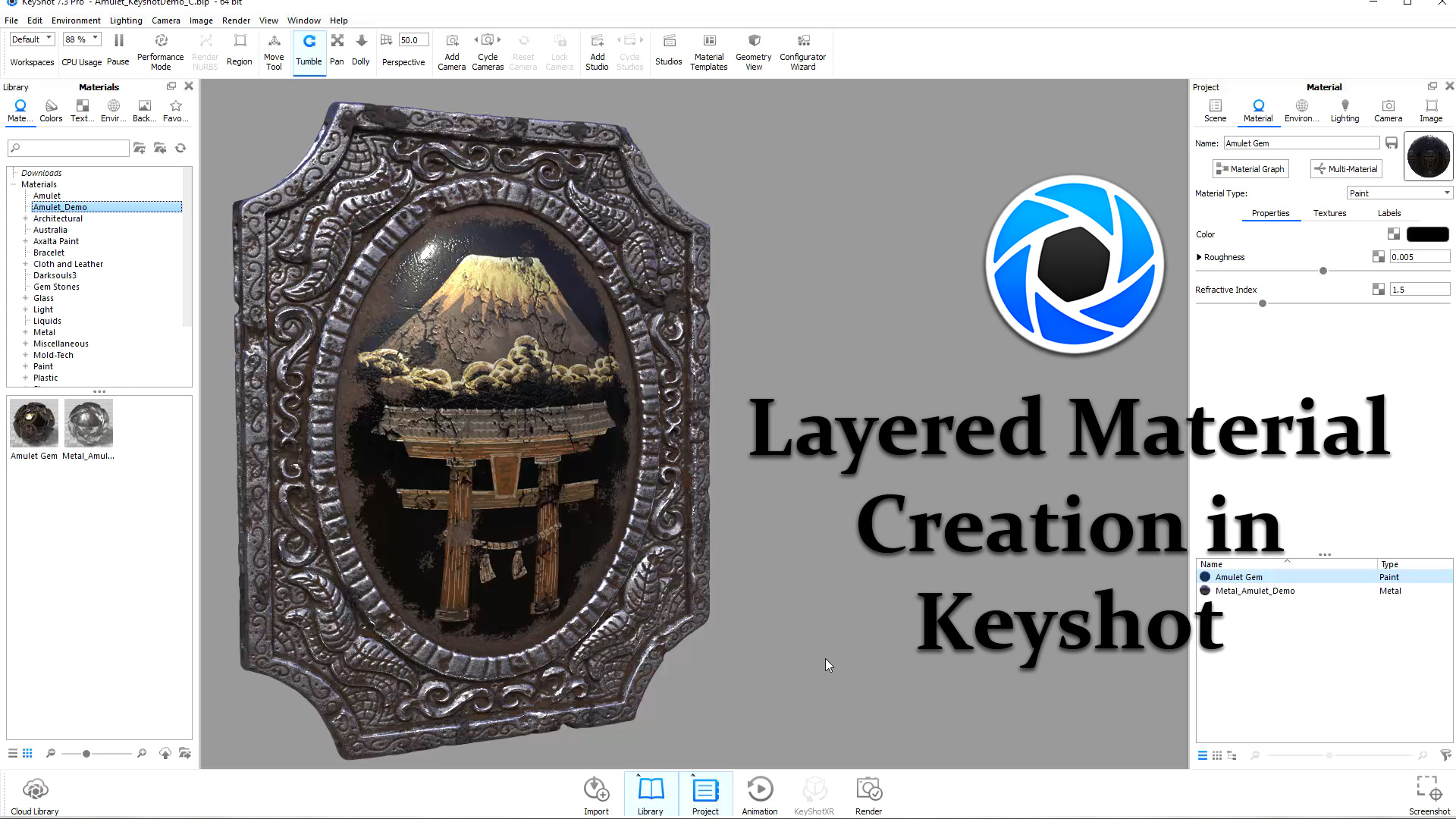
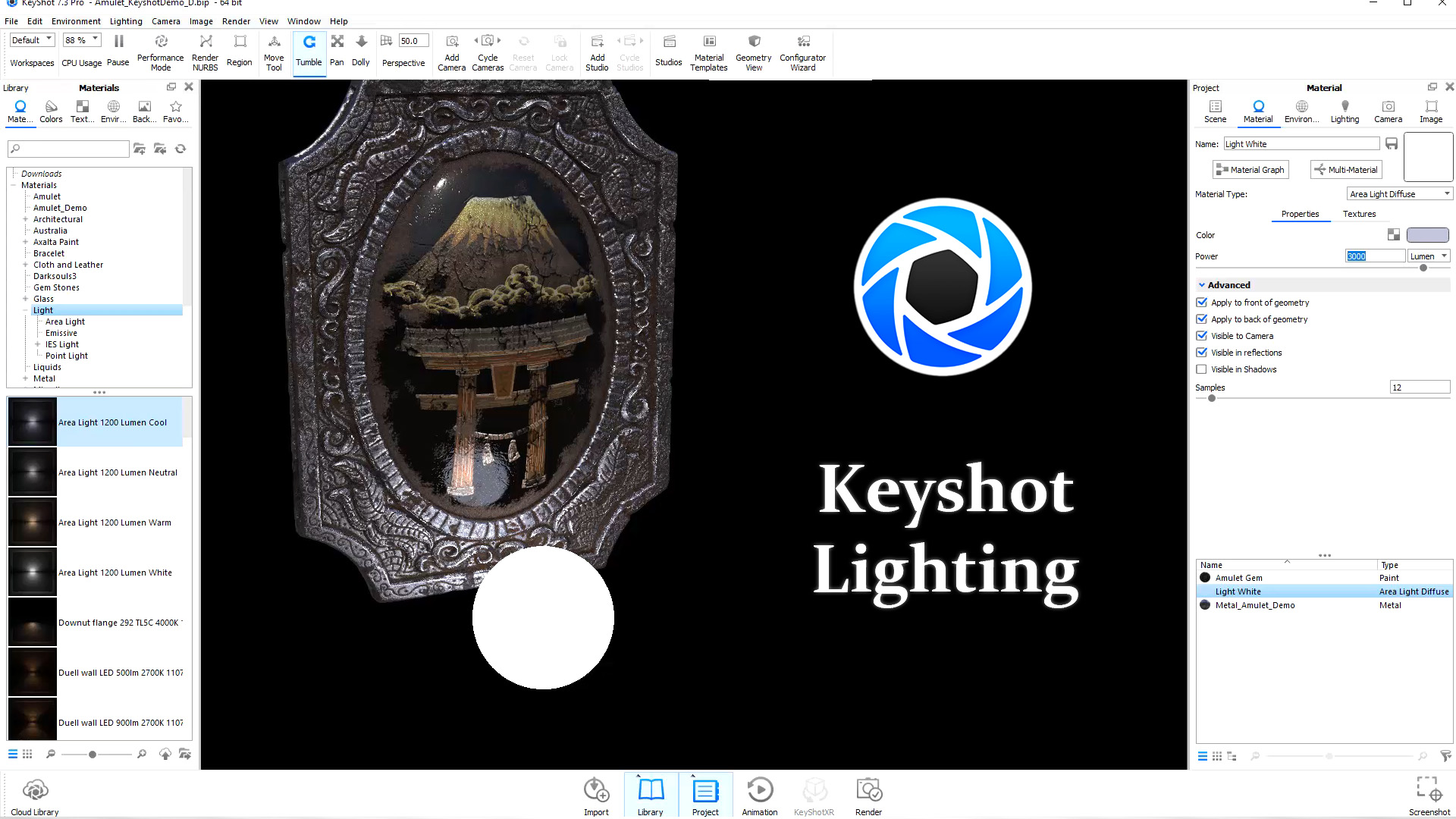
Keyshot 7 Pro – In the Keyshot portions of the tutorial Seth starts by introducing the basics of the program, such as understanding the user interface and various features such as HDRI lighting, material application, scene management, and rendering performance. Shortly thereafter creation of custom layered metal and gemstone materials using the material graph is demonstrated, showcasing Keyshot’s rarely seen ability to generate highly realistic customized shaders. Users will also learn how to create object based lighting as well as singular image and animated turntable renders in addition to many other excellent Keyshot tips and tricks.
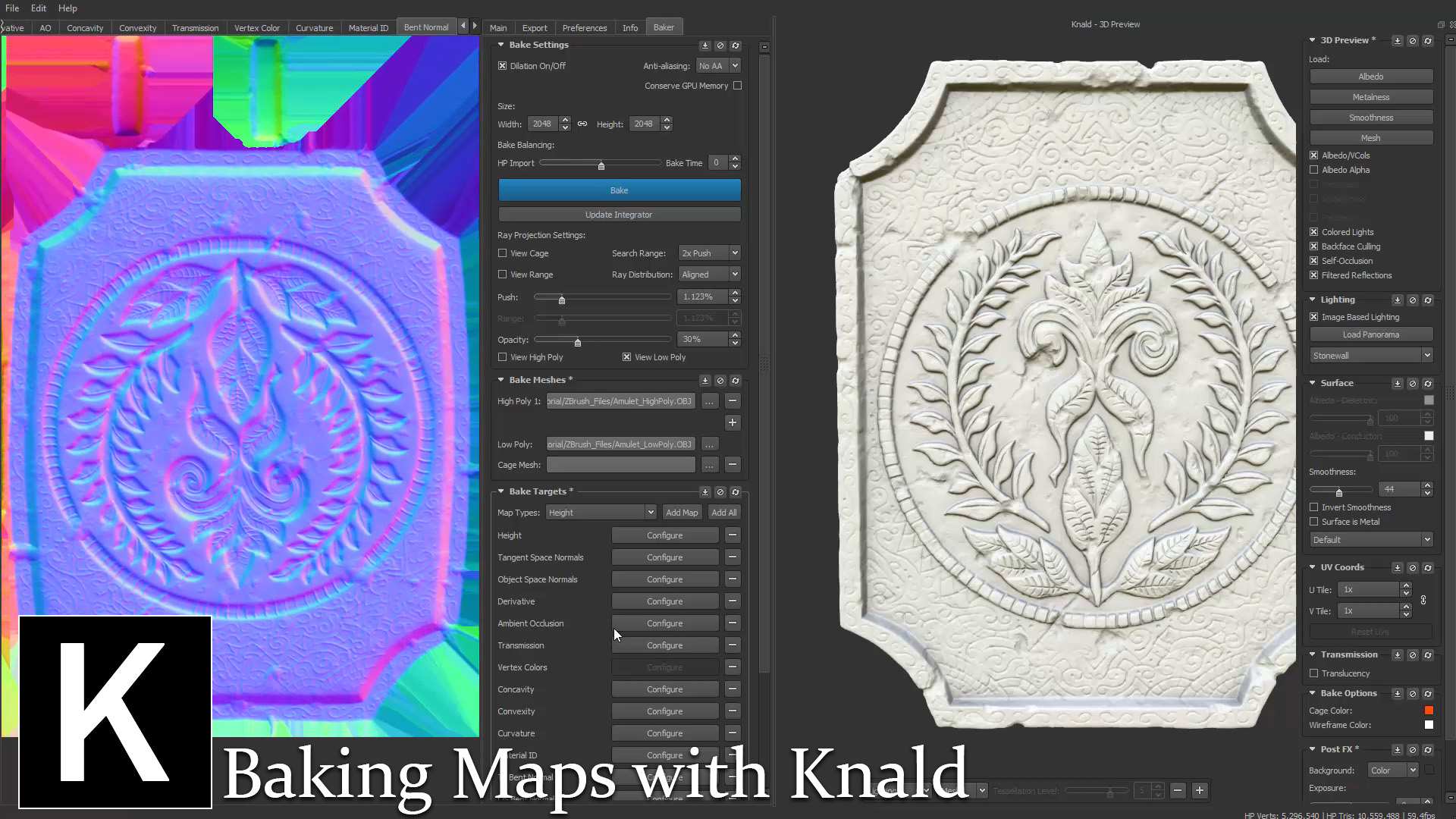
Knald 1.2.1 – As an alternative to generating edge and cavity masks from ZBrush, Seth introduces the powerful stand-alone GPU powered software “Knald”. With focus on “The Baker” tool users will learn how to quickly create a multitude of maps from their Amulet Models such as Normal maps, Height Maps and much more. This is an exceptional tool to learn if you want ultra-fast map generation from extremely detailed and polygon dense models.
Magic Looks Builder – Seth also gives a brief introduction to the amazing image compositing and color correction software Magic Looks Builder.
Downloadable Bonus Content:
When you purchase this tutorial you will also receive downloadable versions of all the video chapters as well as several versions of Seth’s amulet Keyshot ZTool files including the final UVW mapped, production ready ZTool. All images and PSD files showcased are also included along with the final textured Amulet Keyshot Bundle file. Users are free to open, use, review and modify all of the included files as they wish, allowing a true “behind the scenes” experience and also offering a great way to learn.
Additionally Seth has included a number of renders and images from his previous personal art projects for your viewing pleasure. Be sure to watch the video tour of the downloadable content available with your purchase.
Important Notices:
HD versions of Keyshot do not provide access to the “Material Graph” tool for creation of custom materials which are showcased in this tutorial. Versions that do include the "Material Graph" are:
KeyShot Pro
KeyShot Pro for ZBrush
KeyShot Pro Floating
KeyShot Enterprise
The video portion of this tutorial will also be available in online streaming format for free on Seth Thompson’s YouTube channel. You can find Seth's channel by searching for "Seth Thompson CG Channel" within YouTube's search feature. The benefit of purchasing this tutorial is for you to own and use all of the excellent downloadable bonus content listed above. Thanks so much for your support - Seth!
Software Demonstrated:
ZBrush 2018
ZBrush to Keyshot Bridge
Keyshot 7 Pro
Adobe Photoshop CC 2018
Knald 1.2.1
Magic Looks Builder
ZBrush 2018 - The course begins with modeling and sculpting of a detailed amulet within ZBrush, introducing a variety of excellent program settings, techniques and workflows. Techniques include using “UV Master” to create UVW Maps for use in texturing. You will also learn sculpting methods for generating detailed ornamental designs with incredible precision using image based maps or traditionally with hand sculpting techniques Seth has developed from years of experience. Procedural sculpting workflows using “Surface Noise” to quickly create realistic destruction and weathering are also explored. You will also learn how to create and export edge and cavity masks onto your UVW templates for use within Photoshop and Keyshot for texturing and generation of complex materials.
Adobe Photoshop – Throughout the tutorial Seth showcases numerous techniques within Photoshop for concepting, texturing and compositing beautiful images. Seth shares and shows his final PSDs used to create a beautiful gold painted design of Mount Fuji and dirt masks for texturing during the Keyshot portion of the demo. Techniques for creation of extremely detailed and precise designs with rarely used tools such as the pen tool, layer masks and paths is also covered. Seth also teaches how to work “non-destructively” insuring you can always go back to the original state of an image while having the freedom to explore and iterate multiple looks quickly and easily. At the end of the tutorial you will also learn many tips and tricks for editing and compositing of renders to create stunning images of your amulet.
Keyshot 7 Pro – In the Keyshot portions of the tutorial Seth starts by introducing the basics of the program, such as understanding the user interface and various features such as HDRI lighting, material application, scene management, and rendering performance. Shortly thereafter creation of custom layered metal and gemstone materials using the material graph is demonstrated, showcasing Keyshot’s rarely seen ability to generate highly realistic customized shaders. Users will also learn how to create object based lighting as well as singular image and animated turntable renders in addition to many other excellent Keyshot tips and tricks.
Knald 1.2.1 – As an alternative to generating edge and cavity masks from ZBrush, Seth introduces the powerful stand-alone GPU powered software “Knald”. With focus on “The Baker” tool users will learn how to quickly create a multitude of maps from their Amulet Models such as Normal maps, Height Maps and much more. This is an exceptional tool to learn if you want ultra-fast map generation from extremely detailed and polygon dense models.
Magic Looks Builder – Seth also gives a brief introduction to the amazing image compositing and color correction software Magic Looks Builder.
Downloadable Bonus Content:
When you purchase this tutorial you will also receive downloadable versions of all the video chapters as well as several versions of Seth’s amulet Keyshot ZTool files including the final UVW mapped, production ready ZTool. All images and PSD files showcased are also included along with the final textured Amulet Keyshot Bundle file. Users are free to open, use, review and modify all of the included files as they wish, allowing a true “behind the scenes” experience and also offering a great way to learn.
Additionally Seth has included a number of renders and images from his previous personal art projects for your viewing pleasure. Be sure to watch the video tour of the downloadable content available with your purchase.
Important Notices:
HD versions of Keyshot do not provide access to the “Material Graph” tool for creation of custom materials which are showcased in this tutorial. Versions that do include the "Material Graph" are:
KeyShot Pro
KeyShot Pro for ZBrush
KeyShot Pro Floating
KeyShot Enterprise
The video portion of this tutorial will also be available in online streaming format for free on Seth Thompson’s YouTube channel. You can find Seth's channel by searching for "Seth Thompson CG Channel" within YouTube's search feature. The benefit of purchasing this tutorial is for you to own and use all of the excellent downloadable bonus content listed above. Thanks so much for your support - Seth!
Media
Trailers and screenshots straight from the store page


Intro to Prop Sculpting and Texturing price history and current deals
Price tracking for Intro to Prop Sculpting and Texturing across authorized stores.
Scores
Steam reviews No user reviews · 0%
Media (15)
Requirements
Facts
GenresTutorial
Links