PC
$0.00 Region US
Content rating unavailable
Casual · Aaron Angert
JoustMania

Content rating unavailable
Windows
Positive · 86% of 14

 Chip's verdict · US updated 26 days ago
 Why this verdict
Player reviews 86% positive of 14
Quality score 86/100 · small sample
Offers
Accepted regional prices from official stores
Official stores (1)
Clean outbound link. We never touch your payment.
Report a wrong price
About this game
What this game is, in the developer's words
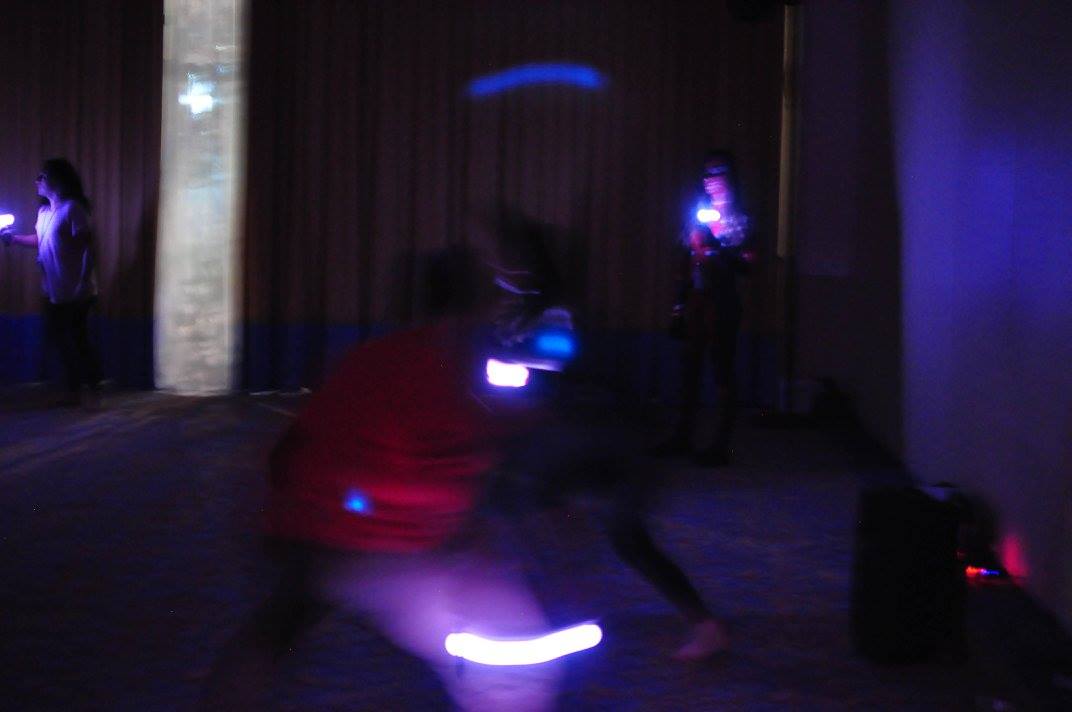
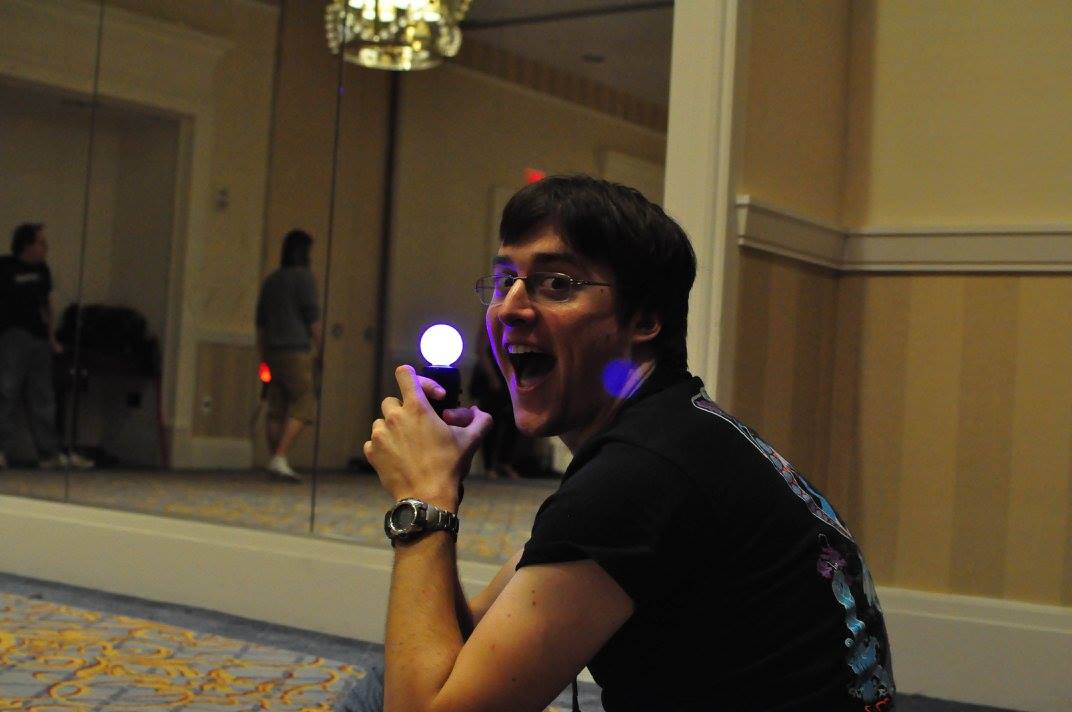
Keep your controller still while trying to jostle others, in this large local, no screen required, party game.
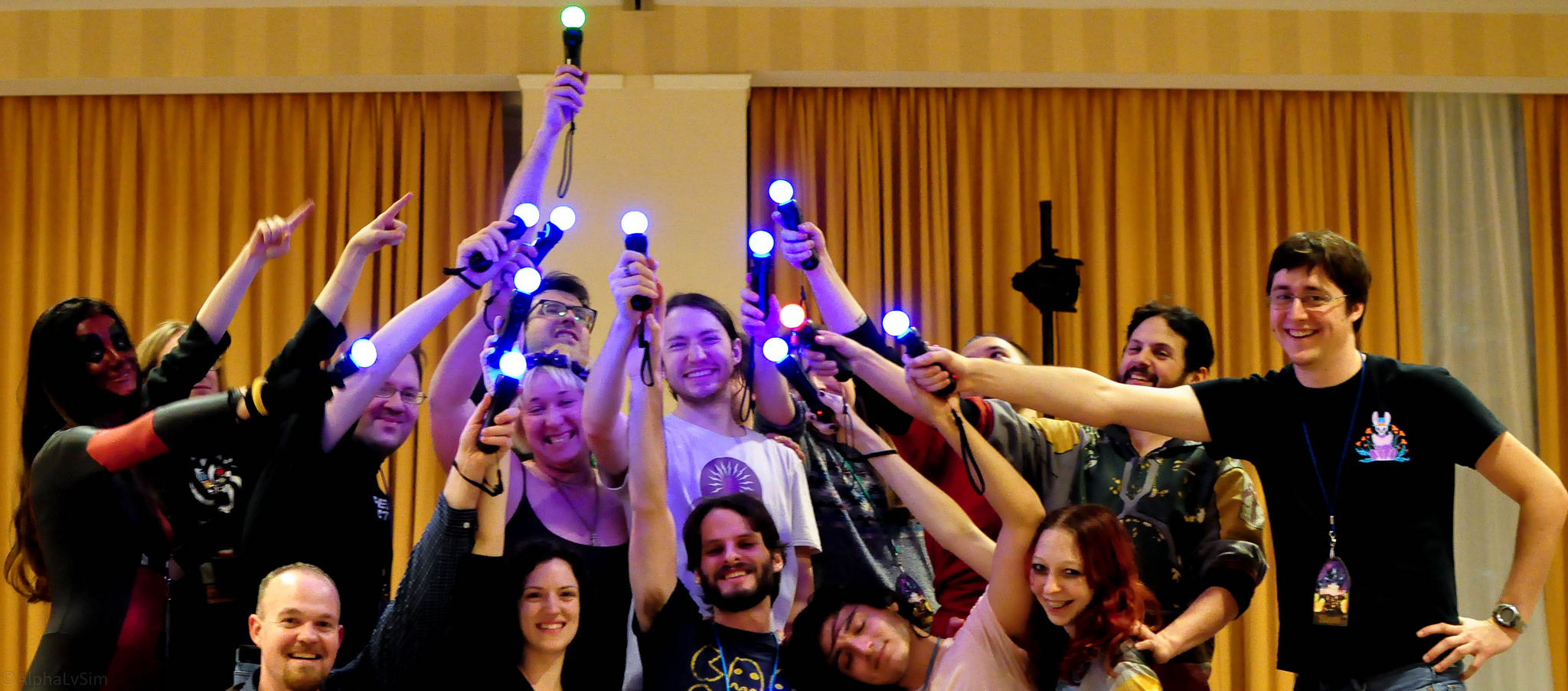
JoustMania is a movement based party game based off of the Jostling mechanic introduced in Johann Sebastian Joust, players try to keep their controller still while jostling others, no screen required. JoustMania features thirteen different game modes, five different sensitivity levels, and a whole range of other features for you and your friends to enjoy. This is the first time this game is available on the Windows platform.
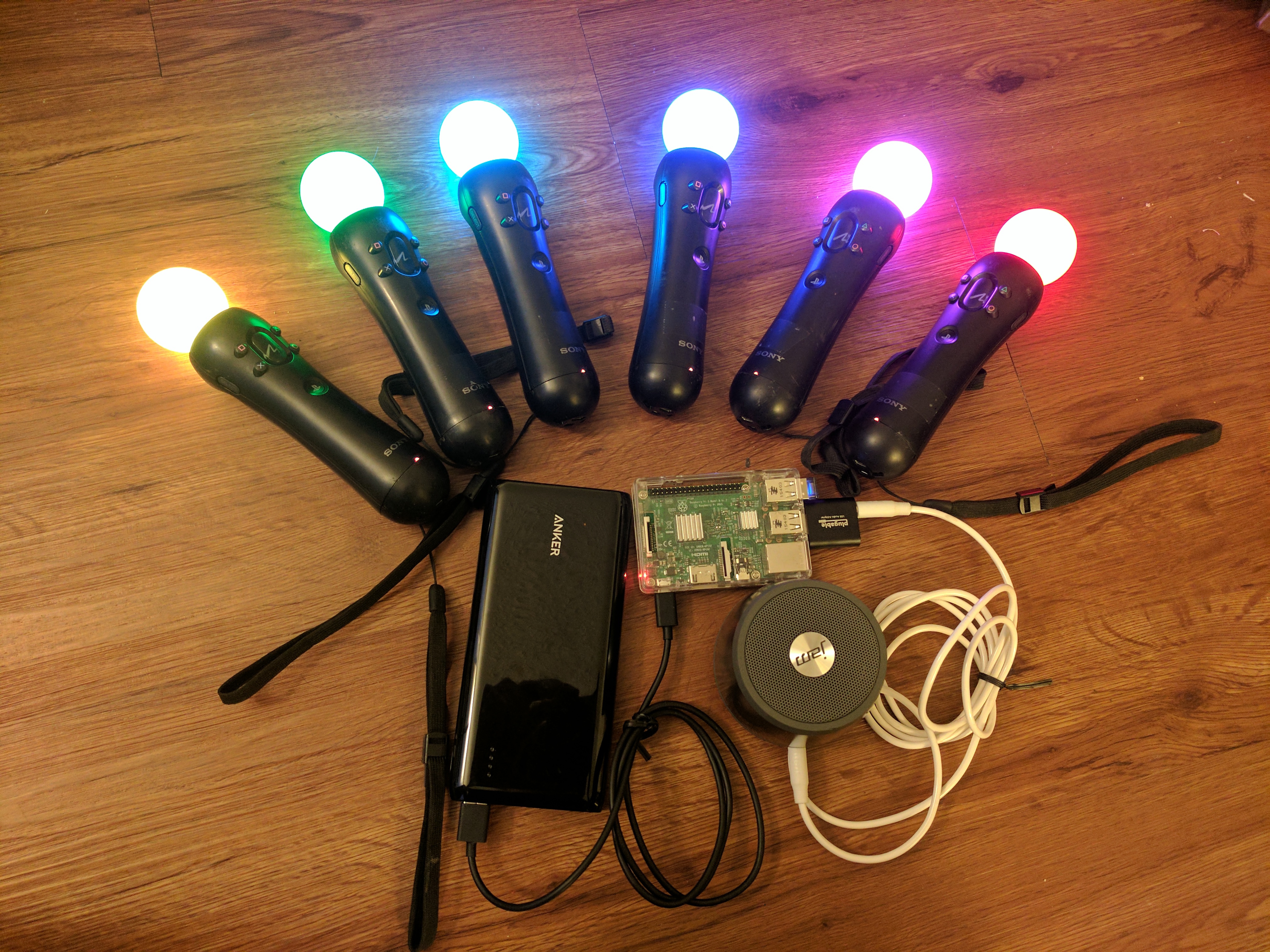
JoustMania supports up to seven players on Windows, and 18+ on the raspberry pi. Playstation move controllers are required to play this game.
Note: In order to sync Joustmania controllers you will need to run in administrator mode:
Go to C:/Program Files (x86)/Steam/SteamApps/common/Joustmania
right click piparty.exe
click properties
click the Compatibility tab
click Run this program as an administrator, and click Apply
GameModes
- Joust Free-for-All (2+ players)
- Joust Teams (Minimum 3+ players, 4+ players recommended)
- Joust Random Teams (3+ players)
- Traitors (Minimum 6+ players, 9+ players recommended)
- Werewolves (Minimum 3+ players, 6+ players recommended)
- Zombies (Minimum 4+ players, 10+ players recommended)
- Commander (Minimum 4+ players, 6+ players recommended)
- Swapper (Minimum 3+ players, 4+ players recommended)
- Fight Club (2+ Players)
- Tournament (3+ players)
- Non Stop Joust (2+ players)
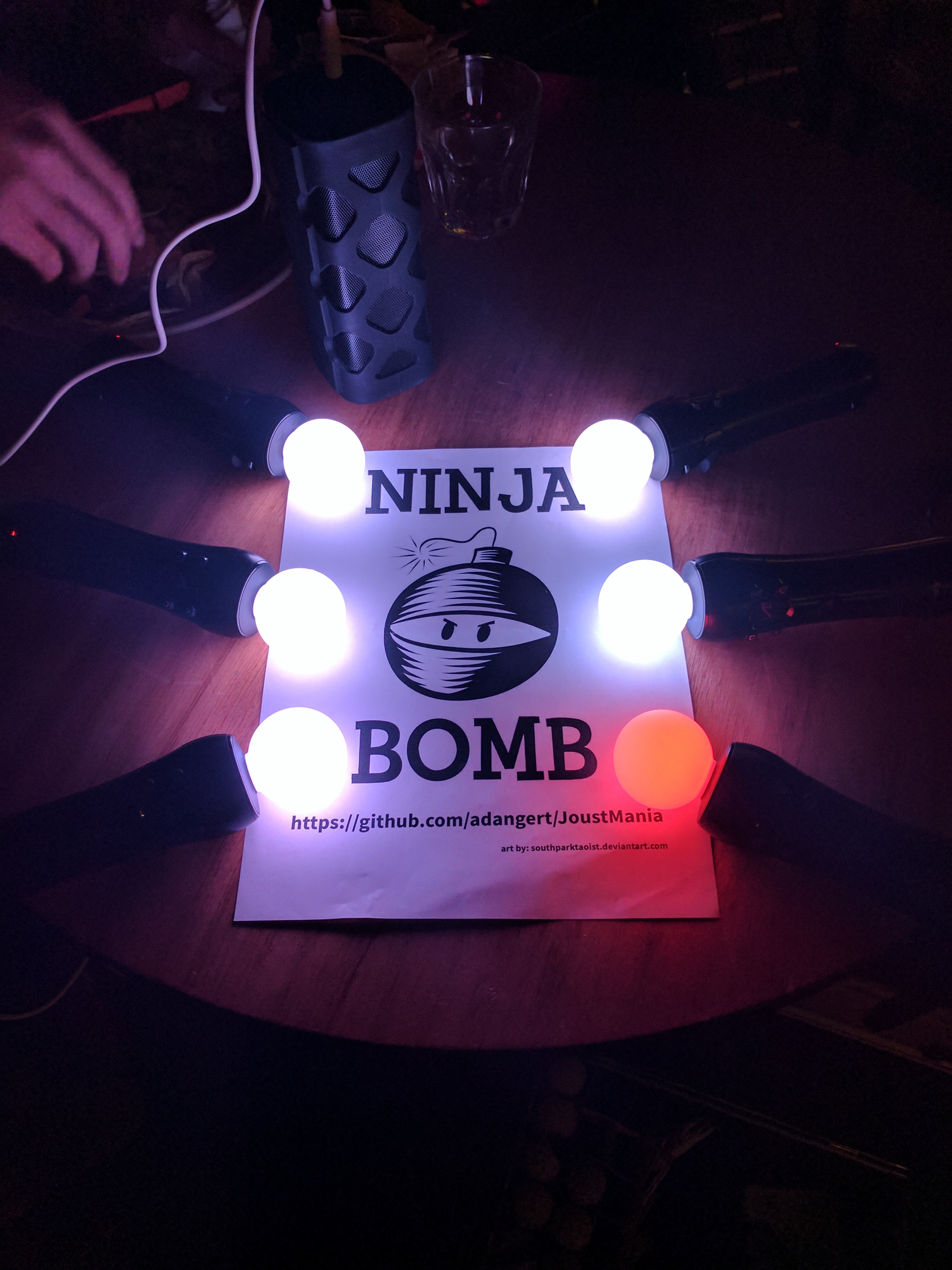
- Ninja Bomb (2+ players)
- Random mode
Starting a game
To access different game modes, after pairing a playstation move controller press the select button on the side of the controlelrs. To start a game everyone needs to press the trigger buttons on their controllers.Pairing
To pair a PlayStation move controller, make sure you follow the above steps to run as an administrator, start JoustMania then plug the controller in and keep on pressing the PlayStation home button until the controller turns a color other than white, you should not have to remove the controller while pairing. If you are using the newer Playstation move controller (CECHZCM2) you will have to click the popup on the bottom right of the screen to allow it to be paired.Admin Mode
You can become an Admin by pressing all four front buttons on any controller, this will allow you to modify the games settings from the four front buttons on the controller, After a game is played the Admin mode will be reset(Cross) Add or remove a game from Random mode, your controller will be green if the game is added and Red if it is not, Custom Teams mode can not be added to Random mode
(Circle) Change sensitivity of the game. There are five settings, Ultra High, High, medium, Low, and Ultra low.
(Square) toggle the playback of instructions for each game
(Triangle) show battery level on all controllers
Browser UI
After starting Joustmania, in your web browser go to 127.0.0.1 and you should see a GUI to change game modes and settings from your computer.Credit to FamilyGamerRadio for the intro video.
Media
Trailers and screenshots straight from the store page


Price intelligence
Accepted price history and the lows that matter
No price history recorded yet.
Historical lows
No history yet.
JoustMania price history and best deals
JoustMania for PC currently sells from free at authorized stores.
Frequently asked questions
Answered from this game's own price and edition data
Where can I buy JoustMania?
JoustMania is tracked at steam. We only list authorized stores here and always link out with a clean outbound link.
Scores
Steam reviews Positive · 86%
86% positive of 14
Media (7)
Tech
Requirements
Facts
DeveloperAaron Angert
PublisherAaron Angert
GenresCasual · Free To Play · Indie · Simulation · Sports
TagsFree to Play · Indie · Casual · Simulation · Sports
ModesMulti-player · Co-op · Shared/Split Screen Co-op
Links