
Krita


 Wait Chip's verdict · US updated 10 hr. ago
 Good game, but it sits 100% of the way from its all-time low to full price. It drops harder in seasonal sales. Patience pays.
Why this verdict
Offers
Accepted regional prices from official stores
Report a wrong price
DLC (1)
Add-on content for this game
- Krita Gemini Lifetime Upgrade DLC No offer tracked

About this game
What this game is, in the developer's words
Krita is a powerful, open source and community-driven digital art tool for illustrators, concept designers, animators, comic book artists, game developers, and anyone who wants to express themselves through the creation of visual art.
One big thing that sets Krita apart is that it’s fully open source and community-driven. This means that it’s developed transparently in coordination with a global community of volunteer artists and programmers, working together to make a great tool for everyone. There are no activation codes, mandatory subscription fees or other roadblocks, because as members of the digital art community, Krita belongs to all of us--to use, to modify, to design and to share.
Krita’s unique development model is only made possible thanks to the support of our users, and by buying through Steam you will be directly supporting Krita's future development. What’s more, buying Krita through Steam also brings the convenience of easy installation on all your supported devices and automatic updates each time a new version is released.
Finally, because Krita is an open source and community-driven project you will always have full access and rights to download and modify Krita's source code; whether you want to modify it for personal use, or work with the community to make Krita better for everyone. You can also download Krita for free from the Krita Foundation website (of course, without any of the benefits of owning through Steam). In order to create a potent tool for artists everywhere, we believe it has to be not only open source but also accessible to as many people as possible no matter their situation and resources. As such, for those who maybe can’t afford Krita or are still unsure about supporting our work, we encourage you to try it out first, hopefully supporting us later if you can, and only because you want to.
There's truly no limit to what Krita can be if we work together as a community.
Key Features
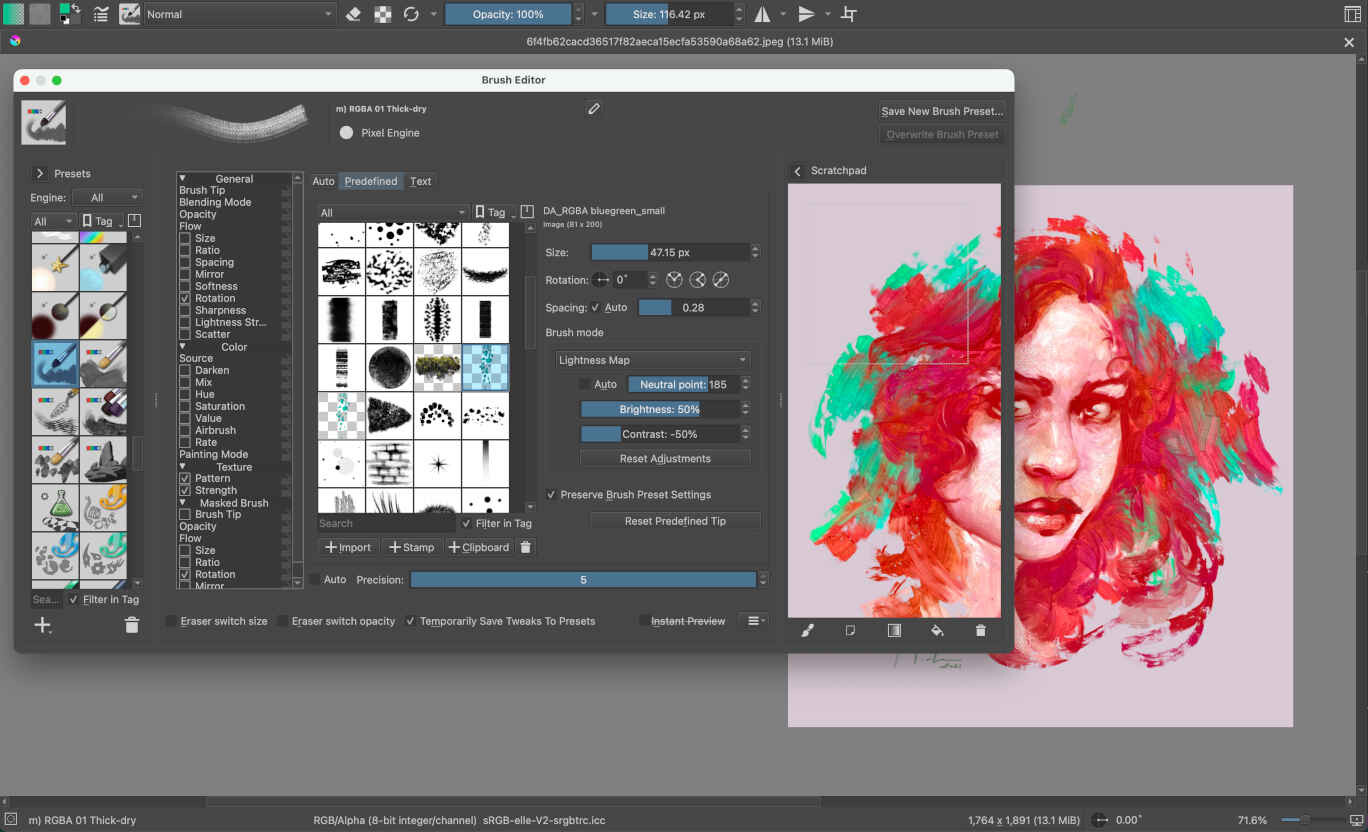
Powerful Brush Engines
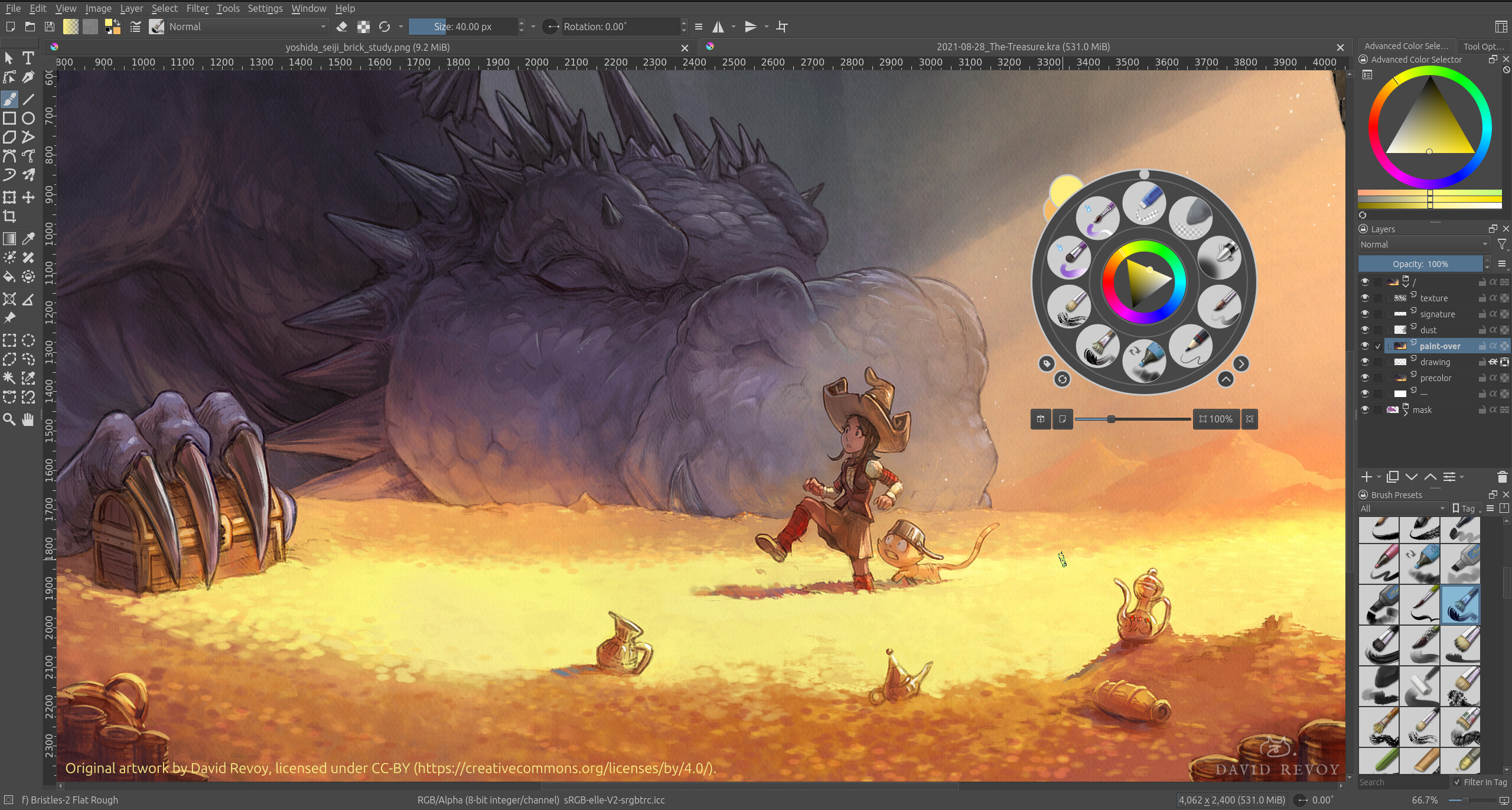
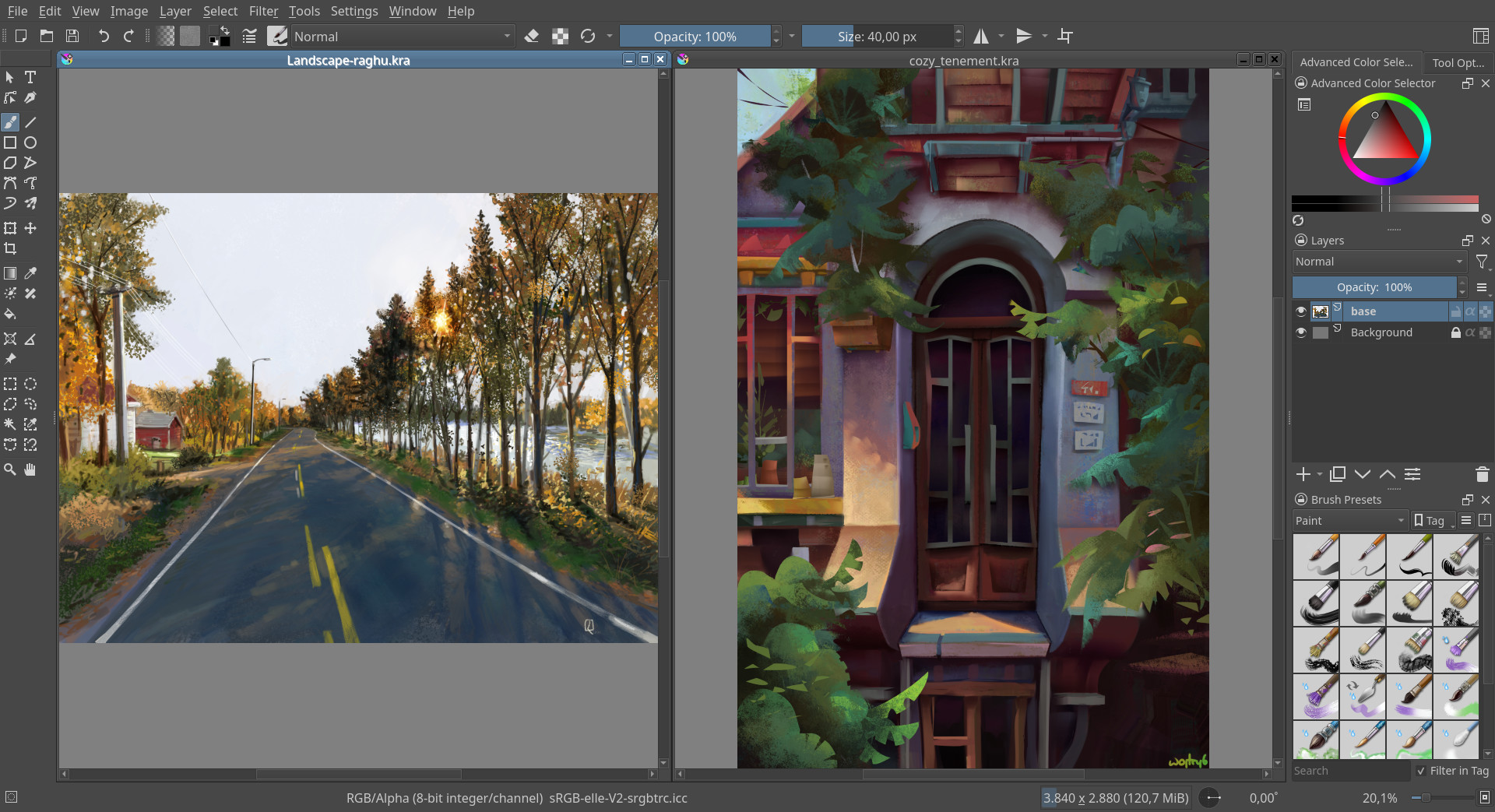
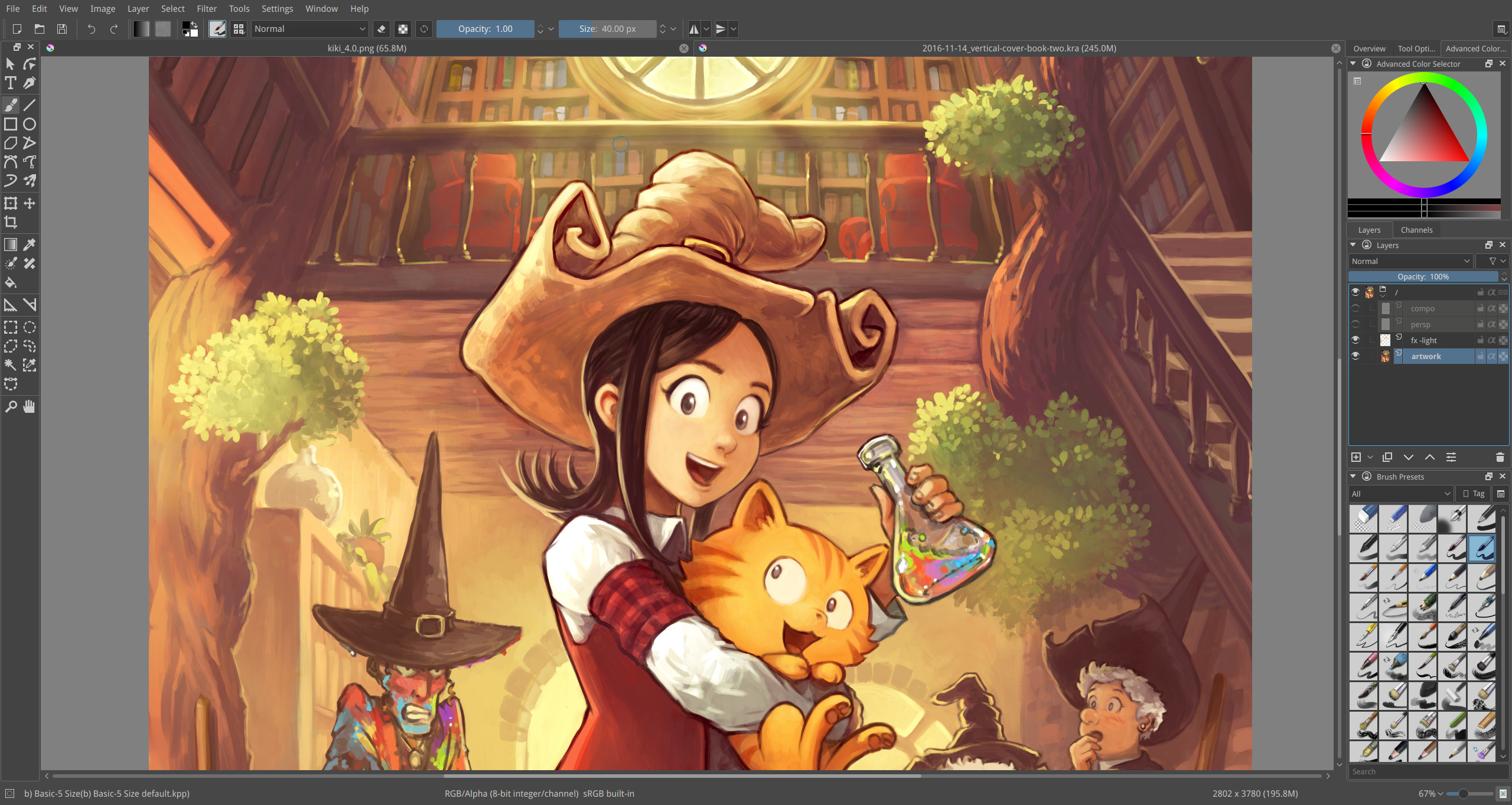
Over a dozen different brush engines, supporting pressure sensitivity, tilt, rotation and other features of modern graphics tablets. Standard brushes, texture masked brushes, blender brushes, clone brushes, filter brushes, and many more! Every single one of them can be turned into an eraser or use any of the various blending modes. Krita includes over a hundred default brushes carefully produced or curated by professional artists, with many more available from the community online.
(Original artwork provided by Emmet O'Neill. All rights reserved by owner.)
Immersive Painting
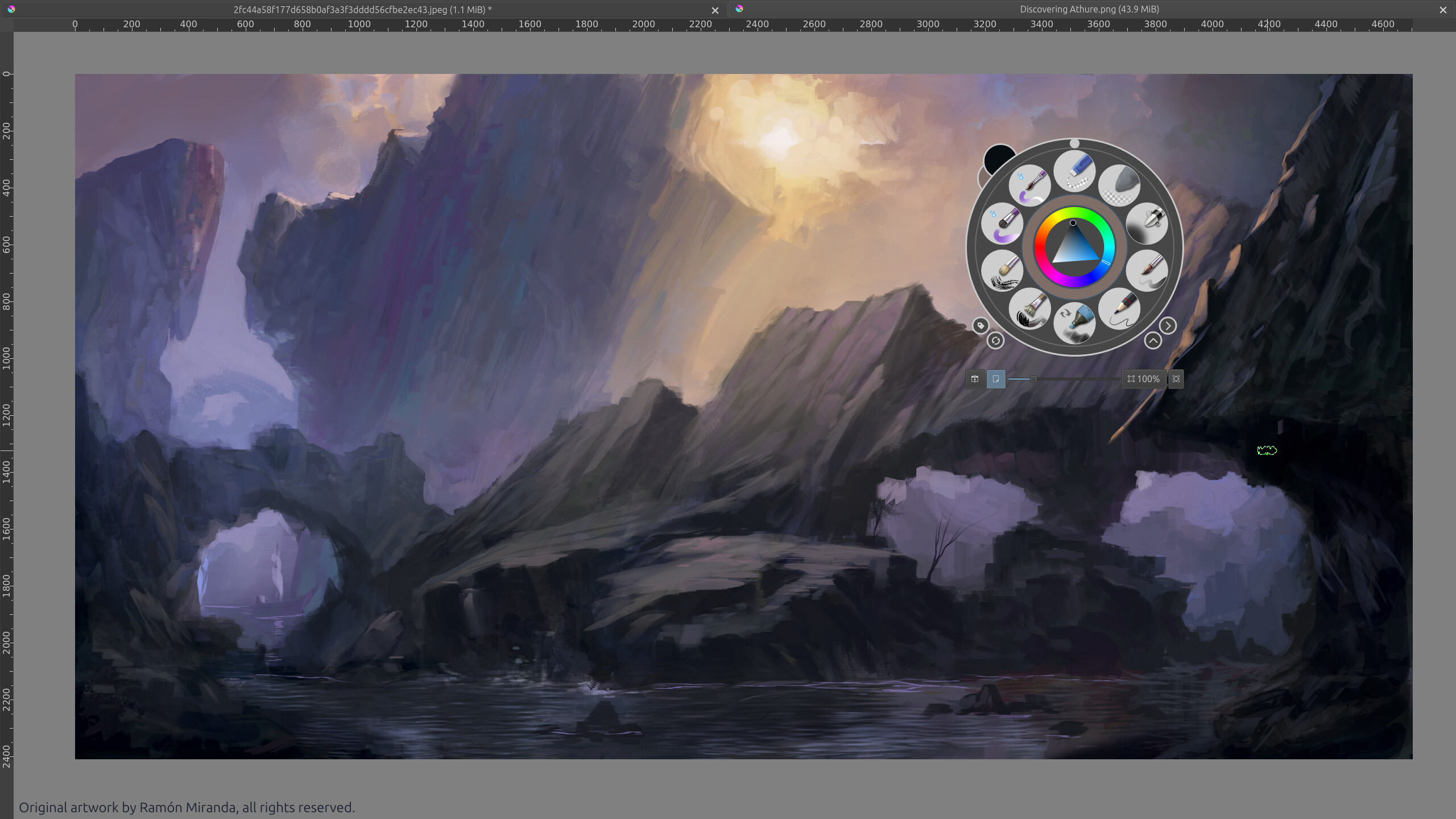
Krita's unique pop-up palette and canvas-only mode allows you to hide almost all of the UI and immerse yourself in your artwork, putting brush preset selection, color selection, canvas adjustment and brush tweaks right at the tip of your pen.
(Original artwork provided by Ramón Miranda. All rights reserved by owner.)
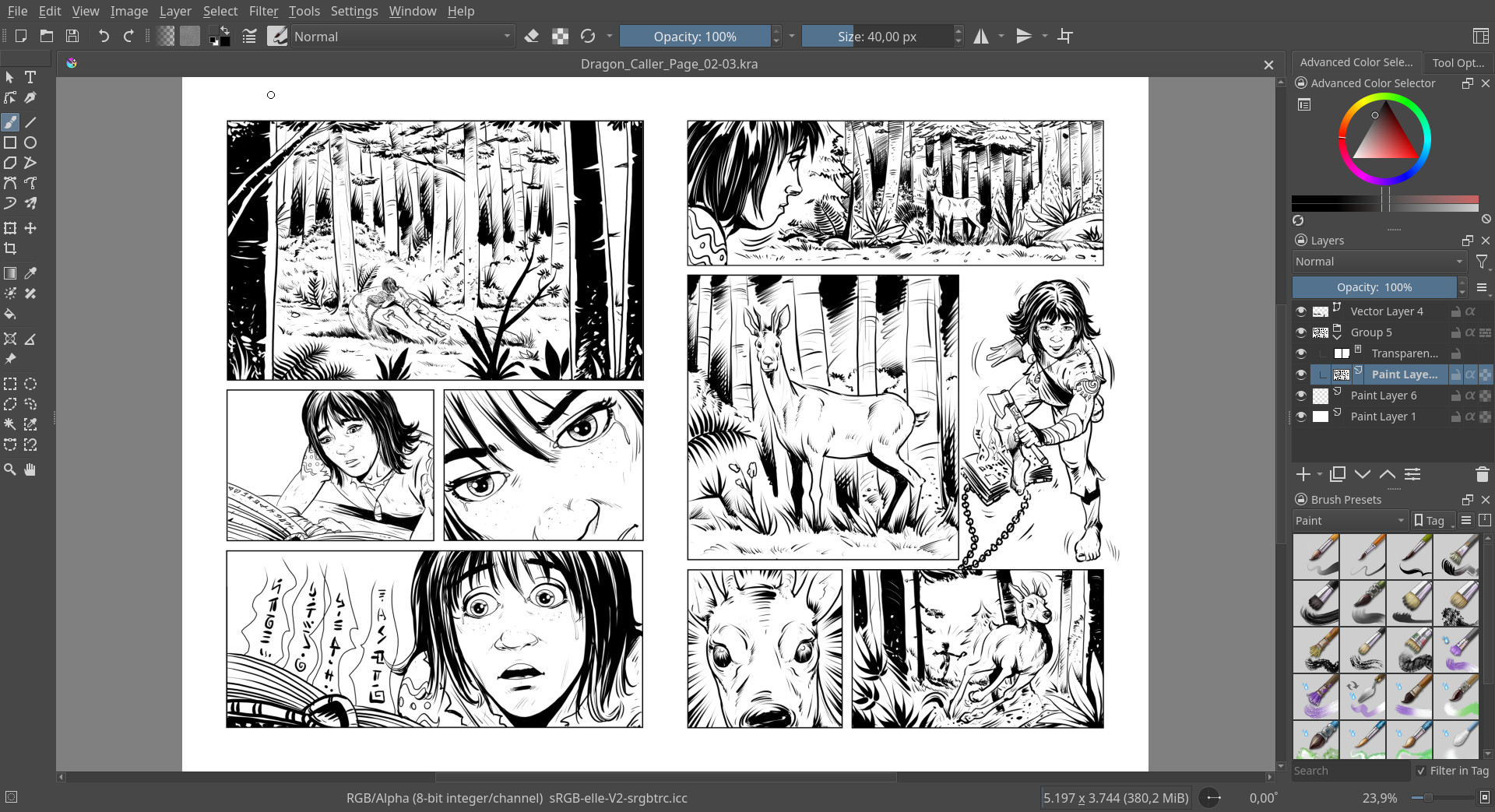
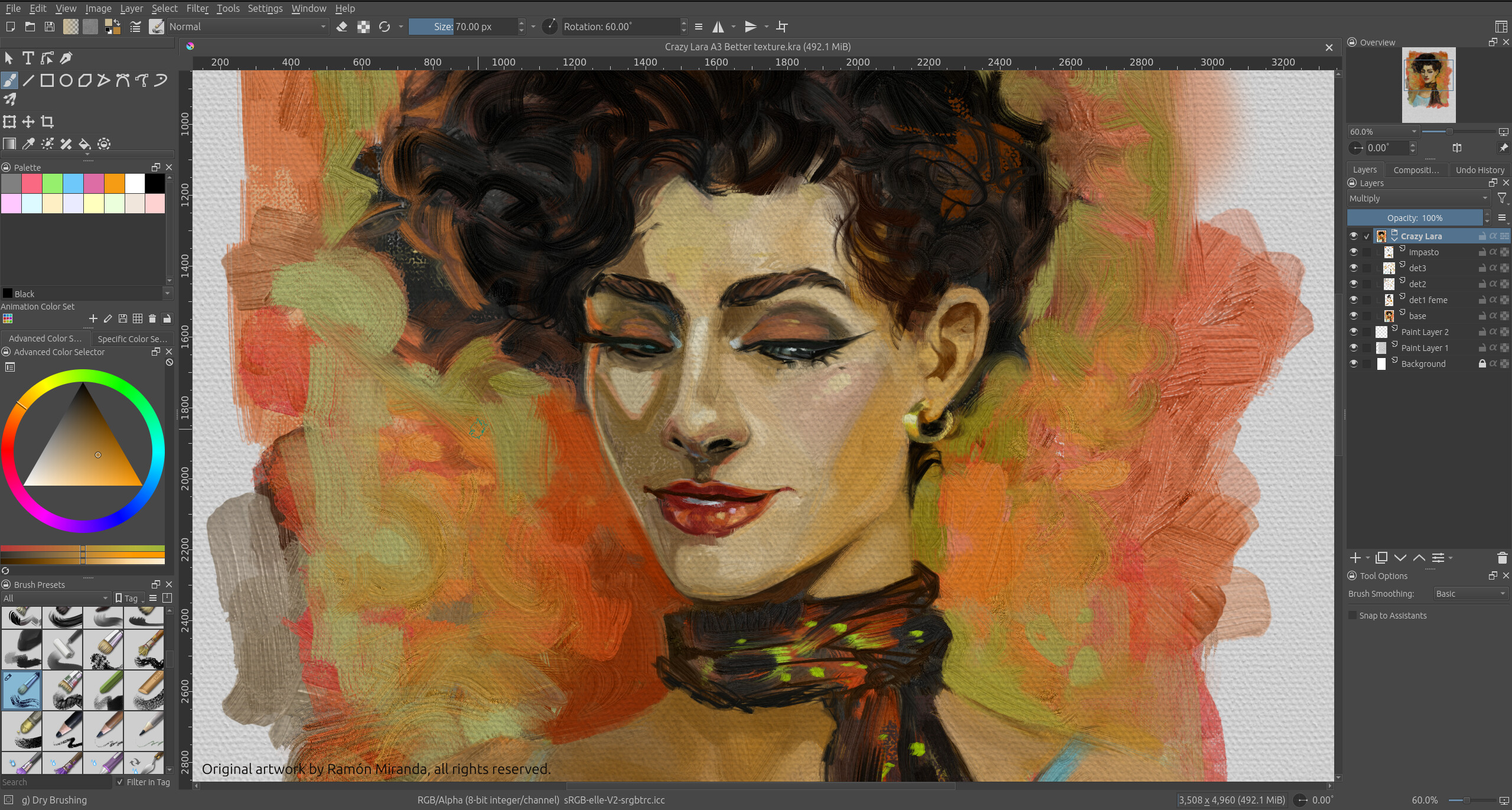
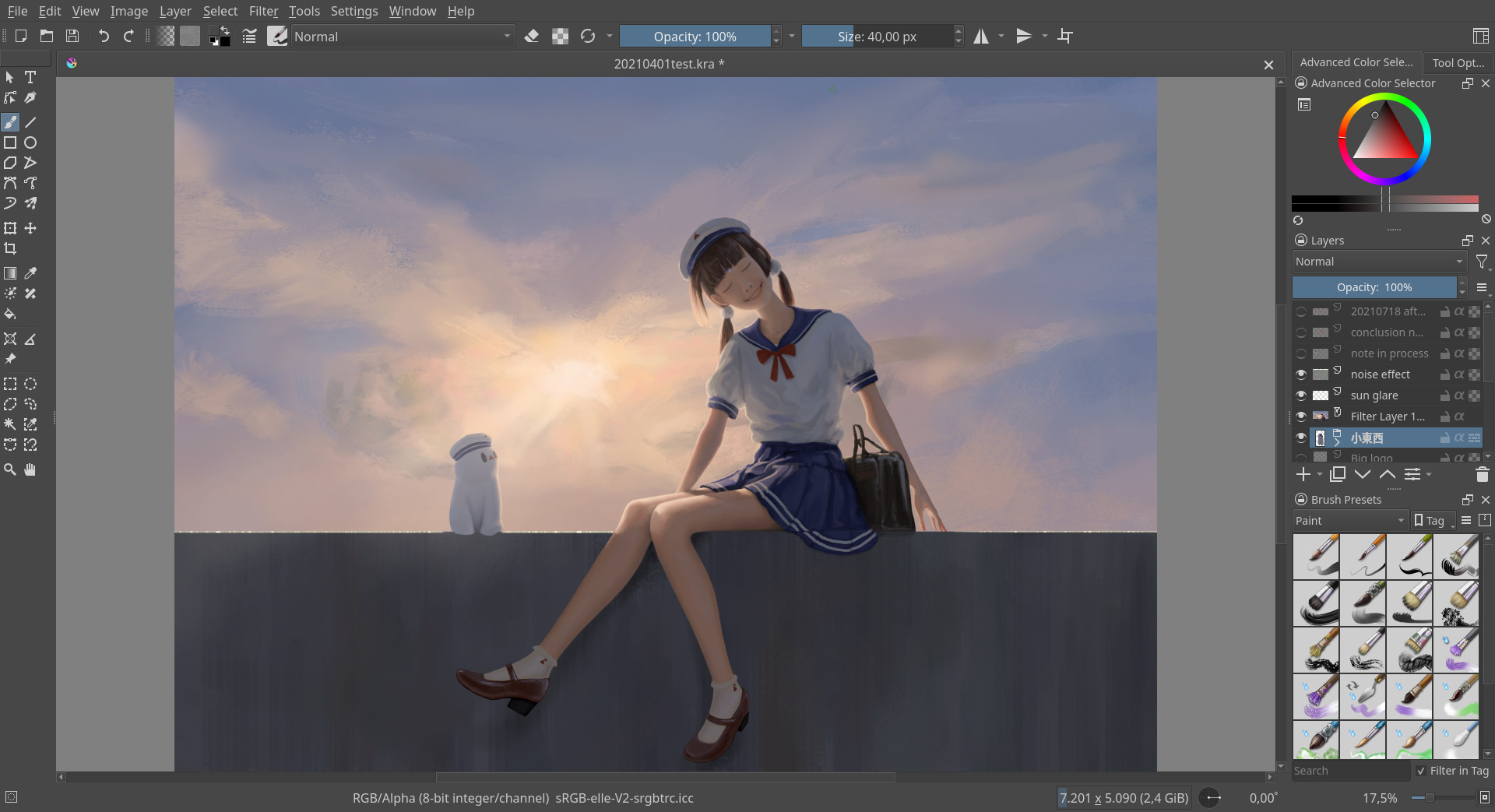
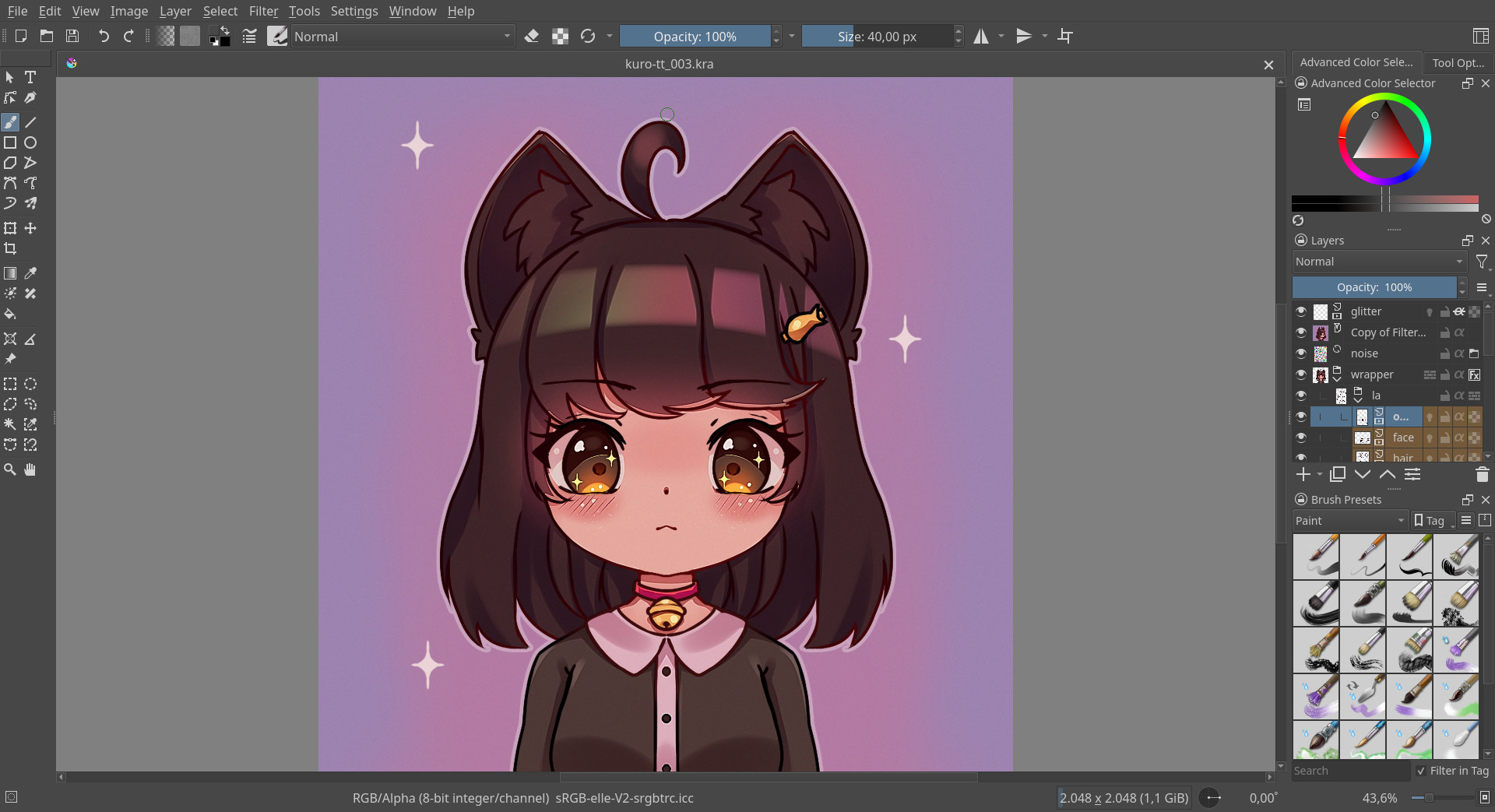
Lovely Layers
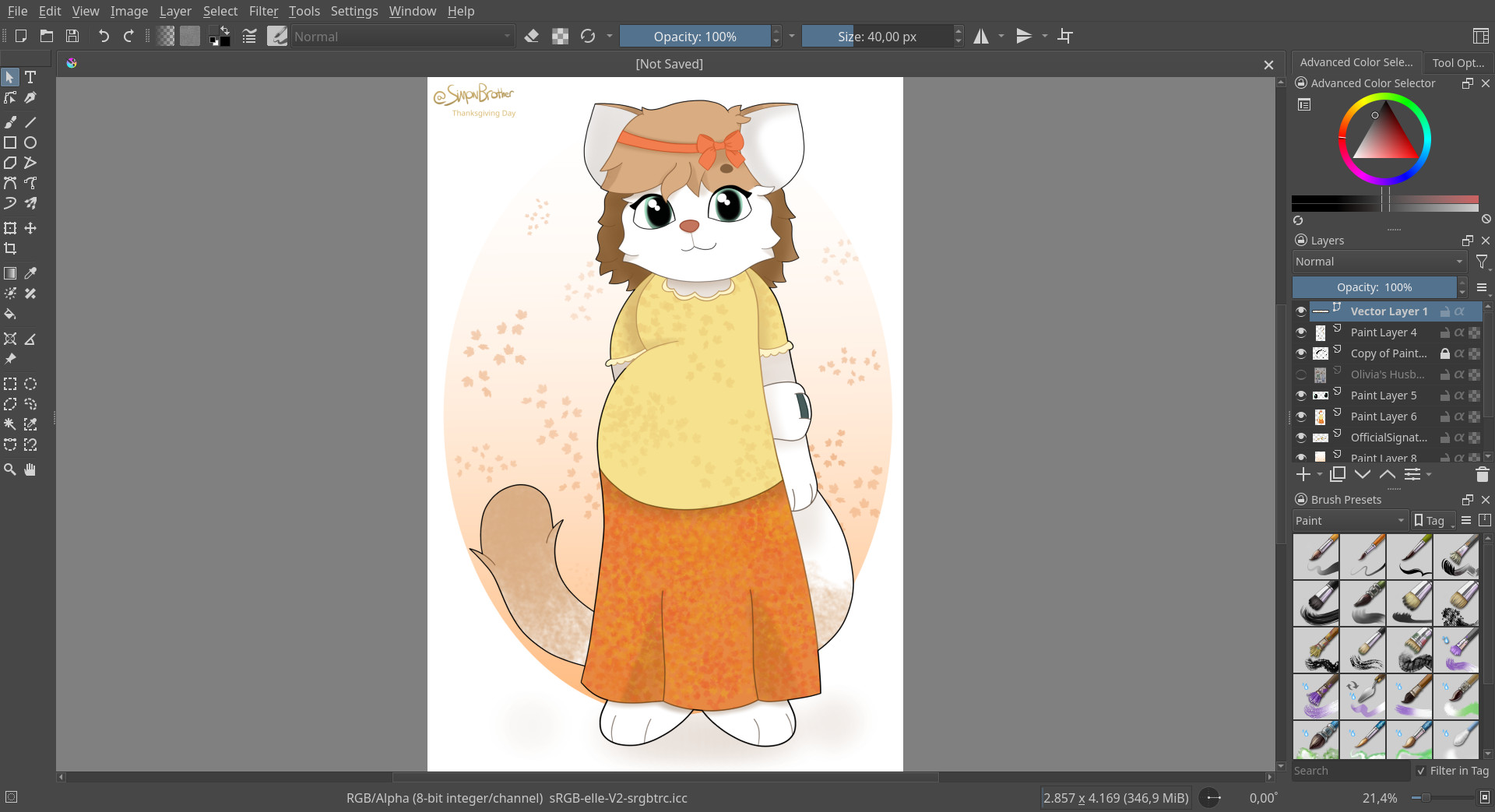
Krita's layer stack supports a huge variety of different layers and masks, as well as various blending modes and effects for bringing them all together.
- Paint layers, group layers, filter layers, vector layers, clone layers, file layers and fill layers (with multiple types of fill, including programmable patterns using Seexpr)
- Transparency masks, filter masks, transform masks, colorize masks (which automatically fill the lineart with flat colors) and local selection masks
- Layer effects
- Alpha Inheritance
- Pass-through mode for group layers for compatibility with other software
- Non-destructive editing and unlimited nesting
(Original artwork provided by Ramón Miranda. All rights reserved by owner.)
Transformative Tools
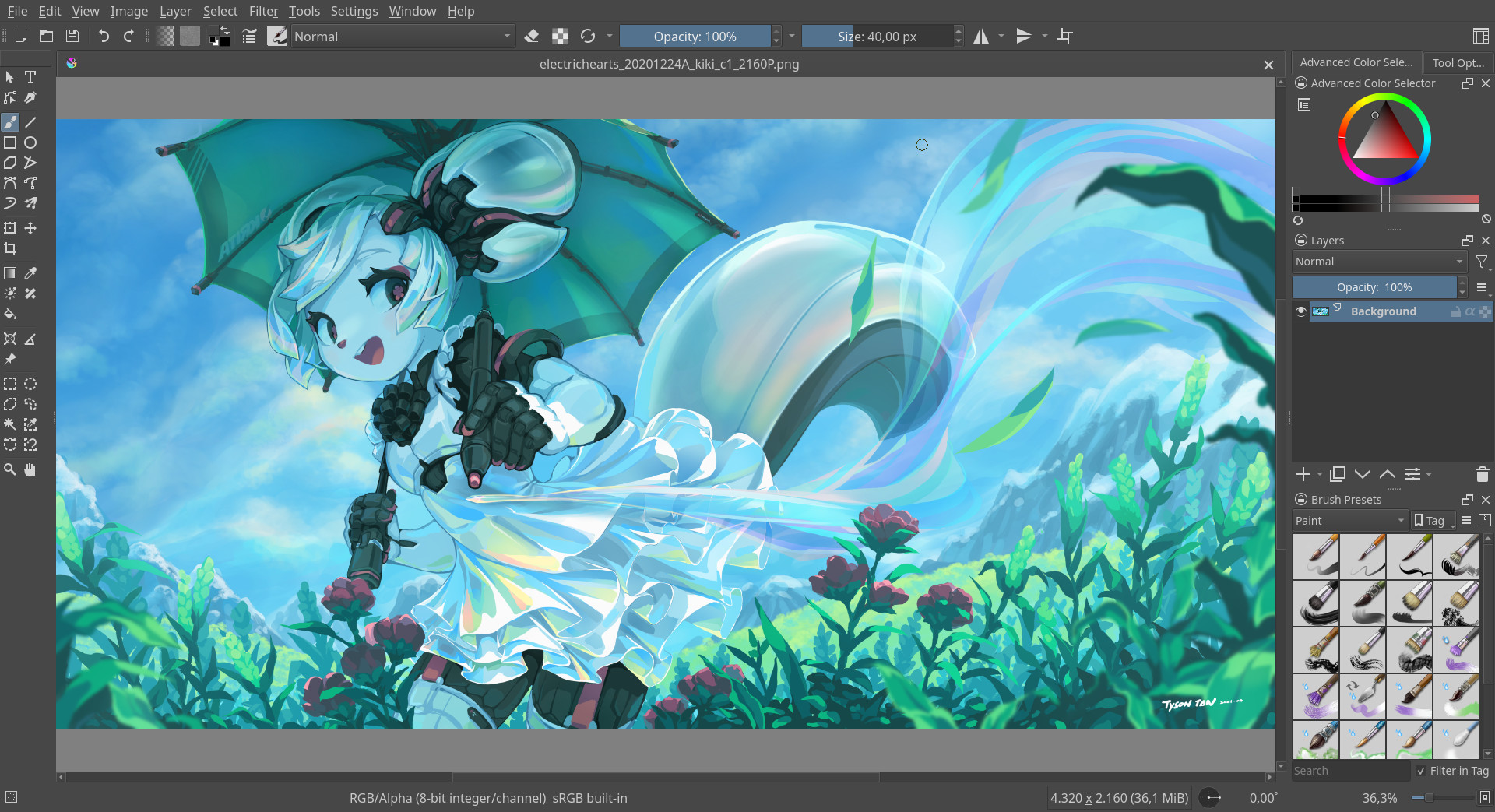
Krita's Transform Tool supports everything from standard translation, scaling and rotation, to advanced perspective transformations, warping, liquification and mesh transformation.
(Modification of original artwork by David Revoy, licensed under CC-BY.)
Moving Pictures
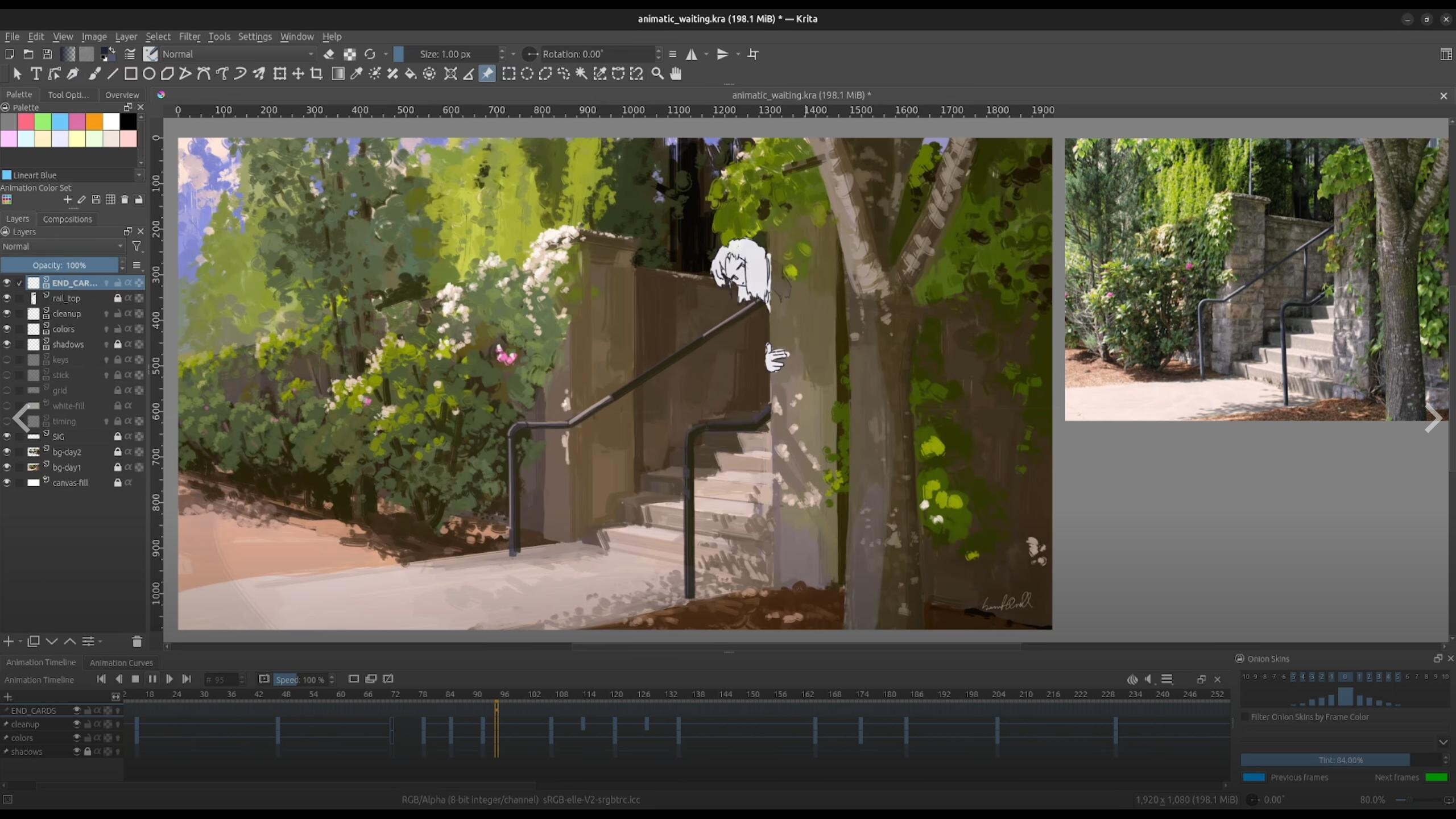
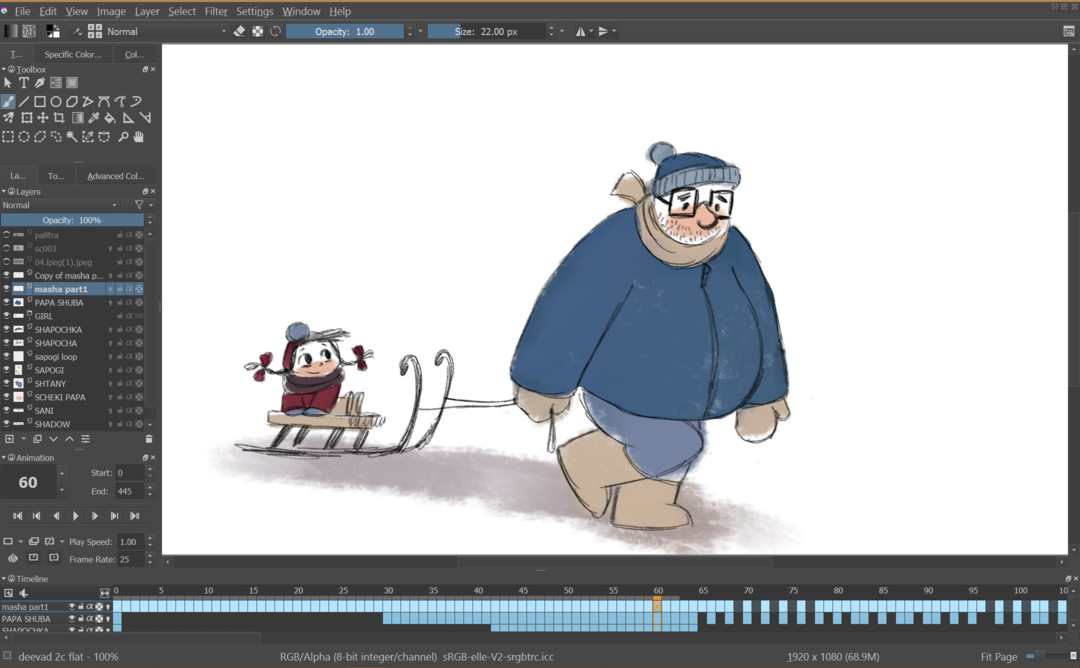
Krita also comes with a host of useful tools for traditional frame-by-frame 2D animation and storyboarding with a dedicated timeline and onion skinning.
(Original artwork and animation provided by Emmet O'Neill. All rights reserved by owner.)
Personal Assistants
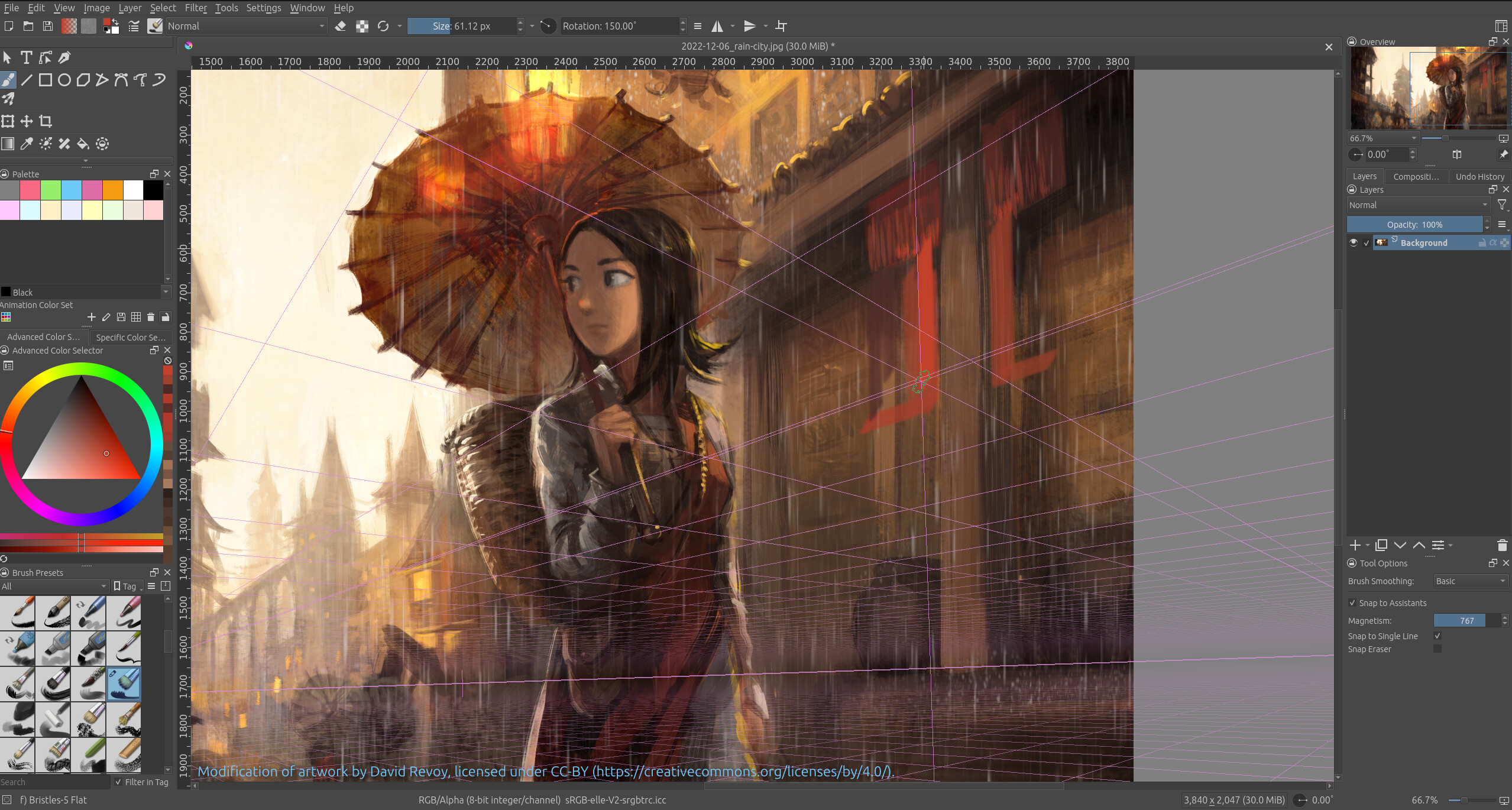
Krita's Assistant Tool will help you draw and paint even the trickiest subjects, with assistants for linear perspective, curves, ellipses and different kinds of rulers.
Configurable brush "magnetism" will keep your drawings tight and Krita's built-in brush stabilizer will keep your brushwork clean.
(Modification of original artwork by David Revoy, licensed under CC-BY.)
And even more!
- Powerful tools with a variety of options
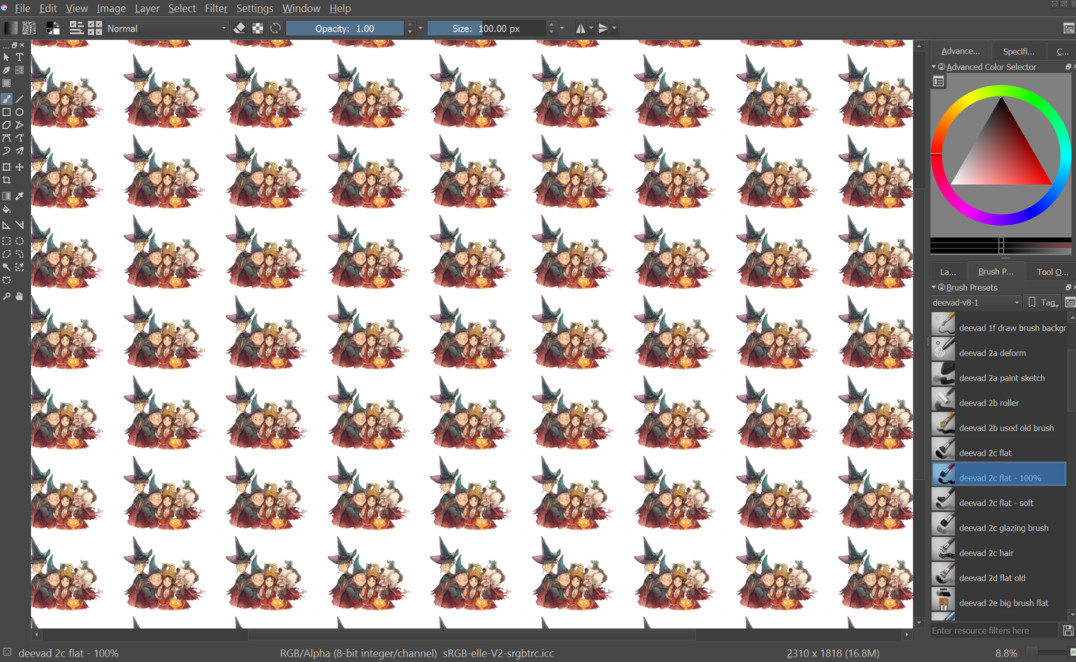
- Instant wrap-around mode for ease of painting seamless textures and looping compositions
- A gallery of filters with real-time preview. You can use any filter as an effect layer or mask, for non-destructive workflows
- Multi-brush tool with various options, allowing drawing with any brush in perfect radial symmetry
- Texture patterns and gradient editor
- Extensive resource management for brushes, brush tips, gradients, Seexpr scripts, gamut masks, palettes, layer styles and more
- Many choices for the color selector, including built-in gradients and integrated gamut masks
- Several types of Fill Layers, including solid color, noise, pattern, gradient, screentone, geometric shapes in multigrid, and even programmable patterns using Seexpr scripting language
- Stabilizer for the Freehand Brush Tool, and multiple types of painting tools like Freehand Path tool or Dynamic Brush Tool for convenient drawing
- Over five hundred G’MIC filters
- Fully color managed workflow supporting a wide range of color models: RGB, CMYK, YCbCr, La*b*, XYZ, Grayscale
- Supports a wide range of 3rd party file formats: ORA (MyPaint), XCF (GIMP), JPEG, PNG, TGA, TIFF, BMP, PPM, PGM, PBM, XBM, SVG, WMF and partial support for PSD (Photoshop)
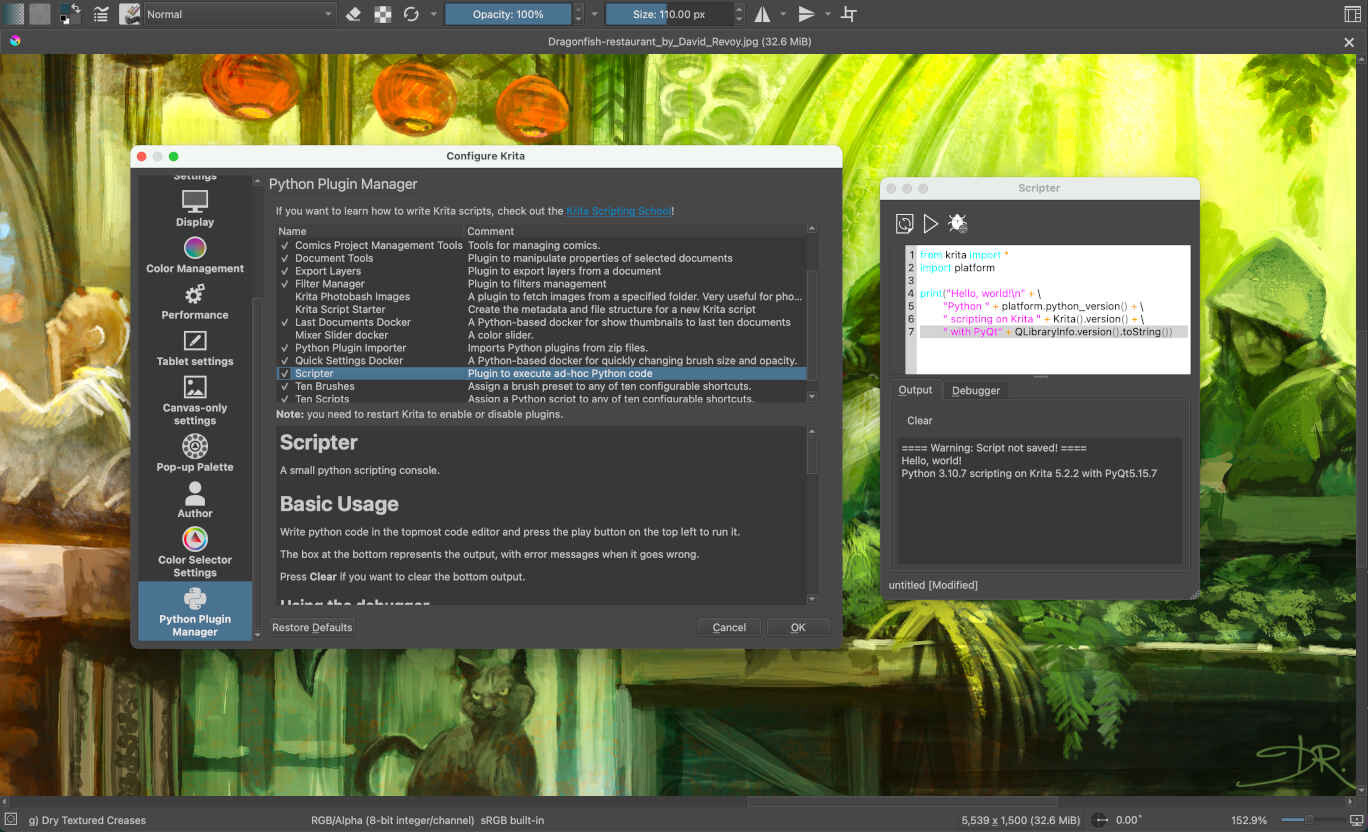
- Fully open source (C++, with GPL license) and scriptable (Python)
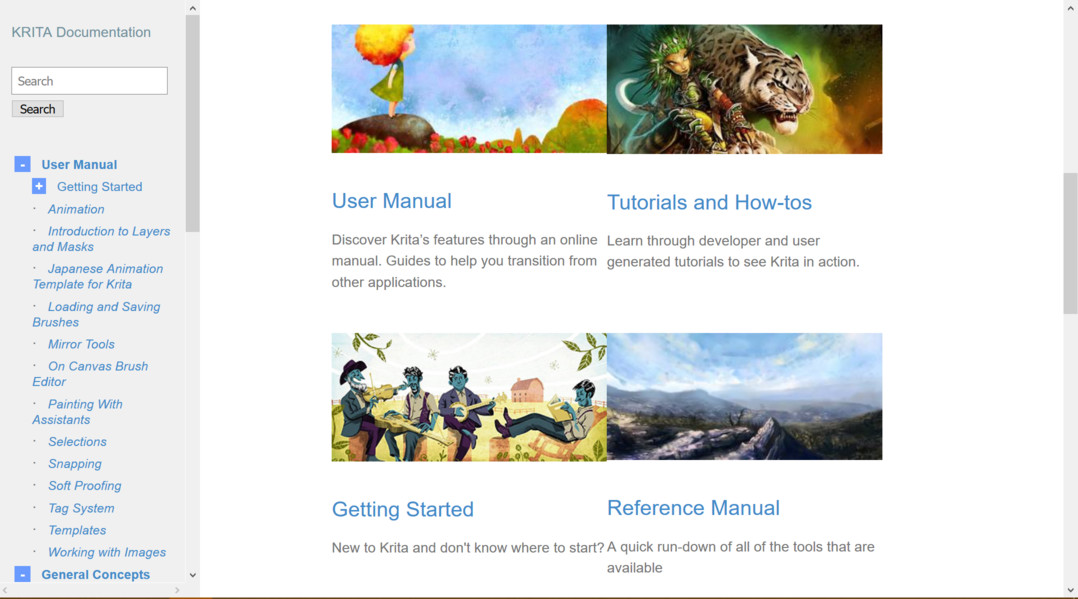
- A great online manual, and a fantastic, growing community!
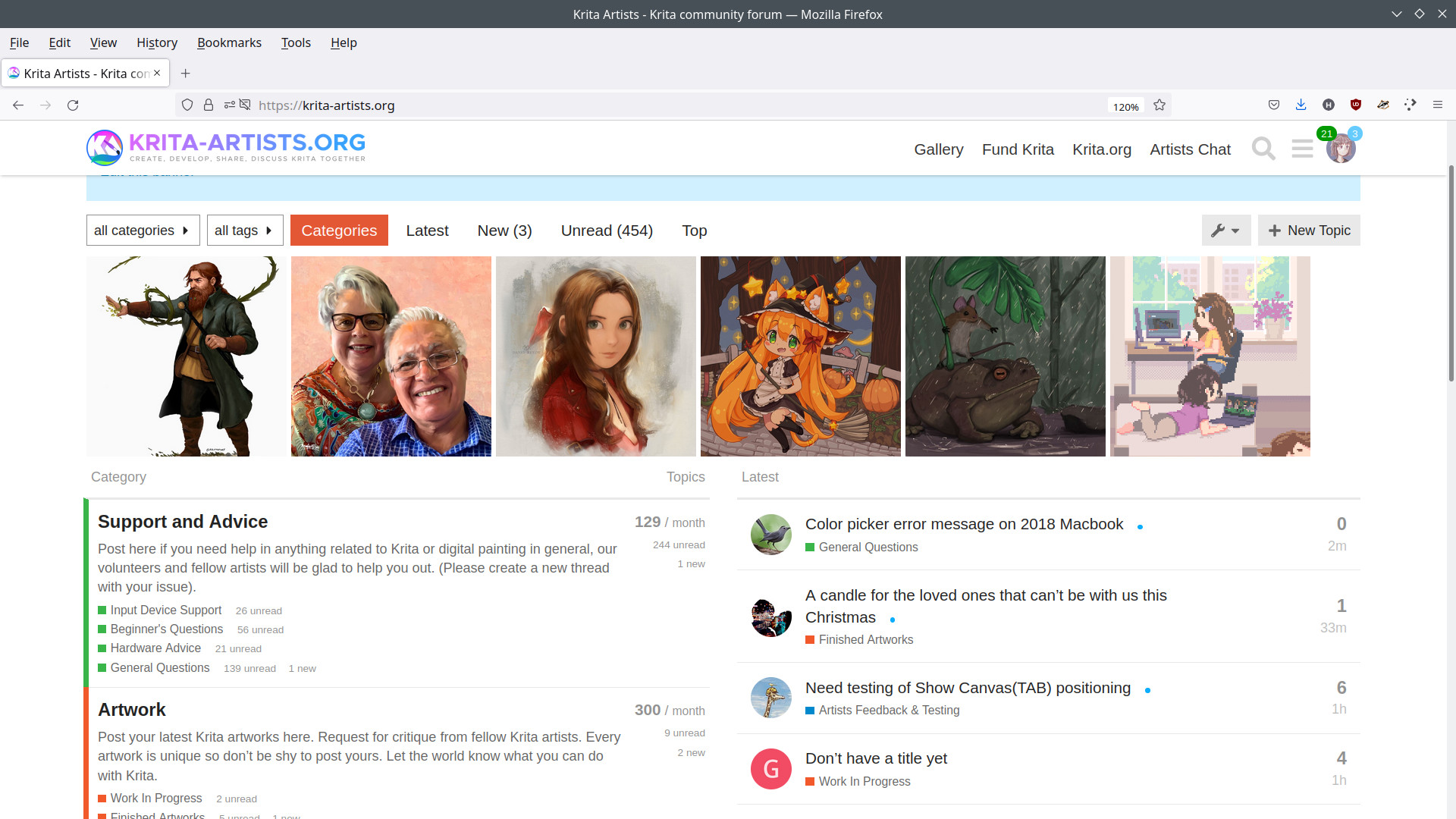
Have some questions? Need some help? Feel free to stop by the support section of Krita-Artists for both official and community support. (And while you’re there, why not introduce yourself to and show off your artwork?)
Want to get involved in the Krita project? Definitely check out our "get involved" page over on the Krita website to learn how to get started.
**Welcome to the Krita Community.**
Have Fun and Make Some Art That’s Uniquely You!
Media
Trailers and screenshots straight from the store page

Latest news
Recent updates from the game's own feeds
Price intelligence
Accepted price history and the lows that matter
Krita price history and best deals
Krita for PC currently sells from $9.99 at authorized stores. Its all-time low is $5.49, set on 2026-07-05.
Frequently asked questions
Answered from this game's own price and edition data
Should I buy Krita now or wait?
Is $9.99 a good price for Krita?
Where can I buy Krita?