
恋神神之舞台 / LoveKami -Divinity Stage- Chinese Language

Why this verdict
Offers
Official store prices and labeled keyshop comparisons
No offers tracked yet for this product.
Report a problem
Price history
Accepted price history and recorded lows
About this game
What this game is, in the developer's words
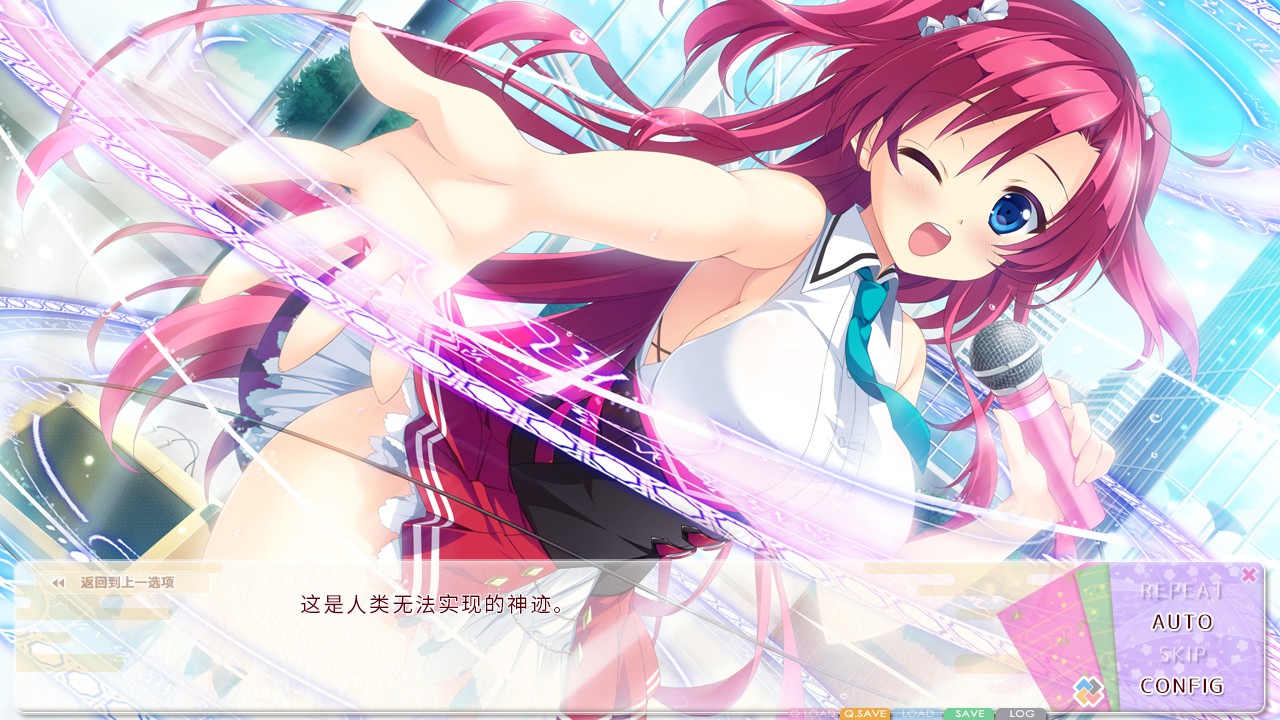
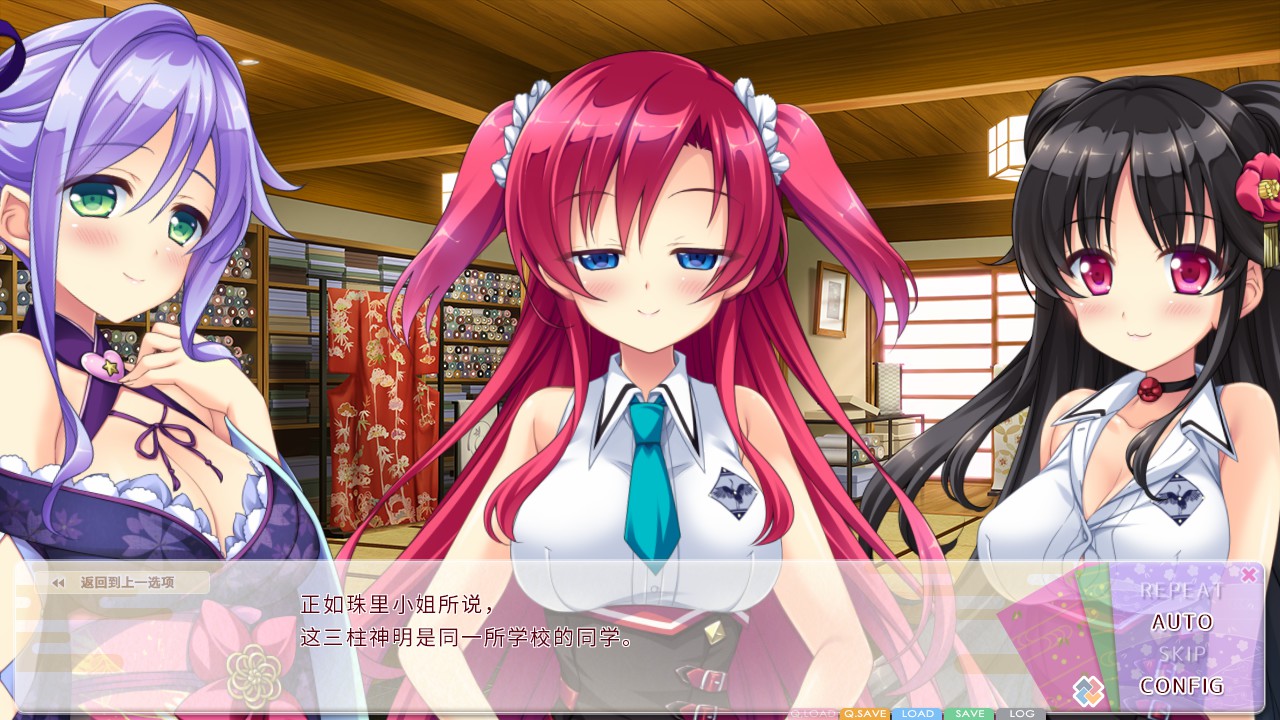
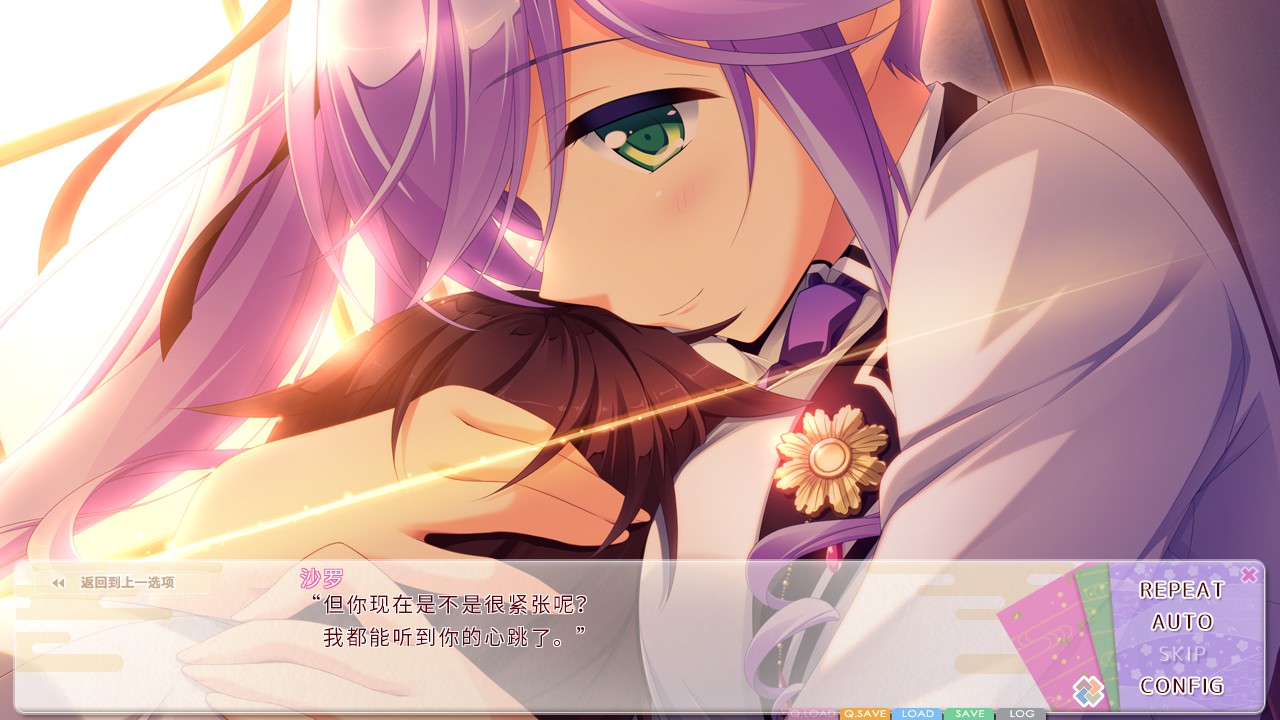
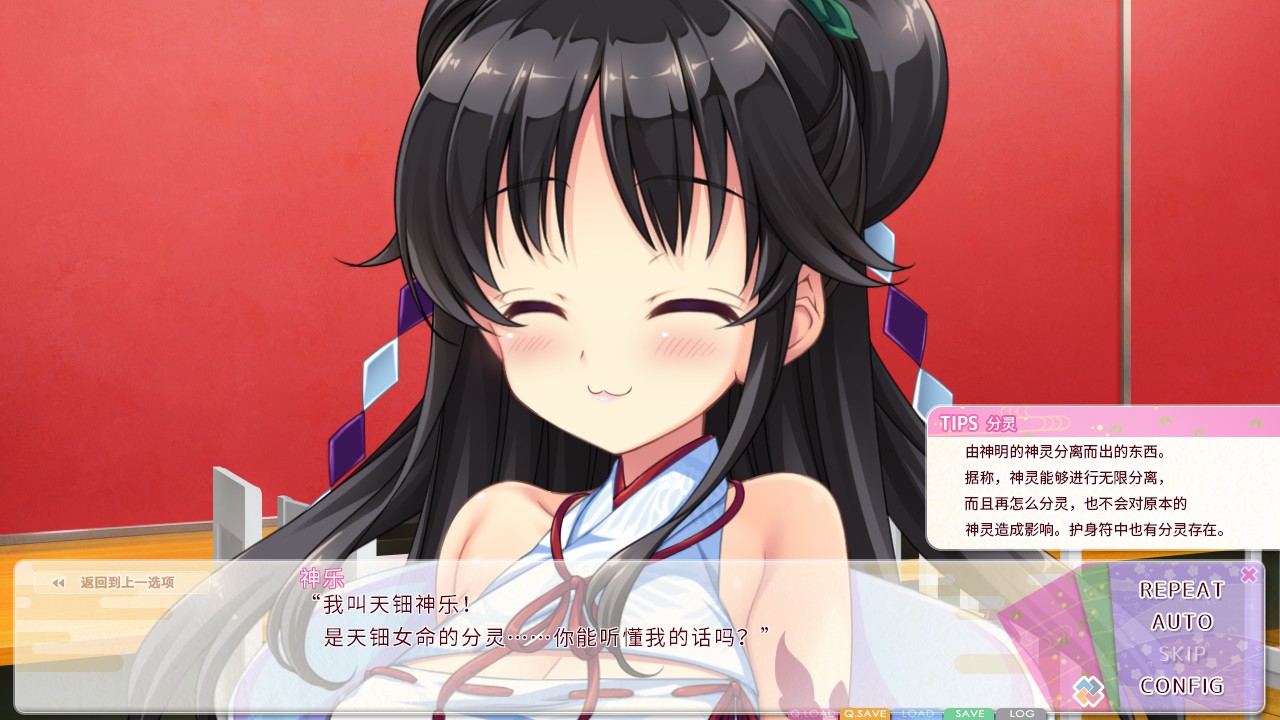
In Akihabara, the very heart of the Divine Idol culture and home to various subcultures, seven lucky goddesses dominate as the idol group L☆SEVEN. Next-Generation Goddess Auditions! Divine Idols, spread your wings and take flight! A glamorous contest, containing everything that goddess’ dreams are made of, is being held! Laugh, grow, and even cry together with goddesses who descended from the sky and are aiming to become top-level idols.
This is the Simplified Chinese Language pack for LoveKami -Divinity Stage- , which must be applied to the original English version to convert it into the Simplified Chinese version of the game. Those who don't own the base English version will not be able to use this pack, so please buy the English version first.
READ BEFORE DOWNLOADING
Save files between the base English version and Simplified Chinese version of the games are not inter-compatible.
You will not be able to use save data from one version of the game with another. i.e. save data created on the base English version cannot be used on the Simplified Chinese version of the game or vice versa.
You can boot into the Simplified Chinese version of the game by selecting the Simplified Chinese Language Pack upon boot. When you boot the Simplified Chinese version of the game it will default to Simplified Chinese. You can change between Simplified Chinese and English from Config > System.
Conversely, you can boot into the base English version of the game by selecting the English Language Pack upon boot. The base English version of the game will not have options to switch languages (as it never included them).
I installed the pack, but now my game won't boot?
The Simplified Chinese version of the game requires a new version of Visual C++ Redistributables to be installed to function correctly.
These are installed alongside the Simplified Chinese Language pack so you may be able to resolve the issue by uninstalling the Simplified Chinese Language Pack and base game, and then reinstalling them.
Further information please check:
Media
Trailers and screenshots straight from the store page
恋神神之舞台 / LoveKami -Divinity Stage- Chinese Language price history and current deals
Price tracking for 恋神神之舞台 / LoveKami -Divinity Stage- Chinese Language across authorized stores.