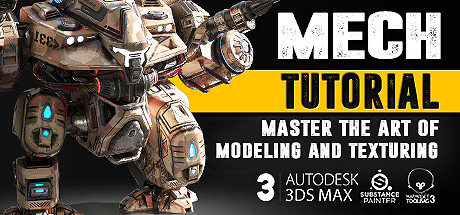
Mech Tutorial - 3Ds Max & Substance Painter

Why this verdict
Offers
Official store prices and labeled keyshop comparisons
No offers tracked yet for this product.
Report a wrong price
DLC (1)
Add-on content for this game
- Mech Tutorial - 3Ds Max & Substance Painter Downloadable Content No offer tracked

About this game
What this game is, in the developer's words
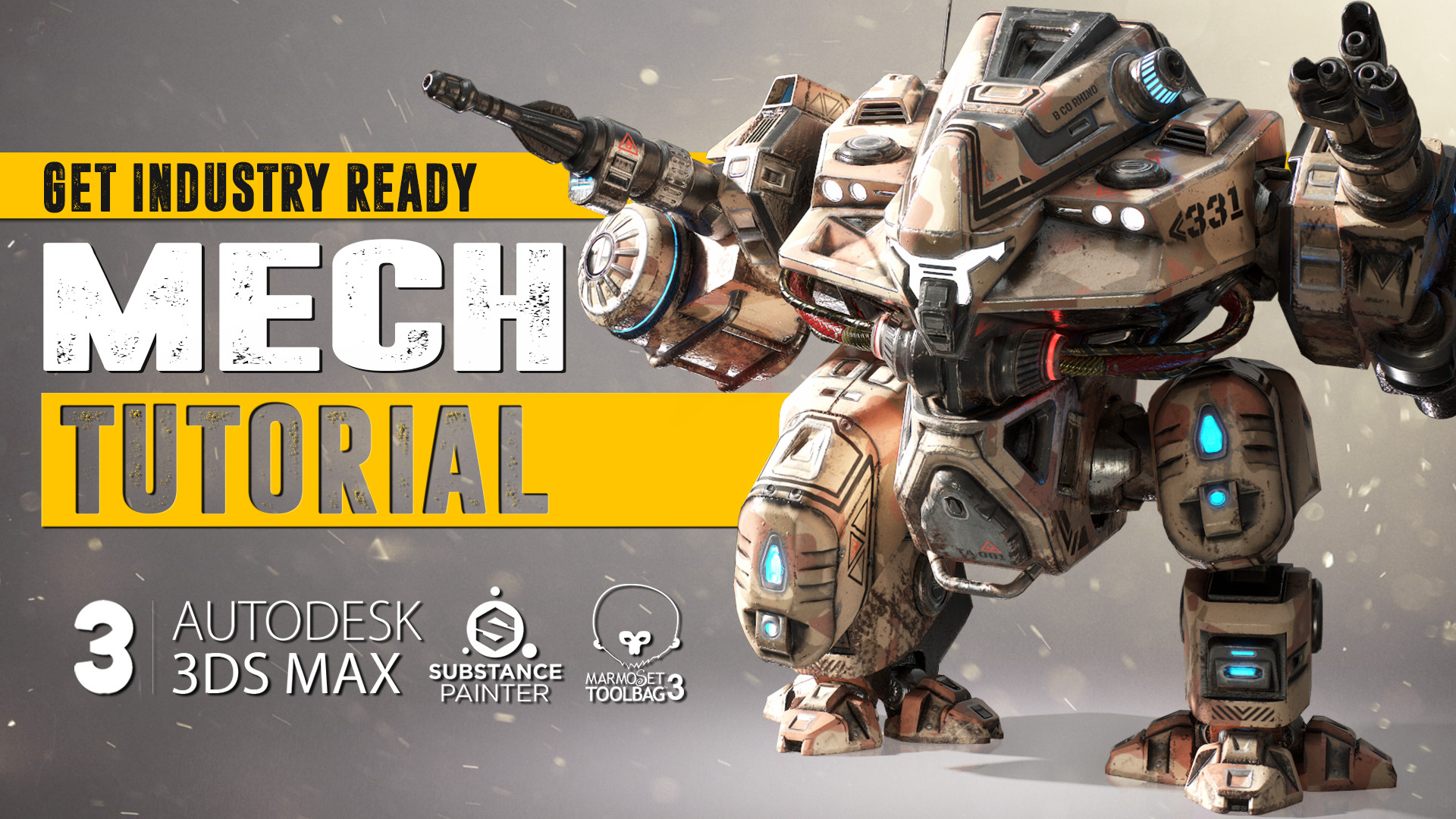
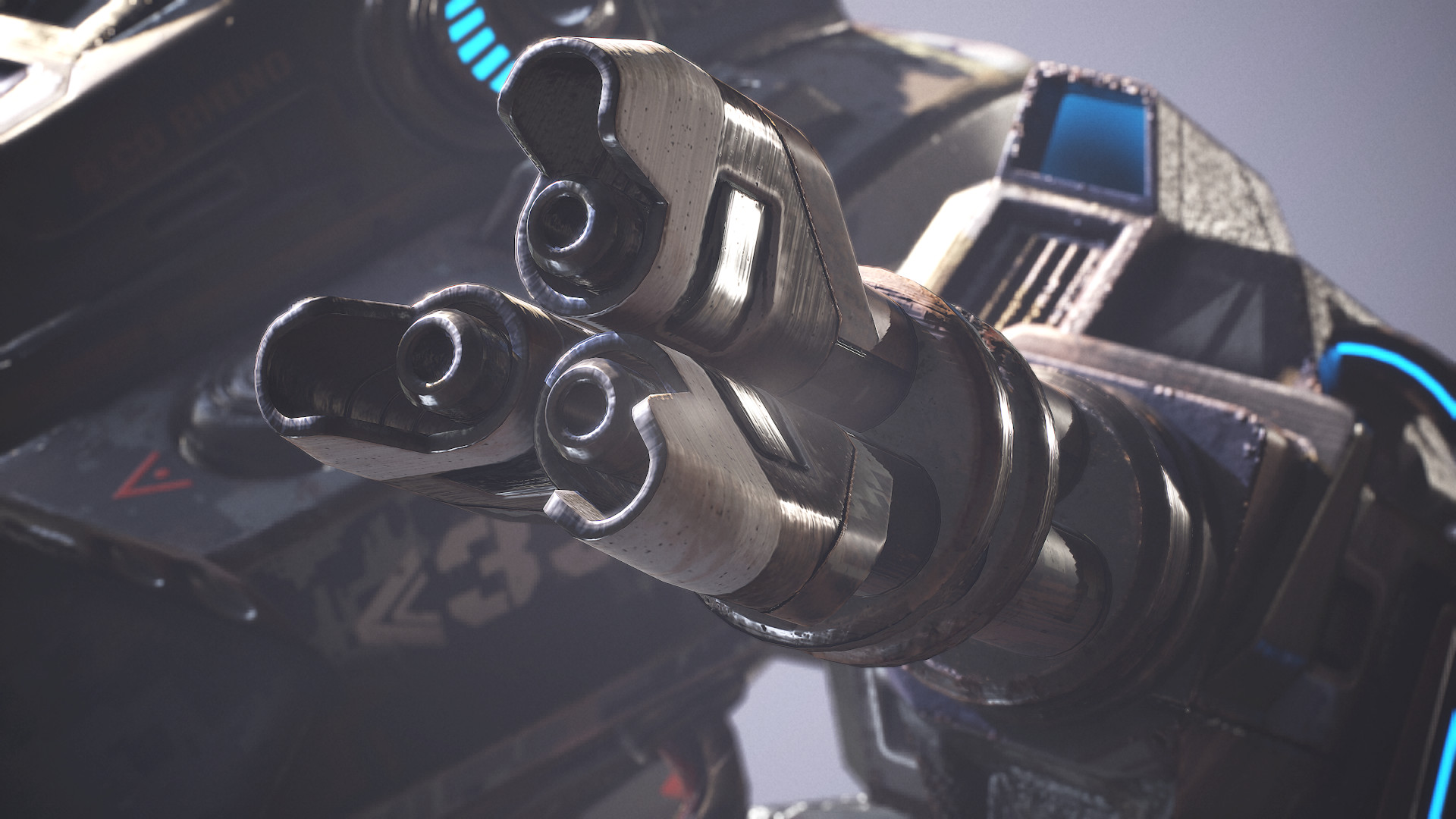
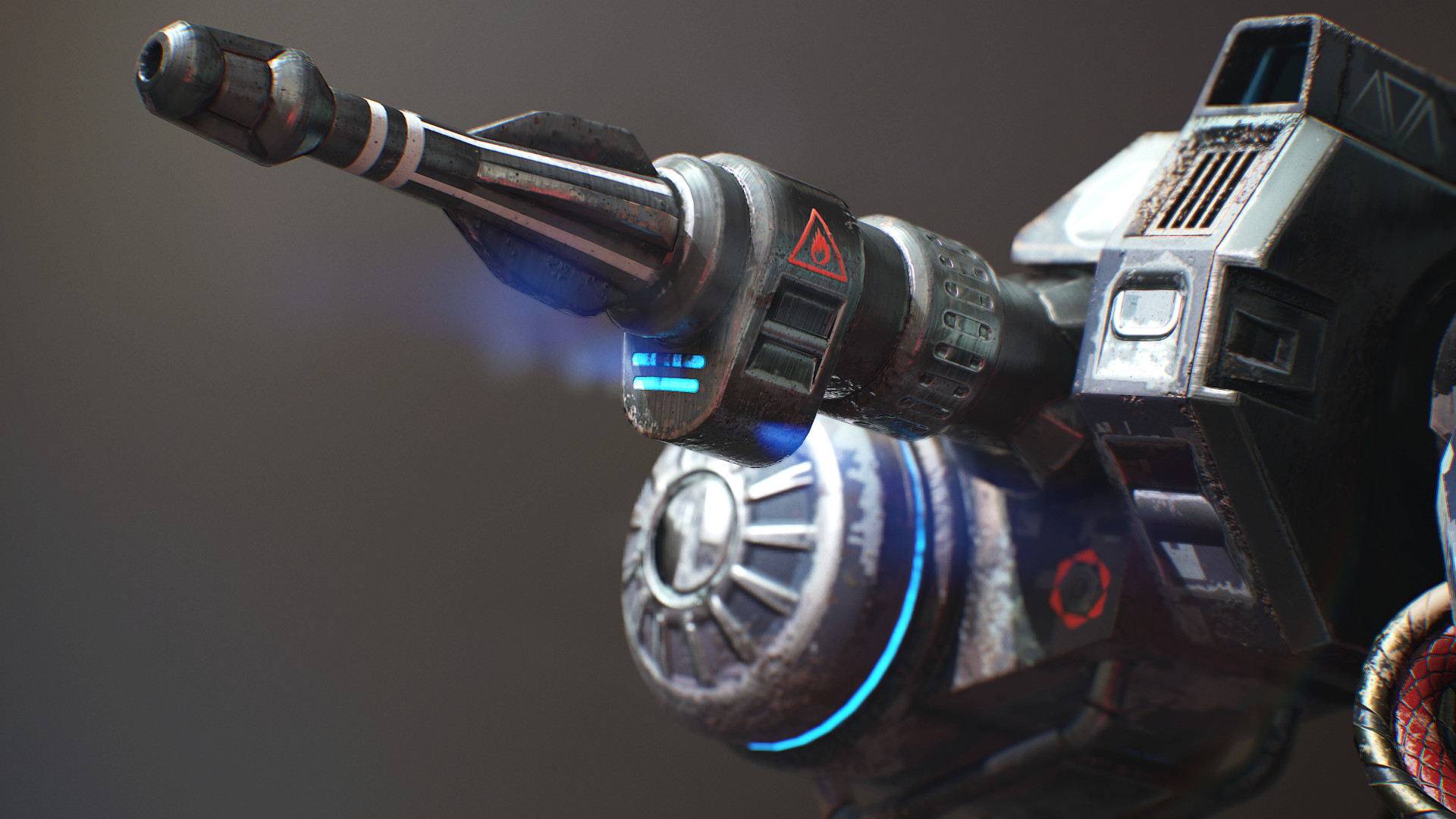
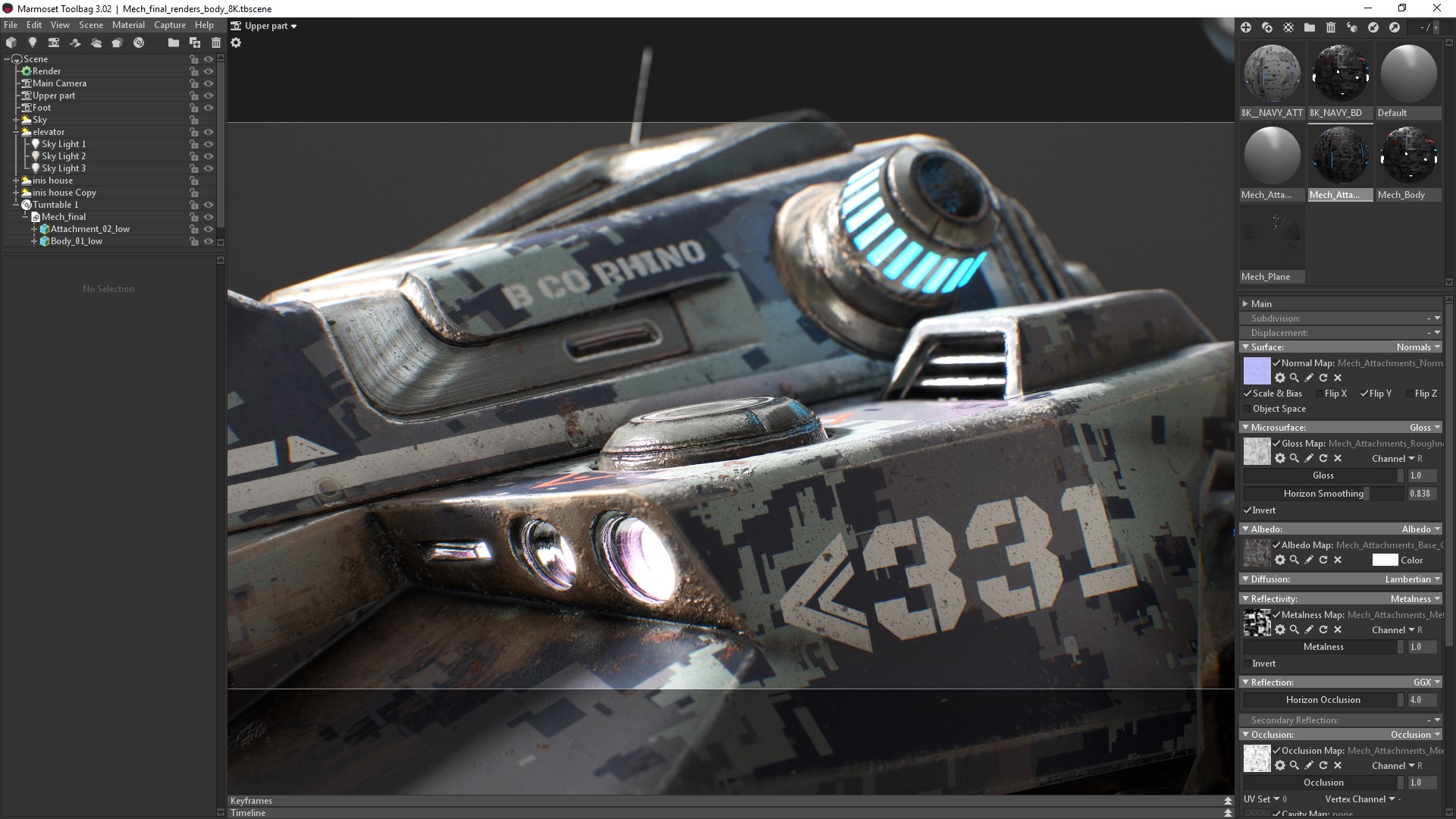
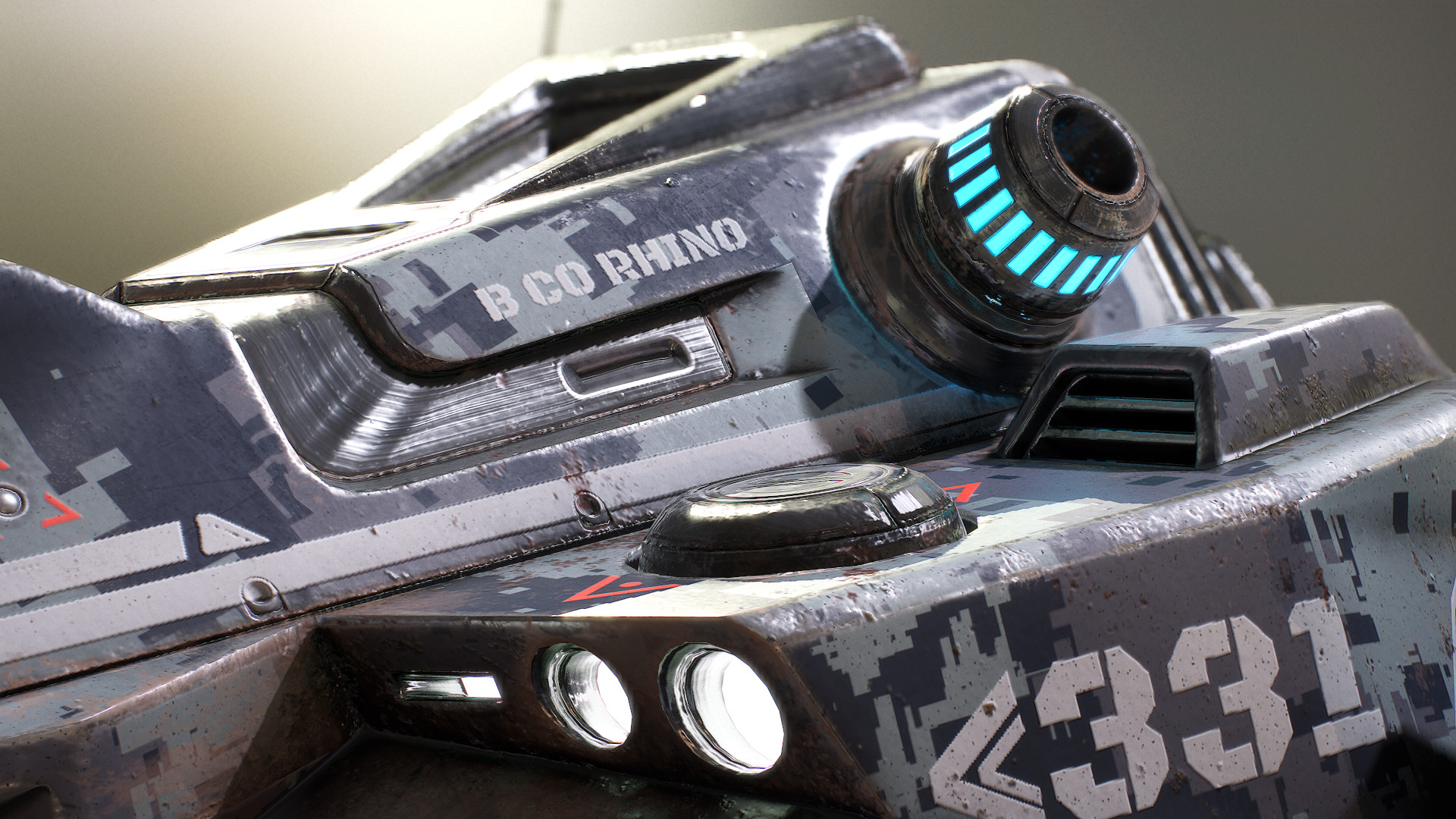
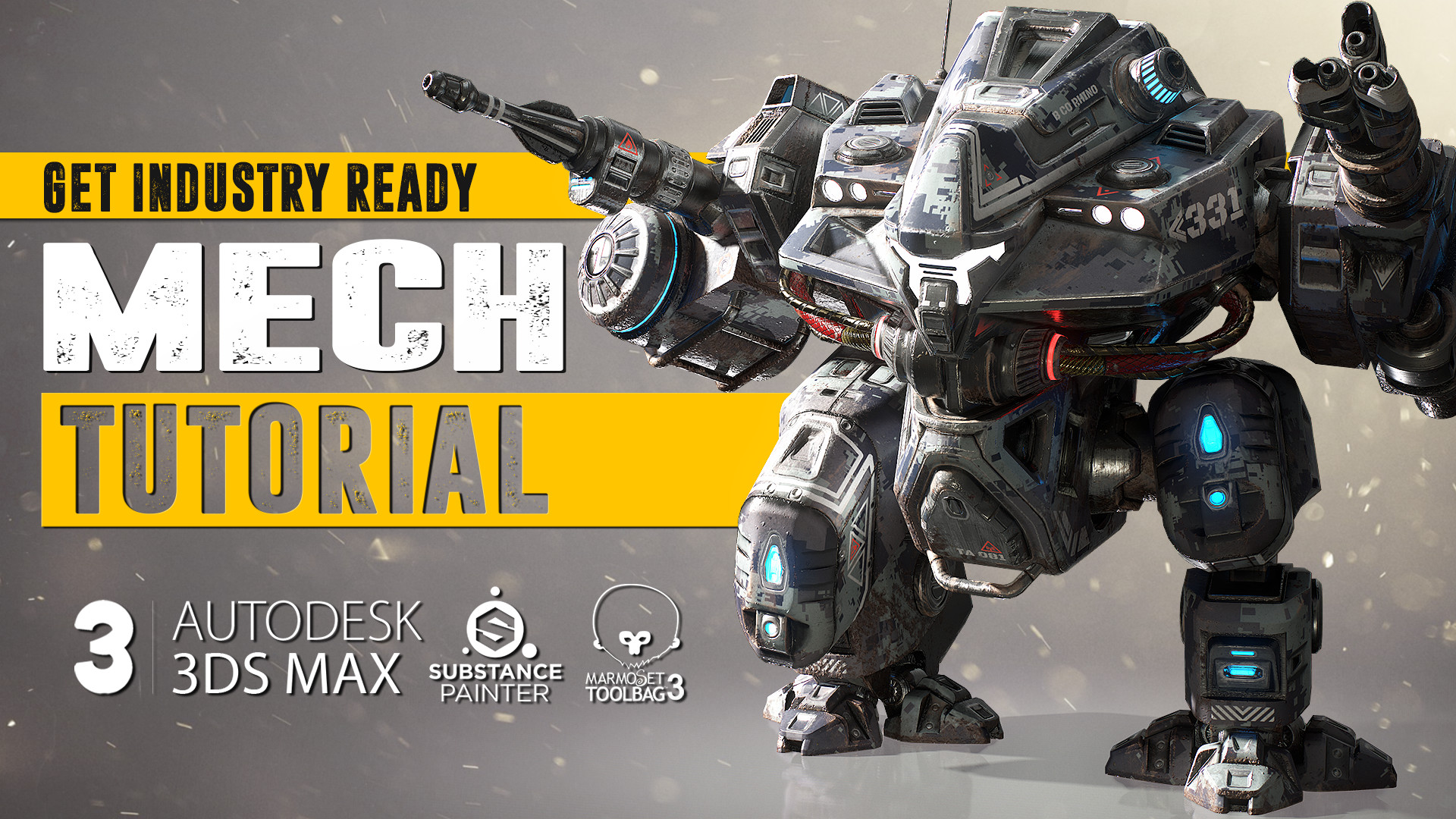
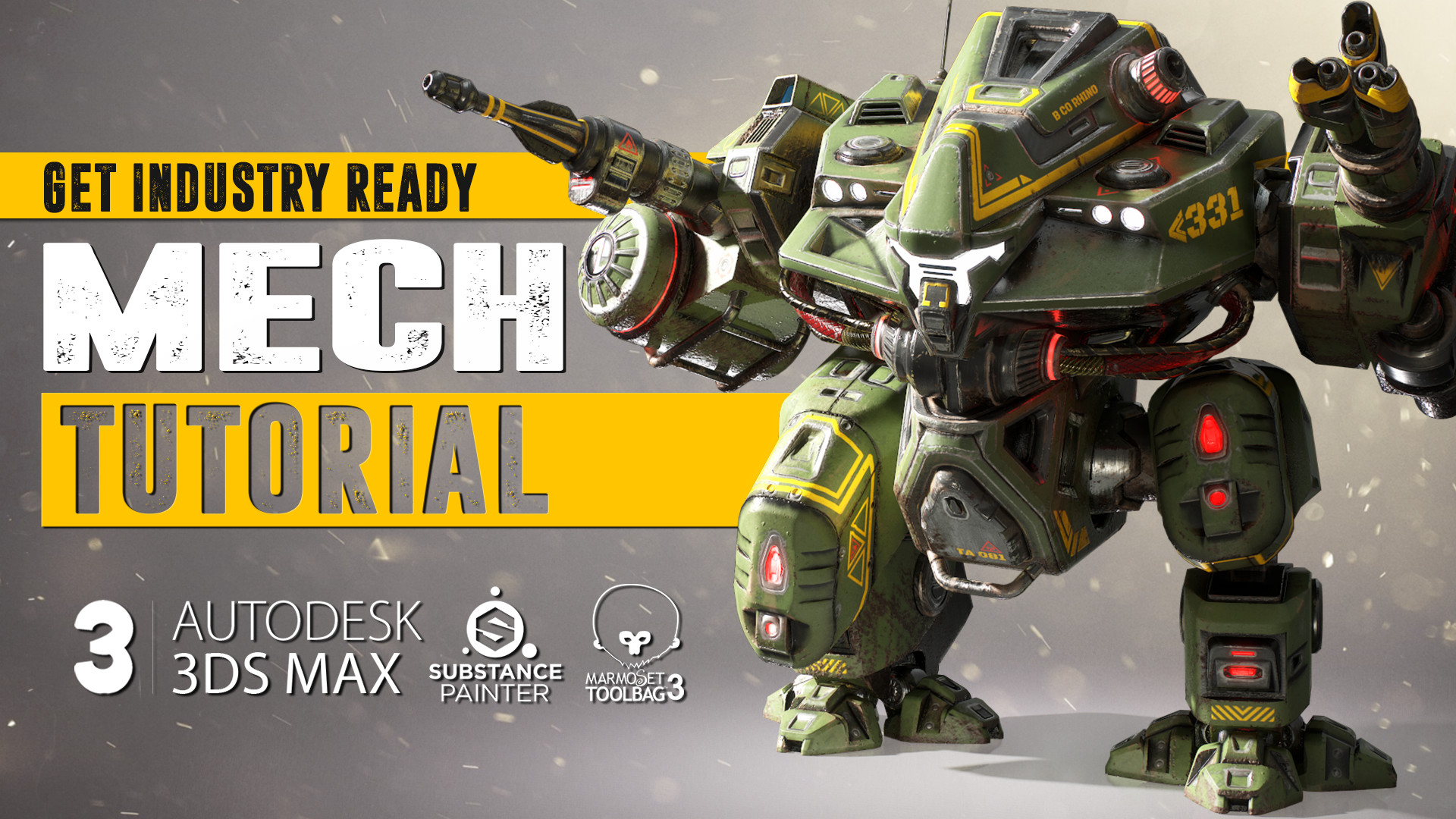
Do you consider a 3D Artist career and like mechs? This course will equip you with powerful techniques and skills as you would use them in the AAA video game industry. Learn to model, unwrap, bake and texture as well as creating portfolio ready renders!
Steam Video
This content is only available in an online streaming format. More information about streaming videos can be found in the Streaming Videos on Steam FAQ.
Tutorial Files
Click here to download the associated tutorial files after purchasing the tutorial.
#label_about_the_series
Create a battle mech!
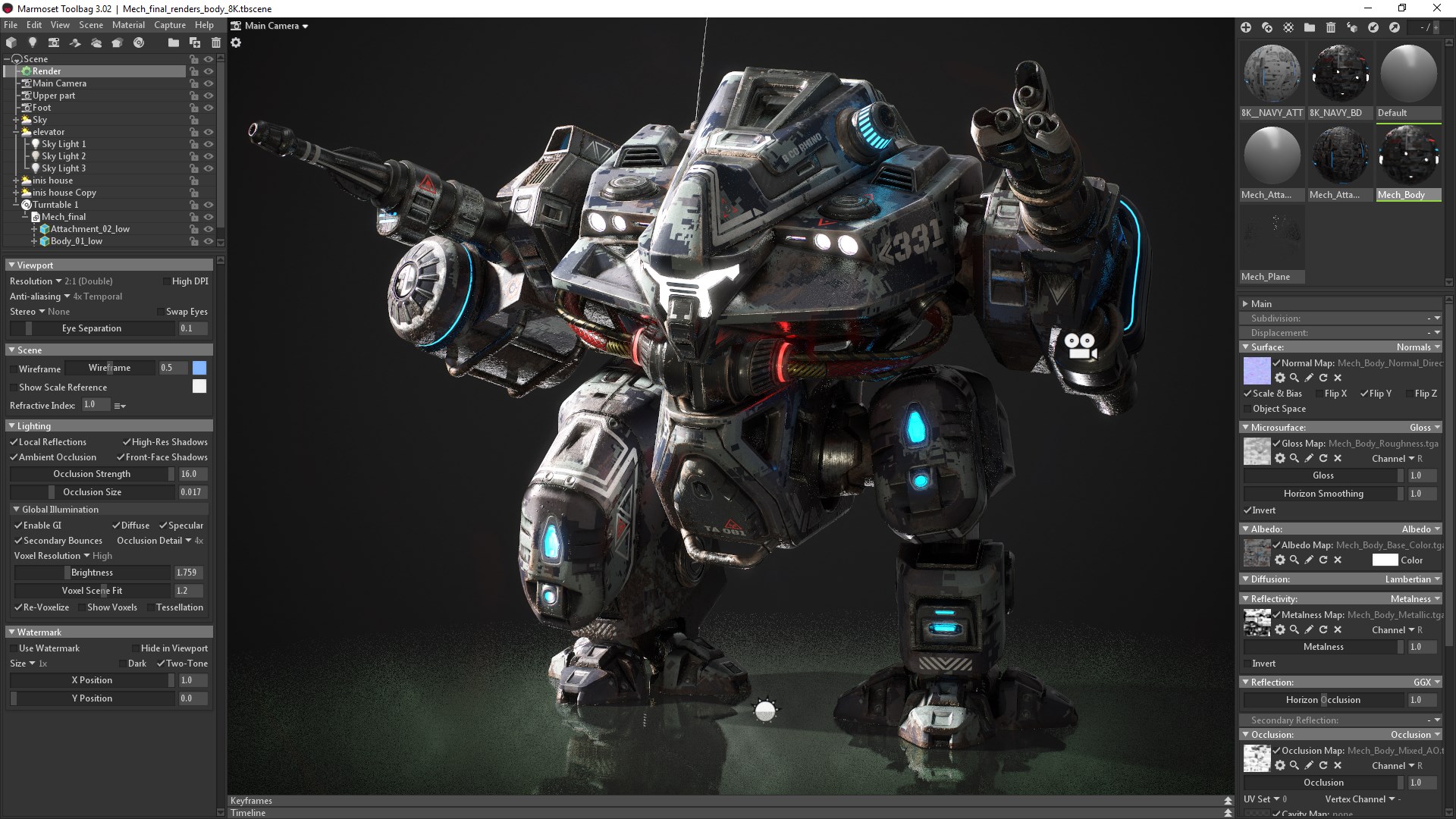
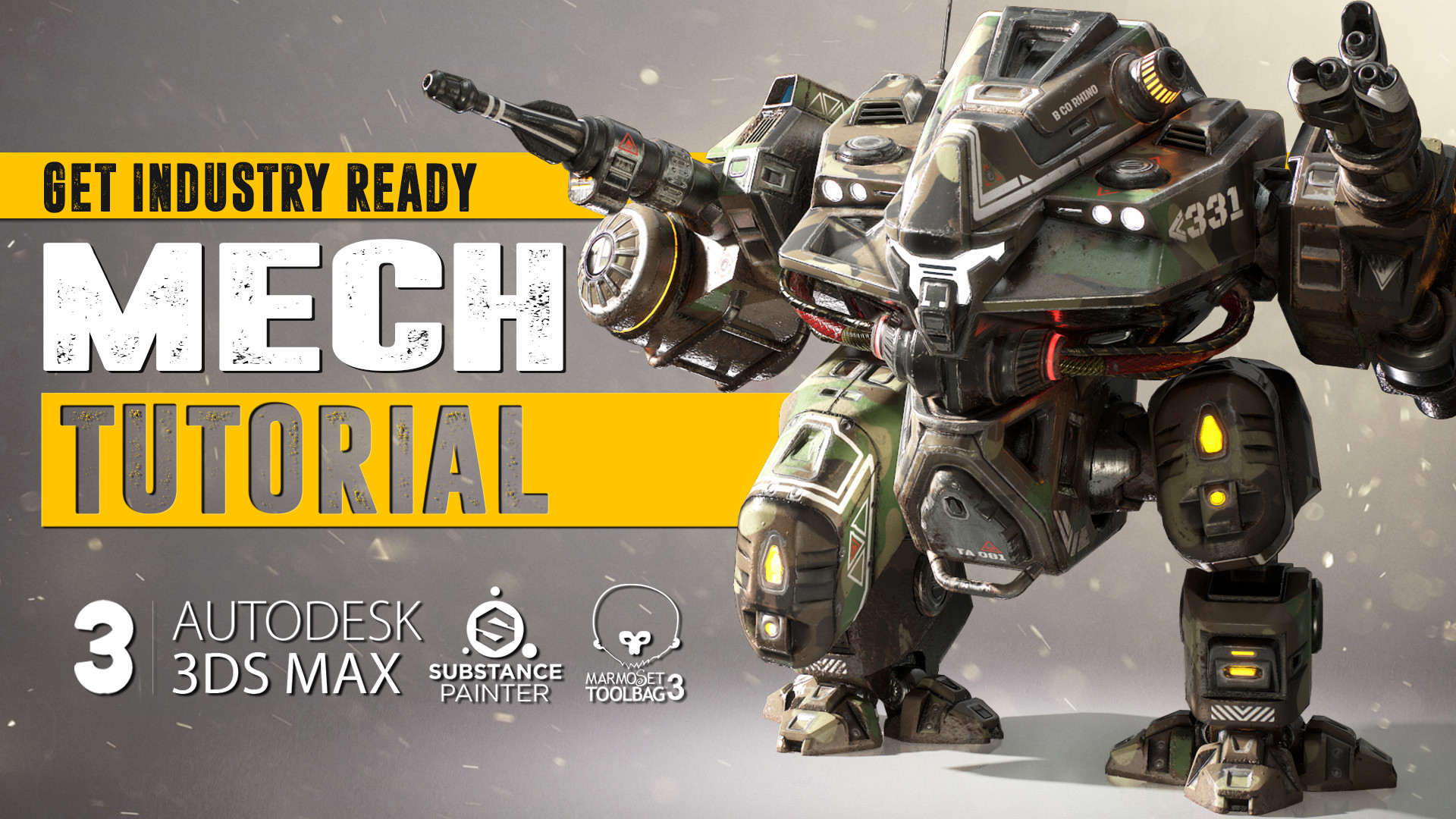
Do you think about a career in the video game industry as a 3D Artist and happen to like Battle Mechs? Then this tutorial might be perfect for you. Follow along as this comprehensive 15 hour+ long course as we model, unwrap, bake and texture a battle mech to current video game standards. Every step is documented without fast forwarding. At the end of the free part you have the option to learn even more with the extended edition in which we go over 10 more triple A quality PBR textures.
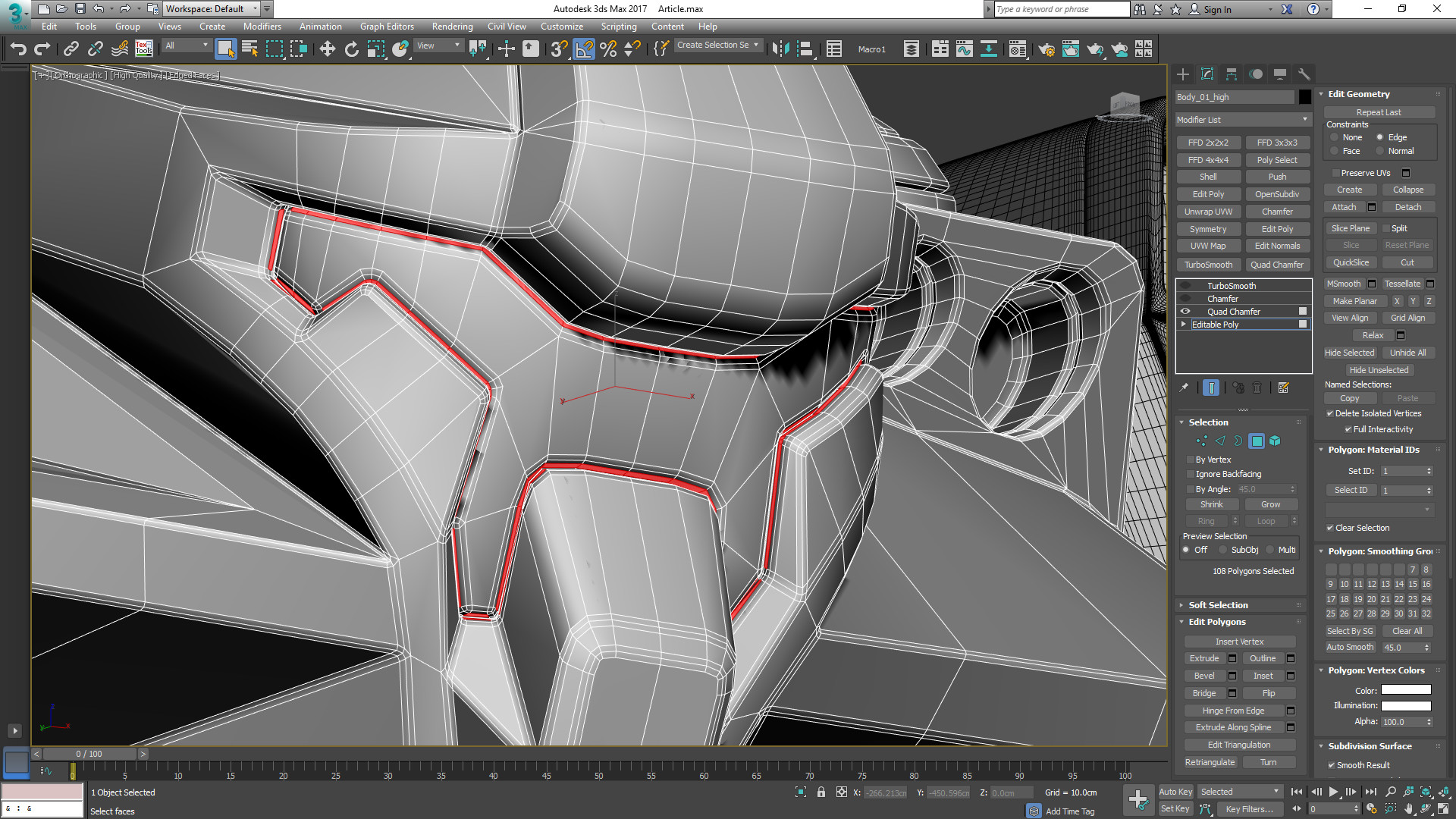
3Ds Max - Modeling
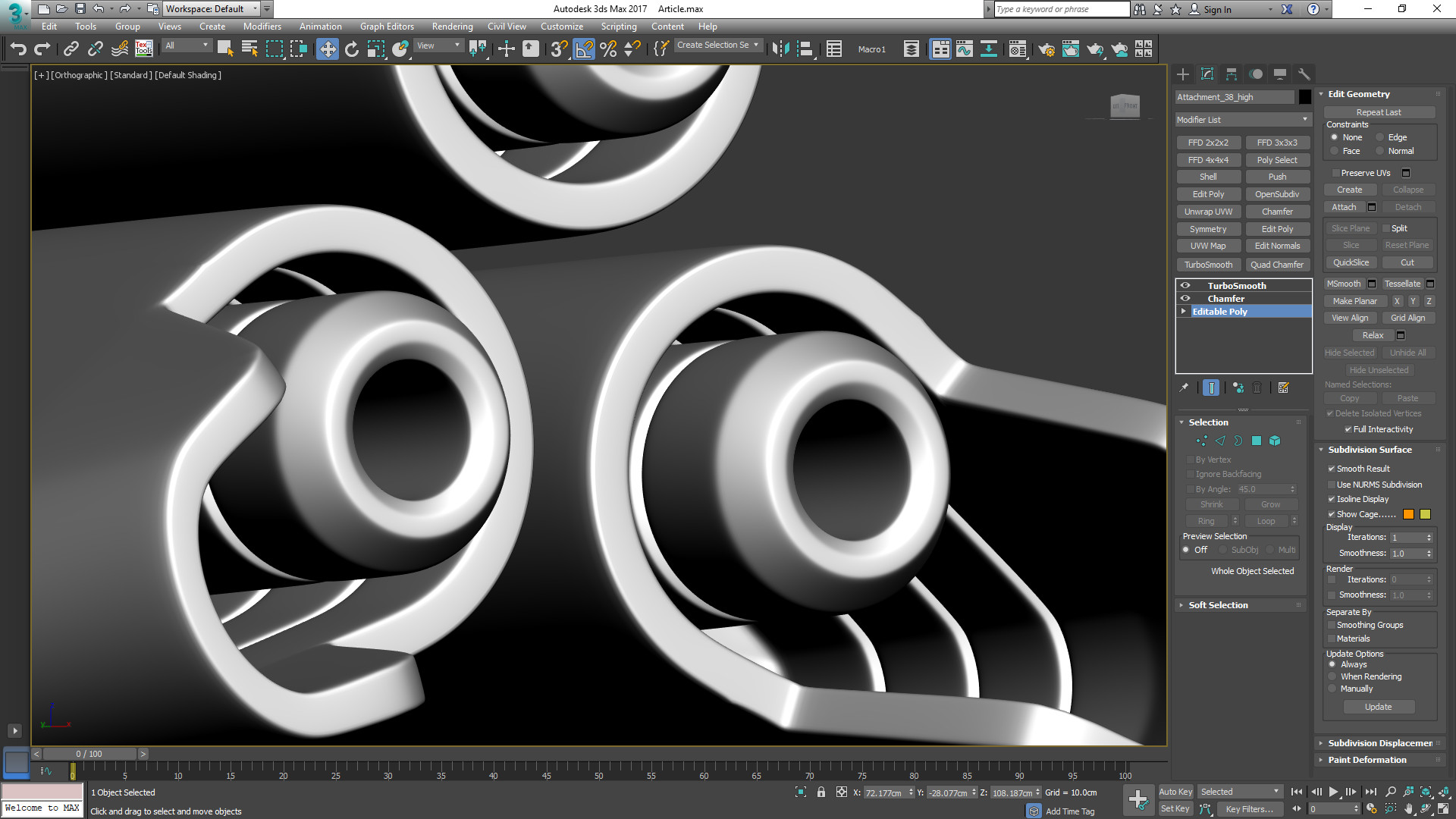
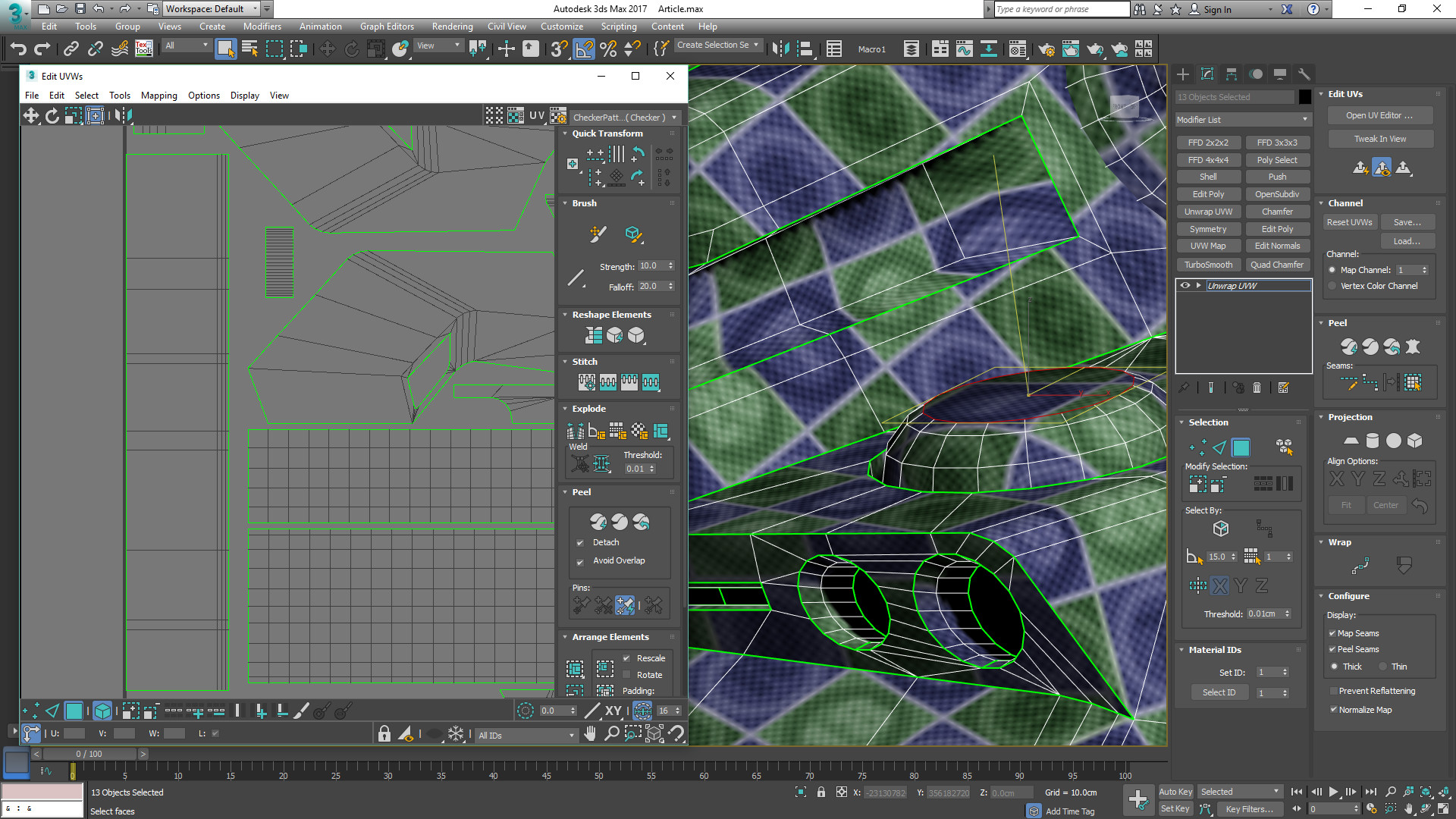
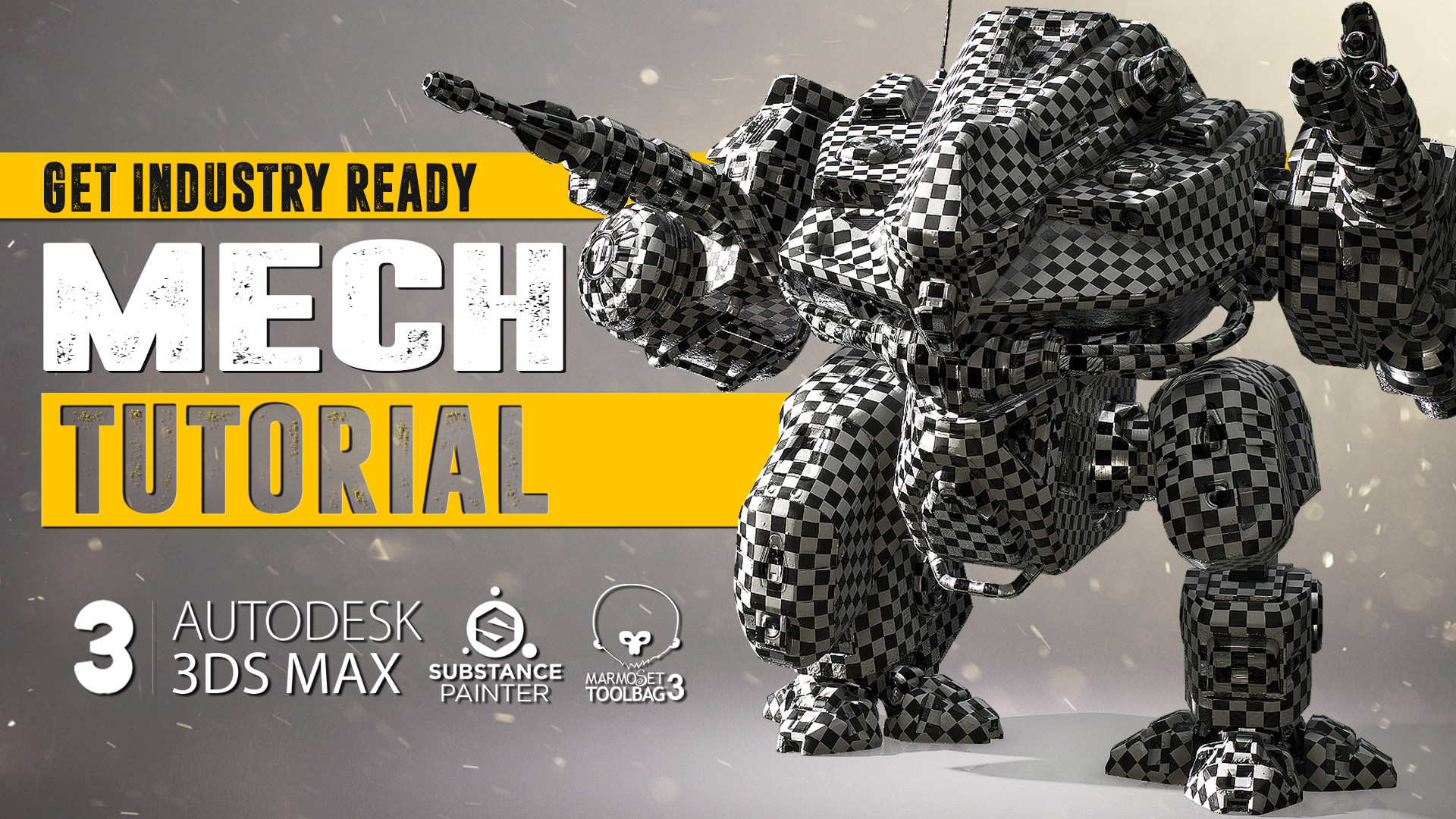
The modeling part covers the scene setup followed by the low and high-poly modeling in which we make use of advanced actions, modifiers and tools to help us create the battle mech. After the modeling process we will jump straight into the UVW Editor and focus on the importance of an optimized UV-Layout to get the maximum out of our later texture.Substance Painter - Texturing
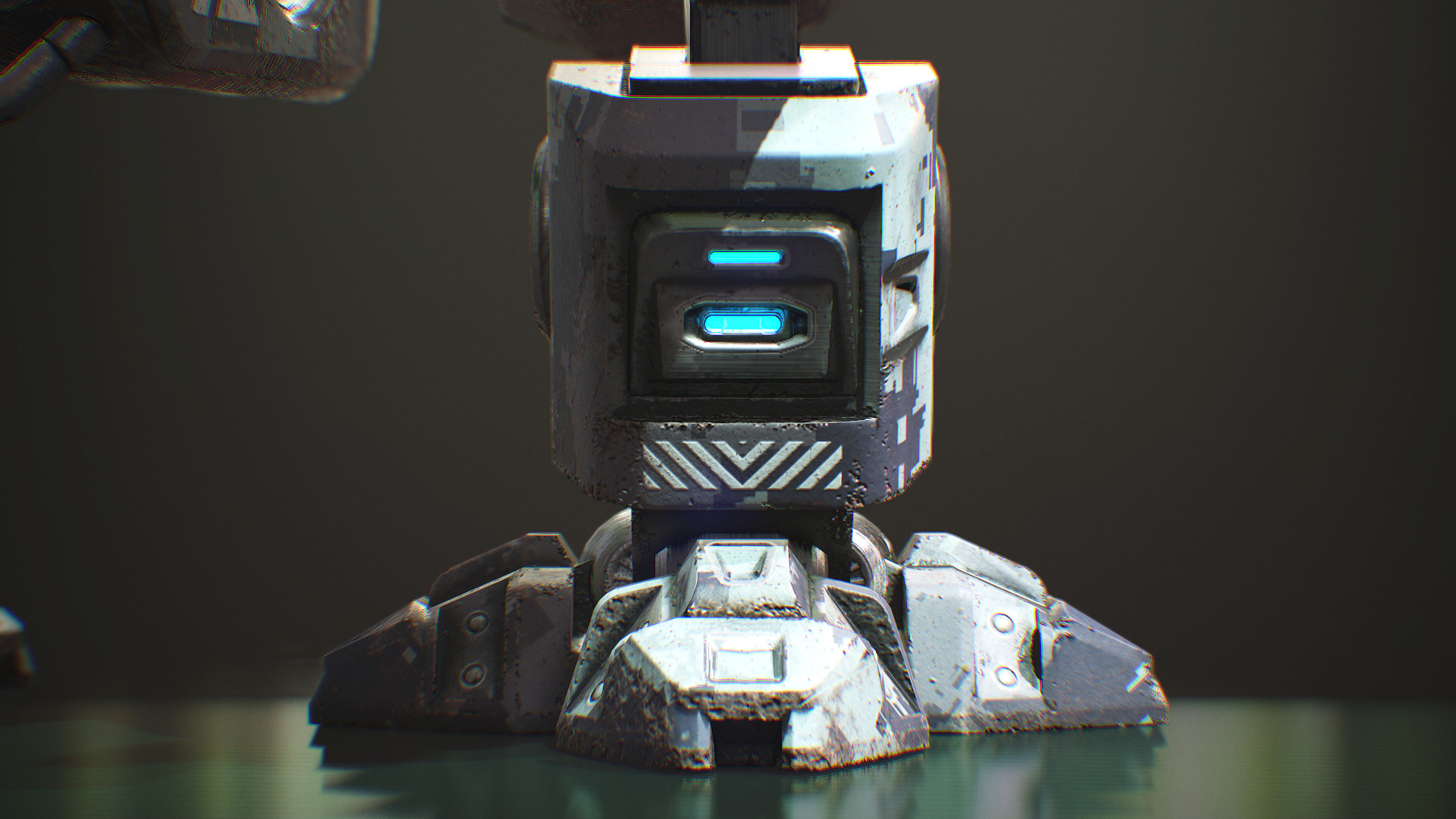
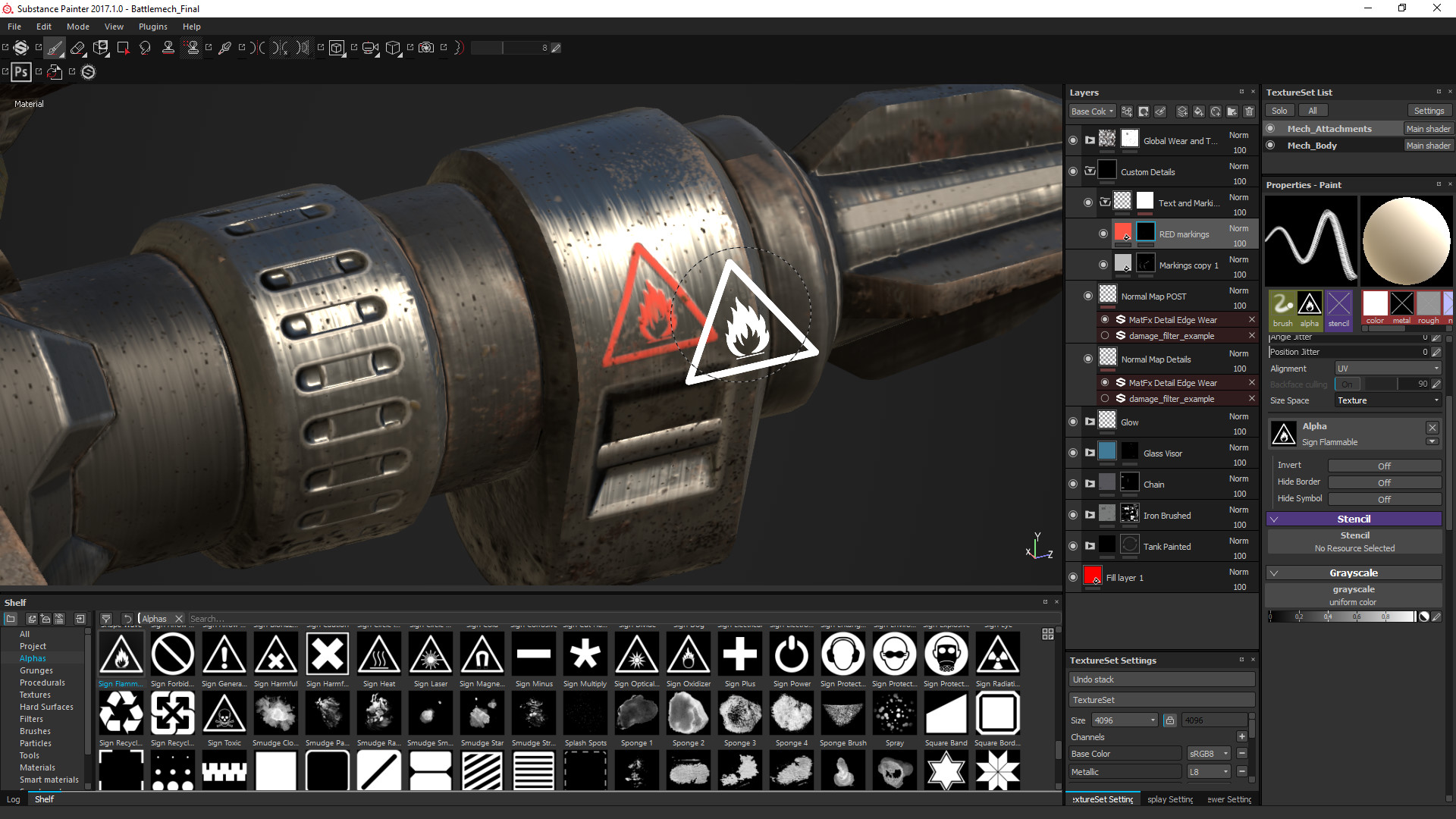
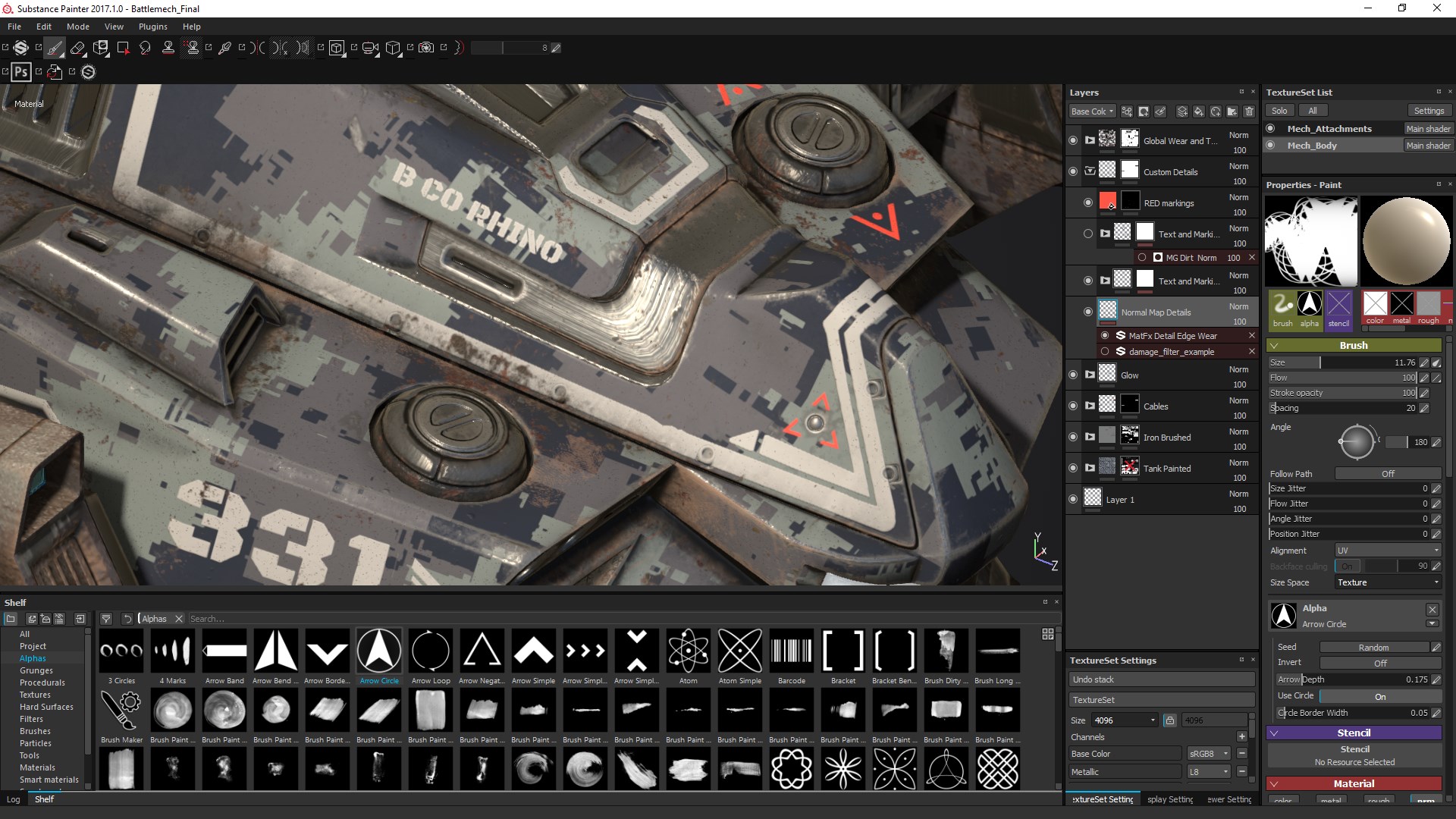
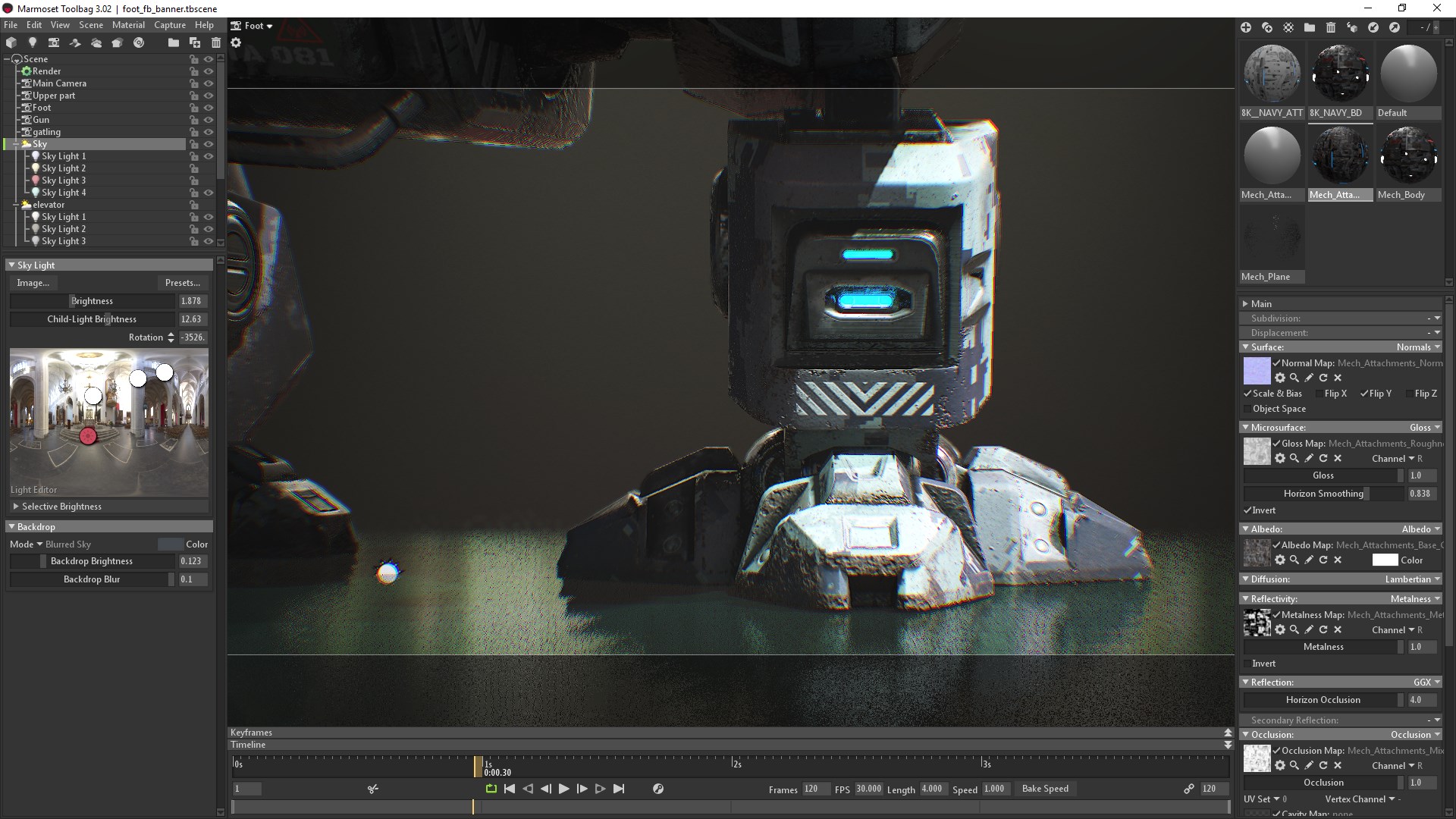
In the Substance Painter part we will then bake our normal map as well as other important support maps. Right after that you will learn how to make an ultra realistic texture for our mech. Learn how to create our base layer materials and how to use procedural textures, masks and generators to form up the wear and tear on our mech resulting in a photo realistic appearance. You will also get to know the latest tools that Substance Painter currently has to offer. Add additonal normal map with curvature and AO information and learn how to add text as well as creating an almost infinite amount of different looks and styles by switching out our base layers.What are the requirements?
It is recommended to follow the course with the same software we use throughout the tutorial:3Ds Max 2017 (can be 2016 and 2015 too) and Substance Painter 2 or the latest 2017 installement of Substance Painter.
Who is the target audience?
This tutorial is aimed at beginners as well as intermediate.I try to avoid heavy use of shortcuts as much as I can during the lesson so that you can see which actions I use.
What do I get from this course?
- 15 hours of fully documented and commented HD video content.
- Game industry ready knowledge in modeling, unwrapping and texturing.
- Essential reference images.
- Final high-poly and low-poly mech for those that just want to follow the texturing part.
Instructor Biography
Hi! I'm Tim - Senior Weapons Artist at Digital Extremes where I proudly contribute to their latest game!I started my 3D Artist career at Crytek before working at Ubisoft Toronto for five years. I worked on titles such as Far Cry 4, Splinter Cell Blacklist and the Crysis series as well as other non disclosed titles. In my spare time I enjoy creating tutorials in which I share all my tips and tricks which I gathered over the years. Let me help you avoiding mistakes and equipping you with powerful techniques and knowledge in game ready 3D art creation. See you in the tutorial! Cheers, Tim
Media
Trailers and screenshots straight from the store page
Price history
Accepted price history and recorded lows
No price history recorded yet.
No history yet.
Mech Tutorial - 3Ds Max & Substance Painter price history and current deals
Price tracking for Mech Tutorial - 3Ds Max & Substance Painter across authorized stores.