
MediBang Paint for Desktop
No discount right now. The current price is 100% of the way from its all-time low to full price.
Why this verdict
Offers
Official store prices and labeled keyshop comparisons
Report a problem
Price history
Accepted price history and recorded lows
About this game
What this game is, in the developer's words
This is the perfect drawing app for those who draw illustrations and pictures. It features a paint and drawing function that can be used for doodling and drawing. It can also be used for sketching, coloring, and even creating digital art.
MediBang Paint is the definitive illustration and painting app.
With over 100 million downloads worldwide, this drawing app is popular with beginners and professionals alike. Its intuitive controls make it easy for anyone to create illustrations and pictures. Enjoy more fun and freedom with this digital painting tool.
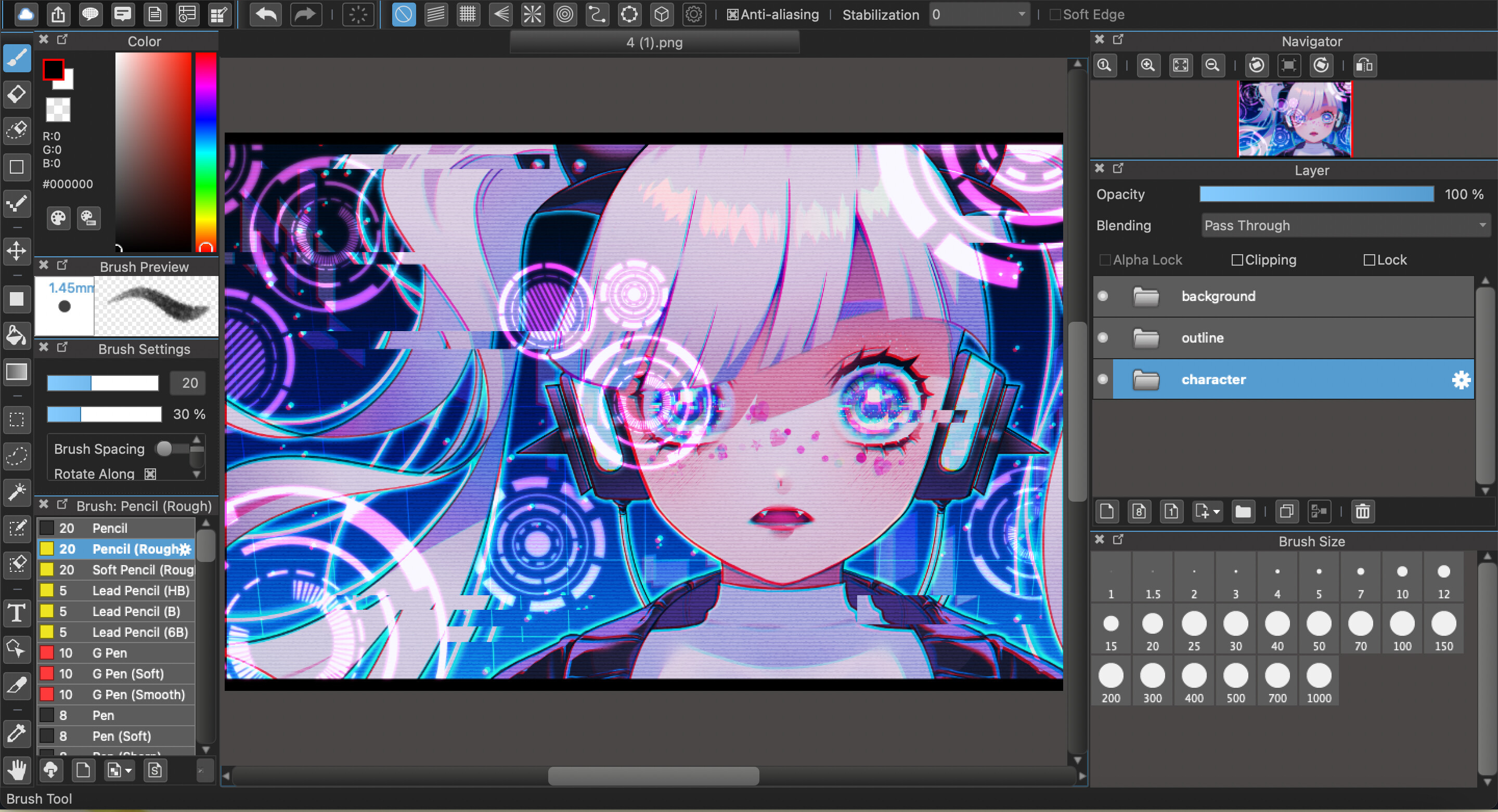
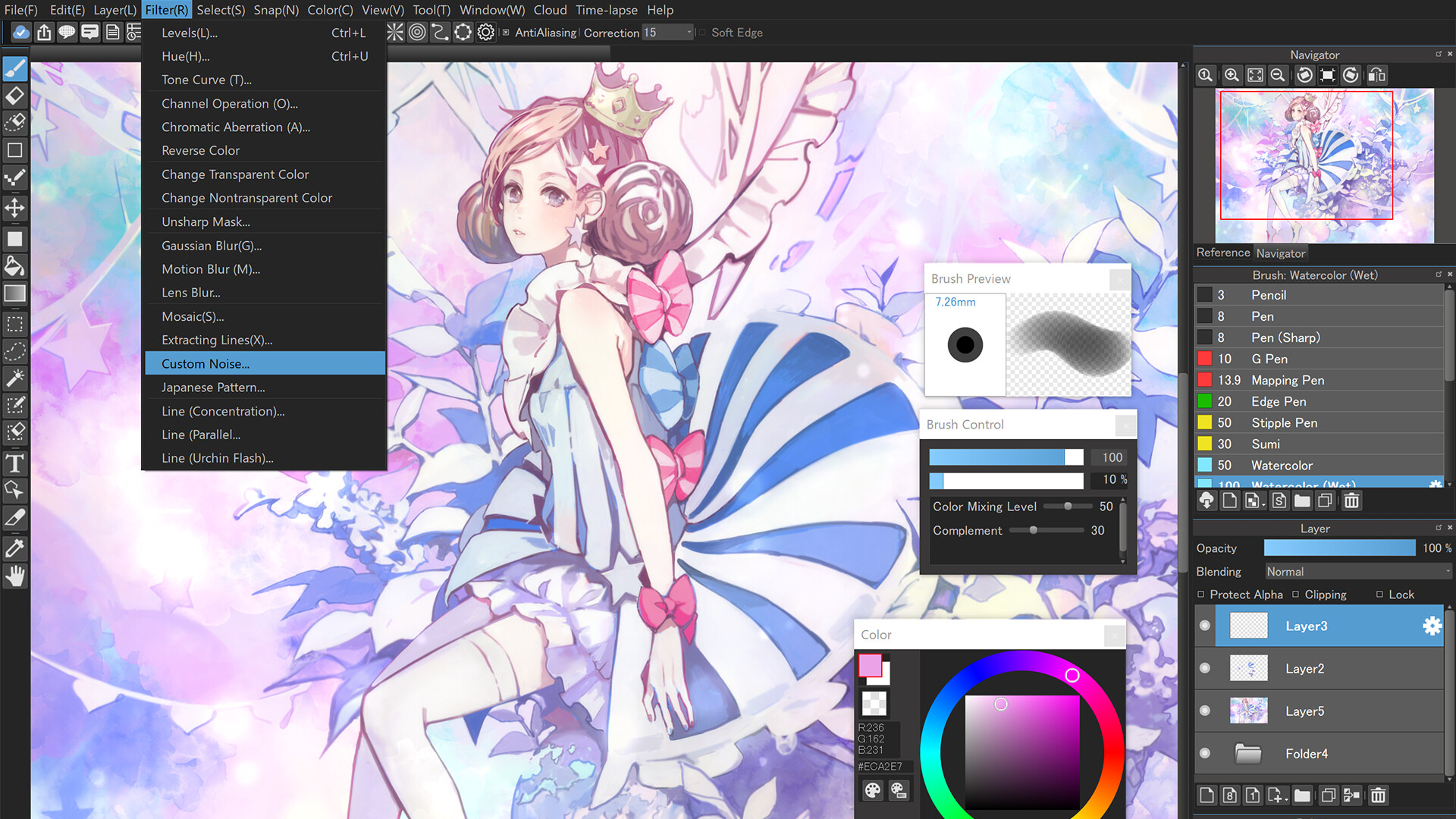
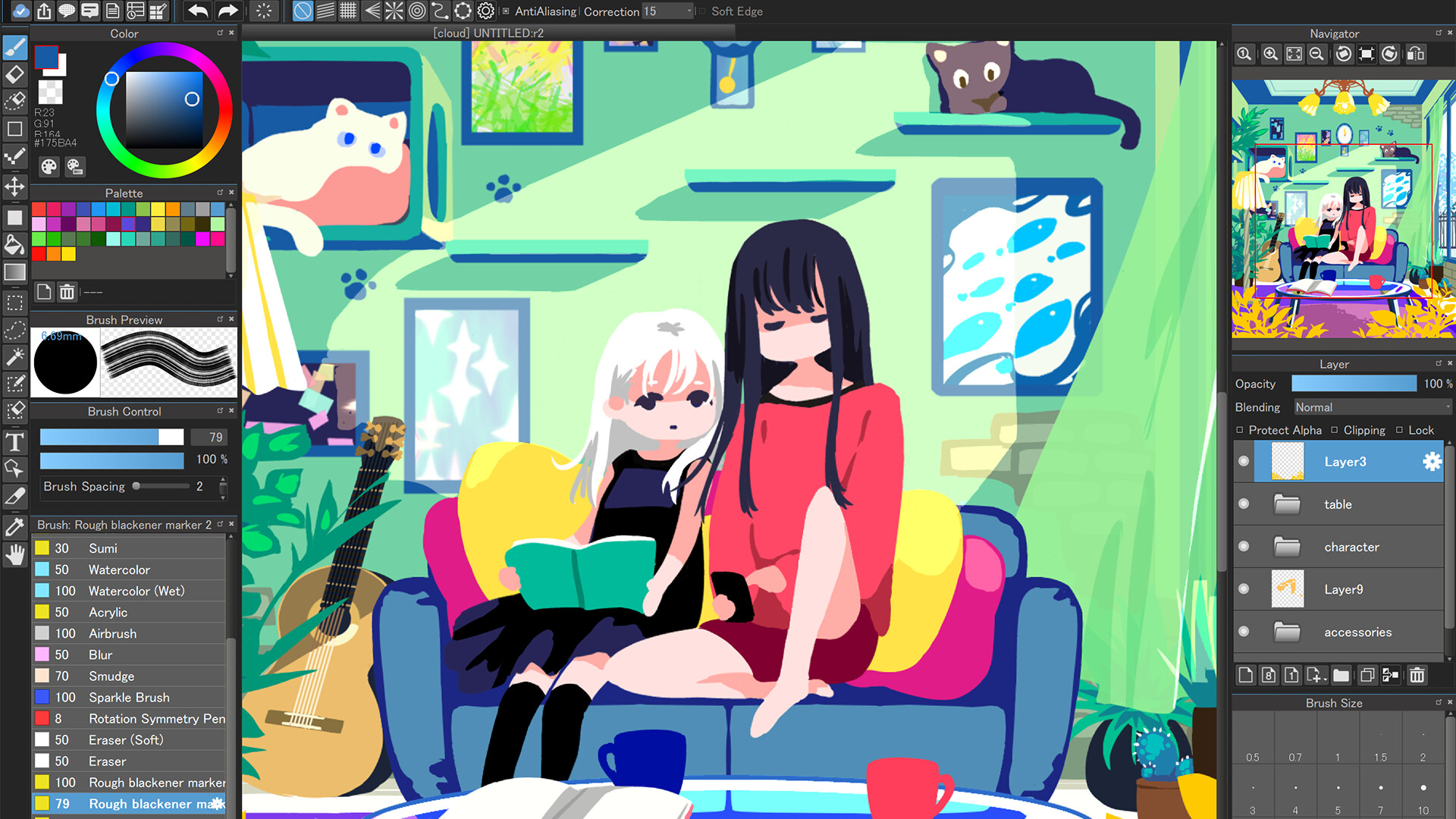
It offers a professional drawing environment. From sketching and line art to coloring and finishing, you can complete your work in one app. It also comes with a host of professional-grade features, including over 180 brushes, layers, tones, gradients, and fonts.
The UI is designed for beginners, making it ideal for those who want to get started with drawing or try out a drawing app.
Tutorials, templates, and coloring materials are also available to help even first-time artists feel at ease. The guided drawing process makes it perfect for practice.
Practice coloring with this simple coloring book.
Learn how to draw characters and backgrounds using templates.
Edit and recolor your drawings as many times as you like.
Even if you've always wanted to try drawing illustrations but thought it might be difficult, you can start having fun drawing right away.
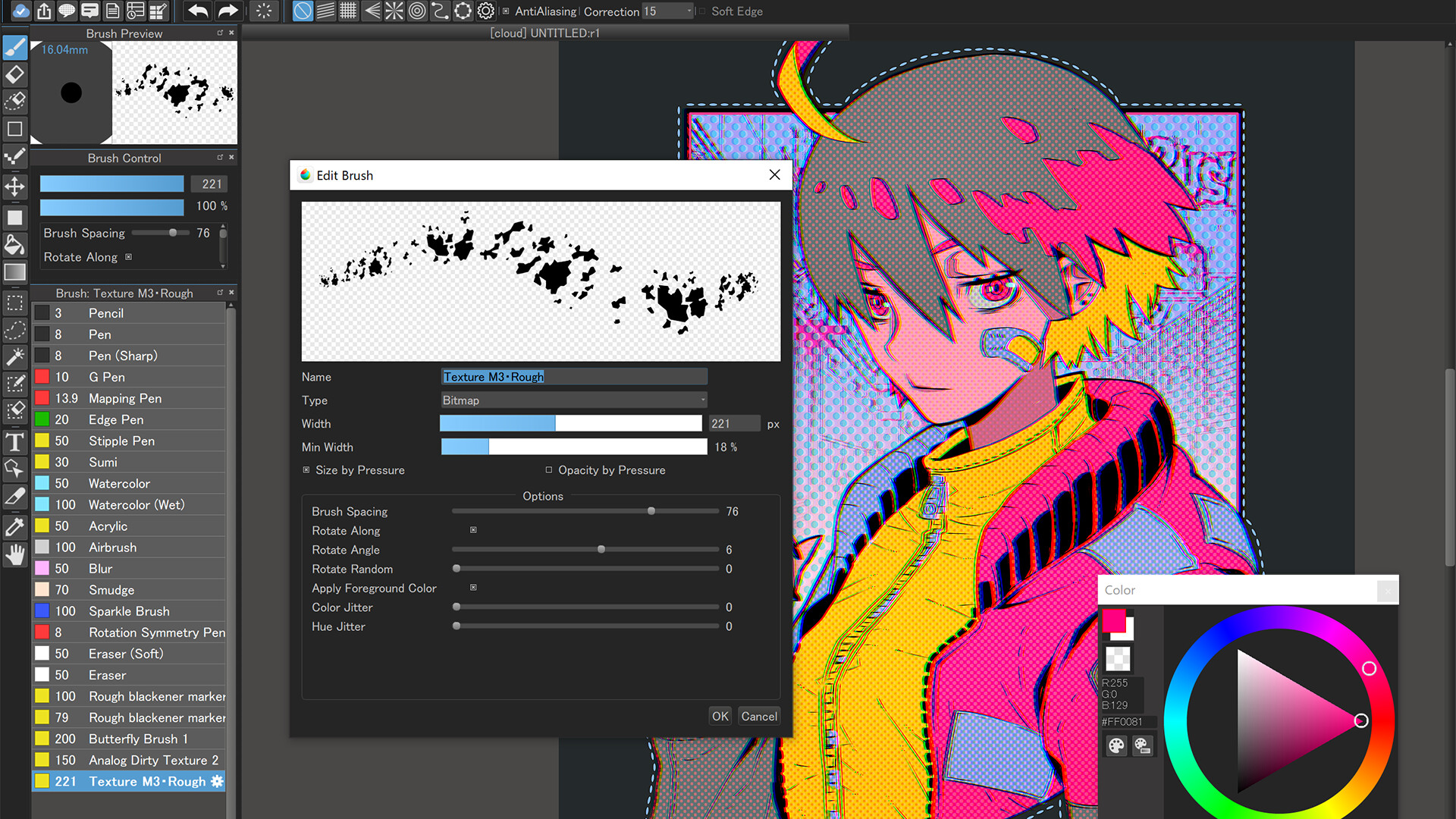
With pressure sensitivity, you can create delicate strokes and nuanced lines with ease. The smooth movement of the pen and brush creates a natural drawing experience, just like drawing on paper. Use custom brushes to create your own unique style.
◆ Recommended for
People looking for an easy-to-use drawing app even for beginners
People who want to practice drawing illustrations and pictures using a painting app
People who enjoy coloring in a coloring book style
People who want to create professional line drawings and color illustrations
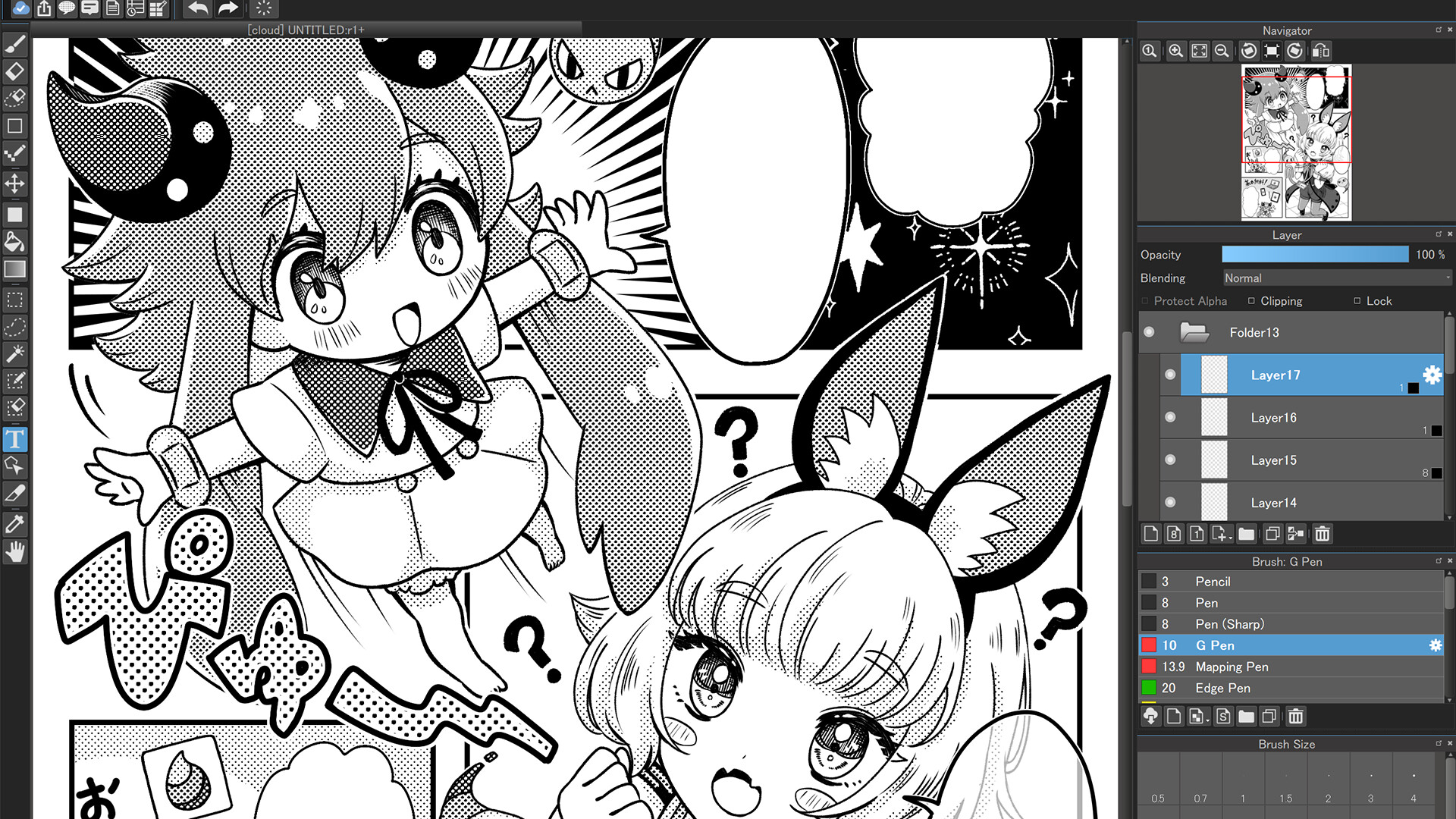
People who want to create manga or art books using a drawing app
◆New features available only in the Desktop version
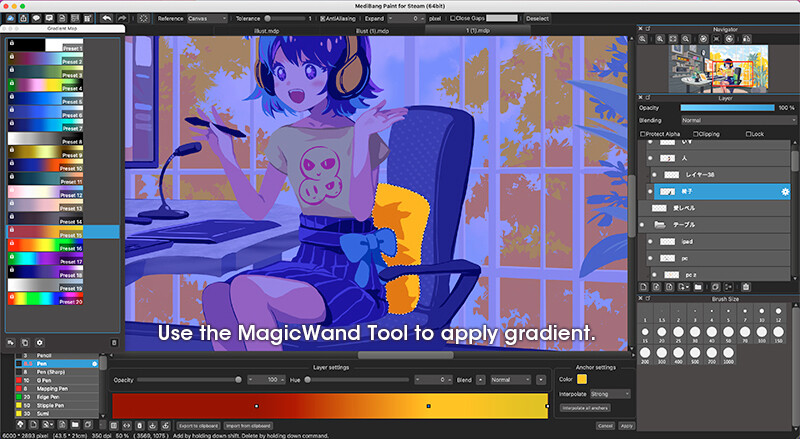
◎Gradient Map
Change the color tone of your work using over 20 presets
Freely customize and create your own presets
Repaint monochrome works in full color
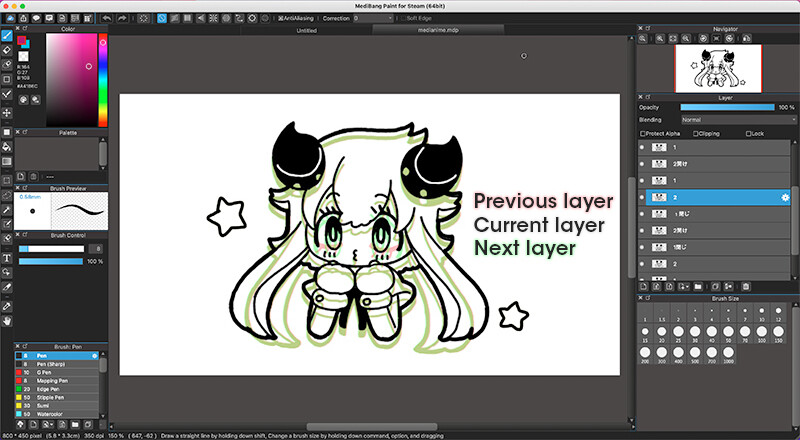
◎Onion Skin Mode
Convenient features for animation production
Display all frames at once to ensure proper animation continuity at any time
Select a frame rate and preview before exporting to MP4 format
Exporting PNG sequentially is recommended for GIF conversion
◆MediBang Key Features of Paint
◎ A high-performance painting tool for digital art
Over 180 brush types included (pencil, pen, brush, airbrush, watercolor, etc.)
From line art and rough sketches to coloring and painting, all in one app
Advanced features like layers, tones, and gradients are also included
◎Enjoy the same fun as a coloring book! Beginners are welcome
Includes guides and templates to make drawing easy, even for beginners
An intuitive UI makes painting easy.
Edit and recolor your drawings as many times as you like! No need to worry about mistakes!
◎High-quality drawing experience
Pressure sensitivity allows you to effortlessly express even delicate lines (when using a compatible pen)
Reproduce smooth, natural-feeling strokes
Freely customize pen and pencil tools
◎Abundant resources for creative use
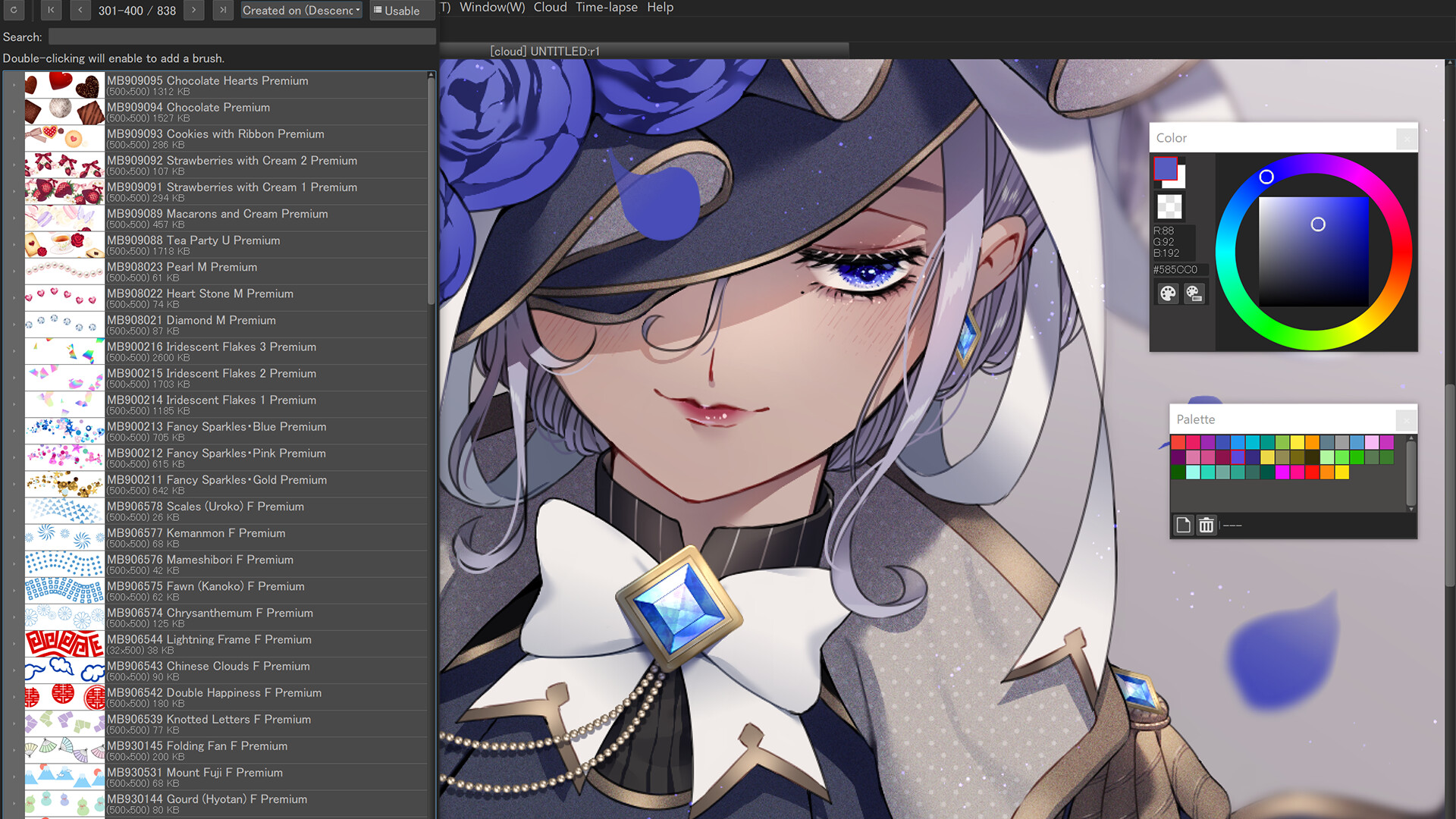
Over 700 additional brushes (MediBang Premium)
Over 1,000 screen tones
Over 60 Japanese and English fonts
Abundant background materials and textures
◎Convenient cloud and sharing features
Sync your work across multiple devices (PC, smartphone, tablet) via the cloud
Supports posting to social media. Easily share your work on Instagram or X
Smooth integration with other apps
◎Supports real-time collaboration
Streamlines team illustration and manga creation
Collaborate with fellow artists on group projects
◎Record and share your creative process with time-lapse
Automatically record your drawing process and output it as a time-lapse video
Perfect for showcasing your work on YouTube and social media
⸻
◆Versatile use cases
Easy drawing and sketching
Practice line art and coloring
Illustration creation
Create original characters and picture books
Create manuscripts for manga and webcomics
Digital coloring art practice
Drawing and croquis sketches
Art book layout and design
⸻
◆Reliable features for beginners and professionals alike
No lag while painting. Enjoy smooth drawing experience
Easy-to-follow tutorials and support
Learn how to draw with our official YouTube channel and templates
Supports mdp, png, jpg, bmp, gif, psd, tif, and webp formats
⸻
◆Full support for commonly searched related keywords
"illustration", "picture", "drawing", "drawing app", "drawing", "drawing", "coloring book", "coloring book", "drawing app", "paint", "painting", "artist", "artist"
Whether you're a beginner illustrator or a professional creator, MediBang Paint is the tool for everyone who draws.
Media
Trailers and screenshots straight from the store page
MediBang Paint for Desktop price history and current deals
MediBang Paint for Desktop for PC currently sells from $49.99 at authorized stores. Its all-time low is $34.99, set on 2026-07-07.
Frequently asked questions
Answered from this game's own price and edition data
How does the current MediBang Paint for Desktop price compare?
How does $49.99 compare with the MediBang Paint for Desktop price history?
Which stores list MediBang Paint for Desktop?