
Content rating unavailable
Action · CAPCOM Co., Ltd.
Monster Hunter Wilds - High Resolution Texture Pack

Content rating unavailable
🖥 Windows
Mostly Negative · 39% of 2,000
Quality39/100
Weak
- 39% positive of 2,000 reviews
Compare prices
Official store Best price
checked
steam, Official store, Free Keyshops
No keyshop sources live yet.
Report a wrong price
About
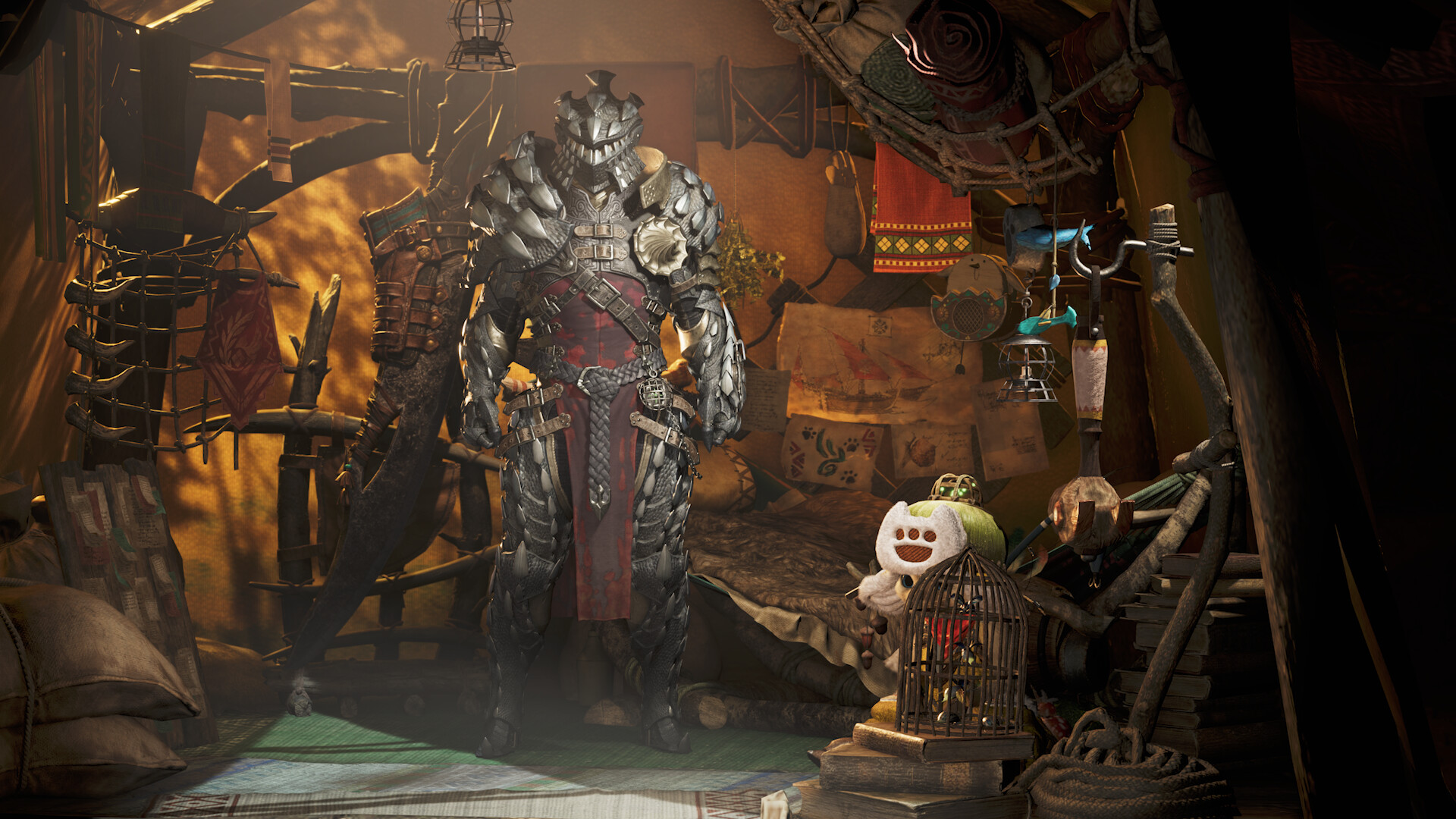
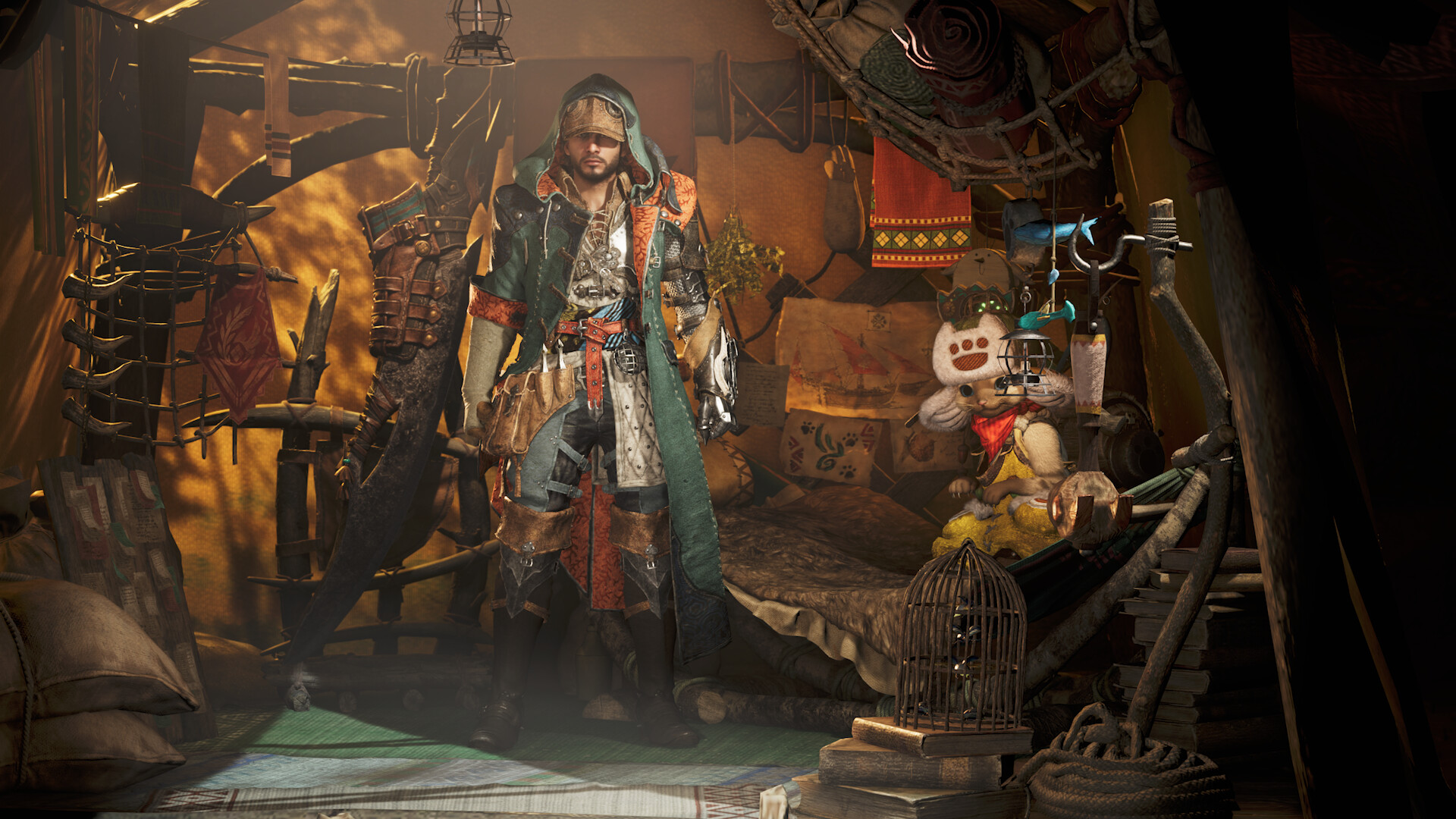
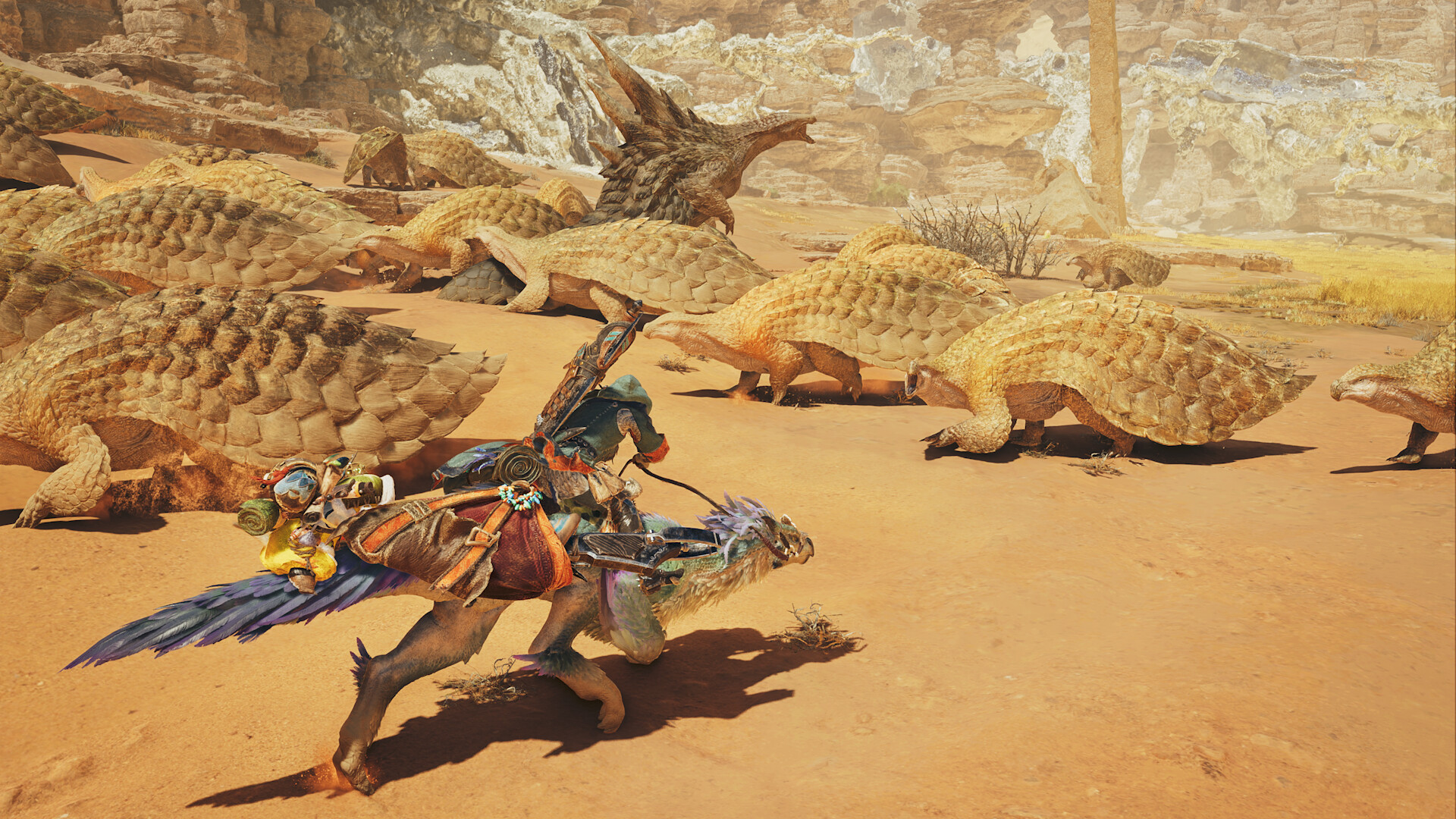
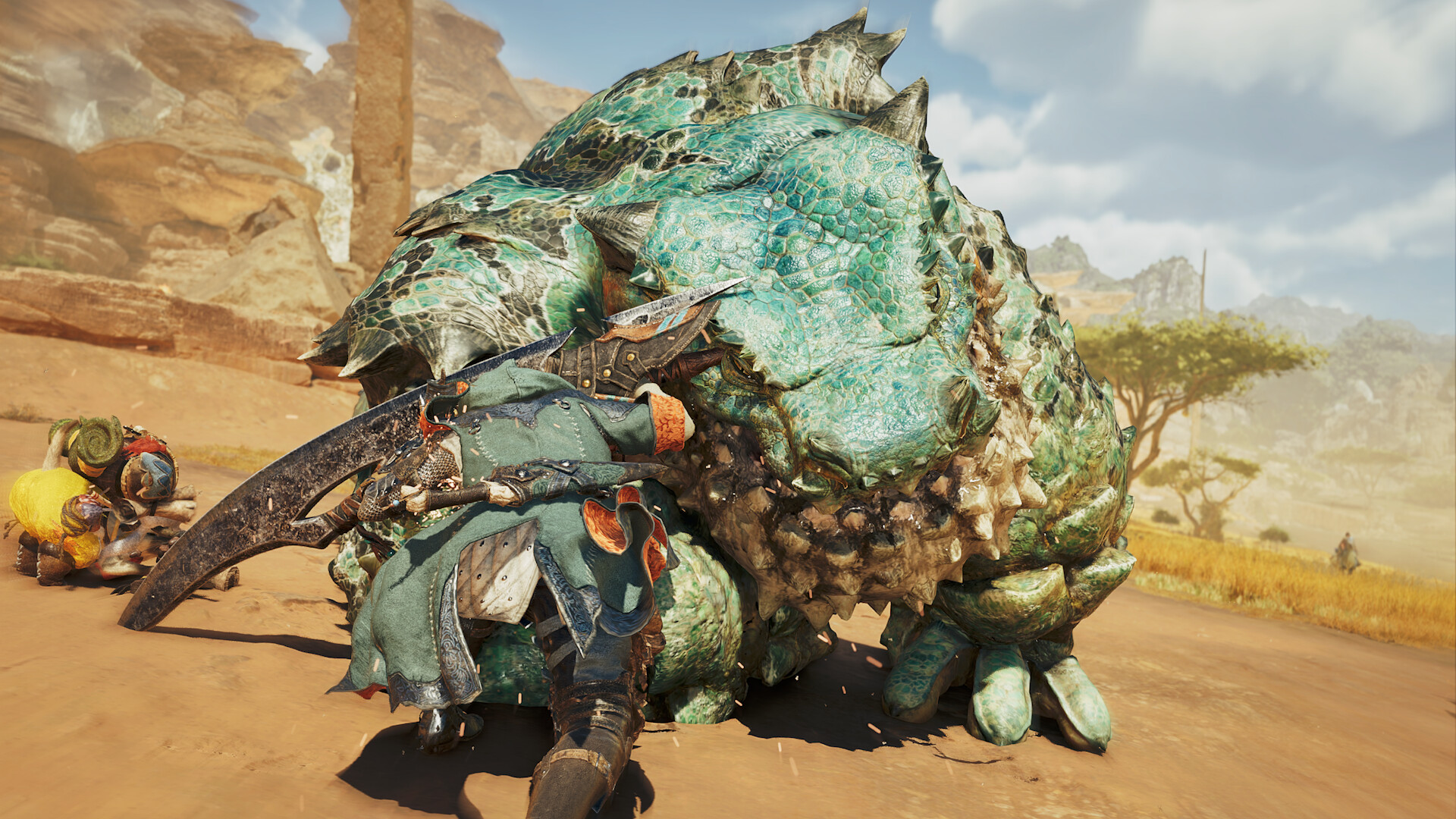
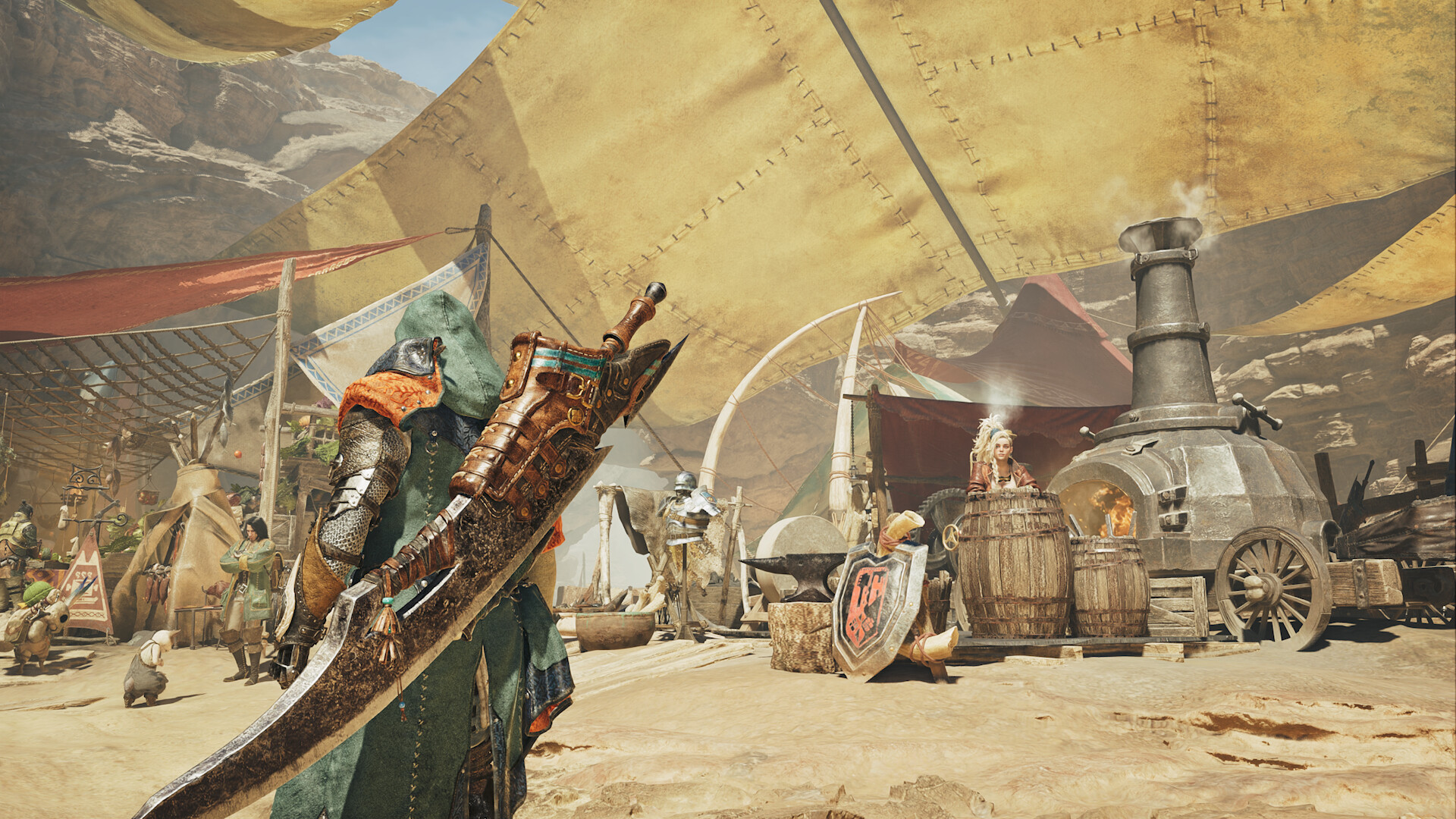
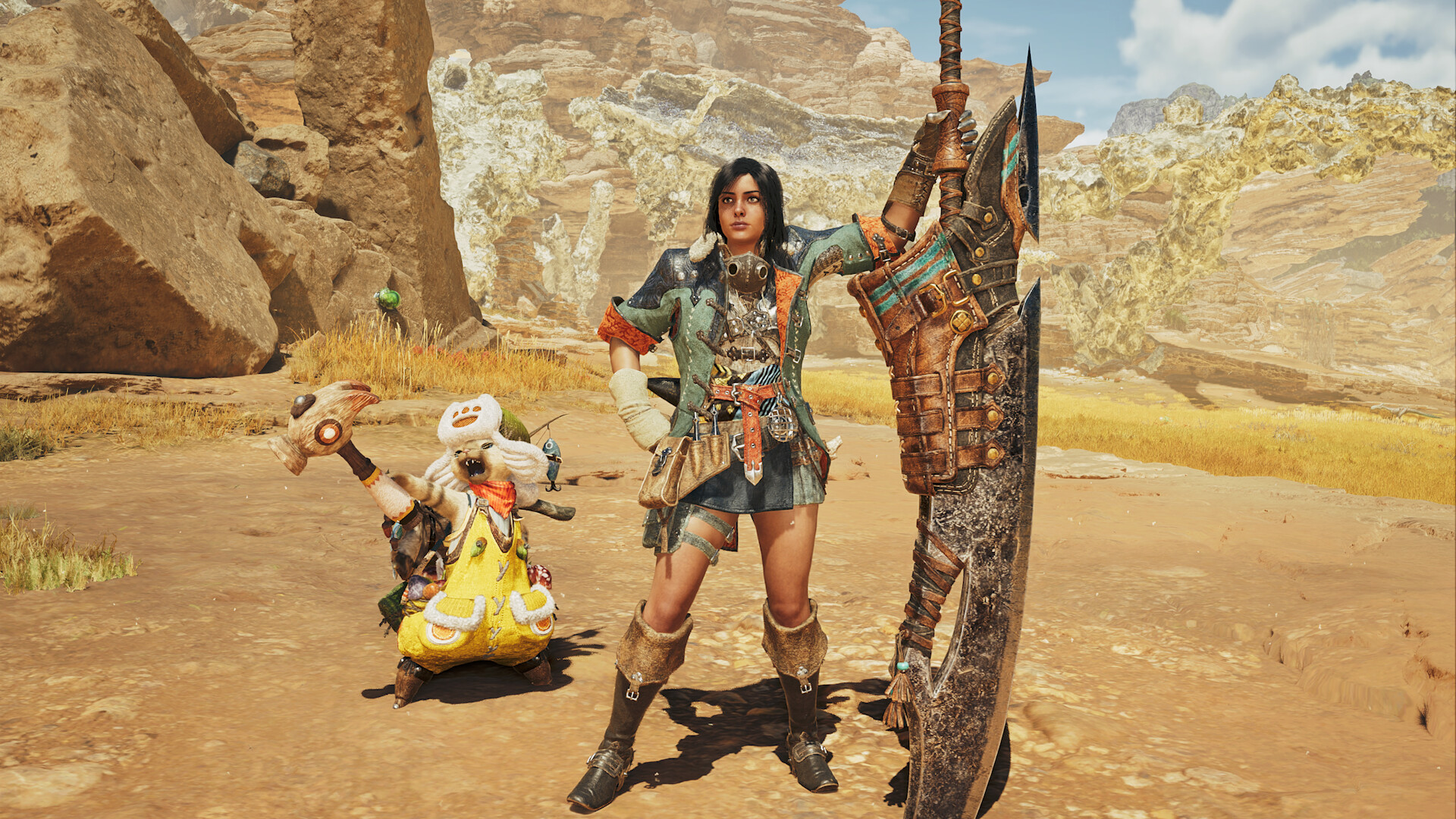
Experience Monster Hunter Wilds like you've never seen it before with the High Resolution Texture Pack!
Experience Monster Hunter Wilds like you've never seen it before with the High Resolution Texture Pack!
A minimum of 16 GB of graphic memory is required to install.
High resolution textures may not display properly without sufficient graphic memory. In addition, insufficient graphic memory may cause the game to become unstable regardless of what option is selected for the Texture Quality graphic setting while the texture pack is installed.
Please make sure your PC meets system requirements before installing.
If the game becomes unstable after installing the High Resolution Texture Pack, disable it using the following steps:
1. Within the Steam client program, select LIBRARY, located near the top left of the window. Next, right click Monster Hunter Wilds in your list of games and select Properties, then select DLC.
2. Find Monster Hunter Wilds - High Resolution Texture Pack in the list of DLC, then uncheck the box in the INSTALL column beside it.
3. Restart the Steam client.
A minimum of 16 GB of graphic memory is required to install.
High resolution textures may not display properly without sufficient graphic memory. In addition, insufficient graphic memory may cause the game to become unstable regardless of what option is selected for the Texture Quality graphic setting while the texture pack is installed.
Please make sure your PC meets system requirements before installing.
If the game becomes unstable after installing the High Resolution Texture Pack, disable it using the following steps:
1. Within the Steam client program, select LIBRARY, located near the top left of the window. Next, right click Monster Hunter Wilds in your list of games and select Properties, then select DLC.
2. Find Monster Hunter Wilds - High Resolution Texture Pack in the list of DLC, then uncheck the box in the INSTALL column beside it.
3. Restart the Steam client.
Review sentiment over time
positive critical
Media
System requirements
Age rating & content
ceroc
暴力セクシャル
crl16
csrrC15
暴力
dejus12
ViolênciaLinguagem imprópriaCompras onlineInteração de Usuários
esrbt
ViolenceBloodCrude Humor
fpb16
D, V, PPS, CI
kgrb15
Violence
oflcm
Fantasy themes and violenceOnline interactivity and chatIn-game purchases
pegi16
ViolenceIn-Game Purchase
steam_germany0
usk12
Fantasy-GewaltChatsIn-Game-Käufe
Price history
No price history recorded yet.
Lowest prices
No history yet.
Game info
Developer CAPCOM Co., Ltd.
Platforms Windows
Compatibility
Controller Full
Genres
Features
Multi-playerSingle-playerCo-opSteam AchievementsSteam CloudCross-Platform MultiplayerFull controller supportSteam Trading CardsOnline Co-opDualShock Controller SupportSteam Input API SupportHDR availableFamily Sharing
Tags