MouseMob – Keyboard & Mouse Automation

Great time to buy
Strong reviews, and it's near its cheapest ever.
- 75% positive of 4 reviews
- Small review sample — read with caution
- Now $1.99 — 80% off $9.99
- Lowest we've recorded: $1.99
Compare prices
Keyshops
No keyshop sources live yet.
Report a wrong price
About
Customize your PC control with MouseMob! Manage mouse clicks, keyboard presses, window events, and more with on-screen regions. Create Chains to automate complex tasks with a single key. It's a productivity and accessibility tool.
MOUSEMOB: Task Automation, PC Control, Advanced Productivity & Accessibility Software.
Whether managing complex workflows or automating tasks; MouseMob changes the way you manage your desktop.
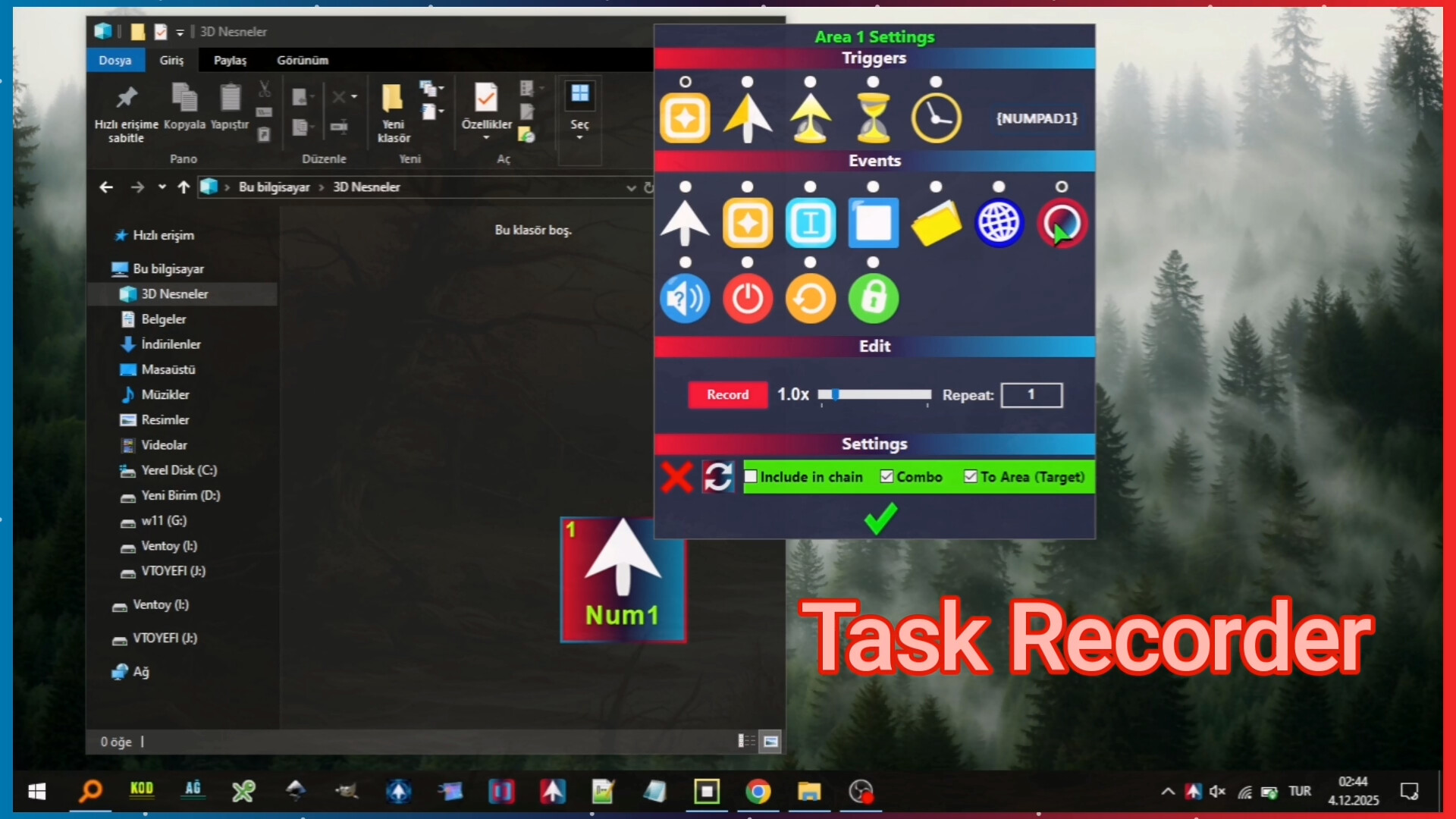
🛑 SMART TASK RECORDER (WATCH & LEARN)
You now have a smart assistant for repetitive boring tasks.
Watch & Learn: It smartly watches and records your keyboard keys, mouse movements, clicks, wheel scrolls, and windows.
Smart Playback: Repeats your tasks at your desired speed (1x - 7x) as many times as you want with our error prevention algorithms.
Window Sensitivity: If the recorded window is minimized, it restores it; if it is closed, it finds and reopens it. MouseMob contains ingenious solutions to perform your tasks without errors. Just Record and Play.
🎛️ PROFESSIONAL CONTROL & PROFILES
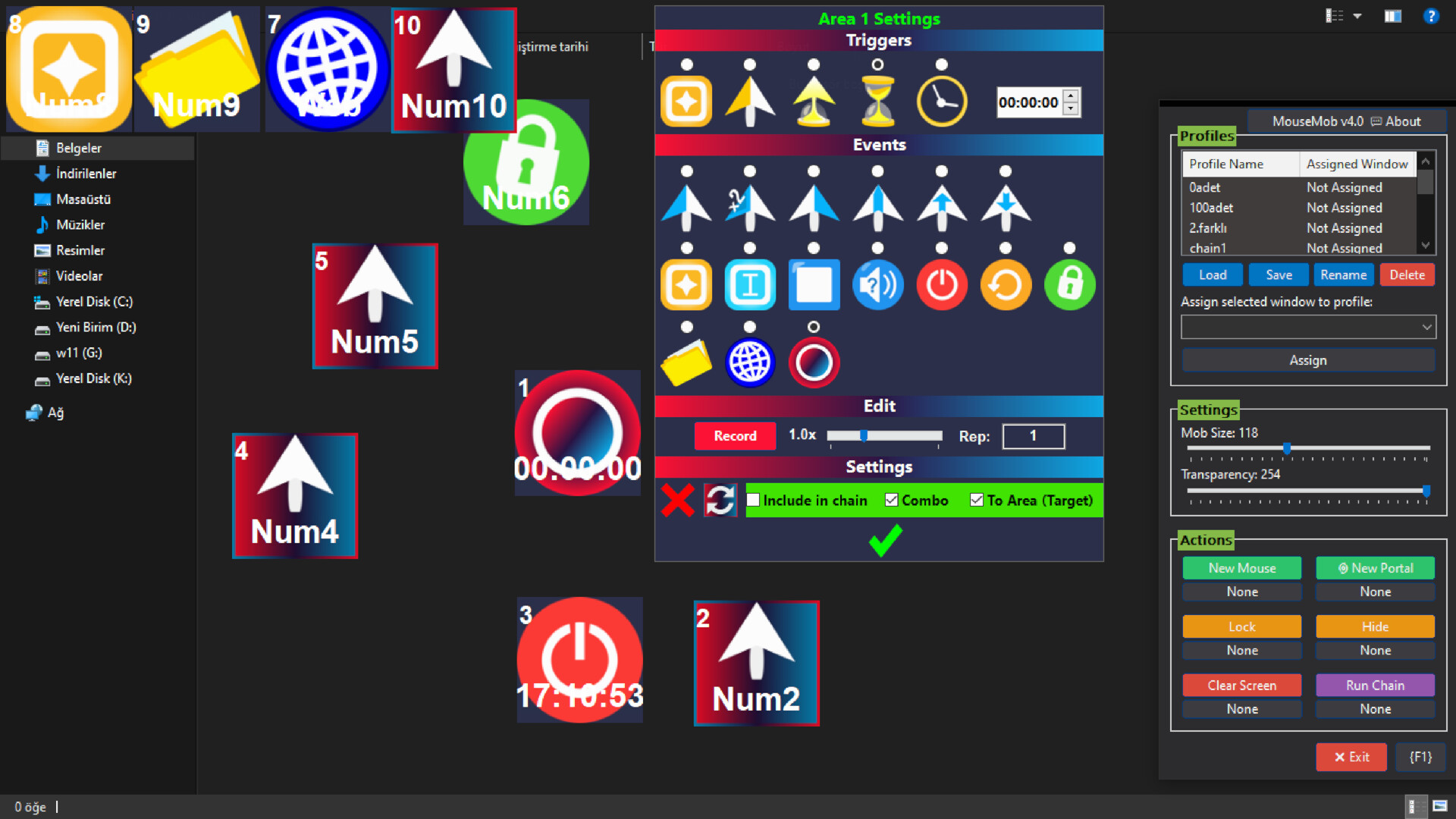
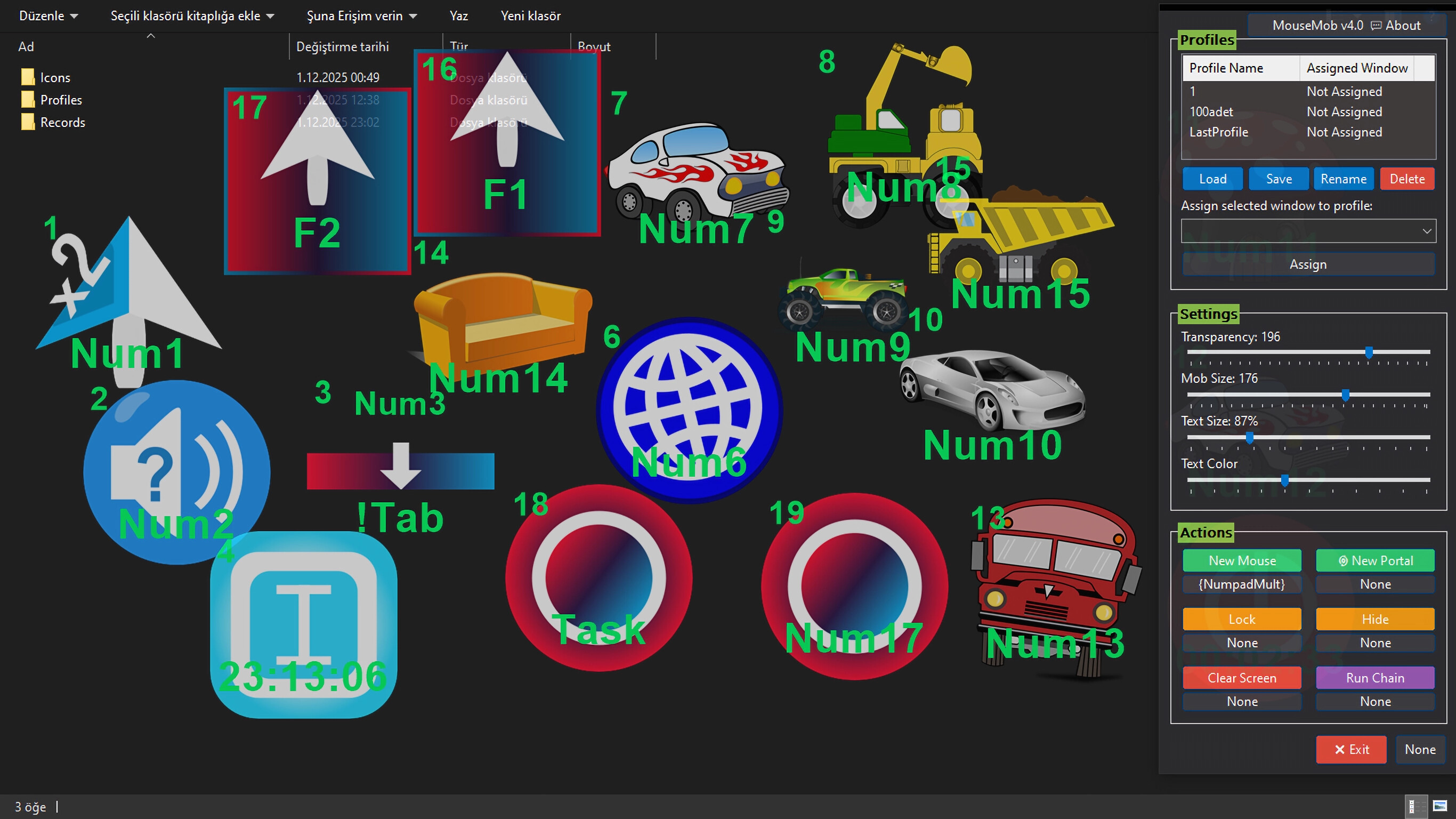
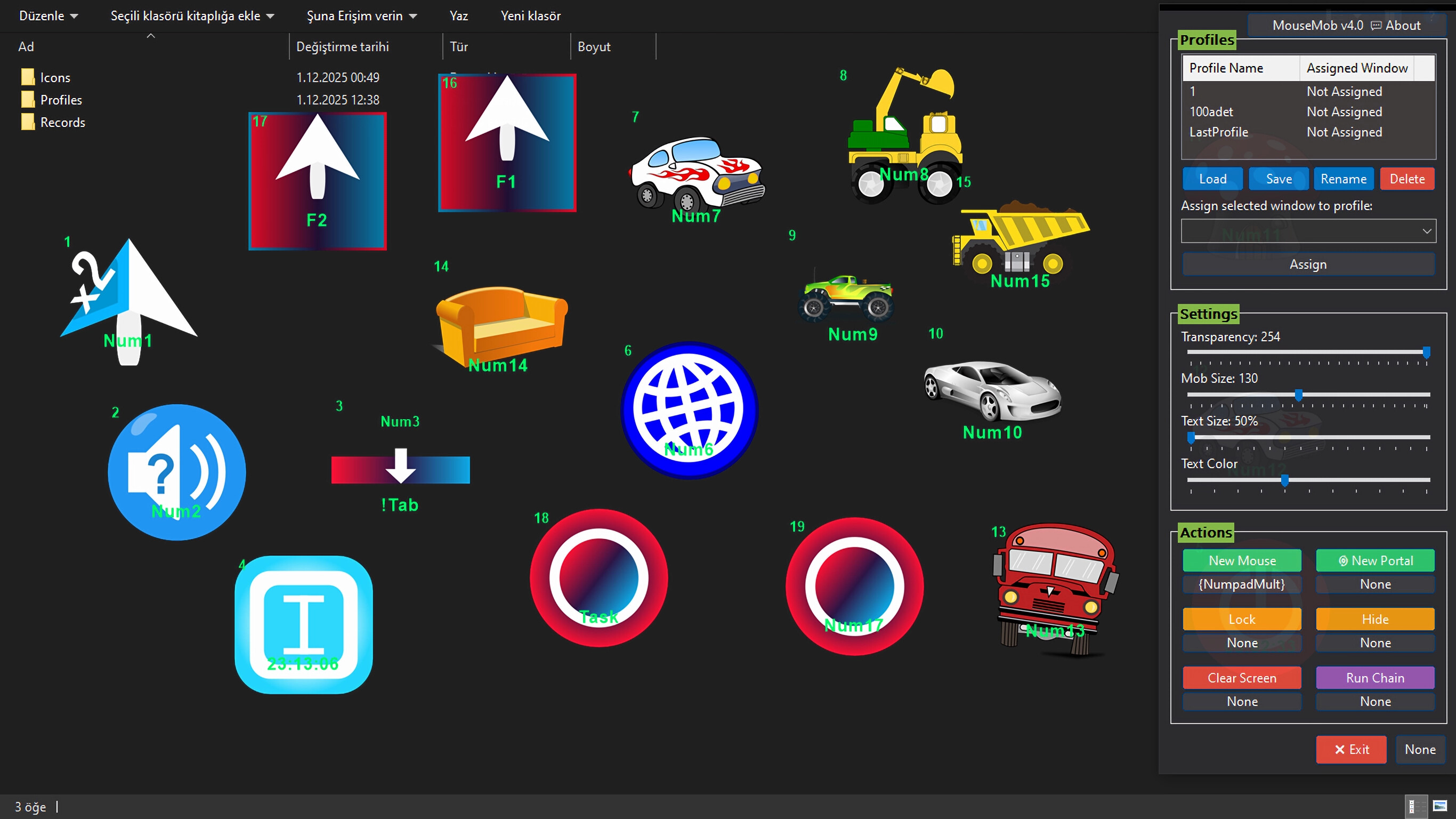
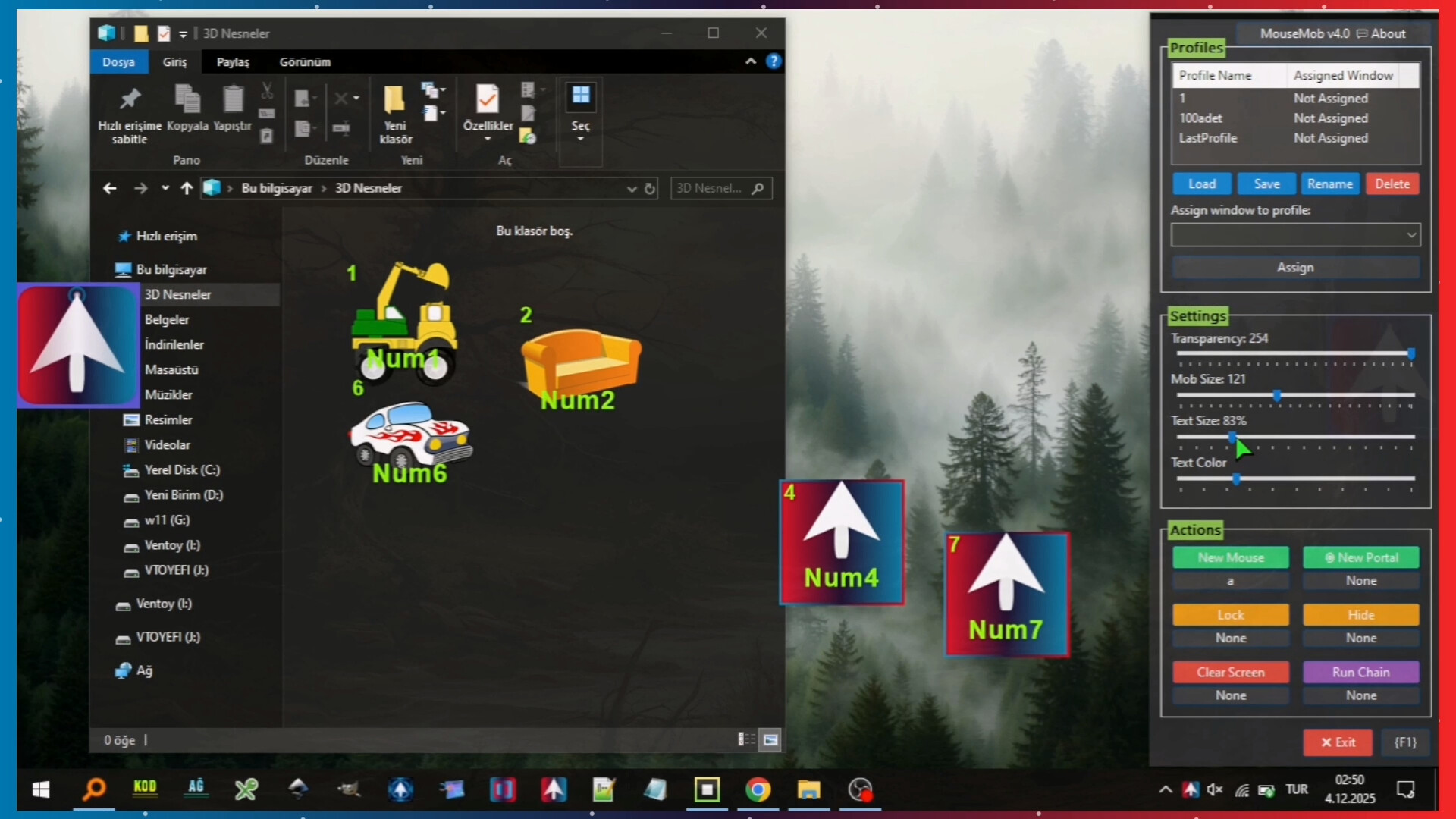
Adjust easily from our professional control panel. Save your profiles with just a few clicks.
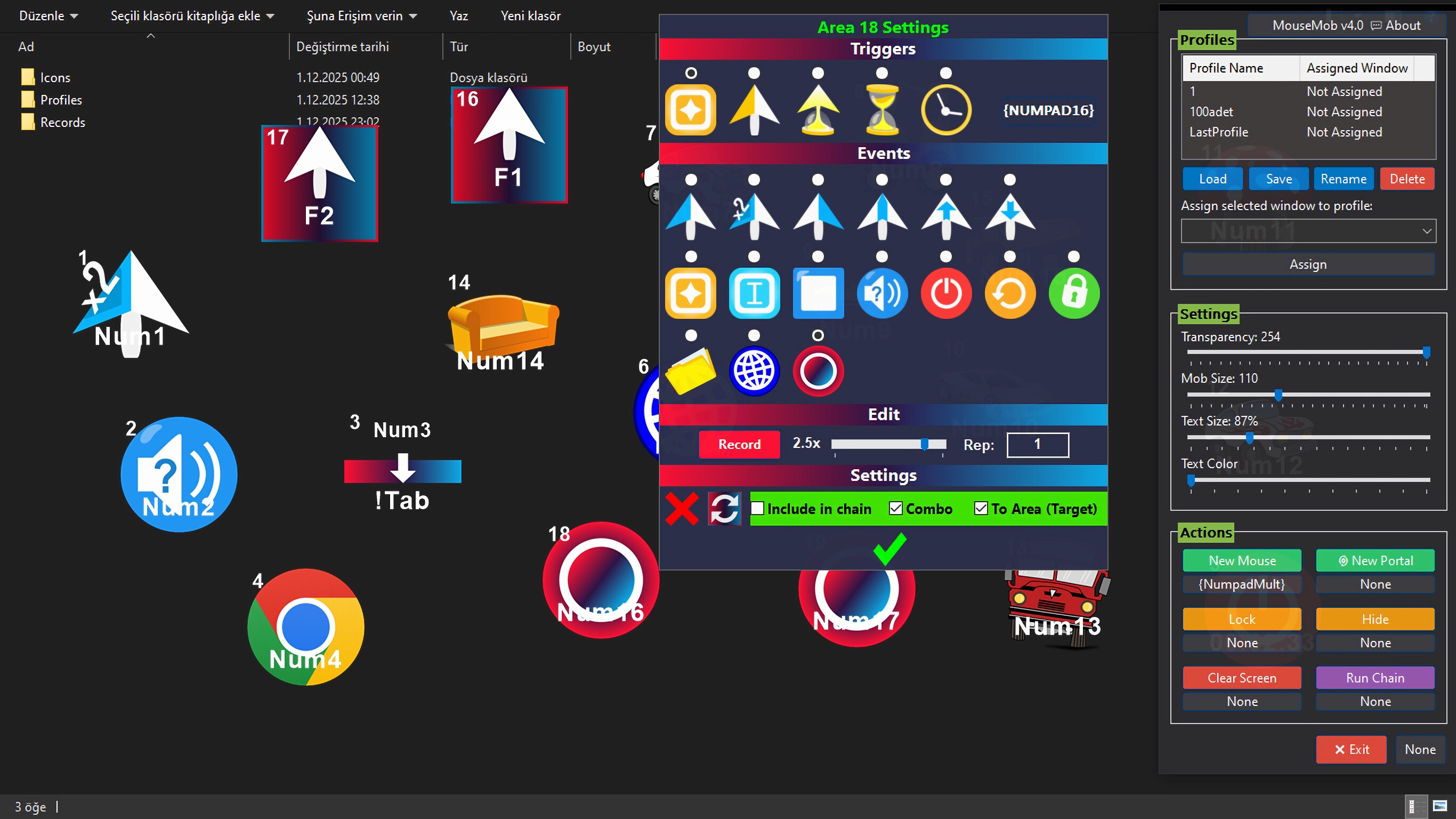
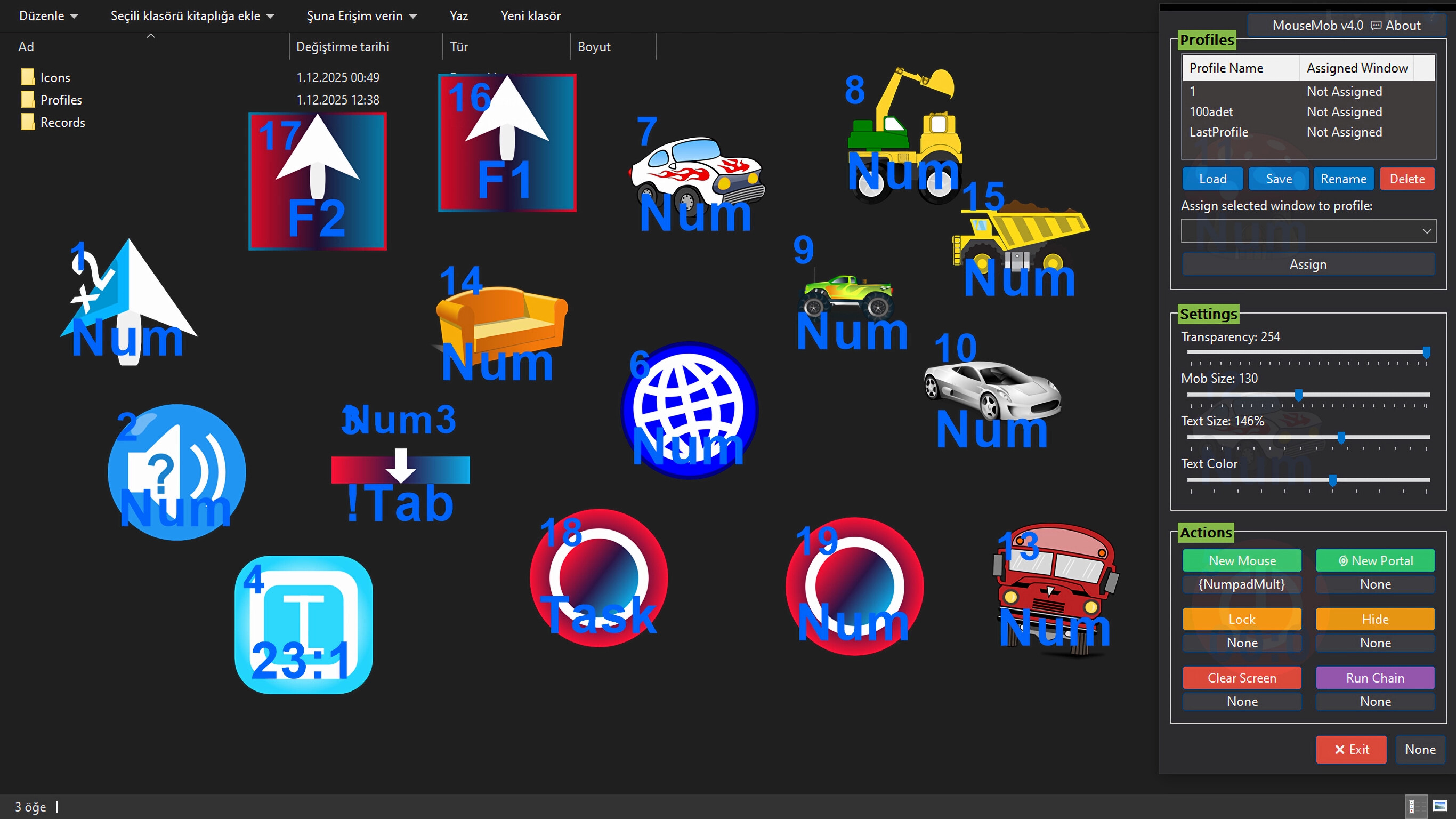
Profile Management: Create different layouts for "Gaming", "Work" or "Browser".
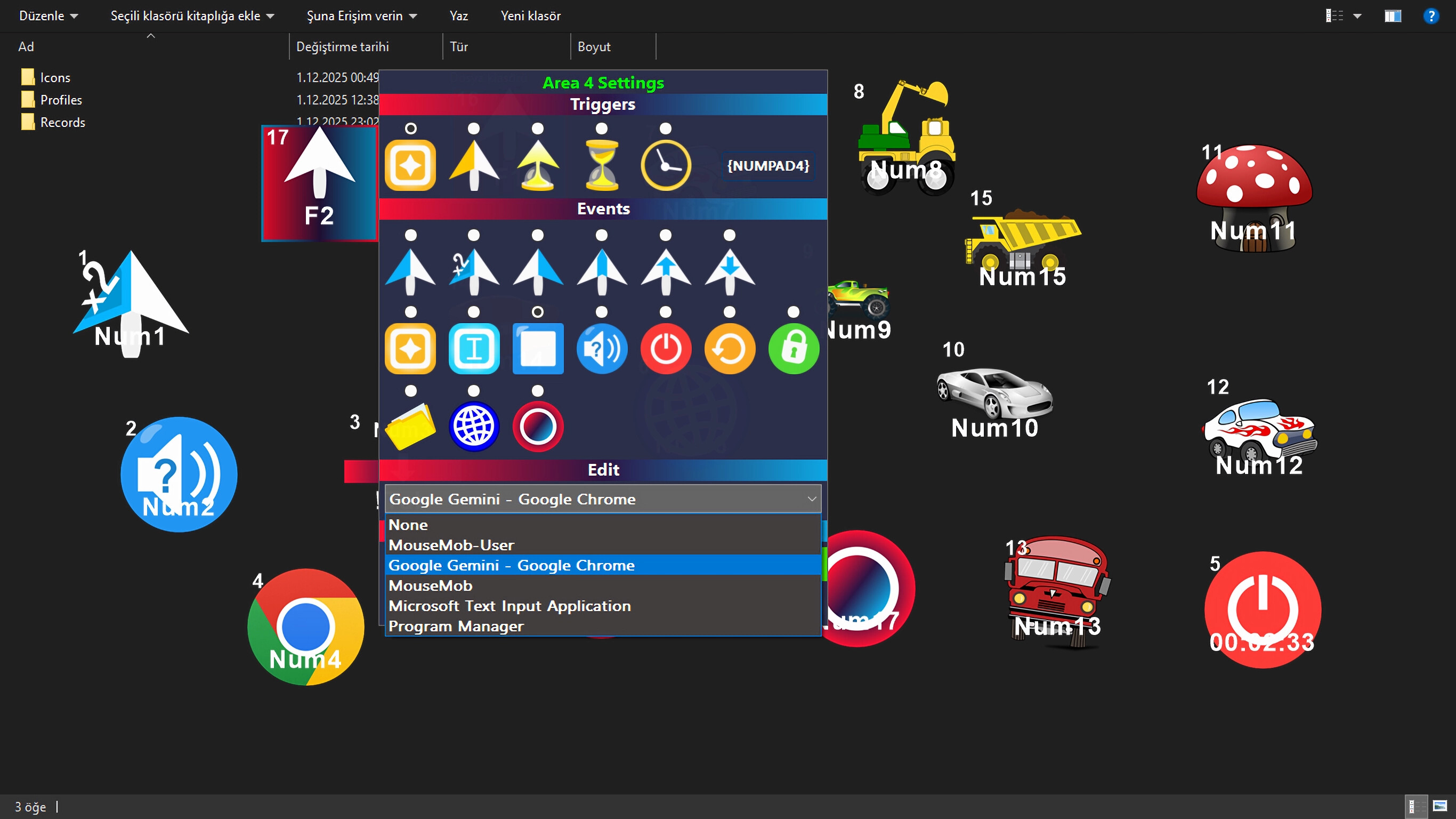
Auto Profile Switch: Assign a profile to a specific window (e.g. Chrome.exe). When you switch to that window, MouseMob automatically loads the relevant profile.
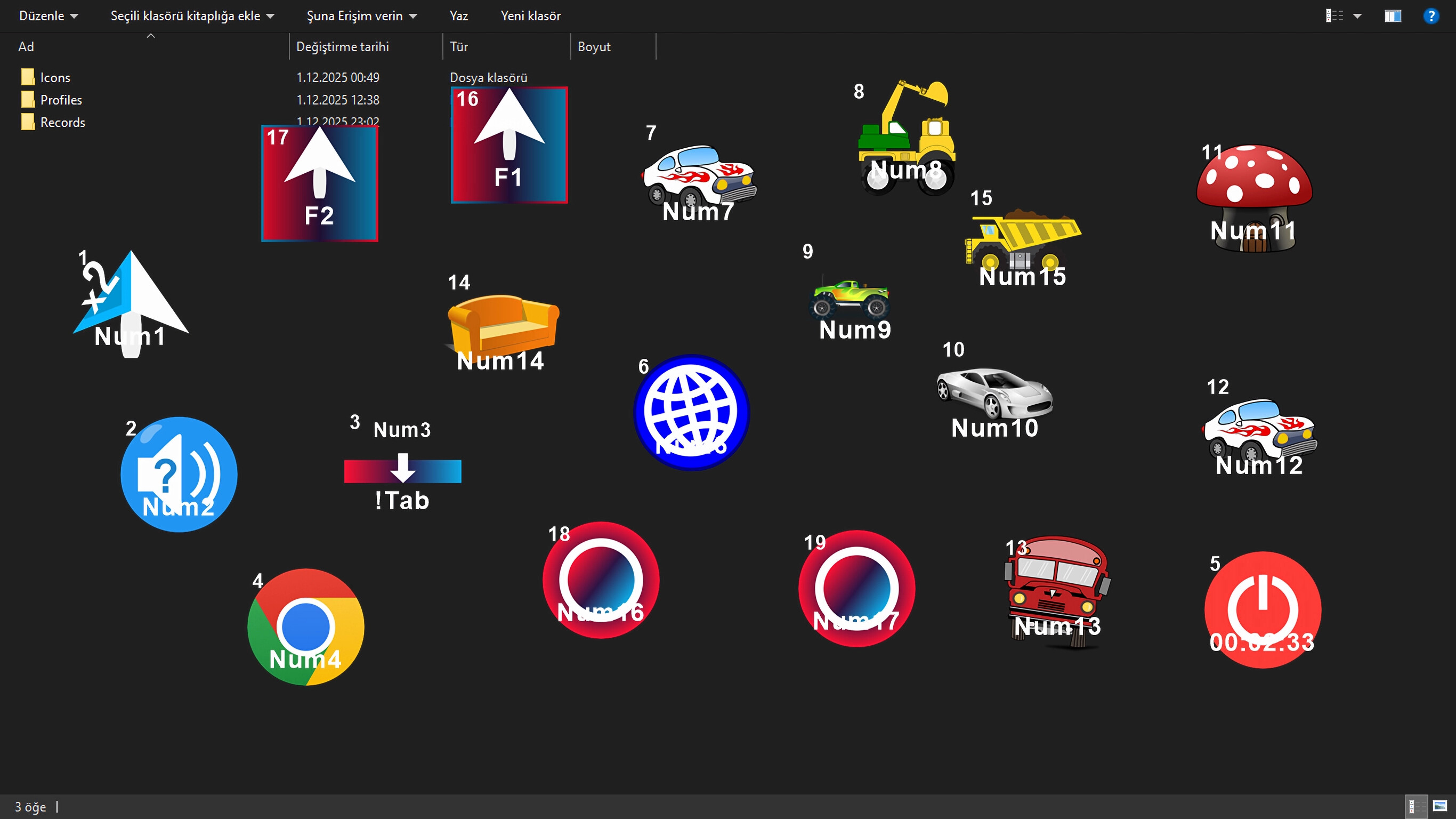
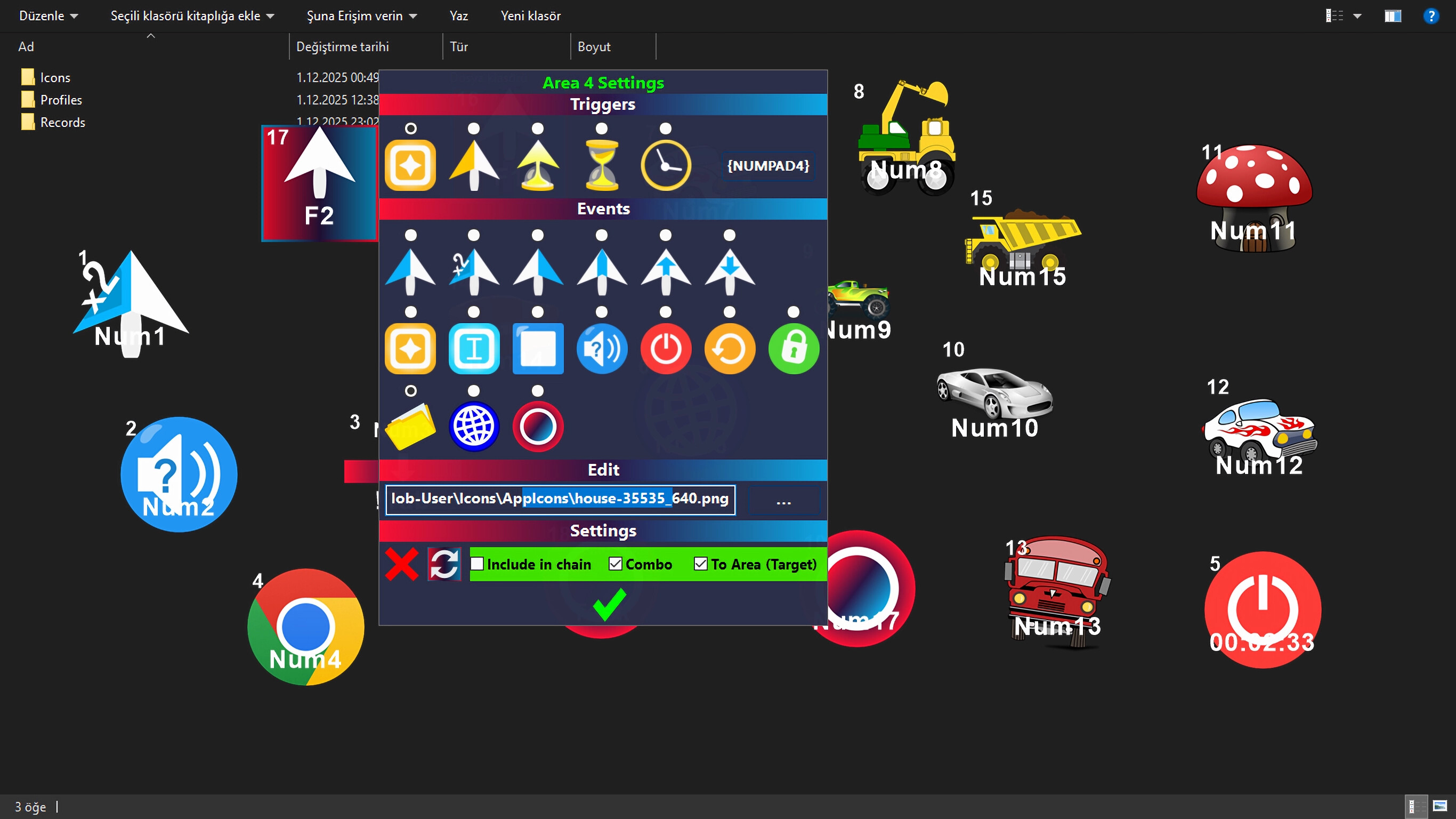
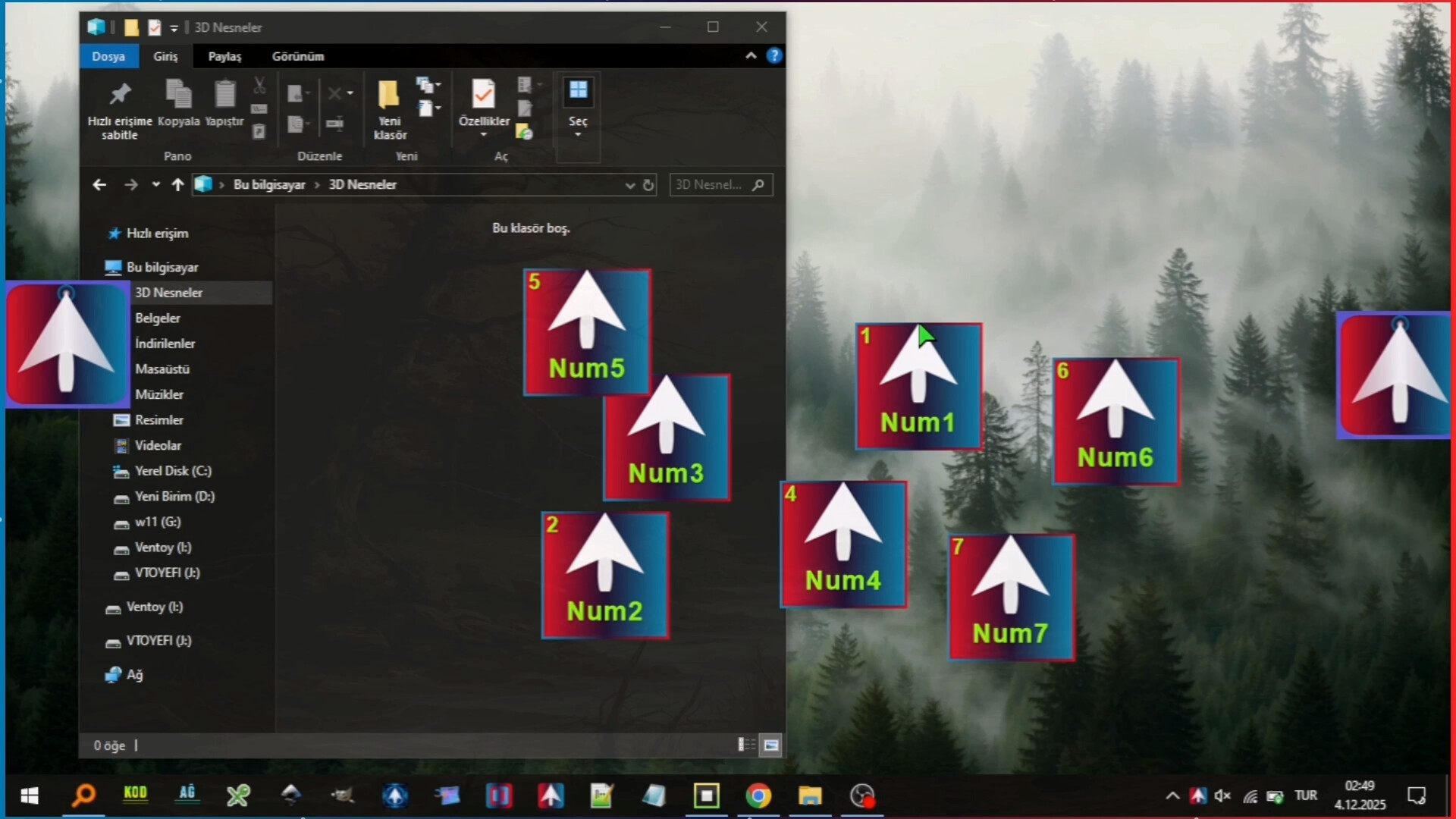
Visual Customization: Instantly change the size and color of the text on your Mobs with sliders. Even personalize Mobs by assigning custom icons (PNG, JPG, ICO, EXE...).
🔄 BIDIRECTIONAL OPERATION
The legendary feature introduced with V3 is now stronger. Remove the boundary between Keyboard and Mouse.
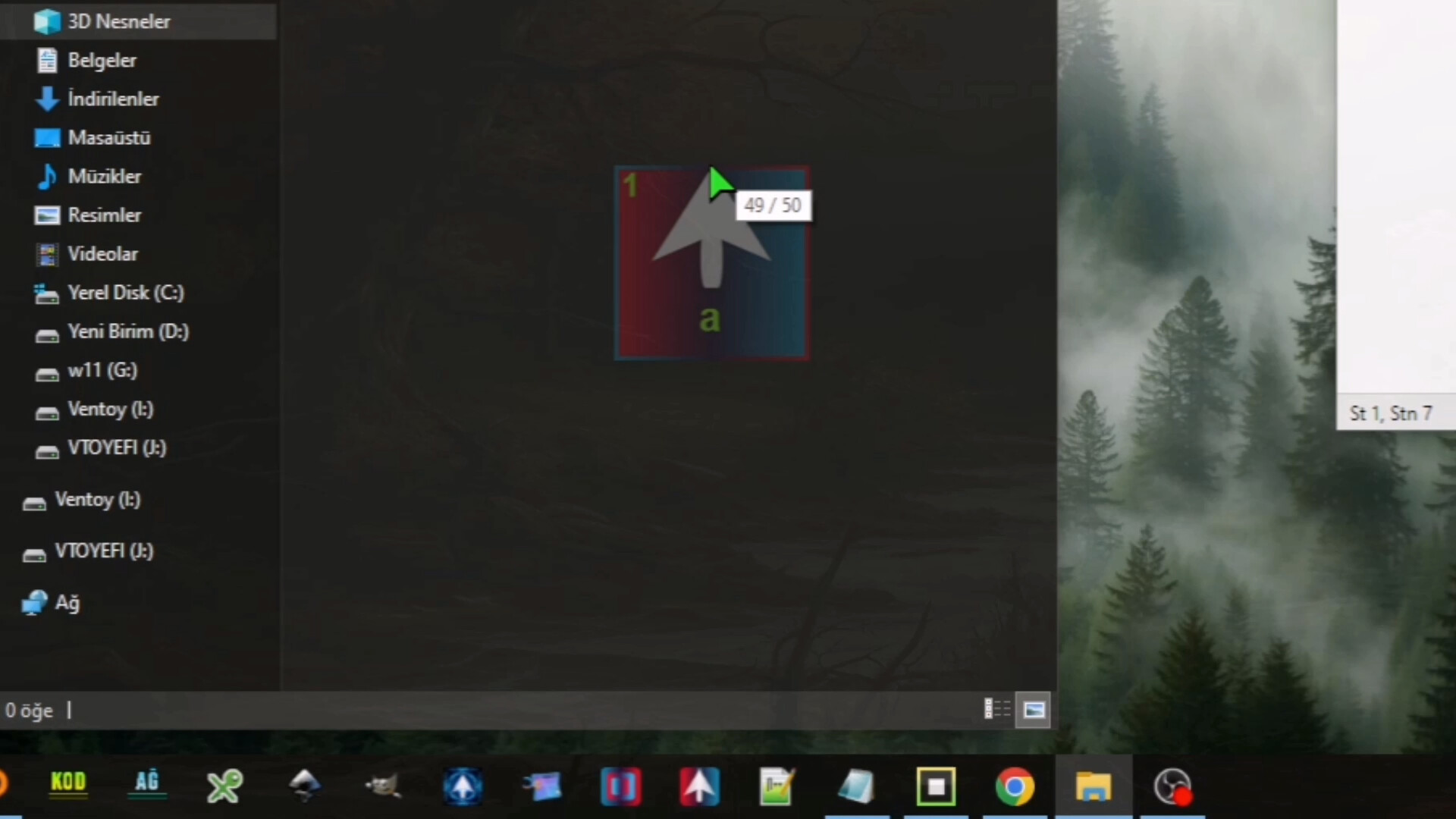
Keyboard -> Mouse: When you press a key, send a click to a specific point on the screen. (Instantly see how many times you clicked with the Click Counter!)
Mouse -> Keyboard: When you hover your mouse over a Mob or click it, send a specific keyboard key (e.g. CTRL+C) to the system.
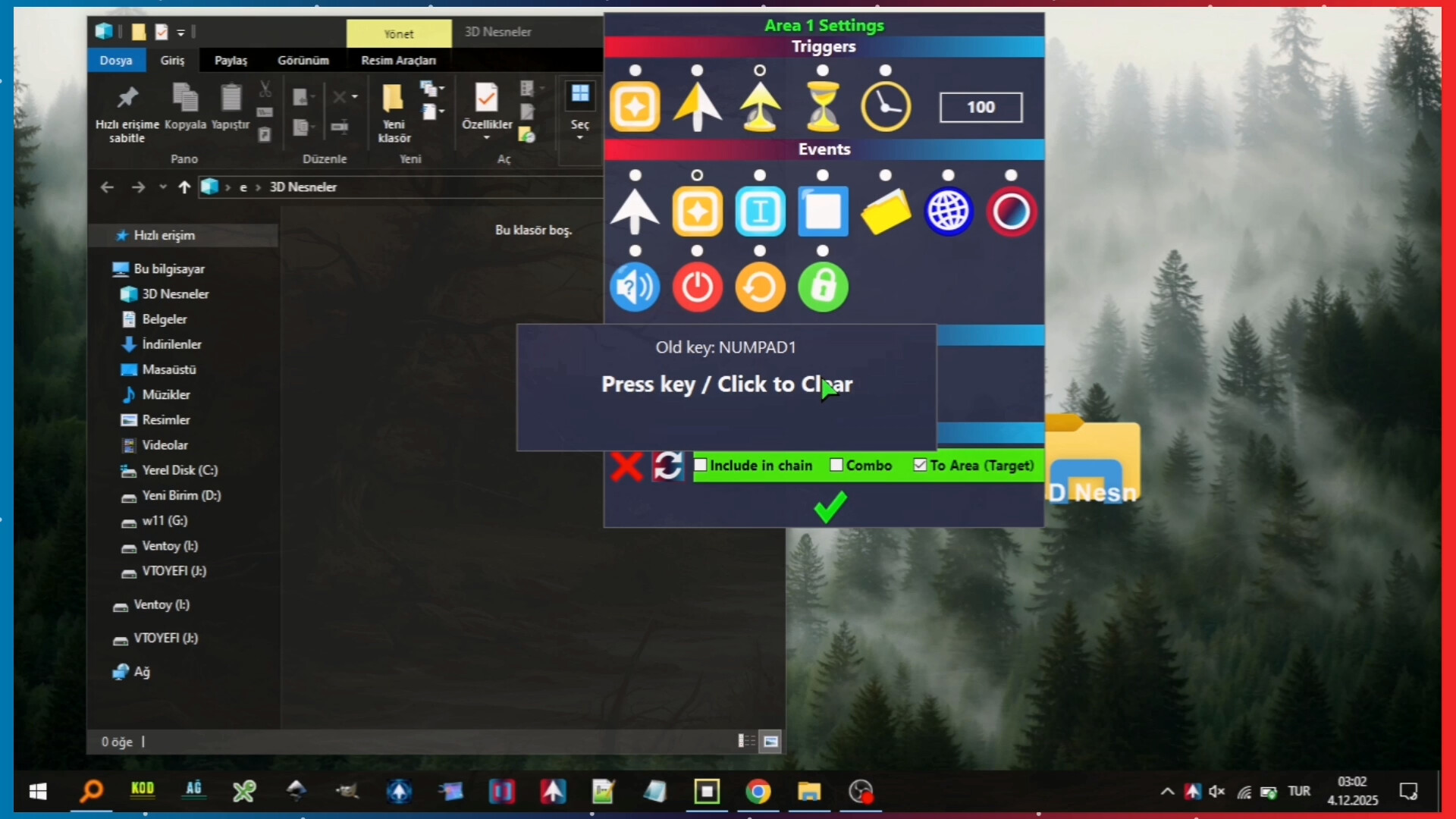
Custom Key Support: CapsLock, Alt+Tab, Media keys... No restrictions!
⏱️ ADVANCED TRIGGERS & TIMERS
Your Mobs don't just wait for you to press a button; they can now be scheduled.
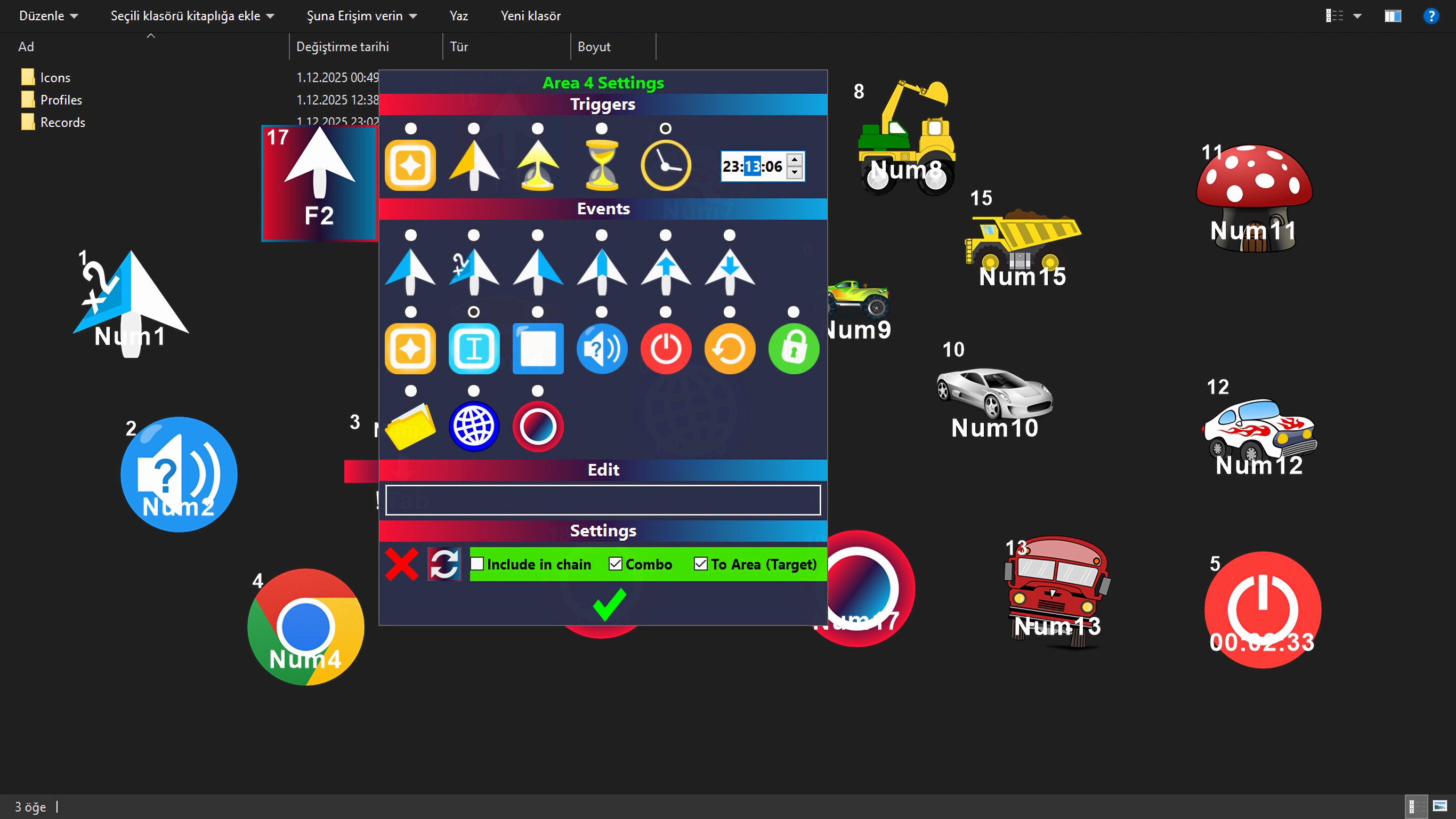
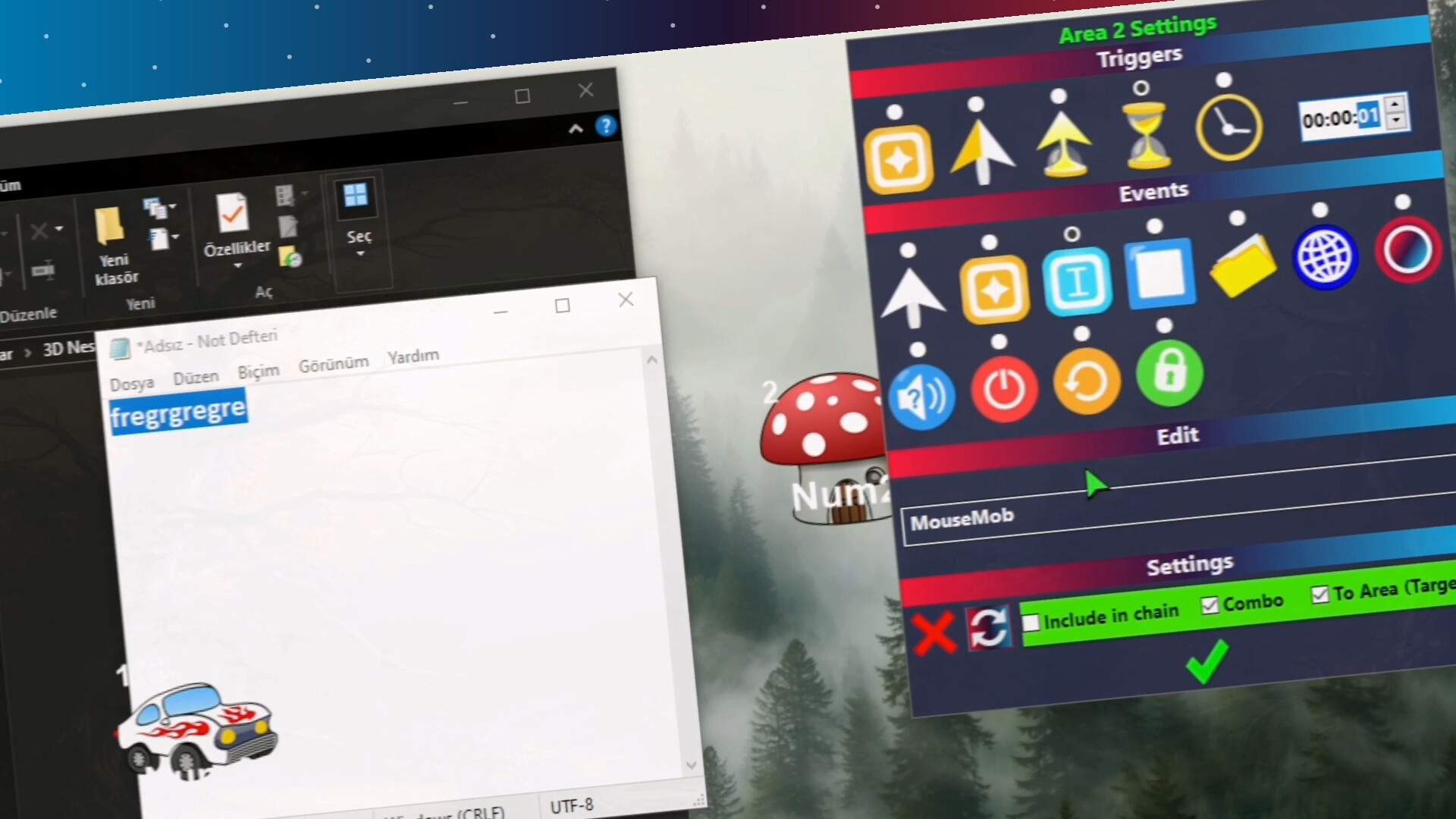
Timer: Set your tasks to a specific time (e.g. 08:00), and MouseMob will start them for you.
Wait (Countdown): Make it wait for a specified time before triggering an action.
Mouse Over: Trigger complex macros or key combinations just by hovering your cursor over a Mob.
🌀 PORTALS & CHAIN REACTIONS
Desktop Portals: Do you use wide or dual monitors? Open "Portals" on your screen. When your mouse enters one, it exits from the other. Speeds up your workflow.
Chain Reaction: Connect Mobs together! When Mob A finishes its task, Mob B automatically starts.
System Control: When the task is completed, MouseMob can open a file, visit a website, or Shutdown/Lock your computer for you.
🛡️ SECURITY AND STABILITY (MOUSE TRAP)
With the "Mouse Trap" technology inherited from V3, your clicks never miss. When MouseMob sends a click, it traps your cursor for a millisecond, makes the click hit the target, and releases it. No more misclicks!
Note: Powerful tools like MouseMob may violate the rules of some games/applications. Always check their Terms of Service first.
✨ Features in Brief
🛑 Smart Task Recorder
Start Recording with a single key or click. Complete the task with the same key or by right-clicking the recording area. Play the task with the same key or click. Or use the "Record/Play" buttons from the menu (there are many methods for recording and playback).
🔗 Chain Feature
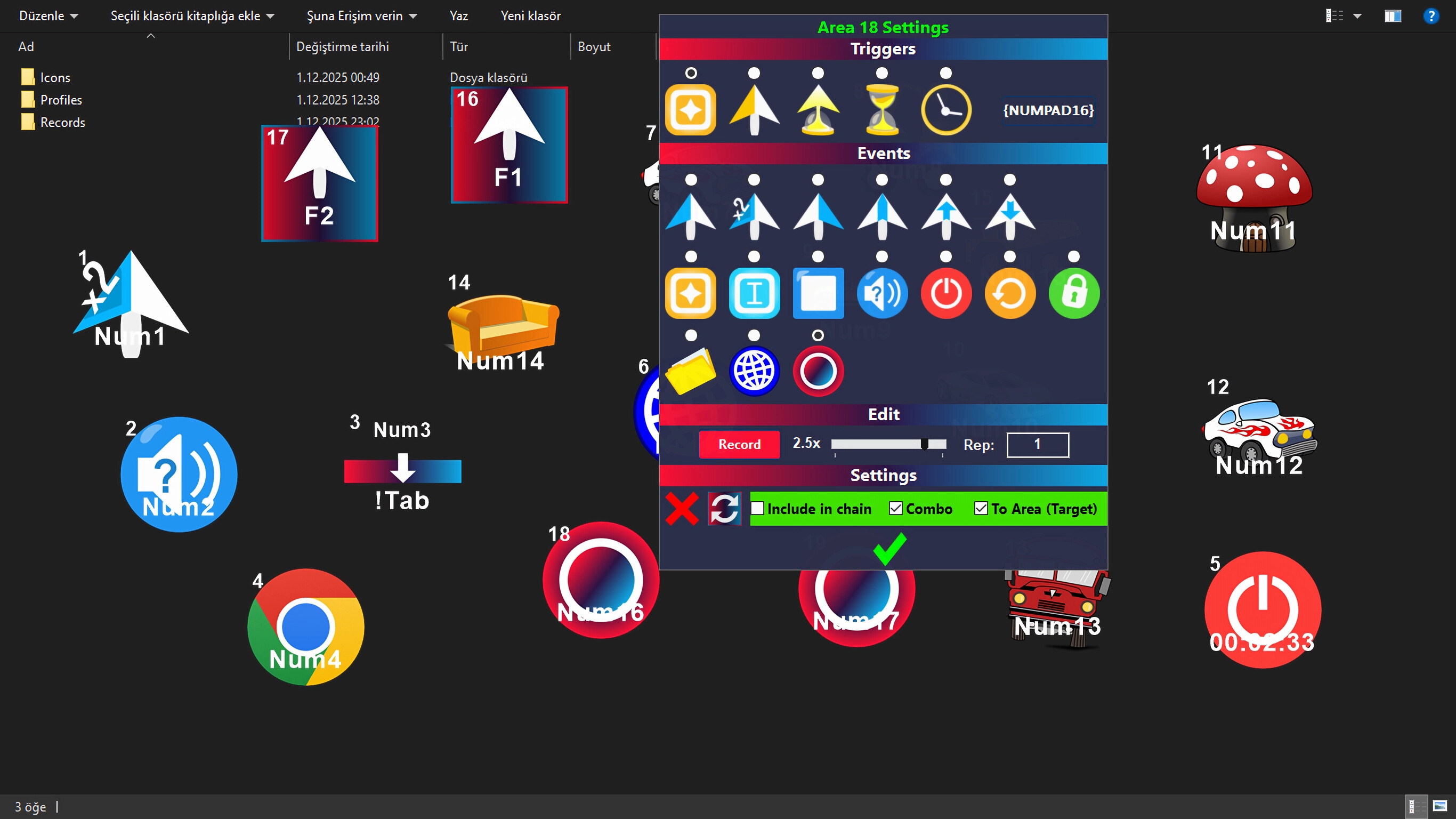
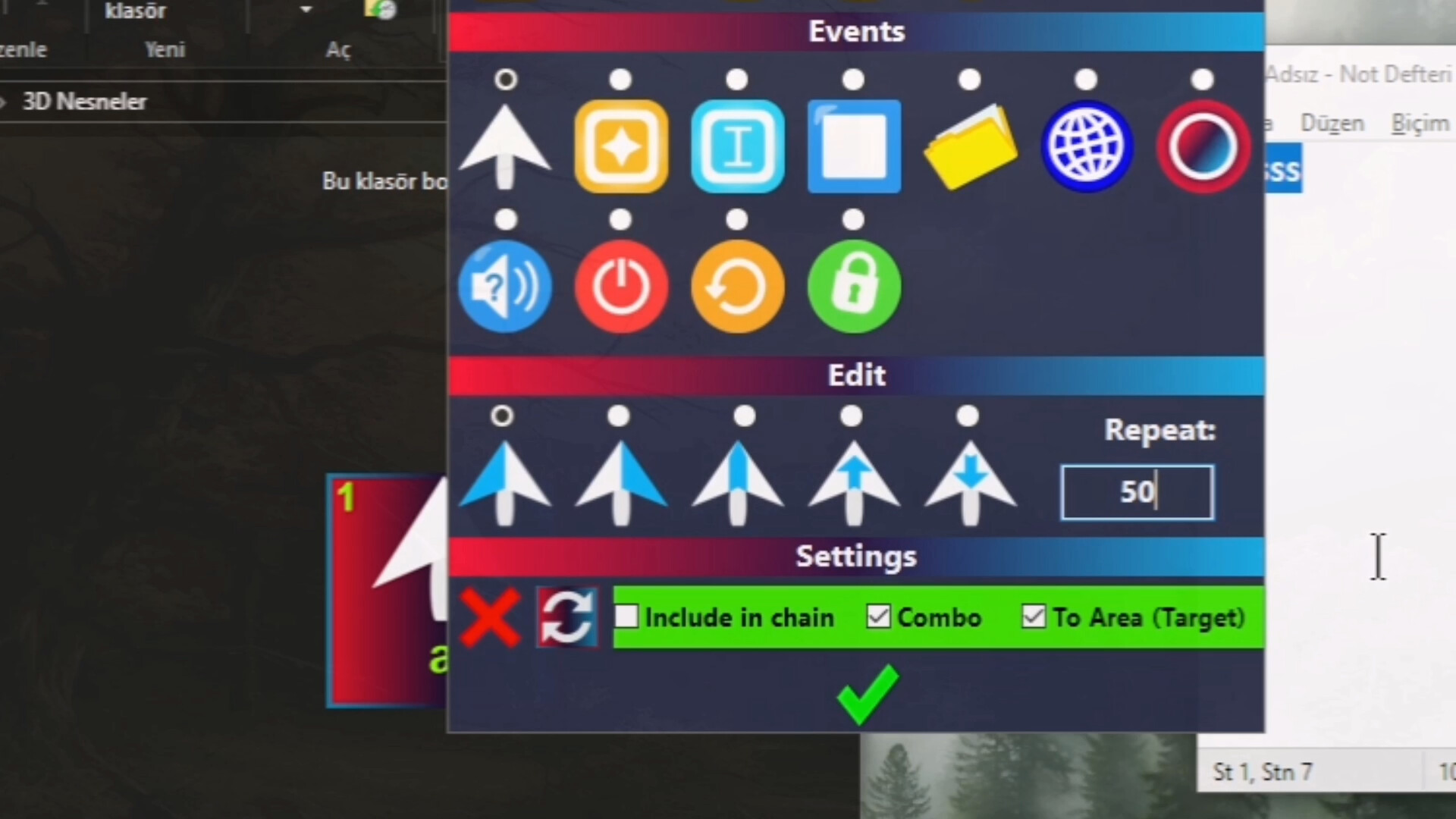
MouseMob allows you to sequence complex tasks one after another. By combining different events assigned to multiple areas (automation, click, keyboard key, text writing, etc.) into a single chain, you can run the chain with just one key. This feature saves you significant time by automating repetitive workflows.
🖱️ Mouse Event
You can place a mouse event on places you click frequently on the screen. Thus, you don't need to drag your mouse constantly.
🖱️ Mouse Over Trigger
You can manage the computer with just mouse movements. For example, you can put w, a, s, d keys on the screen and even play a car racing game just by hovering the mouse over those keys.
⌨️ Key Event
You can re-map keys, for example convert the "q" key to "ALT+TAB". Or you can send clicks to any position on the screen by pressing a key you specify.
🖥️ PC Event
You can choose a time to Shutdown/Lock the computer. Or you can put it at the end of your automation chain. When the time or turn comes, it Shuts Down/Locks/Restarts your computer.
🌀 Teleport Feature (Portal)
Move your mouse cursor from one point of the screen to another. By switching between the Portal zones you added, complete your work in different corners of the screen or in different windows much faster. Eliminates the obligation to move your mouse cursor manually.
📂 File Event
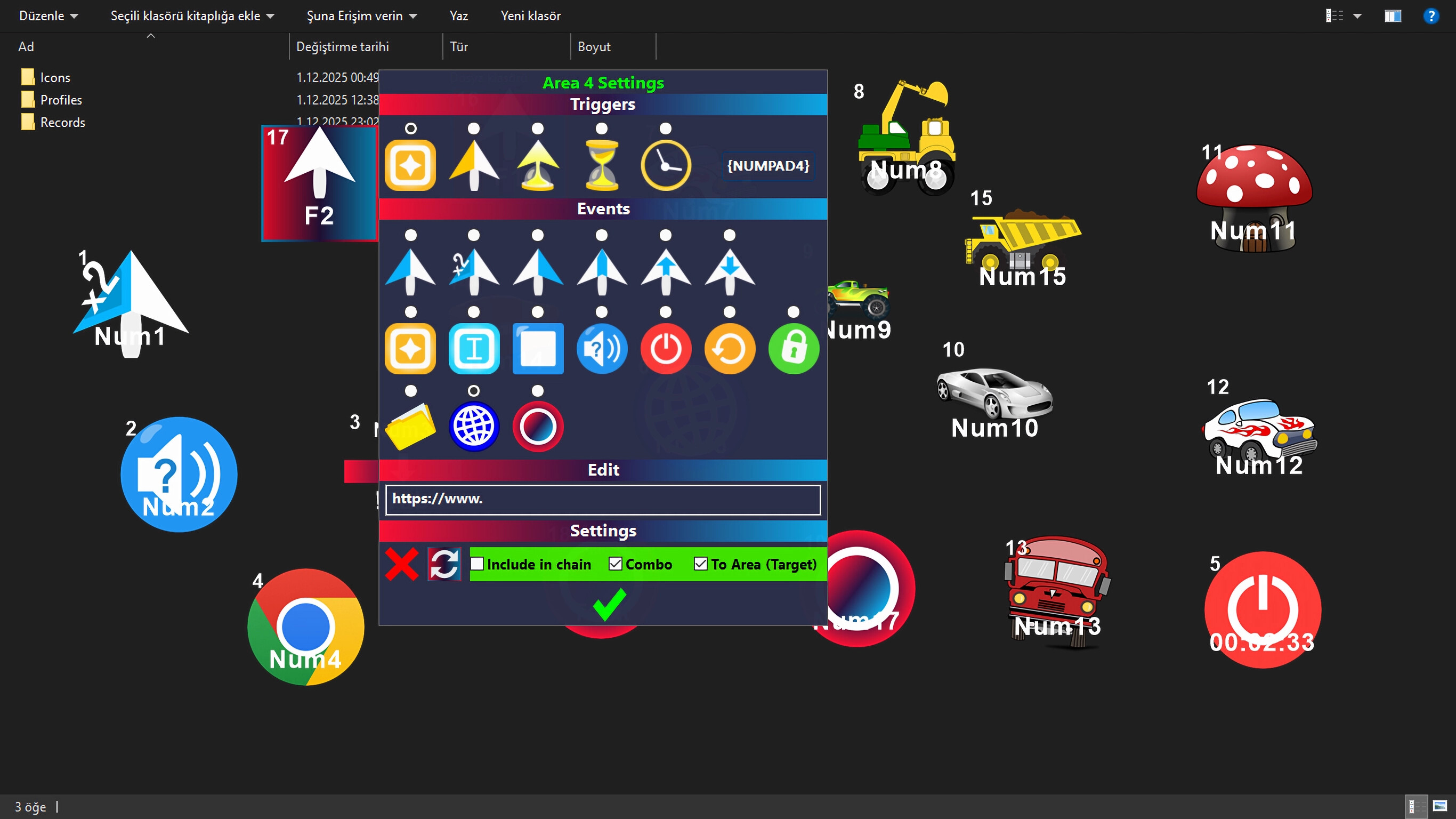
You can assign a file or folder to your on-screen areas so the desired file opens with a single key, click, or timing (however you want). Similarly, you can use the Web feature for a website.
🌐 Web Event
You can assign a website to your on-screen areas. Thus, the website can be opened with the triggering method you desire.
📝 Text Event
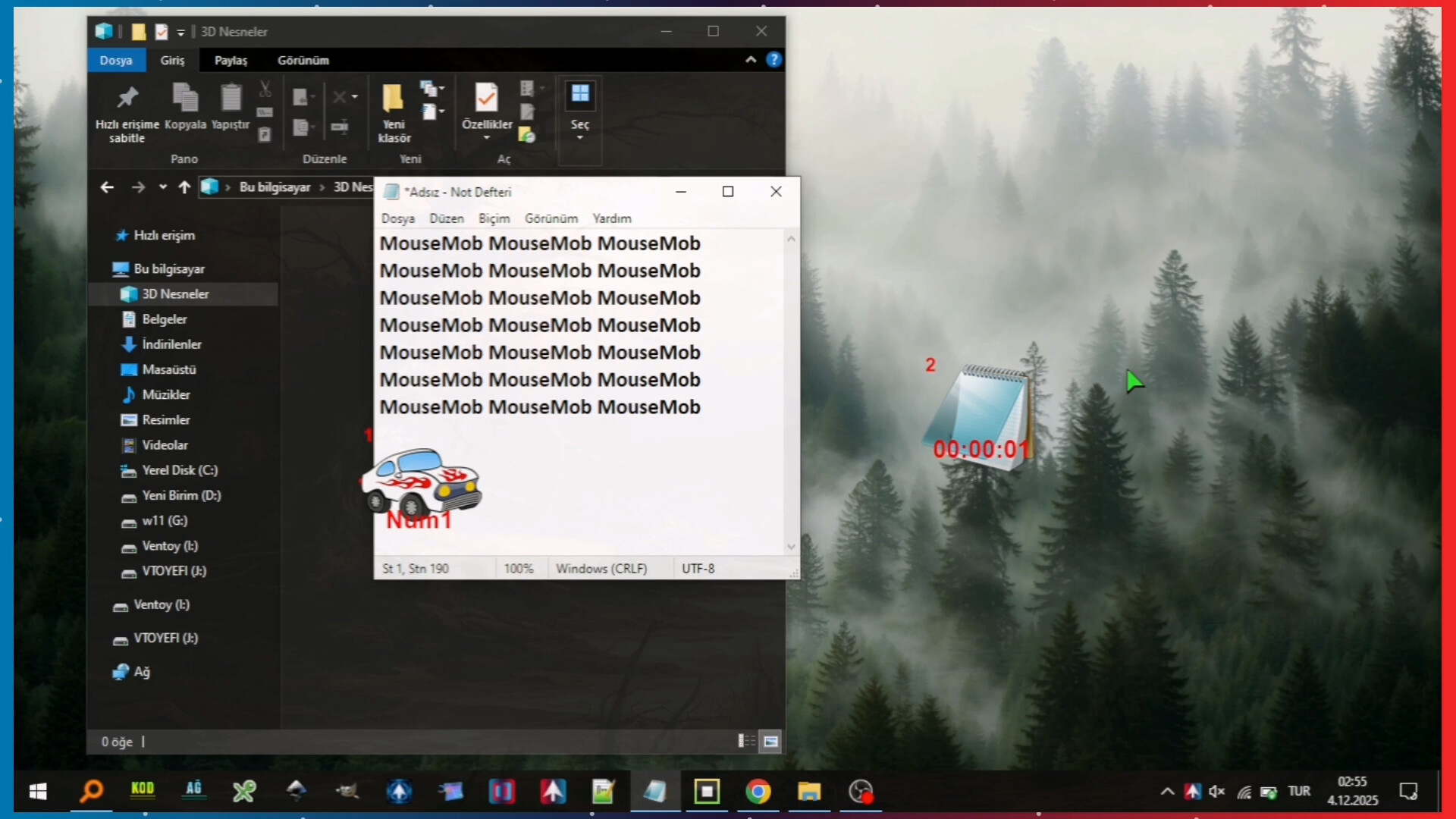
Type pre-set texts with a single key or single click. Ideal for frequently used long sentences. Text Events facilitate repetitive jobs like data entry.
🔳 Window Events
Assign window actions to your screen areas. In this way, you can hide and show the desired window with a click or a key. Window management is now much faster and easier.
🔊 Sound On/Off Event
You can instantly mute/unmute the sound with a trigger; it works bidirectionally (If sound is off, it turns on; if on, it turns off).
📂 Profile System (Profile List)
Save different screen areas for different tasks. Each profile can be designed specifically for a certain application or workflow and loaded quickly. It can even load automatically when you switch to a specific window. Thus, you don't waste time with different settings for every job.
⚙️ Improved Settings and Controls
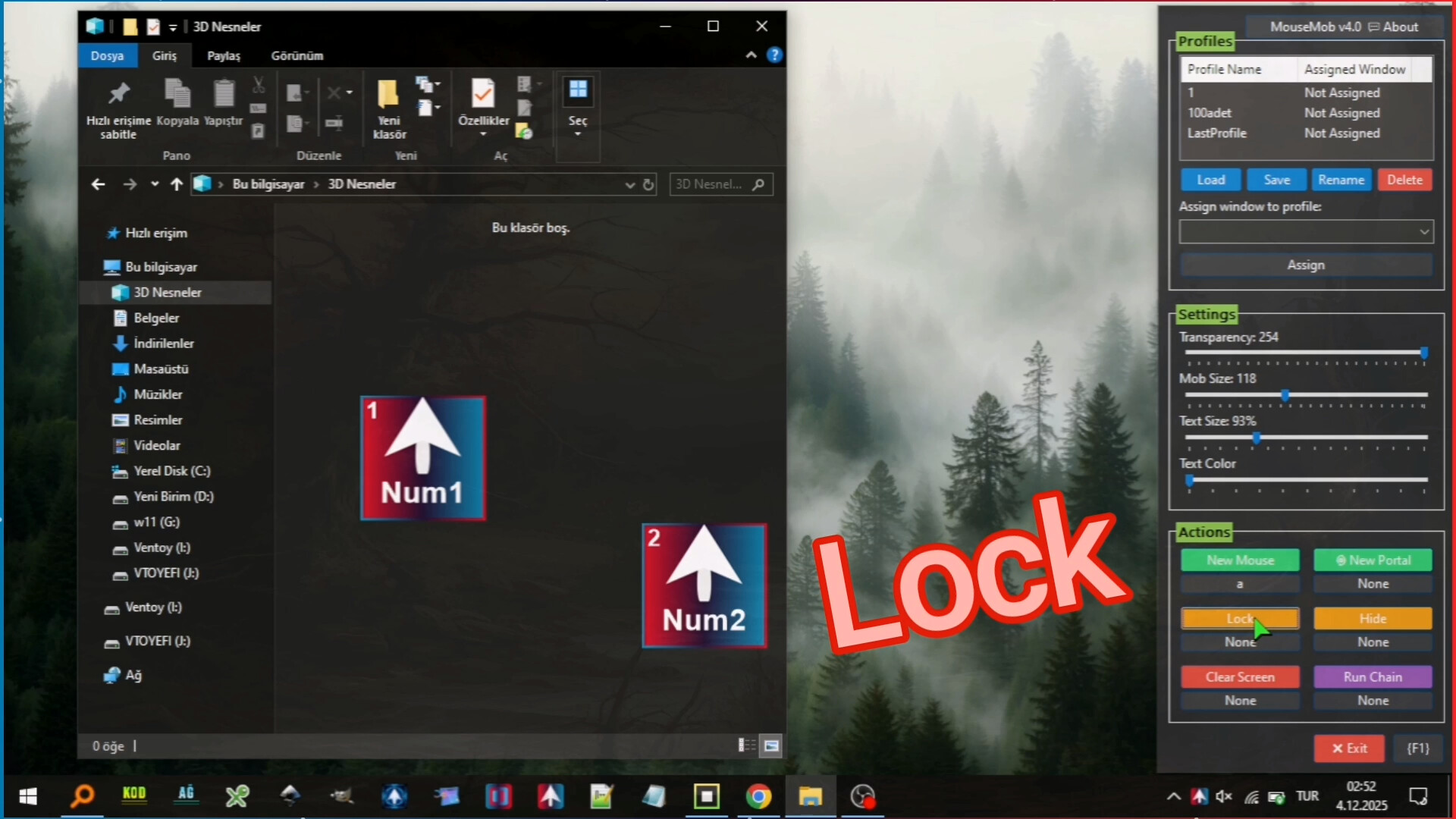
Features such as auto-save, lock/unlock all areas, resize, transparency settings, and easy shortcut assignments. The application saves you time by automatically loading all your settings at every startup.
🔓 Accessibility Support
It offers an effective alternative control method for users who have difficulty with intensive mouse and keyboard usage and facilitates computer interaction.
💎 Summary
MouseMob allows you to add draggable screen areas to your desktop. by triggering these areas or assigning time, you can perform numerous operations such as automated tasks, clicks, complex keyboard commands, shutting down the PC, text entry, and window management. These features save time, reduce errors, and significantly increase efficiency in both daily and professional use.
No review history yet.
Media