
Mulmiyac for 3D Motion Sickness

Well reviewed at 100% positive. The current price is 0% of the way from its all-time low to full price.
Why this verdict
Offers
Official store prices and labeled keyshop comparisons
Report a problem
Price history
Accepted price history and recorded lows
About this game
What this game is, in the developer's words
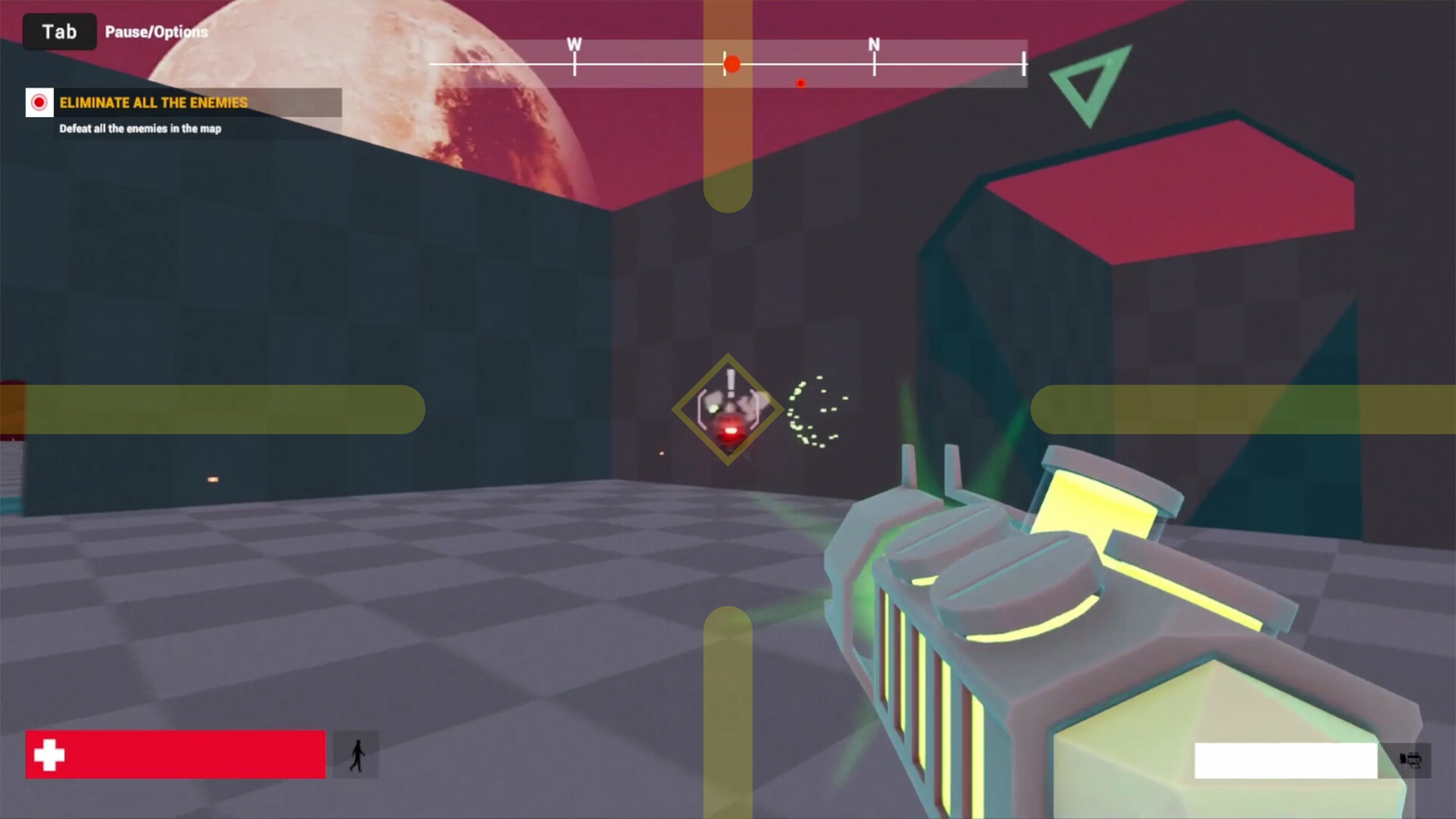
[The world’s FIRST and BEST overlay utility to prevent 3D motion sickness] Activate it when playing games or watching game broadcasts. You'll notice a significant reduction in 3D motion sickness. Now also available in windowed mode!
Let me introduce the world’s FIRST and BEST overlay utility to prevent 3D motion sickness!
My ex-girlfriend — who just so happens to be my wife now — used to suffer from severe 3D motion sickness.
I couldn’t share the games I had loved my entire life with her.
That was the moment I knew I had to do something.
So I built this utility — for her. And now, for all of you.
Don’t lose the love of your life over something as small as 3D motion sickness.
This program may slightly cover part of your screen…
But it might just show you what true happiness looks like!
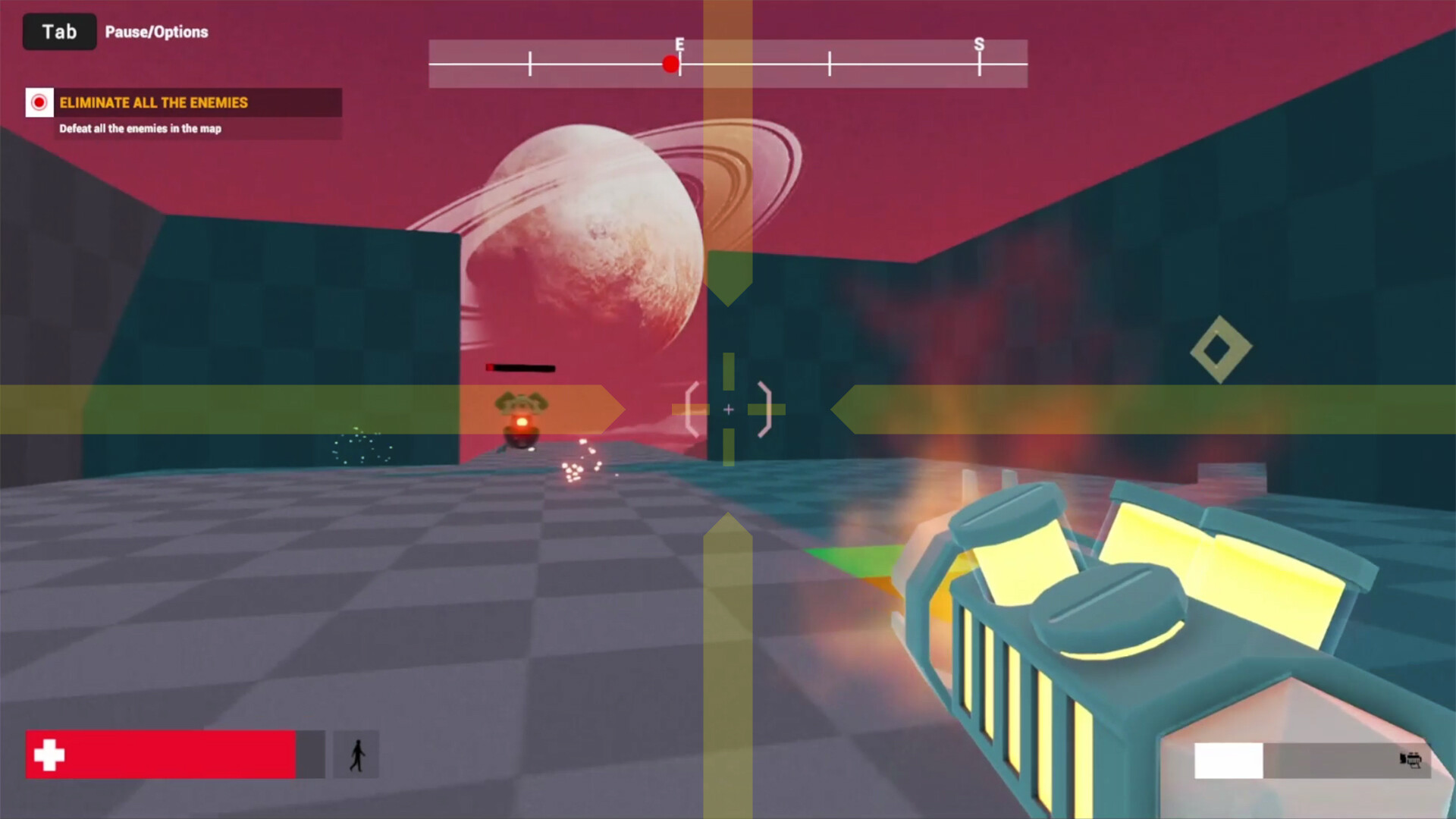
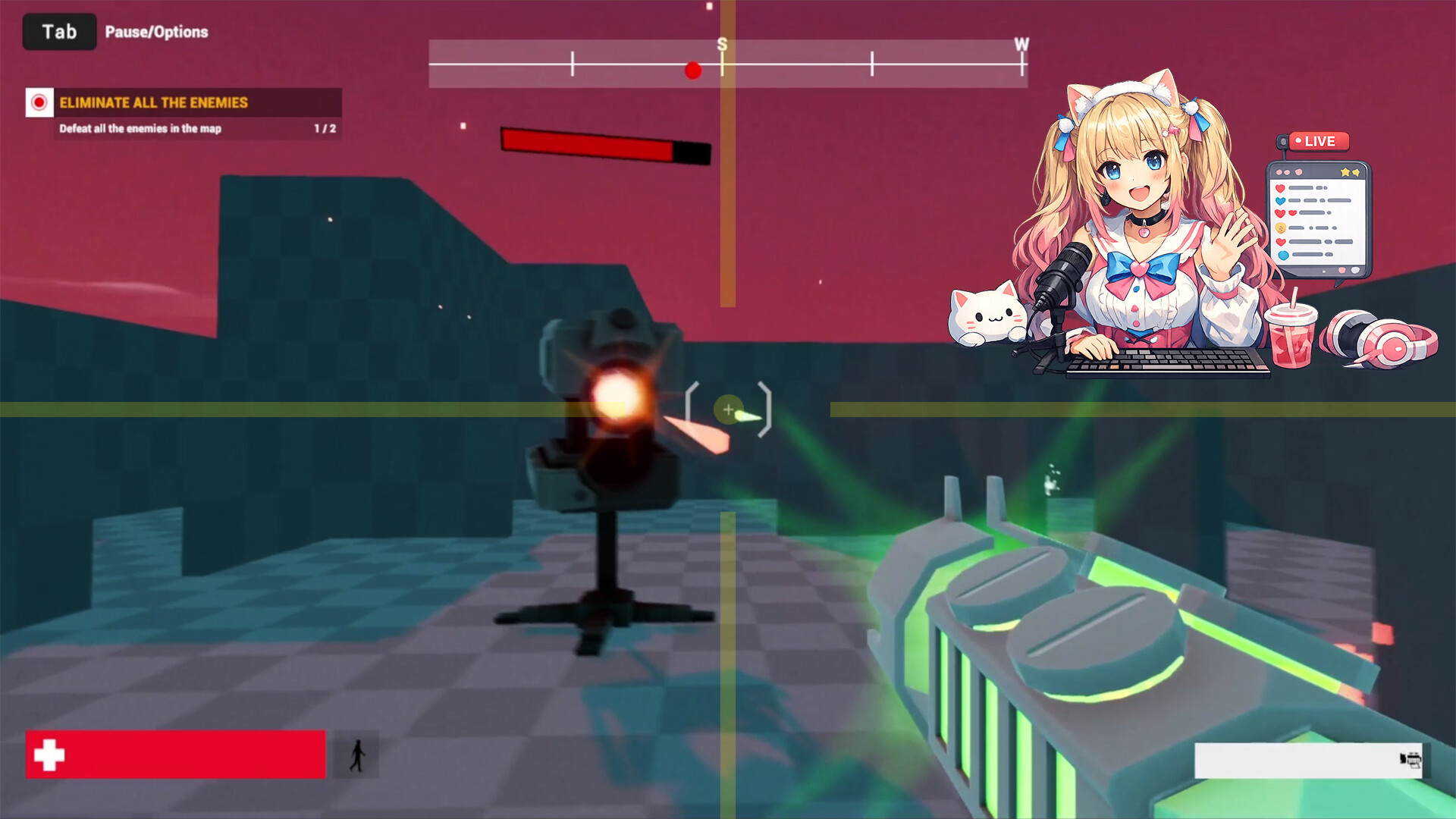
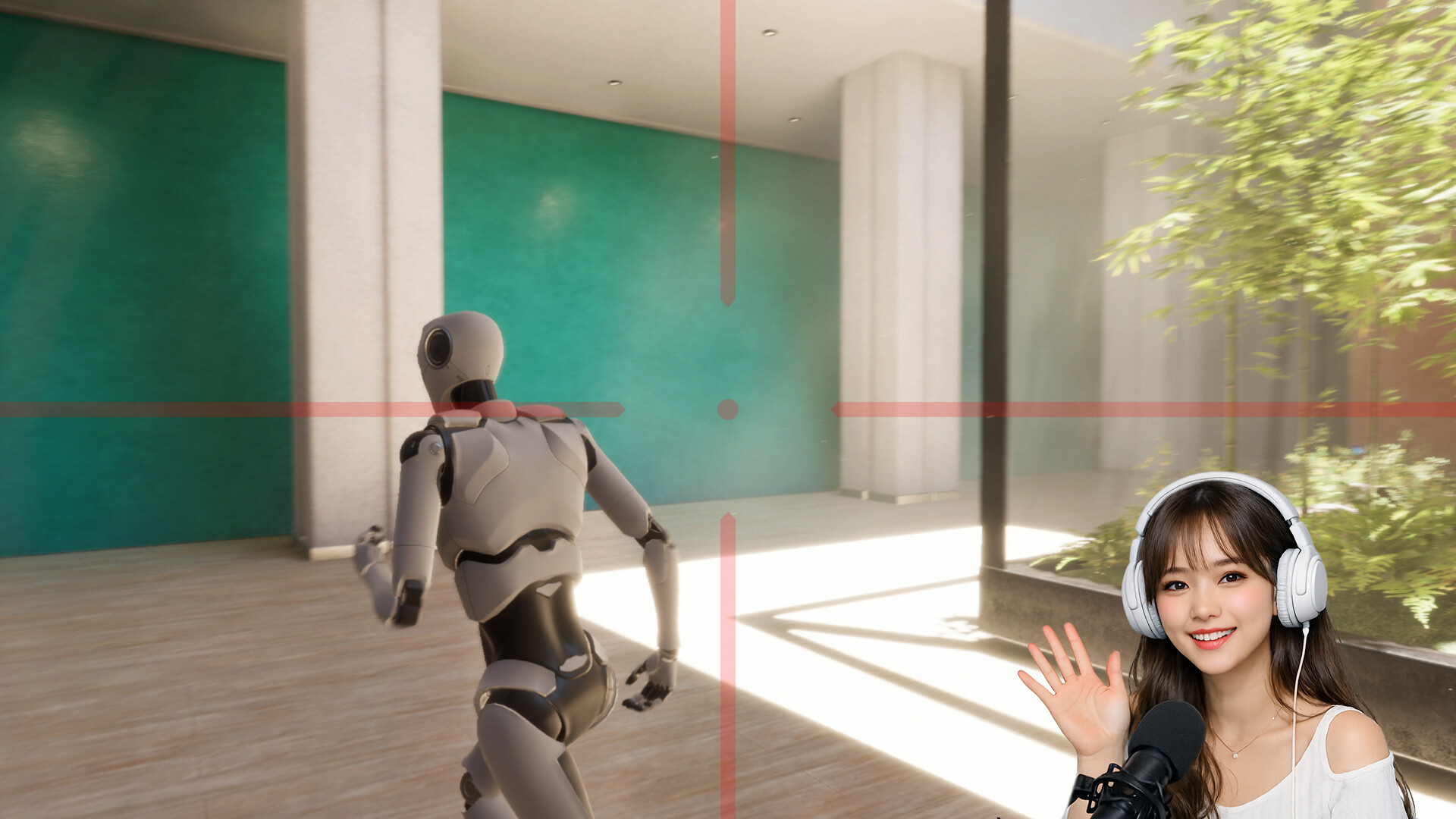
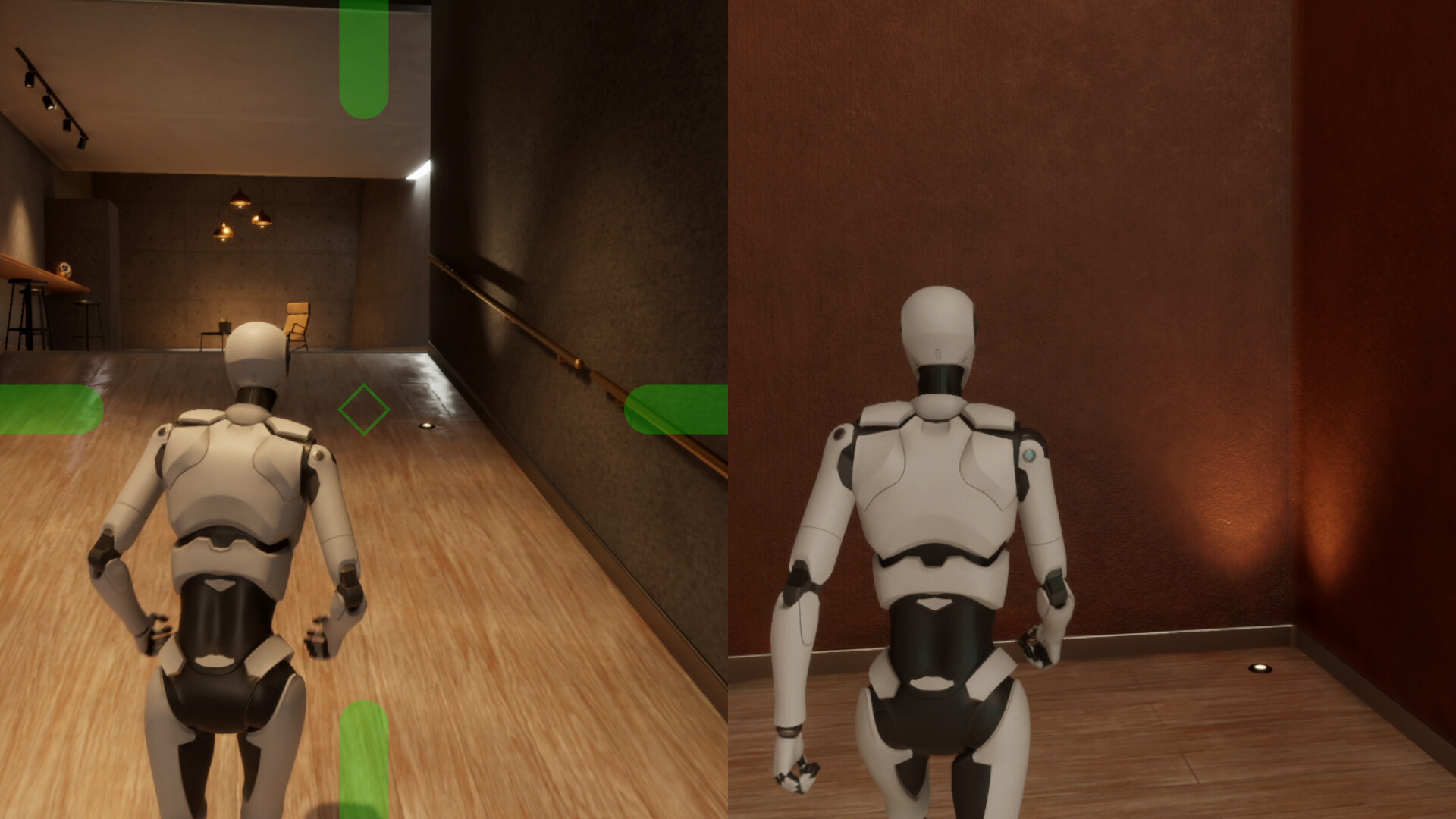
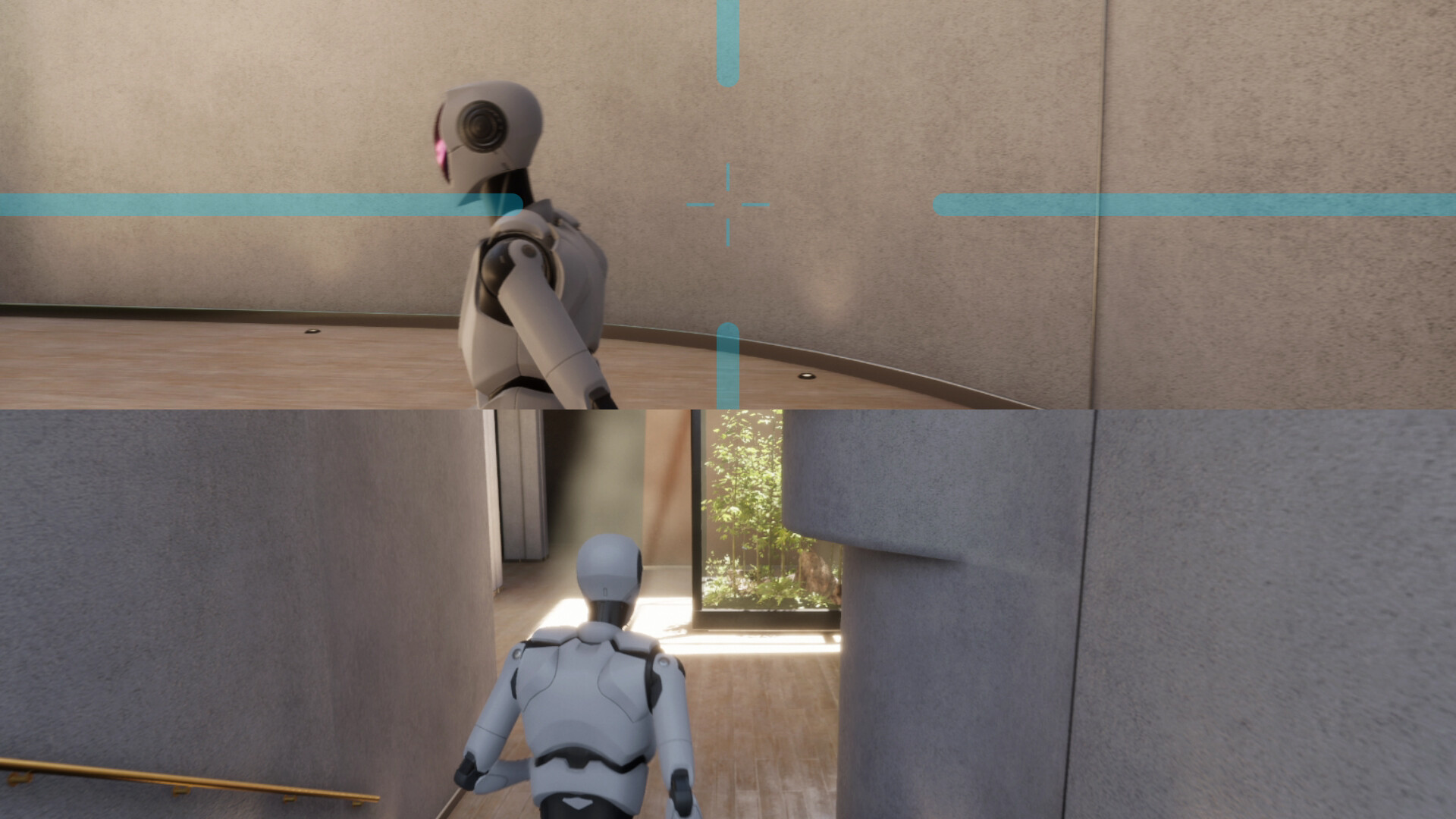
1. Overlay
Show/Hide Overlay (Hotkey registration supported)
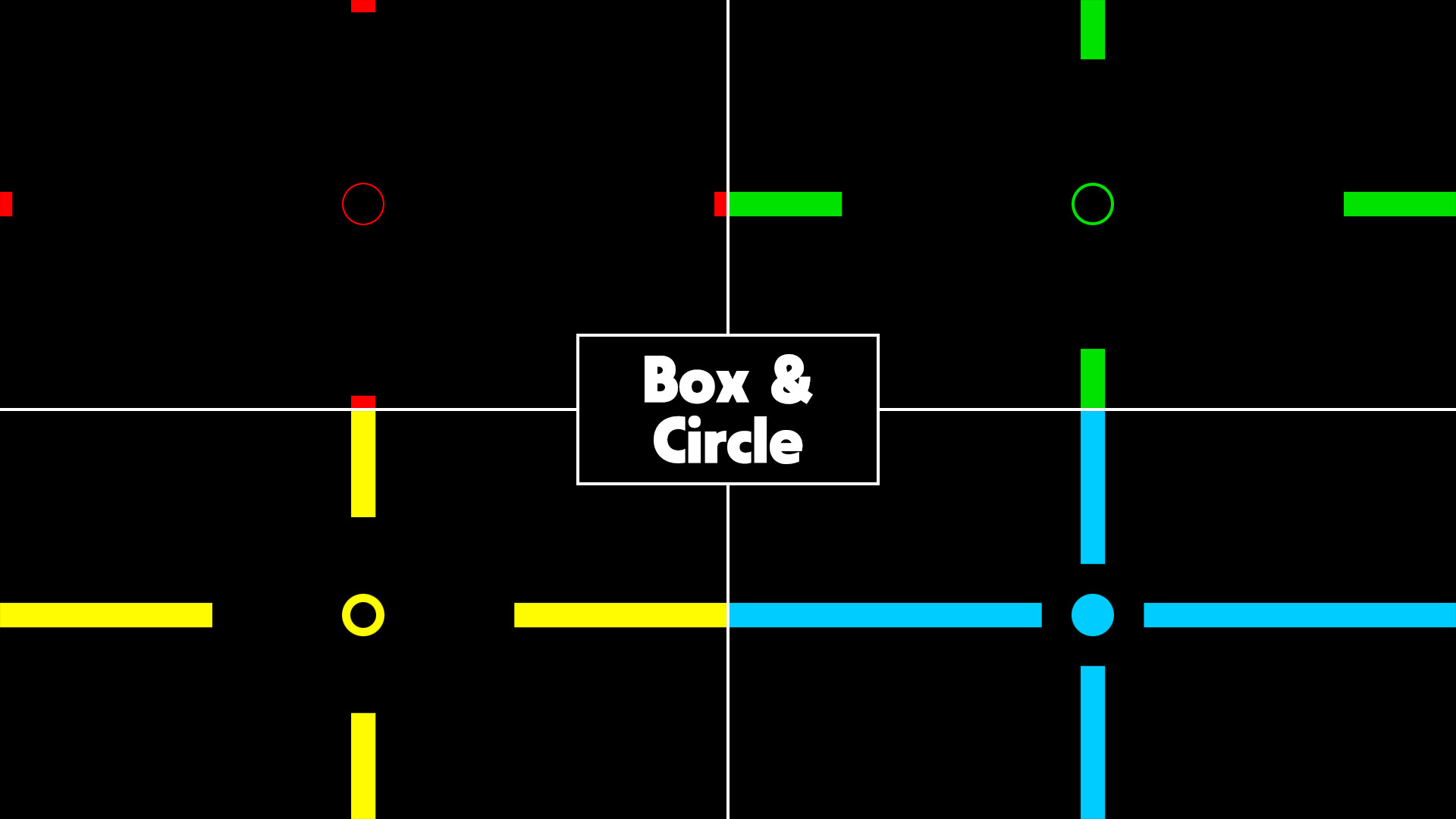
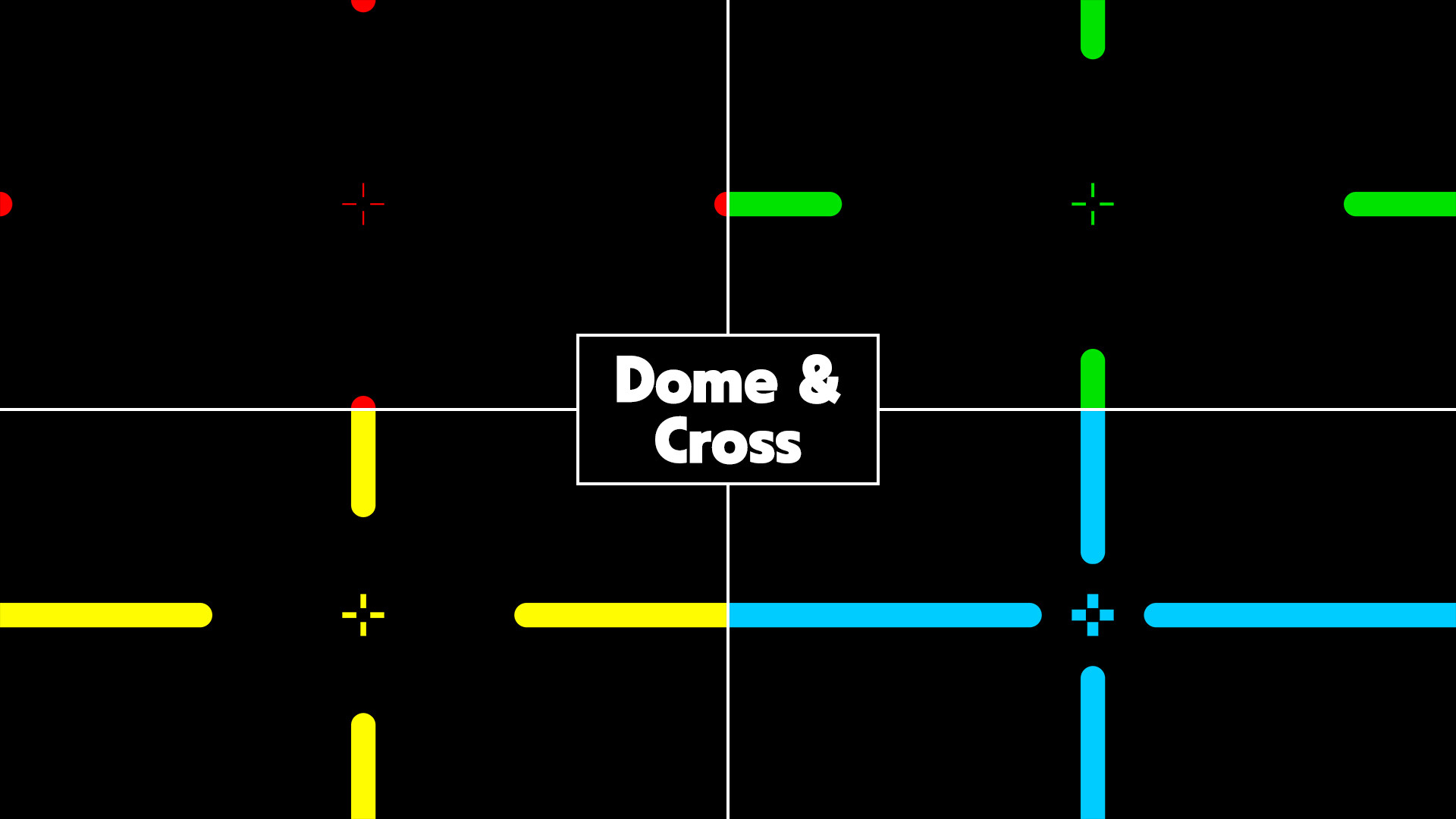
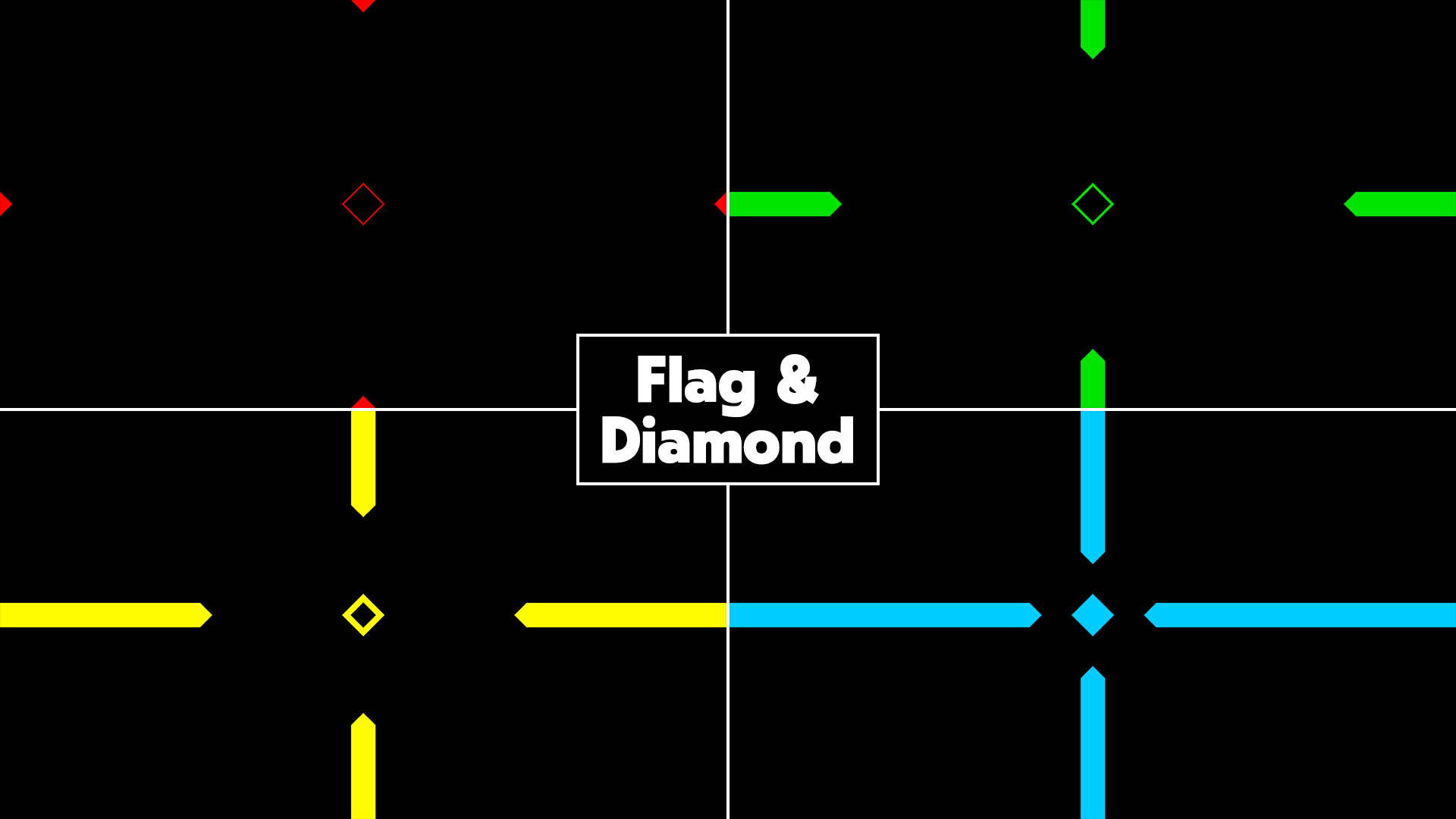
3 shapes - Box, Dome, Flag
2 aspect ratios - 16 : 9, 21 : 9
7 sizes - 2XS, XS, S, M, L, XL, 2XL
7 lengths - +0, +1, +2, +3, +4, +5, +6
2 display modes - Windowed, Stretch (Hotkey registration supported)
2 split screens - Vertical, Horizontal (Hotkey registration supported)
4 colors - Red, Green, Yellow, Custom (Hotkey registration supported)
Opacity slider (0~100%)
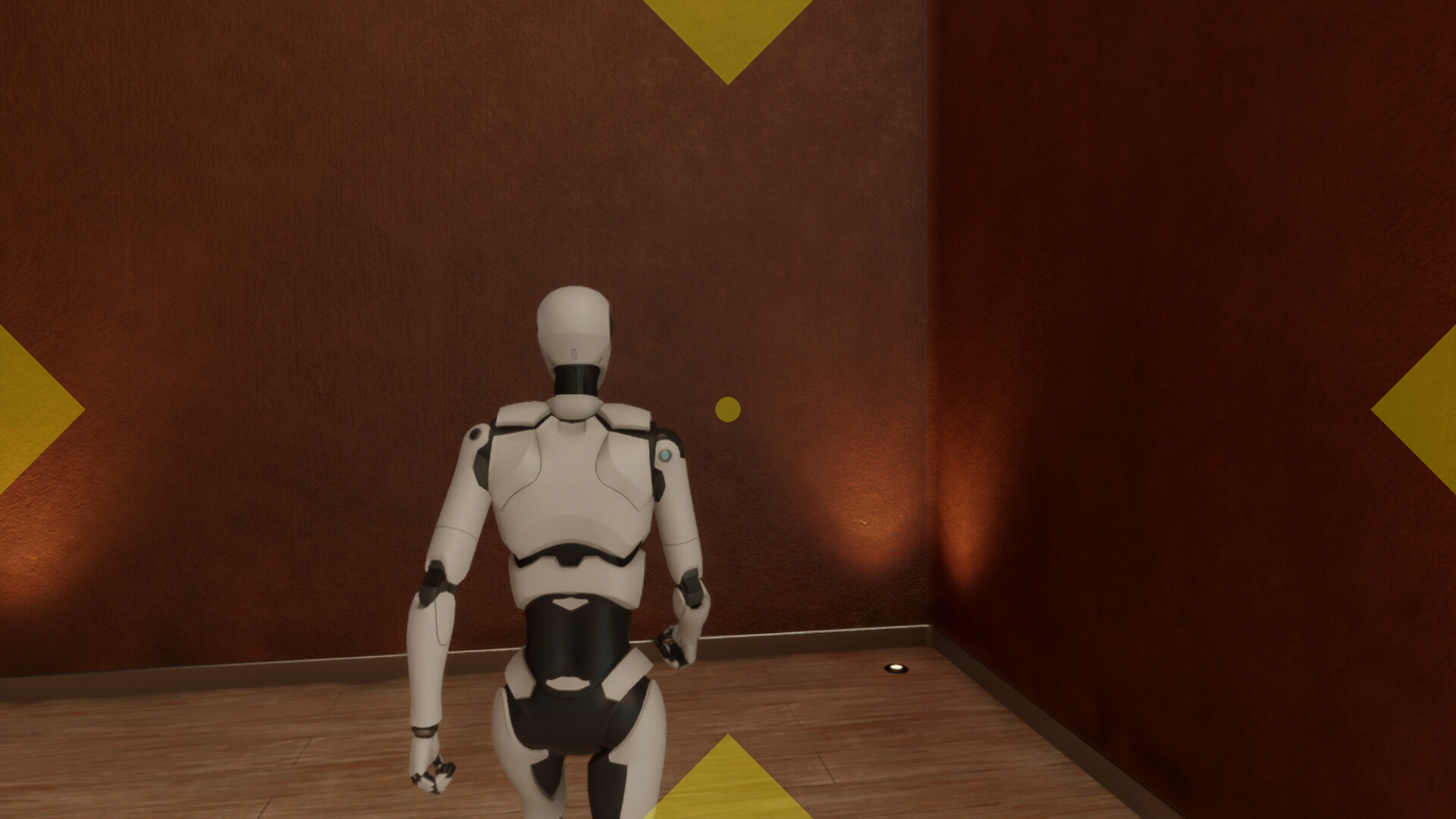
2. Crosshair
Show/Hide Crosshair (Hotkey registration supported)
3 shapes - Circle, Cross, Diamond
2 aspect ratios - 16 : 9, 21 : 9
7 sizes - 2XS, XS, S, M, L, XL, 2XL
7 thicknesses - +0, +1, +2, +3, +4, +5, +6
Position adjustment - Manually set Y/X coordinates
2 split screens - Vertical, Horizontal (Hotkey registration supported)
4 colors - Red, Green, Yellow, Custom (Hotkey registration supported)
Opacity slider (0~100%)
3. Clock
Show/Hide Clock (Hotkey registration supported)
3 time formats - HH:mm, HH:mm:ss, h:mm AM/PM
Font settings
Color settings
Position adjustment - Manually set Y/X coordinates or drag with the mouse
Opacity slider (0~100%)
4. Hotkeys
8 toggle hotkeys - Mulmiyac, Overlay, Crosshair, Clock, Display Mode, Split screen (Ctrl, Alt, Shift available)
4 color hotkeys - Red, Green, Yellow, Custom (Ctrl, Alt, Shift available)
5. Options
Save/Load profiles - Overlay, Crosshair, Clock (Hotkeys are not saved to profiles)
Options to auto-run on Windows startup
Options to start minimized to tray when first run
Option to automatically save settings when program is closed
Show confirmation message before program is closed
UI scale selection - Auto (OS), 100%, 125%, 150%, 200%
Language selection - 60 languages
6. Notes
Recommended to run games in borderless windowed mode
Recommended to start with the largest size
Recommended to register the Mulmiyac toggle hotkey before use
Settings and profiles can be saved to Steam Cloud
May conflict with anti-cheat software
Media
Trailers and screenshots straight from the store page
Latest news
Recent updates from the game's own feeds
Mulmiyac for 3D Motion Sickness price history and current deals
Mulmiyac for 3D Motion Sickness for PC currently sells from $2.49 at authorized stores. Its all-time low is $2.49, set on 2026-07-13. That is 50% off the $4.99 list price.
Frequently asked questions
Answered from this game's own price and edition data
How does the current Mulmiyac for 3D Motion Sickness price compare?
How does $2.49 compare with the Mulmiyac for 3D Motion Sickness price history?
Which stores list Mulmiyac for 3D Motion Sickness?