
niceHW Monitoring

Price memory
Official-store evidence for this region · US
Not enough recorded evidence for a price comparison.
- Current official price Not recorded
- Regular price Not recorded
- Recorded low Not recorded
- Compared with usual sales Not recorded
- Observed sale intervals Evidence unavailable
- Interval samples Evidence unavailable
- Observed window Not recorded
- Confidence Evidence unavailable
Offers
Official store prices and labeled keyshop comparisons
No offers tracked yet for this product.
Report a problem
Price history
Accepted price history and recorded lows
No price history recorded yet.
No history yet.
Sale cadence is temporarily unavailable.
About this game
What this game is, in the developer's words
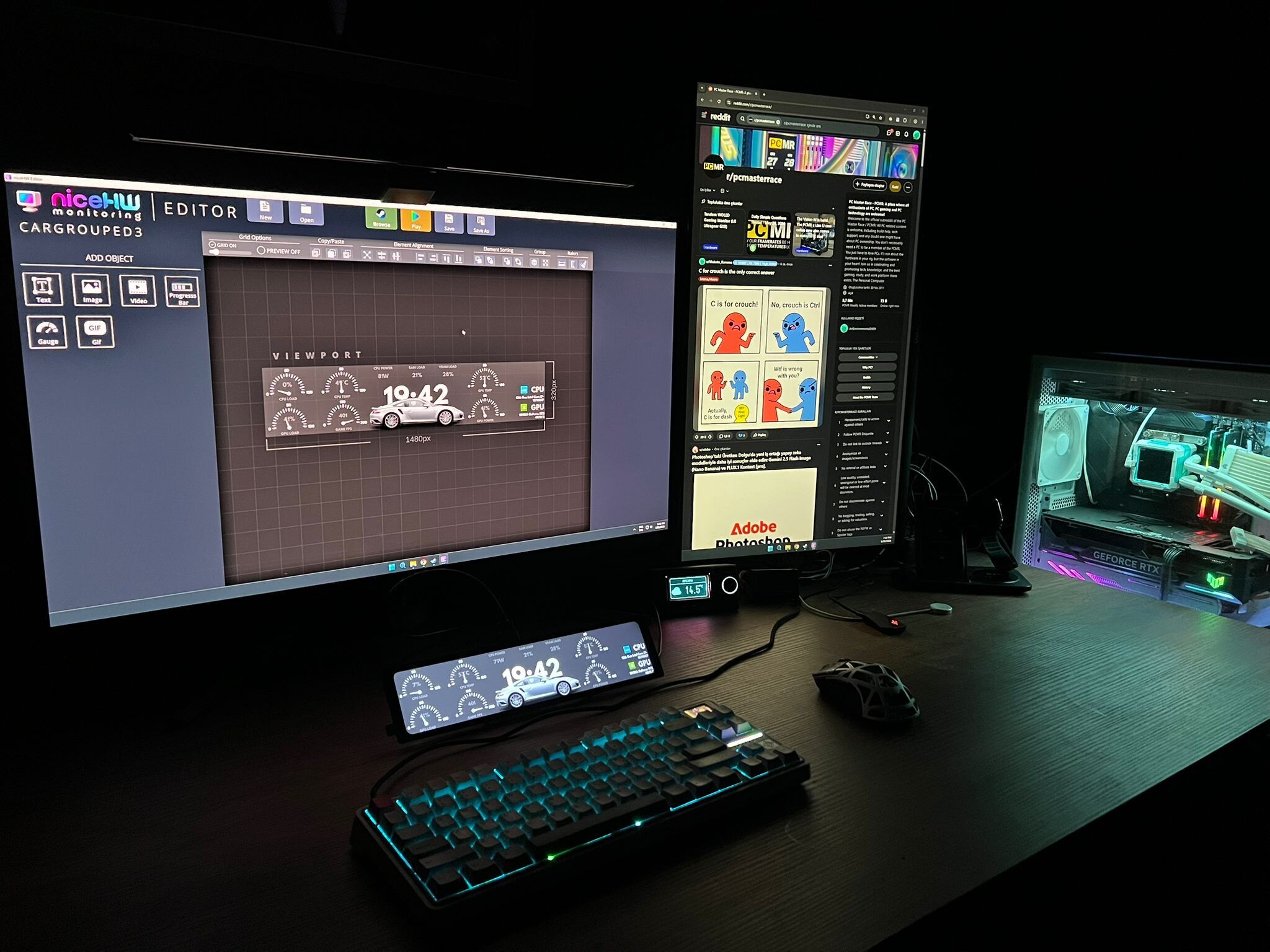
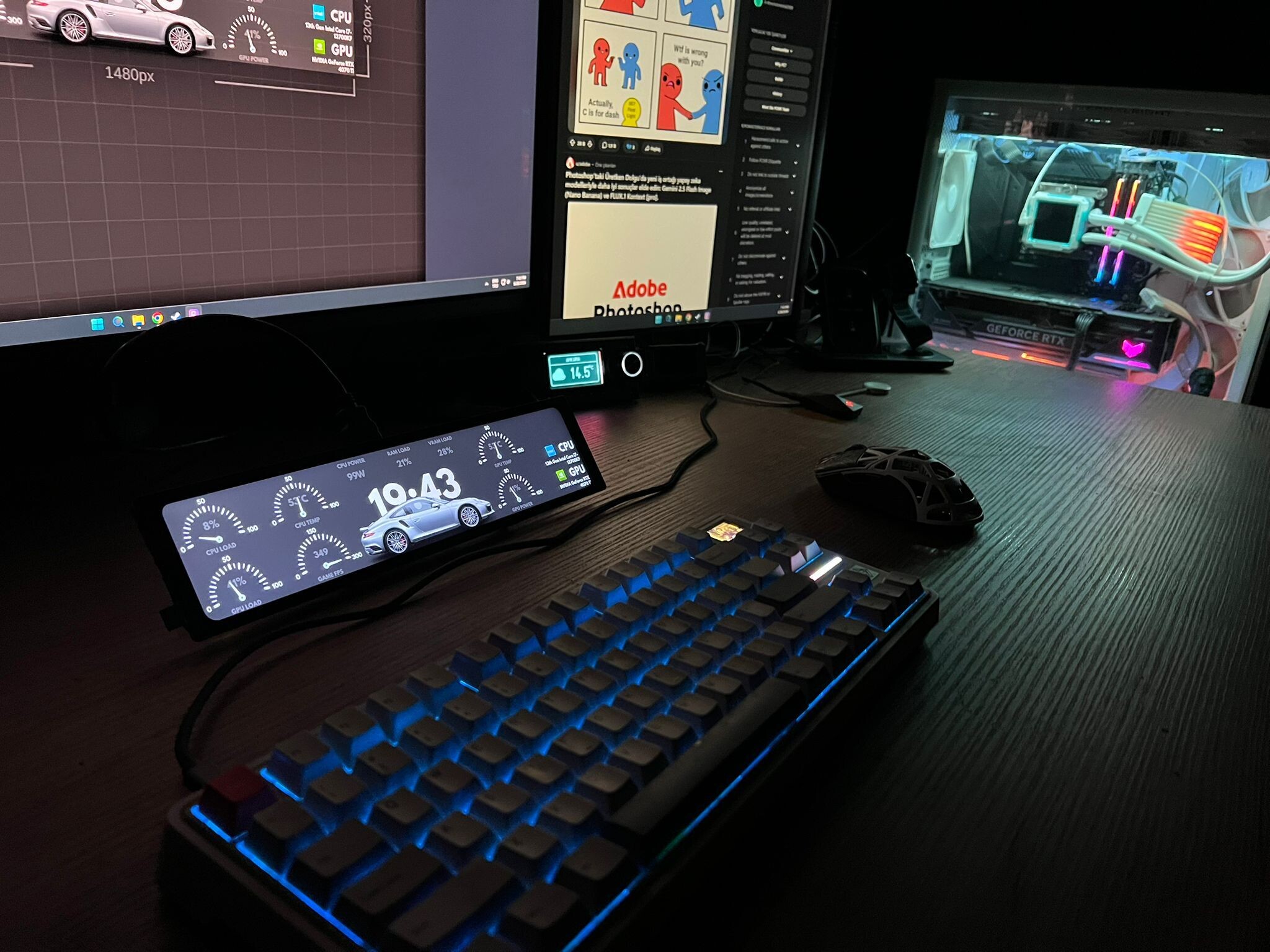
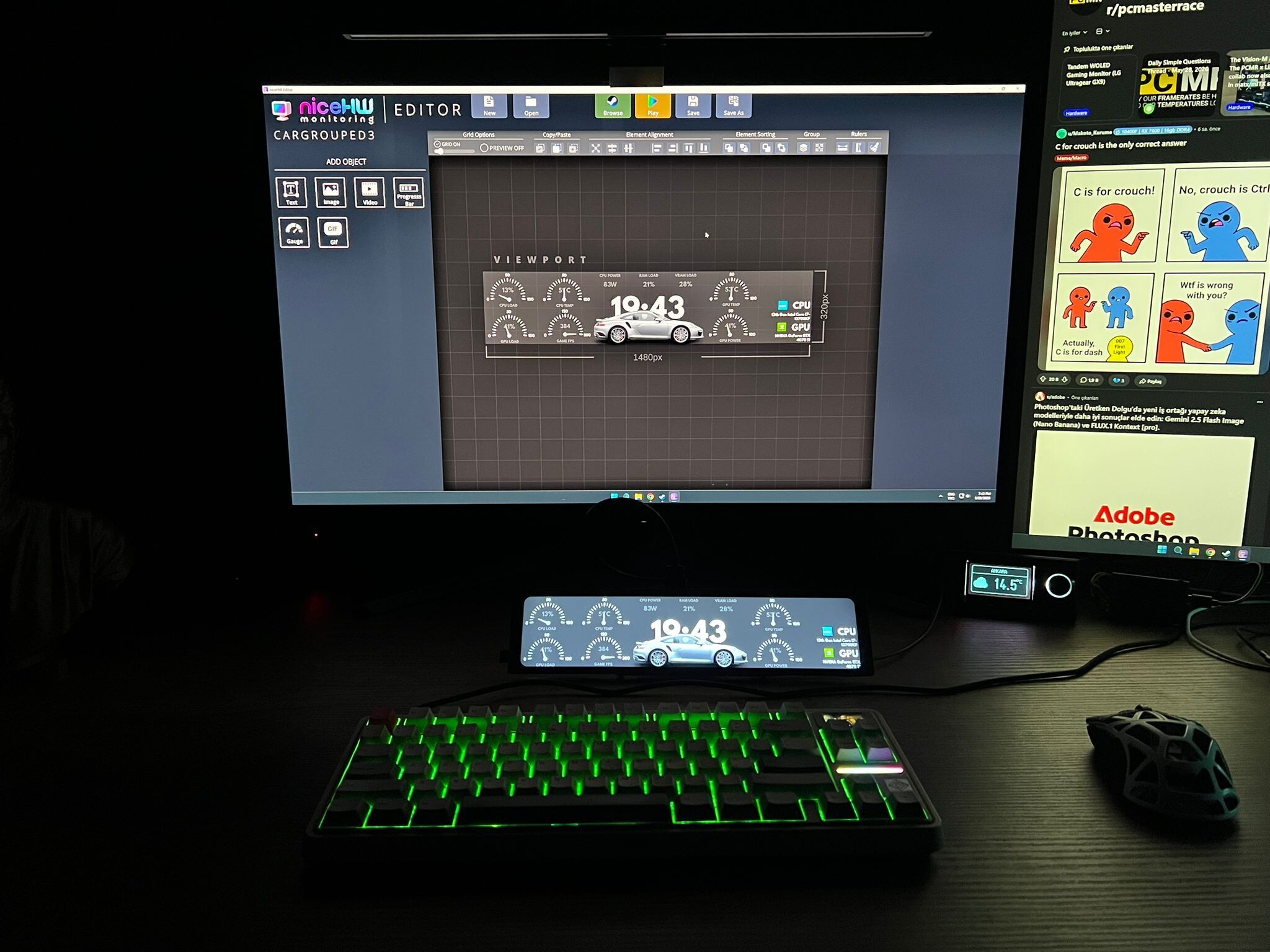
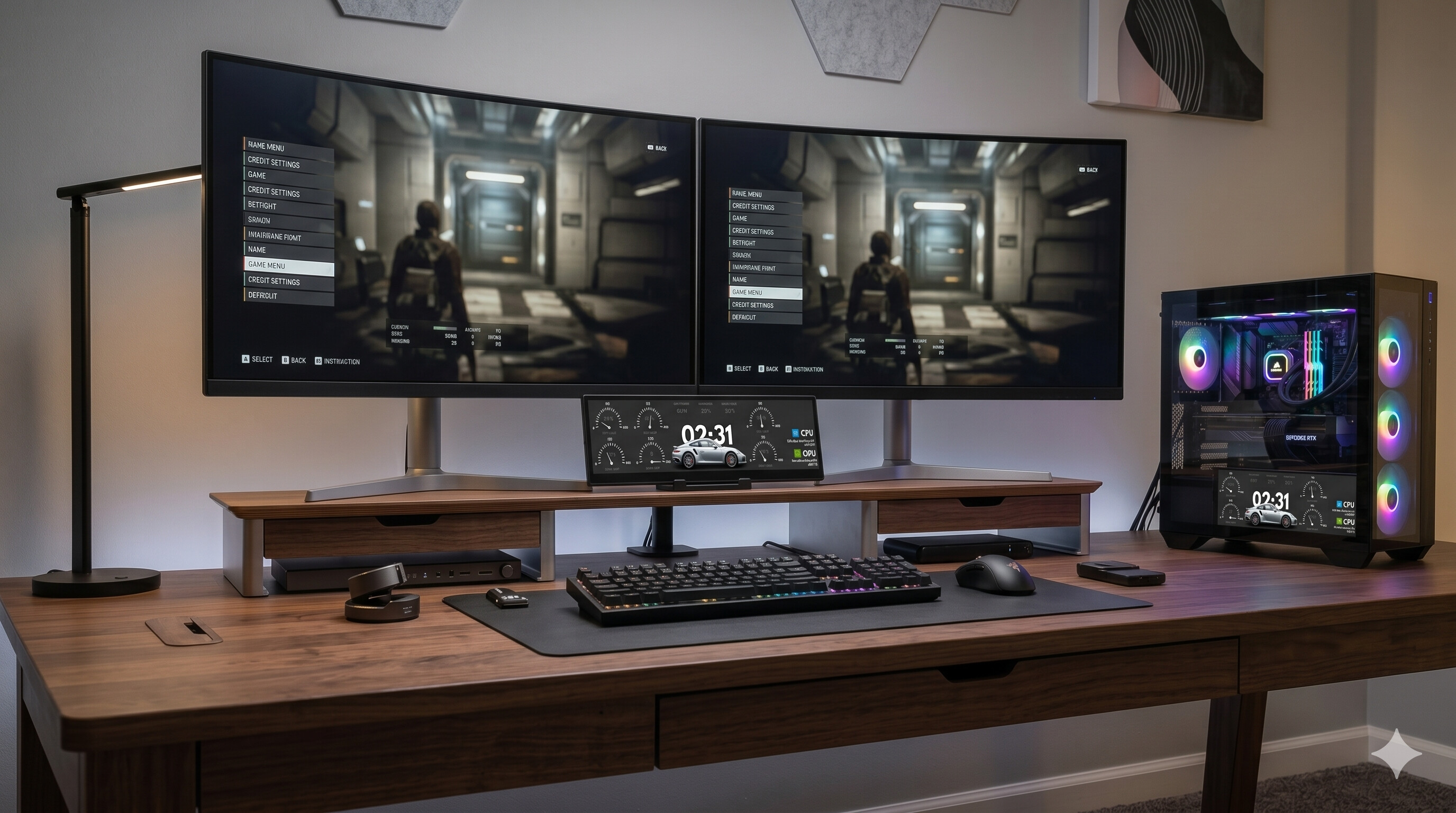
niceHW Monitoring lets you display your PC hardware stats on any screen – from an internal case display to an external secondary monitor – with beautiful, customizable themes. Create your own designs, browse the Steam Workshop for community-made themes, and monitor your system in real time.
Keep track of your PC’s performance in a stylish and customizable way!
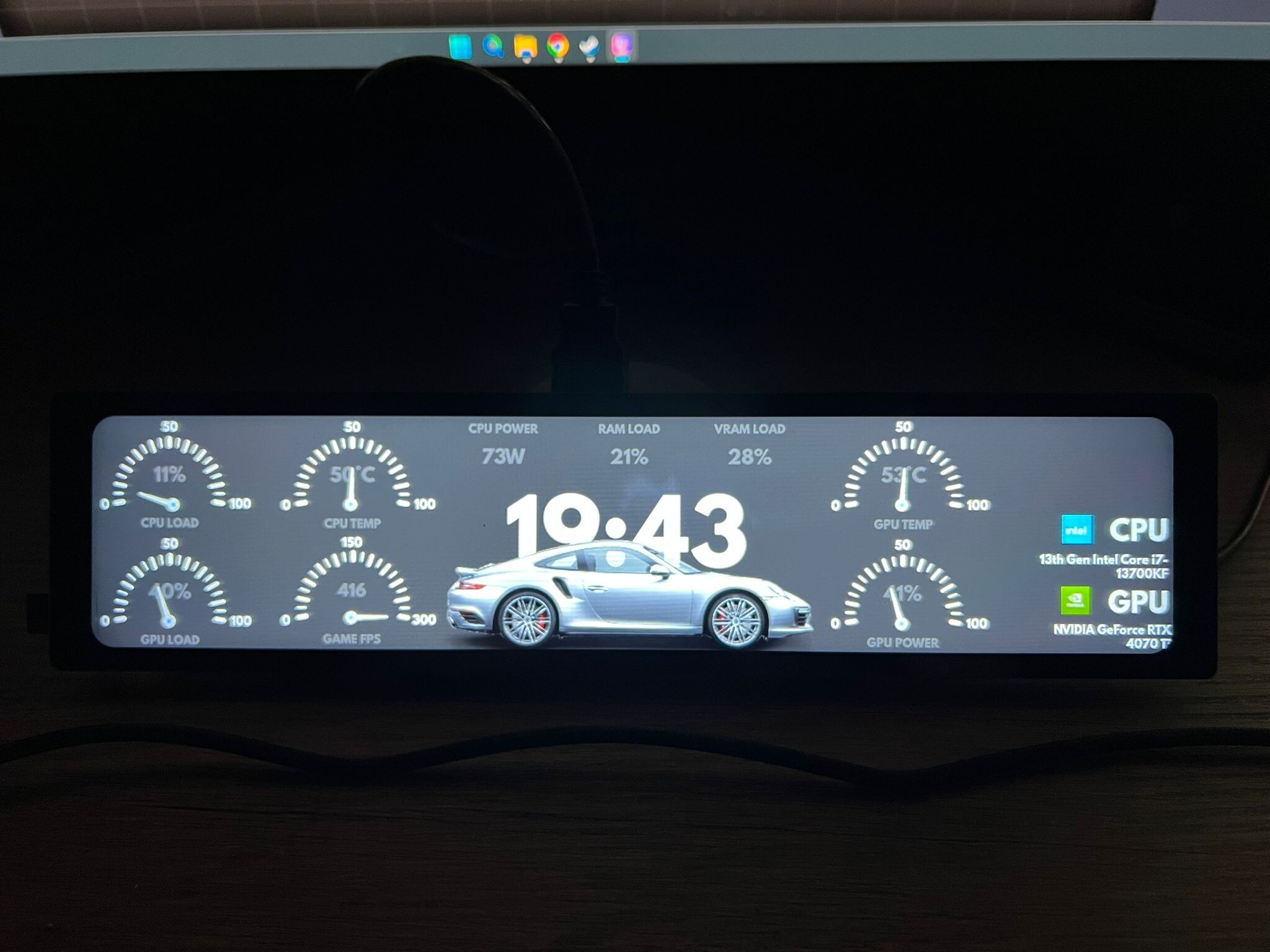
niceHW Monitoring turns any display – whether it’s a screen inside your case or an external monitor – into a live dashboard for CPU temperature, GPU usage, RAM load, fan speeds, storage stats, and much more, all visualized with stunning themes.
The application is built around 3 core modules:
🔹 Viewer
Display your hardware stats in real time with beautiful graphics.
Use it on case-mounted displays or external monitors.
Track CPU, GPU, RAM, storage, fans, and system loads instantly.
Choose between minimal dashboards or detailed layouts that match your setup.
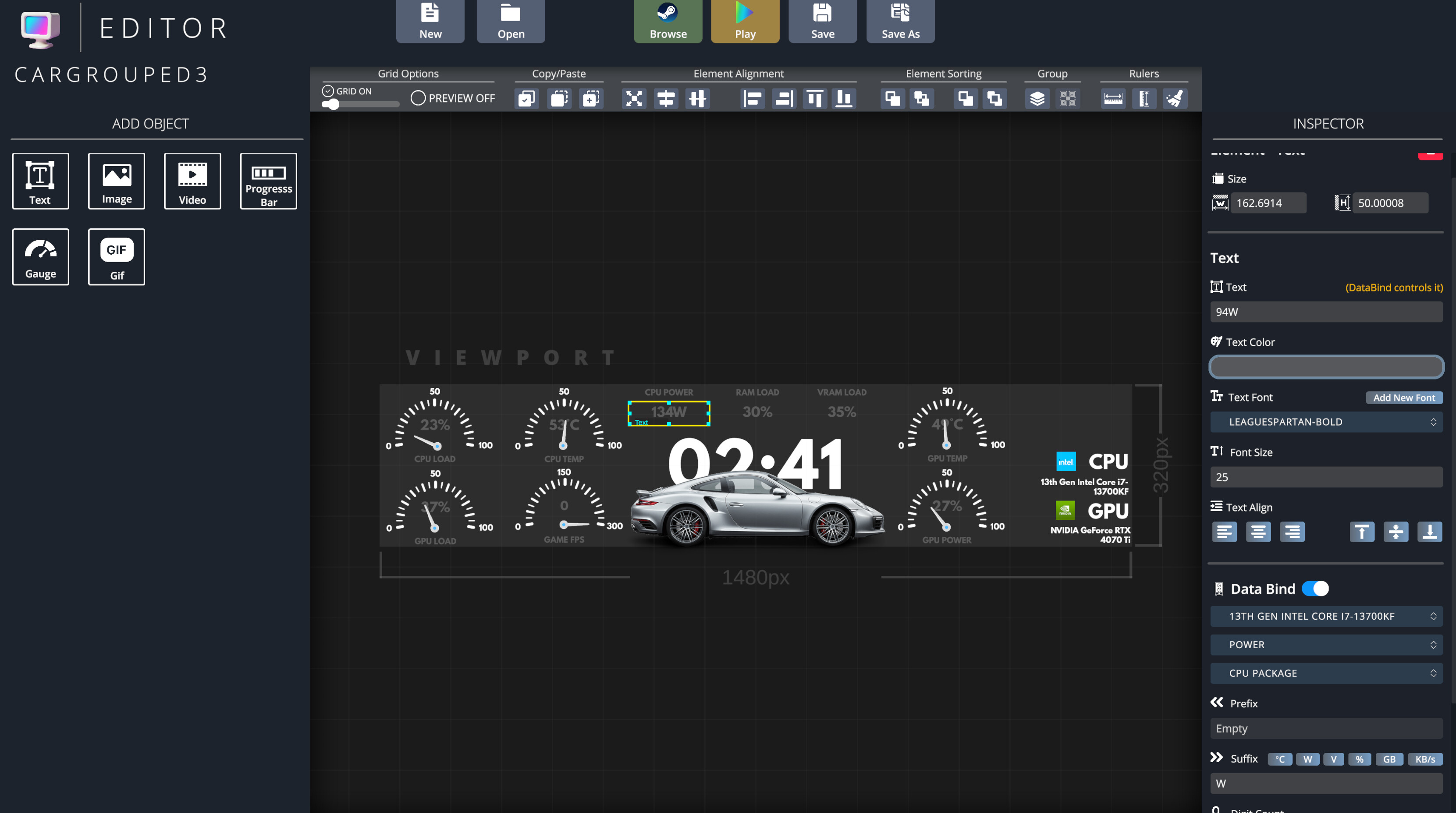
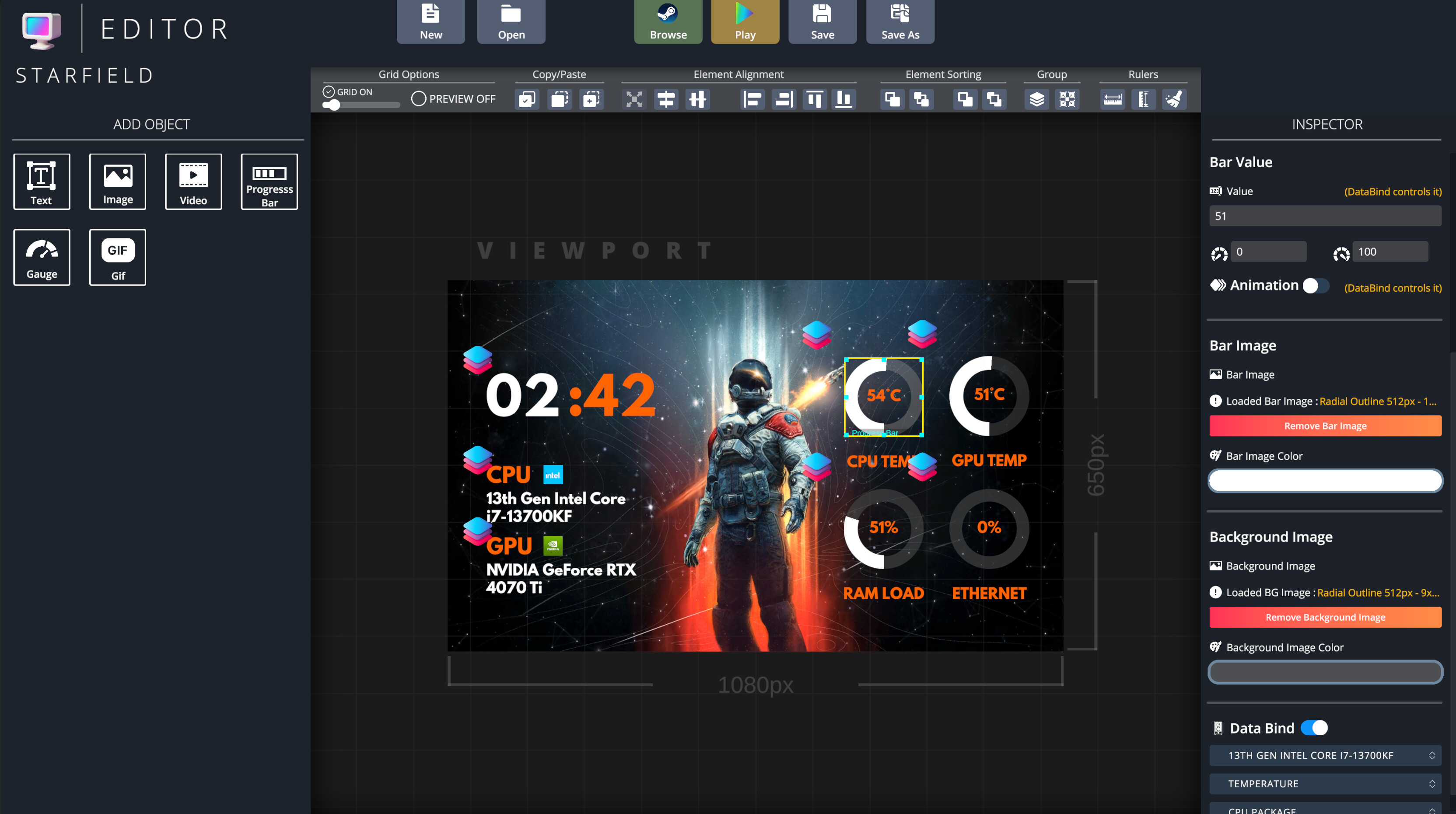
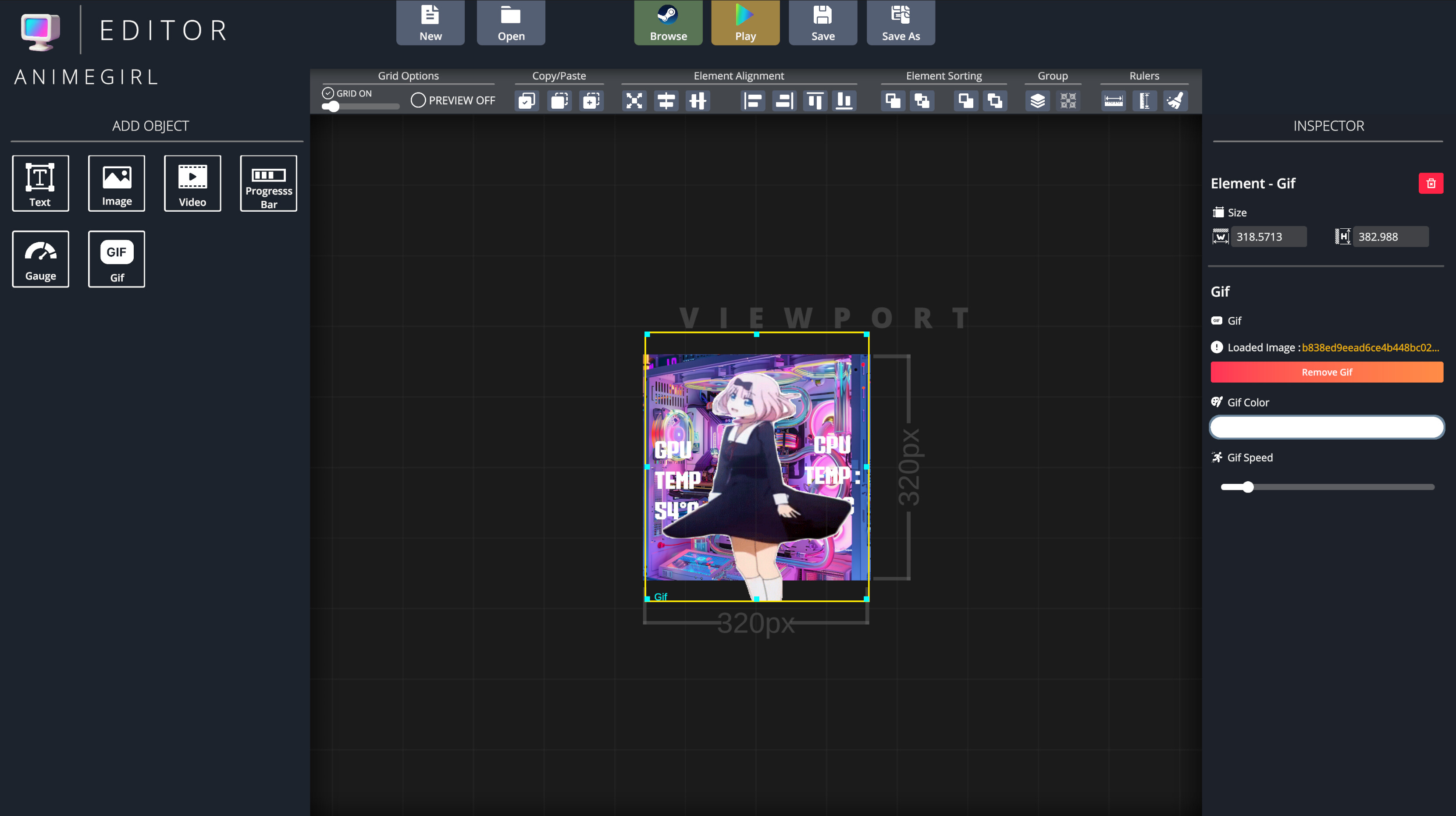
🔹 Editor
Design your own themes from scratch or customize existing ones.
Full control over colors, fonts, graphs, animations, and layouts.
Create a unique look that perfectly fits your build.
🔹 Browser
Explore thousands of community-made themes on the Steam Workshop.
Download and apply themes instantly.
Share your own designs and contribute to the community.
Key Features
✅ Real-time monitoring of CPU, GPU, RAM, storage, and fans
✅ Works on case screens and any secondary monitor
✅ High-quality visuals with customizable layouts
✅ Powerful Theme Editor for full customization
✅ Seamless Steam Workshop integration
✅ Lightweight, fast, and easy to use
Media
Trailers and screenshots from the store page

niceHW Monitoring price history and current deals
Price tracking for niceHW Monitoring across authorized stores.