PC
$0.00 Region US

Mature content
Action · Student team of Korea Vocational College of Information and Technology (Republic of Korea)
Panic Station VR

Mature content
Windows
Mostly Positive · 79% of 47

 Chip's verdict · US updated 26 days ago
 Why this verdict
Player reviews 79% positive of 47
Quality score 79/100 · small sample
Offers
Accepted regional prices from official stores
Official stores (1)
Clean outbound link. We never touch your payment.
Report a wrong price
About this game
What this game is, in the developer's words
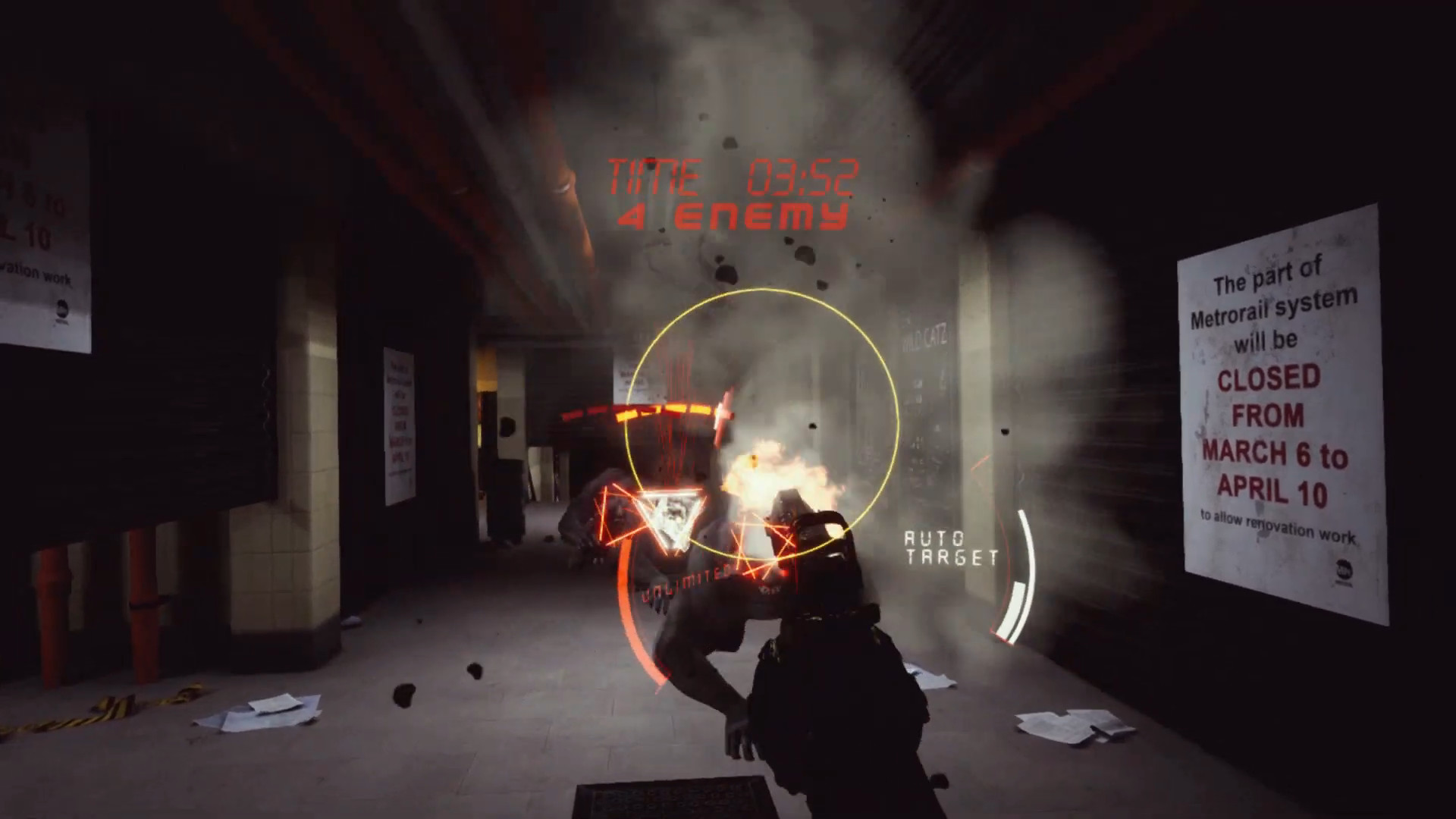
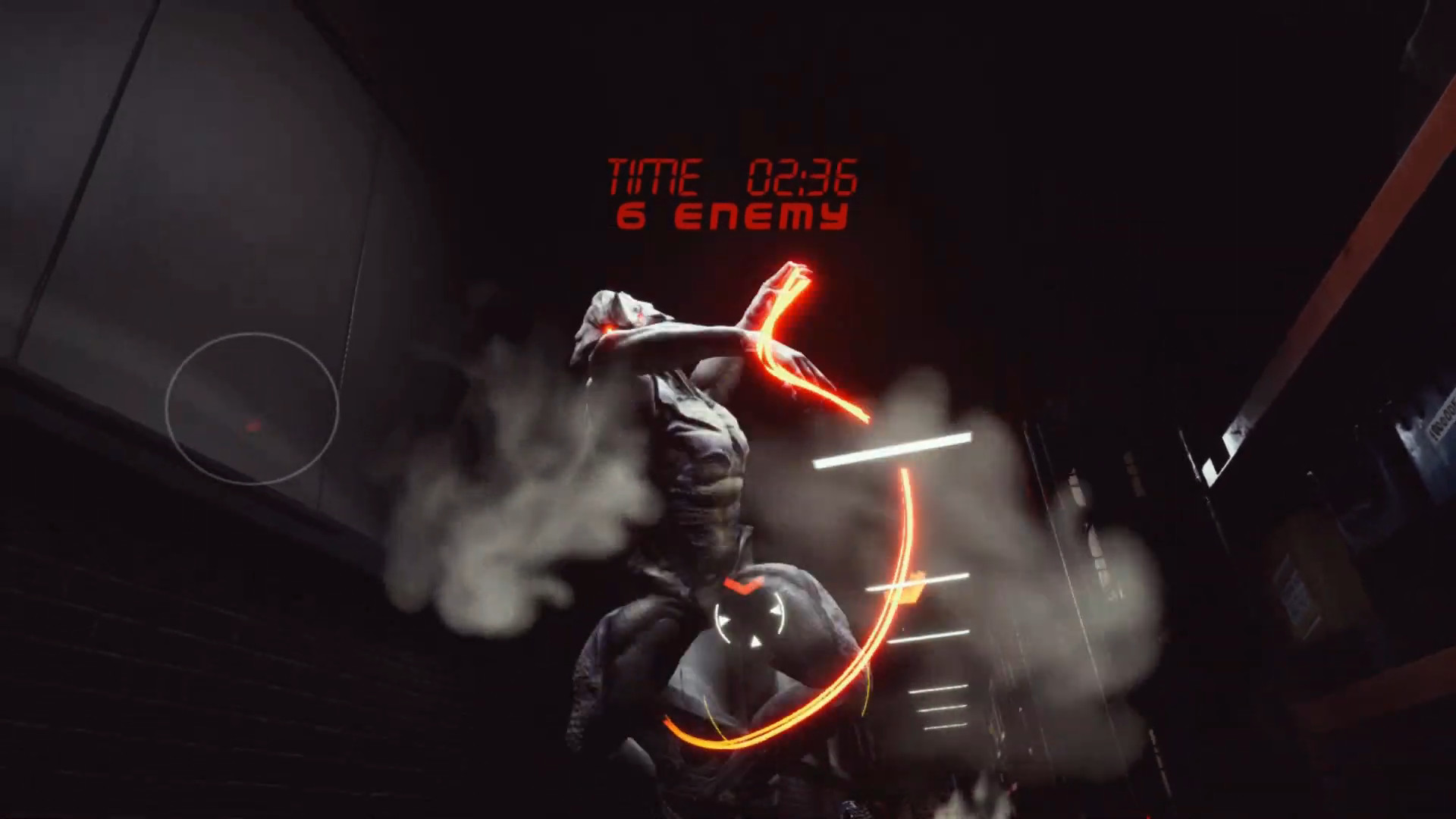
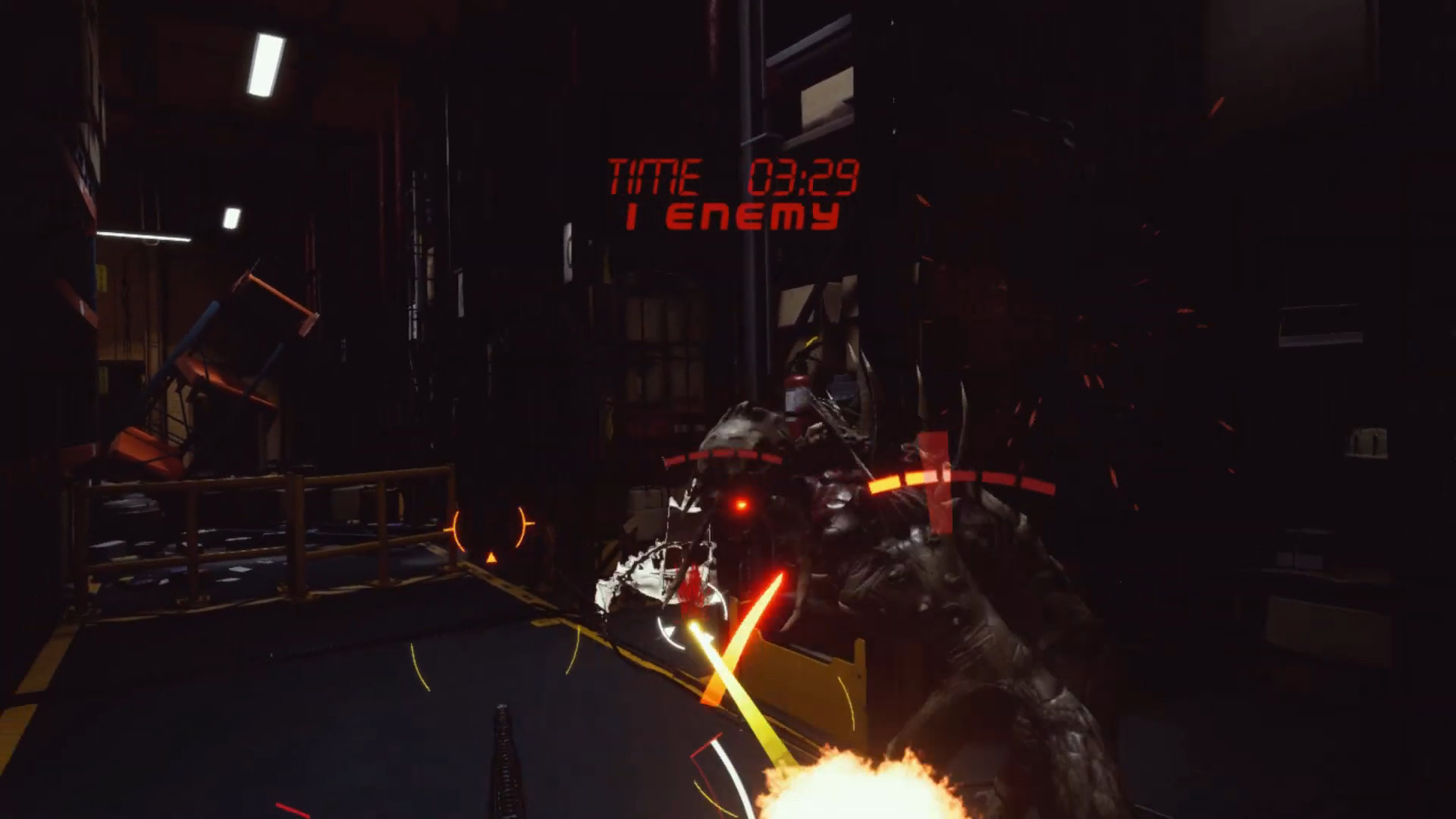
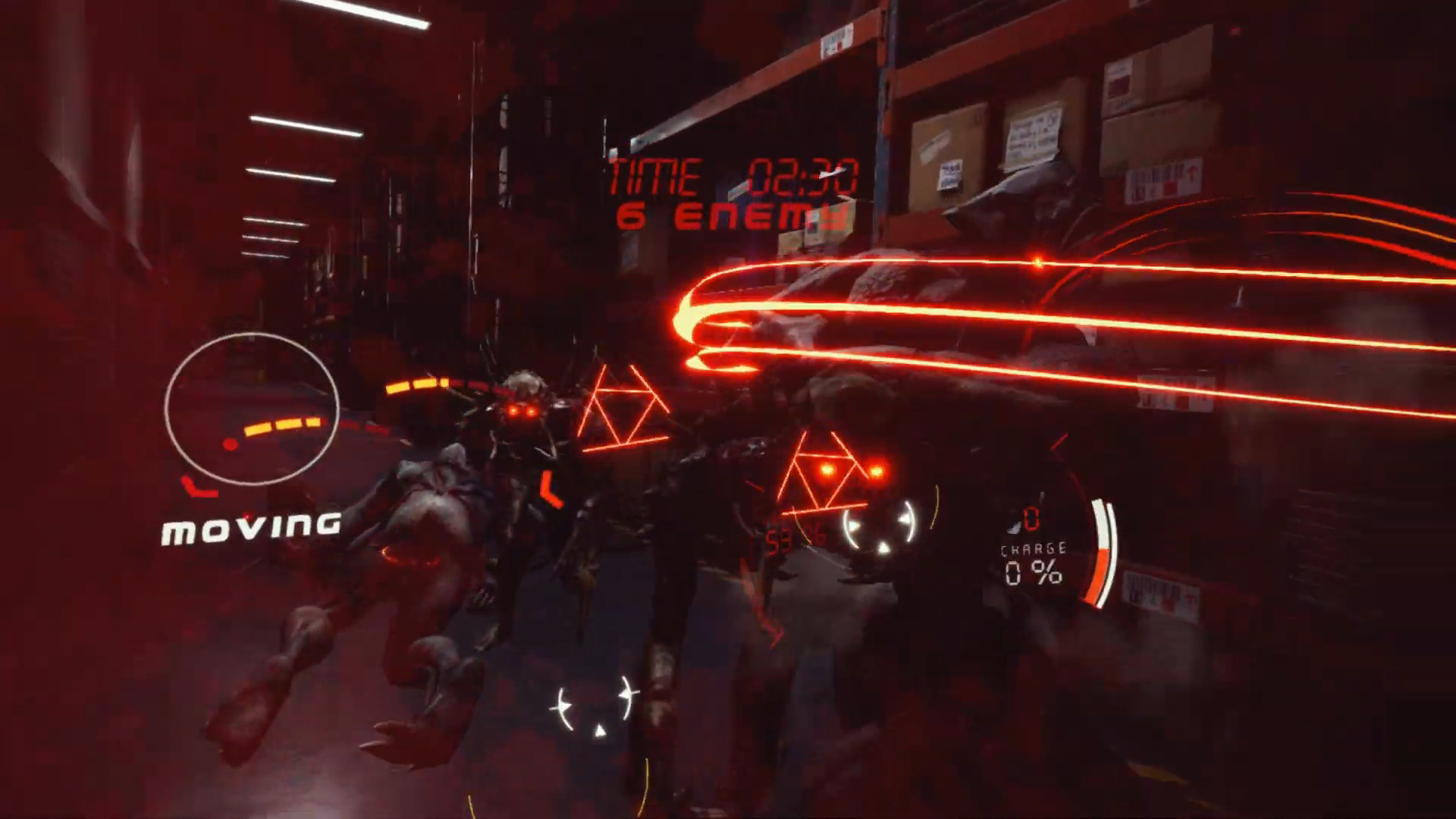
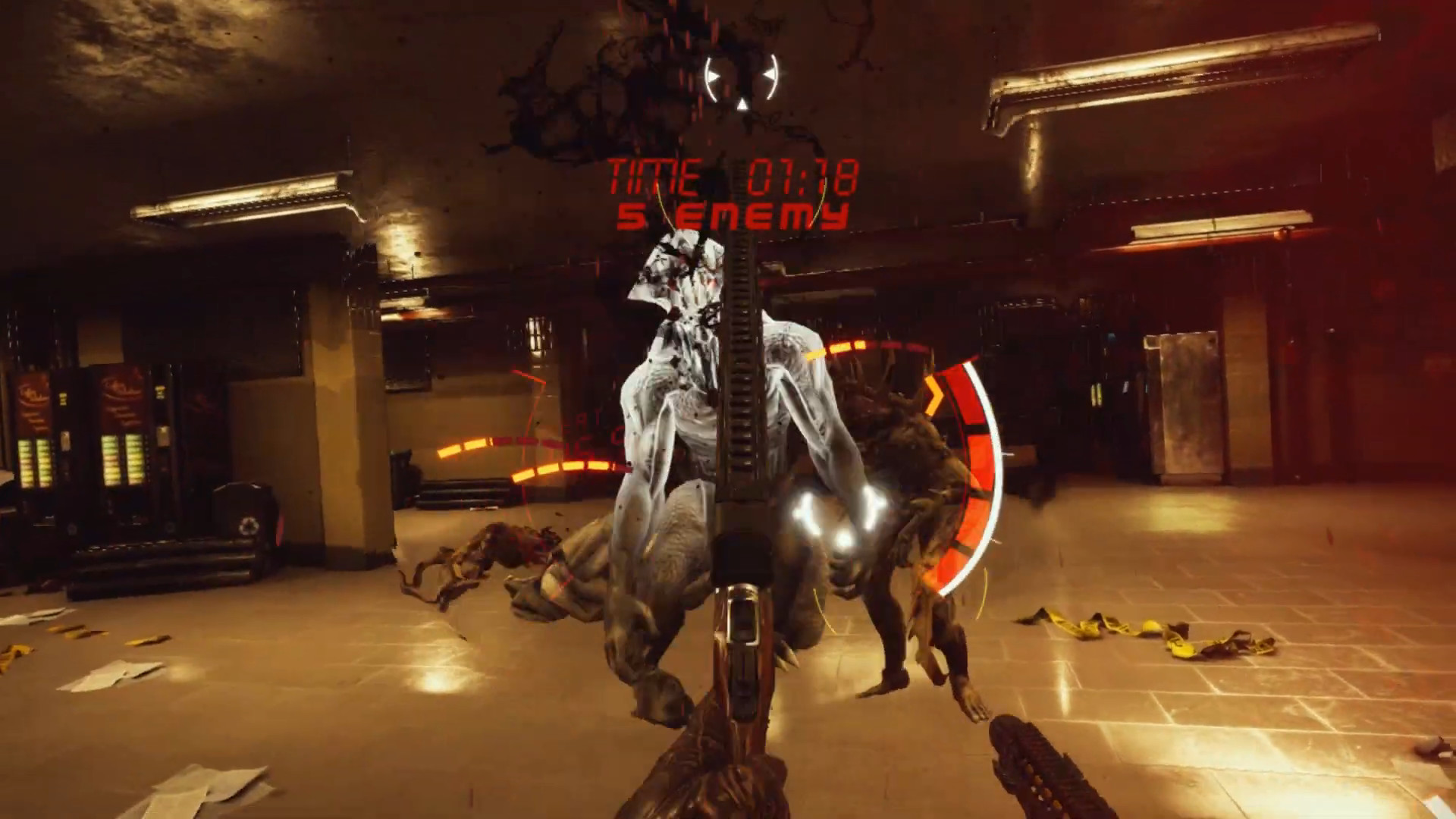
Panic Station VR is a VR FPS within 10 minutes of play time where you defeat the demons and head to your destination in a fictional modern world. Try to clear the game within the time limit using two guns and special skills.
-Game content-
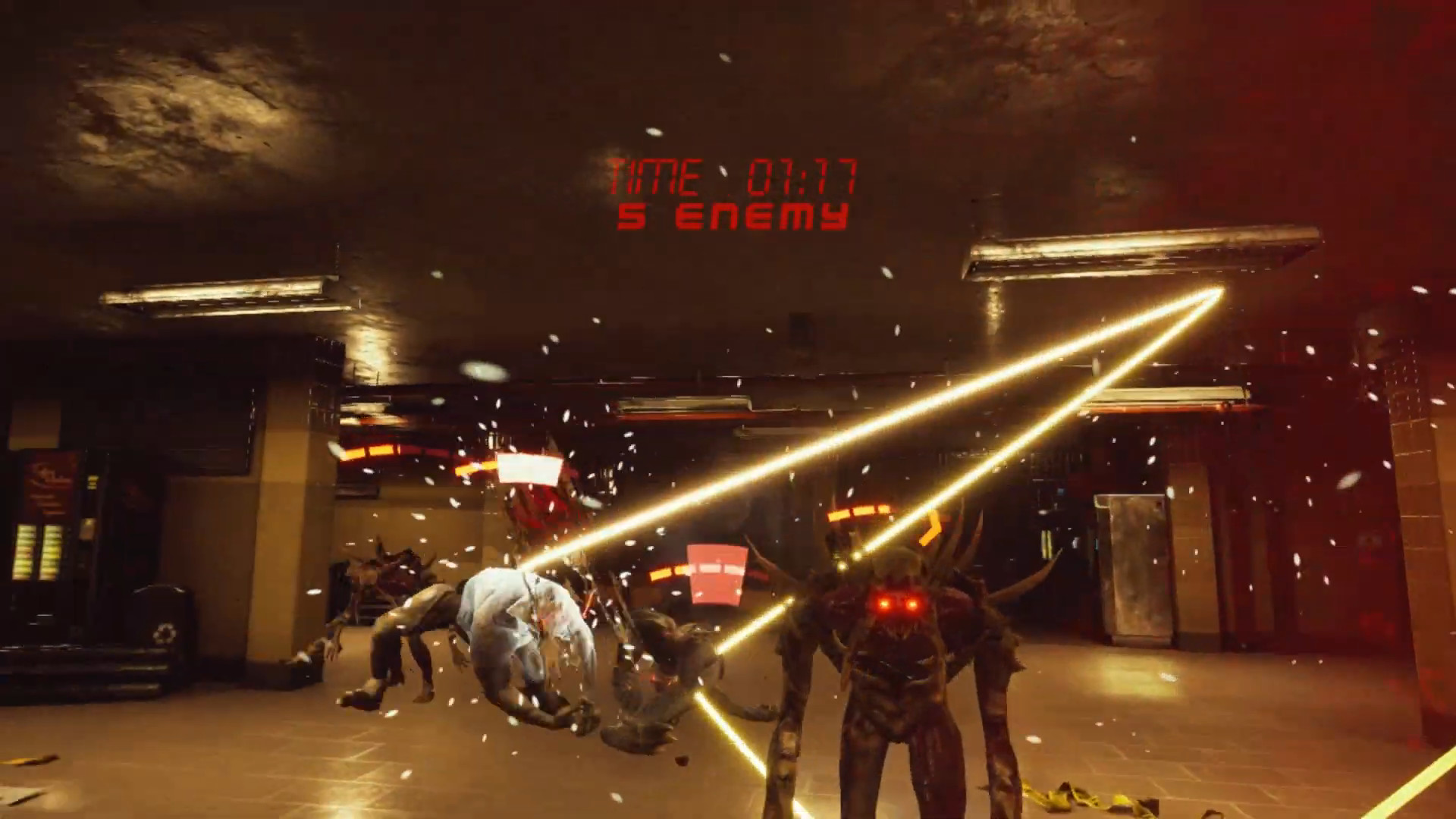
Shoot the gun and break the enemies!
This is a shooting game within 10 minutes of play time that only focuses on gameplay with a one-way.
Prove your skills with powerful weapons against powerful enemies.
-Background story-
You are an agent of Sentinel, an organization that stops demons from all over the fictional modern world.
One day, Sentinel is subject to a massive invasion of enemies. They heads to their respective destinations according to the urgent order.
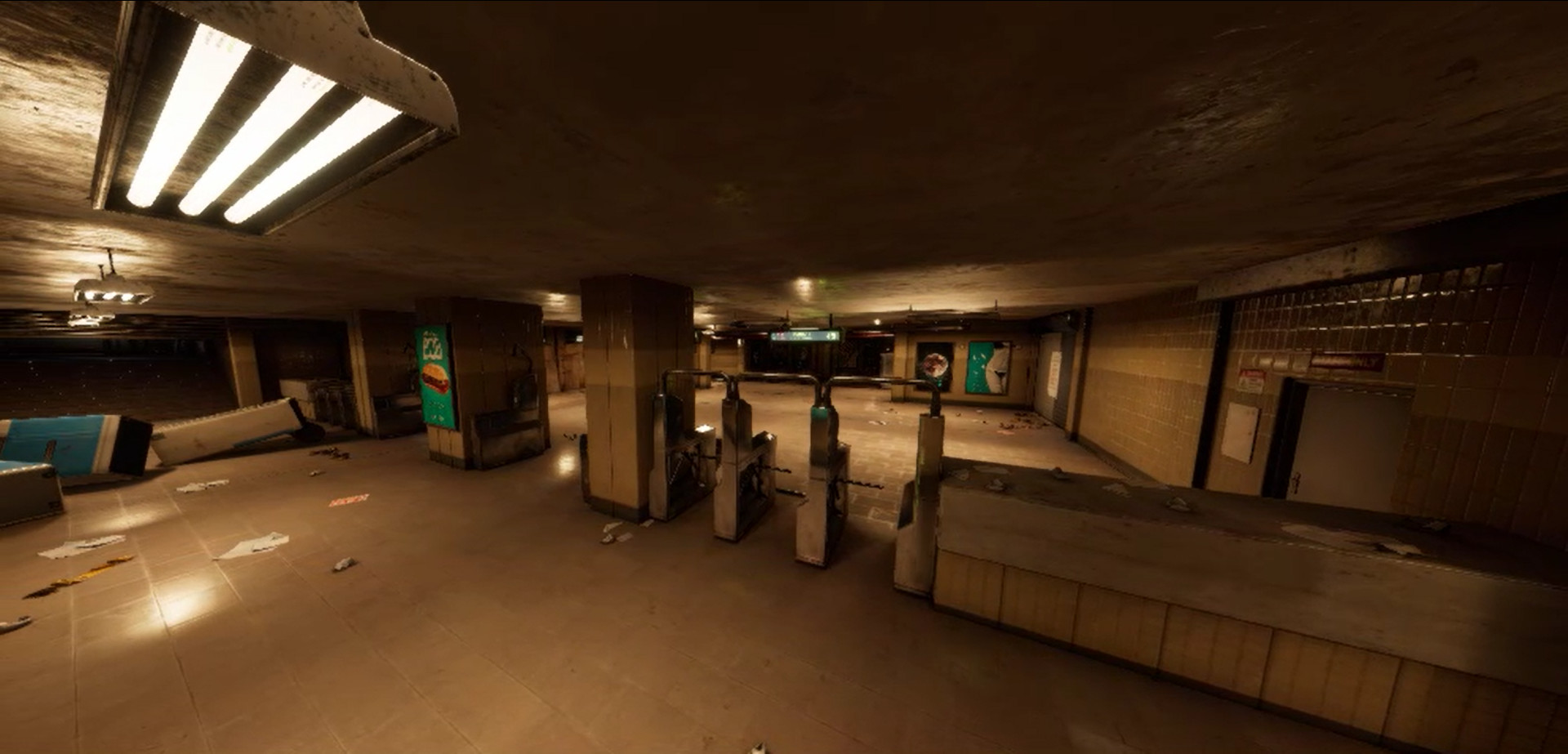
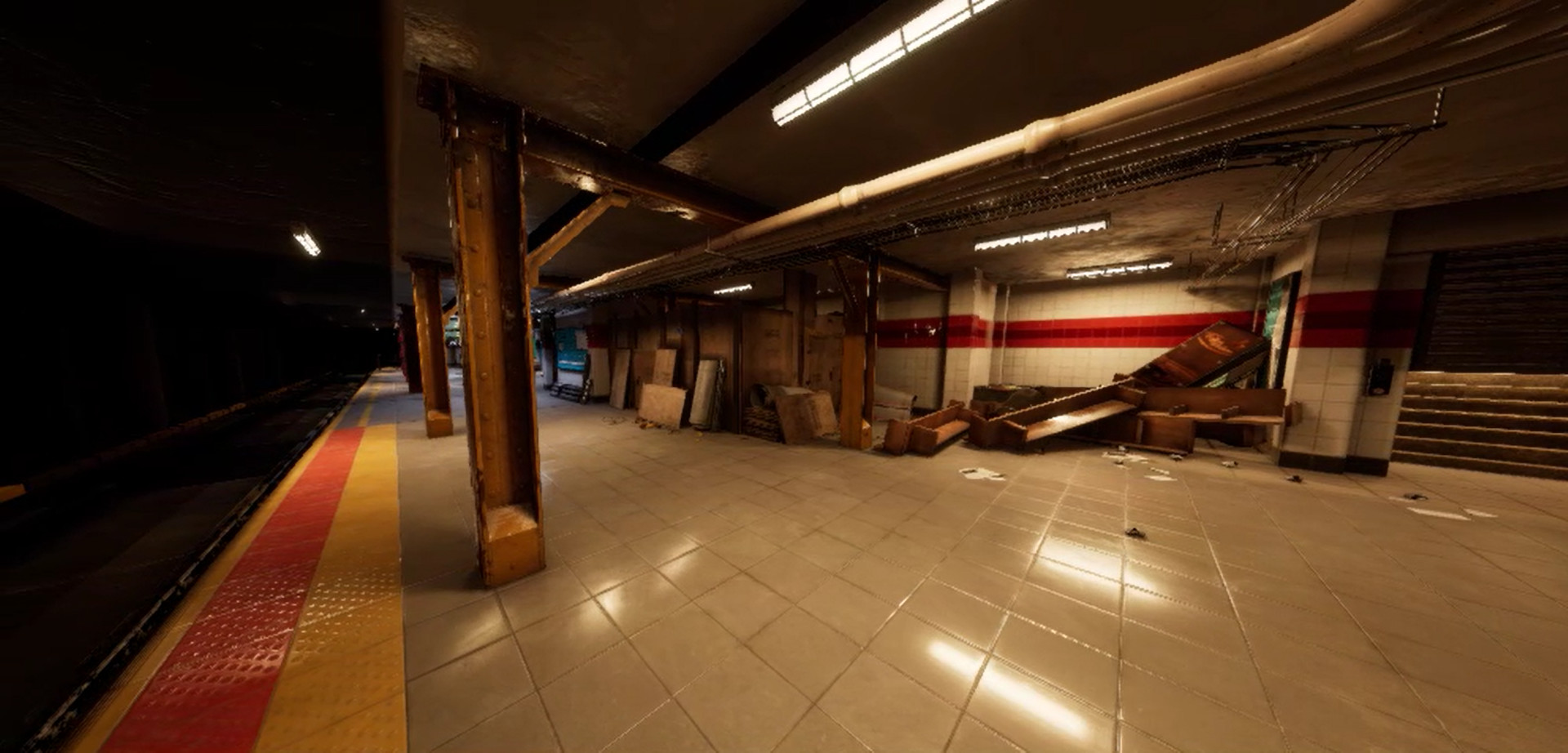
The content of the game is a middle story, and the player runs a train chase after passing the subway.
-Project description-
Panic Station VR is created as a short-term project to test the experimental elements of combat system at VR FPS by a team of students.
Please express it in a review if there was something good or bad things about the game. Feedback is very helpful for game development.
-Compatibility-
Only HTC Vive controller and Oculus touch controller.are verified for compatibility.
For other HMDs and controllers, the actual behavior test is not possible, but due to the possibility of key binding to an external program, the exemption setting is turned off.
-How to operate-
Move
-Click the track pad on the left controller
Teleport
-Click the shoulder button on the left controller
Rotate (click)
-Click the track pad on the right controller
Rotate (drag)
-Press the shoulder button on the right controller and move the controller left or right in the HMD.
Hold weapon
- Grip button or trigger button
Weapoon storage
-Place the controller behind the head and press the grip button
Weapon sub grip
-Hold the controller with nothing on the secondary handle of the weapon and press the trigger button or grip button
Weapon sub grip release
- Grip button on sub gripped controller
Aim lock on /off
- Trigger button of sub gripped controller
Weapon use
-SMG : Continuous shooting by holding down the trigger button
-Rifle: single shot by clicking the trigger button
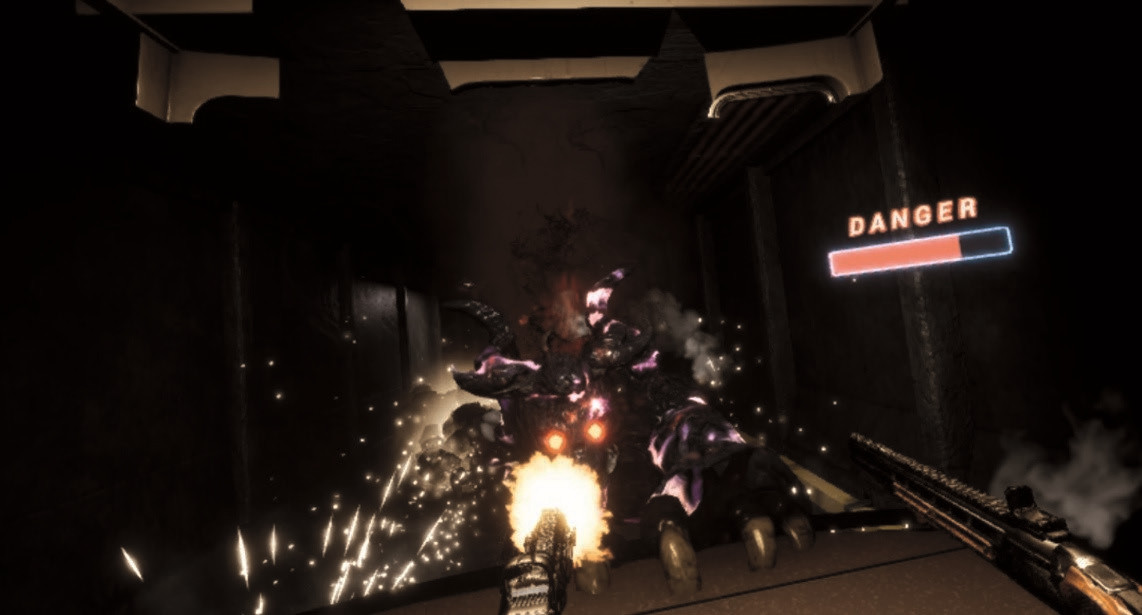
- The higher the overheat level displayed by the UI on the left side of the gun, the shooting is restricted, otherwise the overheating value is reduced
- If you continue to fire, the direction of the muzzle will be greatly increased due to the fire recoil.
Total special function operation
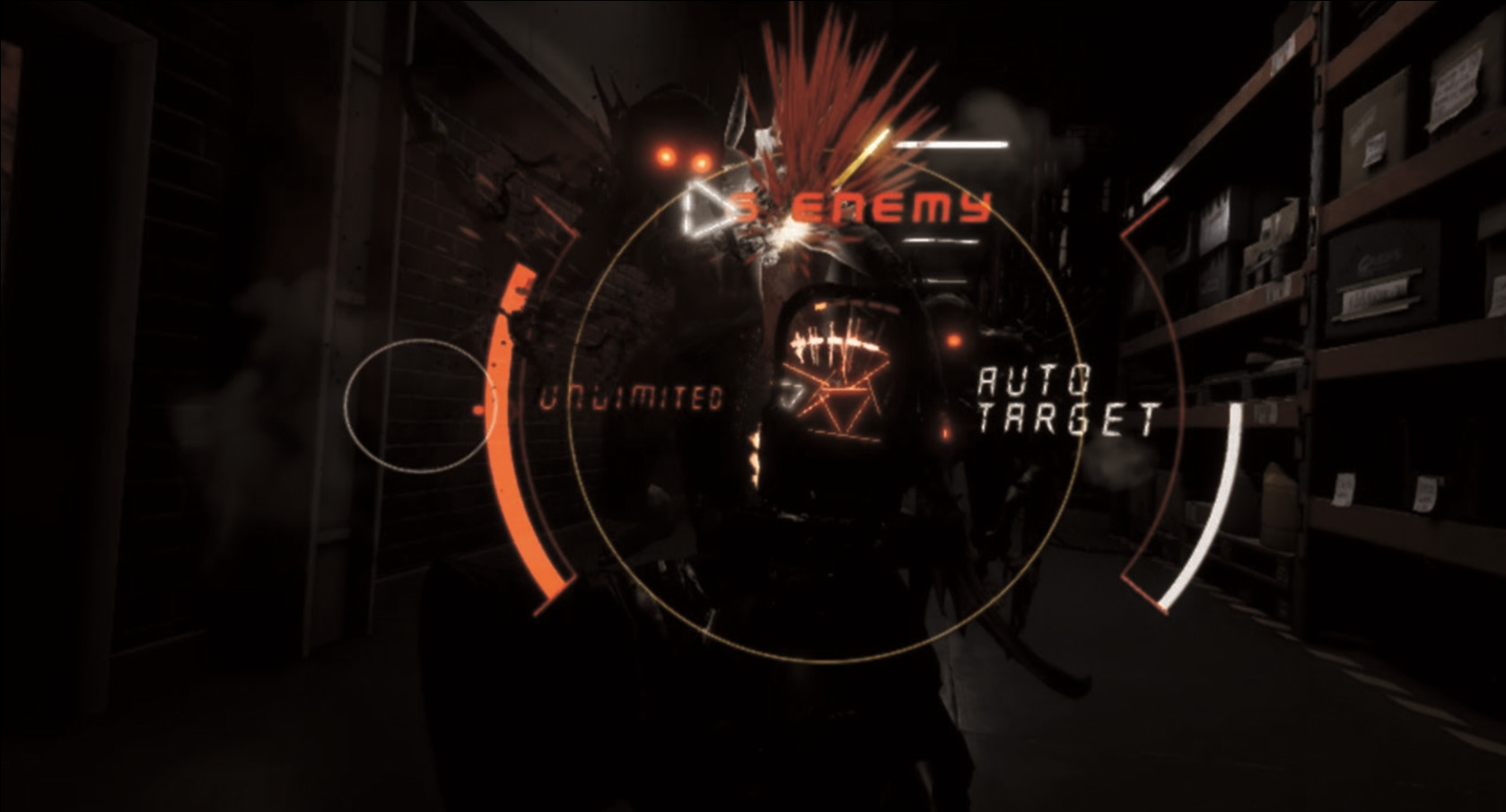
1. SMG - Auto targeting
-Long press and release the grip button to enter auto aim mode based on skill charge
- The skill charge displayed by the UI to the right of the gun is automatically restored, recovered by knocking down the enemy, and recovered by killing the enemy
2. Rifle - Impact bullet
-One hand grip
--Press and hold the grip button and quickly lift the controller up
-Sub gripped
--Press the grip button of main gripped controller
3. Rifle - Chaser bullet
-Long press and release the trigger button to fire chaser bullet what passing through enemies
- Overheat is increased to max, consumes all the impact bullets shown on the right side of the gun by UI, and increases the number of bounces and damage depending on the number of impact bullets remaining.
-How to play the game-
1. Put on the HMD, turn on the game.
When the game is turned on, the front of the HMD is set to the original front of the game, so if you turn the game up with the HMD upside down, you should look back.
2. Press any button on the controller.
3. Select either Start Tutorial (above) or Start Game Immediately (below).
4. If you have just finished the tutorial or started right away, you can skip the stage, set the difficulty level, or set the speed in the lobby UI.
Difficulty settings are easy, medium, and difficult.
In the Easy setting, the target point of the gun always appears in crosshair form, but in Normal and Difficulty, the crosshair can only be seen inside the aimer and the enemy's HP also increases.
5. Start the game by making a stage selection or moving to the right aisle from the front.
In a non-combat state, you move towards the target point displayed by the white square UI.
In combat, nearby passages are blocked, and all enemies must be killed to release the barrier.
6. If the player dies due to a lot of enemy attacks in a short time, or the time limit UI at the top of the screen becomes 0, the game is over.
The game is cleared if you kill the final boss along the way.
Shoot the gun and break the enemies!
This is a shooting game within 10 minutes of play time that only focuses on gameplay with a one-way.
Prove your skills with powerful weapons against powerful enemies.
-Background story-
You are an agent of Sentinel, an organization that stops demons from all over the fictional modern world.
One day, Sentinel is subject to a massive invasion of enemies. They heads to their respective destinations according to the urgent order.
The content of the game is a middle story, and the player runs a train chase after passing the subway.
-Project description-
Panic Station VR is created as a short-term project to test the experimental elements of combat system at VR FPS by a team of students.
Please express it in a review if there was something good or bad things about the game. Feedback is very helpful for game development.
-Compatibility-
Only HTC Vive controller and Oculus touch controller.are verified for compatibility.
For other HMDs and controllers, the actual behavior test is not possible, but due to the possibility of key binding to an external program, the exemption setting is turned off.
-How to operate-
Move
-Click the track pad on the left controller
Teleport
-Click the shoulder button on the left controller
Rotate (click)
-Click the track pad on the right controller
Rotate (drag)
-Press the shoulder button on the right controller and move the controller left or right in the HMD.
Hold weapon
- Grip button or trigger button
Weapoon storage
-Place the controller behind the head and press the grip button
Weapon sub grip
-Hold the controller with nothing on the secondary handle of the weapon and press the trigger button or grip button
Weapon sub grip release
- Grip button on sub gripped controller
Aim lock on /off
- Trigger button of sub gripped controller
Weapon use
-SMG : Continuous shooting by holding down the trigger button
-Rifle: single shot by clicking the trigger button
- The higher the overheat level displayed by the UI on the left side of the gun, the shooting is restricted, otherwise the overheating value is reduced
- If you continue to fire, the direction of the muzzle will be greatly increased due to the fire recoil.
Total special function operation
1. SMG - Auto targeting
-Long press and release the grip button to enter auto aim mode based on skill charge
- The skill charge displayed by the UI to the right of the gun is automatically restored, recovered by knocking down the enemy, and recovered by killing the enemy
2. Rifle - Impact bullet
-One hand grip
--Press and hold the grip button and quickly lift the controller up
-Sub gripped
--Press the grip button of main gripped controller
3. Rifle - Chaser bullet
-Long press and release the trigger button to fire chaser bullet what passing through enemies
- Overheat is increased to max, consumes all the impact bullets shown on the right side of the gun by UI, and increases the number of bounces and damage depending on the number of impact bullets remaining.
-How to play the game-
1. Put on the HMD, turn on the game.
When the game is turned on, the front of the HMD is set to the original front of the game, so if you turn the game up with the HMD upside down, you should look back.
2. Press any button on the controller.
3. Select either Start Tutorial (above) or Start Game Immediately (below).
4. If you have just finished the tutorial or started right away, you can skip the stage, set the difficulty level, or set the speed in the lobby UI.
Difficulty settings are easy, medium, and difficult.
In the Easy setting, the target point of the gun always appears in crosshair form, but in Normal and Difficulty, the crosshair can only be seen inside the aimer and the enemy's HP also increases.
5. Start the game by making a stage selection or moving to the right aisle from the front.
In a non-combat state, you move towards the target point displayed by the white square UI.
In combat, nearby passages are blocked, and all enemies must be killed to release the barrier.
6. If the player dies due to a lot of enemy attacks in a short time, or the time limit UI at the top of the screen becomes 0, the game is over.
The game is cleared if you kill the final boss along the way.
Media
Trailers and screenshots straight from the store page
Latest news
Recent updates from the game's own feeds
Price intelligence
Accepted price history and the lows that matter
No price history recorded yet.
Historical lows
No history yet.
Panic Station VR price history and best deals
Panic Station VR for PC currently sells from free at authorized stores.
Frequently asked questions
Answered from this game's own price and edition data
Where can I buy Panic Station VR?
Panic Station VR is tracked at steam. We only list authorized stores here and always link out with a clean outbound link.
Scores
Steam reviews Mostly Positive · 79%
79% positive of 47
Media (10)
Tech
Requirements
Facts
DeveloperStudent team of Korea Vocational College of Information and Technology (Republic of Korea)
PublisherKorea Vocational College of Information and Technology
GenresAction · Free To Play · Indie
ModesSingle-player
Links
Ratings
dejus10
igrs18
steam_germany6