PhotoPad

Good game, but it sits 100% of the way from its all-time low to full price. It drops harder in seasonal sales. Patience pays.
Why this verdict
Offers
Accepted regional prices from official stores
Report a wrong price
Packs and bundles (1)
Multi-item packages that include this game
- Content Creator Bundle (VideoPad, WavePad, PhotoPad) From $149.97Content Creator Bundle (VideoPad, WavePad, PhotoPad)
About this game
What this game is, in the developer's words
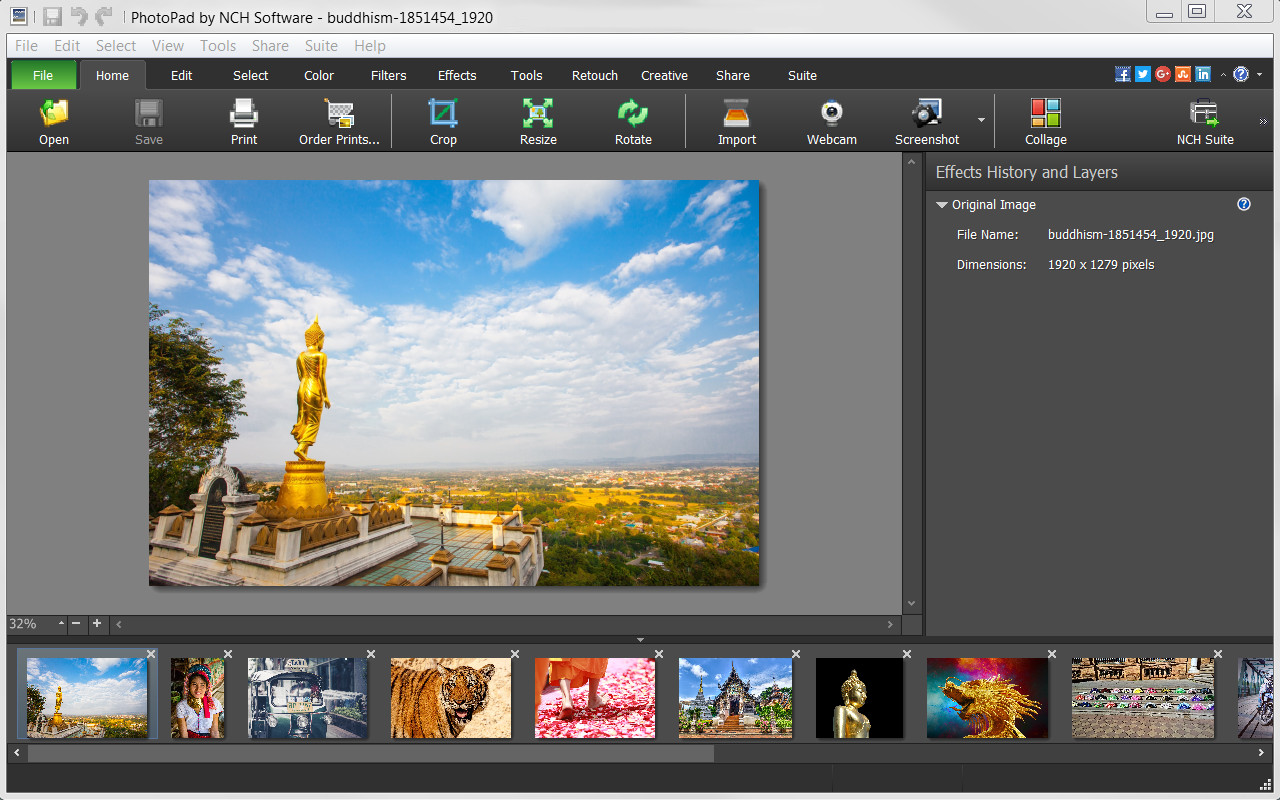
PhotoPad image editing software is a Pro photo editor for Windows. It allows you to edit and apply effects to photos and other images. When editing photos you can crop, rotate and resize and, if required, add effects like sepia tones, red eye reduction as well as the ability to change the hue, saturation and brightness levels plus more.
PhotoPad Features Include:
Editing & Effects
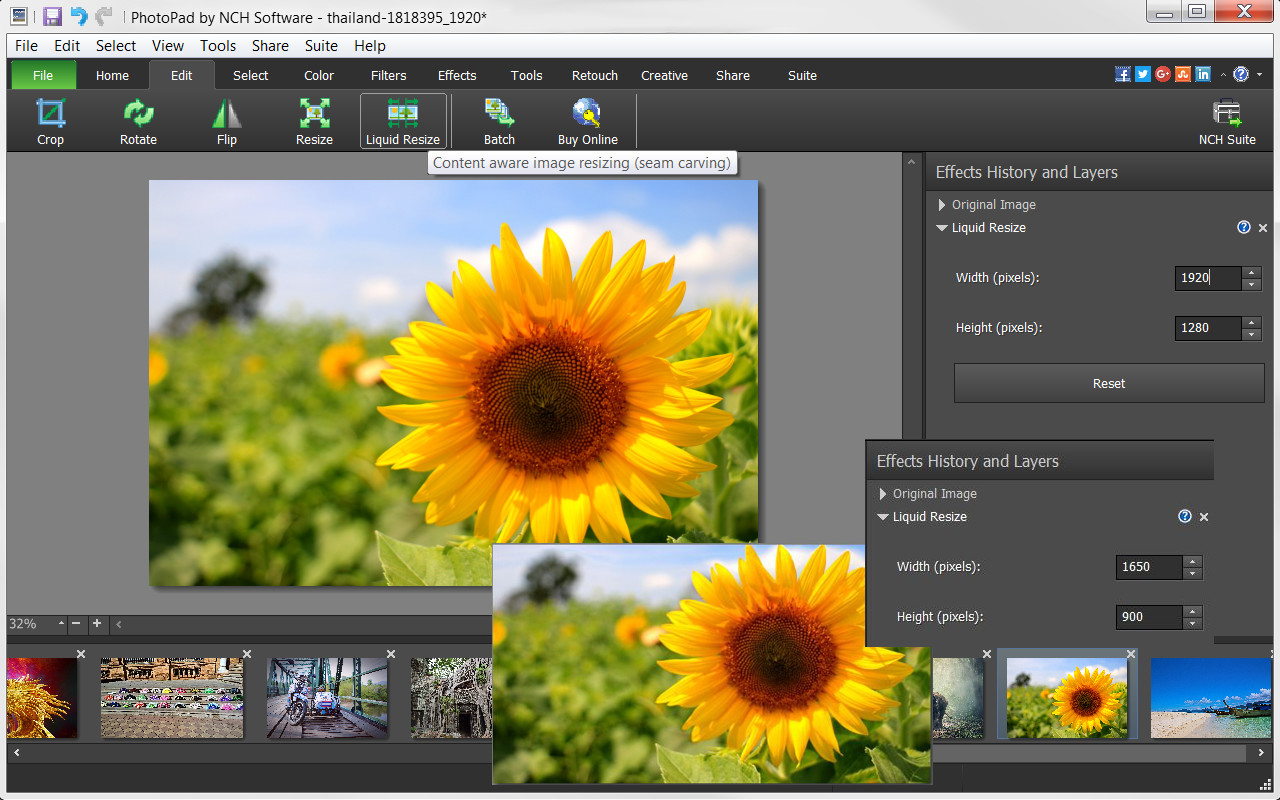
- Edit your photos using liquid resize, flip, rotate, crop and other editing tools.
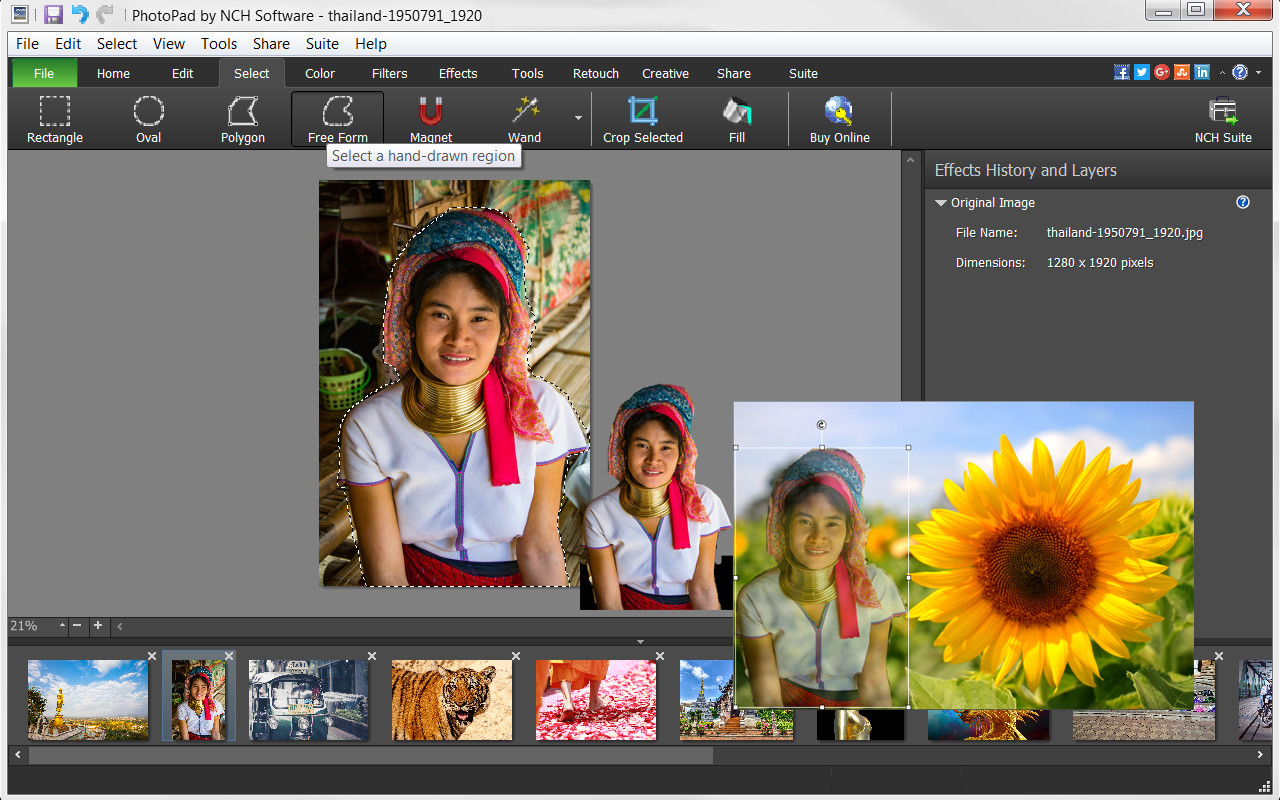
- Manipulate image shapes, pixel/element transfers and recoloring with selection tools, like wand, magnet, free form and other shape options.
- Brighten or change exposure, color curves and balance, hue and other color features.
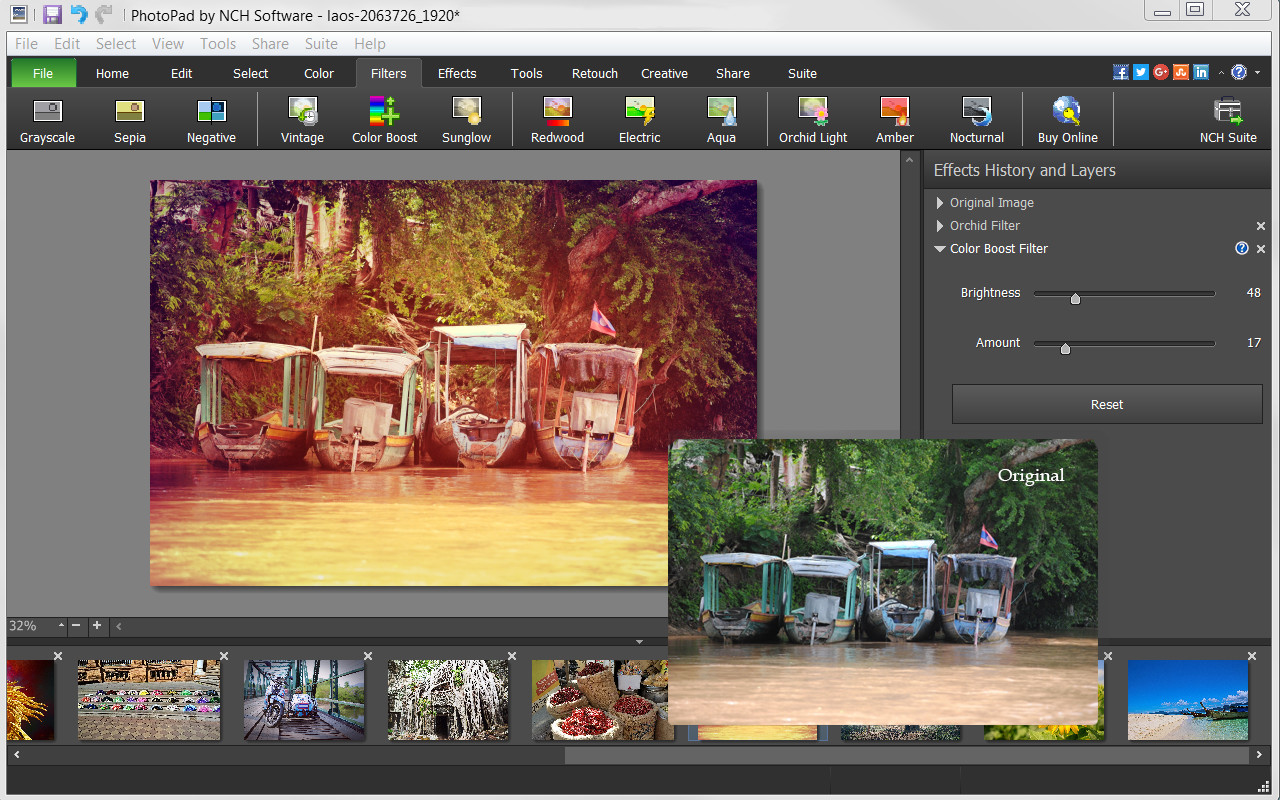
- Apply one or more of the many filters available to make photos more interesting.
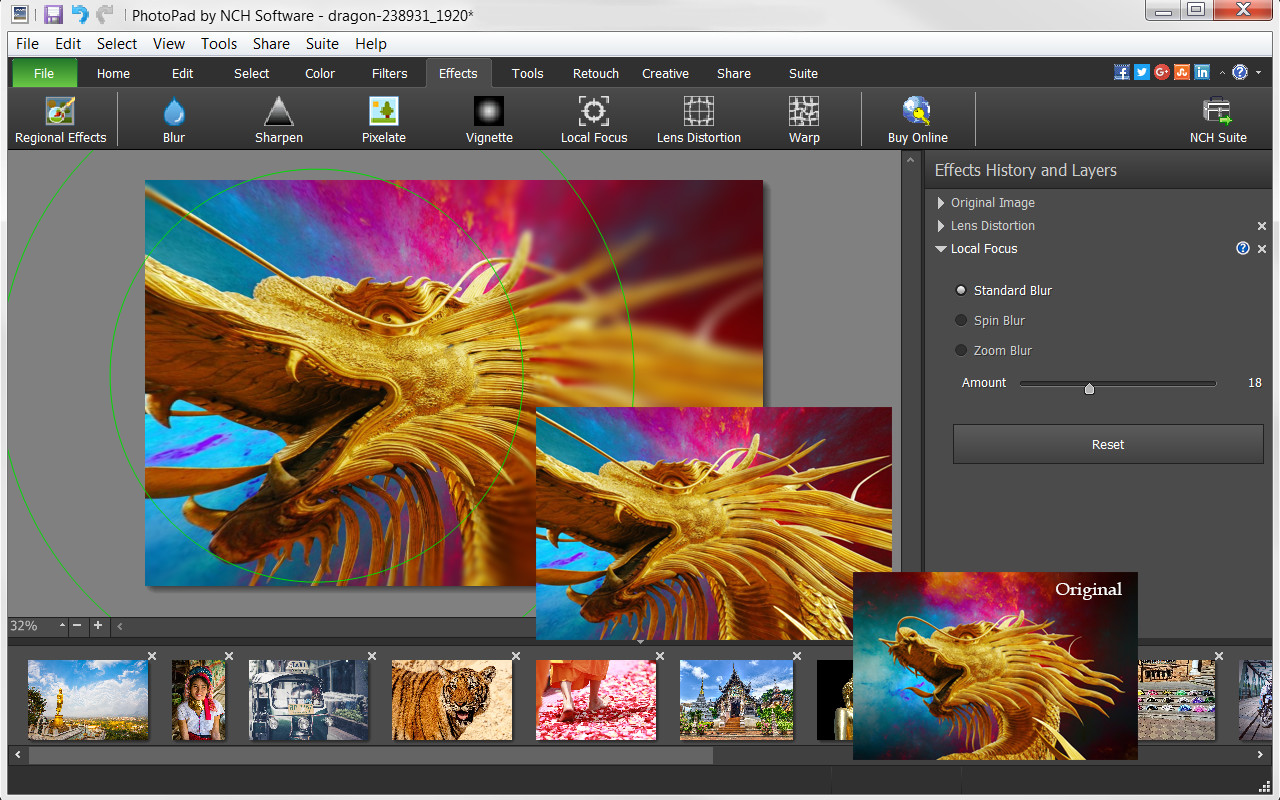
- Use sharpen, pixelate, focus, distort or one of the many other effects to change your photo’s perspective.
- Turn your photo into a cartoon or oil painting.
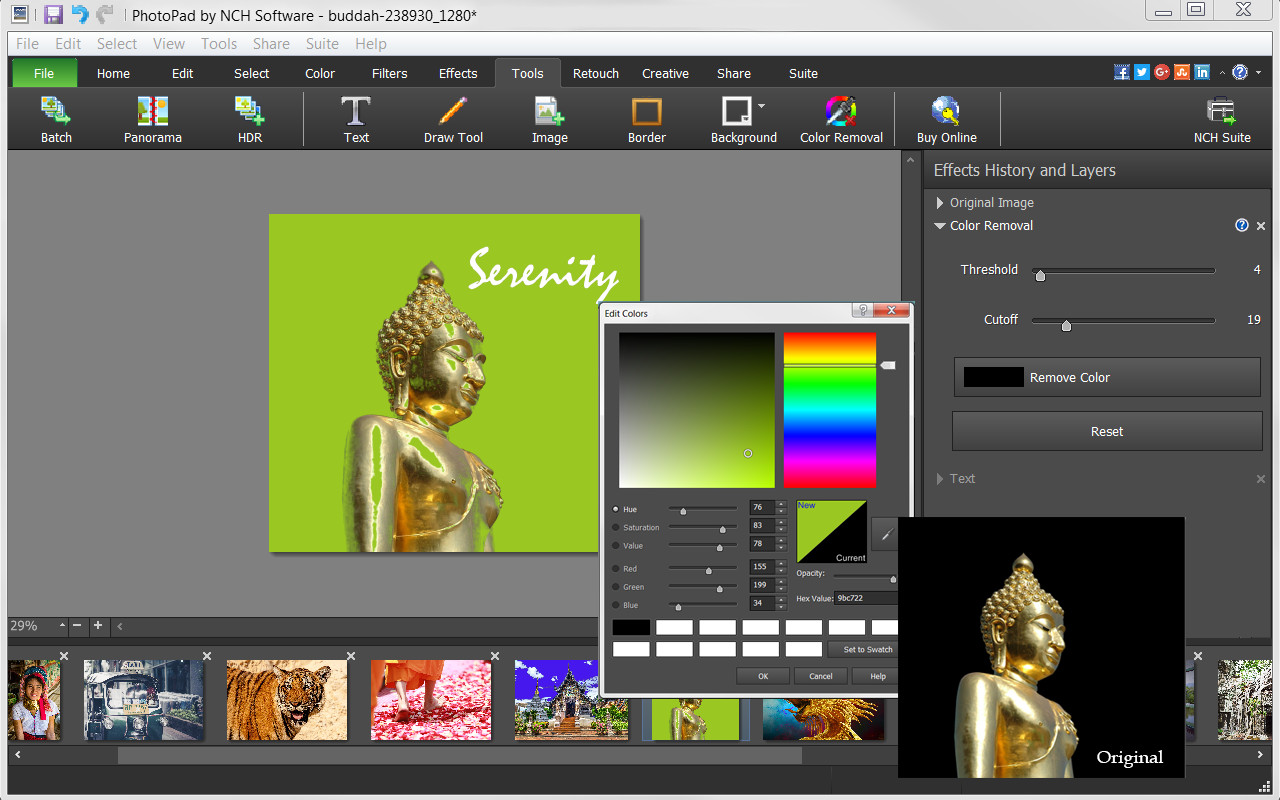
- Add borders, background or fill colors to give your photo a more complete look.
- Include text to give your photo narration.
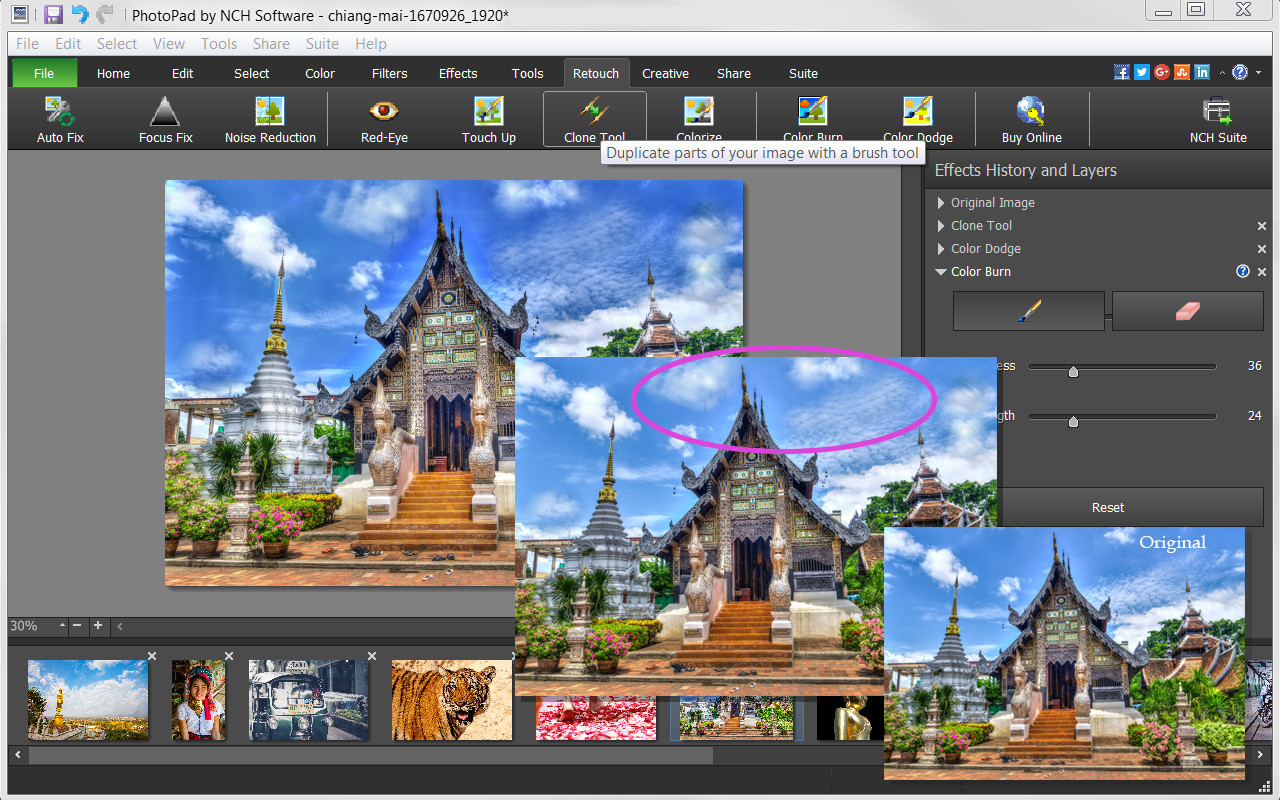
- Retouch photos with noise reduction, red-eye, colorize, focus fix and other retouching tools.
Useful Tools
- Be creative and use the Draw Tool to create your own art, illustration or notes on your photo.
- Mimic colors, shapes and other elements or correct your photos with the Clone Tool.
- Use the Batch Tool to apply effects to many photos at one time.
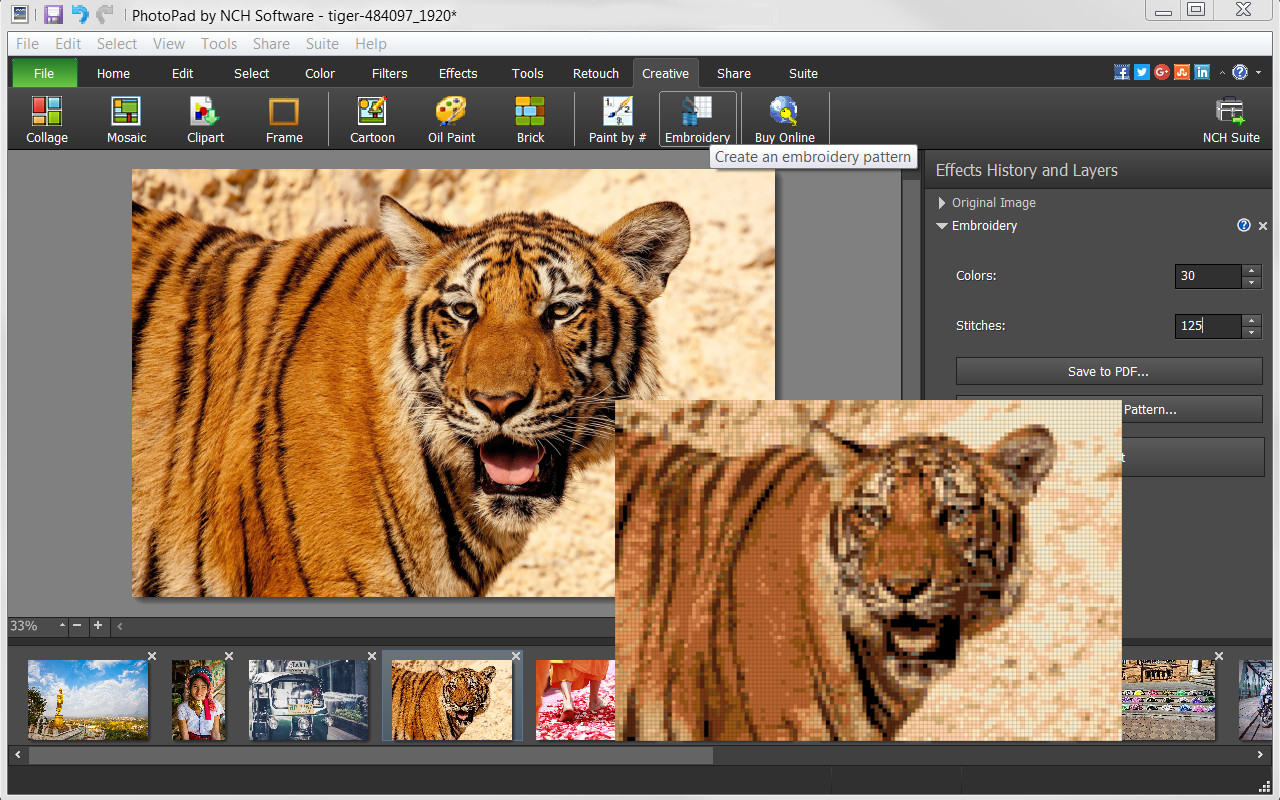
- Turn your photo into a fun Embroidery or Paint-by-Numbers project.
- Create a collage or Mosaic with one of the many layouts available.
- Take advantage of other useful photo applications, like Pixillion Image File Conversion, that can be used through PhotoPad.
- Stitch photos together to make a Panorama.
Export and Import Options
- Import images directly from your camera and other digital devices.
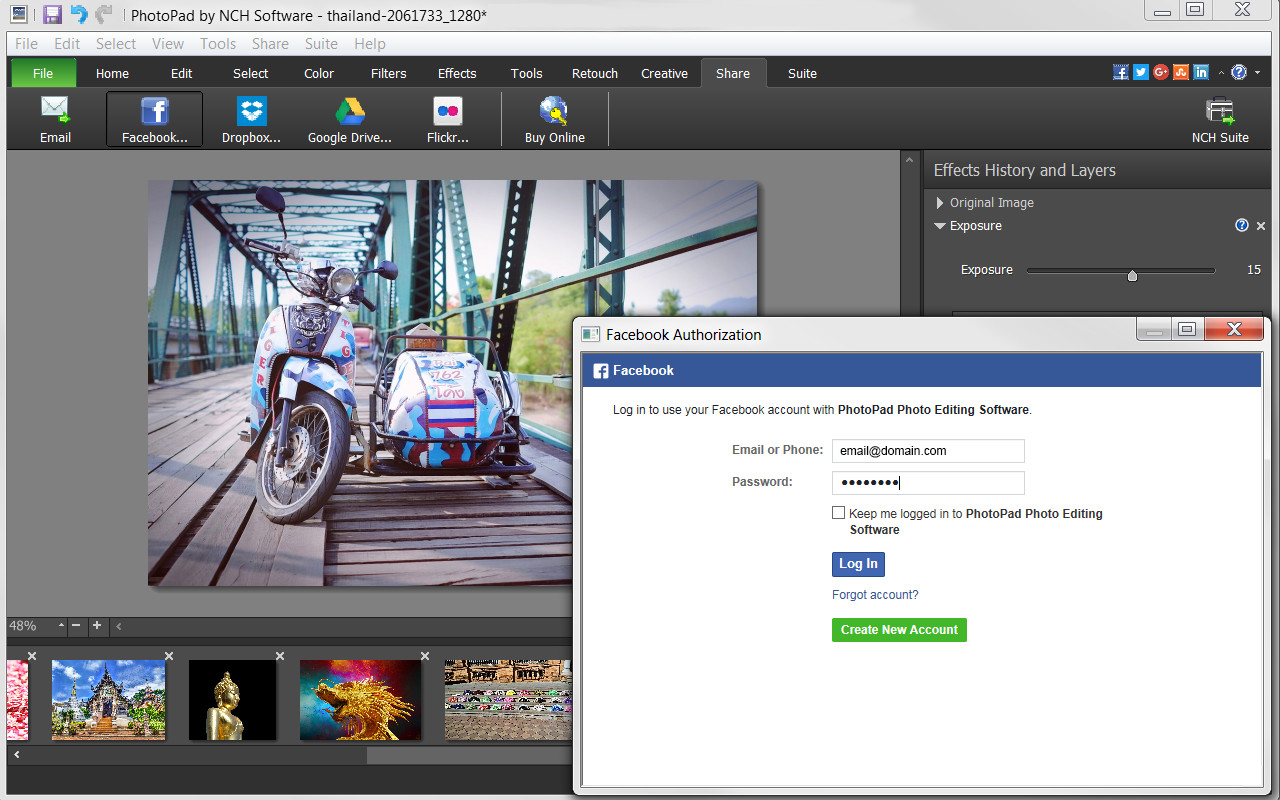
- Share with friends via Facebook and Flickr.
- Upload photos to online cloud storage sites, including Dropbox and Google Drive.
- Email photos to loved ones or clients.
- Order prints instantly from the PhotoPad interface.
Media
Trailers and screenshots straight from the store page

Price intelligence
Accepted price history and the lows that matter
PhotoPad price history and best deals
PhotoPad for PC currently sells from $49.99 at authorized stores. Its all-time low is $34.99, set on 2026-07-07.
Frequently asked questions
Answered from this game's own price and edition data
Should I buy PhotoPad now or wait?
Is $49.99 a good price for PhotoPad?
Where can I buy PhotoPad?