PC
Region US

Content rating unavailable
Education · DaSerge
PianoBoard Server

Content rating unavailable
Windows macOS
4 user reviews · 75% of 4

 Chip's verdict · US
 Why this verdict
Player reviews 75% positive of 4
Quality score 75/100 · small sample
Offers
Accepted regional prices from official stores
No offers tracked yet for this product.
Report a wrong price
About this game
What this game is, in the developer's words
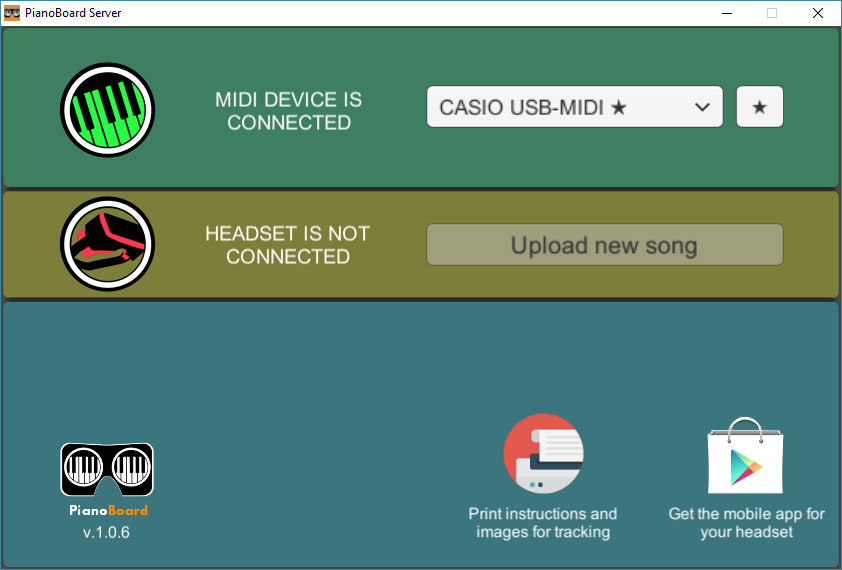
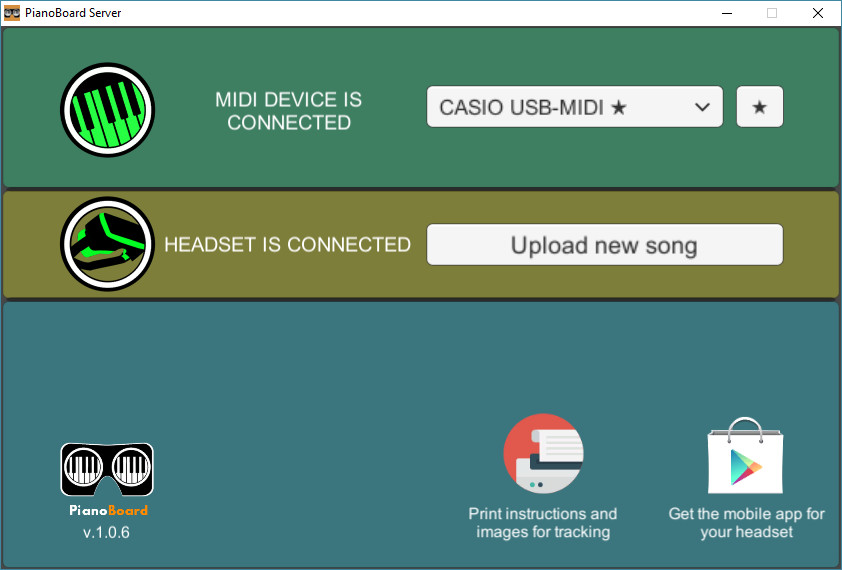
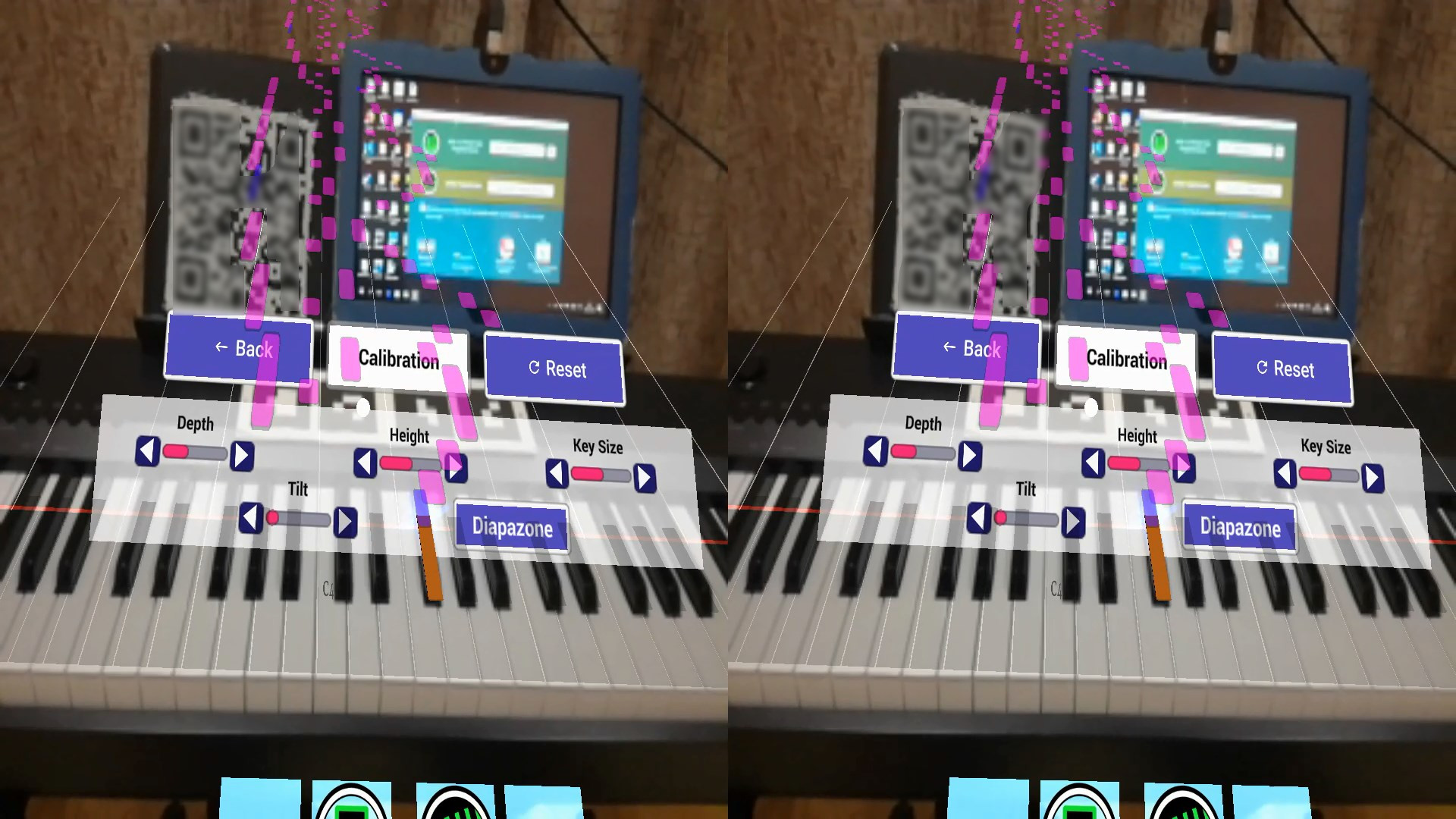
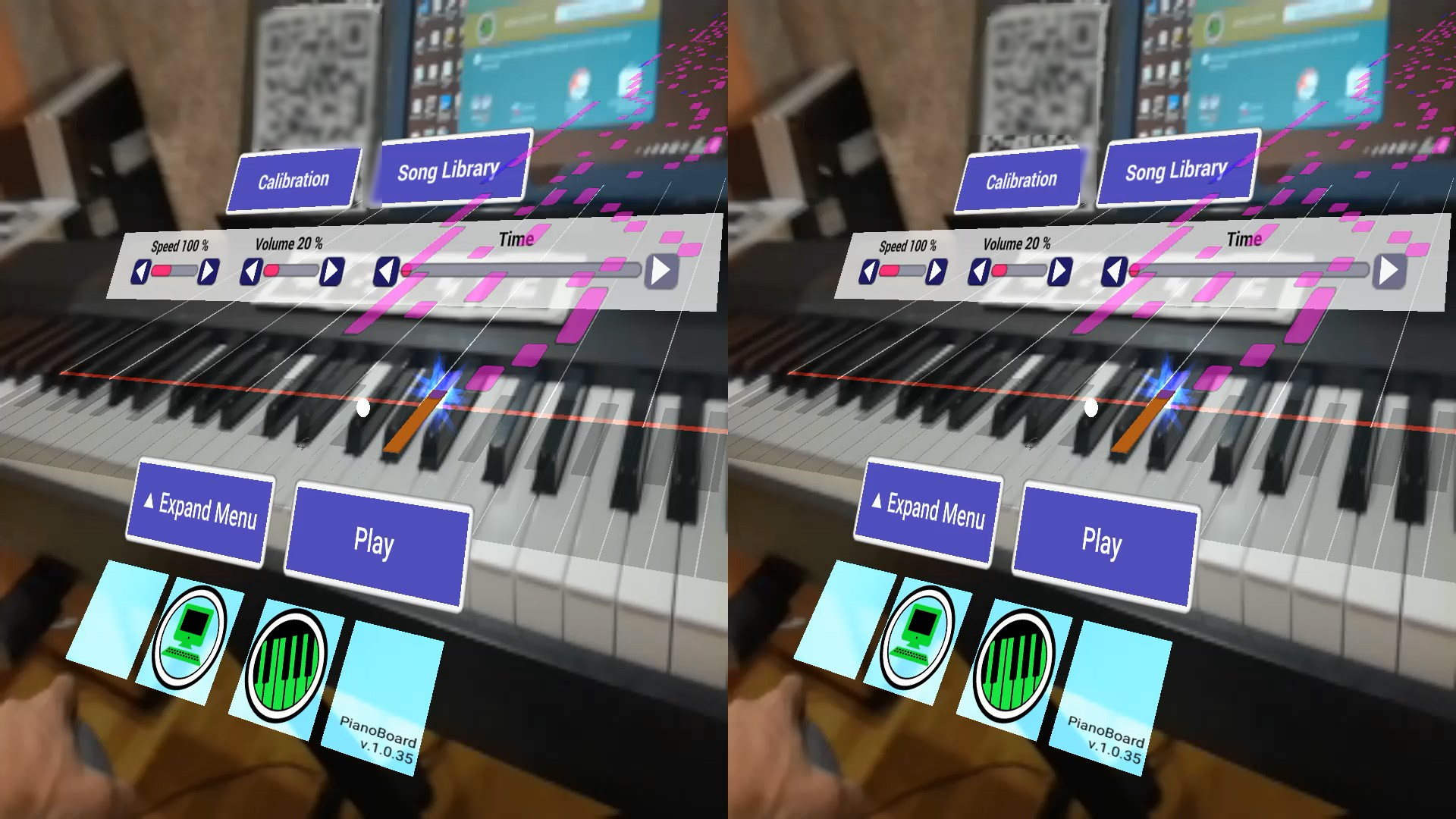
PianoBoard Server enables feedback from MIDI keyboard/digital piano in your mobile AR PianoBoard app.
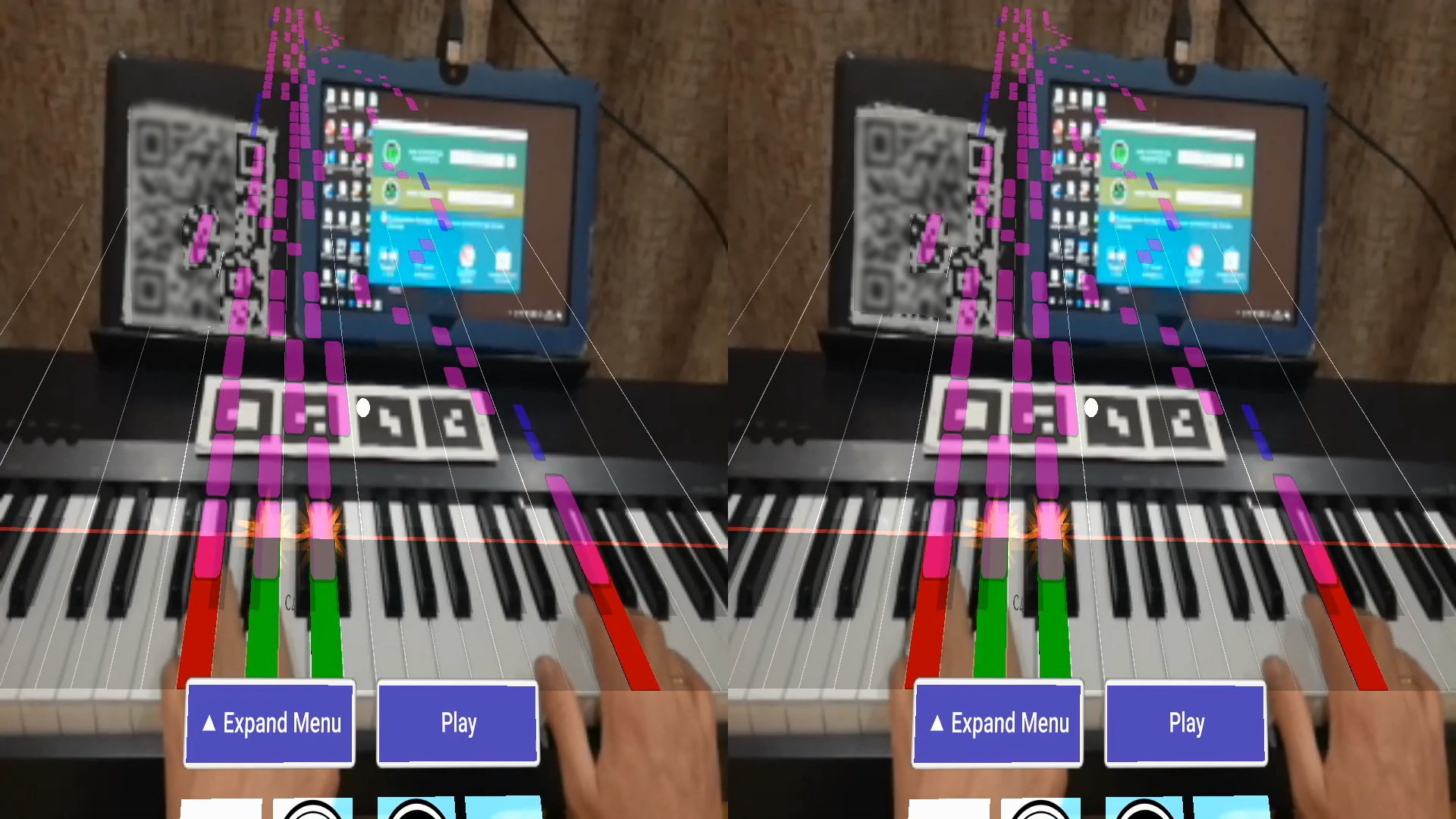
Put on your CardBoard and plug in the MIDI keyboard!
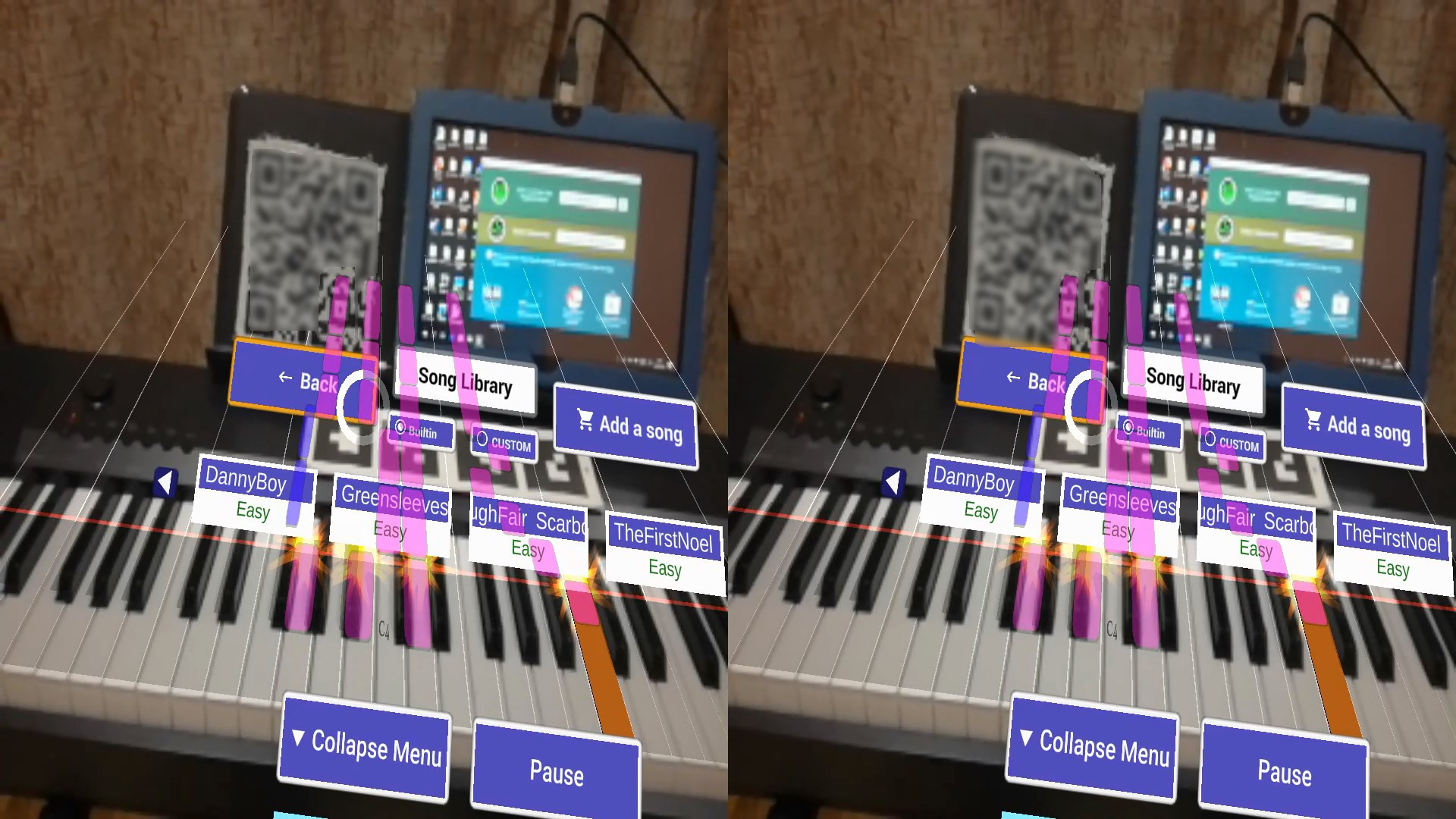
It's a play time - with PianoBoard you can dust off your piano and perform your favorite songs!
Print a tracking image, put it above the piano keyboard and play - no need to switch between score and instrument any more!
The melody will always be before your very eyes.
PianoBoard Server enables feedback from MIDI keyboard/digital piano in your mobile AR PianoBoard app (Android 4.4+ is supported currently, a back-facing camera with autofocus is required).
Your PC and mobile phone should be connected to the same local network (f.e. via WiFi router) or via tethering (i.e. you can also connect your PC to the phone' mobile access point if it supports that).
* Connect your MIDI device to the PC, select it in the list and mark it as favorite so that it is selected as input device automatically on next run.
* A smartphone VR headset with headstrap and camera hole is required
It's a play time - with PianoBoard you can dust off your piano and perform your favorite songs!
Print a tracking image, put it above the piano keyboard and play - no need to switch between score and instrument any more!
The melody will always be before your very eyes.
PianoBoard Server enables feedback from MIDI keyboard/digital piano in your mobile AR PianoBoard app (Android 4.4+ is supported currently, a back-facing camera with autofocus is required).
Your PC and mobile phone should be connected to the same local network (f.e. via WiFi router) or via tethering (i.e. you can also connect your PC to the phone' mobile access point if it supports that).
* Connect your MIDI device to the PC, select it in the list and mark it as favorite so that it is selected as input device automatically on next run.
* A smartphone VR headset with headstrap and camera hole is required
Media
Trailers and screenshots straight from the store page
Price intelligence
Accepted price history and the lows that matter
No price history recorded yet.
Historical lows
No history yet.
PianoBoard Server price history and best deals
Price tracking for PianoBoard Server across authorized stores.
Scores
Steam reviews 4 user reviews · 75%
Media (6)
Tech
Requirements
Facts
Links