PC
Region US
Content rating unavailable
Free To Play · Sony Interactive Entertainment
PlayStation®VR2 App

Content rating unavailable
Windows
Mixed · 57% of 1,656
Chip's verdict · US
Why this verdict
Player reviews 57% positive of 1,656
Quality score 57/100
Offers
Accepted regional prices from official stores
No offers tracked yet for this product.
Report a wrong price
About this game
What this game is, in the developer's words
Enjoy VR games and apps on Steam with PlayStation VR2! Install PS VR2 App to use PS VR2 on your PC, set up your PS VR devices, and keep the firmware for PS VR2 headset and PS VR2 Sense controllers up to date.
Enjoy VR games and apps on Steam with PlayStation VR2!
You'll need the following to get started with PlayStation VR2 App:
For details about the required specs for PC, visit the PlayStation VR2 support page, or refer to the "System Requirements" section below.
When connecting PlayStation VR2 Sense controllers to a PC, connection or tracking problems may occur depending on the condition of the Bluetooth devices being used or the surrounding environment. In such cases, refer to the PlayStation Support page titled "Bluetooth adapters compatible with PS VR2 on PC" for more information.
To play VR games and apps on Steam with PlayStation VR2, PlayStation VR2 App needs to be installed on your PC. Keep the app installed even after initial setup is complete.
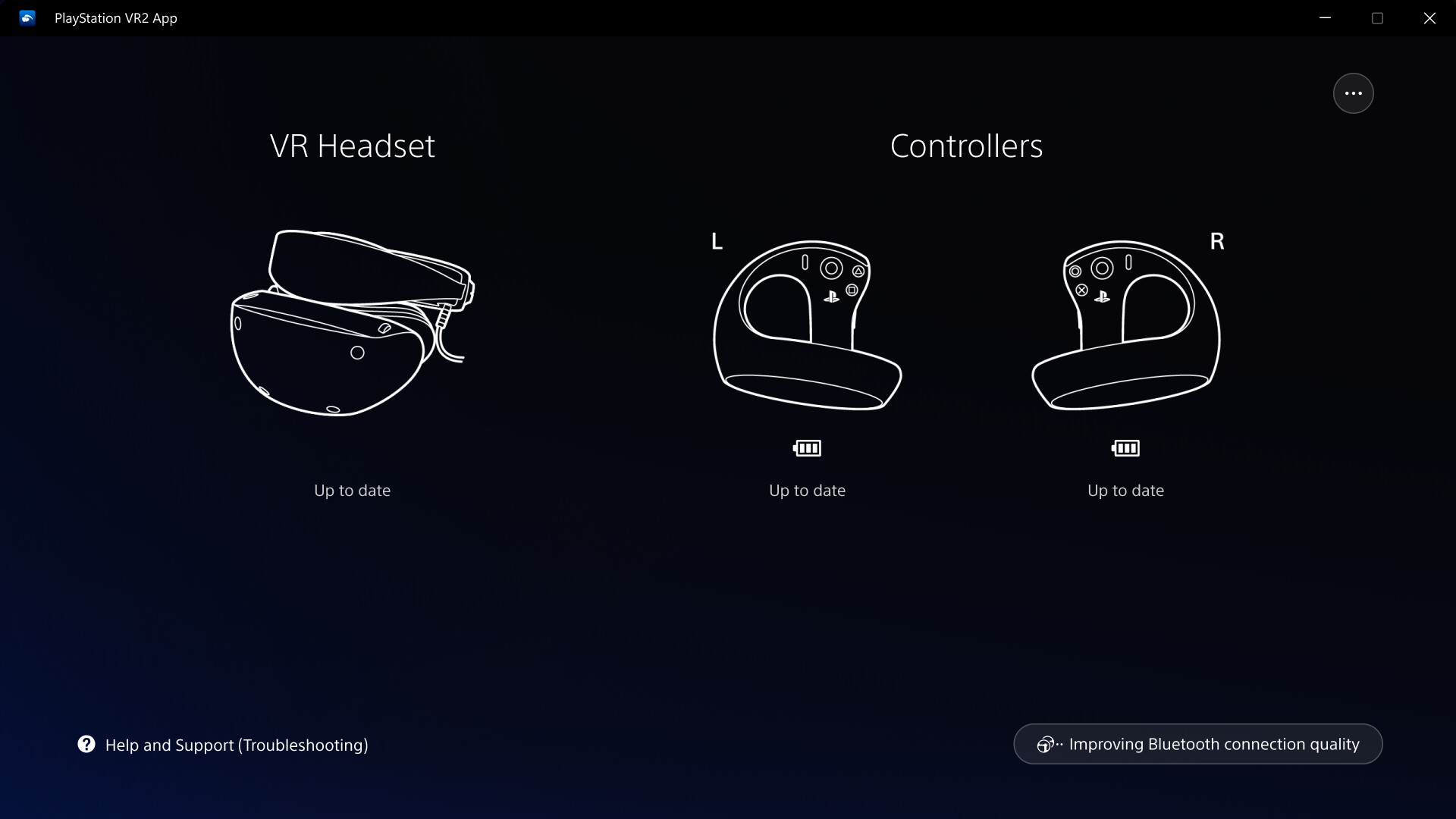
- Play VR games and apps on Steam using your PlayStation VR2 VR headset and PlayStation VR2 Sense controllers.
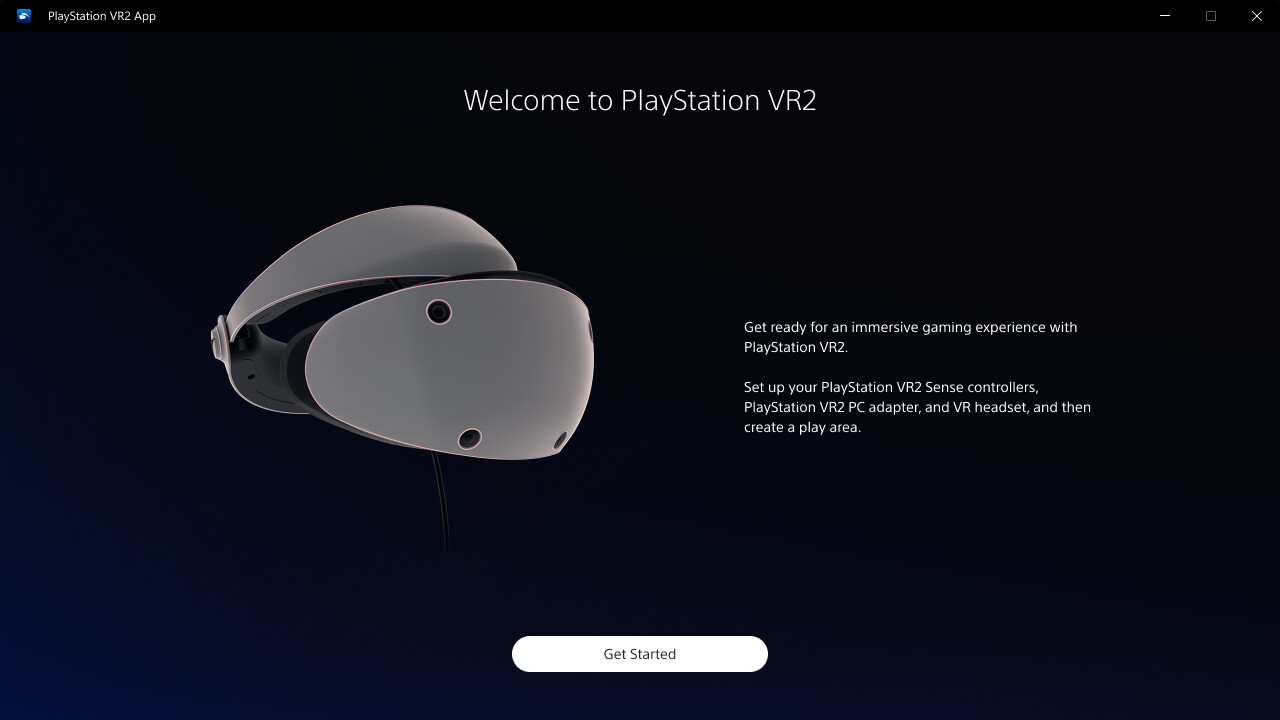
- Set up your PlayStation VR2 on your PC.
- Update the firmware for your PlayStation VR2 VR headset and PlayStation VR2 Sense controllers.
- Adjust settings for your PlayStation VR2 from the SteamVR dashboard, including setting your play area and screen brightness.
You'll need the following to get started with PlayStation VR2 App:
- PlayStation VR2 VR headset
- PlayStation VR2 Sense controllers
- PlayStation VR2 PC adapter
- DisplayPort™1.4 cable (sold separately)
- Bluetooth® adapter (sold separately, required only if your PC doesn't support Bluetooth®)
For details about the required specs for PC, visit the PlayStation VR2 support page, or refer to the "System Requirements" section below.
Using this app
When connecting PlayStation VR2 Sense controllers to a PC, connection or tracking problems may occur depending on the condition of the Bluetooth devices being used or the surrounding environment. In such cases, refer to the PlayStation Support page titled "Bluetooth adapters compatible with PS VR2 on PC" for more information.
To play VR games and apps on Steam with PlayStation VR2, PlayStation VR2 App needs to be installed on your PC. Keep the app installed even after initial setup is complete.
Media
Trailers and screenshots straight from the store page

Price intelligence
Accepted price history and the lows that matter
No price history recorded yet.
Historical lows
No history yet.
PlayStation®VR2 App price history and best deals
Price tracking for PlayStation®VR2 App across authorized stores.
Scores
Steam reviews Mixed · 57%
57% positive of 1,656
Media (5)
Tech
Requirements
Facts
DeveloperSony Interactive Entertainment
PublisherPlayStation Publishing
GenresFree To Play · Utilities
TagsFree to Play · Utilities · VR · Software · Simulation · Psychological Horror
Links