
Playto


 Wait Chip's verdict · US updated yesterday
 Good game, but it sits 100% of the way from its all-time low to full price. It drops harder in seasonal sales. Patience pays.
Why this verdict
Offers
Accepted regional prices from official stores
Report a wrong price
DLC (1)
Add-on content for this game
- Playto Demo No offer tracked

About this game
What this game is, in the developer's words
Learn languages through the games you love. Playto reads on-screen text from any PC game — dialogue, menus, anywhere you point — and shows the meaning as an overlay. Keep what matters in your Word Book; the more you play, the more your own dictionary grows. 12 languages · Offline · No subscription.
Learn languages through the games you love. Playto reads the on-screen text of any PC game with local AI and shows the meaning right there as a translucent overlay. Save the words and sentences you care about to your Word Book, and remember them through review and quizzes. The more you play, the more your own dictionary grows.
Key features
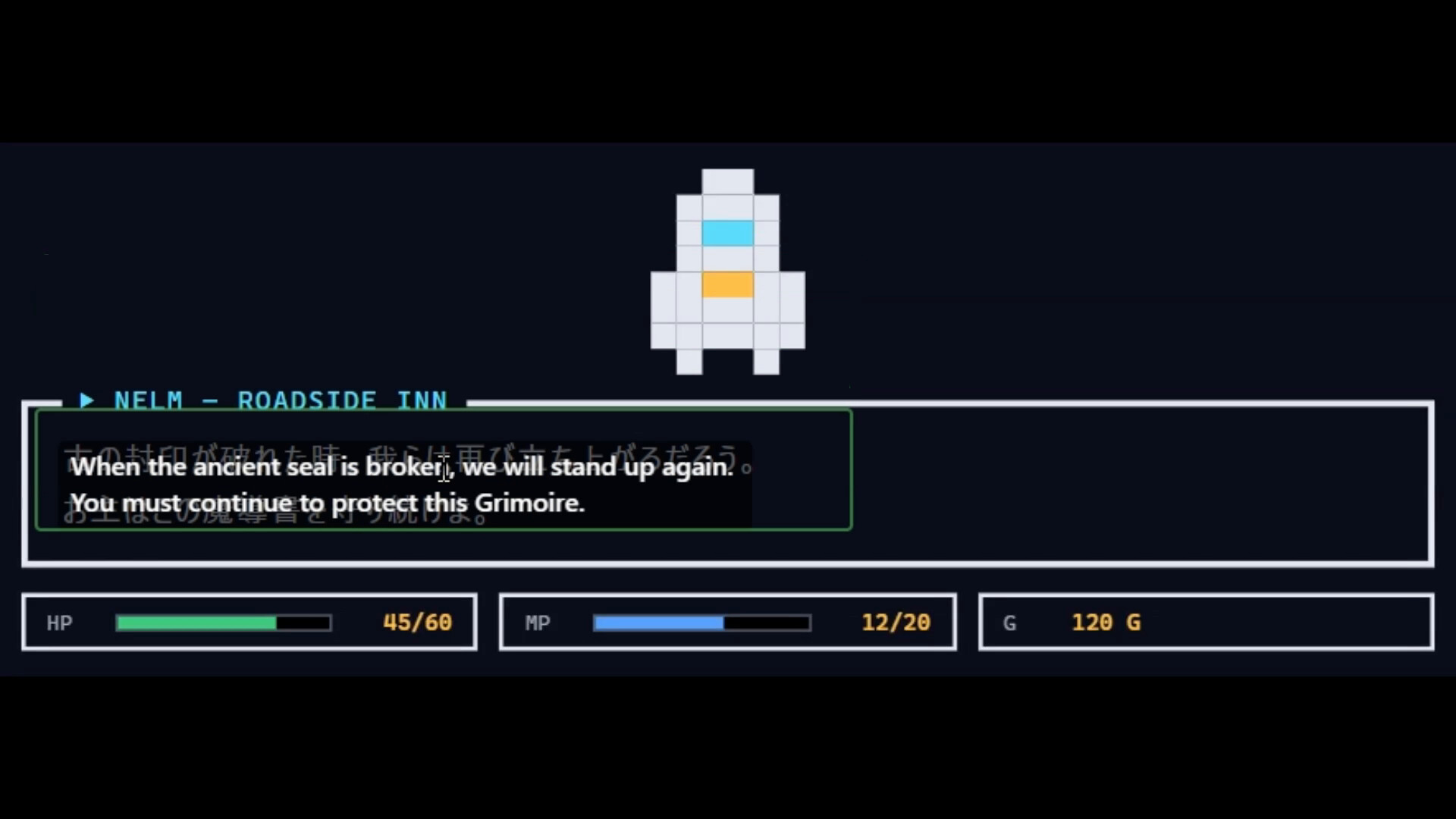
Real-time translation overlay — Reads on-screen text and shows the original together with its meaning, without pausing the game.
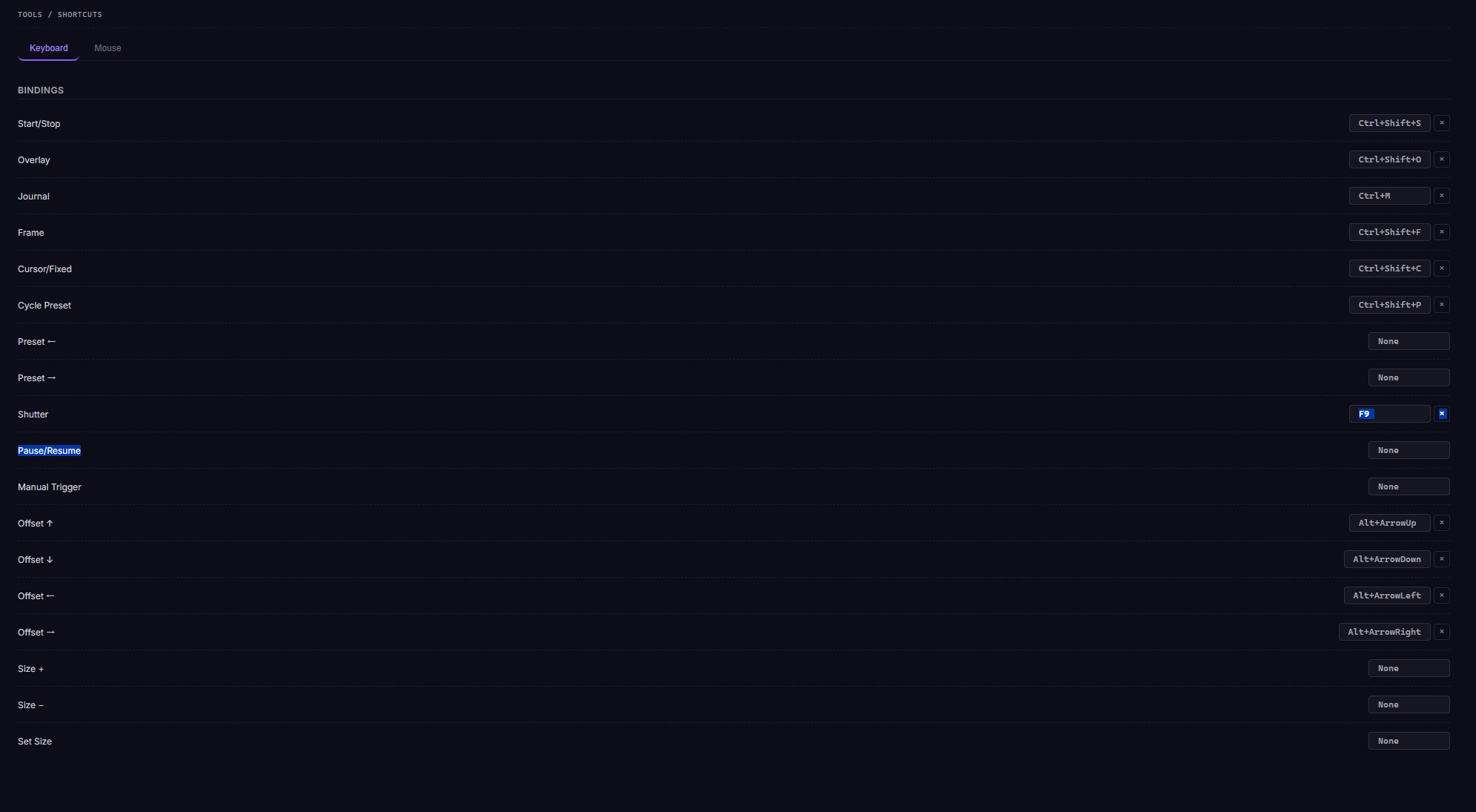
Two capture modes — Cursor-follow reads wherever you point your mouse; fixed-region watches a set area. Dialogue, menus, UI — read any spot you like.
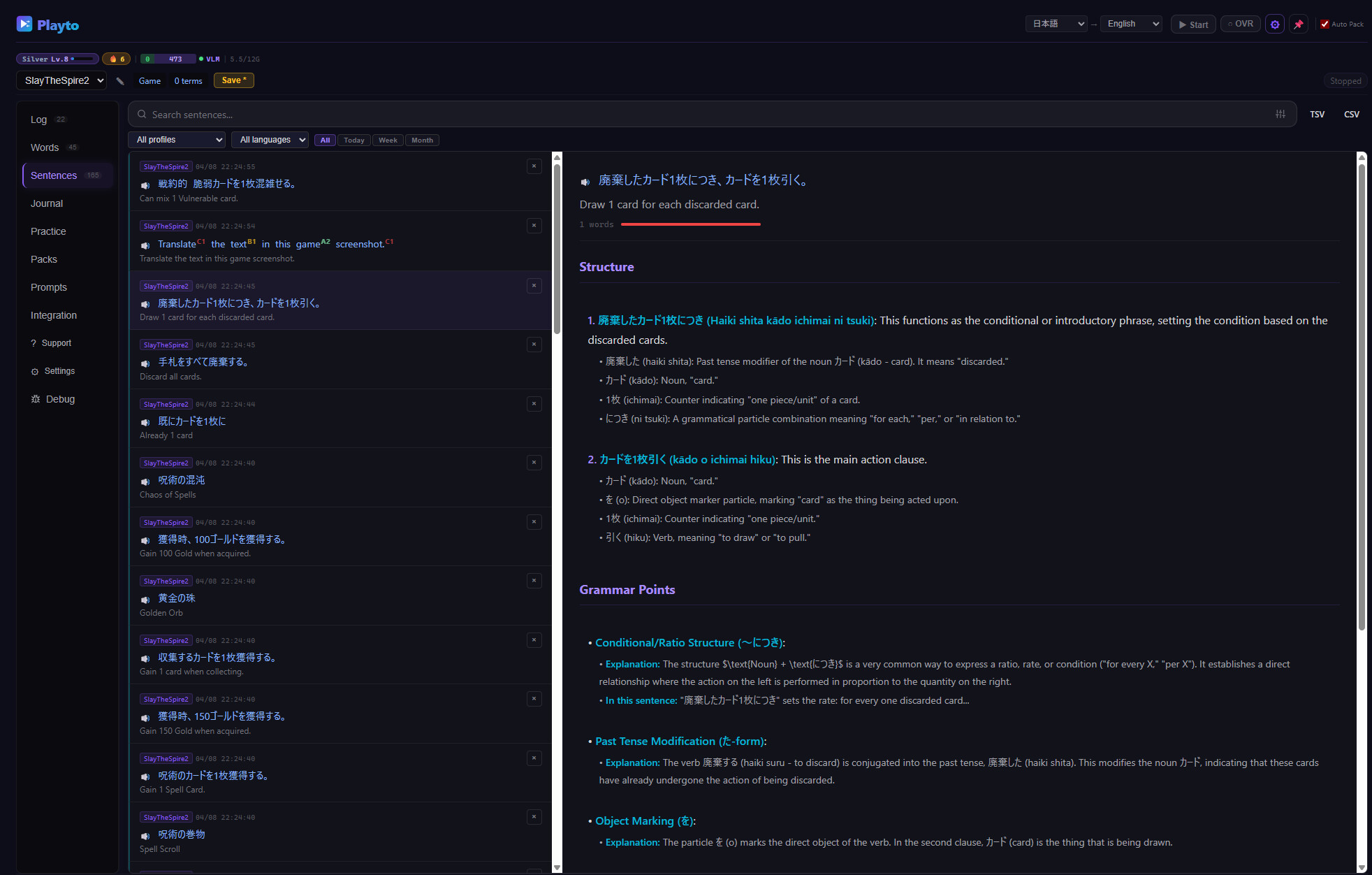
Automatic log — Everything you encounter is recorded. Look back anytime during play to check meanings or pronunciation.
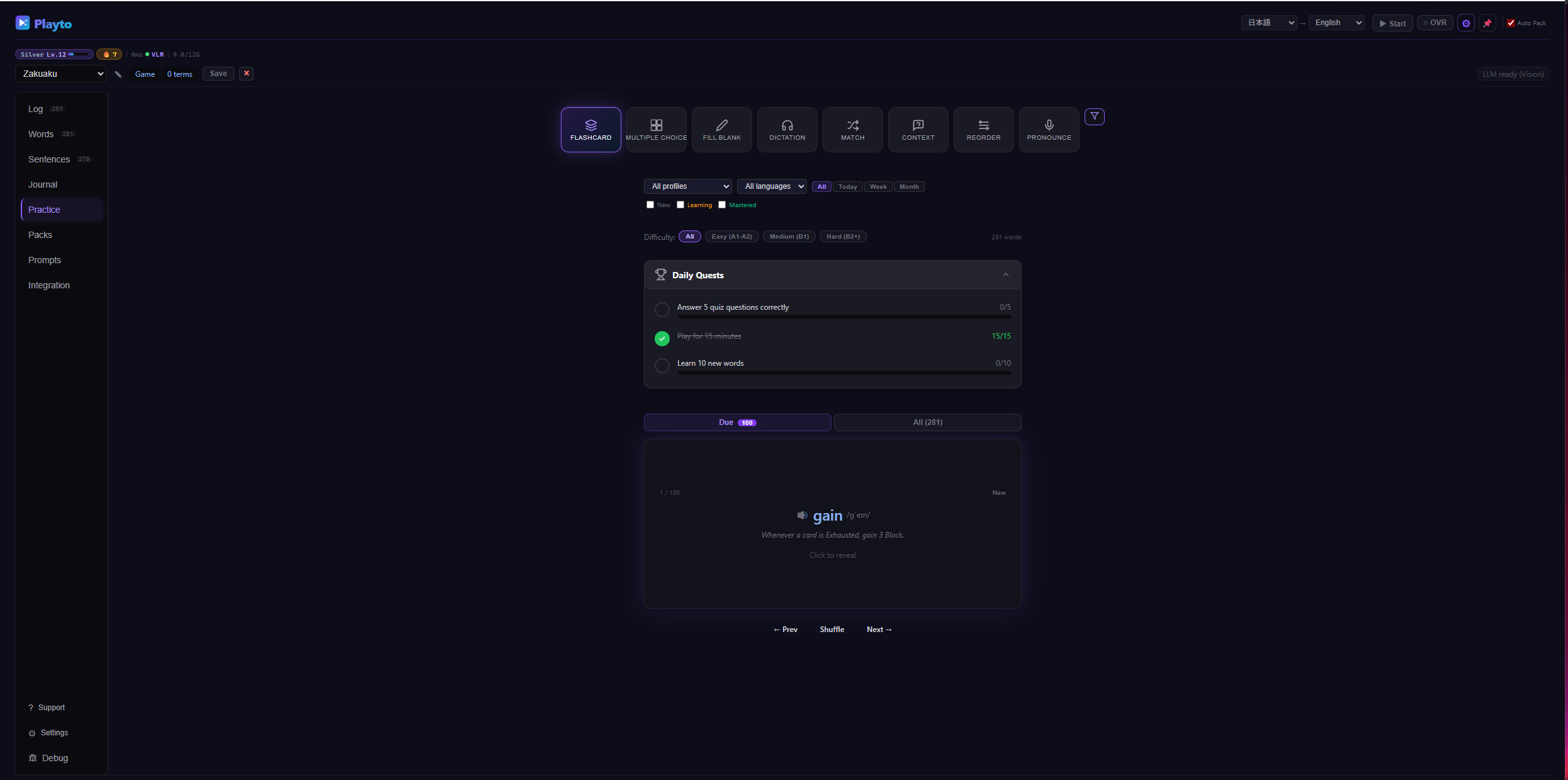
Word Book + SRS + 8 quiz modes — Save the words and sentences you want to remember, and make them stick with spaced repetition and quizzes (Flashcard, Multiple Choice, Fill Blank, Dictation, and more).
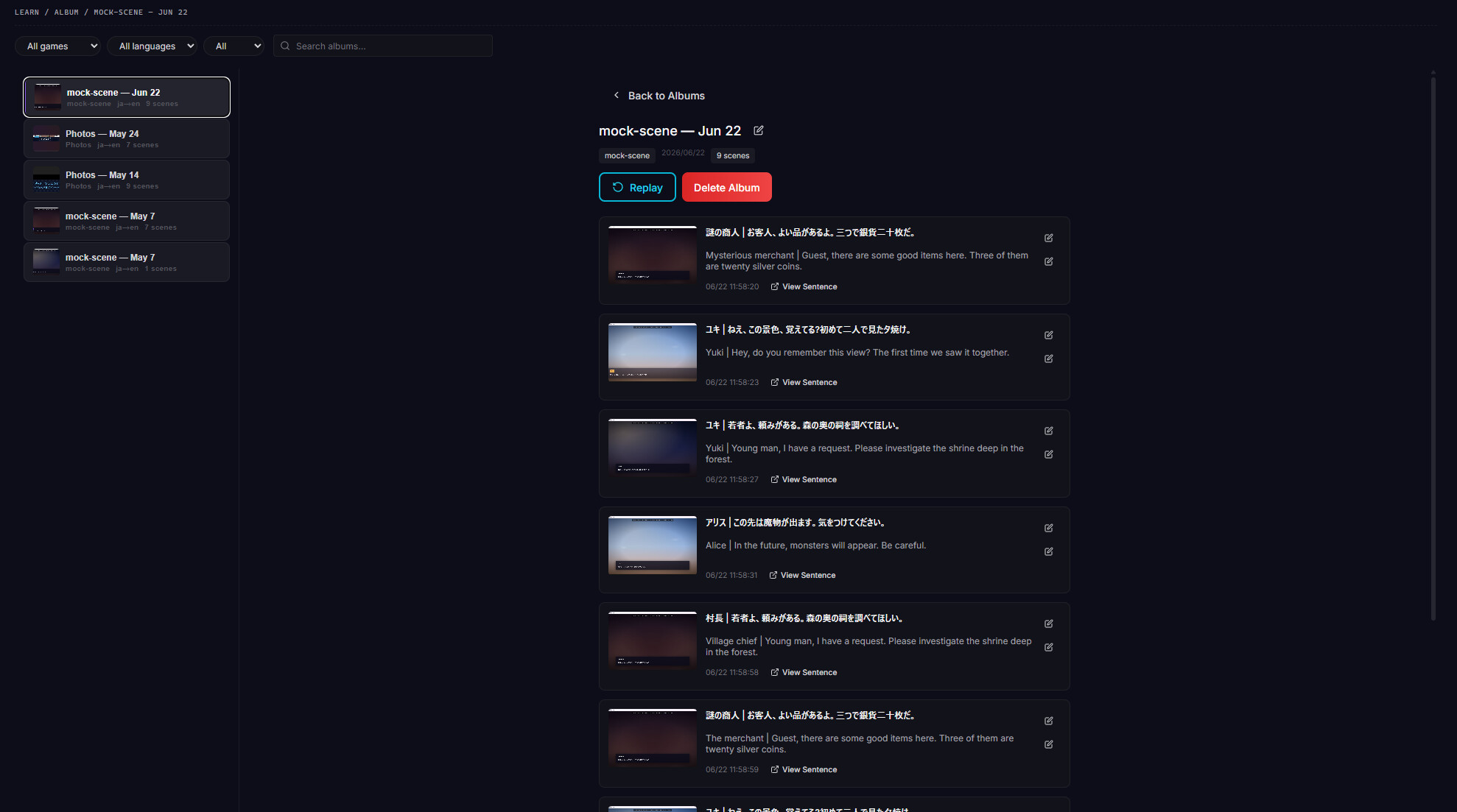
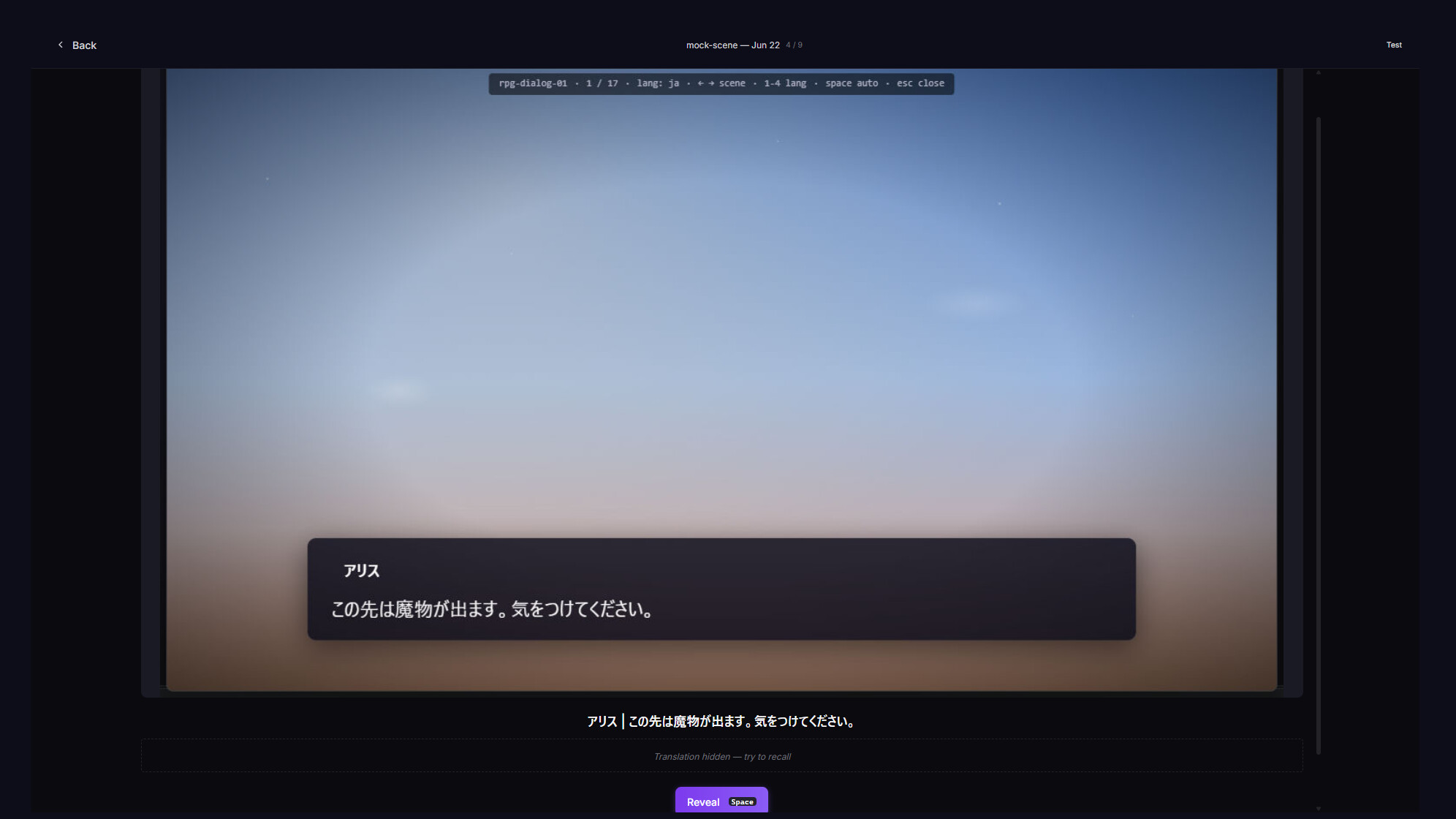
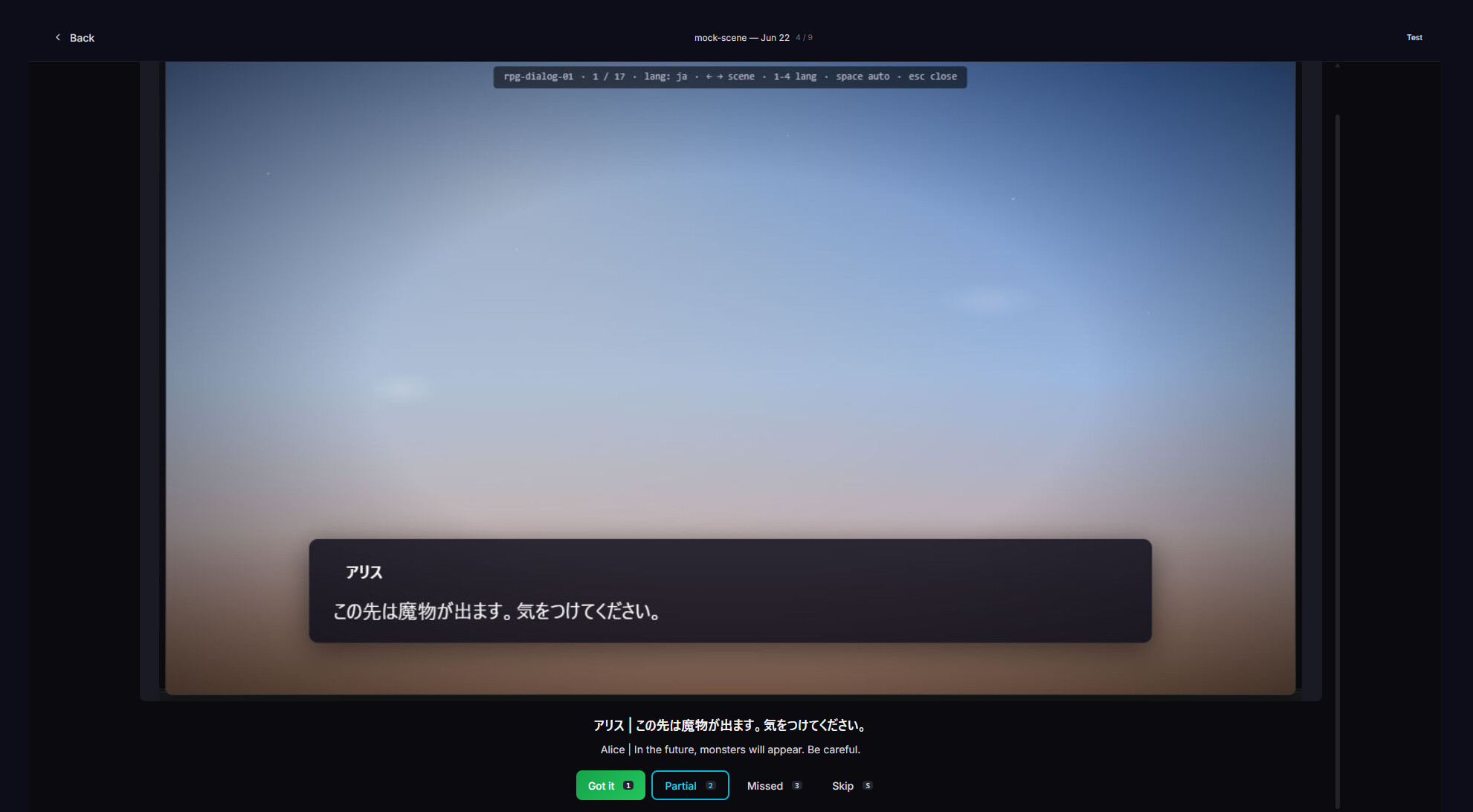
Album — Save captured scenes as full images with their translation, to look back on memorable moments anytime.
Vision Mode — Stylized fonts, Japanese vertical writing, and other text that ordinary OCR struggles with are read by AI interpreting the image directly.
Per-game glossary — Register character names and custom terms, and they're reflected in that game's translations.
Fully local — Translation runs on your own PC, works offline while you play, and the text on your screen is never sent anywhere. 12 languages for the UI and in-game meanings.
Translate any spot you point at — dialogue or UI
Cursor-follow mode reads the text wherever you point your mouse — dialogue, menus, item descriptions. Fixed-region mode watches a set area such as subtitles or status bars. Unlike tools that only handle subtitles, Playto reads any spot in the game. Captured text appears as a translucent overlay with the original plus its meaning, without pausing the game.
After playing, grow your Word Book
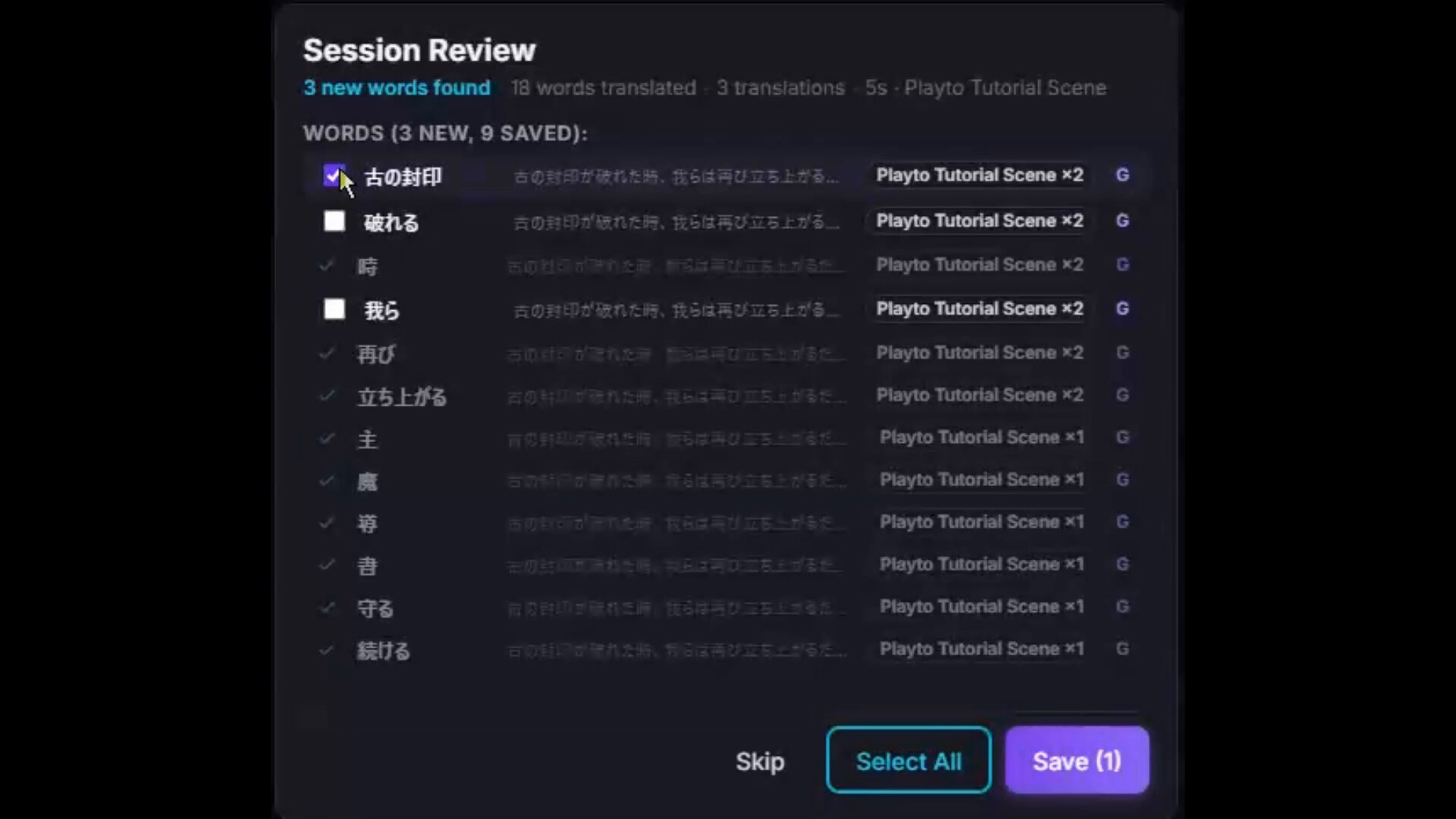
When you stop playing, a session summary lets you look back over the text you met today. Nothing is saved automatically — only the words and sentences you choose to keep enter your Word Book. So your Word Book becomes a learning record you selected yourself.
Make it stick with review and quizzes
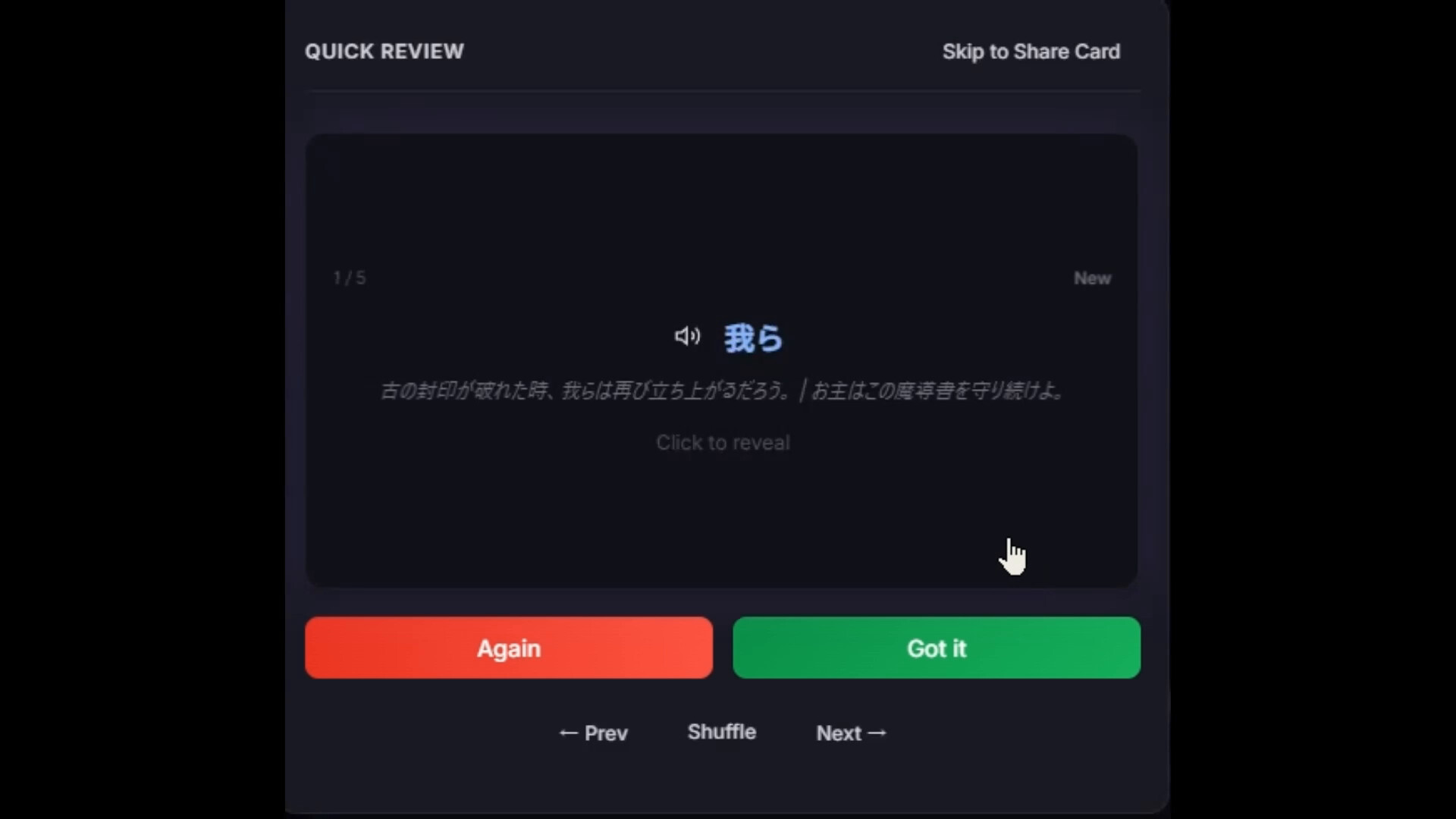
Saved items go into SRS (spaced repetition) timed to the forgetting curve, and 8 quiz modes turn them into lasting memory. The more you play, the more your own dictionary grows — as wide as the games you've played.
About translation accuracy
Game text is hard to translate because the "context" — a character's personality and tone, the story's background — doesn't reach the AI. That's why Playto is upfront about its accuracy: word meanings are reliable through the dictionary, while long sentences give you the gist via local AI. A per-game glossary improves accuracy, and we keep working on long-sentence quality.
Before you buy
Try the free demo — Local AI needs GPU VRAM in addition to your game (typically 2–4 GB extra). Please confirm compatibility with the free Playto Demo before purchasing.
Speech support varies — Text-to-speech is fully supported for English; quality varies for other languages, and 5 (KO, DE, RU, PL, VI) currently lack TTS. See for the full matrix.
About long-sentence translation — Words are reliable; long sentences are shown as the gist. We're continuing to improve it.
Media
Trailers and screenshots straight from the store page

Price intelligence
Accepted price history and the lows that matter
Playto price history and best deals
Playto for PC currently sells from $9.99 at authorized stores. Its all-time low is $8.99, set on 2026-06-18.
Frequently asked questions
Answered from this game's own price and edition data
Should I buy Playto now or wait?
Is $9.99 a good price for Playto?
Where can I buy Playto?