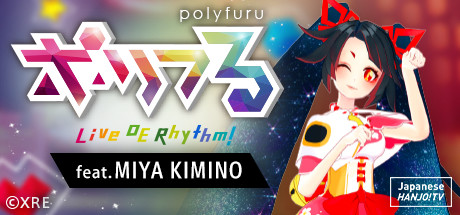
polyfuru feat. MIYA KIMINO / ポリフる feat. キミノミヤ

Why this verdict
Offers
Official store prices and labeled keyshop comparisons
No offers tracked yet for this product.
Report a problem
Price history
Accepted price history and recorded lows
No price history recorded yet.
No history yet.
No recorded sale starts yet.
About this game
What this game is, in the developer's words
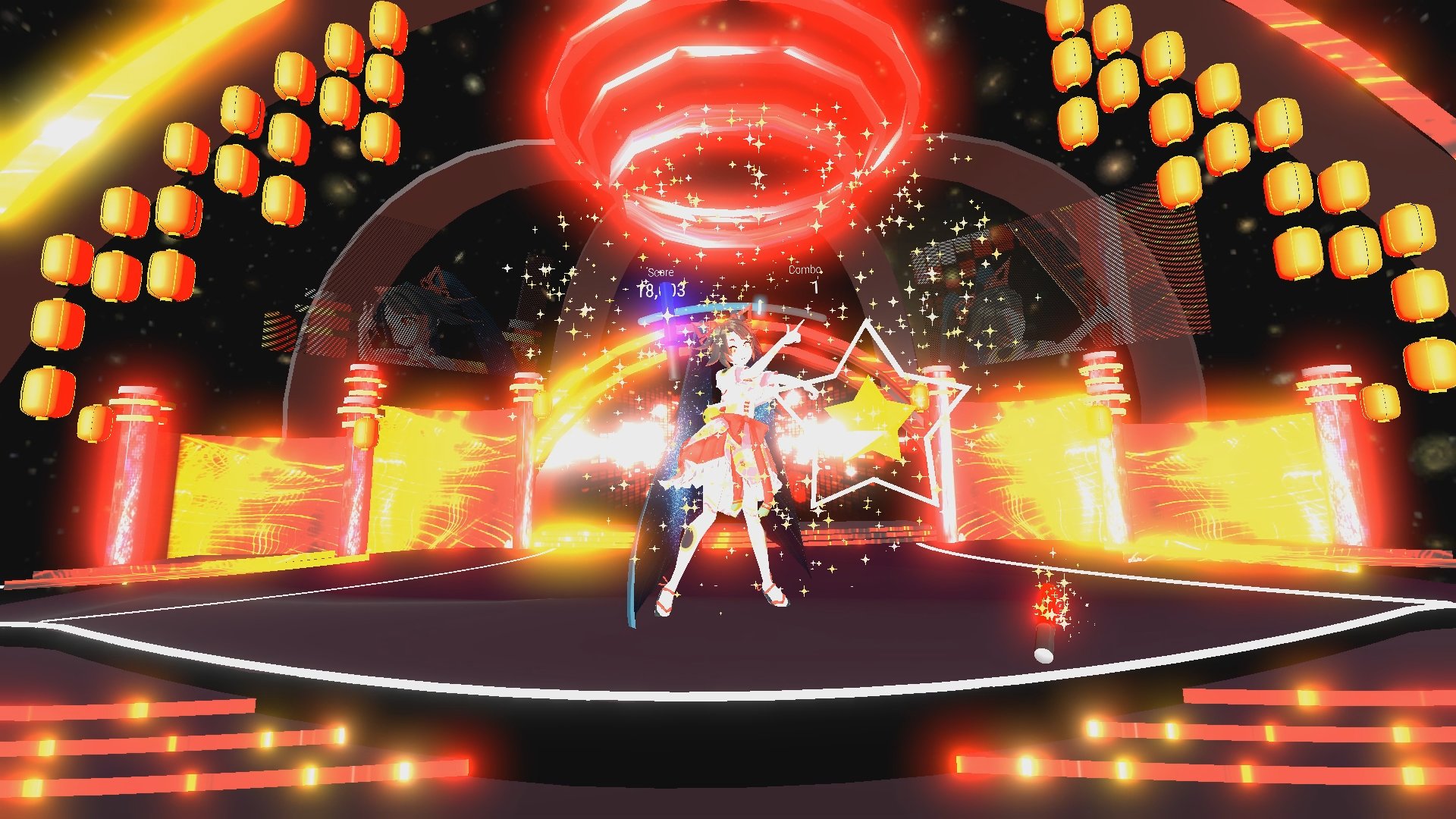
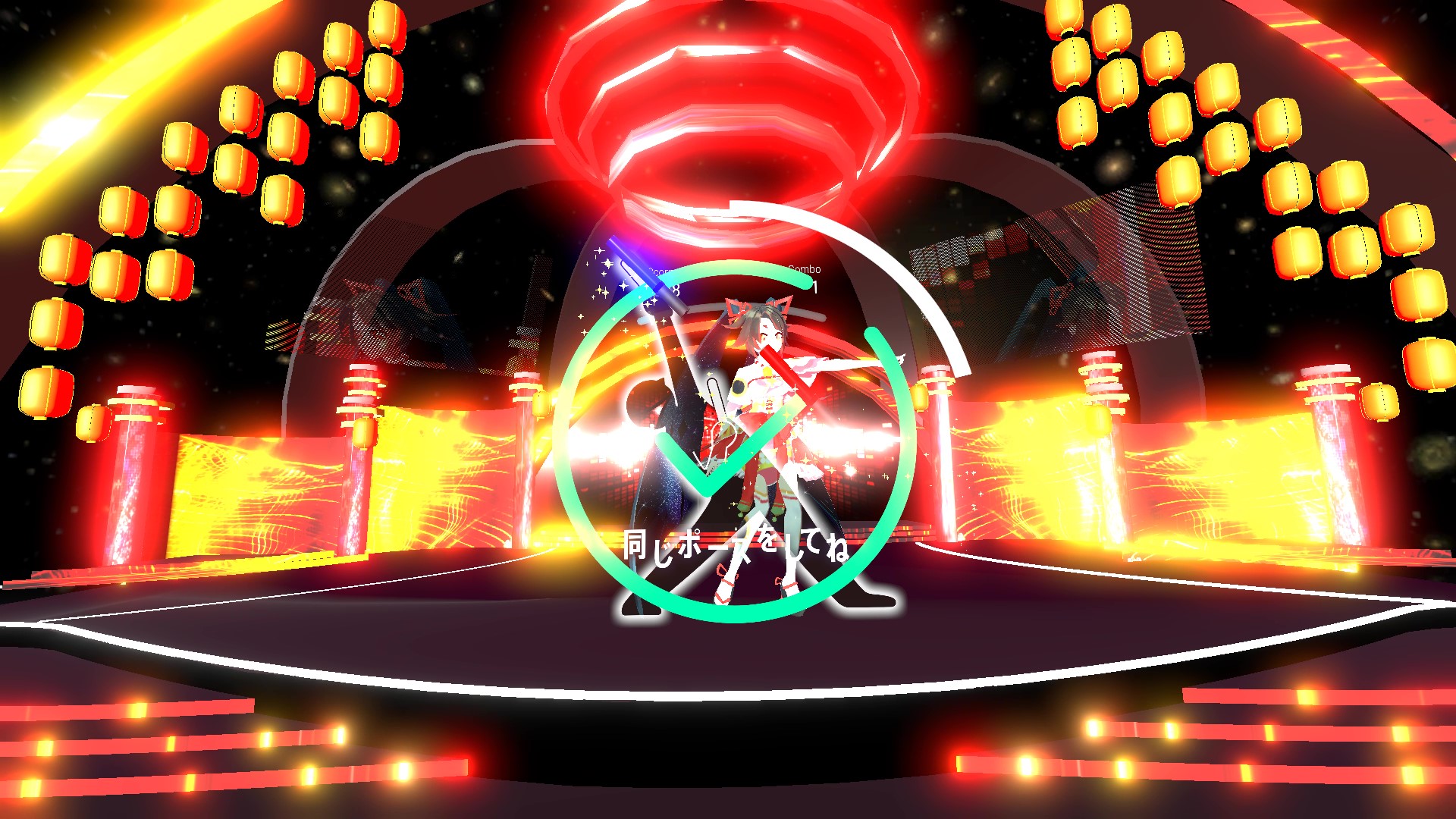
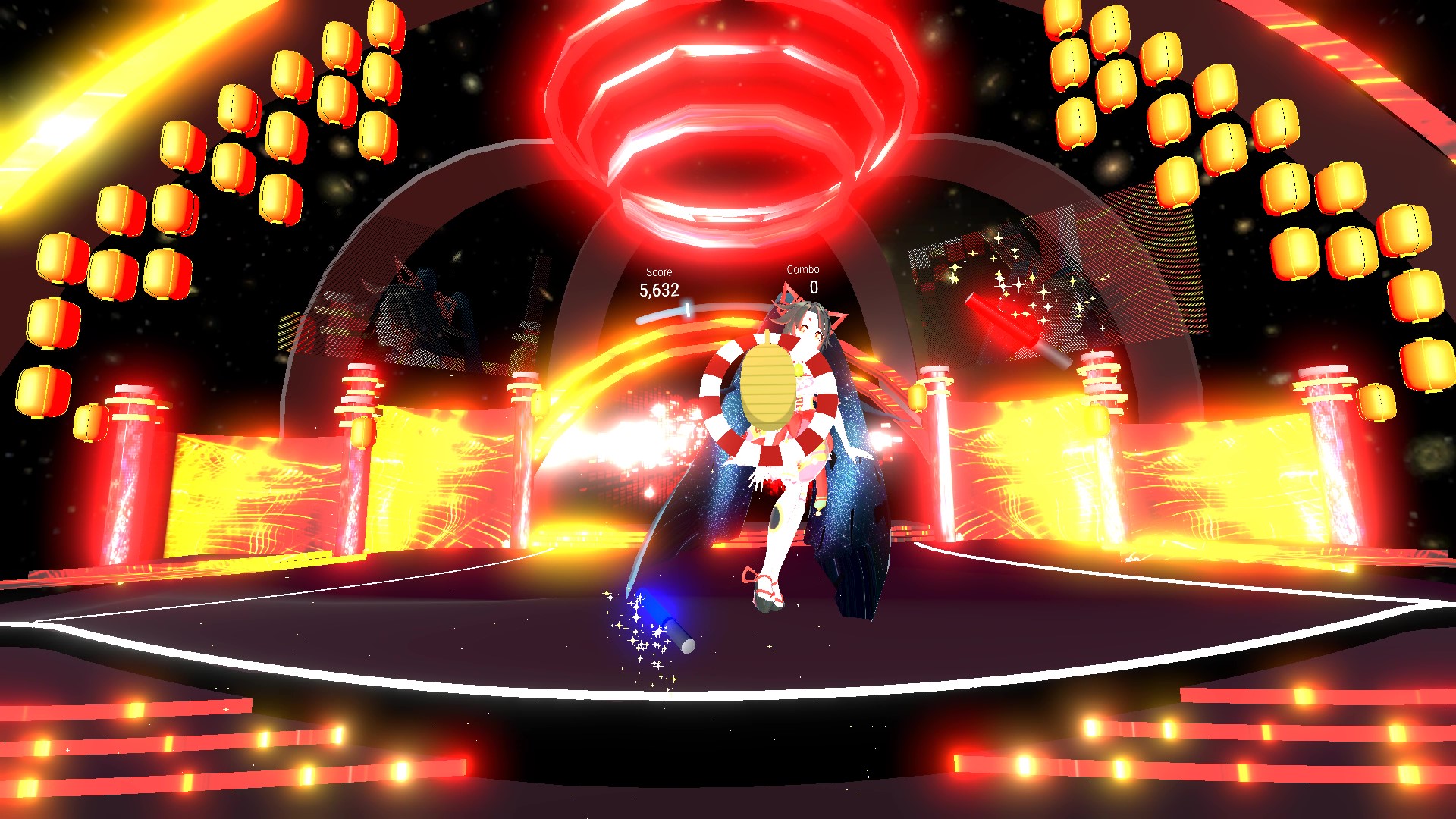
Enjoy the concert dancing with a virtual idol! This is a rhythm action game where you dance with glow sticks during VTuber’s performance. Enjoy the VR concert with Miya Kimino!
“polyfuru” is a VR rhythm action game, where you enjoy VTuber idol’s concert in the virtual world while you dance to the music.
You will instantly arrive at the virtual idol’s concert arena just by putting on the VR headset.
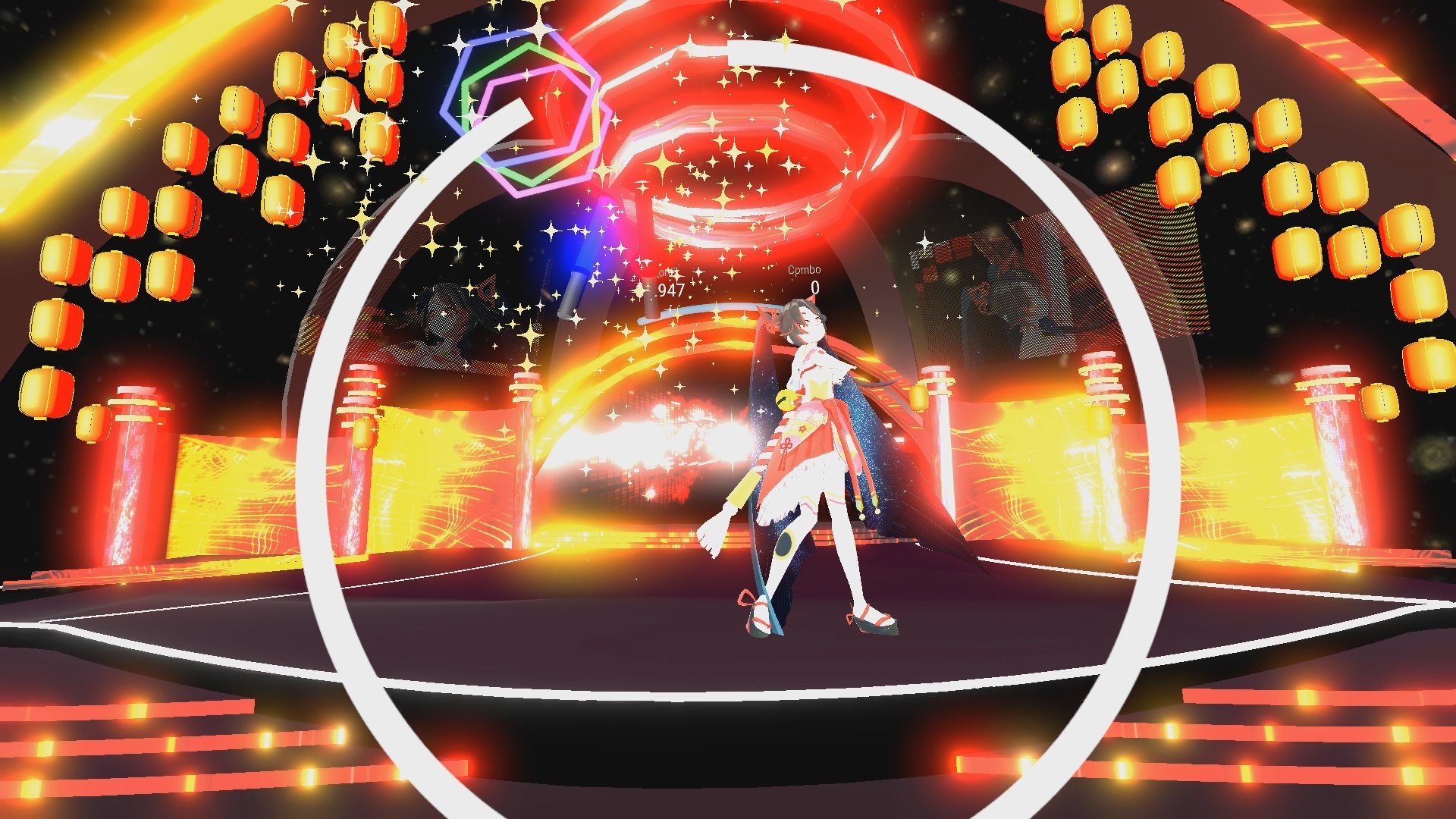
While you enjoy the concert, hit the notes flying towards you from the stage with your glow sticks to earn scores.
Strike a pose that appears to get high scores.
Miya Kimino and Kokon from Japanese HANJO! TV is joining in!
Have fun with Miya at the concert. You might get a special message from Miya after playing for a while!
Features
・Compatible with Oculus Rift and HTC VIVE. A VR rhythm action game that is easily enjoyable to everyone.
・The basic of this game is to hit the notes flying towards you, and by striking a pose or moving the glow stick along the marker will help you get high scores.
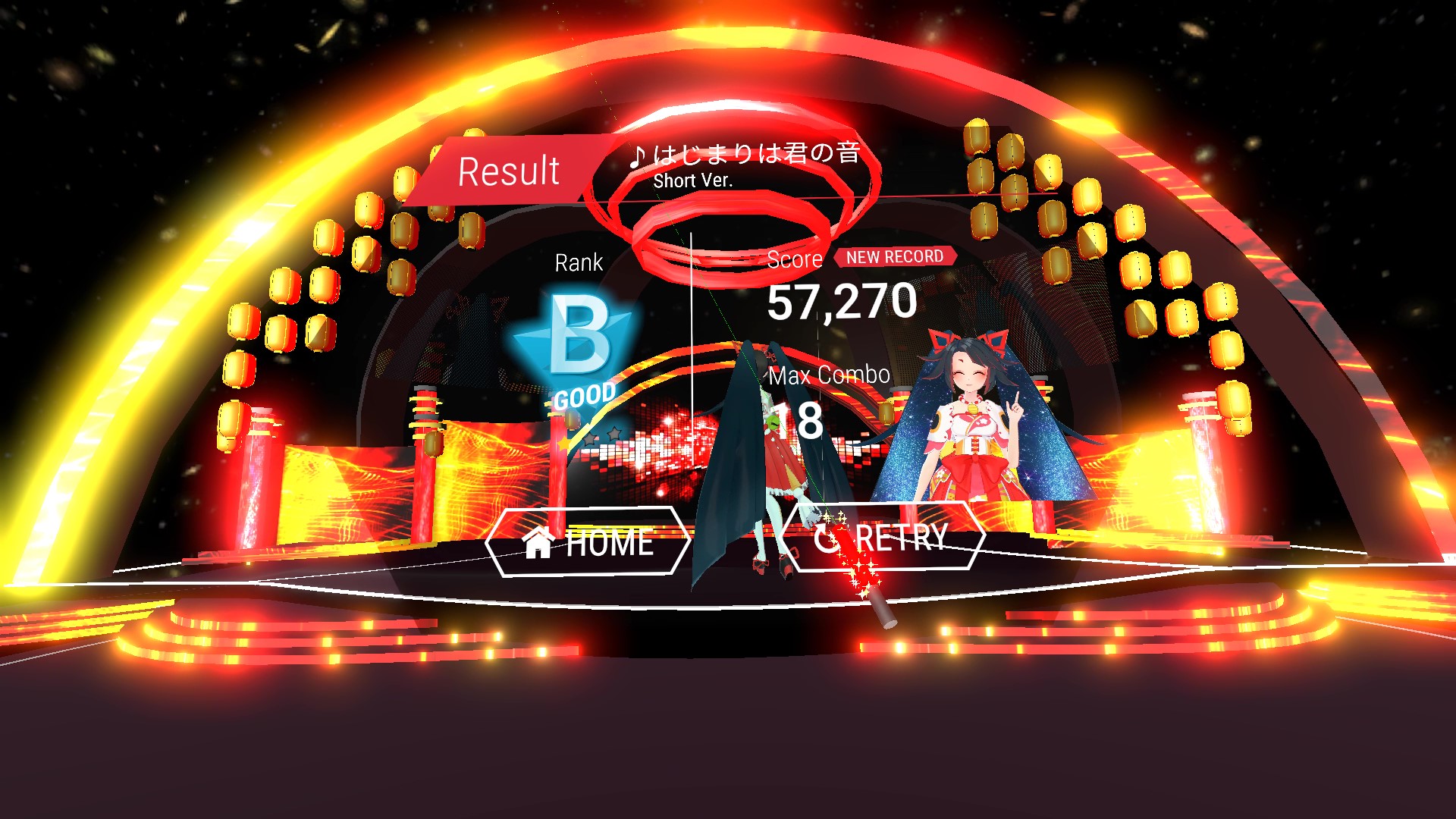
・Level of difficulty is set in each song. After completing highest levels, an option to watch the message from Miya will be available.
About VRM models
In this game, you can load and play your own VRM model.
1.Right click on ”polyfuru feat. MIYA KIMINO / ポリフる feat. キミノミヤ”
2.Open property, and Click "Browse Local Files" from the Local Files tab
3.Double click on the polyfuru_Miya_Data folder
4.Double click on the StreamingAssets folder
5.Rename your own VRM model to "player.vrm" and put it in that folder
(You can delete the existing "player.vrm")
That's all.
Enjoy the concert with Miya!
※VRM is a file format to use humanoid 3D avatar (3D model) data for VR application. The base is glTF2.0, which is available for everyone to use.
©XRE
Media
Trailers and screenshots straight from the store page
polyfuru feat. MIYA KIMINO / ポリフる feat. キミノミヤ price history and current deals
Price tracking for polyfuru feat. MIYA KIMINO / ポリフる feat. キミノミヤ across authorized stores.
polyfuru feat. MIYA KIMINO / ポリフる feat. キミノミヤ reviews, playtime, and age rating
2 people have reviewed polyfuru feat. MIYA KIMINO / ポリフる feat. キミノミヤ. 0% are positive. Steam calls that 2 user reviews.
Frequently asked questions
Answered from this game's own data. Where I have none, I say nothing.
Is polyfuru feat. MIYA KIMINO / ポリフる feat. キミノミヤ worth playing?