


Rocket LAN

Offers
Accepted regional prices from official stores
No offers tracked yet for this product.
Report a wrong price
About this game
What this game is, in the developer's words
Play Rocket League custom maps with friends over a built-in virtual LAN. Send a Steam invite, the map auto-syncs, and you launch into a native LAN match together. Works across Steam and Epic versions. No injection, no port forwarding, no extra software. Free forever.
Custom maps with friends. No hassle.
Rocket League's custom maps are some of the best content the community has built: training packs, obstacle courses, dribble challenges, novelty arenas, party games. But playing them with friends has always been a hassle. BakkesMod injects code into the game. Third-party VPNs like Hamachi and ZeroTier are clunky and confusing, and without them Rocket League's built-in LAN match only works for people on the same physical network.
Rocket LAN is one free app that fixes all of it. Pick a map, invite a friend, launch the game. The map syncs automatically and you join a private LAN match together in Rocket League, from anywhere. It just works.
How it works
1. Pick a map: import one, search and download one, or pull from your Steam Workshop subscriptions.
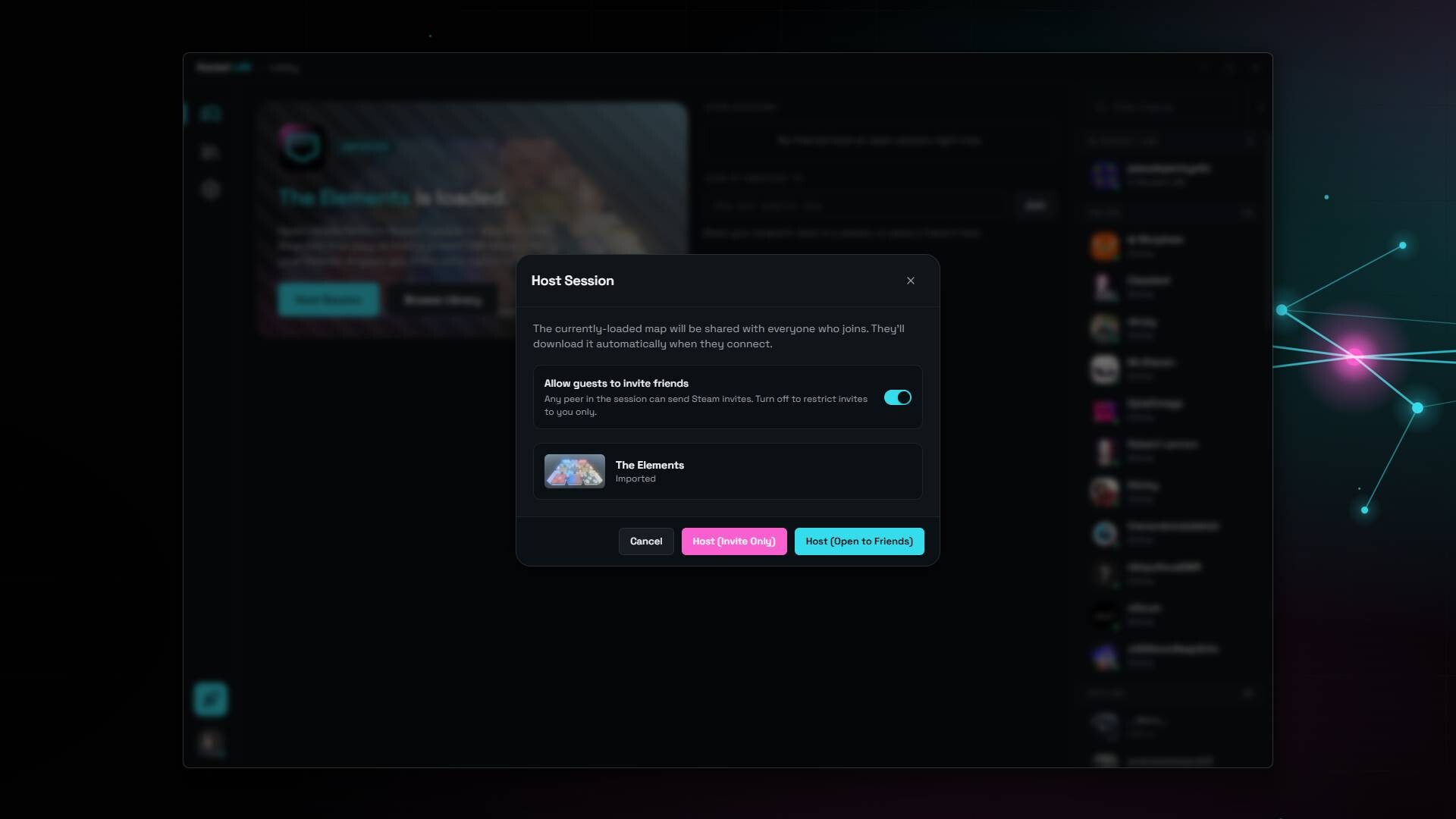
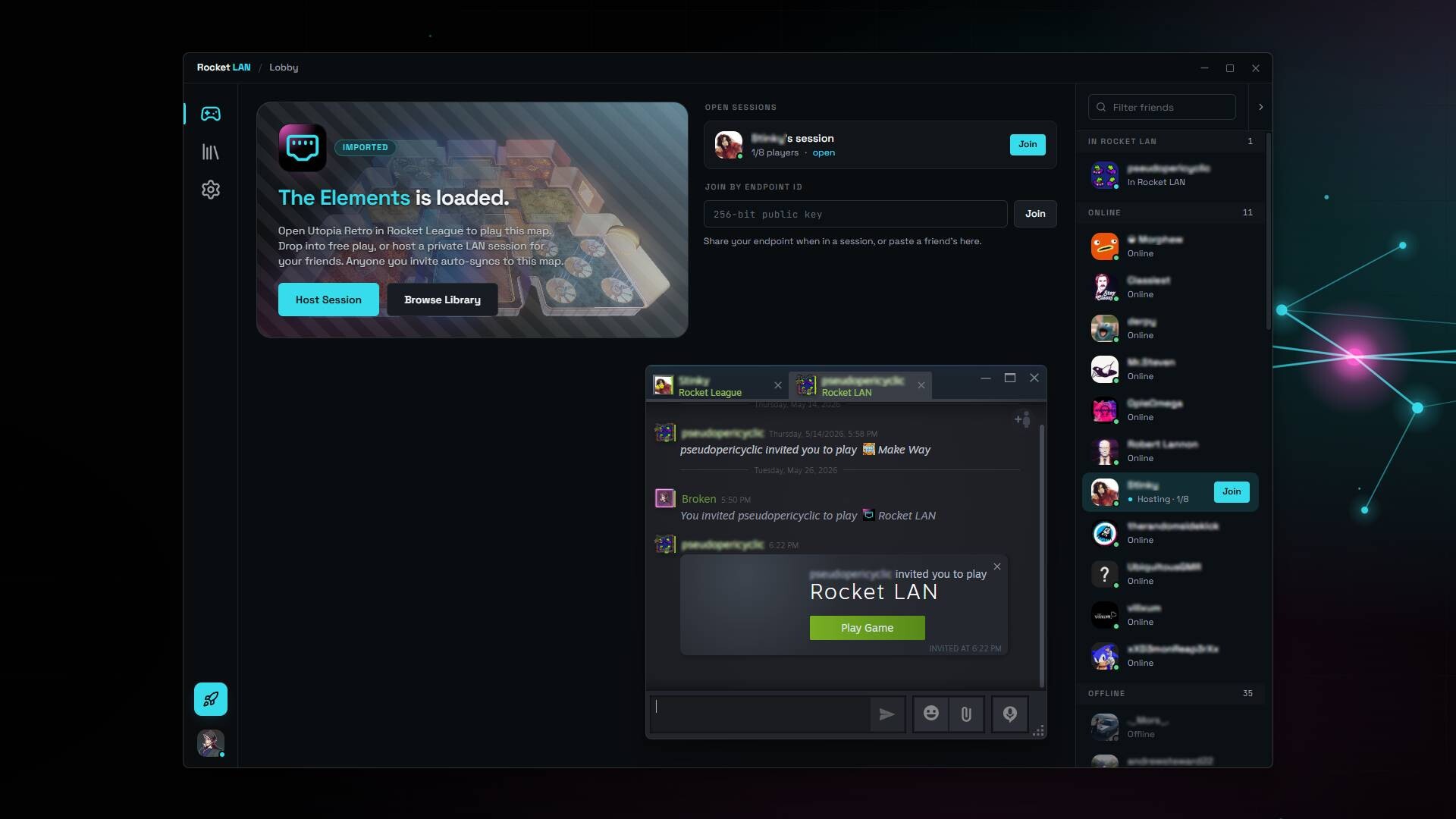
2. Invite a friend: one click sends an invite. The map transfers peer-to-peer when they join.
3. Launch Rocket League: start a session in Rocket League's own Private LAN match browser. Connect, and you're playing the custom map together (Utopia Retro arena is replaced with your chosen custom map).
What makes it easy
No VPN, no extra software: the virtual network is built into the app.
No port forwarding, no router config: NAT traversal with relay fallback handles it.
No IP addresses: join Steam friends from a list, or by a session ID. Never type an IP.
End-to-end encrypted: session traffic is encrypted peer-to-peer, including any relay hops used for NAT traversal.
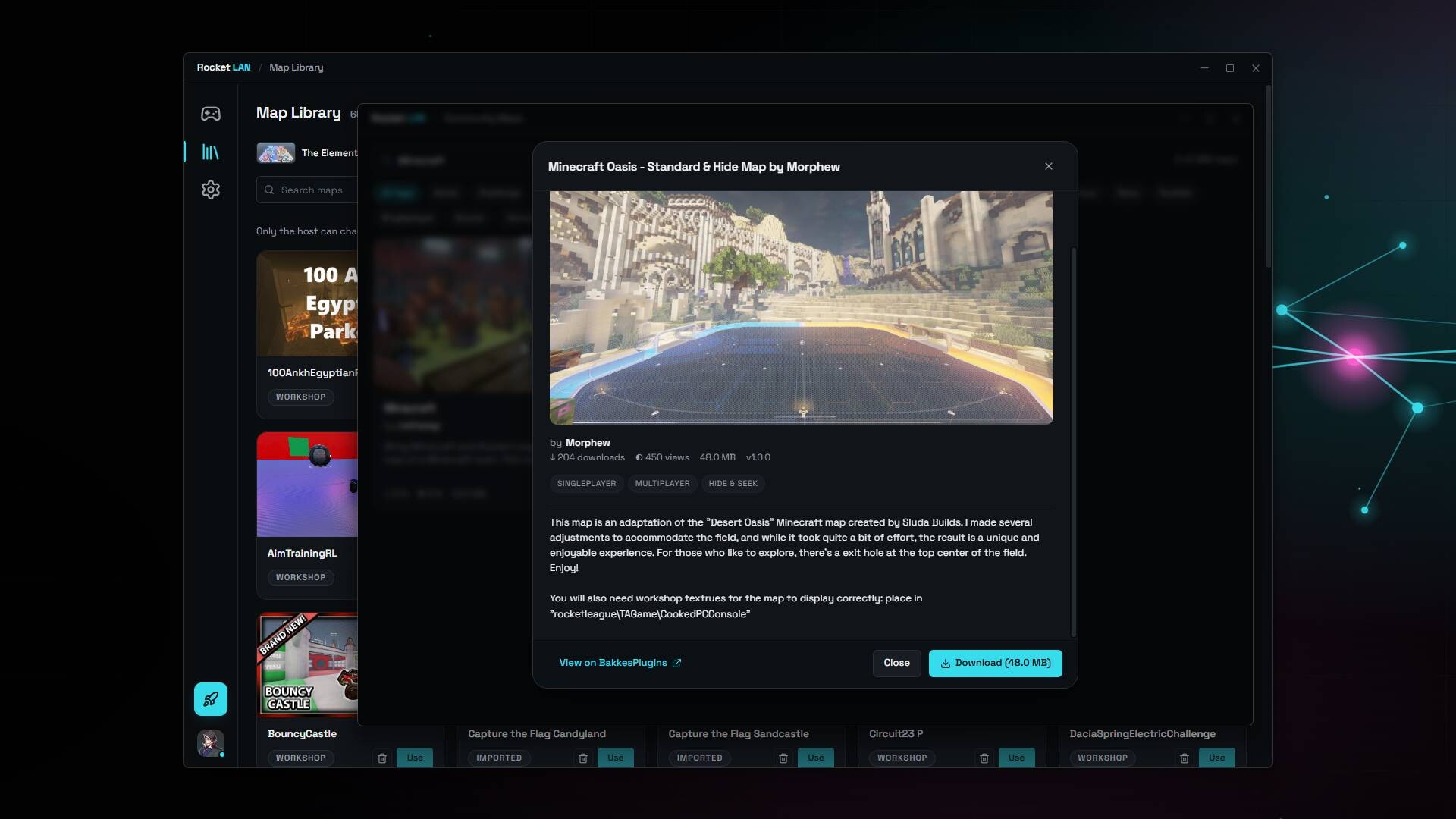
Built-in Custom Map browsing: subscribed, search and download, or manually added maps.
Custom maps sync automatically: peer-to-peer to everyone who joins. Nobody has to hunt down the same file.
Texture packs sync too: the shared engine textures custom maps need, transferred automatically. No missing textures.
Cross-play: Steam and Epic versions of Rocket League can play together in the same Rocket LAN session.
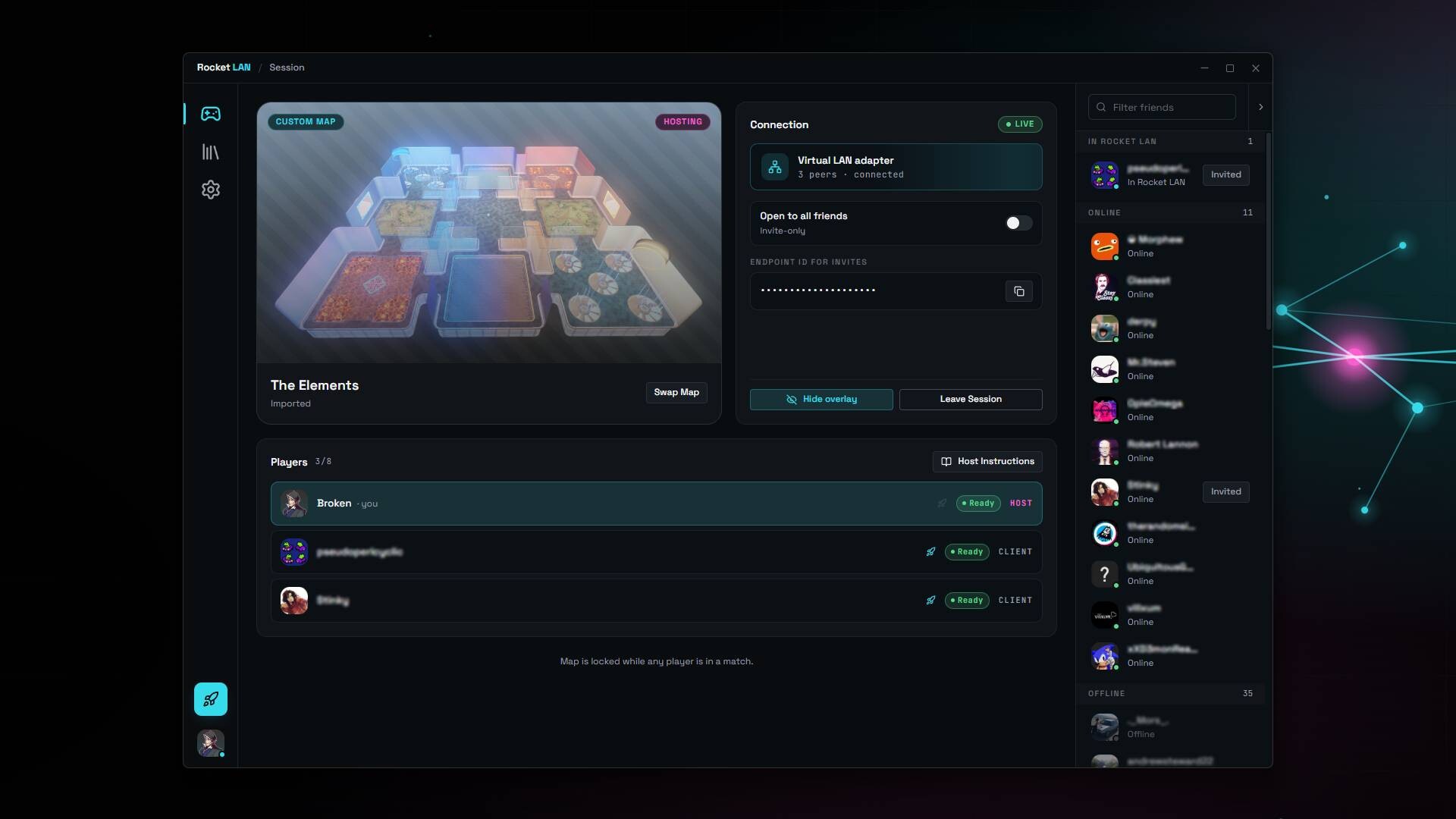
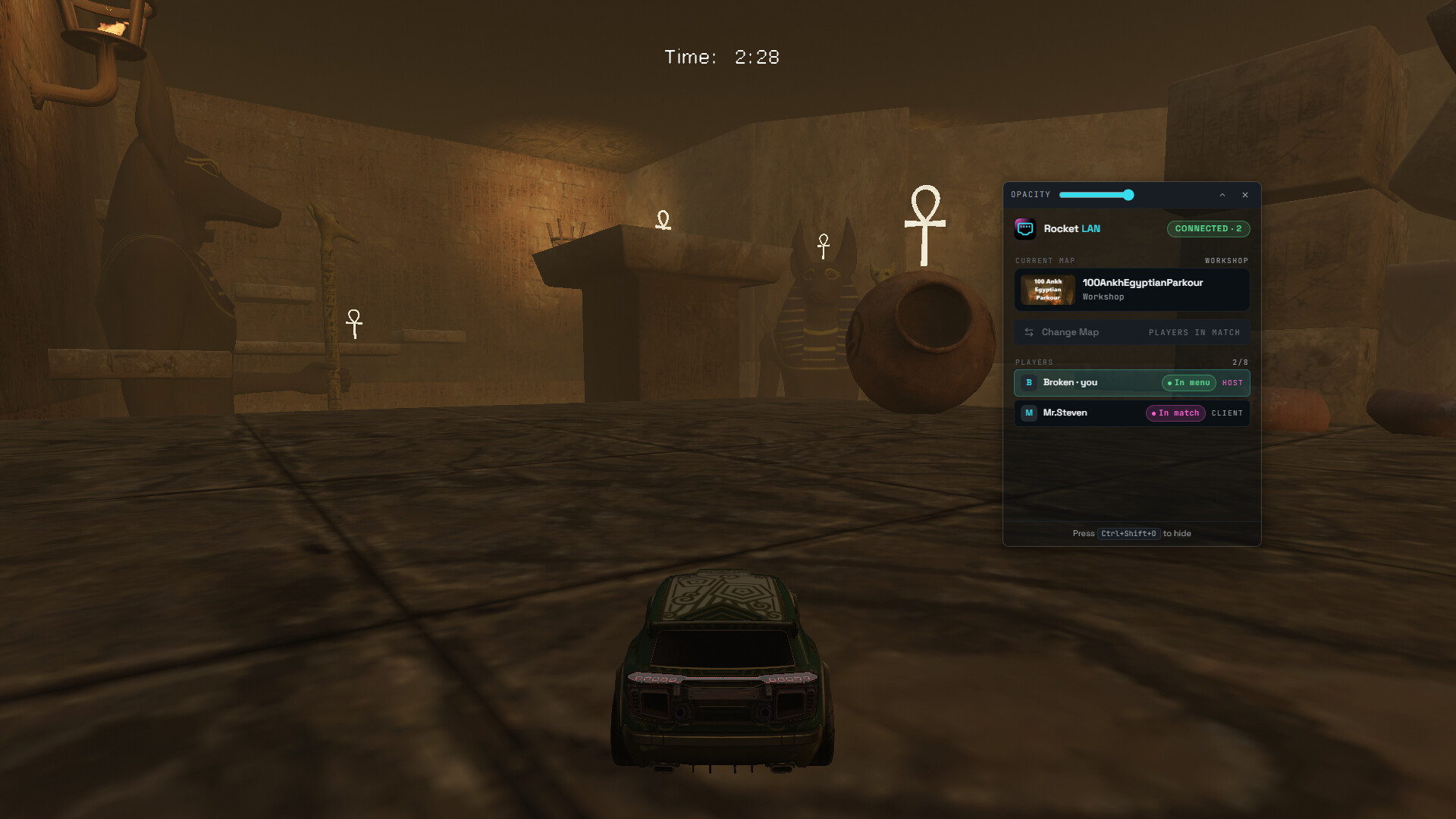
In-game overlay: see the player roster, who's in-match vs. in-menus, and change the map without alt-tabbing.
Open and Invite-Only sessions: your call who can join.
Map Maker Mode: point Rocket LAN at your udk/upk file and it hot-swaps it into the slot every time you save.
What Rocket LAN is NOT
Not a cheat, not a mod loader: Rocket LAN does not inject code, hook the game's process, or load plugins. To load a custom map, it temporarily swaps a file into your Rocket League maps directory and restores the original afterward. This is the same file-based approach the custom-map community has used for years. Rocket League's executable and game code are never altered.
Not for ranked or matchmaking: custom maps only work in private matches between people you invite.
Not a BakkesMod replacement: it doesn't provide trainers, plugins, or cosmetic mods. Use them side by side if you want both.
Not affiliated with Psyonix or Epic Games: Rocket LAN is an independent community tool. "Rocket League" is a trademark of Psyonix LLC.
Free and Private
No paid tier, no in-app purchases, no subscription. The developer operates no servers, collects no telemetry, and runs no analytics. Session traffic flows peer-to-peer between you and your friends
The app bundles a Microsoft WHQL-signed virtual network adapter (OpenVPN's tap-windows6, GPLv2; source available on OpenVPN's tap-windows6 repository, release 9.27.0 on GitHub). It installs once during the normal Steam install and uninstalls cleanly if you remove Rocket LAN.
Media
Trailers and screenshots straight from the store page

Price intelligence
Accepted price history and the lows that matter
No price history recorded yet.
No history yet.
Rocket LAN price history and best deals
Price tracking for Rocket LAN across authorized stores.